
App
5 Best Apps to Use with WHOOP
5 Best Apps to Use with WHOOP
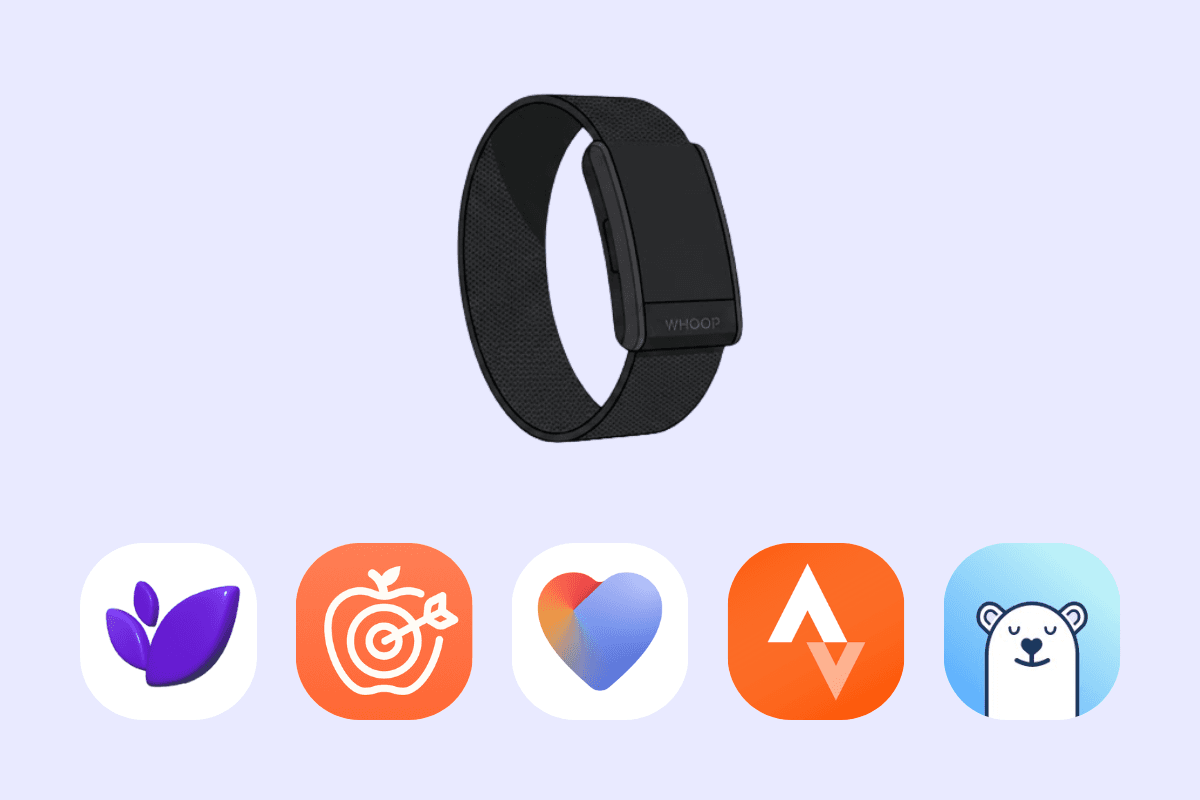
You just got a WHOOP Strap 4.0. Nice. It tracks your strain, recovery, sleep, HRV, and more. But like any wearable, raw data only goes so far. The real value comes from apps that help you turn those signals into decisions. Here are five apps people pair with WHOOP to actually use the data, not just look at it.
1. Lifestack
What it is
Lifestack is a planner and calendar that uses your wearable data to build smarter schedules. It works with devices like WHOOP to translate recovery and energy into daily planning.
Key features
Reads recovery, sleep, HRV, and strain data from WHOOP
Creates “energy maps” showing when your focus and performance are likely highest
Schedules tasks around those energy windows
Why it helps
You work when your body is ready, not just when your calendar says
It removes guesswork by turning data into clear actions
Helps prevent burnout by avoiding heavy work on low-recovery days
Things to watch out for
Works best if you consistently wear WHOOP
You may need to trust the system instead of forcing your own schedule at first
2. Cronometer
What it is
Cronometer is a detailed nutrition tracking app. Many WHOOP users pair it to connect recovery with what they eat.
Key features
Tracks calories, macros, and micronutrients
Lets you log meals with high precision
Helps identify deficiencies that could impact recovery
Why it helps
You can correlate poor recovery with nutrition gaps
Helps optimize diet for better HRV and sleep
Gives context to why certain days feel off
Things to watch out for
Requires manual logging
Can feel detailed if you just want quick tracking
3. Withings
What it is
Withings offers a suite of health devices and its Health Mate app. Many WHOOP users use it alongside for body composition and cardiovascular metrics.
Key features
Tracks weight, body fat, heart health, and more
Syncs data from Withings smart scales and devices
Provides long-term health trends
Why it helps
Complements WHOOP’s recovery data with physical health metrics
Helps you see how body composition changes affect performance
Adds another layer beyond strain and sleep
Things to watch out for
Requires Withings hardware for full value
Data lives in a separate ecosystem
4. Strava
What it is
Strava is a workout and activity tracking app that pairs well with WHOOP for logging and analyzing training.
Key features
Tracks runs, cycling, and workouts
Syncs activity data that complements WHOOP strain tracking
Social features for sharing and comparing performance
Why it helps
Gives more context to your strain scores
Helps you understand how specific workouts impact recovery
Keeps you consistent through social accountability
Things to watch out for
Can become more about competition than recovery
Over-focusing on metrics may lead to overtraining
5. Bearable
What it is
Bearable is a mood and symptom tracker. Some users connect it with wearable data to track subjective and objective signals together.
Key features
Log mood, fatigue, stress, symptoms
Tag habits like caffeine, alcohol, or routines
Identify correlations with sleep and recovery
Why it helps
Shows how you feel vs what WHOOP measures
Helps uncover patterns like “late caffeine → poor recovery”
Adds context to your daily data
Things to watch out for
Requires consistent manual input
Insights take time to emerge
How to Choose (and Use These Together)
Use Lifestack if your goal is to turn WHOOP data into daily decisions and scheduling
Use Cronometer if you want to optimize nutrition for recovery
Use Withings if you care about long-term health metrics
Use Strava if your focus is training and performance
Use Bearable to track how you feel and connect it to your data
You don’t need all five. A good starting point is: Lifestack + one tracking app (nutrition, fitness, or health)
That way, you’re not just collecting data from WHOOP, you’re actually using it to change how you live your day.
You just got a WHOOP Strap 4.0. Nice. It tracks your strain, recovery, sleep, HRV, and more. But like any wearable, raw data only goes so far. The real value comes from apps that help you turn those signals into decisions. Here are five apps people pair with WHOOP to actually use the data, not just look at it.
1. Lifestack
What it is
Lifestack is a planner and calendar that uses your wearable data to build smarter schedules. It works with devices like WHOOP to translate recovery and energy into daily planning.
Key features
Reads recovery, sleep, HRV, and strain data from WHOOP
Creates “energy maps” showing when your focus and performance are likely highest
Schedules tasks around those energy windows
Why it helps
You work when your body is ready, not just when your calendar says
It removes guesswork by turning data into clear actions
Helps prevent burnout by avoiding heavy work on low-recovery days
Things to watch out for
Works best if you consistently wear WHOOP
You may need to trust the system instead of forcing your own schedule at first
2. Cronometer
What it is
Cronometer is a detailed nutrition tracking app. Many WHOOP users pair it to connect recovery with what they eat.
Key features
Tracks calories, macros, and micronutrients
Lets you log meals with high precision
Helps identify deficiencies that could impact recovery
Why it helps
You can correlate poor recovery with nutrition gaps
Helps optimize diet for better HRV and sleep
Gives context to why certain days feel off
Things to watch out for
Requires manual logging
Can feel detailed if you just want quick tracking
3. Withings
What it is
Withings offers a suite of health devices and its Health Mate app. Many WHOOP users use it alongside for body composition and cardiovascular metrics.
Key features
Tracks weight, body fat, heart health, and more
Syncs data from Withings smart scales and devices
Provides long-term health trends
Why it helps
Complements WHOOP’s recovery data with physical health metrics
Helps you see how body composition changes affect performance
Adds another layer beyond strain and sleep
Things to watch out for
Requires Withings hardware for full value
Data lives in a separate ecosystem
4. Strava
What it is
Strava is a workout and activity tracking app that pairs well with WHOOP for logging and analyzing training.
Key features
Tracks runs, cycling, and workouts
Syncs activity data that complements WHOOP strain tracking
Social features for sharing and comparing performance
Why it helps
Gives more context to your strain scores
Helps you understand how specific workouts impact recovery
Keeps you consistent through social accountability
Things to watch out for
Can become more about competition than recovery
Over-focusing on metrics may lead to overtraining
5. Bearable
What it is
Bearable is a mood and symptom tracker. Some users connect it with wearable data to track subjective and objective signals together.
Key features
Log mood, fatigue, stress, symptoms
Tag habits like caffeine, alcohol, or routines
Identify correlations with sleep and recovery
Why it helps
Shows how you feel vs what WHOOP measures
Helps uncover patterns like “late caffeine → poor recovery”
Adds context to your daily data
Things to watch out for
Requires consistent manual input
Insights take time to emerge
How to Choose (and Use These Together)
Use Lifestack if your goal is to turn WHOOP data into daily decisions and scheduling
Use Cronometer if you want to optimize nutrition for recovery
Use Withings if you care about long-term health metrics
Use Strava if your focus is training and performance
Use Bearable to track how you feel and connect it to your data
You don’t need all five. A good starting point is: Lifestack + one tracking app (nutrition, fitness, or health)
That way, you’re not just collecting data from WHOOP, you’re actually using it to change how you live your day.



FOLLOW ON
FOLLOW ON
FOLLOW ON


Copyright 2026 © Lifestack. All rights reserved
Copyright 2026 © Lifestack. All rights reserved

