
App
Lifestack vs Notion Calendar for Designers
Lifestack vs Notion Calendar for Designers
Mar 21, 2026
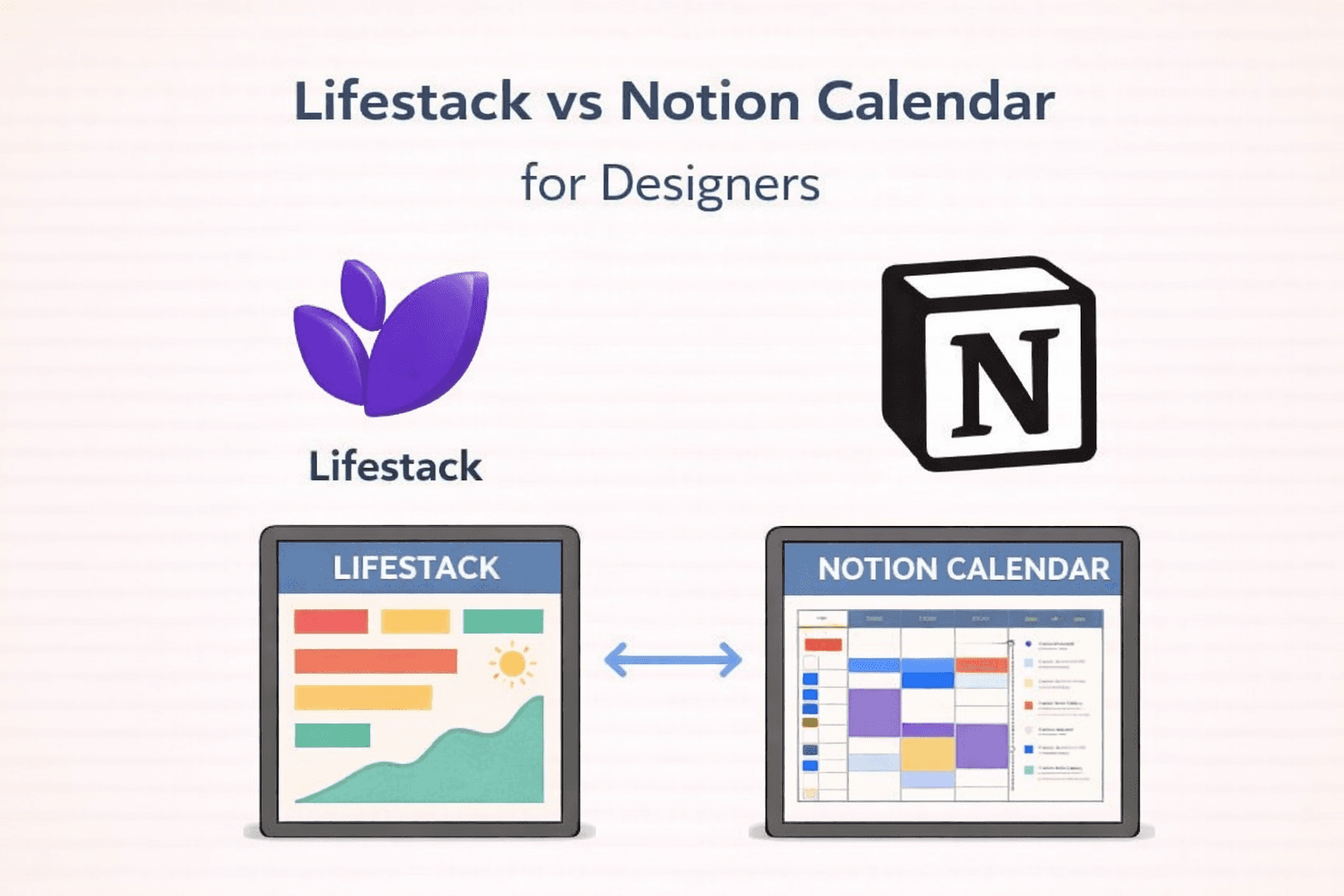
Streamlining the Designer's Workflow: Lifestack's AI Advantage 🚀
For designers, managing projects, client calls, and creative bursts requires more than just a to-do list. It demands intelligent tools that understand the ebb and flow of creative work. This is where Lifestack shines as a top contender for the best planner for designers. Lifestack leverages AI to revolutionize how designers manage their time, moving beyond simple scheduling to embrace energy-based planning for creatives.
One of Lifestack's standout features is its Automatic Calendar Scheduling. Imagine your recurring design sprints or client feedback sessions being automatically placed into your calendar without you lifting a finger. This frees up mental bandwidth, allowing you to focus on what you do best: designing. Furthermore, Lifestack offers Conflict-Aware Placement, ensuring that your new tasks or appointments don't clash with existing commitments, a crucial aspect for maintaining a smooth UX designer daily routine.
Lifestack's External Calendar Sync to Google Calendar means your entire schedule, whether personal or professional, is consolidated in one place. This seamless integration is vital for anyone asking how designers manage their time effectively across multiple platforms.
Automatic Calendar Scheduling: Effortlessly adds recurring tasks and routines.
Conflict-Aware Placement: Prevents double-booking and scheduling headaches.
External Calendar Sync: Integrates with your existing Google Calendar for a unified view.
Lifestack is more than just a calendar; it's an AI calendar for designers designed to enhance designer productivity tools and protect your creative flow scheduling.
Notion Calendar: Flexibility Meets Organization 🎨
Notion Calendar, while not explicitly built for designers, offers a highly flexible and integrated experience for those already embedded in the Notion ecosystem. For designers who use Notion for project management, mood boards, and client notes, Notion Calendar can be a natural extension. It allows for a visual overview of your tasks and deadlines, pulling information directly from your Notion databases. This can be particularly helpful for visualizing project timelines and understanding how different design tasks fit together.
While it doesn't offer the same level of AI-driven automation as Lifestack, Notion Calendar excels in its ability to connect directly with your Notion workspace. This means that if you're meticulously tracking your design projects within Notion, your calendar can reflect that with ease.
Deep Notion Integration: Seamlessly links calendar events with Notion pages and databases.
Visual Project Overviews: Great for seeing project milestones and deadlines at a glance.
Customizable Views: Adapt the calendar to suit your personal workflow and project needs.
For designers who prioritize a unified workspace within Notion, this tool can significantly contribute to better organization and a more structured approach to their UX designer daily routine. It’s a solid option for those who want their calendar to be an extension of their primary project management hub.
Choosing the Right Tool for Your Creative Flow 💡
The 'best planner for designers' ultimately depends on your individual workflow and priorities. If you're seeking an AI-powered solution that proactively manages your schedule, optimizes for energy, and reduces administrative overhead, Lifestack is a compelling choice. Its advanced features like Optional Calendar Visibility allow you to control what information is displayed, ensuring your focus remains on creative tasks. The Plan Entire Day with AI capability is a game-changer for designers who struggle with task prioritization and time blocking, offering intelligent suggestions for how to structure your day for maximum output.
On the other hand, if your workflow is heavily reliant on Notion for project management and you value deep integration within that ecosystem, Notion Calendar offers a robust and customizable solution. It empowers you to see how your design tasks connect to your broader project documentation.
Both tools aim to improve designer productivity tools and support creative flow scheduling, but they approach it differently. Lifestack focuses on intelligent automation and energy-based planning, while Notion Calendar emphasizes integration and flexibility within the Notion environment. Understanding how designers manage their time often leads to a preference for tools that simplify complexity and enhance focus.
For those looking to dive deeper into Lifestack's automated scheduling capabilities, check out this helpful article: here. It's packed with setup tips to get you started! ✨
Streamlining the Designer's Workflow: Lifestack's AI Advantage 🚀
For designers, managing projects, client calls, and creative bursts requires more than just a to-do list. It demands intelligent tools that understand the ebb and flow of creative work. This is where Lifestack shines as a top contender for the best planner for designers. Lifestack leverages AI to revolutionize how designers manage their time, moving beyond simple scheduling to embrace energy-based planning for creatives.
One of Lifestack's standout features is its Automatic Calendar Scheduling. Imagine your recurring design sprints or client feedback sessions being automatically placed into your calendar without you lifting a finger. This frees up mental bandwidth, allowing you to focus on what you do best: designing. Furthermore, Lifestack offers Conflict-Aware Placement, ensuring that your new tasks or appointments don't clash with existing commitments, a crucial aspect for maintaining a smooth UX designer daily routine.
Lifestack's External Calendar Sync to Google Calendar means your entire schedule, whether personal or professional, is consolidated in one place. This seamless integration is vital for anyone asking how designers manage their time effectively across multiple platforms.
Automatic Calendar Scheduling: Effortlessly adds recurring tasks and routines.
Conflict-Aware Placement: Prevents double-booking and scheduling headaches.
External Calendar Sync: Integrates with your existing Google Calendar for a unified view.
Lifestack is more than just a calendar; it's an AI calendar for designers designed to enhance designer productivity tools and protect your creative flow scheduling.
Notion Calendar: Flexibility Meets Organization 🎨
Notion Calendar, while not explicitly built for designers, offers a highly flexible and integrated experience for those already embedded in the Notion ecosystem. For designers who use Notion for project management, mood boards, and client notes, Notion Calendar can be a natural extension. It allows for a visual overview of your tasks and deadlines, pulling information directly from your Notion databases. This can be particularly helpful for visualizing project timelines and understanding how different design tasks fit together.
While it doesn't offer the same level of AI-driven automation as Lifestack, Notion Calendar excels in its ability to connect directly with your Notion workspace. This means that if you're meticulously tracking your design projects within Notion, your calendar can reflect that with ease.
Deep Notion Integration: Seamlessly links calendar events with Notion pages and databases.
Visual Project Overviews: Great for seeing project milestones and deadlines at a glance.
Customizable Views: Adapt the calendar to suit your personal workflow and project needs.
For designers who prioritize a unified workspace within Notion, this tool can significantly contribute to better organization and a more structured approach to their UX designer daily routine. It’s a solid option for those who want their calendar to be an extension of their primary project management hub.
Choosing the Right Tool for Your Creative Flow 💡
The 'best planner for designers' ultimately depends on your individual workflow and priorities. If you're seeking an AI-powered solution that proactively manages your schedule, optimizes for energy, and reduces administrative overhead, Lifestack is a compelling choice. Its advanced features like Optional Calendar Visibility allow you to control what information is displayed, ensuring your focus remains on creative tasks. The Plan Entire Day with AI capability is a game-changer for designers who struggle with task prioritization and time blocking, offering intelligent suggestions for how to structure your day for maximum output.
On the other hand, if your workflow is heavily reliant on Notion for project management and you value deep integration within that ecosystem, Notion Calendar offers a robust and customizable solution. It empowers you to see how your design tasks connect to your broader project documentation.
Both tools aim to improve designer productivity tools and support creative flow scheduling, but they approach it differently. Lifestack focuses on intelligent automation and energy-based planning, while Notion Calendar emphasizes integration and flexibility within the Notion environment. Understanding how designers manage their time often leads to a preference for tools that simplify complexity and enhance focus.
For those looking to dive deeper into Lifestack's automated scheduling capabilities, check out this helpful article: here. It's packed with setup tips to get you started! ✨



FOLLOW ON
FOLLOW ON
FOLLOW ON


Copyright 2026 © Lifestack. All rights reserved
Copyright 2026 © Lifestack. All rights reserved

