
Tutorial
The Designer's Guide to Protecting Creative Flow with Energy-Based Scheduling
The Designer's Guide to Protecting Creative Flow with Energy-Based Scheduling
Mar 20, 2026
Understanding Your Creative Peaks and Valleys ⛰️
As a designer, your most valuable asset is your creative energy. Understanding when you're most productive and when you need to recharge is crucial for maintaining a consistent output. This is where energy-based planning for creatives comes into play. Instead of rigidly adhering to a traditional 9-to-5, consider structuring your day around your natural energy cycles. Identify your peak hours for deep work, brainstorming, and complex problem-solving. Conversely, schedule less demanding tasks like email management or administrative work during your lower energy periods. This mindful approach to how designers manage their time can significantly enhance focus and reduce burnout. Think of it as finding the best planner for designers that truly understands your unique rhythm. 🎨
Identify Your Peak Times: Are you a morning person or a night owl? Track your energy levels throughout the week.
Schedule Deep Work: Block out your most energetic periods for tasks requiring intense concentration.
Batch Similar Tasks: Grouping similar activities can minimize context switching and maintain momentum.
Leveraging Designer Productivity Tools for Seamless Workflow 🛠️
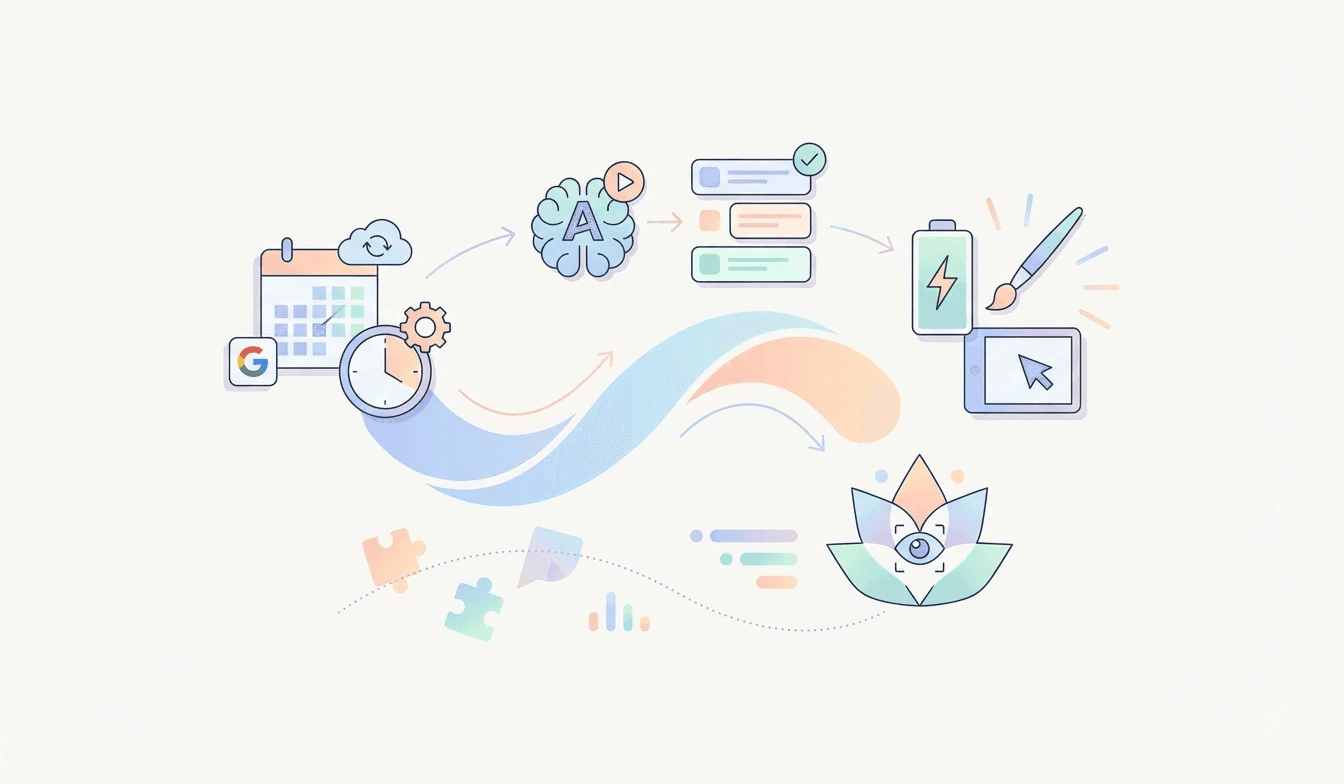
The modern designer has access to an incredible array of designer productivity tools that can automate, optimize, and streamline their workflow. When it comes to creative flow scheduling, these tools are indispensable. Imagine an AI calendar for designers that not only schedules your tasks but also intelligently places them during your optimal energy windows. Lifestack's Plan Entire Day with AI feature is a prime example. It offers Automatic Calendar Scheduling, meaning your recurring tasks and routines are automatically placed without manual effort. Furthermore, its Conflict-Aware Placement ensures that new events or tasks don't clash with existing commitments, safeguarding your precious creative time. For those who rely on Google Calendar, the External Calendar Sync to Google Calendar capability ensures all your scheduling is unified and accessible. This integration is vital for maintaining a cohesive UX designer daily routine. 🚀
Automated Scheduling: Let AI handle the heavy lifting of placing your routines.
Conflict Prevention: Avoid double-bookings and protect your focused work blocks.
Unified Calendar View: Integrate with your existing tools for a holistic overview.
Optimizing Your UX Designer Daily Routine with AI 🤖
Crafting an effective UX designer daily routine is an ongoing process of refinement. Energy-based planning, combined with smart technology, can transform how designers manage their time. Lifestack's 'Plan Entire Day with AI' feature takes energy-based planning a step further. After you've set your routines and identified your energy patterns, this AI can discover the best windows for specific tasks, ensuring you're tackling demanding projects when you're at your best. The Optional Calendar Visibility feature also allows you to control what others see, maintaining privacy while still benefiting from the AI's scheduling prowess. This intelligent approach to creative flow scheduling means less time spent on administrative planning and more time dedicated to creative execution. It's about working smarter, not harder, and ensuring your designer productivity tools are truly serving your creative output. ✨
AI-Powered Task Placement: Let AI find the optimal time for every task based on your energy.
Flexible Visibility: Control who sees your schedule while leveraging AI's power.
Focus on Creation: Minimize planning overhead and maximize design time.
Understanding Your Creative Peaks and Valleys ⛰️
As a designer, your most valuable asset is your creative energy. Understanding when you're most productive and when you need to recharge is crucial for maintaining a consistent output. This is where energy-based planning for creatives comes into play. Instead of rigidly adhering to a traditional 9-to-5, consider structuring your day around your natural energy cycles. Identify your peak hours for deep work, brainstorming, and complex problem-solving. Conversely, schedule less demanding tasks like email management or administrative work during your lower energy periods. This mindful approach to how designers manage their time can significantly enhance focus and reduce burnout. Think of it as finding the best planner for designers that truly understands your unique rhythm. 🎨
Identify Your Peak Times: Are you a morning person or a night owl? Track your energy levels throughout the week.
Schedule Deep Work: Block out your most energetic periods for tasks requiring intense concentration.
Batch Similar Tasks: Grouping similar activities can minimize context switching and maintain momentum.
Leveraging Designer Productivity Tools for Seamless Workflow 🛠️
The modern designer has access to an incredible array of designer productivity tools that can automate, optimize, and streamline their workflow. When it comes to creative flow scheduling, these tools are indispensable. Imagine an AI calendar for designers that not only schedules your tasks but also intelligently places them during your optimal energy windows. Lifestack's Plan Entire Day with AI feature is a prime example. It offers Automatic Calendar Scheduling, meaning your recurring tasks and routines are automatically placed without manual effort. Furthermore, its Conflict-Aware Placement ensures that new events or tasks don't clash with existing commitments, safeguarding your precious creative time. For those who rely on Google Calendar, the External Calendar Sync to Google Calendar capability ensures all your scheduling is unified and accessible. This integration is vital for maintaining a cohesive UX designer daily routine. 🚀
Automated Scheduling: Let AI handle the heavy lifting of placing your routines.
Conflict Prevention: Avoid double-bookings and protect your focused work blocks.
Unified Calendar View: Integrate with your existing tools for a holistic overview.
Optimizing Your UX Designer Daily Routine with AI 🤖
Crafting an effective UX designer daily routine is an ongoing process of refinement. Energy-based planning, combined with smart technology, can transform how designers manage their time. Lifestack's 'Plan Entire Day with AI' feature takes energy-based planning a step further. After you've set your routines and identified your energy patterns, this AI can discover the best windows for specific tasks, ensuring you're tackling demanding projects when you're at your best. The Optional Calendar Visibility feature also allows you to control what others see, maintaining privacy while still benefiting from the AI's scheduling prowess. This intelligent approach to creative flow scheduling means less time spent on administrative planning and more time dedicated to creative execution. It's about working smarter, not harder, and ensuring your designer productivity tools are truly serving your creative output. ✨
AI-Powered Task Placement: Let AI find the optimal time for every task based on your energy.
Flexible Visibility: Control who sees your schedule while leveraging AI's power.
Focus on Creation: Minimize planning overhead and maximize design time.



FOLLOW ON
FOLLOW ON
FOLLOW ON


Copyright 2026 © Lifestack. All rights reserved
Copyright 2026 © Lifestack. All rights reserved

