
Daily Planning Checklist for Freelancers (Energy-Aware Scheduling)
Daily Planning Checklist for Freelancers (Energy-Aware Scheduling)
Mar 23, 2026
Structuring Your Freelance Day for Peak Productivity 🚀
As a freelancer, you're the architect of your own schedule. Understanding how to structure your day as a freelancer is crucial for sustained success and avoiding the dreaded freelancer burnout. This involves more than just blocking out time for tasks; it's about aligning your work with your natural energy levels. Think of it as energy-based planning freelancer style. When are you most alert and creative? Schedule your most demanding tasks during these peak hours. Conversely, use lower-energy periods for administrative work or less intensive projects. This mindful approach to time management for self-employed individuals can dramatically improve your output and overall well-being.
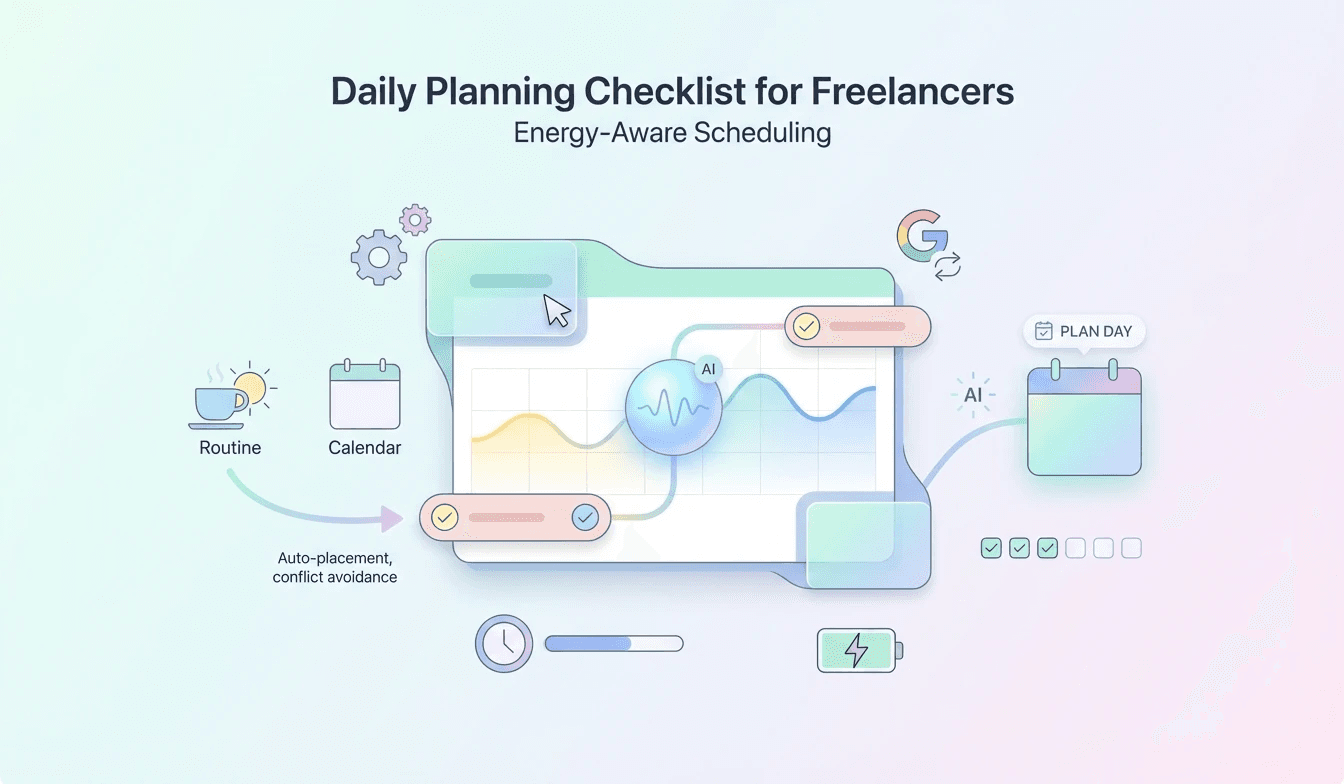
To effectively implement this, consider using a freelance daily schedule template that allows for flexibility. Tools that help automate this process are invaluable. For instance, Lifestack's Auto-Schedule Routine To Calendar feature can automatically place your routines into your calendar, ensuring they don't conflict with client meetings or other commitments. This capability, known as Automatic Calendar Scheduling, takes the guesswork out of planning your recurring tasks.
Identify Your Peak Energy Times: Track your energy levels throughout the day for a week.
Batch Similar Tasks: Group tasks that require similar mental states (e.g., creative work, client calls, administrative tasks).
Schedule Breaks Strategically: Short, frequent breaks can prevent fatigue and maintain focus.
Leveraging Freelancer Productivity Tools 2026 and Calendar Apps 🗓️
The landscape of freelancer productivity tools 2026 is constantly evolving, offering innovative ways to streamline your workflow. A key component of effective freelance scheduling is the right calendar application. The best calendar app for freelancers should not only manage appointments but also integrate seamlessly with other tools and support your energy-aware planning. Lifestack excels here by offering features like External Calendar Sync to Google Calendar, ensuring all your commitments are visible in one place. This synchronization is vital for maintaining an accurate overview of your day and week.
Furthermore, Lifestack's Auto-Schedule Routine To Calendar provides Conflict-Aware Placement. This means if you try to schedule a new routine or task, it will intelligently check for existing conflicts and suggest alternative times, preventing double-bookings and ensuring your freelance daily schedule template remains realistic. The Optional Calendar Visibility feature also allows you to hide certain routines from external views, maintaining privacy while still keeping your schedule organized.
Explore AI-Powered Scheduling: Tools that can suggest optimal times for tasks based on your past performance and energy patterns.
Integrate Your Tools: Ensure your calendar app syncs with your project management software, email, and communication platforms.
Utilize Time Blocking: Dedicate specific blocks of time for focused work on particular projects or task types.
Avoiding Freelancer Burnout with Smart Scheduling 🧘♀️
One of the biggest challenges for self-employed individuals is how to avoid freelancer burnout. This often stems from an unsustainable workload, lack of boundaries, and poor time management for self-employed professionals. Implementing an energy-based planning freelancer approach is a powerful antidote. By working with your natural rhythms rather than against them, you can maintain higher energy levels for longer periods, reducing the likelihood of exhaustion.
Lifestack's Plan Entire Day with AI capability can further assist by analyzing your tasks and suggesting an optimal daily flow that respects your energy. This intelligent planning helps ensure you're not overcommitting and that you're allocating sufficient time for rest and recovery. Remember, a well-rested freelancer is a productive and creative freelancer.
Set Realistic Daily Goals: Avoid overpacking your schedule; it's better to achieve a few key tasks than to feel overwhelmed by many.
Schedule Downtime: Actively block out time for relaxation, hobbies, and social activities. This is non-negotiable for long-term sustainability.
Learn to Say No: Protect your time and energy by politely declining projects or requests that don't align with your capacity or goals.
For detailed setup tips and to see how Lifestack's Auto-Schedule Routine To Calendar can revolutionize your daily planning, visit the knowledge base article: "Usecases: Freelancers" Get started today and reclaim your time! ✨⏰🚀
Structuring Your Freelance Day for Peak Productivity 🚀
As a freelancer, you're the architect of your own schedule. Understanding how to structure your day as a freelancer is crucial for sustained success and avoiding the dreaded freelancer burnout. This involves more than just blocking out time for tasks; it's about aligning your work with your natural energy levels. Think of it as energy-based planning freelancer style. When are you most alert and creative? Schedule your most demanding tasks during these peak hours. Conversely, use lower-energy periods for administrative work or less intensive projects. This mindful approach to time management for self-employed individuals can dramatically improve your output and overall well-being.
To effectively implement this, consider using a freelance daily schedule template that allows for flexibility. Tools that help automate this process are invaluable. For instance, Lifestack's Auto-Schedule Routine To Calendar feature can automatically place your routines into your calendar, ensuring they don't conflict with client meetings or other commitments. This capability, known as Automatic Calendar Scheduling, takes the guesswork out of planning your recurring tasks.
Identify Your Peak Energy Times: Track your energy levels throughout the day for a week.
Batch Similar Tasks: Group tasks that require similar mental states (e.g., creative work, client calls, administrative tasks).
Schedule Breaks Strategically: Short, frequent breaks can prevent fatigue and maintain focus.
Leveraging Freelancer Productivity Tools 2026 and Calendar Apps 🗓️
The landscape of freelancer productivity tools 2026 is constantly evolving, offering innovative ways to streamline your workflow. A key component of effective freelance scheduling is the right calendar application. The best calendar app for freelancers should not only manage appointments but also integrate seamlessly with other tools and support your energy-aware planning. Lifestack excels here by offering features like External Calendar Sync to Google Calendar, ensuring all your commitments are visible in one place. This synchronization is vital for maintaining an accurate overview of your day and week.
Furthermore, Lifestack's Auto-Schedule Routine To Calendar provides Conflict-Aware Placement. This means if you try to schedule a new routine or task, it will intelligently check for existing conflicts and suggest alternative times, preventing double-bookings and ensuring your freelance daily schedule template remains realistic. The Optional Calendar Visibility feature also allows you to hide certain routines from external views, maintaining privacy while still keeping your schedule organized.
Explore AI-Powered Scheduling: Tools that can suggest optimal times for tasks based on your past performance and energy patterns.
Integrate Your Tools: Ensure your calendar app syncs with your project management software, email, and communication platforms.
Utilize Time Blocking: Dedicate specific blocks of time for focused work on particular projects or task types.
Avoiding Freelancer Burnout with Smart Scheduling 🧘♀️
One of the biggest challenges for self-employed individuals is how to avoid freelancer burnout. This often stems from an unsustainable workload, lack of boundaries, and poor time management for self-employed professionals. Implementing an energy-based planning freelancer approach is a powerful antidote. By working with your natural rhythms rather than against them, you can maintain higher energy levels for longer periods, reducing the likelihood of exhaustion.
Lifestack's Plan Entire Day with AI capability can further assist by analyzing your tasks and suggesting an optimal daily flow that respects your energy. This intelligent planning helps ensure you're not overcommitting and that you're allocating sufficient time for rest and recovery. Remember, a well-rested freelancer is a productive and creative freelancer.
Set Realistic Daily Goals: Avoid overpacking your schedule; it's better to achieve a few key tasks than to feel overwhelmed by many.
Schedule Downtime: Actively block out time for relaxation, hobbies, and social activities. This is non-negotiable for long-term sustainability.
Learn to Say No: Protect your time and energy by politely declining projects or requests that don't align with your capacity or goals.
For detailed setup tips and to see how Lifestack's Auto-Schedule Routine To Calendar can revolutionize your daily planning, visit the knowledge base article: "Usecases: Freelancers" Get started today and reclaim your time! ✨⏰🚀



FOLLOW ON
FOLLOW ON
FOLLOW ON


Copyright 2026 © Lifestack. All rights reserved
Copyright 2026 © Lifestack. All rights reserved

