
Weekly Planning Checklist for Product Managers Who Wear a WHOOP
Weekly Planning Checklist for Product Managers Who Wear a WHOOP
Mar 19, 2026
Mastering Your PM Daily Schedule Template 🗓️
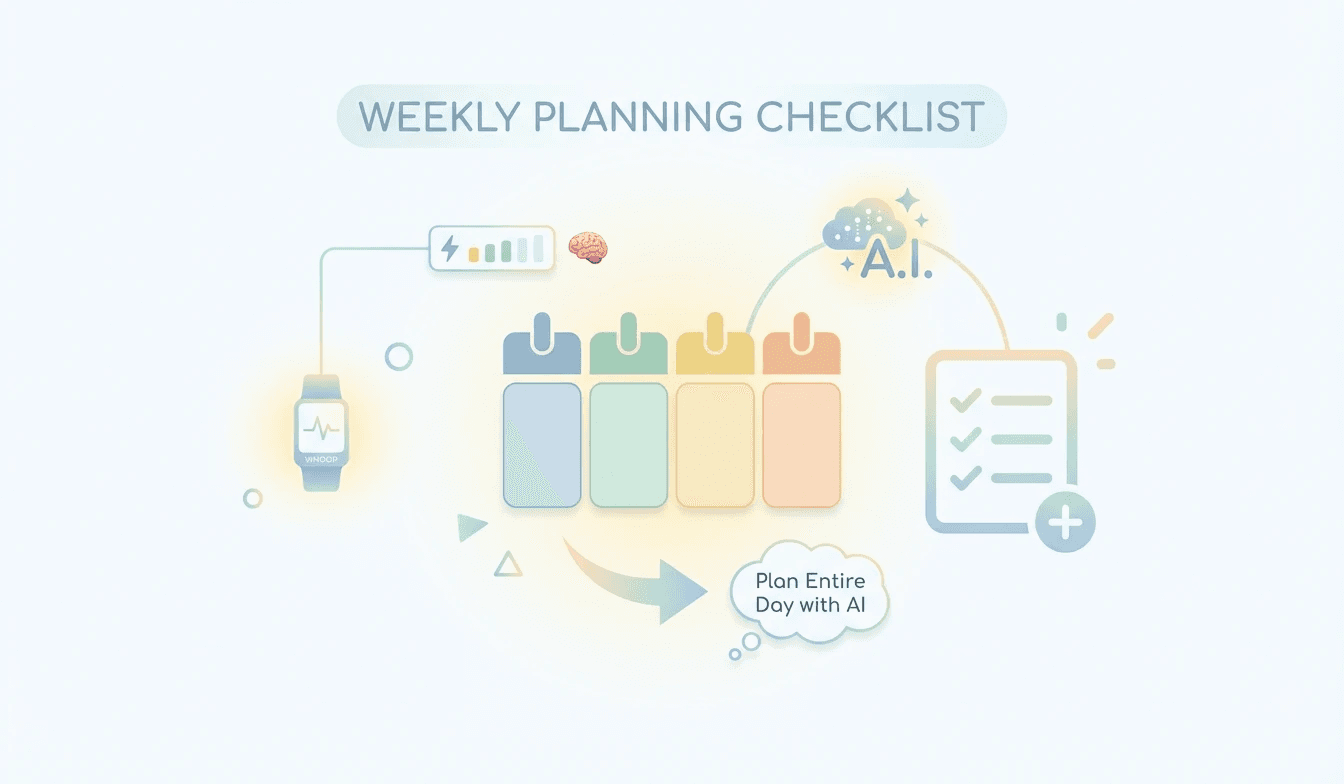
As a product manager, your days are a whirlwind of meetings, strategy sessions, and urgent requests. Understanding how product managers manage their time is crucial for success. This section focuses on building a robust PM daily schedule template that prioritizes your most impactful work. We'll explore how to integrate your WHOOP data to inform your energy levels and schedule demanding tasks during peak performance windows. Leveraging product manager productivity tools can automate much of this, allowing you to focus on strategic thinking rather than manual scheduling.
Time Blocking for Deep Work: Dedicate specific blocks in your calendar for uninterrupted deep work. This is essential for strategic planning, roadmap development, and complex problem-solving. Consider using a PM deep work scheduling approach that aligns with your personal energy rhythms.
Meeting Optimization: Review your recurring meetings. Are they all necessary? Can some be shorter or replaced with asynchronous communication? Efficient meeting management is a cornerstone of effective time management for product managers.
Buffer Time: Always include buffer time between tasks and meetings to account for unexpected issues or to simply transition mentally. This prevents your schedule from becoming overly rigid and prone to collapse.
Lifestack's 'Auto-Schedule Tasks/Routine To Calendar' feature can be a game-changer here. It offers Automatic Calendar Scheduling, meaning it can place your recurring tasks and routines directly into your calendar, ensuring they are accounted for. This directly addresses the challenge of building and maintaining a consistent PM daily schedule template.
Leveraging Energy Management for Product Managers ⚡
Your WHOOP provides invaluable insights into your body's recovery and readiness. Effective energy management for product managers means aligning your tasks with your physiological state. This section delves into how to use your WHOOP data to make smarter scheduling decisions, ensuring you're tackling high-cognitive load tasks when you're most prepared and less demanding tasks when your energy is lower.
Identify Peak Performance Hours: Analyze your WHOOP data to pinpoint your most productive times of day. Schedule your most critical and complex product management tasks during these windows.
Schedule Rest and Recovery: Just as important as scheduling work is scheduling downtime. Ensure your calendar reflects adequate rest periods to maintain optimal energy levels throughout the week.
Task Batching by Energy Level: Group similar tasks together. For example, handle all email responses and administrative work during lower energy periods, freeing up your peak times for strategic initiatives.
When considering product manager productivity tools, Lifestack's capabilities are particularly relevant. The Conflict-Aware Placement ensures that when routines are auto-scheduled, they won't clash with existing appointments, preserving your carefully planned energy management strategy. This is a critical aspect of how product managers manage their time effectively.
Smart Scheduling with AI and the Best Calendar App for Product Managers 🤖
The modern product manager needs tools that go beyond basic calendar functions. This section explores how AI-powered features and the best calendar app for product managers can revolutionize your workflow. We'll look at how to automate scheduling, optimize your calendar visibility, and ensure seamless integration with your existing tools.
AI-Powered Planning: Explore AI planner for PMs that can suggest optimal times for tasks based on your availability, priorities, and even your WHOOP data. This moves beyond manual PM deep work scheduling to intelligent, adaptive planning.
External Calendar Sync: Ensure your primary calendar is always up-to-date. Features like External Calendar Sync to Google Calendar are essential for seamless collaboration and avoiding double-bookings.
Customizable Visibility: Sometimes, you need to shield your deep work blocks from view. Optional Calendar Visibility allows you to control who sees what, protecting your focus time.
Lifestack's 'Auto-Schedule Tasks/Routine To Calendar' offers External Calendar Sync to Google Calendar, meaning your Lifestack schedule will automatically update your Google Calendar, and vice-versa. This is a fundamental feature for any product manager looking for the best calendar app for product managers. Furthermore, the ability to use Optional Calendar Visibility allows you to protect your PM deep work scheduling blocks from prying eyes, ensuring your focus remains unbroken. To learn more about setting up these powerful features, visit the Lifestack knowledge base article: here
Mastering Your PM Daily Schedule Template 🗓️
As a product manager, your days are a whirlwind of meetings, strategy sessions, and urgent requests. Understanding how product managers manage their time is crucial for success. This section focuses on building a robust PM daily schedule template that prioritizes your most impactful work. We'll explore how to integrate your WHOOP data to inform your energy levels and schedule demanding tasks during peak performance windows. Leveraging product manager productivity tools can automate much of this, allowing you to focus on strategic thinking rather than manual scheduling.
Time Blocking for Deep Work: Dedicate specific blocks in your calendar for uninterrupted deep work. This is essential for strategic planning, roadmap development, and complex problem-solving. Consider using a PM deep work scheduling approach that aligns with your personal energy rhythms.
Meeting Optimization: Review your recurring meetings. Are they all necessary? Can some be shorter or replaced with asynchronous communication? Efficient meeting management is a cornerstone of effective time management for product managers.
Buffer Time: Always include buffer time between tasks and meetings to account for unexpected issues or to simply transition mentally. This prevents your schedule from becoming overly rigid and prone to collapse.
Lifestack's 'Auto-Schedule Tasks/Routine To Calendar' feature can be a game-changer here. It offers Automatic Calendar Scheduling, meaning it can place your recurring tasks and routines directly into your calendar, ensuring they are accounted for. This directly addresses the challenge of building and maintaining a consistent PM daily schedule template.
Leveraging Energy Management for Product Managers ⚡
Your WHOOP provides invaluable insights into your body's recovery and readiness. Effective energy management for product managers means aligning your tasks with your physiological state. This section delves into how to use your WHOOP data to make smarter scheduling decisions, ensuring you're tackling high-cognitive load tasks when you're most prepared and less demanding tasks when your energy is lower.
Identify Peak Performance Hours: Analyze your WHOOP data to pinpoint your most productive times of day. Schedule your most critical and complex product management tasks during these windows.
Schedule Rest and Recovery: Just as important as scheduling work is scheduling downtime. Ensure your calendar reflects adequate rest periods to maintain optimal energy levels throughout the week.
Task Batching by Energy Level: Group similar tasks together. For example, handle all email responses and administrative work during lower energy periods, freeing up your peak times for strategic initiatives.
When considering product manager productivity tools, Lifestack's capabilities are particularly relevant. The Conflict-Aware Placement ensures that when routines are auto-scheduled, they won't clash with existing appointments, preserving your carefully planned energy management strategy. This is a critical aspect of how product managers manage their time effectively.
Smart Scheduling with AI and the Best Calendar App for Product Managers 🤖
The modern product manager needs tools that go beyond basic calendar functions. This section explores how AI-powered features and the best calendar app for product managers can revolutionize your workflow. We'll look at how to automate scheduling, optimize your calendar visibility, and ensure seamless integration with your existing tools.
AI-Powered Planning: Explore AI planner for PMs that can suggest optimal times for tasks based on your availability, priorities, and even your WHOOP data. This moves beyond manual PM deep work scheduling to intelligent, adaptive planning.
External Calendar Sync: Ensure your primary calendar is always up-to-date. Features like External Calendar Sync to Google Calendar are essential for seamless collaboration and avoiding double-bookings.
Customizable Visibility: Sometimes, you need to shield your deep work blocks from view. Optional Calendar Visibility allows you to control who sees what, protecting your focus time.
Lifestack's 'Auto-Schedule Tasks/Routine To Calendar' offers External Calendar Sync to Google Calendar, meaning your Lifestack schedule will automatically update your Google Calendar, and vice-versa. This is a fundamental feature for any product manager looking for the best calendar app for product managers. Furthermore, the ability to use Optional Calendar Visibility allows you to protect your PM deep work scheduling blocks from prying eyes, ensuring your focus remains unbroken. To learn more about setting up these powerful features, visit the Lifestack knowledge base article: here



FOLLOW ON
FOLLOW ON
FOLLOW ON


Copyright 2026 © Lifestack. All rights reserved
Copyright 2026 © Lifestack. All rights reserved

