
How Remote Workers Use Lifestack to Create Structure Without an Office
How Remote Workers Use Lifestack to Create Structure Without an Office
Apr 6, 2026
Reclaiming Your Remote Workday: The Best Daily Planner for Remote Workers
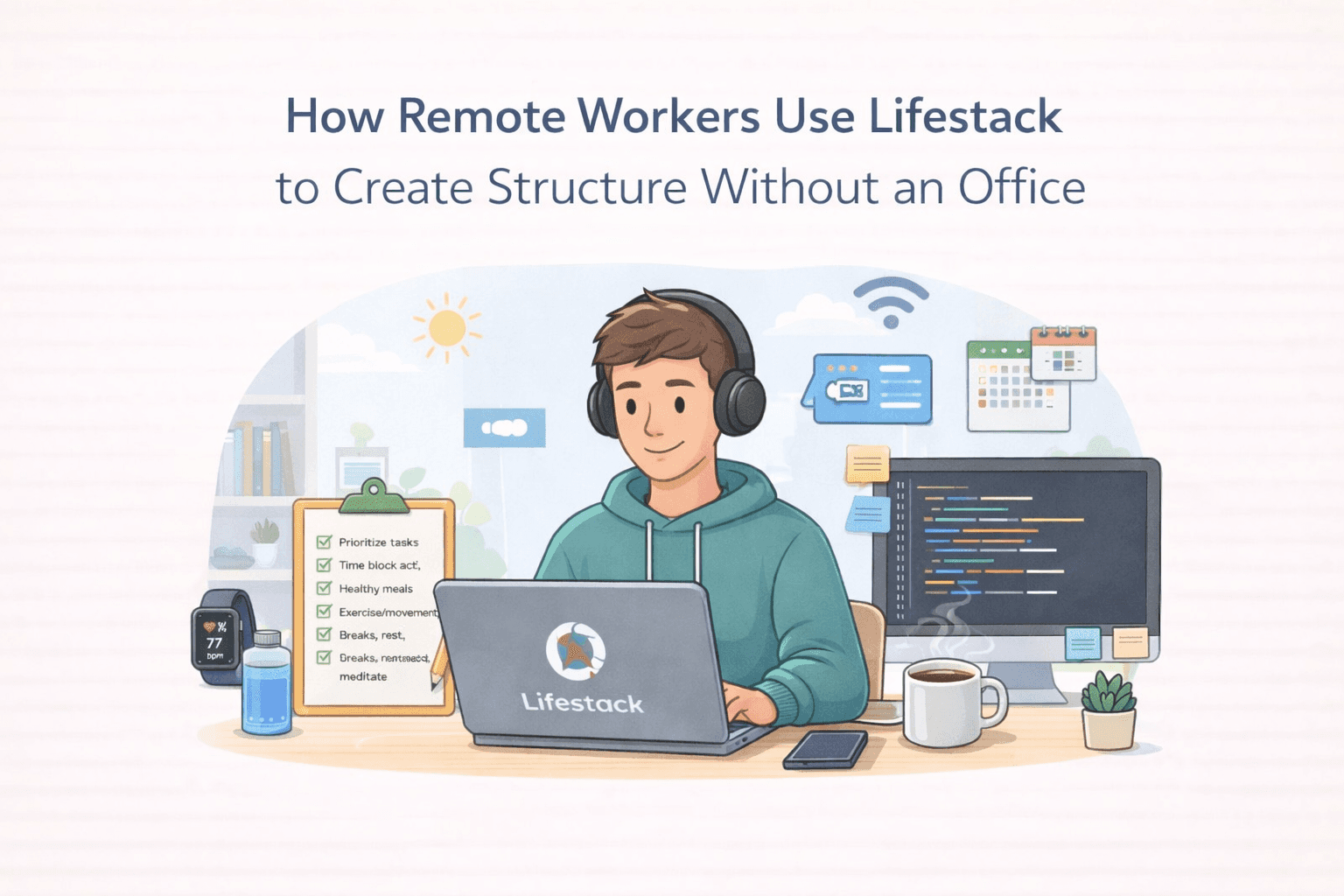
The freedom of remote work is fantastic, but it can also blur the lines between professional and personal life. Without the natural structure of an office, many busy professionals find themselves struggling to maintain a consistent remote worker daily schedule. This is where Lifestack shines, acting as your ultimate remote work productivity tools 2026. It helps you build a robust work from home routine template that respects your natural rhythms. Think of it as your personal AI assistant, ensuring your day flows smoothly and efficiently. We understand that your energy levels fluctuate, and Lifestack is designed to help you manage them effectively. By integrating with your existing habits and tasks, Lifestack helps you create a sustainable rhythm, preventing burnout and promoting well-being. It's about working smarter, not just harder, especially when you're navigating the unique challenges of remote work. 🚀
Lifestack offers several key features to help you achieve this:
Automatic Calendar Scheduling: Say goodbye to manual entry! Lifestack can automatically place your routines and tasks into your calendar, ensuring nothing gets missed.
Conflict-Aware Placement: Worried about double-booking? Lifestack intelligently avoids scheduling conflicts, ensuring your important appointments and focused work blocks remain sacred.
External Calendar Sync to Google Calendar: Seamlessly integrate Lifestack with your existing Google Calendar, so all your commitments are in one place. This is crucial for maintaining a unified view of your day.
Embrace the power of a structured day and unlock your full remote work potential. ✨
Mastering Your Energy: Energy Management Remote Work and AI Calendar for Remote Teams
One of the biggest hurdles for remote workers is managing energy levels throughout the day. Without the natural breaks and social cues of an office, it's easy to fall into patterns of overworking or experiencing energy dips. Lifestack's innovative features, like Energy Heatmap Visualizations, help you understand your personal energy peaks and troughs. This allows you to schedule demanding tasks during your high-energy periods and more restorative activities when your energy is lower. This is a game-changer for energy management remote work. Furthermore, Lifestack's Plan Entire Day AI Copilot can analyze your schedule and suggest optimal times for breaks, meals, and even recovery, drawing insights from your integrated data. This proactive approach is key to learning how to stop overworking remotely. Imagine an AI calendar for remote teams that not only schedules your tasks but also helps you optimize your personal energy for peak performance. 🧠
Here's how Lifestack empowers your energy management:
Energy Heatmap Visualizations: Gain a visual understanding of your daily energy patterns to schedule tasks more effectively.
Wearable Biometrics Integration: Connect Lifestack with your wearables to get real-time insights into your physiological state, informing your schedule for optimal recovery and performance.
Sleep & Meal Timing Suggestions: Receive AI-driven recommendations for sleep and meal times that align with your energy cycles and work schedule.
By leveraging these insights, you can build a more sustainable and productive remote work routine. ☀️
Seamless Integration and Control: Your Personalized Remote Work Routine
Lifestack is designed to be flexible and adaptable to your unique needs as a remote professional. The Optional Calendar Visibility Controls allow you to decide what information is shared and with whom, ensuring your privacy while still benefiting from collaborative features. This is particularly useful when working with an AI calendar for remote teams. The platform also supports Task & Habit Integrations, meaning you can bring your existing to-do lists and habit trackers into Lifestack, creating a unified command center for your day. This comprehensive approach ensures that your remote worker daily schedule is not just functional but also deeply personalized. It’s about creating a work from home routine template that truly works for you. By understanding how to stop overworking remotely and by utilizing the best daily planner for remote workers, you can transform your remote work experience. Lifestack provides the tools to build a resilient and productive workflow, making remote work a sustainable and enjoyable way to build your career. 🌟
Key integration and control features include:
Task & Habit Integrations: Consolidate your tasks and habits within Lifestack for a holistic view of your day.
Optional Calendar Visibility Controls: Maintain control over your privacy by choosing what information is visible.
HRV-Based Recovery Planning: For those who use compatible wearables, Lifestack can offer recovery suggestions based on your Heart Rate Variability.
Ready to dive deeper into setting up your personalized remote work routine? Check out the detailed setup tips in the Lifestack knowledge base article: here for step-by-step guidance! 🛠️➡️
Reclaiming Your Remote Workday: The Best Daily Planner for Remote Workers
The freedom of remote work is fantastic, but it can also blur the lines between professional and personal life. Without the natural structure of an office, many busy professionals find themselves struggling to maintain a consistent remote worker daily schedule. This is where Lifestack shines, acting as your ultimate remote work productivity tools 2026. It helps you build a robust work from home routine template that respects your natural rhythms. Think of it as your personal AI assistant, ensuring your day flows smoothly and efficiently. We understand that your energy levels fluctuate, and Lifestack is designed to help you manage them effectively. By integrating with your existing habits and tasks, Lifestack helps you create a sustainable rhythm, preventing burnout and promoting well-being. It's about working smarter, not just harder, especially when you're navigating the unique challenges of remote work. 🚀
Lifestack offers several key features to help you achieve this:
Automatic Calendar Scheduling: Say goodbye to manual entry! Lifestack can automatically place your routines and tasks into your calendar, ensuring nothing gets missed.
Conflict-Aware Placement: Worried about double-booking? Lifestack intelligently avoids scheduling conflicts, ensuring your important appointments and focused work blocks remain sacred.
External Calendar Sync to Google Calendar: Seamlessly integrate Lifestack with your existing Google Calendar, so all your commitments are in one place. This is crucial for maintaining a unified view of your day.
Embrace the power of a structured day and unlock your full remote work potential. ✨
Mastering Your Energy: Energy Management Remote Work and AI Calendar for Remote Teams
One of the biggest hurdles for remote workers is managing energy levels throughout the day. Without the natural breaks and social cues of an office, it's easy to fall into patterns of overworking or experiencing energy dips. Lifestack's innovative features, like Energy Heatmap Visualizations, help you understand your personal energy peaks and troughs. This allows you to schedule demanding tasks during your high-energy periods and more restorative activities when your energy is lower. This is a game-changer for energy management remote work. Furthermore, Lifestack's Plan Entire Day AI Copilot can analyze your schedule and suggest optimal times for breaks, meals, and even recovery, drawing insights from your integrated data. This proactive approach is key to learning how to stop overworking remotely. Imagine an AI calendar for remote teams that not only schedules your tasks but also helps you optimize your personal energy for peak performance. 🧠
Here's how Lifestack empowers your energy management:
Energy Heatmap Visualizations: Gain a visual understanding of your daily energy patterns to schedule tasks more effectively.
Wearable Biometrics Integration: Connect Lifestack with your wearables to get real-time insights into your physiological state, informing your schedule for optimal recovery and performance.
Sleep & Meal Timing Suggestions: Receive AI-driven recommendations for sleep and meal times that align with your energy cycles and work schedule.
By leveraging these insights, you can build a more sustainable and productive remote work routine. ☀️
Seamless Integration and Control: Your Personalized Remote Work Routine
Lifestack is designed to be flexible and adaptable to your unique needs as a remote professional. The Optional Calendar Visibility Controls allow you to decide what information is shared and with whom, ensuring your privacy while still benefiting from collaborative features. This is particularly useful when working with an AI calendar for remote teams. The platform also supports Task & Habit Integrations, meaning you can bring your existing to-do lists and habit trackers into Lifestack, creating a unified command center for your day. This comprehensive approach ensures that your remote worker daily schedule is not just functional but also deeply personalized. It’s about creating a work from home routine template that truly works for you. By understanding how to stop overworking remotely and by utilizing the best daily planner for remote workers, you can transform your remote work experience. Lifestack provides the tools to build a resilient and productive workflow, making remote work a sustainable and enjoyable way to build your career. 🌟
Key integration and control features include:
Task & Habit Integrations: Consolidate your tasks and habits within Lifestack for a holistic view of your day.
Optional Calendar Visibility Controls: Maintain control over your privacy by choosing what information is visible.
HRV-Based Recovery Planning: For those who use compatible wearables, Lifestack can offer recovery suggestions based on your Heart Rate Variability.
Ready to dive deeper into setting up your personalized remote work routine? Check out the detailed setup tips in the Lifestack knowledge base article: here for step-by-step guidance! 🛠️➡️



FOLLOW ON
FOLLOW ON
FOLLOW ON


Copyright 2026 © Lifestack. All rights reserved
Copyright 2026 © Lifestack. All rights reserved

