
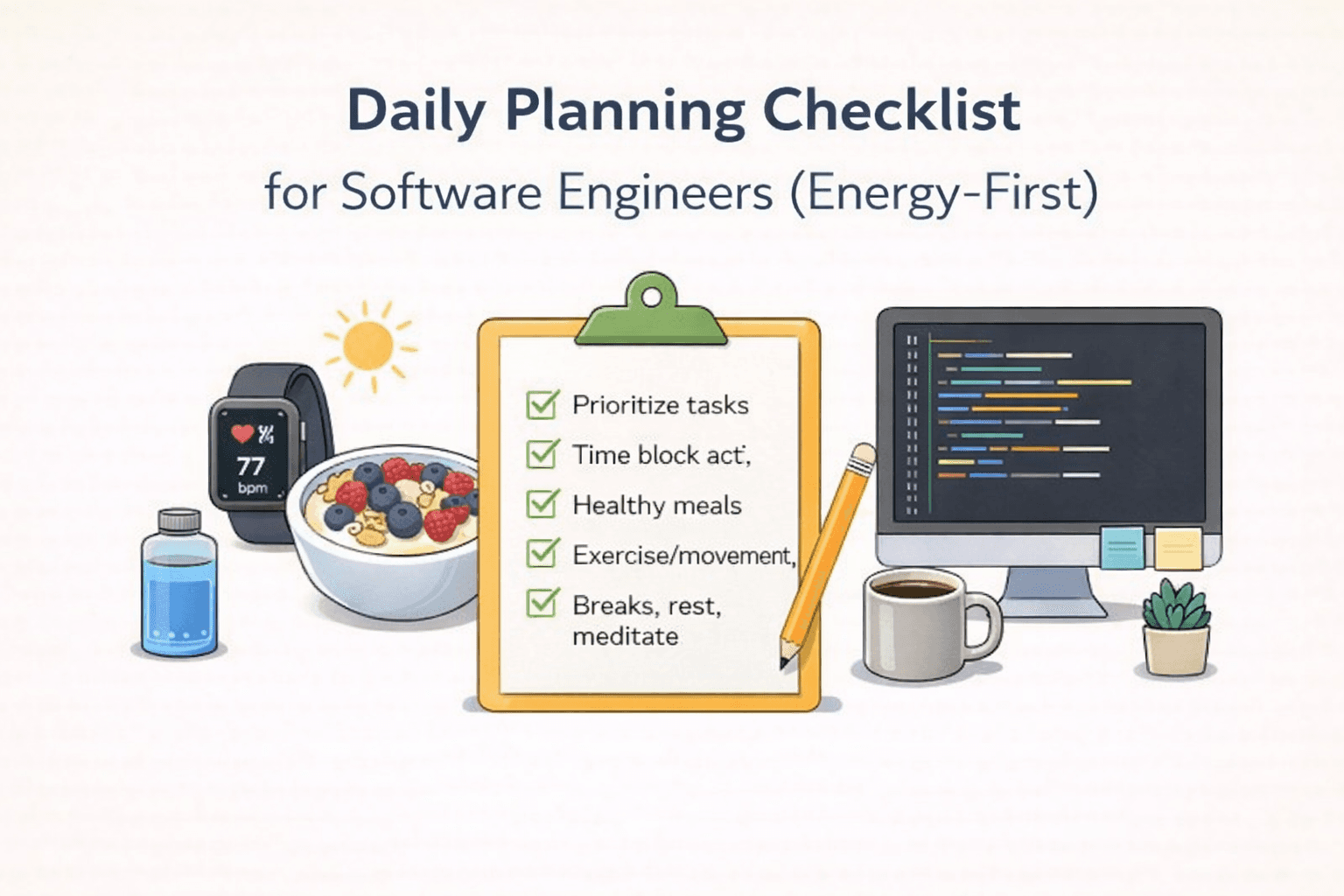
Daily Planning Checklist for Software Engineers (Energy-First)
Daily Planning Checklist for Software Engineers (Energy-First)
Mar 17, 2026
Mastering Your Flow State: The Foundation of Developer Productivity
In the fast-paced world of software development, protecting your flow state is paramount for achieving peak developer productivity. This often means creating a sanctuary for deep work for programmers. Think of it as building an impenetrable fortress around your most critical coding sessions. This is where the concept of 'protect flow state calendar' becomes invaluable. By strategically blocking out time for uninterrupted focus, you signal to yourself and your team that this time is sacred. This isn't just about avoiding distractions; it's about cultivating an environment where complex problem-solving can flourish. Consider the impact of constant context switching – it's a productivity killer! By prioritizing deep work, you're not just getting more done; you're getting higher quality work done. This is a core principle behind the best AI planner for developers, which aims to understand your cognitive rhythms and schedule tasks accordingly. 🚀
Identify Your Peak Energy Times: When are you most alert and focused? Schedule your most demanding tasks during these windows.
Minimize Interruptions: Turn off notifications, close unnecessary tabs, and communicate your focus periods to colleagues.
Create a Dedicated Workspace: Even a small, organized space can significantly improve your ability to concentrate.
Embrace Single-Tasking: Resist the urge to juggle multiple tasks simultaneously. Focus on one thing at a time for better results.
Strategic Scheduling: Time Blocking for Software Engineers
Once you've identified your flow state windows, the next step is to implement effective time blocking for software engineers. This structured approach to your developer daily schedule template ensures that every hour is accounted for and aligned with your energy levels and project goals. The goal is to maximize your coding hours without succumbing to burnout. This is where tools like Lifestack's 'Auto-Schedule tasks/Routine To Calendar' shine. It can automatically place your routines into your calendar, avoiding conflicts and syncing seamlessly with your Google Calendar. You can even choose to hide routines from your main view if you prefer a cleaner calendar, or hand off to 'Plan Entire Day with AI' to discover the optimal windows for your tasks. This intelligent scheduling helps you answer the crucial question: 'how to get more coding hours?' by making every minute count. It's about being intentional with your time, not just busy. 🗓️
Block Out Deep Work Sessions: Dedicate specific, uninterrupted blocks for coding and complex problem-solving.
Schedule Buffer Time: Include short breaks between tasks to decompress and transition mentally.
Allocate Time for Communication: Plan for meetings, code reviews, and team syncs, but try to batch them to minimize disruption.
Include Learning and Development: Set aside time for skill enhancement and staying updated with new technologies.
Leveraging AI for an Optimized Developer Daily Schedule
The future of developer productivity lies in intelligent tools that understand and adapt to your unique workflow. The best AI planner for developers goes beyond simple task management; it acts as a cognitive assistant, helping you craft an energy-aware scheduling engineer's dream. Lifestack's 'Auto-Schedule Tasks/Routine To Calendar' is a prime example. It not only auto-places routines but also intelligently avoids conflicts and can sync with your Google Calendar. This capability is crucial for maintaining a consistent and effective developer daily schedule template. By leveraging AI, you can gain insights into your work patterns and discover how to get more coding hours without sacrificing well-being. This approach to energy-aware scheduling engineer practices ensures that you're working smarter, not just harder. Think of it as having a personal assistant dedicated to optimizing your most valuable asset: your time and energy. ✨
Utilize AI for Task Prioritization: Let AI help you identify and schedule your most impactful tasks.
Automate Routine Scheduling: Free up mental energy by letting AI handle the placement of recurring activities.
Analyze Your Work Patterns: Use AI-powered insights to refine your time blocking and flow state protection strategies.
Experiment with Different Scheduling Approaches: Don't be afraid to try new methods and see what works best for your individual needs.
Mastering Your Flow State: The Foundation of Developer Productivity
In the fast-paced world of software development, protecting your flow state is paramount for achieving peak developer productivity. This often means creating a sanctuary for deep work for programmers. Think of it as building an impenetrable fortress around your most critical coding sessions. This is where the concept of 'protect flow state calendar' becomes invaluable. By strategically blocking out time for uninterrupted focus, you signal to yourself and your team that this time is sacred. This isn't just about avoiding distractions; it's about cultivating an environment where complex problem-solving can flourish. Consider the impact of constant context switching – it's a productivity killer! By prioritizing deep work, you're not just getting more done; you're getting higher quality work done. This is a core principle behind the best AI planner for developers, which aims to understand your cognitive rhythms and schedule tasks accordingly. 🚀
Identify Your Peak Energy Times: When are you most alert and focused? Schedule your most demanding tasks during these windows.
Minimize Interruptions: Turn off notifications, close unnecessary tabs, and communicate your focus periods to colleagues.
Create a Dedicated Workspace: Even a small, organized space can significantly improve your ability to concentrate.
Embrace Single-Tasking: Resist the urge to juggle multiple tasks simultaneously. Focus on one thing at a time for better results.
Strategic Scheduling: Time Blocking for Software Engineers
Once you've identified your flow state windows, the next step is to implement effective time blocking for software engineers. This structured approach to your developer daily schedule template ensures that every hour is accounted for and aligned with your energy levels and project goals. The goal is to maximize your coding hours without succumbing to burnout. This is where tools like Lifestack's 'Auto-Schedule tasks/Routine To Calendar' shine. It can automatically place your routines into your calendar, avoiding conflicts and syncing seamlessly with your Google Calendar. You can even choose to hide routines from your main view if you prefer a cleaner calendar, or hand off to 'Plan Entire Day with AI' to discover the optimal windows for your tasks. This intelligent scheduling helps you answer the crucial question: 'how to get more coding hours?' by making every minute count. It's about being intentional with your time, not just busy. 🗓️
Block Out Deep Work Sessions: Dedicate specific, uninterrupted blocks for coding and complex problem-solving.
Schedule Buffer Time: Include short breaks between tasks to decompress and transition mentally.
Allocate Time for Communication: Plan for meetings, code reviews, and team syncs, but try to batch them to minimize disruption.
Include Learning and Development: Set aside time for skill enhancement and staying updated with new technologies.
Leveraging AI for an Optimized Developer Daily Schedule
The future of developer productivity lies in intelligent tools that understand and adapt to your unique workflow. The best AI planner for developers goes beyond simple task management; it acts as a cognitive assistant, helping you craft an energy-aware scheduling engineer's dream. Lifestack's 'Auto-Schedule Tasks/Routine To Calendar' is a prime example. It not only auto-places routines but also intelligently avoids conflicts and can sync with your Google Calendar. This capability is crucial for maintaining a consistent and effective developer daily schedule template. By leveraging AI, you can gain insights into your work patterns and discover how to get more coding hours without sacrificing well-being. This approach to energy-aware scheduling engineer practices ensures that you're working smarter, not just harder. Think of it as having a personal assistant dedicated to optimizing your most valuable asset: your time and energy. ✨
Utilize AI for Task Prioritization: Let AI help you identify and schedule your most impactful tasks.
Automate Routine Scheduling: Free up mental energy by letting AI handle the placement of recurring activities.
Analyze Your Work Patterns: Use AI-powered insights to refine your time blocking and flow state protection strategies.
Experiment with Different Scheduling Approaches: Don't be afraid to try new methods and see what works best for your individual needs.



FOLLOW ON
FOLLOW ON
FOLLOW ON


Copyright 2026 © Lifestack. All rights reserved
Copyright 2026 © Lifestack. All rights reserved

