
App
6 Best Asana Alternatives in 2026 (Free and Paid)
6 Best Asana Alternatives in 2026 (Free and Paid)

Asana is one of the most recognized names in project management. It is powerful, flexible, and used by teams at companies of all sizes. It is also, for a lot of individuals and small teams, more than they need and more than they want to pay. If you are looking for something simpler, cheaper, or better suited to how you actually work, there are strong alternatives worth considering.
This guide covers the six best Asana alternatives in 2026. We tested each one across the factors that matter most for individual contributors and small teams: ease of use, task and project organization, calendar and scheduling integrations, mobile experience, and pricing. The list includes options for every budget, including genuinely useful free tiers.
If you need help managing multiple projects without the overhead of enterprise software, one of these should fit.
Key Takeaways
The best Asana alternative depends on why you are leaving: too expensive, too complex, missing scheduling, or missing energy awareness.
Lifestack stands out for individuals who want automatic time-blocking and energy-aware scheduling built into their task management.
ClickUp and Monday.com are the strongest like-for-like replacements for teams that need Asana's full feature set at a lower price point.
Quick Guide
1. Lifestack: AI-powered energy-aware scheduling for individuals
2. ClickUp: Most feature-complete Asana alternative for teams
3. Monday.com: Visual and intuitive, great for non-technical teams
4. Notion: Flexible workspace combining tasks, docs, and databases
5. Trello: Simple kanban boards for straightforward task tracking
6. Todoist: Clean, lightweight task management for individuals
How We Evaluated These Asana Alternatives
Task and project organization (lists, boards, custom views)
Calendar and scheduling integration quality
Ease of setup and daily use without training
Mobile app quality for capturing and reviewing tasks on the go
Free tier generosity and value at paid tiers
Unique capabilities not available in Asana
1. Lifestack: Best Asana Alternative for Individuals
The only alternative that automatically schedules your tasks based on your energy levels.

Lifestack approaches task management from a different angle than Asana. Where Asana organizes your work into projects and assigns deadlines, Lifestack takes things a step further: it automatically schedules when you will do each task, based on how demanding the work is and when your cognitive energy is actually highest during the day.
For individual contributors, freelancers, and people managing their own workload, this makes a meaningful difference. You stop deciding when to work on things and start having a calendar that intelligently protects your best hours for your hardest work. Energy-based scheduling is the core differentiator here, and no other app on this list does it.
Key Features: Automatic time-blocking, energy-aware task scheduling, calendar sync, task management, mobile app, Chrome extension
Schedules tasks automatically, not just organizes them
Protects high-energy hours for demanding work
Clean and focused interface without enterprise overhead
iOS, Android, and Chrome extension for full coverage
Designed for individual use, not large team project tracking
Less suited for multi-team workflows requiring complex dependencies
No free tier (but 7-day free trial on annual plan)
Pricing: $7/month, $50/year (7-day free trial on annual), or $120 lifetime
Best for: Individuals and knowledge workers who want smart scheduling, not just a task list
2. ClickUp: Best for Teams Replacing Asana
The most feature-complete Asana alternative, with a generous free tier.
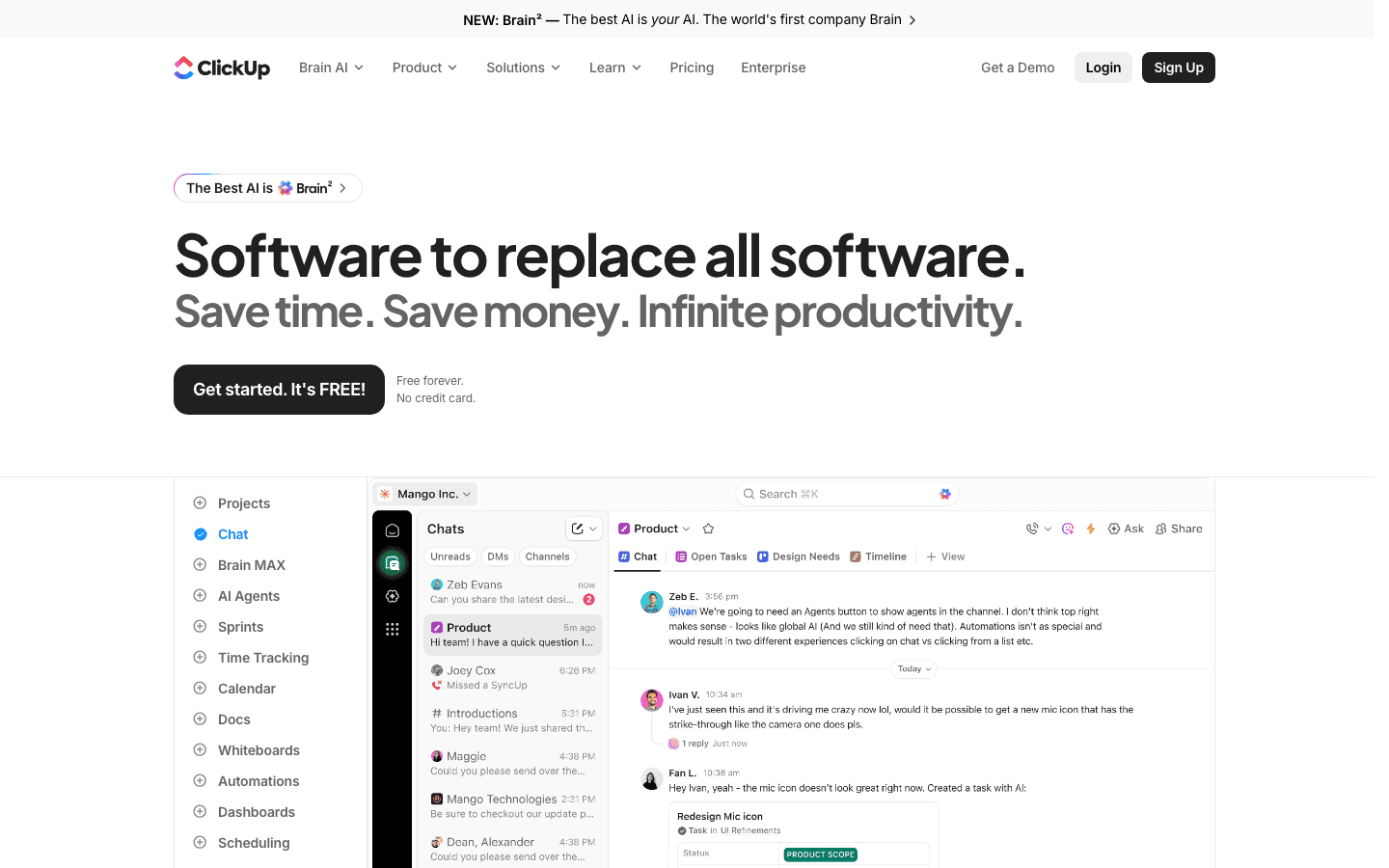
ClickUp is the tool most commonly recommended to people leaving Asana. It replicates essentially everything Asana does at a lower price point, while adding views and features that Asana charges more for. The everything-in-one pitch is real: you can manage tasks, documents, goals, time tracking, and communication inside a single workspace.
The trade-off is complexity. ClickUp has a steeper learning curve than Asana, and its interface can feel cluttered until you have customized it to match your workflow. Teams that invest time in setup tend to stick with it, and block scheduling within ClickUp is one of the most effective ways to stay on top of multiple workstreams. Teams that want something they can use on day one may find it overwhelming.
Key Features: Tasks, docs, time tracking, goals, dashboards, automations, multiple views (list, board, calendar, Gantt), AI assistant
Free tier is genuinely functional with unlimited tasks
More views included at lower price than Asana
Built-in time tracking and goal tracking
Strong mobile app
Interface complexity can slow onboarding
Automations can be unreliable at the free tier
Notification volume can be high without careful configuration
Pricing: Free (unlimited tasks); $7/user/month (Unlimited, annual); $12/user/month (Business)
Best for: Teams moving from Asana who need a full-featured replacement at lower cost
3. Monday.com: Best for Visual Teams
Highly visual, easy to get started, and popular with non-technical teams.
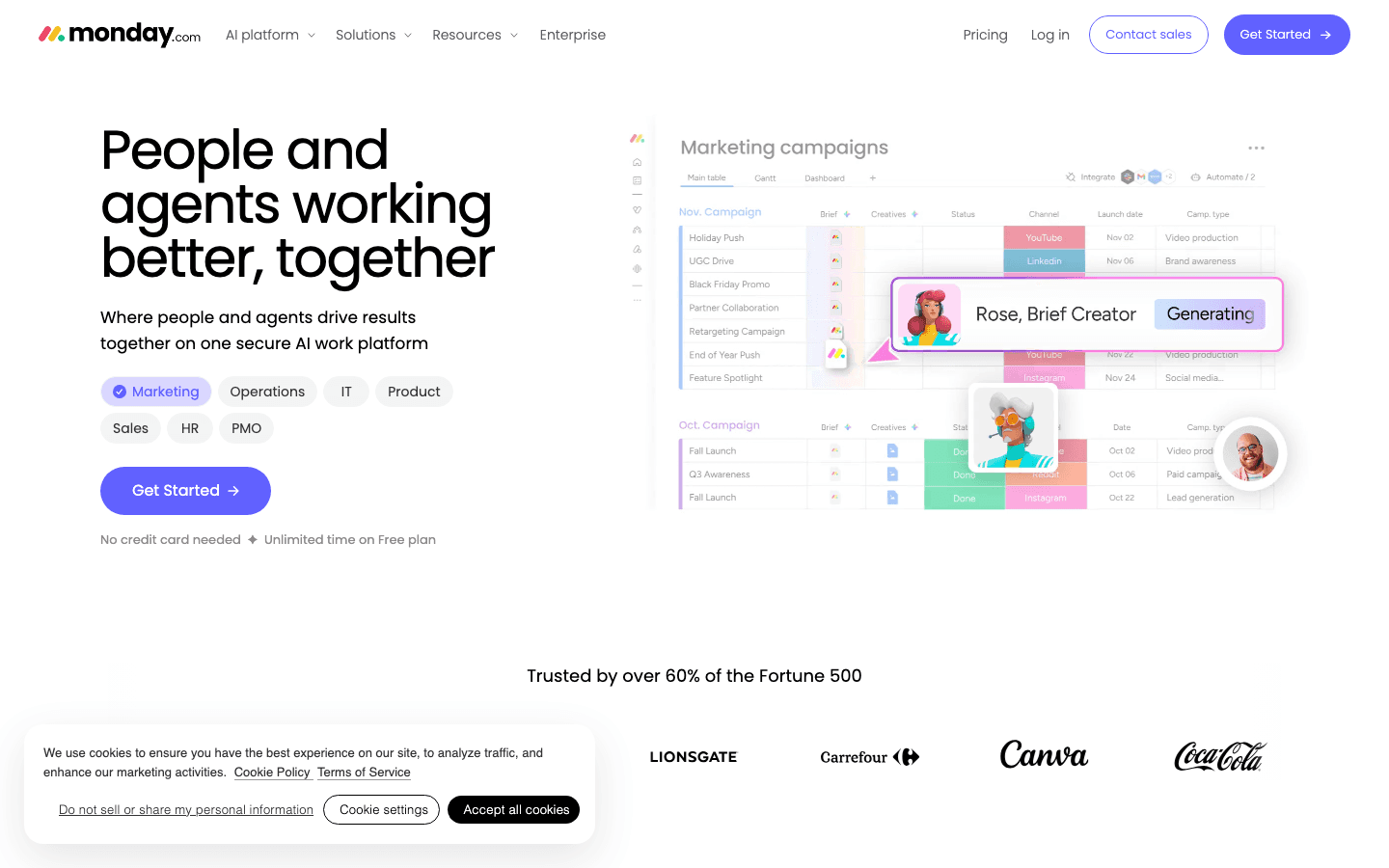
Monday.com prioritizes visual clarity above almost everything else. Its default board view is colorful, drag-and-drop intuitive, and easy to understand without training. Non-technical teams, especially in marketing, operations, and client services, frequently cite it as easier to get buy-in for than Asana because it looks less like software and more like a dashboard people want to open.
The functionality is solid: multiple views, automations, integrations with most common tools, and a clean mobile app. The main criticism is pricing, which gets expensive quickly for larger teams since it charges per seat with a minimum user count.
Key Features: Visual board, timeline, calendar, Gantt, automations, dashboards, integrations, AI features
Lowest learning curve of any Asana alternative
Best-looking interface for stakeholder presentations
Strong automation library
Free tier available for up to 2 users
Minimum 3-seat requirement on paid plans
Costs more per user than ClickUp at comparable tiers
Less powerful for complex technical project tracking
Pricing: Free (up to 2 users); from $9/user/month (Standard, annual)
Best for: Non-technical teams and anyone who values visual clarity and fast onboarding
4. Notion: Best for Flexible Workspaces
Combines tasks, documents, and databases in one customizable workspace.
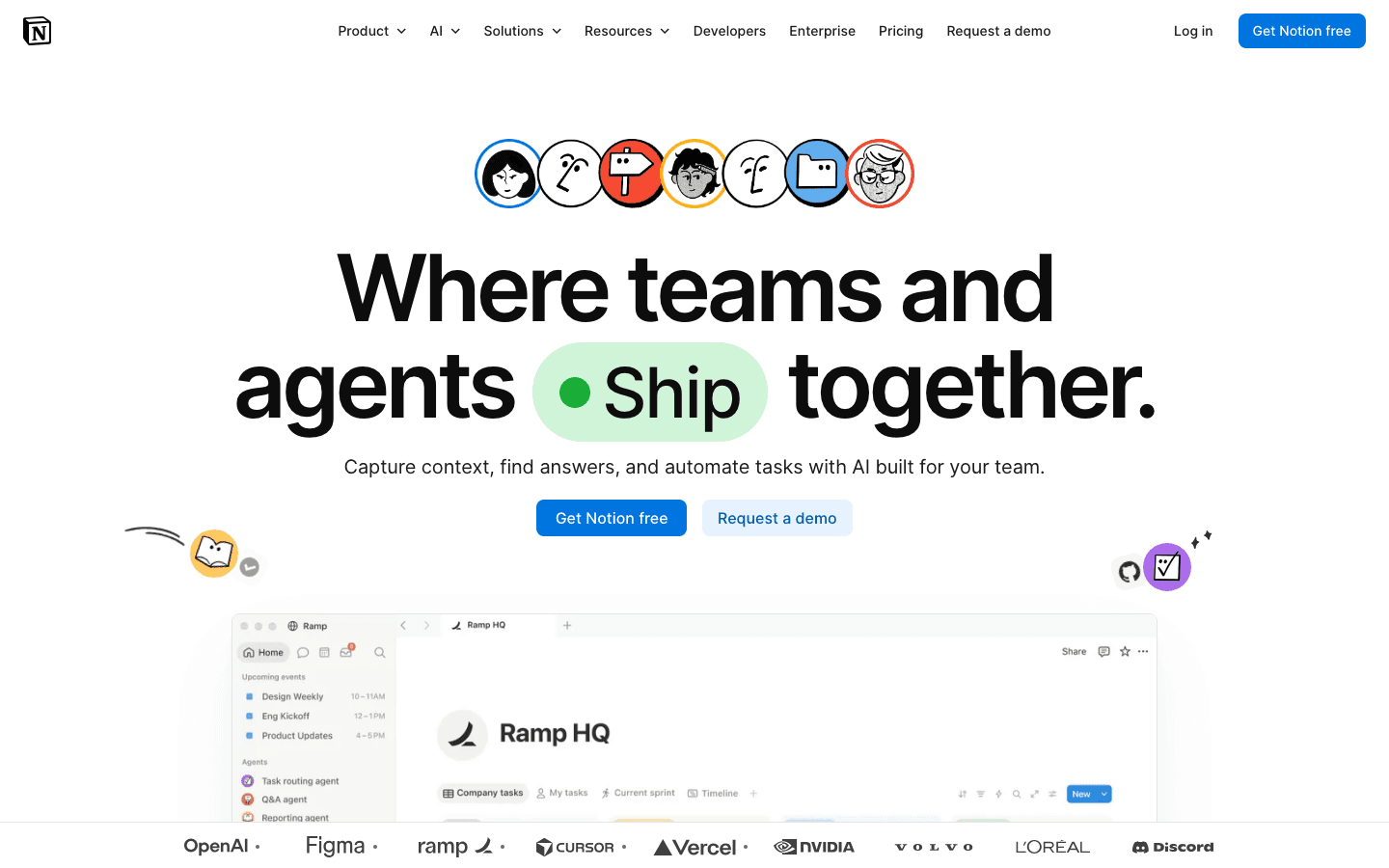
Notion is less a direct Asana replacement and more a flexible workspace that can replace Asana if you configure it correctly. Its core value is that tasks, notes, wikis, and databases can all live in the same place, linked together in whatever structure makes sense for your team. For teams who want a single source of truth that goes beyond project tracking, Notion is the most flexible option on this list.
The trade-off: you get out what you put in. A well-designed Notion workspace is genuinely powerful. A hastily set-up one is a mess. It takes more initial configuration than Asana or Monday.com to reach the same level of day-to-day usability for task management specifically.
Key Features: Databases, wikis, task boards, calendars, AI writing assistant, templates, integrations, Notion Calendar
One platform for tasks, docs, knowledge base, and notes
Highly customizable to match any workflow
Strong free tier for individuals
Active template community reduces setup time
Requires upfront setup to be effective for task management
Less intuitive for pure task tracking without configuration
Mobile app weaker than competitors for quick task capture
Pricing: Free (unlimited pages); $10/user/month (Plus, annual)
Best for: Teams that want one place for everything, not just task management
5. Trello: Best for Simple Kanban Tracking
The simplest option for teams that just need boards, lists, and cards.
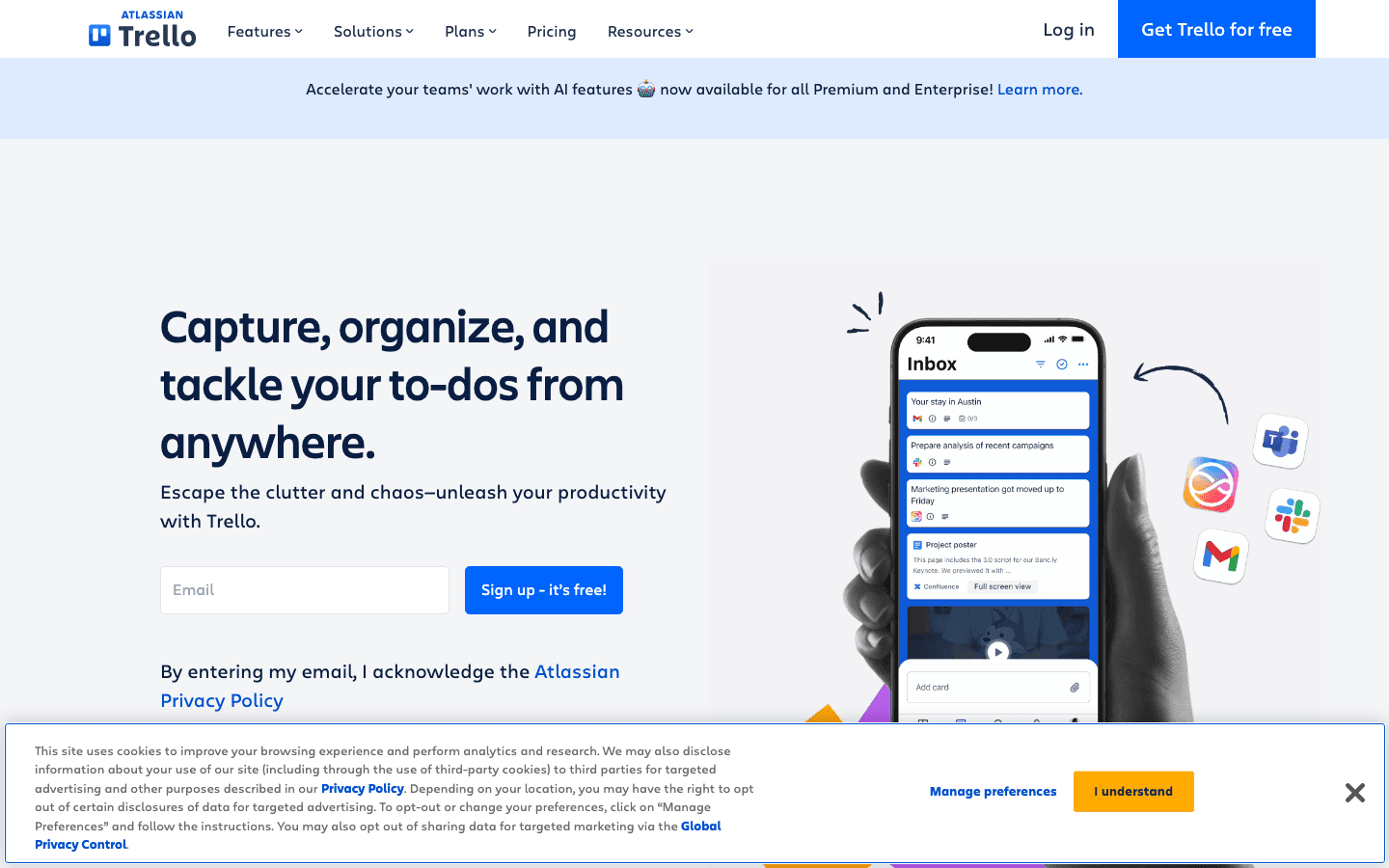
Trello is the original kanban-board task manager, and it is still one of the best for straightforward use cases. If your team needs to track what is to do, in progress, and done, without complex project hierarchies, dependencies, or reporting, Trello does the job faster and with less friction than Asana.
It is not a full project management platform. There is no workload balancing, no built-in time tracking, and limited reporting. But for teams that want something simple that works on day one without a learning curve, Trello earns its place as the least complex option on this list. The free tier is also genuinely workable, covering unlimited cards and most core features.
Key Features: Kanban boards, lists, cards, attachments, checklists, Power-Ups (integrations), calendar view, automation (Butler)
Easiest onboarding of any tool on this list
Excellent free tier (up to 10 boards per workspace)
Clean mobile app for capturing tasks quickly
No learning curve for teams new to project management tools
Limited views beyond kanban (calendar and timeline require paid plan)
Not suited for complex multi-project tracking
Reporting and analytics are minimal
Pricing: Free (unlimited cards, 10 boards); $5/user/month (Standard, annual)
Best for: Small teams that want simple kanban boards without configuration overhead
6. Todoist: Best Lightweight Task Manager
Clean, fast task management for individuals who want a reliable to-do system.
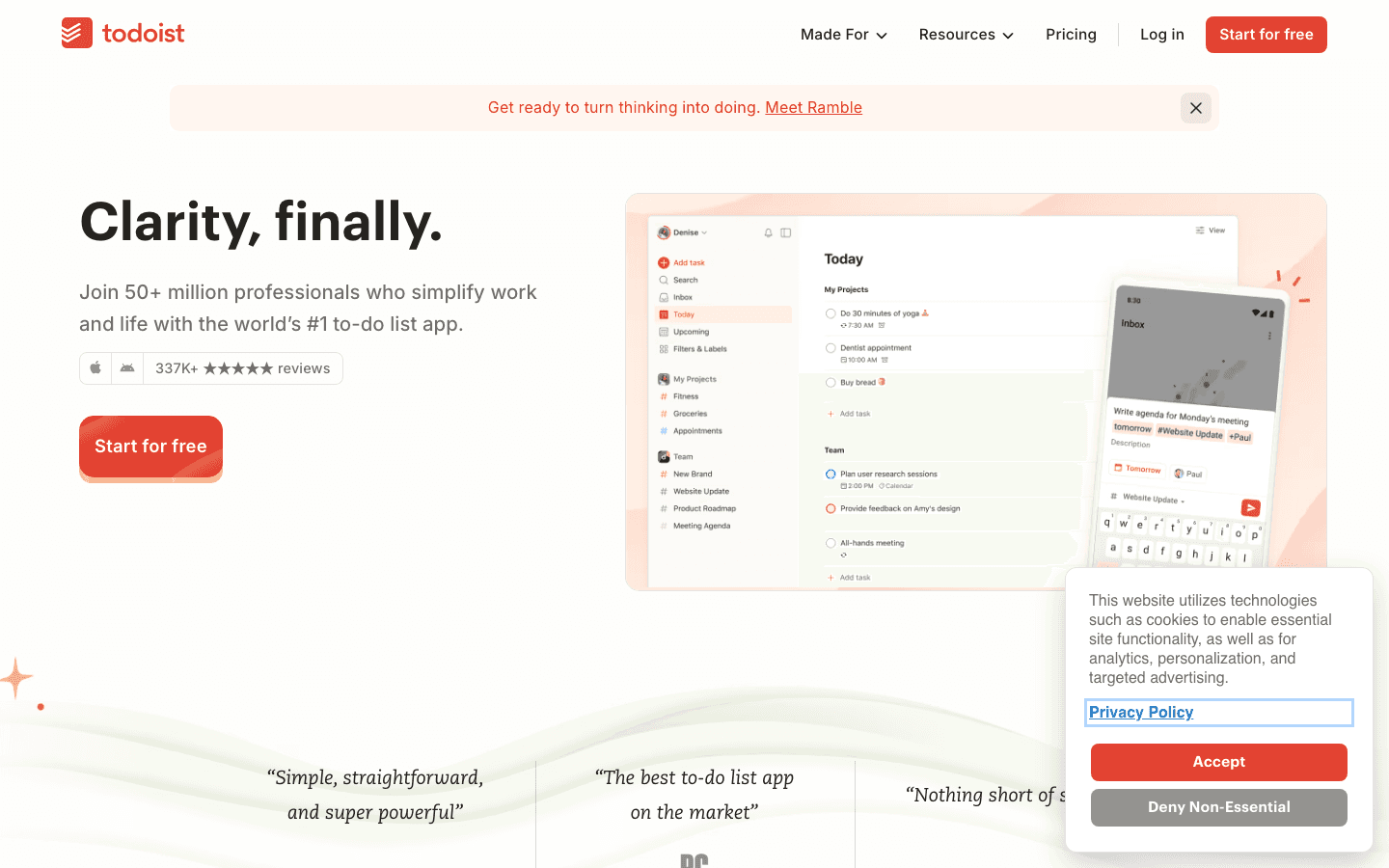
Todoist is not a project management platform in the Asana sense. It is a personal task manager built around lists, priorities, due dates, and filters. If you are an individual who used Asana primarily to manage your own tasks rather than to coordinate a team, Todoist is the cleanest and fastest replacement.
What it does well: natural language input, a clean interface across every platform (web, iOS, Android, desktop, browser extension), and genuinely reliable reminders. The free tier handles 5 projects, which is enough for many individuals. The Pro upgrade at $5/month annual adds 300 projects, custom filters, and full reporting history. For a more structured take on Todoist's plans, see our Todoist alternatives breakdown.
Key Features: Task lists, natural language input, priorities, due dates, recurring tasks, labels, filters, calendar integration, AI assist
The fastest task capture of any app on this list
Consistent and polished across all platforms
Natural language input is best-in-class
Free tier is workable for individuals with simple needs
Not suited for team project coordination
Limited views (no built-in Gantt or workload view)
No time blocking or scheduling intelligence
Pricing: Free (5 projects); $5/month (Pro, annual)
Best for: Individuals who want reliable, clean personal task management without team features
Which Asana Alternative Is Right for You?
You want smart scheduling, not just task lists: Lifestack. It is the only option that schedules your tasks for you based on your energy and available time.
You are leaving Asana for a team and need everything Asana does: ClickUp or Monday.com. ClickUp if you want more features for less money. Monday.com if ease of use is the priority.
You want one place for tasks, notes, and team knowledge: Notion. Budget setup time before expecting it to replace Asana out of the box.
You used Asana for simple personal task tracking: Todoist. It does this one thing better than Asana and costs a fraction of the price.
Your team just needs boards and nothing else: Trello. It is the simplest and fastest to deploy, with a free tier that most small teams never need to upgrade from.
For individuals in particular, the key upgrade Lifestack provides over Todoist or Asana is energy management built into the schedule. Rather than just tracking what needs to get done, it tells you when to do it, and matches the hardest work to your sharpest hours. That distinction matters when you are the entire project team.
Frequently Asked Questions
What is the best free Asana alternative?
ClickUp has the most generous free tier of the major Asana alternatives: unlimited tasks, unlimited members, and most core views. Trello's free tier is also genuinely functional for small teams with straightforward kanban needs. Notion's free tier works well for individuals. Monday.com's free tier is limited to 2 users.
Is Monday.com better than Asana?
For visual teams and non-technical users, Monday.com is generally rated as easier to learn and adopt. Asana has more depth in workflow automation and project hierarchy for complex enterprise use cases. For most small teams, Monday.com's lower learning curve outweighs Asana's additional features.
Is ClickUp a good Asana alternative?
Yes. ClickUp is the most direct Asana competitor in terms of feature parity. It covers everything Asana does, adds features like time tracking and goals, and costs less per user. The trade-off is a more complex interface that takes longer to configure correctly.
What is the simplest alternative to Asana?
Trello is the simplest tool on this list. It has almost no learning curve, an excellent mobile app, and a free tier that works for most basic team task tracking. If your needs are primarily "to do, in progress, done," Trello handles that better and faster than any other option here.
Can Notion replace Asana?
Yes, for teams willing to invest setup time. Notion requires more configuration to match Asana's out-of-the-box project management functionality, but its flexibility means you can build workflows that match your specific needs more closely than Asana's fixed structure allows. For teams that already use Notion as a knowledge base, consolidating task management there makes practical sense.
What is the best Asana alternative for personal use?
Todoist is the cleanest personal task manager if you want a simple and reliable to-do list. Lifestack is the better choice if you want your tasks automatically scheduled into your calendar based on when you have the energy and time to do them, a meaningfully different (and more useful) capability than a task list that just tracks what exists.
Asana is one of the most recognized names in project management. It is powerful, flexible, and used by teams at companies of all sizes. It is also, for a lot of individuals and small teams, more than they need and more than they want to pay. If you are looking for something simpler, cheaper, or better suited to how you actually work, there are strong alternatives worth considering.
This guide covers the six best Asana alternatives in 2026. We tested each one across the factors that matter most for individual contributors and small teams: ease of use, task and project organization, calendar and scheduling integrations, mobile experience, and pricing. The list includes options for every budget, including genuinely useful free tiers.
If you need help managing multiple projects without the overhead of enterprise software, one of these should fit.
Key Takeaways
The best Asana alternative depends on why you are leaving: too expensive, too complex, missing scheduling, or missing energy awareness.
Lifestack stands out for individuals who want automatic time-blocking and energy-aware scheduling built into their task management.
ClickUp and Monday.com are the strongest like-for-like replacements for teams that need Asana's full feature set at a lower price point.
Quick Guide
1. Lifestack: AI-powered energy-aware scheduling for individuals
2. ClickUp: Most feature-complete Asana alternative for teams
3. Monday.com: Visual and intuitive, great for non-technical teams
4. Notion: Flexible workspace combining tasks, docs, and databases
5. Trello: Simple kanban boards for straightforward task tracking
6. Todoist: Clean, lightweight task management for individuals
How We Evaluated These Asana Alternatives
Task and project organization (lists, boards, custom views)
Calendar and scheduling integration quality
Ease of setup and daily use without training
Mobile app quality for capturing and reviewing tasks on the go
Free tier generosity and value at paid tiers
Unique capabilities not available in Asana
1. Lifestack: Best Asana Alternative for Individuals
The only alternative that automatically schedules your tasks based on your energy levels.
Lifestack approaches task management from a different angle than Asana. Where Asana organizes your work into projects and assigns deadlines, Lifestack takes things a step further: it automatically schedules when you will do each task, based on how demanding the work is and when your cognitive energy is actually highest during the day.
For individual contributors, freelancers, and people managing their own workload, this makes a meaningful difference. You stop deciding when to work on things and start having a calendar that intelligently protects your best hours for your hardest work. Energy-based scheduling is the core differentiator here, and no other app on this list does it.
Key Features: Automatic time-blocking, energy-aware task scheduling, calendar sync, task management, mobile app, Chrome extension
Schedules tasks automatically, not just organizes them
Protects high-energy hours for demanding work
Clean and focused interface without enterprise overhead
iOS, Android, and Chrome extension for full coverage
Designed for individual use, not large team project tracking
Less suited for multi-team workflows requiring complex dependencies
No free tier (but 7-day free trial on annual plan)
Pricing: $7/month, $50/year (7-day free trial on annual), or $120 lifetime
Best for: Individuals and knowledge workers who want smart scheduling, not just a task list
2. ClickUp: Best for Teams Replacing Asana
The most feature-complete Asana alternative, with a generous free tier.
ClickUp is the tool most commonly recommended to people leaving Asana. It replicates essentially everything Asana does at a lower price point, while adding views and features that Asana charges more for. The everything-in-one pitch is real: you can manage tasks, documents, goals, time tracking, and communication inside a single workspace.
The trade-off is complexity. ClickUp has a steeper learning curve than Asana, and its interface can feel cluttered until you have customized it to match your workflow. Teams that invest time in setup tend to stick with it, and block scheduling within ClickUp is one of the most effective ways to stay on top of multiple workstreams. Teams that want something they can use on day one may find it overwhelming.
Key Features: Tasks, docs, time tracking, goals, dashboards, automations, multiple views (list, board, calendar, Gantt), AI assistant
Free tier is genuinely functional with unlimited tasks
More views included at lower price than Asana
Built-in time tracking and goal tracking
Strong mobile app
Interface complexity can slow onboarding
Automations can be unreliable at the free tier
Notification volume can be high without careful configuration
Pricing: Free (unlimited tasks); $7/user/month (Unlimited, annual); $12/user/month (Business)
Best for: Teams moving from Asana who need a full-featured replacement at lower cost
3. Monday.com: Best for Visual Teams
Highly visual, easy to get started, and popular with non-technical teams.
Monday.com prioritizes visual clarity above almost everything else. Its default board view is colorful, drag-and-drop intuitive, and easy to understand without training. Non-technical teams, especially in marketing, operations, and client services, frequently cite it as easier to get buy-in for than Asana because it looks less like software and more like a dashboard people want to open.
The functionality is solid: multiple views, automations, integrations with most common tools, and a clean mobile app. The main criticism is pricing, which gets expensive quickly for larger teams since it charges per seat with a minimum user count.
Key Features: Visual board, timeline, calendar, Gantt, automations, dashboards, integrations, AI features
Lowest learning curve of any Asana alternative
Best-looking interface for stakeholder presentations
Strong automation library
Free tier available for up to 2 users
Minimum 3-seat requirement on paid plans
Costs more per user than ClickUp at comparable tiers
Less powerful for complex technical project tracking
Pricing: Free (up to 2 users); from $9/user/month (Standard, annual)
Best for: Non-technical teams and anyone who values visual clarity and fast onboarding
4. Notion: Best for Flexible Workspaces
Combines tasks, documents, and databases in one customizable workspace.
Notion is less a direct Asana replacement and more a flexible workspace that can replace Asana if you configure it correctly. Its core value is that tasks, notes, wikis, and databases can all live in the same place, linked together in whatever structure makes sense for your team. For teams who want a single source of truth that goes beyond project tracking, Notion is the most flexible option on this list.
The trade-off: you get out what you put in. A well-designed Notion workspace is genuinely powerful. A hastily set-up one is a mess. It takes more initial configuration than Asana or Monday.com to reach the same level of day-to-day usability for task management specifically.
Key Features: Databases, wikis, task boards, calendars, AI writing assistant, templates, integrations, Notion Calendar
One platform for tasks, docs, knowledge base, and notes
Highly customizable to match any workflow
Strong free tier for individuals
Active template community reduces setup time
Requires upfront setup to be effective for task management
Less intuitive for pure task tracking without configuration
Mobile app weaker than competitors for quick task capture
Pricing: Free (unlimited pages); $10/user/month (Plus, annual)
Best for: Teams that want one place for everything, not just task management
5. Trello: Best for Simple Kanban Tracking
The simplest option for teams that just need boards, lists, and cards.
Trello is the original kanban-board task manager, and it is still one of the best for straightforward use cases. If your team needs to track what is to do, in progress, and done, without complex project hierarchies, dependencies, or reporting, Trello does the job faster and with less friction than Asana.
It is not a full project management platform. There is no workload balancing, no built-in time tracking, and limited reporting. But for teams that want something simple that works on day one without a learning curve, Trello earns its place as the least complex option on this list. The free tier is also genuinely workable, covering unlimited cards and most core features.
Key Features: Kanban boards, lists, cards, attachments, checklists, Power-Ups (integrations), calendar view, automation (Butler)
Easiest onboarding of any tool on this list
Excellent free tier (up to 10 boards per workspace)
Clean mobile app for capturing tasks quickly
No learning curve for teams new to project management tools
Limited views beyond kanban (calendar and timeline require paid plan)
Not suited for complex multi-project tracking
Reporting and analytics are minimal
Pricing: Free (unlimited cards, 10 boards); $5/user/month (Standard, annual)
Best for: Small teams that want simple kanban boards without configuration overhead
6. Todoist: Best Lightweight Task Manager
Clean, fast task management for individuals who want a reliable to-do system.
Todoist is not a project management platform in the Asana sense. It is a personal task manager built around lists, priorities, due dates, and filters. If you are an individual who used Asana primarily to manage your own tasks rather than to coordinate a team, Todoist is the cleanest and fastest replacement.
What it does well: natural language input, a clean interface across every platform (web, iOS, Android, desktop, browser extension), and genuinely reliable reminders. The free tier handles 5 projects, which is enough for many individuals. The Pro upgrade at $5/month annual adds 300 projects, custom filters, and full reporting history. For a more structured take on Todoist's plans, see our Todoist alternatives breakdown.
Key Features: Task lists, natural language input, priorities, due dates, recurring tasks, labels, filters, calendar integration, AI assist
The fastest task capture of any app on this list
Consistent and polished across all platforms
Natural language input is best-in-class
Free tier is workable for individuals with simple needs
Not suited for team project coordination
Limited views (no built-in Gantt or workload view)
No time blocking or scheduling intelligence
Pricing: Free (5 projects); $5/month (Pro, annual)
Best for: Individuals who want reliable, clean personal task management without team features
Which Asana Alternative Is Right for You?
You want smart scheduling, not just task lists: Lifestack. It is the only option that schedules your tasks for you based on your energy and available time.
You are leaving Asana for a team and need everything Asana does: ClickUp or Monday.com. ClickUp if you want more features for less money. Monday.com if ease of use is the priority.
You want one place for tasks, notes, and team knowledge: Notion. Budget setup time before expecting it to replace Asana out of the box.
You used Asana for simple personal task tracking: Todoist. It does this one thing better than Asana and costs a fraction of the price.
Your team just needs boards and nothing else: Trello. It is the simplest and fastest to deploy, with a free tier that most small teams never need to upgrade from.
For individuals in particular, the key upgrade Lifestack provides over Todoist or Asana is energy management built into the schedule. Rather than just tracking what needs to get done, it tells you when to do it, and matches the hardest work to your sharpest hours. That distinction matters when you are the entire project team.
Frequently Asked Questions
What is the best free Asana alternative?
ClickUp has the most generous free tier of the major Asana alternatives: unlimited tasks, unlimited members, and most core views. Trello's free tier is also genuinely functional for small teams with straightforward kanban needs. Notion's free tier works well for individuals. Monday.com's free tier is limited to 2 users.
Is Monday.com better than Asana?
For visual teams and non-technical users, Monday.com is generally rated as easier to learn and adopt. Asana has more depth in workflow automation and project hierarchy for complex enterprise use cases. For most small teams, Monday.com's lower learning curve outweighs Asana's additional features.
Is ClickUp a good Asana alternative?
Yes. ClickUp is the most direct Asana competitor in terms of feature parity. It covers everything Asana does, adds features like time tracking and goals, and costs less per user. The trade-off is a more complex interface that takes longer to configure correctly.
What is the simplest alternative to Asana?
Trello is the simplest tool on this list. It has almost no learning curve, an excellent mobile app, and a free tier that works for most basic team task tracking. If your needs are primarily "to do, in progress, done," Trello handles that better and faster than any other option here.
Can Notion replace Asana?
Yes, for teams willing to invest setup time. Notion requires more configuration to match Asana's out-of-the-box project management functionality, but its flexibility means you can build workflows that match your specific needs more closely than Asana's fixed structure allows. For teams that already use Notion as a knowledge base, consolidating task management there makes practical sense.
What is the best Asana alternative for personal use?
Todoist is the cleanest personal task manager if you want a simple and reliable to-do list. Lifestack is the better choice if you want your tasks automatically scheduled into your calendar based on when you have the energy and time to do them, a meaningfully different (and more useful) capability than a task list that just tracks what exists.



FOLLOW ON
FOLLOW ON
FOLLOW ON


Copyright 2026 © Lifestack. All rights reserved
Copyright 2026 © Lifestack. All rights reserved

