
App
Best Apps for Self Improvement in 2026
Best Apps for Self Improvement in 2026

Self-improvement apps have a reputation for being gimmicky. But the right ones solve a real problem: the gap between knowing what you should do and actually doing it consistently. A well-designed app reduces friction, provides structure, and gives you a system that runs even when your motivation does not.
We looked at dozens of apps across planning, meditation, journaling, habit tracking, and learning to find the ones that earn a permanent place on your phone. These six made the cut.
Key Takeaways
The best self-improvement apps work with your existing routines rather than demanding a complete lifestyle overhaul
Energy-aware planning (Lifestack), consistent journaling (Day One), and deliberate skill-building (Duolingo) form the core of a strong personal growth stack
Most of these apps have free tiers worth trying before committing to a subscription
Quick Guide
Lifestack : best for energy-aware daily planning
Headspace : best for building a meditation habit
Day One : best for journaling and reflection
Notion : best for personal organization and goal tracking
Duolingo : best for daily skill-building
Fabulous : best for habit formation and daily routines
How We Evaluated
Does it actually change behavior, or just track it passively?
Is the core functionality available without a paid subscription?
Does it fit into a normal day without requiring 30-minute setup sessions?
Has it received consistent positive feedback from long-term users, not just new converts?
1. Lifestack
Best for: daily planning built around your energy, not just your time

Lifestack is a smart daily planner that reads your sleep, recovery, and focus data to build a schedule matched to your actual energy levels. Instead of filling time blocks arbitrarily, it puts deep work in your peak hours and lighter tasks in your low-energy windows automatically.
Most self-improvement efforts fail because of one structural problem: people try to do hard things at the wrong time of day. Lifestack solves this at the system level. It connects with Oura, Apple Health, and your existing calendar to give you a daily plan that reflects where you actually are, not where you think you should be.
Energy-aware task scheduling based on real biometric data
Syncs with Apple Calendar, Google Calendar, and Oura Ring
Available on iOS, Android, and via Chrome extension
Auto-schedules tasks into your best focus windows without manual matching
What Works
Removes the daily decision overhead of figuring out what to tackle when
Pairs well with any goal system: it handles the scheduling layer, you handle the goal-setting layer
Particularly effective for people with variable energy (including ADHD) because the schedule adapts to your data rather than assuming a fixed pattern
Limitations
Benefits are most visible when connected to a wearable for sleep/recovery data
No free tier; the full product requires a paid subscription
Pricing: $7/month or $50/year; annual plan includes a 7-day free trial
Best for: anyone who wants their daily schedule to work with their biology instead of against it. Read more about how energy-based scheduling works and why it outperforms standard time-blocking.
2. Headspace
Best for: building a sustainable meditation and mindfulness habit
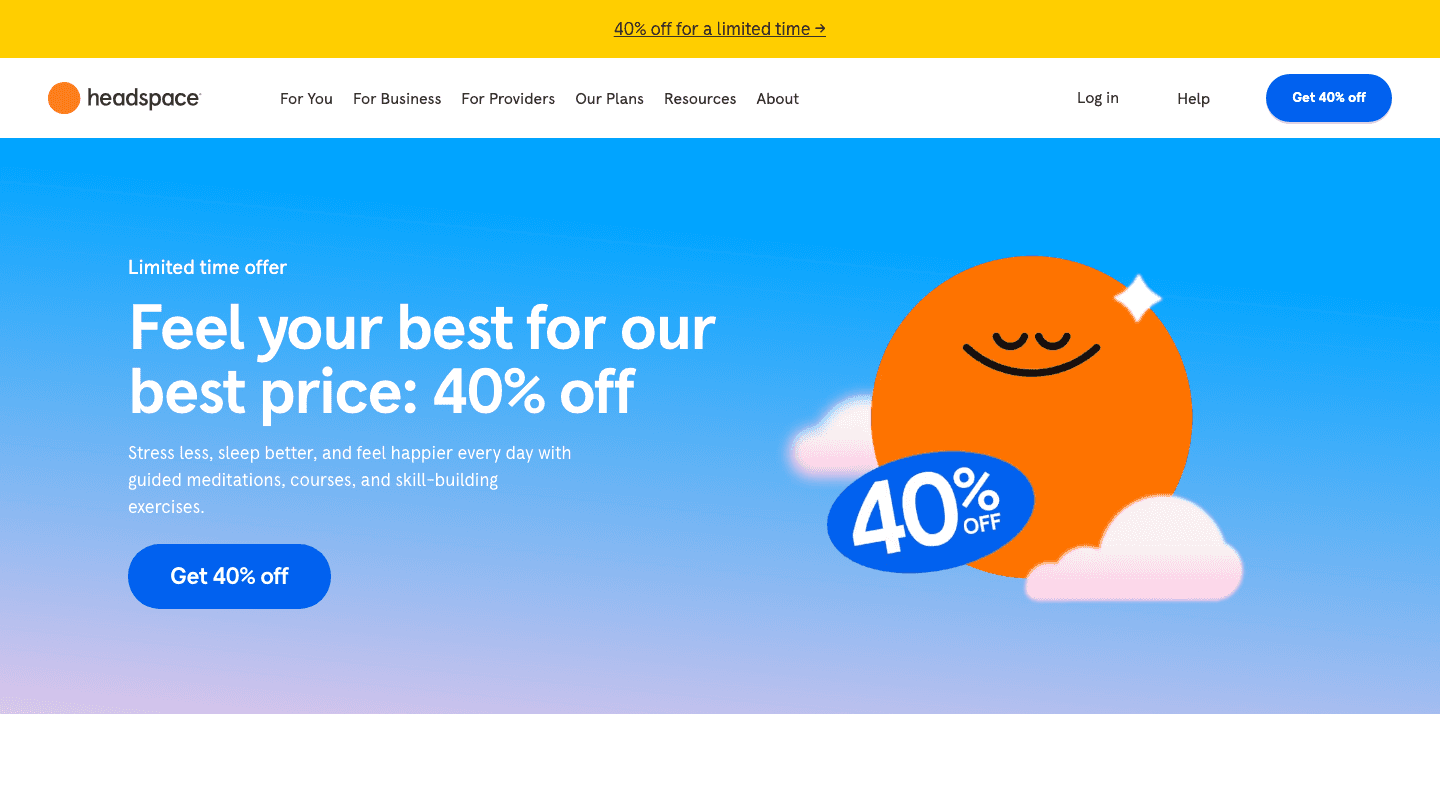
Headspace is one of the most polished meditation apps available. Its guided sessions are structured as short, beginner-friendly courses rather than standalone sessions, which means you build context over time rather than meditating in a vacuum. The sleep content, specifically the sleepcasts and wind-down exercises, is among the best in the category.
Where Headspace stands out is accessibility. Sessions start at three minutes. The design is calm and non-intimidating. For anyone who has bounced off meditation before because it felt too woo or too vague, Headspace is the most practical entry point available.
Structured beginner, intermediate, and advanced meditation courses
Sleep content including sleepcasts, music, and bedtime meditations
Stress and anxiety exercises for use throughout the day
Mindful movement sessions (walking, yoga, body scan)
What Works
The course structure creates a real sense of progression, not just session logging
Consistently one of the highest-rated meditation apps for new practitioners
Limitations
Limited free content; most courses require a subscription
Less effective if you prefer unguided or teacher-specific meditation styles
Pricing: 14-day free trial; see headspace.com/subscriptions for current plans
Best for: people new to meditation who want structure and guidance rather than open-ended practice.
3. Day One
Best for: journaling, reflection, and personal record-keeping
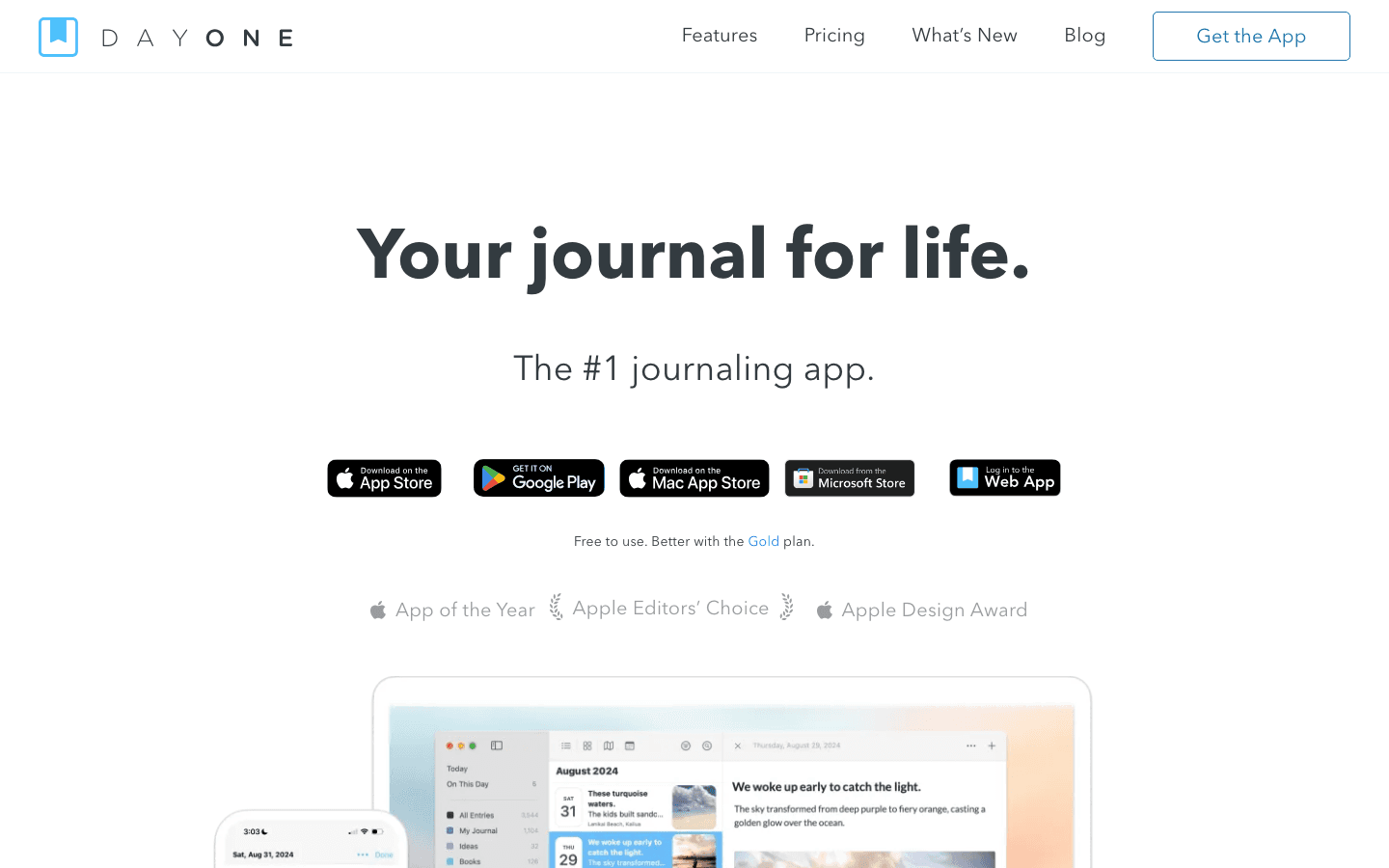
Day One is the journaling app that people actually stick with. Its design is clean and fast enough that writing an entry takes seconds, not minutes. Memories resurface entries from the same day in past years. Tags and search make finding specific entries genuinely easy. End-to-end encryption keeps everything private.
Journaling sits at the foundation of most self-improvement frameworks. It externalizes your thinking, surfaces patterns you would otherwise miss, and builds the self-awareness that makes every other growth effort more targeted. Day One is the most frictionless way to make journaling a daily habit.
Unlimited text entries with optional photos, audio, and video on paid plans
Multi-device sync across iOS, macOS, Android, and web
Memories feature resurfaces past entries from the same calendar day
Daily prompts and templates to eliminate blank-page resistance
What Works
Writing an entry is faster than most journaling apps because of minimal friction in the UI
The free tier is genuinely useful, not artificially restricted
Limitations
Multi-device sync and media require a paid plan
No collaborative features; designed for solo use
Pricing: Free tier available; Silver plan $49.99/year (includes multi-device sync and unlimited photos)
Best for: anyone building a daily routine who wants a record of their growth over time. Day One pairs particularly well with a morning routine for reflection.
4. Notion
Best for: personal organization, goal tracking, and building your own systems
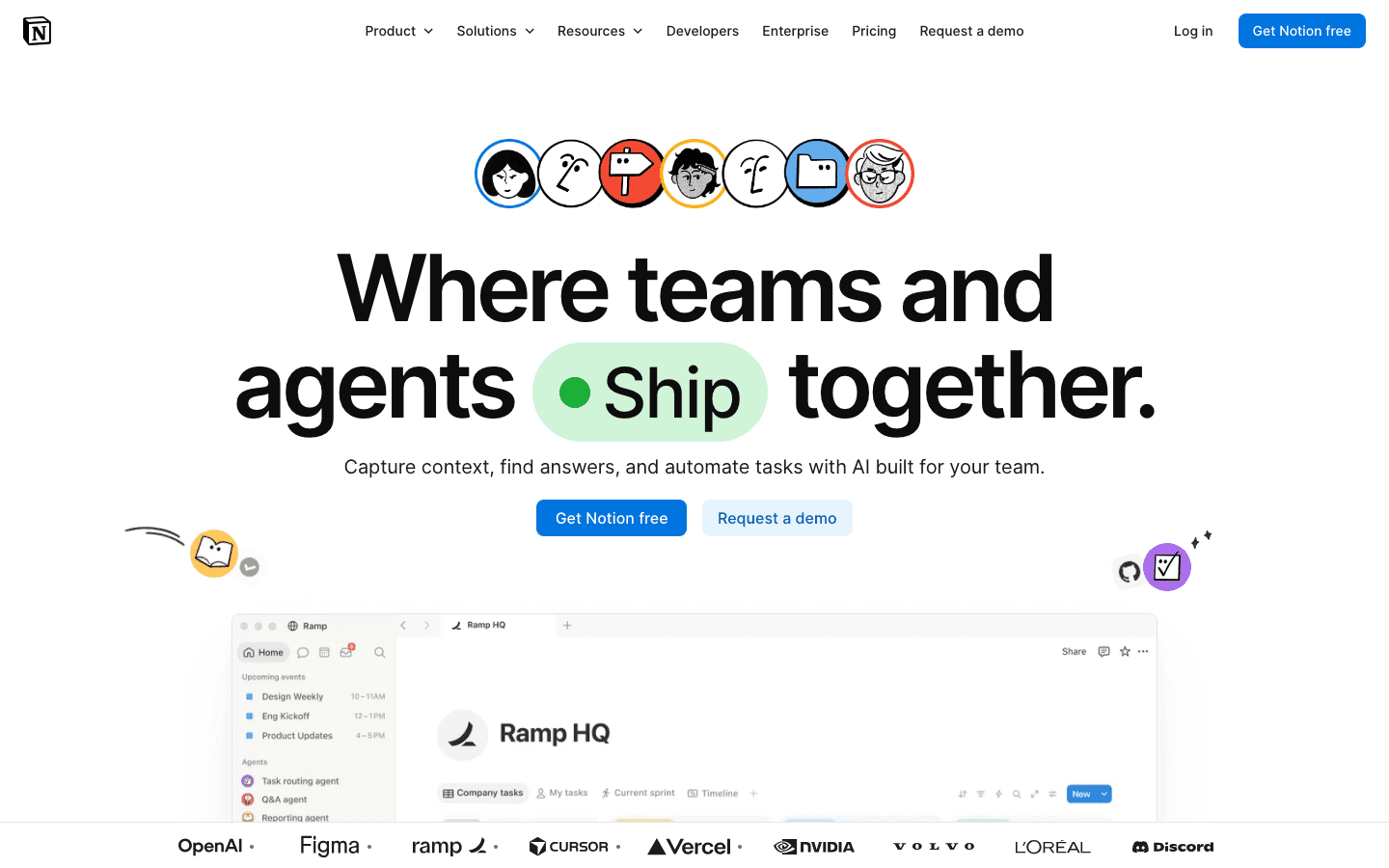
Notion is a blank-canvas productivity tool that rewards people willing to invest a few hours setting it up. You can build anything from a simple goal-tracking page to a complete personal OS with habit logs, reading lists, project databases, and weekly review templates. The free tier is generous enough that most individuals never need to pay.
For self-improvement specifically, Notion excels as the place where your goals live and your progress gets logged. Unlike apps built around a fixed system, Notion lets you build the system that fits your actual goals rather than adapting your goals to fit the app.
Databases, tables, kanban boards, calendars, and gallery views for any use case
AI features for summarizing, writing, and organizing content
Templates for goal tracking, habit logs, reading lists, and journals
Generous free tier; available on web, iOS, Android, and desktop
What Works
Flexible enough to house your entire self-improvement system in one place
Strong community of shared templates means you rarely need to build from scratch
Limitations
The blank-canvas flexibility can be overwhelming for people who want a structured system out of the box
Mobile experience is slower than dedicated apps for quick capture
Pricing: Free for personal use; Plus plan $10/month per member
Best for: people who want to build a personalized goal and habit system rather than follow a pre-built framework. See personal development resources for ideas on what to track.
5. Duolingo
Best for: building a daily language-learning habit
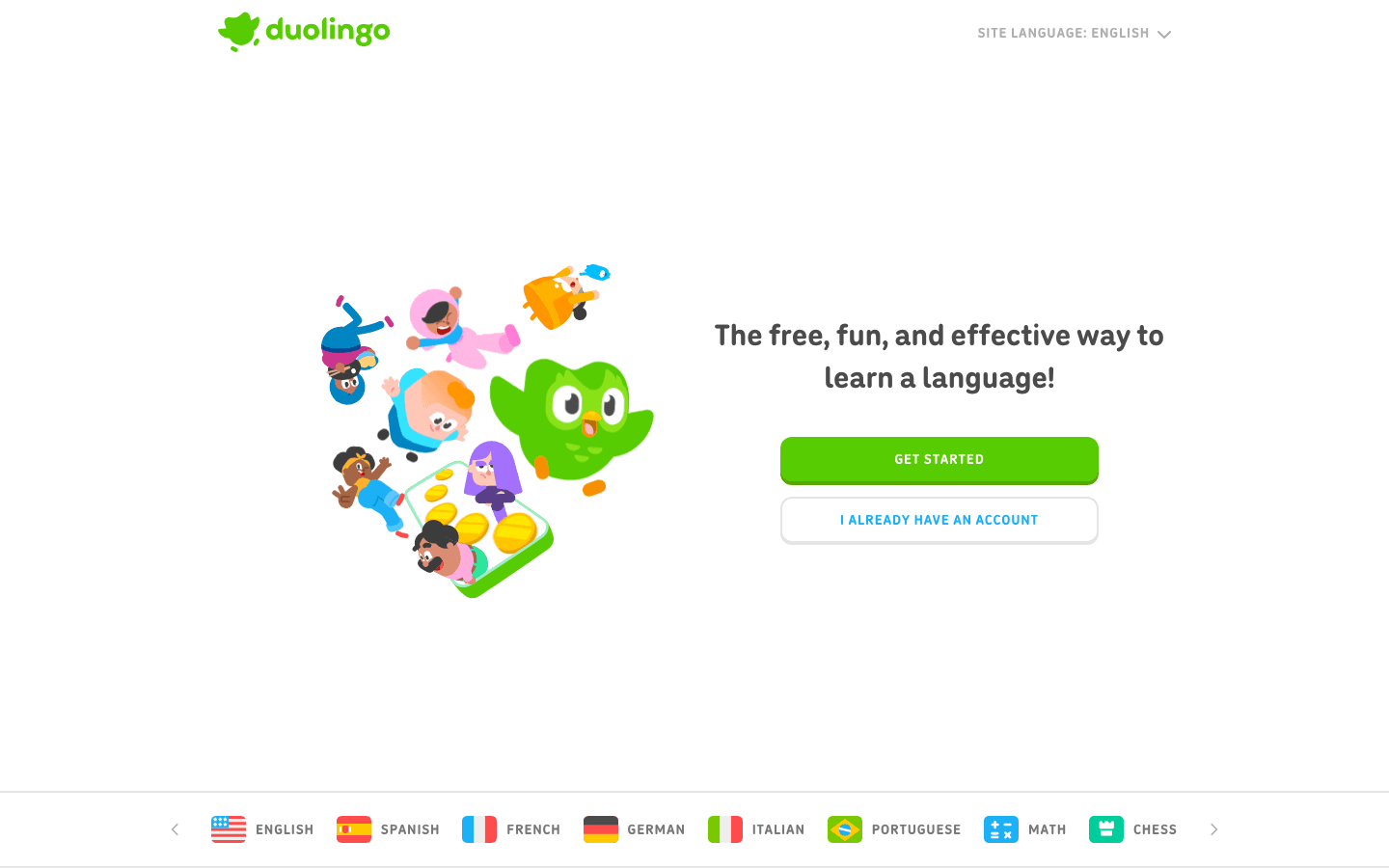
Duolingo is one of the most effective habit-formation engines in consumer software. The streaks, daily goals, and gentle social pressure create a consistency loop that keeps people coming back far longer than most learning apps manage. For language learning specifically, it is the most accessible free option available.
Language learning is one of the highest-return self-improvement investments: it builds cognitive flexibility, opens cultural access, and compounds over years. Duolingo's daily five-minute format means it fits into almost any schedule, which is why the self-improvement case for it starts with the habit design, not just the language learning.
Over 40 languages available; courses range from beginner to advanced
Daily streak system with streak protection features
Bite-sized lessons designed for 5 to 15 minutes per day
Fully free with ads; Super Duolingo removes ads and adds extra features
What Works
Among the stickiest apps in any category; people actually use it daily
The gamification serves a real purpose: it reduces the activation barrier to opening the app
Limitations
Works best as a supplement to other language learning, not a complete standalone program
Gamification can sometimes prioritize streak maintenance over actual language progress
Pricing: Free; Super Duolingo premium available with additional features
Best for: anyone who wants to build a daily skill-building habit around language learning. Works well alongside reading Atomic Habits for understanding the habit loop mechanics underneath the app's design.
6. Fabulous
Best for: building structured morning and evening routines
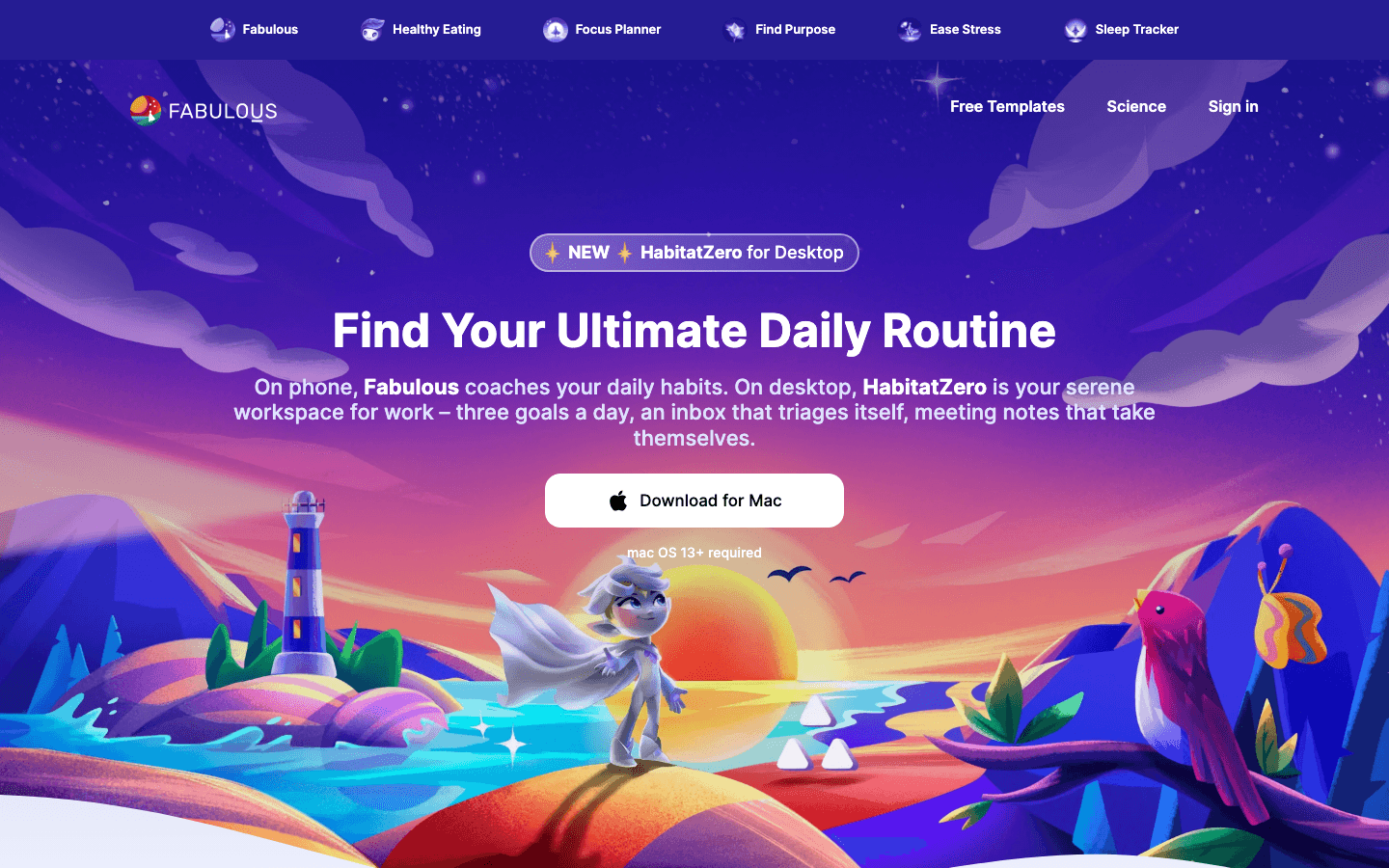
Fabulous takes a behavioral science approach to habit formation. It starts with one habit and builds slowly, adding new behaviors only after the previous ones are established. The philosophy is explicitly anti-overwhelm: you are never asked to change everything at once. That alone separates it from most habit apps.
The content in Fabulous goes beyond simple reminders. There are guided journeys that teach the psychology behind why habits form and break, short exercises for building motivation, and coaches for specific goals. If you want to understand why you behave the way you do while building better defaults, Fabulous is worth exploring.
Structured habit journeys starting with small, achievable behaviors
Coaching content on behavior change, motivation, and routine design
Morning, afternoon, and evening routine templates
Reminders with behavioral nudge techniques built in
What Works
The slow-build approach genuinely reduces the burnout that comes from adding 10 habits at once
Educational content makes users smarter about their own behavior, not just more compliant with a tracker
Limitations
The guided journey format can feel prescriptive for people who prefer building their own system
Premium features require a subscription; pricing available in-app
Pricing: Free to download; subscription pricing available in-app
Best for: people who struggle with consistency and want structured coaching on building routines, not just a tracker. Pairs well with self-discipline examples for practical ideas on what to build first.
Which Self Improvement App Is Right for You?
If your biggest issue is wasted time or poor energy management: start with Lifestack. It addresses the structural layer that everything else depends on
If you want to manage stress and build mental clarity: Headspace gives you a structured path in under 10 minutes a day
If you want to track your growth over time: Day One for private reflection, Notion for goal systems
If you want to learn something new daily: Duolingo for language; the habit it teaches transfers to other skill-building
If you struggle with starting and sticking to routines: Fabulous starts smaller than you think you need, which is usually exactly right
Frequently Asked Questions
What are the best apps for self improvement?
The best apps for self improvement depend on where your growth is stalling. Lifestack addresses time and energy management. Headspace covers stress and mindfulness. Day One builds self-awareness through journaling. Notion organizes your goals. Duolingo builds daily skill-building habits. Fabulous structures your routines. Most people benefit most from picking one and using it consistently rather than installing all six at once.
Are self improvement apps actually effective?
They are effective when they reduce friction for behaviors you already intend to do. They are ineffective when they substitute for the behavior itself. Tracking meditation is not meditating. Designing a Notion goal system is not working toward goals. The apps on this list work best when used as infrastructure for real behavior change, not as endpoints.
What is the best free self improvement app?
Duolingo and Notion both have genuinely useful free tiers. Day One's free plan allows unlimited text entries. Fabulous has free content in its core program. For planning and scheduling specifically, Lifestack offers a 7-day free trial on its annual plan.
Can self improvement apps help with ADHD?
Yes, particularly apps that reduce decision fatigue and provide external structure. Lifestack is especially well-suited because it auto-schedules tasks based on energy data, reducing the task-initiation overhead that ADHD makes harder. Fabulous's slow-build approach also works well because it avoids the all-or-nothing overwhelm that often derails ADHD self-improvement attempts.
How many self improvement apps should I use at once?
One to three, maximum. The most common mistake is downloading a dozen apps, setting them all up enthusiastically, and abandoning all of them within two weeks. Pick the category where your biggest gap is and use one app in that category for 60 days before adding another.
Self-improvement apps have a reputation for being gimmicky. But the right ones solve a real problem: the gap between knowing what you should do and actually doing it consistently. A well-designed app reduces friction, provides structure, and gives you a system that runs even when your motivation does not.
We looked at dozens of apps across planning, meditation, journaling, habit tracking, and learning to find the ones that earn a permanent place on your phone. These six made the cut.
Key Takeaways
The best self-improvement apps work with your existing routines rather than demanding a complete lifestyle overhaul
Energy-aware planning (Lifestack), consistent journaling (Day One), and deliberate skill-building (Duolingo) form the core of a strong personal growth stack
Most of these apps have free tiers worth trying before committing to a subscription
Quick Guide
Lifestack : best for energy-aware daily planning
Headspace : best for building a meditation habit
Day One : best for journaling and reflection
Notion : best for personal organization and goal tracking
Duolingo : best for daily skill-building
Fabulous : best for habit formation and daily routines
How We Evaluated
Does it actually change behavior, or just track it passively?
Is the core functionality available without a paid subscription?
Does it fit into a normal day without requiring 30-minute setup sessions?
Has it received consistent positive feedback from long-term users, not just new converts?
1. Lifestack
Best for: daily planning built around your energy, not just your time
Lifestack is a smart daily planner that reads your sleep, recovery, and focus data to build a schedule matched to your actual energy levels. Instead of filling time blocks arbitrarily, it puts deep work in your peak hours and lighter tasks in your low-energy windows automatically.
Most self-improvement efforts fail because of one structural problem: people try to do hard things at the wrong time of day. Lifestack solves this at the system level. It connects with Oura, Apple Health, and your existing calendar to give you a daily plan that reflects where you actually are, not where you think you should be.
Energy-aware task scheduling based on real biometric data
Syncs with Apple Calendar, Google Calendar, and Oura Ring
Available on iOS, Android, and via Chrome extension
Auto-schedules tasks into your best focus windows without manual matching
What Works
Removes the daily decision overhead of figuring out what to tackle when
Pairs well with any goal system: it handles the scheduling layer, you handle the goal-setting layer
Particularly effective for people with variable energy (including ADHD) because the schedule adapts to your data rather than assuming a fixed pattern
Limitations
Benefits are most visible when connected to a wearable for sleep/recovery data
No free tier; the full product requires a paid subscription
Pricing: $7/month or $50/year; annual plan includes a 7-day free trial
Best for: anyone who wants their daily schedule to work with their biology instead of against it. Read more about how energy-based scheduling works and why it outperforms standard time-blocking.
2. Headspace
Best for: building a sustainable meditation and mindfulness habit
Headspace is one of the most polished meditation apps available. Its guided sessions are structured as short, beginner-friendly courses rather than standalone sessions, which means you build context over time rather than meditating in a vacuum. The sleep content, specifically the sleepcasts and wind-down exercises, is among the best in the category.
Where Headspace stands out is accessibility. Sessions start at three minutes. The design is calm and non-intimidating. For anyone who has bounced off meditation before because it felt too woo or too vague, Headspace is the most practical entry point available.
Structured beginner, intermediate, and advanced meditation courses
Sleep content including sleepcasts, music, and bedtime meditations
Stress and anxiety exercises for use throughout the day
Mindful movement sessions (walking, yoga, body scan)
What Works
The course structure creates a real sense of progression, not just session logging
Consistently one of the highest-rated meditation apps for new practitioners
Limitations
Limited free content; most courses require a subscription
Less effective if you prefer unguided or teacher-specific meditation styles
Pricing: 14-day free trial; see headspace.com/subscriptions for current plans
Best for: people new to meditation who want structure and guidance rather than open-ended practice.
3. Day One
Best for: journaling, reflection, and personal record-keeping
Day One is the journaling app that people actually stick with. Its design is clean and fast enough that writing an entry takes seconds, not minutes. Memories resurface entries from the same day in past years. Tags and search make finding specific entries genuinely easy. End-to-end encryption keeps everything private.
Journaling sits at the foundation of most self-improvement frameworks. It externalizes your thinking, surfaces patterns you would otherwise miss, and builds the self-awareness that makes every other growth effort more targeted. Day One is the most frictionless way to make journaling a daily habit.
Unlimited text entries with optional photos, audio, and video on paid plans
Multi-device sync across iOS, macOS, Android, and web
Memories feature resurfaces past entries from the same calendar day
Daily prompts and templates to eliminate blank-page resistance
What Works
Writing an entry is faster than most journaling apps because of minimal friction in the UI
The free tier is genuinely useful, not artificially restricted
Limitations
Multi-device sync and media require a paid plan
No collaborative features; designed for solo use
Pricing: Free tier available; Silver plan $49.99/year (includes multi-device sync and unlimited photos)
Best for: anyone building a daily routine who wants a record of their growth over time. Day One pairs particularly well with a morning routine for reflection.
4. Notion
Best for: personal organization, goal tracking, and building your own systems
Notion is a blank-canvas productivity tool that rewards people willing to invest a few hours setting it up. You can build anything from a simple goal-tracking page to a complete personal OS with habit logs, reading lists, project databases, and weekly review templates. The free tier is generous enough that most individuals never need to pay.
For self-improvement specifically, Notion excels as the place where your goals live and your progress gets logged. Unlike apps built around a fixed system, Notion lets you build the system that fits your actual goals rather than adapting your goals to fit the app.
Databases, tables, kanban boards, calendars, and gallery views for any use case
AI features for summarizing, writing, and organizing content
Templates for goal tracking, habit logs, reading lists, and journals
Generous free tier; available on web, iOS, Android, and desktop
What Works
Flexible enough to house your entire self-improvement system in one place
Strong community of shared templates means you rarely need to build from scratch
Limitations
The blank-canvas flexibility can be overwhelming for people who want a structured system out of the box
Mobile experience is slower than dedicated apps for quick capture
Pricing: Free for personal use; Plus plan $10/month per member
Best for: people who want to build a personalized goal and habit system rather than follow a pre-built framework. See personal development resources for ideas on what to track.
5. Duolingo
Best for: building a daily language-learning habit
Duolingo is one of the most effective habit-formation engines in consumer software. The streaks, daily goals, and gentle social pressure create a consistency loop that keeps people coming back far longer than most learning apps manage. For language learning specifically, it is the most accessible free option available.
Language learning is one of the highest-return self-improvement investments: it builds cognitive flexibility, opens cultural access, and compounds over years. Duolingo's daily five-minute format means it fits into almost any schedule, which is why the self-improvement case for it starts with the habit design, not just the language learning.
Over 40 languages available; courses range from beginner to advanced
Daily streak system with streak protection features
Bite-sized lessons designed for 5 to 15 minutes per day
Fully free with ads; Super Duolingo removes ads and adds extra features
What Works
Among the stickiest apps in any category; people actually use it daily
The gamification serves a real purpose: it reduces the activation barrier to opening the app
Limitations
Works best as a supplement to other language learning, not a complete standalone program
Gamification can sometimes prioritize streak maintenance over actual language progress
Pricing: Free; Super Duolingo premium available with additional features
Best for: anyone who wants to build a daily skill-building habit around language learning. Works well alongside reading Atomic Habits for understanding the habit loop mechanics underneath the app's design.
6. Fabulous
Best for: building structured morning and evening routines
Fabulous takes a behavioral science approach to habit formation. It starts with one habit and builds slowly, adding new behaviors only after the previous ones are established. The philosophy is explicitly anti-overwhelm: you are never asked to change everything at once. That alone separates it from most habit apps.
The content in Fabulous goes beyond simple reminders. There are guided journeys that teach the psychology behind why habits form and break, short exercises for building motivation, and coaches for specific goals. If you want to understand why you behave the way you do while building better defaults, Fabulous is worth exploring.
Structured habit journeys starting with small, achievable behaviors
Coaching content on behavior change, motivation, and routine design
Morning, afternoon, and evening routine templates
Reminders with behavioral nudge techniques built in
What Works
The slow-build approach genuinely reduces the burnout that comes from adding 10 habits at once
Educational content makes users smarter about their own behavior, not just more compliant with a tracker
Limitations
The guided journey format can feel prescriptive for people who prefer building their own system
Premium features require a subscription; pricing available in-app
Pricing: Free to download; subscription pricing available in-app
Best for: people who struggle with consistency and want structured coaching on building routines, not just a tracker. Pairs well with self-discipline examples for practical ideas on what to build first.
Which Self Improvement App Is Right for You?
If your biggest issue is wasted time or poor energy management: start with Lifestack. It addresses the structural layer that everything else depends on
If you want to manage stress and build mental clarity: Headspace gives you a structured path in under 10 minutes a day
If you want to track your growth over time: Day One for private reflection, Notion for goal systems
If you want to learn something new daily: Duolingo for language; the habit it teaches transfers to other skill-building
If you struggle with starting and sticking to routines: Fabulous starts smaller than you think you need, which is usually exactly right
Frequently Asked Questions
What are the best apps for self improvement?
The best apps for self improvement depend on where your growth is stalling. Lifestack addresses time and energy management. Headspace covers stress and mindfulness. Day One builds self-awareness through journaling. Notion organizes your goals. Duolingo builds daily skill-building habits. Fabulous structures your routines. Most people benefit most from picking one and using it consistently rather than installing all six at once.
Are self improvement apps actually effective?
They are effective when they reduce friction for behaviors you already intend to do. They are ineffective when they substitute for the behavior itself. Tracking meditation is not meditating. Designing a Notion goal system is not working toward goals. The apps on this list work best when used as infrastructure for real behavior change, not as endpoints.
What is the best free self improvement app?
Duolingo and Notion both have genuinely useful free tiers. Day One's free plan allows unlimited text entries. Fabulous has free content in its core program. For planning and scheduling specifically, Lifestack offers a 7-day free trial on its annual plan.
Can self improvement apps help with ADHD?
Yes, particularly apps that reduce decision fatigue and provide external structure. Lifestack is especially well-suited because it auto-schedules tasks based on energy data, reducing the task-initiation overhead that ADHD makes harder. Fabulous's slow-build approach also works well because it avoids the all-or-nothing overwhelm that often derails ADHD self-improvement attempts.
How many self improvement apps should I use at once?
One to three, maximum. The most common mistake is downloading a dozen apps, setting them all up enthusiastically, and abandoning all of them within two weeks. Pick the category where your biggest gap is and use one app in that category for 60 days before adding another.



FOLLOW ON
FOLLOW ON
FOLLOW ON


Copyright 2026 © Lifestack. All rights reserved
Copyright 2026 © Lifestack. All rights reserved

