
App
Procrastination Apps: 5 Tools That Actually Help
Procrastination Apps: 5 Tools That Actually Help

Most procrastination apps are built on the wrong theory. They assume procrastination is a motivation problem, so they add reminders, streaks, and reward systems to push you toward tasks you're avoiding. This works occasionally and rarely for long. The more durable finding from procrastination research is that avoiding tasks is usually driven by negative emotions connected to the task: anxiety about failing, boredom with the work, resentment about the obligation, or uncertainty about where to start. Apps that address those underlying states work differently from apps that just remind you to get started.
The five tools below take different approaches to procrastination. Some reduce the friction of starting. Some eliminate the distractions that become the destination when you're avoiding something. Some restructure the task itself to be more approachable. Together they cover most of the situations where procrastination is the actual problem rather than a symptom of something else entirely.
Key Takeaways
Procrastination apps that work best reduce the startup cost of tasks, not the task itself
Website blockers solve a different problem than scheduling apps; use them together for best results
Energy-aware scheduling with Lifestack addresses one of procrastination's structural causes: scheduling hard tasks at the wrong time of day
1. Lifestack
For procrastination caused by poor scheduling and low energy

One underappreciated driver of procrastination is scheduling demanding tasks at the wrong time of day. If your cognitive peak is between 9am and 11am but your deep work gets scheduled for 3pm because that's when your calendar is free, the task will feel harder than it is, and avoidance is the predictable result. You might attribute it to laziness; the more accurate explanation is that you're asking your depleted brain to do work that requires a fresh one.
Lifestack addresses this structurally. It reads your wearable data (Oura, Whoop, Garmin, Apple Watch, Fitbit) or accepts manual energy ratings, then schedules tasks into your calendar during windows where your energy actually supports the work. Important projects go in your peak. Admin and lower-stakes tasks fill the trough. The result is that tasks appear on your calendar at the times when they're easiest to start, reducing a structural cause of procrastination before willpower even enters the picture.
Pricing: $7/month or $50/year (7-day free trial on annual). Available on iOS, Android, and Chrome extension.
Best for: People who procrastinate on important work because it keeps getting scheduled during low-energy time. Also strong for ADHD task paralysis where having the task on the calendar at the right time removes one layer of the starting problem.
2. Forest
For procrastination driven by phone distraction
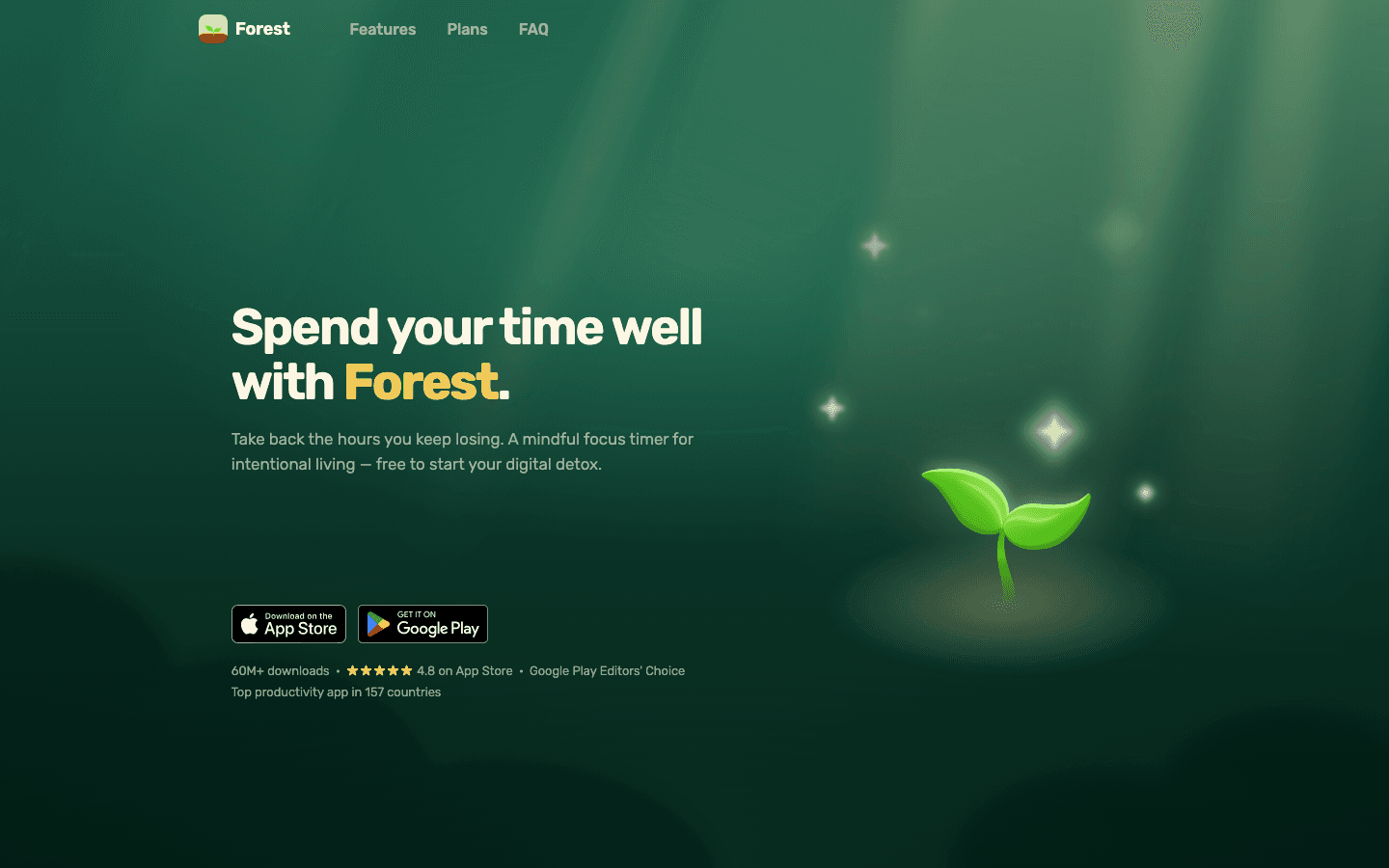
Forest is a focus timer where a virtual tree grows while you work. Leaving the app to check social media kills the tree. The gamification isn't sophisticated, but it provides just enough of a cost to interruption to change behavior for many people. The friction of "I'll kill my tree" is often enough to break the reflexive phone-check loop that underlies a lot of task avoidance.
It also works as a Pomodoro timer: set the session length (adjustable, default 25 minutes), focus until it ends, take a real break. For procrastination driven by phone distraction rather than task anxiety, it's one of the most reliable interventions available. See the Pomodoro technique guide for how to use interval timing to make starting less daunting.
Pricing: Free with optional Plus subscription for advanced features.
Best for: People whose procrastination pattern involves picking up their phone "just to check one thing" and losing an hour. Not the right tool if the avoidance is about task anxiety rather than distraction.
3. Freedom
For procrastination driven by internet distraction on desktop
Freedom blocks distracting websites and apps across all your devices simultaneously during a scheduled or on-demand session. Unlike browser extensions that block only in the browser, Freedom blocks at the network level, which means it works across every app on your computer, including Slack, Twitter, Reddit, and any news sites you've pre-loaded as blockers.
The key feature is that sessions can be locked, meaning you can't turn Freedom off once it starts. For people who tell themselves "I'll just check quickly" and then override their own blocks, the locked session removes that option. It's a commitment device, not a reminder. The difference matters for avoidance patterns driven by impulsivity rather than simple distraction.
Pricing: Free plan with limited blocks. Premium from $3.33/month (billed annually). Available on Mac, Windows, iOS, Android, and Chrome.
Best for: Desk-based work where internet access is the escape route. Especially useful for writing, code review, or any focused work where the browser is the path of least resistance when a task feels difficult.
4. Goblin Tools
For procrastination driven by not knowing where to start
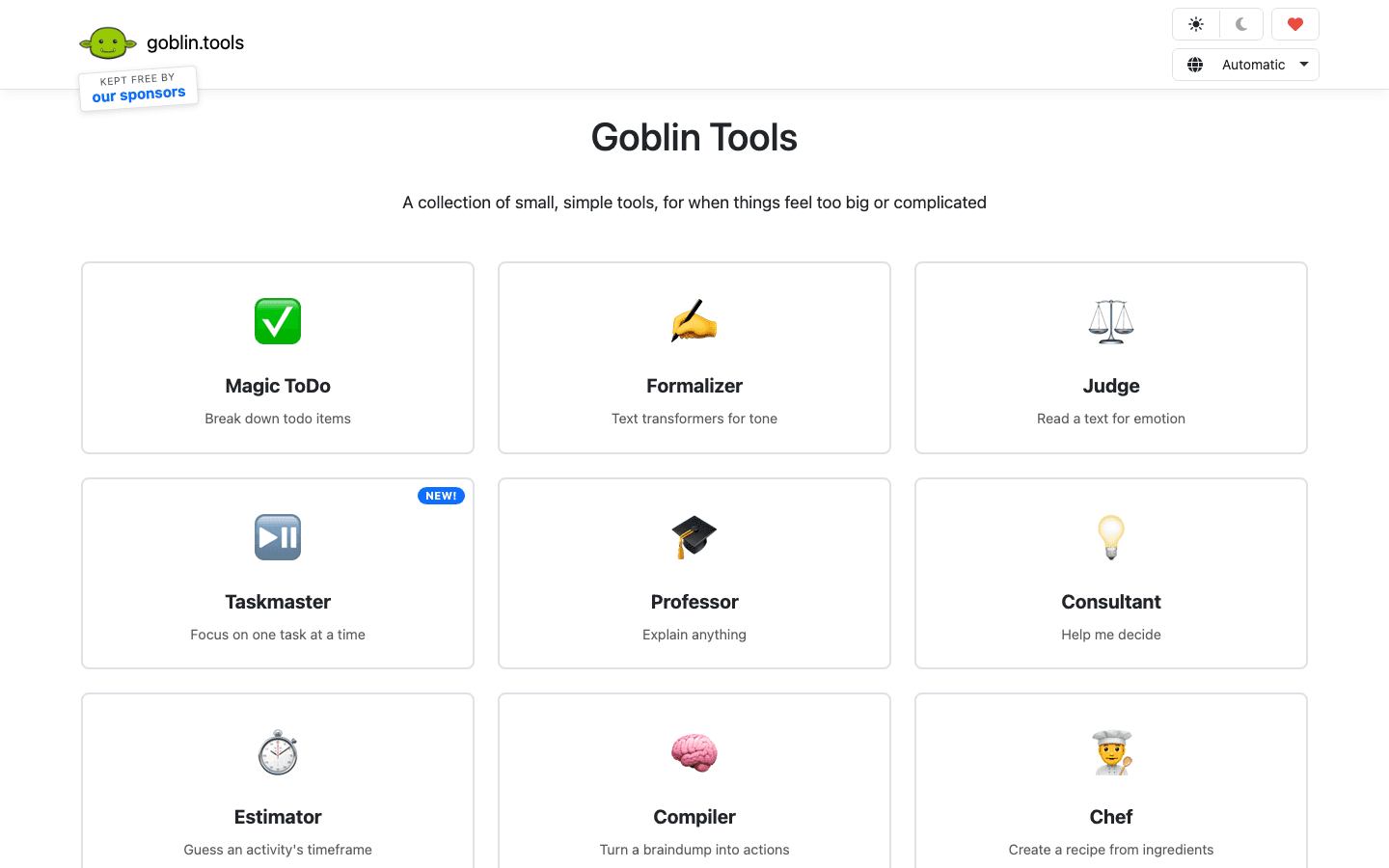
Goblin Tools includes a "Magic ToDo" feature that takes a single task description and breaks it into specific, concrete subtasks automatically. It's designed for ADHD brains but works for anyone who stalls on tasks because they're underspecified. "Write the report" becomes "Open last week's data," "Draft three key findings," "Write the executive summary," each as a separate action with a clear starting point.
The key procrastination application is that unclear tasks are much harder to start than clear ones. The ambiguity of "work on the project" produces avoidance in a way that "open the project file and add two bullet points to the introduction" doesn't. Goblin Tools automates the task-decomposition step that most people skip because it feels like extra work. The Goblin Tools overview covers all its features in detail.
Pricing: Free web tool, no signup required.
Best for: Tasks that feel large and undefined. Most useful as a one-time setup step before starting a project rather than as a daily workflow tool.
5. Focusmate
For procrastination driven by lack of accountability
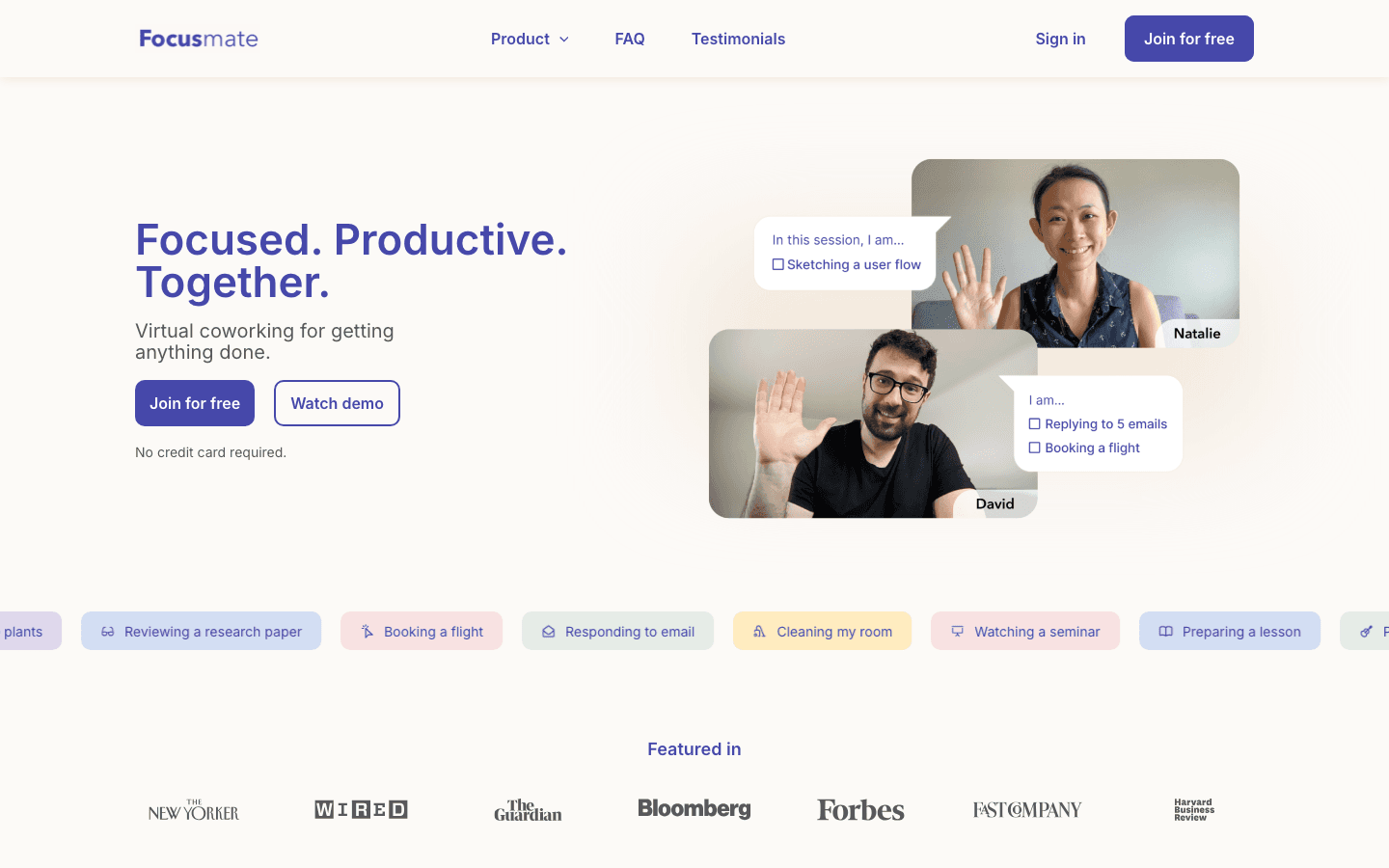
Focusmate is a virtual co-working platform where you book 25 or 50-minute sessions with a stranger, state your goal at the start, work in silent parallel video, and briefly report what you accomplished at the end. The accountability mechanism is minimal by design. You're not asking someone to check your work. Just knowing another person is present while you work is often enough to reduce task avoidance significantly.
This is body doubling, one of the most consistently effective ADHD procrastination interventions, operationalized as a service you can access anytime. For tasks that are consistently avoided when working alone but somehow get done during a co-working session, Focusmate targets exactly that pattern. See the ADHD task initiation guide for why body doubling works neurologically.
Pricing: Free for up to 3 sessions per week. Pro plans from $6.99/month for unlimited sessions.
Best for: Tasks you know how to do but can't make yourself start alone. Writers, solo founders, remote workers, and ADHD adults consistently report strong results with virtual co-working as a procrastination intervention.
Which Procrastination App Should You Use?
You schedule hard tasks at the wrong time: Lifestack
Your phone is the escape when you should be working: Forest
The internet pulls you away on desktop: Freedom
Tasks feel undefined and you don't know where to start: Goblin Tools
You need another person present to actually begin: Focusmate
For a broader view of why procrastination happens and behavioral strategies that don't require apps, see the how to stop procrastinating guide.
FAQ
What are the best procrastination apps?
The best procrastination app depends on why you're procrastinating. Lifestack is best when the cause is scheduling difficult work at low-energy times. Forest and Freedom address phone and internet distraction respectively. Goblin Tools is best when tasks feel undefined and unclear. Focusmate is most effective when accountability and body doubling make the difference between starting and not starting.
Do procrastination apps actually work?
When matched to the right cause of procrastination, yes. Apps that block distractions work well for distraction-driven procrastination. Apps that break tasks into smaller steps work well for ambiguity-driven avoidance. Apps that create accountability work well for isolation-driven procrastination. When the tool doesn't match the root cause (e.g., using a timer app when the issue is task anxiety), the results are limited. The key is diagnosing what's actually driving the avoidance.
What is the best app to stay focused and avoid procrastinating?
For sustained daily focus, the combination of an energy-aware scheduler (Lifestack) and a distraction blocker (Freedom) addresses most of the structural causes of procrastination. The scheduler ensures demanding work appears at times when you're actually able to do it. The blocker removes the default escape route when a task feels difficult. Used together, they change the conditions rather than relying on motivation to overcome them.
Are there free procrastination apps?
Yes. Goblin Tools is entirely free. Forest has a useful free tier. Focusmate offers 3 free sessions per week, which is enough for many people. Freedom's free plan includes limited blocking sessions. Lifestack offers a 7-day free trial on the annual plan.
Most procrastination apps are built on the wrong theory. They assume procrastination is a motivation problem, so they add reminders, streaks, and reward systems to push you toward tasks you're avoiding. This works occasionally and rarely for long. The more durable finding from procrastination research is that avoiding tasks is usually driven by negative emotions connected to the task: anxiety about failing, boredom with the work, resentment about the obligation, or uncertainty about where to start. Apps that address those underlying states work differently from apps that just remind you to get started.
The five tools below take different approaches to procrastination. Some reduce the friction of starting. Some eliminate the distractions that become the destination when you're avoiding something. Some restructure the task itself to be more approachable. Together they cover most of the situations where procrastination is the actual problem rather than a symptom of something else entirely.
Key Takeaways
Procrastination apps that work best reduce the startup cost of tasks, not the task itself
Website blockers solve a different problem than scheduling apps; use them together for best results
Energy-aware scheduling with Lifestack addresses one of procrastination's structural causes: scheduling hard tasks at the wrong time of day
1. Lifestack
For procrastination caused by poor scheduling and low energy
One underappreciated driver of procrastination is scheduling demanding tasks at the wrong time of day. If your cognitive peak is between 9am and 11am but your deep work gets scheduled for 3pm because that's when your calendar is free, the task will feel harder than it is, and avoidance is the predictable result. You might attribute it to laziness; the more accurate explanation is that you're asking your depleted brain to do work that requires a fresh one.
Lifestack addresses this structurally. It reads your wearable data (Oura, Whoop, Garmin, Apple Watch, Fitbit) or accepts manual energy ratings, then schedules tasks into your calendar during windows where your energy actually supports the work. Important projects go in your peak. Admin and lower-stakes tasks fill the trough. The result is that tasks appear on your calendar at the times when they're easiest to start, reducing a structural cause of procrastination before willpower even enters the picture.
Pricing: $7/month or $50/year (7-day free trial on annual). Available on iOS, Android, and Chrome extension.
Best for: People who procrastinate on important work because it keeps getting scheduled during low-energy time. Also strong for ADHD task paralysis where having the task on the calendar at the right time removes one layer of the starting problem.
2. Forest
For procrastination driven by phone distraction
Forest is a focus timer where a virtual tree grows while you work. Leaving the app to check social media kills the tree. The gamification isn't sophisticated, but it provides just enough of a cost to interruption to change behavior for many people. The friction of "I'll kill my tree" is often enough to break the reflexive phone-check loop that underlies a lot of task avoidance.
It also works as a Pomodoro timer: set the session length (adjustable, default 25 minutes), focus until it ends, take a real break. For procrastination driven by phone distraction rather than task anxiety, it's one of the most reliable interventions available. See the Pomodoro technique guide for how to use interval timing to make starting less daunting.
Pricing: Free with optional Plus subscription for advanced features.
Best for: People whose procrastination pattern involves picking up their phone "just to check one thing" and losing an hour. Not the right tool if the avoidance is about task anxiety rather than distraction.
3. Freedom
For procrastination driven by internet distraction on desktop
Freedom blocks distracting websites and apps across all your devices simultaneously during a scheduled or on-demand session. Unlike browser extensions that block only in the browser, Freedom blocks at the network level, which means it works across every app on your computer, including Slack, Twitter, Reddit, and any news sites you've pre-loaded as blockers.
The key feature is that sessions can be locked, meaning you can't turn Freedom off once it starts. For people who tell themselves "I'll just check quickly" and then override their own blocks, the locked session removes that option. It's a commitment device, not a reminder. The difference matters for avoidance patterns driven by impulsivity rather than simple distraction.
Pricing: Free plan with limited blocks. Premium from $3.33/month (billed annually). Available on Mac, Windows, iOS, Android, and Chrome.
Best for: Desk-based work where internet access is the escape route. Especially useful for writing, code review, or any focused work where the browser is the path of least resistance when a task feels difficult.
4. Goblin Tools
For procrastination driven by not knowing where to start
Goblin Tools includes a "Magic ToDo" feature that takes a single task description and breaks it into specific, concrete subtasks automatically. It's designed for ADHD brains but works for anyone who stalls on tasks because they're underspecified. "Write the report" becomes "Open last week's data," "Draft three key findings," "Write the executive summary," each as a separate action with a clear starting point.
The key procrastination application is that unclear tasks are much harder to start than clear ones. The ambiguity of "work on the project" produces avoidance in a way that "open the project file and add two bullet points to the introduction" doesn't. Goblin Tools automates the task-decomposition step that most people skip because it feels like extra work. The Goblin Tools overview covers all its features in detail.
Pricing: Free web tool, no signup required.
Best for: Tasks that feel large and undefined. Most useful as a one-time setup step before starting a project rather than as a daily workflow tool.
5. Focusmate
For procrastination driven by lack of accountability
Focusmate is a virtual co-working platform where you book 25 or 50-minute sessions with a stranger, state your goal at the start, work in silent parallel video, and briefly report what you accomplished at the end. The accountability mechanism is minimal by design. You're not asking someone to check your work. Just knowing another person is present while you work is often enough to reduce task avoidance significantly.
This is body doubling, one of the most consistently effective ADHD procrastination interventions, operationalized as a service you can access anytime. For tasks that are consistently avoided when working alone but somehow get done during a co-working session, Focusmate targets exactly that pattern. See the ADHD task initiation guide for why body doubling works neurologically.
Pricing: Free for up to 3 sessions per week. Pro plans from $6.99/month for unlimited sessions.
Best for: Tasks you know how to do but can't make yourself start alone. Writers, solo founders, remote workers, and ADHD adults consistently report strong results with virtual co-working as a procrastination intervention.
Which Procrastination App Should You Use?
You schedule hard tasks at the wrong time: Lifestack
Your phone is the escape when you should be working: Forest
The internet pulls you away on desktop: Freedom
Tasks feel undefined and you don't know where to start: Goblin Tools
You need another person present to actually begin: Focusmate
For a broader view of why procrastination happens and behavioral strategies that don't require apps, see the how to stop procrastinating guide.
FAQ
What are the best procrastination apps?
The best procrastination app depends on why you're procrastinating. Lifestack is best when the cause is scheduling difficult work at low-energy times. Forest and Freedom address phone and internet distraction respectively. Goblin Tools is best when tasks feel undefined and unclear. Focusmate is most effective when accountability and body doubling make the difference between starting and not starting.
Do procrastination apps actually work?
When matched to the right cause of procrastination, yes. Apps that block distractions work well for distraction-driven procrastination. Apps that break tasks into smaller steps work well for ambiguity-driven avoidance. Apps that create accountability work well for isolation-driven procrastination. When the tool doesn't match the root cause (e.g., using a timer app when the issue is task anxiety), the results are limited. The key is diagnosing what's actually driving the avoidance.
What is the best app to stay focused and avoid procrastinating?
For sustained daily focus, the combination of an energy-aware scheduler (Lifestack) and a distraction blocker (Freedom) addresses most of the structural causes of procrastination. The scheduler ensures demanding work appears at times when you're actually able to do it. The blocker removes the default escape route when a task feels difficult. Used together, they change the conditions rather than relying on motivation to overcome them.
Are there free procrastination apps?
Yes. Goblin Tools is entirely free. Forest has a useful free tier. Focusmate offers 3 free sessions per week, which is enough for many people. Freedom's free plan includes limited blocking sessions. Lifestack offers a 7-day free trial on the annual plan.



FOLLOW ON
FOLLOW ON
FOLLOW ON


Copyright 2026 © Lifestack. All rights reserved
Copyright 2026 © Lifestack. All rights reserved

