
App
Best Stress Monitor Apps for Apple Watch
Best Stress Monitor Apps for Apple Watch

Your Apple Watch collects continuous heart rate data throughout the day, and with the right app, that data becomes a real-time window into your stress and recovery state. Heart rate variability (HRV) is the key metric: a higher HRV generally indicates lower stress and better recovery, while a lower HRV signals your body is under strain.
But not all stress monitoring apps are equal. Some just display numbers. The best ones interpret that data, contextualize it against your personal baseline, and help you understand what to do with it. This list covers the five best Apple Watch stress monitoring apps in 2026, ranked starting with the one that does the most with the data it collects.
All apps on this list work with data already collected by your Apple Watch and synced to Apple Health. No additional hardware required beyond your watch.
Key Takeaways
Lifestack is the only app on this list that actively adjusts your daily schedule based on your stress and recovery data, not just displays it.
Welltory and Livity are the best dedicated stress tracking apps if you want depth and historical analysis without subscription fatigue.
AutoSleep is the top choice for users who want overnight HRV tracking integrated into sleep scoring.
Quick Guide
1. Lifestack: Adjusts your daily schedule based on HRV and recovery data
2. Welltory: Deep HRV analysis and personalized energy insights
3. StressWatch: AI-powered stress scoring with Apple Watch native support
4. Livity: Continuous HRV tracking with a full health dashboard
5. AutoSleep: Sleep-focused app that includes overnight HRV and recovery scoring
1. Lifestack: Best for Acting on Your Stress Data
Not just a stress tracker. A scheduler that responds to how you feel.

Lifestack reads your HRV, sleep quality, and recovery scores from Apple Health and then builds your daily schedule around what those numbers actually mean. If your overnight HRV was low and your sleep was fragmented, the app schedules lighter cognitive work in the morning and protects your midday for recovery before placing demanding tasks in your likely peak window.
Most stress monitoring apps tell you that you're stressed. Lifestack tells you what to do about it in the context of your actual workday. That's a different product category, and it's more useful for most people. If you're already tracking HRV with your Apple Watch and wondering what to do with that data, this is the answer. It's the foundation of personal energy management applied to a real calendar.
Reads HRV, sleep score, and recovery data from Apple Health
Schedules your day around your energy and stress state
Integrates with Google Calendar and Apple Calendar
Supports Whoop, Oura, Garmin in addition to Apple Watch
AI daily plan generation with energy-awareness built in
What Works: The core insight that stress data is only useful if it changes your behavior. Lifestack closes that loop by acting on the data automatically.
Limitations: Not a standalone stress tracker with real-time readings. Works best when paired with a consistent sleep and activity tracking habit. The value compounds over time as the app learns your patterns.
Pricing: $7/month, $50/year, or $120 lifetime. 7-day free trial on annual plan.
Best for: Professionals who want their stress and recovery data to actually influence their daily schedule and output.
2. Welltory: Best for Deep HRV Analysis
17 million users, science-backed HRV interpretation
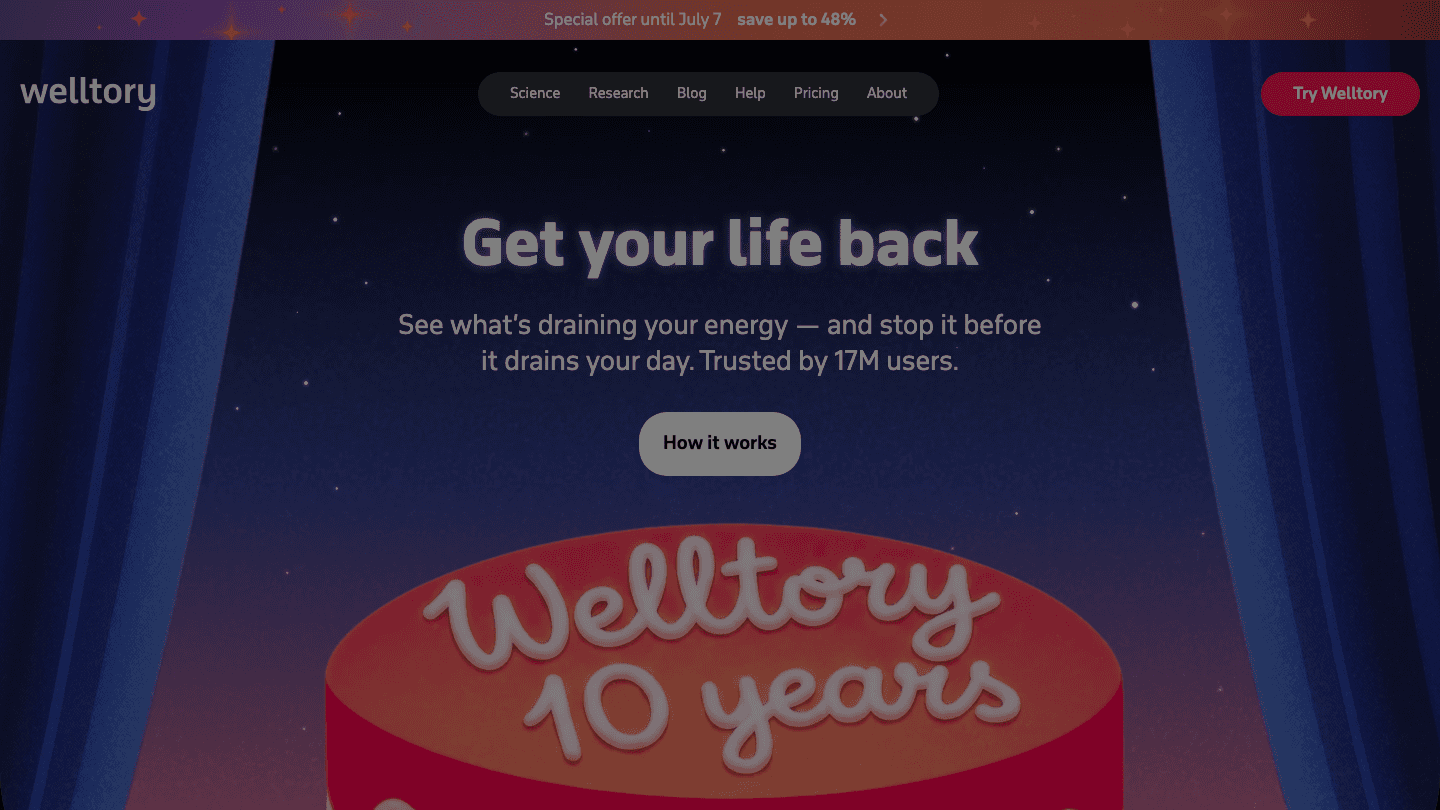
Welltory is one of the most established HRV and stress tracking apps available. It reads data from Apple Watch and Apple Health, then provides a daily energy and stress score based on HRV analysis. The app's strength is interpretation: it doesn't just show you your HRV number, it contextualizes it against your personal baseline and explains what's driving the change.
The insights Welltory provides are particularly useful for understanding how lifestyle factors (sleep, exercise, alcohol, caffeine) affect your heart rate variability and stress levels over time. The app has a large dataset from its user base, which improves its ability to normalize personal readings.
HRV-based energy, stress, and productivity scores
Personalized baseline tracking and trend analysis
Correlates metrics with lifestyle inputs
Apple Watch and Apple Health integration
17 million users worldwide
What Works: The depth of analysis and the lifestyle correlation features. Welltory is genuinely useful for understanding your patterns over weeks and months, not just today's reading.
Limitations: The free tier has limited features. Premium pricing can feel steep for a standalone tracker. Doesn't connect to a scheduling or planning tool.
Pricing: Free tier available. Premium subscription required for full features (check app for current pricing).
Best for: Users who want the deepest HRV and stress analysis from their Apple Watch data.
3. StressWatch: Best Native Apple Watch Experience
AI stress scoring built specifically for Apple Watch
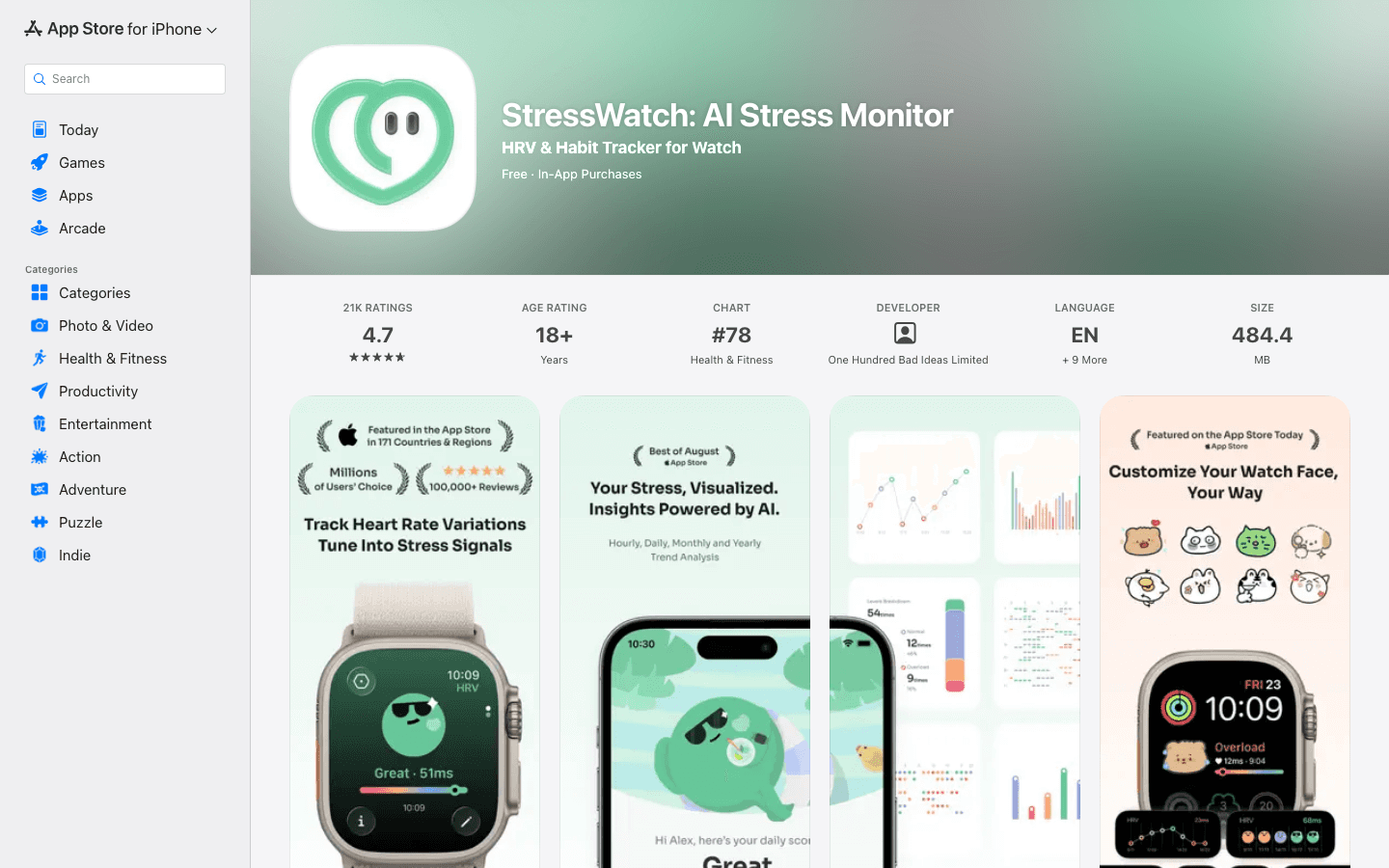
StressWatch is one of the most popular Apple Watch-native stress monitoring apps, featured in the App Store across 171 countries. It uses HRV and heart rate data from your Apple Watch to generate a real-time stress score and Bio Age metric, with AI-powered recommendations for managing acute stress.
The watch face complications make it easy to see your current stress level without pulling out your phone. For people who experience stress-related sleep disruption, the pre-sleep stress monitoring can help identify whether you're in a state that's likely to delay sleep onset.
Real-time stress score from Apple Watch HRV data
AI-generated stress reduction recommendations
Bio Age tracking over time
Watch face complication support
Free to download with in-app features
What Works: The watch-native experience and the watch face complications. If you want glanceable stress data on your wrist without opening your phone, StressWatch delivers.
Limitations: Less depth in trend analysis compared to Welltory. AI recommendations can be generic.
Pricing: Free with optional in-app purchases.
Best for: Apple Watch users who want real-time stress monitoring directly on their wrist.
4. Livity: Best All-in-One Health Tracker
Continuous HRV, body battery, and training load in one app
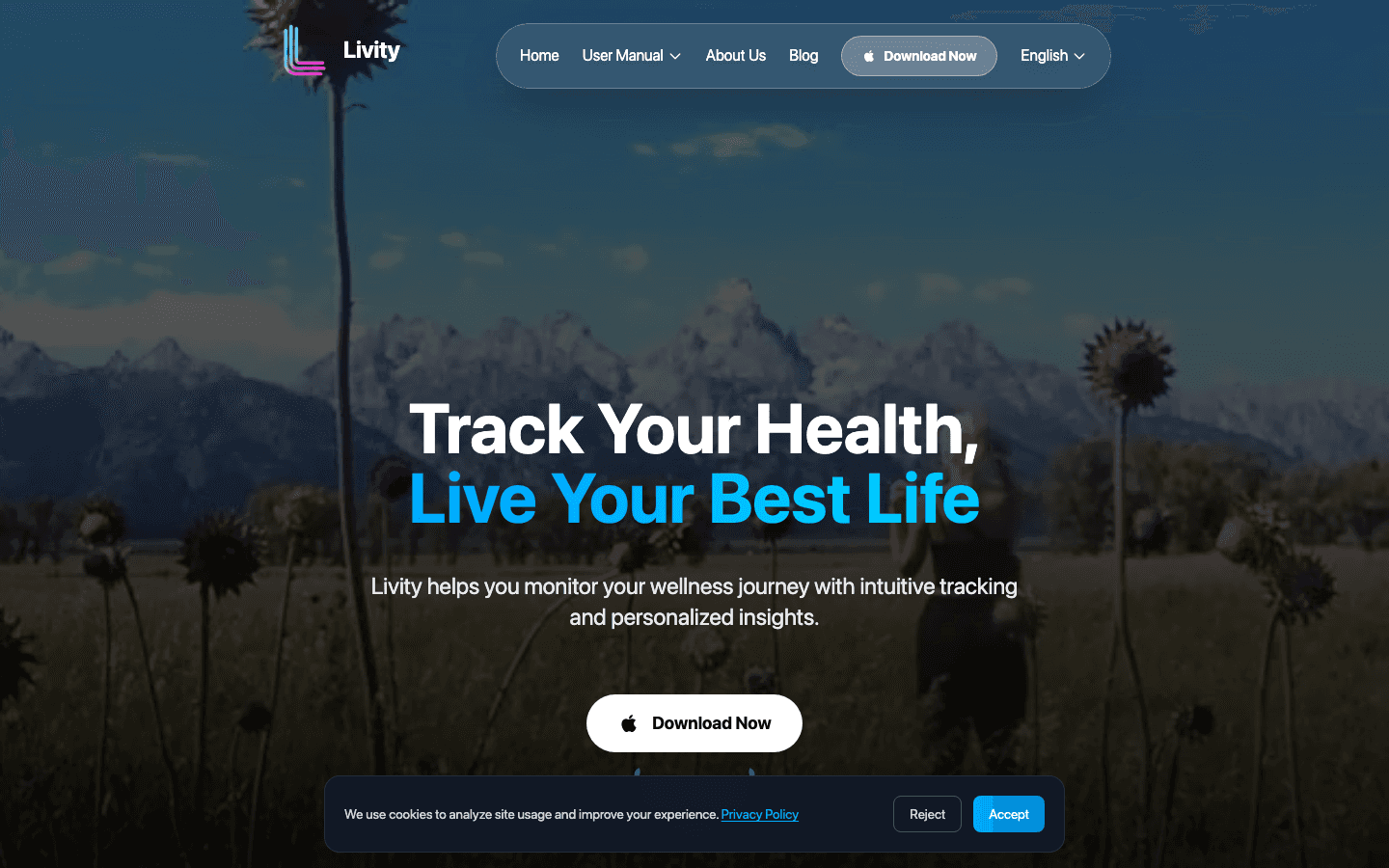
Livity provides continuous background HRV and heart rate tracking from your Apple Watch, displaying a running stress score, body battery level, sleep analysis, and training load. It's the closest thing to WHOOP-level health monitoring without requiring a separate device subscription.
The body battery metric (similar to Garmin's implementation) gives a practical output from all the underlying data: a single number from 0 to 100 representing your current available energy. This translates directly to the kind of low-energy productivity decisions spoon theory describes.
Continuous background HRV monitoring from Apple Watch
Body battery energy score
Sleep analysis and recovery scoring
Training load tracking
Full health dashboard across all metrics
What Works: The breadth and the body battery concept. If you want one dashboard for sleep, stress, recovery, and training load from your Apple Watch, Livity covers it.
Limitations: Continuous background tracking can affect Apple Watch battery life. Some users report the body battery calculation takes time to stabilize after starting.
Pricing: Free with optional premium features.
Best for: Athletes and health-focused users who want full health metrics from Apple Watch without a second subscription device.
5. AutoSleep: Best for Overnight HRV and Recovery
Sleep tracking with built-in HRV and readiness scoring
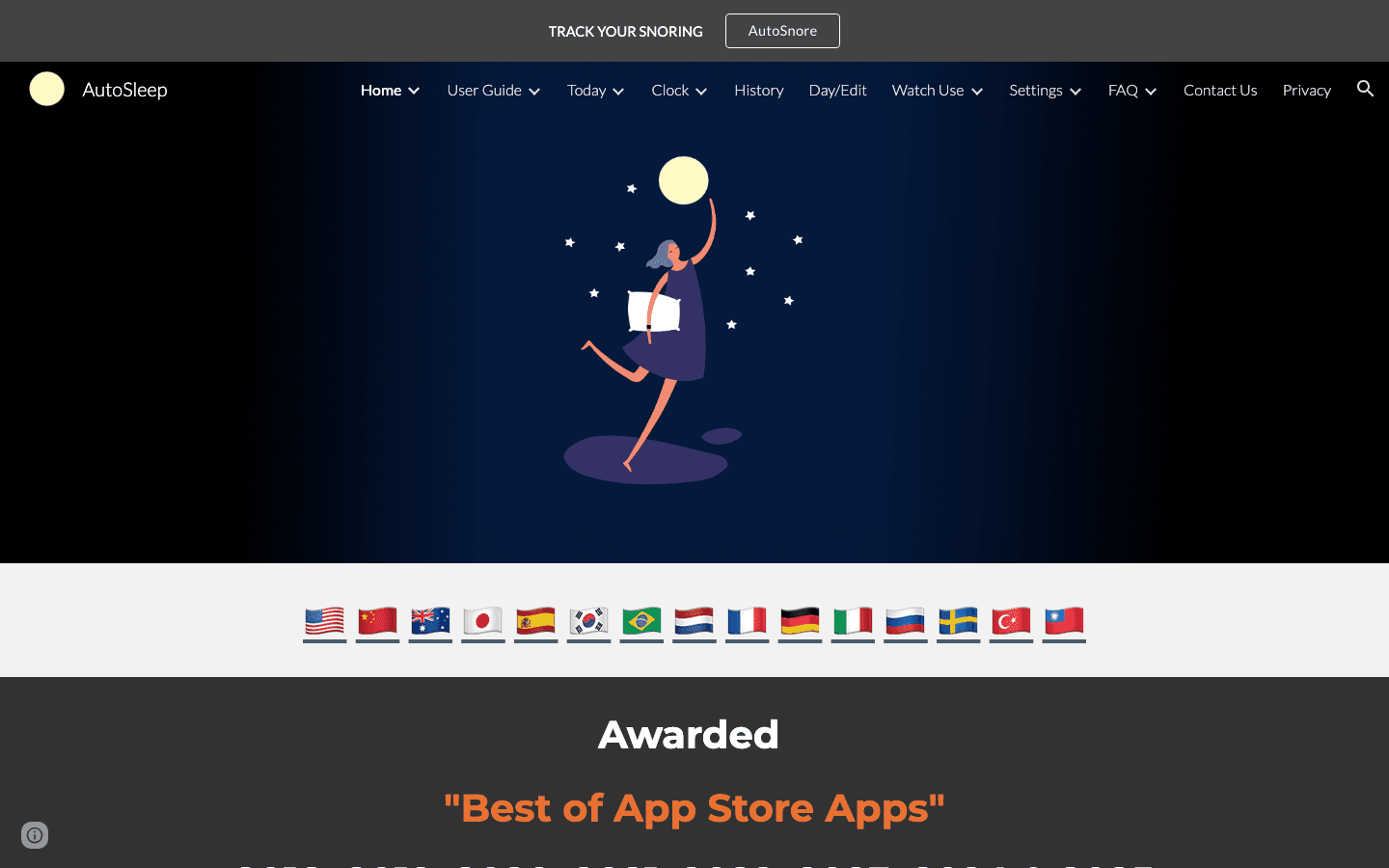
AutoSleep is one of the most established Apple Watch sleep tracking apps. It tracks your sleep stages, overnight HRV, heart rate, and respiratory rate, then generates a daily readiness score based on how well you slept and recovered. The app's HRV data is particularly valuable because overnight measurements are the most stable and clinically meaningful form of HRV tracking.
Understanding your overnight HRV trend gives you a data-backed answer to "how am I actually doing today?" separate from how you subjectively feel. Paired with a planner that uses this data (like Lifestack), AutoSleep's overnight readings become the input for smarter daily scheduling.
Automatic sleep detection without manual tracking
Overnight HRV and heart rate tracking
Daily readiness score
Sleep stage analysis
Apple Watch Series 3 and above supported
What Works: The overnight HRV focus and the automatic sleep detection. You don't need to start or stop anything. It runs in the background.
Limitations: One-time purchase with no ongoing updates as standard. Doesn't include daytime stress monitoring. No scheduling or planning integration.
Pricing: One-time purchase at $8.99.
Best for: Apple Watch users who want reliable overnight HRV and sleep tracking with a one-time payment and no subscription.
Which Stress Monitor App Is Right for You?
You want your stress data to change how you schedule your day: Lifestack. It's the only app here that acts on the data automatically.
You want the deepest HRV analysis and lifestyle correlation: Welltory.
You want glanceable stress on your Apple Watch face: StressWatch.
You want one dashboard for all health metrics including body battery: Livity.
You want overnight HRV and sleep tracking, one-time cost: AutoSleep.
Frequently Asked Questions
Does Apple Watch measure stress?
Apple Watch collects the heart rate variability data that stress monitoring apps use. The native Mindfulness app provides basic breathing exercises, and Apple Health aggregates HRV data. However, the Watch doesn't show a real-time stress score by default. Third-party apps like those listed above interpret the HRV data and surface a stress level reading.
What is HRV and why does it matter for stress tracking?
Heart rate variability (HRV) is the variation in time between consecutive heartbeats. A higher HRV generally indicates your nervous system has more flexibility and you're in a lower-stress, better-recovered state. A lower HRV suggests higher strain, whether from physical exertion, mental stress, poor sleep, or illness. HRV monitoring is the most reliable continuous metric for measuring stress load on your body.
Are Apple Watch stress apps accurate?
Apple Watch HRV readings are clinically validated and accurate enough for trend tracking. Single-point HRV readings can vary significantly based on measurement conditions (time of day, recent activity, body position). Apps like Welltory and AutoSleep that track overnight or longer measurement windows are more reliable than apps that take a single point reading. Trend data over days and weeks is more meaningful than any individual reading.
What app tells you when you're too stressed to work?
Lifestack is the most direct answer to this. It reads your recovery and stress data each morning and adjusts your day accordingly, scheduling lighter tasks when your data indicates lower capacity and protecting deep work time for your peak windows. It doesn't just flag high stress. It changes your plan in response to it.
Is Welltory free?
Welltory offers a free tier with basic functionality and a premium subscription for full access to its HRV analysis, trend data, and personalized insights. The free version gives you enough to evaluate whether the app is right for you before upgrading.
Your Apple Watch collects continuous heart rate data throughout the day, and with the right app, that data becomes a real-time window into your stress and recovery state. Heart rate variability (HRV) is the key metric: a higher HRV generally indicates lower stress and better recovery, while a lower HRV signals your body is under strain.
But not all stress monitoring apps are equal. Some just display numbers. The best ones interpret that data, contextualize it against your personal baseline, and help you understand what to do with it. This list covers the five best Apple Watch stress monitoring apps in 2026, ranked starting with the one that does the most with the data it collects.
All apps on this list work with data already collected by your Apple Watch and synced to Apple Health. No additional hardware required beyond your watch.
Key Takeaways
Lifestack is the only app on this list that actively adjusts your daily schedule based on your stress and recovery data, not just displays it.
Welltory and Livity are the best dedicated stress tracking apps if you want depth and historical analysis without subscription fatigue.
AutoSleep is the top choice for users who want overnight HRV tracking integrated into sleep scoring.
Quick Guide
1. Lifestack: Adjusts your daily schedule based on HRV and recovery data
2. Welltory: Deep HRV analysis and personalized energy insights
3. StressWatch: AI-powered stress scoring with Apple Watch native support
4. Livity: Continuous HRV tracking with a full health dashboard
5. AutoSleep: Sleep-focused app that includes overnight HRV and recovery scoring
1. Lifestack: Best for Acting on Your Stress Data
Not just a stress tracker. A scheduler that responds to how you feel.
Lifestack reads your HRV, sleep quality, and recovery scores from Apple Health and then builds your daily schedule around what those numbers actually mean. If your overnight HRV was low and your sleep was fragmented, the app schedules lighter cognitive work in the morning and protects your midday for recovery before placing demanding tasks in your likely peak window.
Most stress monitoring apps tell you that you're stressed. Lifestack tells you what to do about it in the context of your actual workday. That's a different product category, and it's more useful for most people. If you're already tracking HRV with your Apple Watch and wondering what to do with that data, this is the answer. It's the foundation of personal energy management applied to a real calendar.
Reads HRV, sleep score, and recovery data from Apple Health
Schedules your day around your energy and stress state
Integrates with Google Calendar and Apple Calendar
Supports Whoop, Oura, Garmin in addition to Apple Watch
AI daily plan generation with energy-awareness built in
What Works: The core insight that stress data is only useful if it changes your behavior. Lifestack closes that loop by acting on the data automatically.
Limitations: Not a standalone stress tracker with real-time readings. Works best when paired with a consistent sleep and activity tracking habit. The value compounds over time as the app learns your patterns.
Pricing: $7/month, $50/year, or $120 lifetime. 7-day free trial on annual plan.
Best for: Professionals who want their stress and recovery data to actually influence their daily schedule and output.
2. Welltory: Best for Deep HRV Analysis
17 million users, science-backed HRV interpretation
Welltory is one of the most established HRV and stress tracking apps available. It reads data from Apple Watch and Apple Health, then provides a daily energy and stress score based on HRV analysis. The app's strength is interpretation: it doesn't just show you your HRV number, it contextualizes it against your personal baseline and explains what's driving the change.
The insights Welltory provides are particularly useful for understanding how lifestyle factors (sleep, exercise, alcohol, caffeine) affect your heart rate variability and stress levels over time. The app has a large dataset from its user base, which improves its ability to normalize personal readings.
HRV-based energy, stress, and productivity scores
Personalized baseline tracking and trend analysis
Correlates metrics with lifestyle inputs
Apple Watch and Apple Health integration
17 million users worldwide
What Works: The depth of analysis and the lifestyle correlation features. Welltory is genuinely useful for understanding your patterns over weeks and months, not just today's reading.
Limitations: The free tier has limited features. Premium pricing can feel steep for a standalone tracker. Doesn't connect to a scheduling or planning tool.
Pricing: Free tier available. Premium subscription required for full features (check app for current pricing).
Best for: Users who want the deepest HRV and stress analysis from their Apple Watch data.
3. StressWatch: Best Native Apple Watch Experience
AI stress scoring built specifically for Apple Watch
StressWatch is one of the most popular Apple Watch-native stress monitoring apps, featured in the App Store across 171 countries. It uses HRV and heart rate data from your Apple Watch to generate a real-time stress score and Bio Age metric, with AI-powered recommendations for managing acute stress.
The watch face complications make it easy to see your current stress level without pulling out your phone. For people who experience stress-related sleep disruption, the pre-sleep stress monitoring can help identify whether you're in a state that's likely to delay sleep onset.
Real-time stress score from Apple Watch HRV data
AI-generated stress reduction recommendations
Bio Age tracking over time
Watch face complication support
Free to download with in-app features
What Works: The watch-native experience and the watch face complications. If you want glanceable stress data on your wrist without opening your phone, StressWatch delivers.
Limitations: Less depth in trend analysis compared to Welltory. AI recommendations can be generic.
Pricing: Free with optional in-app purchases.
Best for: Apple Watch users who want real-time stress monitoring directly on their wrist.
4. Livity: Best All-in-One Health Tracker
Continuous HRV, body battery, and training load in one app
Livity provides continuous background HRV and heart rate tracking from your Apple Watch, displaying a running stress score, body battery level, sleep analysis, and training load. It's the closest thing to WHOOP-level health monitoring without requiring a separate device subscription.
The body battery metric (similar to Garmin's implementation) gives a practical output from all the underlying data: a single number from 0 to 100 representing your current available energy. This translates directly to the kind of low-energy productivity decisions spoon theory describes.
Continuous background HRV monitoring from Apple Watch
Body battery energy score
Sleep analysis and recovery scoring
Training load tracking
Full health dashboard across all metrics
What Works: The breadth and the body battery concept. If you want one dashboard for sleep, stress, recovery, and training load from your Apple Watch, Livity covers it.
Limitations: Continuous background tracking can affect Apple Watch battery life. Some users report the body battery calculation takes time to stabilize after starting.
Pricing: Free with optional premium features.
Best for: Athletes and health-focused users who want full health metrics from Apple Watch without a second subscription device.
5. AutoSleep: Best for Overnight HRV and Recovery
Sleep tracking with built-in HRV and readiness scoring
AutoSleep is one of the most established Apple Watch sleep tracking apps. It tracks your sleep stages, overnight HRV, heart rate, and respiratory rate, then generates a daily readiness score based on how well you slept and recovered. The app's HRV data is particularly valuable because overnight measurements are the most stable and clinically meaningful form of HRV tracking.
Understanding your overnight HRV trend gives you a data-backed answer to "how am I actually doing today?" separate from how you subjectively feel. Paired with a planner that uses this data (like Lifestack), AutoSleep's overnight readings become the input for smarter daily scheduling.
Automatic sleep detection without manual tracking
Overnight HRV and heart rate tracking
Daily readiness score
Sleep stage analysis
Apple Watch Series 3 and above supported
What Works: The overnight HRV focus and the automatic sleep detection. You don't need to start or stop anything. It runs in the background.
Limitations: One-time purchase with no ongoing updates as standard. Doesn't include daytime stress monitoring. No scheduling or planning integration.
Pricing: One-time purchase at $8.99.
Best for: Apple Watch users who want reliable overnight HRV and sleep tracking with a one-time payment and no subscription.
Which Stress Monitor App Is Right for You?
You want your stress data to change how you schedule your day: Lifestack. It's the only app here that acts on the data automatically.
You want the deepest HRV analysis and lifestyle correlation: Welltory.
You want glanceable stress on your Apple Watch face: StressWatch.
You want one dashboard for all health metrics including body battery: Livity.
You want overnight HRV and sleep tracking, one-time cost: AutoSleep.
Frequently Asked Questions
Does Apple Watch measure stress?
Apple Watch collects the heart rate variability data that stress monitoring apps use. The native Mindfulness app provides basic breathing exercises, and Apple Health aggregates HRV data. However, the Watch doesn't show a real-time stress score by default. Third-party apps like those listed above interpret the HRV data and surface a stress level reading.
What is HRV and why does it matter for stress tracking?
Heart rate variability (HRV) is the variation in time between consecutive heartbeats. A higher HRV generally indicates your nervous system has more flexibility and you're in a lower-stress, better-recovered state. A lower HRV suggests higher strain, whether from physical exertion, mental stress, poor sleep, or illness. HRV monitoring is the most reliable continuous metric for measuring stress load on your body.
Are Apple Watch stress apps accurate?
Apple Watch HRV readings are clinically validated and accurate enough for trend tracking. Single-point HRV readings can vary significantly based on measurement conditions (time of day, recent activity, body position). Apps like Welltory and AutoSleep that track overnight or longer measurement windows are more reliable than apps that take a single point reading. Trend data over days and weeks is more meaningful than any individual reading.
What app tells you when you're too stressed to work?
Lifestack is the most direct answer to this. It reads your recovery and stress data each morning and adjusts your day accordingly, scheduling lighter tasks when your data indicates lower capacity and protecting deep work time for your peak windows. It doesn't just flag high stress. It changes your plan in response to it.
Is Welltory free?
Welltory offers a free tier with basic functionality and a premium subscription for full access to its HRV analysis, trend data, and personalized insights. The free version gives you enough to evaluate whether the app is right for you before upgrading.



FOLLOW ON
FOLLOW ON
FOLLOW ON


Copyright 2026 © Lifestack. All rights reserved
Copyright 2026 © Lifestack. All rights reserved

