
App
Best Amazing Marvin Alternatives in 2026
Best Amazing Marvin Alternatives in 2026
Amazing Marvin is one of the most configurable task managers available: 300+ settings, multiple workflow modes (GTD, day planning, spontaneous), and ADHD-specific features like a Super Focus Mode that shows one task at a time and a Procrastination Wizard that breaks down paralysis-inducing tasks step by step. For people whose brains work differently, it can be genuinely useful.
But it's also a lot. The learning curve is steep, the interface looks dated compared to newer tools, and the sheer number of options can itself become a source of overwhelm. "Too many features" is a recurring complaint from people who tried Marvin and moved on.
The alternatives below serve different reasons for leaving: some are simpler, some offer AI scheduling that Marvin doesn't have, some work better with Apple's ecosystem, and some are free. None of them try to replicate Marvin's customization depth, and that's the point.
Key Takeaways
Lifestack is the only option here that schedules tasks based on your energy level, making it particularly effective for ADHD users whose attention is uneven across the day
TickTick covers most of Amazing Marvin's core features (Pomodoro, habits, calendar view, recurring tasks) with a much cleaner interface at a lower price
If Marvin's appeal was its customizability, Notion lets you go even further at no cost
Quick Guide
Lifestack: best for ADHD users who want AI scheduling around their energy level
TickTick: best all-rounder with Pomodoro, habits, and calendar at lower cost
Notion: best for building a fully custom productivity system from scratch
OmniFocus: best for GTD-style workflows on Apple devices
Things 3: best for Apple users who want simplicity over configurability
How We Evaluated
ADHD and neurodivergent suitability: does the app reduce overwhelm or add to it?
Feature coverage: does it handle habits, Pomodoro, day planning, and recurring tasks?
Learning curve and interface clarity
Cross-platform availability (iOS, Android, Mac, Windows, web)
Pricing and free tier value
1. Lifestack
The only alternative that schedules around your energy, not just your calendar

Amazing Marvin has a lot of features for managing tasks when you can't start them. Lifestack approaches the problem differently: it schedules your tasks during the hours when you're most likely to actually do them.
The app uses your natural energy curve, work patterns, and health data to figure out when your attention peaks. Demanding tasks get placed in those windows. Admin work, easy tasks, and low-stakes items fill the dips. It connects to your calendar and task apps so the schedule it builds reflects your real day rather than an idealized version of it. For ADHD focus strategies, this kind of environmental scheduling often outperforms willpower-based approaches because it removes the decision overhead of "what should I do now?"
Key Features: energy-aware AI scheduling, health data integration, calendar sync, dynamic rescheduling, iOS and Android
What Works: reduces the decision fatigue of figuring out what to work on; adapts when your day changes; works well for variable-energy days common with ADHD
Limitations: no free tier; lighter on the customization depth that Amazing Marvin power users rely on; no built-in Pomodoro or habit tracker
Pricing: $7/month or $50/year, with a 7-day free trial. Lifetime access at $120.
Best for: ADHD users and anyone whose energy is uneven across the day who want their schedule to adapt accordingly.
2. TickTick
Most of Amazing Marvin's features, cleaner interface, lower price
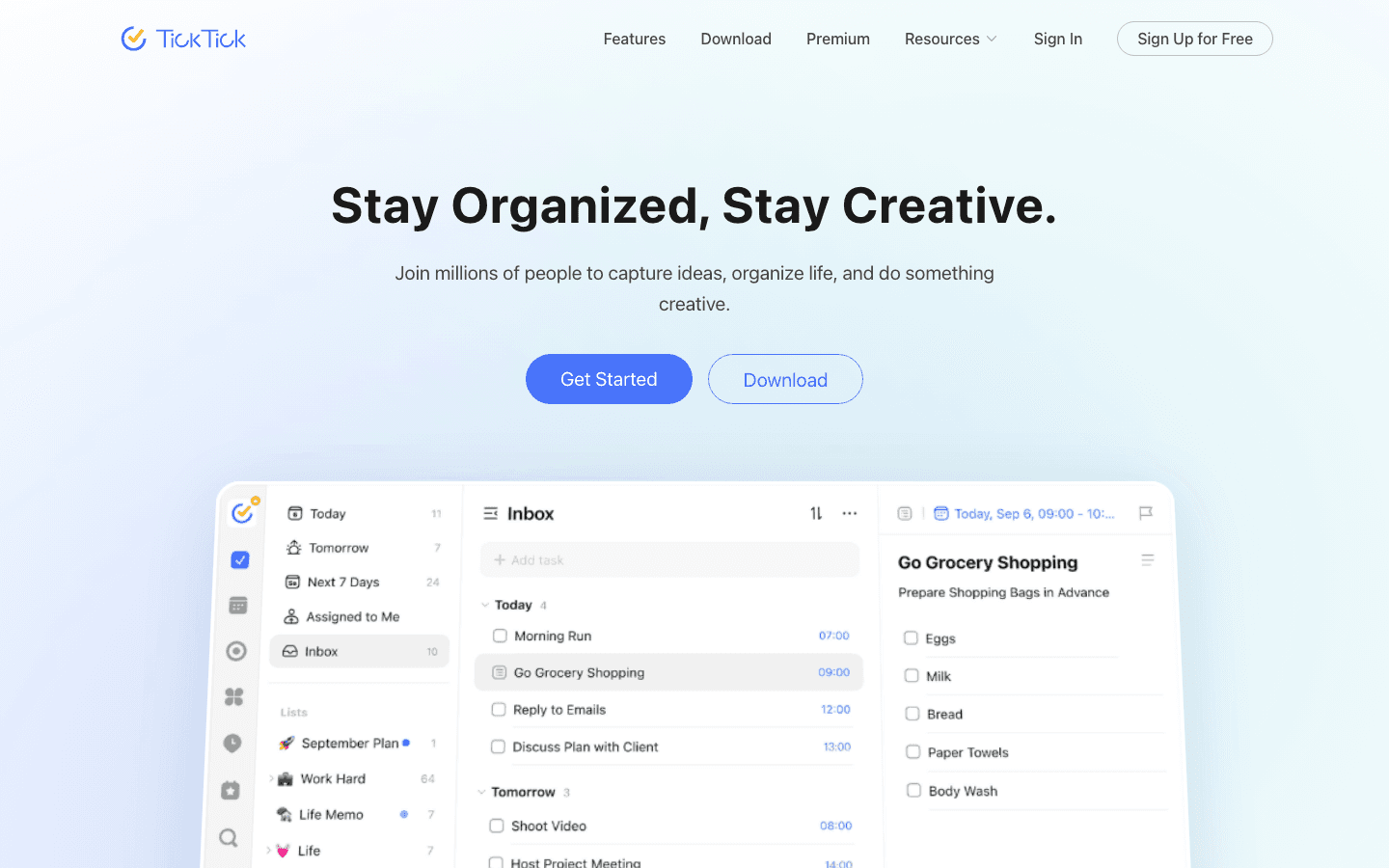
TickTick is the most direct functional replacement for Amazing Marvin. It has a built-in Pomodoro timer, habit tracker, calendar view, recurring tasks, smart date parsing, and natural language input. Everything Amazing Marvin users use most is here.
What's different is the interface. TickTick is significantly cleaner and less overwhelming than Marvin's settings-heavy approach. You lose some of Marvin's more unusual ADHD-specific features (the Task Jar, the Accountability Pledge, the Procrastination Wizard), but you gain a tool you can actually get started with in 20 minutes rather than a week. It's also cross-platform in a way Marvin isn't quite, with genuinely good Android and Windows apps. One of the better mobile apps for ADHD productivity.
Key Features: Pomodoro timer, habit tracker, calendar view, recurring tasks, natural language input, iOS, Android, Mac, Windows, web
What Works: breadth of features without the setup cost; good mobile apps; $35.99/year is cheaper than Marvin's $96/year
Limitations: no energy-aware scheduling; less customizable than Marvin; AI features are basic
Pricing: $35.99/year (less than $3/month). Free tier available with limited features.
Best for: People who want Amazing Marvin's core features in a cleaner package at a lower annual cost.
3. Notion
Endless customization for people who want to build their own system
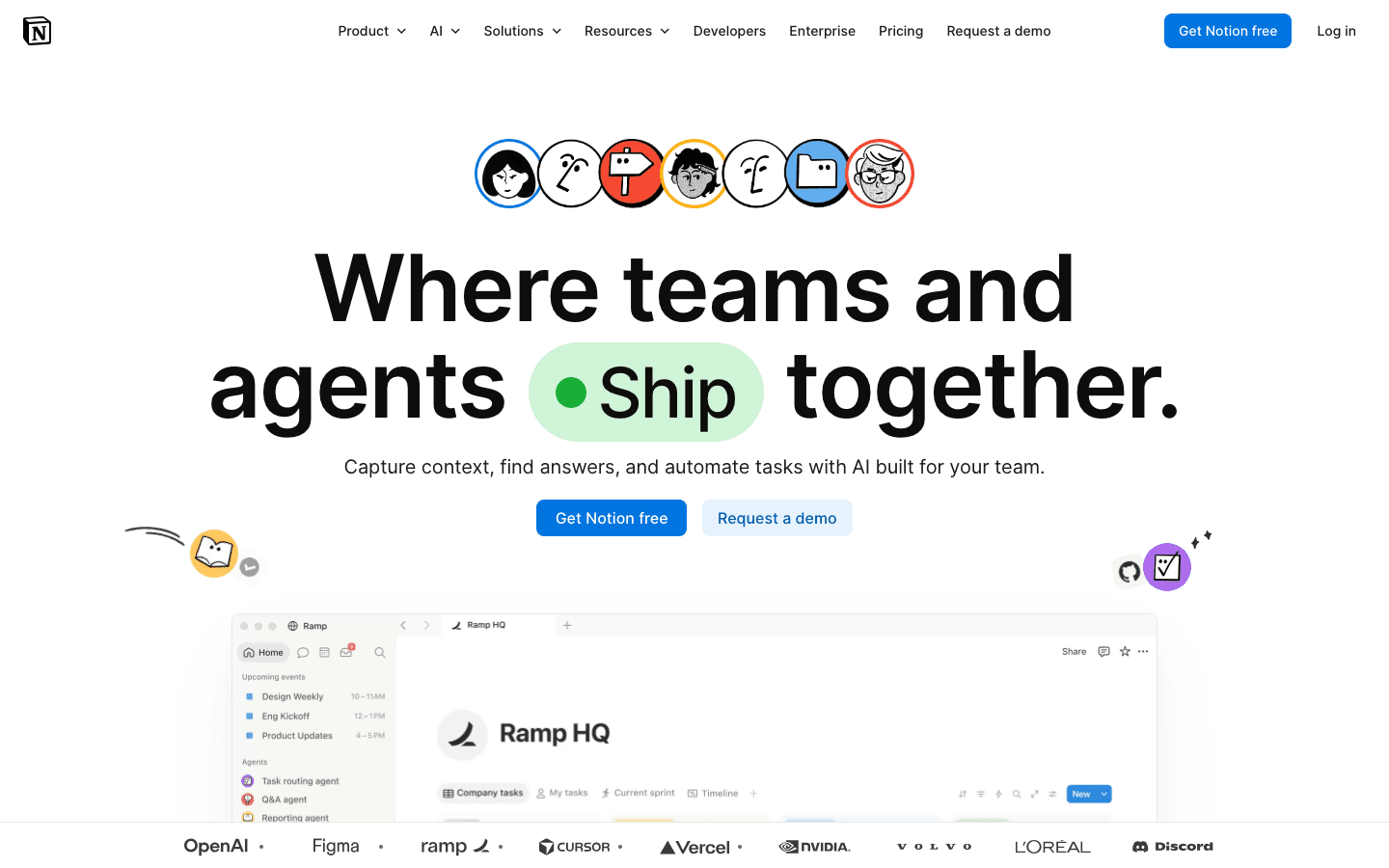
If what you loved about Amazing Marvin was the customization depth, Notion takes that to an extreme. You can build databases, kanban boards, calendars, goal trackers, daily planners, and habit logs from scratch. There are thousands of community templates, and the tool itself is free for individuals.
The trade-off is that Notion is a blank canvas, not an opinionated task manager. It doesn't push you toward any workflow. It won't prompt you to do your most important task first or tell you when you're overloaded. It also has no Pomodoro timer, no habit notifications in the way a dedicated habit app would, and requires ongoing maintenance of your own system. For people with executive functioning challenges, the lack of structure can itself be the problem. But for the right person, no other tool gives this much flexibility for free.
Key Features: databases, kanban, calendar, doc-like task lists, AI writing assistant, team collaboration, web, Mac, Windows, iOS, Android
What Works: genuinely unlimited customization; free for personal use; large template library; great for knowledge management alongside task management
Limitations: no opinionated workflow or scheduling; requires significant setup; not ideal for high-volume daily task management
Pricing: Free for individuals. Plus plan at $10/month (or ~$8/month annually).
Best for: People who want to design their own system and are comfortable with a blank-canvas tool.
4. OmniFocus
Powerful GTD-style task management for Apple users
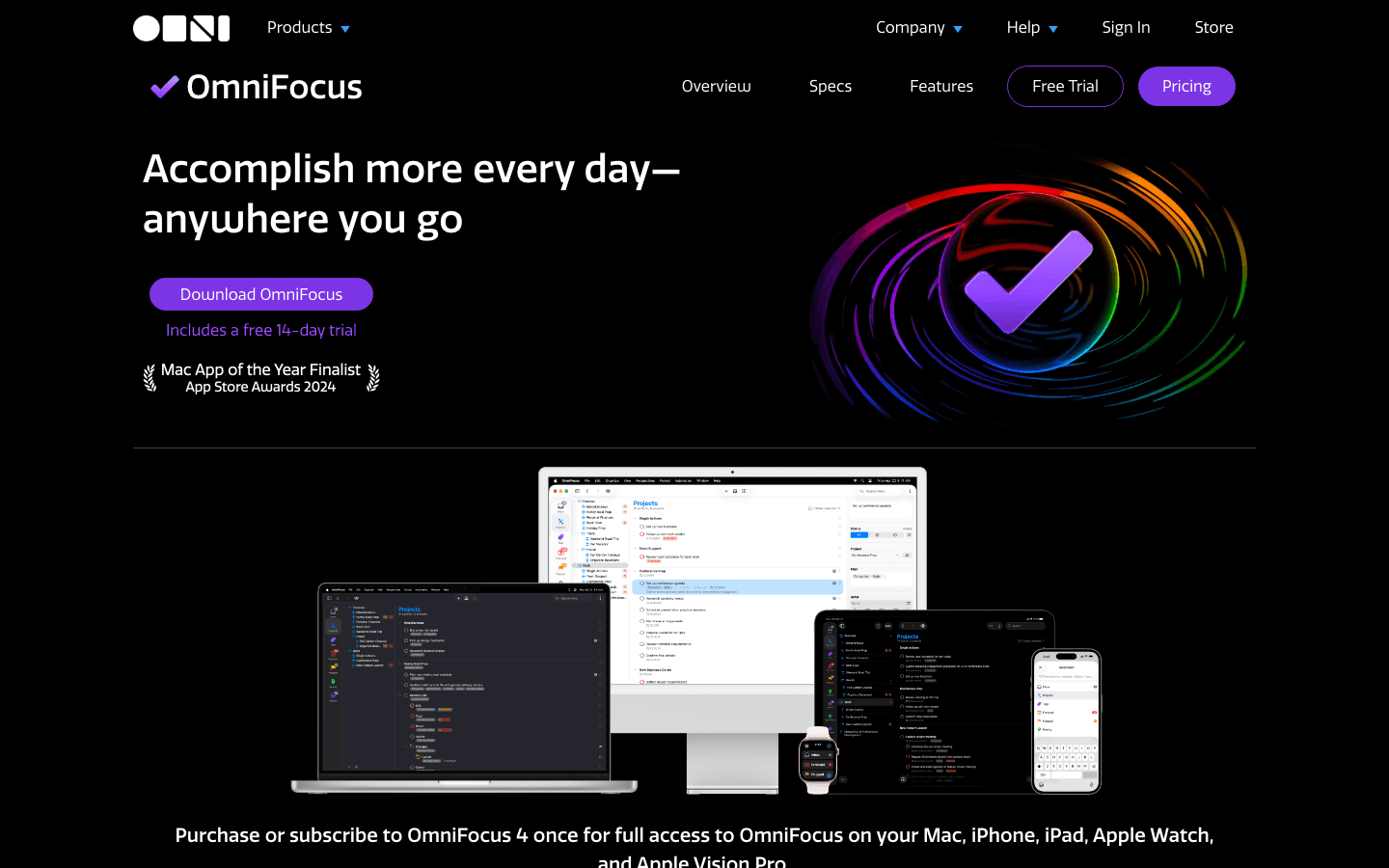
OmniFocus is the gold standard for GTD (Getting Things Done) on Apple platforms. It has perspectives (custom views of your task list), defer dates, review modes, advanced tagging, and a capture workflow that rivals any tool in this category. If you've outgrown Amazing Marvin's ADHD-specific framing and want something more power-user oriented, OmniFocus is worth the learning curve.
It's also Apple-only, which is a hard limit for Android or Windows users. And the interface, while powerful, has a learning curve comparable to Marvin's. The web subscription option makes it more accessible than the old one-time purchase model, but it's still among the more expensive task managers at $49.99/year for web access. For a broader look at options in this category, see the ADHD project management guide.
Key Features: custom perspectives, defer dates, GTD review mode, tags, Forecast view, Mac + iOS + web
What Works: best GTD implementation available; powerful filtering for complex task systems; Mac App of the Year 2024
Limitations: Apple-only; steep learning curve; no energy awareness or AI scheduling; expensive for a solo user
Pricing: Web subscription: $4.99/month or $49.99/year. Perpetual license from $74.99 (Standard) or $149.99 (Pro). 14-day free trial.
Best for: Apple users who want a structured GTD workflow and are willing to invest time learning the system.
5. Things 3
Beautiful simplicity for Apple users who want less, not more
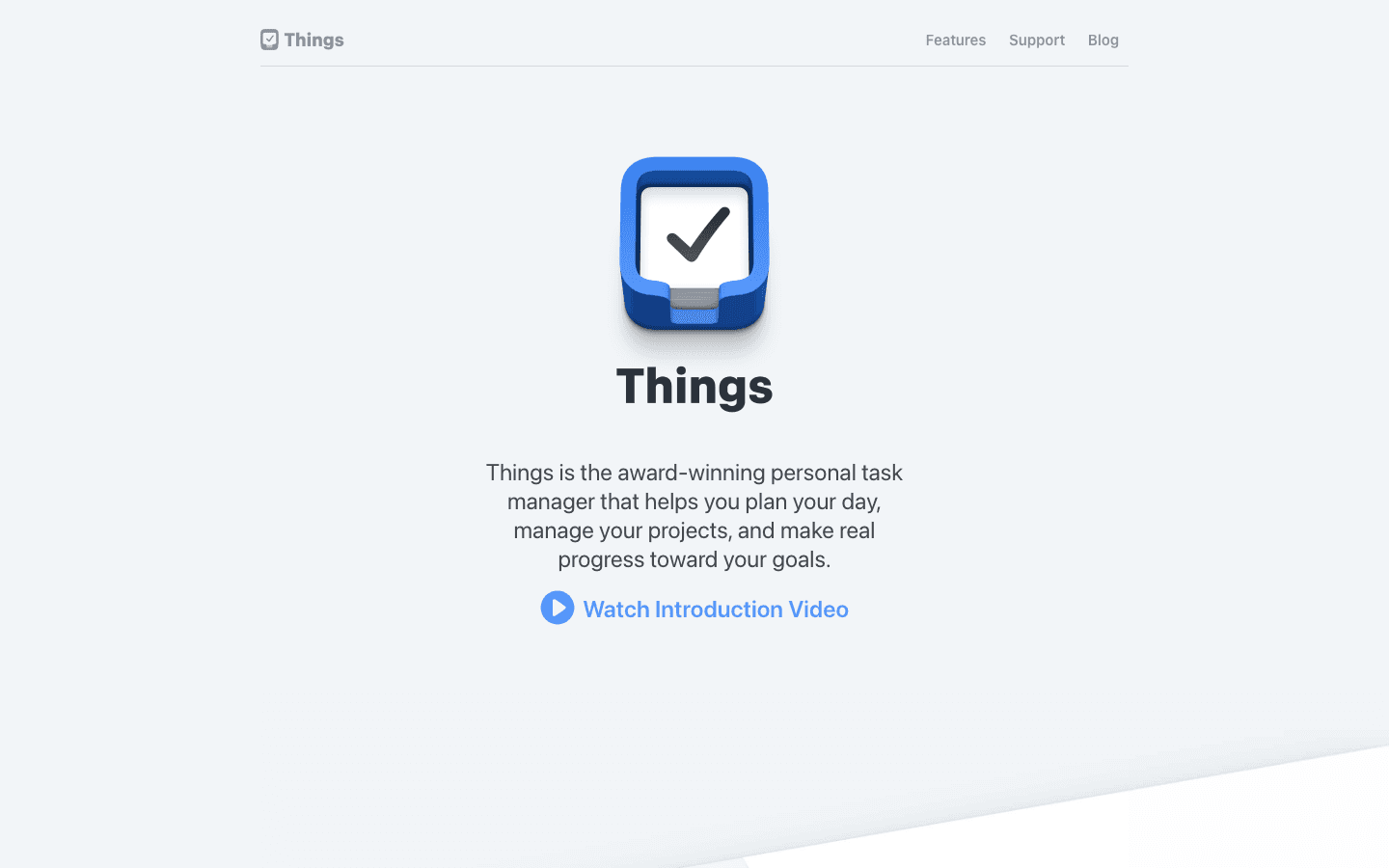
Things 3 is the antithesis of Amazing Marvin. Where Marvin gives you 300+ settings to configure, Things 3 gives you almost none. It's opinionated, beautifully designed, and does a small number of things extremely well: capturing tasks, organizing them into projects and areas, planning your day, and reviewing what's coming up.
The trade-off is obvious: if you relied on Marvin's ADHD-specific features, habit tracking, Pomodoro timer, or gamification, Things 3 won't fill those gaps. But if what you actually need is a reliable place to capture and review tasks without cognitive overhead, Things 3 delivers that better than almost anything else on Apple. It's a good fit alongside one of the practical ADHD productivity approaches that use external structure to compensate for what the app doesn't provide.
Key Features: areas and projects, quick capture, today view, upcoming view, tags, shortcuts, Apple Watch, Mac + iPhone + iPad
What Works: best-in-class design; minimal cognitive load; one-time purchase model (no subscription); excellent Apple integrations
Limitations: Apple-only; no Pomodoro, habits, energy scheduling, or Android; limited customization; no collaboration
Pricing: One-time purchase. iPhone app from $9.99. Mac and iPad sold separately. No ongoing subscription required.
Best for: Apple users who want a clean, simple task manager and are willing to trade Marvin's feature depth for a better daily experience.
Which Amazing Marvin Alternative Is Right for You?
You want scheduling that matches tasks to your energy: Lifestack. Nothing else in this list does this.
You want most of Marvin's features at a lower price: TickTick. It has Pomodoro, habits, and calendar, all at $35.99/year.
You want unlimited customization for free: Notion. You'll build your own system, which is both the appeal and the catch.
You're an Apple user who wants power-user GTD: OmniFocus. The most capable option for Apple ecosystems.
You want less complexity, not more: Things 3. Beautifully simple, no subscription, Apple-only.
Amazing Marvin itself: If the feature depth is genuinely what you use and you don't mind the interface, Marvin at $8/month is a reasonable price for everything it includes.
Frequently Asked Questions
What is Amazing Marvin and why do people look for alternatives?
Amazing Marvin is a highly customizable task manager with 300+ settings and specific features for ADHD and procrastination. People look for alternatives mainly because the interface is overwhelming, the learning curve is steep, and newer apps offer AI scheduling features that Marvin doesn't have.
Is there a free alternative to Amazing Marvin?
Yes. Notion is free for individuals and offers significant customization. TickTick has a free tier with basic task management. Microsoft To Do is also free and integrates with Microsoft 365 if that's part of your workflow.
Which Amazing Marvin alternative is best for ADHD?
Lifestack is the strongest option specifically for ADHD because it schedules tasks around your energy peaks rather than just open time slots. TickTick is a close second for ADHD users who want Pomodoro timers and habit tracking in one app at a reasonable price.
Does Amazing Marvin have an AI scheduling feature?
Not in the same way Lifestack or Motion do. Amazing Marvin can suggest priorities and has smart scheduling rules, but it doesn't use AI to analyze your energy patterns and automatically place tasks in optimal time blocks. That's a meaningful gap for users whose main frustration is figuring out what to work on when.
Is Amazing Marvin worth it in 2026?
For the right user: yes. If you've invested time in configuring Marvin's workflow, the feature depth justifies the $8/month. For new users or people who've never gotten Marvin to click, the alternatives above typically have lower setup costs and more modern interfaces. Try TickTick first if you want a similar feature surface without the configuration overhead.
Amazing Marvin is one of the most configurable task managers available: 300+ settings, multiple workflow modes (GTD, day planning, spontaneous), and ADHD-specific features like a Super Focus Mode that shows one task at a time and a Procrastination Wizard that breaks down paralysis-inducing tasks step by step. For people whose brains work differently, it can be genuinely useful.
But it's also a lot. The learning curve is steep, the interface looks dated compared to newer tools, and the sheer number of options can itself become a source of overwhelm. "Too many features" is a recurring complaint from people who tried Marvin and moved on.
The alternatives below serve different reasons for leaving: some are simpler, some offer AI scheduling that Marvin doesn't have, some work better with Apple's ecosystem, and some are free. None of them try to replicate Marvin's customization depth, and that's the point.
Key Takeaways
Lifestack is the only option here that schedules tasks based on your energy level, making it particularly effective for ADHD users whose attention is uneven across the day
TickTick covers most of Amazing Marvin's core features (Pomodoro, habits, calendar view, recurring tasks) with a much cleaner interface at a lower price
If Marvin's appeal was its customizability, Notion lets you go even further at no cost
Quick Guide
Lifestack: best for ADHD users who want AI scheduling around their energy level
TickTick: best all-rounder with Pomodoro, habits, and calendar at lower cost
Notion: best for building a fully custom productivity system from scratch
OmniFocus: best for GTD-style workflows on Apple devices
Things 3: best for Apple users who want simplicity over configurability
How We Evaluated
ADHD and neurodivergent suitability: does the app reduce overwhelm or add to it?
Feature coverage: does it handle habits, Pomodoro, day planning, and recurring tasks?
Learning curve and interface clarity
Cross-platform availability (iOS, Android, Mac, Windows, web)
Pricing and free tier value
1. Lifestack
The only alternative that schedules around your energy, not just your calendar
Amazing Marvin has a lot of features for managing tasks when you can't start them. Lifestack approaches the problem differently: it schedules your tasks during the hours when you're most likely to actually do them.
The app uses your natural energy curve, work patterns, and health data to figure out when your attention peaks. Demanding tasks get placed in those windows. Admin work, easy tasks, and low-stakes items fill the dips. It connects to your calendar and task apps so the schedule it builds reflects your real day rather than an idealized version of it. For ADHD focus strategies, this kind of environmental scheduling often outperforms willpower-based approaches because it removes the decision overhead of "what should I do now?"
Key Features: energy-aware AI scheduling, health data integration, calendar sync, dynamic rescheduling, iOS and Android
What Works: reduces the decision fatigue of figuring out what to work on; adapts when your day changes; works well for variable-energy days common with ADHD
Limitations: no free tier; lighter on the customization depth that Amazing Marvin power users rely on; no built-in Pomodoro or habit tracker
Pricing: $7/month or $50/year, with a 7-day free trial. Lifetime access at $120.
Best for: ADHD users and anyone whose energy is uneven across the day who want their schedule to adapt accordingly.
2. TickTick
Most of Amazing Marvin's features, cleaner interface, lower price
TickTick is the most direct functional replacement for Amazing Marvin. It has a built-in Pomodoro timer, habit tracker, calendar view, recurring tasks, smart date parsing, and natural language input. Everything Amazing Marvin users use most is here.
What's different is the interface. TickTick is significantly cleaner and less overwhelming than Marvin's settings-heavy approach. You lose some of Marvin's more unusual ADHD-specific features (the Task Jar, the Accountability Pledge, the Procrastination Wizard), but you gain a tool you can actually get started with in 20 minutes rather than a week. It's also cross-platform in a way Marvin isn't quite, with genuinely good Android and Windows apps. One of the better mobile apps for ADHD productivity.
Key Features: Pomodoro timer, habit tracker, calendar view, recurring tasks, natural language input, iOS, Android, Mac, Windows, web
What Works: breadth of features without the setup cost; good mobile apps; $35.99/year is cheaper than Marvin's $96/year
Limitations: no energy-aware scheduling; less customizable than Marvin; AI features are basic
Pricing: $35.99/year (less than $3/month). Free tier available with limited features.
Best for: People who want Amazing Marvin's core features in a cleaner package at a lower annual cost.
3. Notion
Endless customization for people who want to build their own system
If what you loved about Amazing Marvin was the customization depth, Notion takes that to an extreme. You can build databases, kanban boards, calendars, goal trackers, daily planners, and habit logs from scratch. There are thousands of community templates, and the tool itself is free for individuals.
The trade-off is that Notion is a blank canvas, not an opinionated task manager. It doesn't push you toward any workflow. It won't prompt you to do your most important task first or tell you when you're overloaded. It also has no Pomodoro timer, no habit notifications in the way a dedicated habit app would, and requires ongoing maintenance of your own system. For people with executive functioning challenges, the lack of structure can itself be the problem. But for the right person, no other tool gives this much flexibility for free.
Key Features: databases, kanban, calendar, doc-like task lists, AI writing assistant, team collaboration, web, Mac, Windows, iOS, Android
What Works: genuinely unlimited customization; free for personal use; large template library; great for knowledge management alongside task management
Limitations: no opinionated workflow or scheduling; requires significant setup; not ideal for high-volume daily task management
Pricing: Free for individuals. Plus plan at $10/month (or ~$8/month annually).
Best for: People who want to design their own system and are comfortable with a blank-canvas tool.
4. OmniFocus
Powerful GTD-style task management for Apple users
OmniFocus is the gold standard for GTD (Getting Things Done) on Apple platforms. It has perspectives (custom views of your task list), defer dates, review modes, advanced tagging, and a capture workflow that rivals any tool in this category. If you've outgrown Amazing Marvin's ADHD-specific framing and want something more power-user oriented, OmniFocus is worth the learning curve.
It's also Apple-only, which is a hard limit for Android or Windows users. And the interface, while powerful, has a learning curve comparable to Marvin's. The web subscription option makes it more accessible than the old one-time purchase model, but it's still among the more expensive task managers at $49.99/year for web access. For a broader look at options in this category, see the ADHD project management guide.
Key Features: custom perspectives, defer dates, GTD review mode, tags, Forecast view, Mac + iOS + web
What Works: best GTD implementation available; powerful filtering for complex task systems; Mac App of the Year 2024
Limitations: Apple-only; steep learning curve; no energy awareness or AI scheduling; expensive for a solo user
Pricing: Web subscription: $4.99/month or $49.99/year. Perpetual license from $74.99 (Standard) or $149.99 (Pro). 14-day free trial.
Best for: Apple users who want a structured GTD workflow and are willing to invest time learning the system.
5. Things 3
Beautiful simplicity for Apple users who want less, not more
Things 3 is the antithesis of Amazing Marvin. Where Marvin gives you 300+ settings to configure, Things 3 gives you almost none. It's opinionated, beautifully designed, and does a small number of things extremely well: capturing tasks, organizing them into projects and areas, planning your day, and reviewing what's coming up.
The trade-off is obvious: if you relied on Marvin's ADHD-specific features, habit tracking, Pomodoro timer, or gamification, Things 3 won't fill those gaps. But if what you actually need is a reliable place to capture and review tasks without cognitive overhead, Things 3 delivers that better than almost anything else on Apple. It's a good fit alongside one of the practical ADHD productivity approaches that use external structure to compensate for what the app doesn't provide.
Key Features: areas and projects, quick capture, today view, upcoming view, tags, shortcuts, Apple Watch, Mac + iPhone + iPad
What Works: best-in-class design; minimal cognitive load; one-time purchase model (no subscription); excellent Apple integrations
Limitations: Apple-only; no Pomodoro, habits, energy scheduling, or Android; limited customization; no collaboration
Pricing: One-time purchase. iPhone app from $9.99. Mac and iPad sold separately. No ongoing subscription required.
Best for: Apple users who want a clean, simple task manager and are willing to trade Marvin's feature depth for a better daily experience.
Which Amazing Marvin Alternative Is Right for You?
You want scheduling that matches tasks to your energy: Lifestack. Nothing else in this list does this.
You want most of Marvin's features at a lower price: TickTick. It has Pomodoro, habits, and calendar, all at $35.99/year.
You want unlimited customization for free: Notion. You'll build your own system, which is both the appeal and the catch.
You're an Apple user who wants power-user GTD: OmniFocus. The most capable option for Apple ecosystems.
You want less complexity, not more: Things 3. Beautifully simple, no subscription, Apple-only.
Amazing Marvin itself: If the feature depth is genuinely what you use and you don't mind the interface, Marvin at $8/month is a reasonable price for everything it includes.
Frequently Asked Questions
What is Amazing Marvin and why do people look for alternatives?
Amazing Marvin is a highly customizable task manager with 300+ settings and specific features for ADHD and procrastination. People look for alternatives mainly because the interface is overwhelming, the learning curve is steep, and newer apps offer AI scheduling features that Marvin doesn't have.
Is there a free alternative to Amazing Marvin?
Yes. Notion is free for individuals and offers significant customization. TickTick has a free tier with basic task management. Microsoft To Do is also free and integrates with Microsoft 365 if that's part of your workflow.
Which Amazing Marvin alternative is best for ADHD?
Lifestack is the strongest option specifically for ADHD because it schedules tasks around your energy peaks rather than just open time slots. TickTick is a close second for ADHD users who want Pomodoro timers and habit tracking in one app at a reasonable price.
Does Amazing Marvin have an AI scheduling feature?
Not in the same way Lifestack or Motion do. Amazing Marvin can suggest priorities and has smart scheduling rules, but it doesn't use AI to analyze your energy patterns and automatically place tasks in optimal time blocks. That's a meaningful gap for users whose main frustration is figuring out what to work on when.
Is Amazing Marvin worth it in 2026?
For the right user: yes. If you've invested time in configuring Marvin's workflow, the feature depth justifies the $8/month. For new users or people who've never gotten Marvin to click, the alternatives above typically have lower setup costs and more modern interfaces. Try TickTick first if you want a similar feature surface without the configuration overhead.



FOLLOW ON
FOLLOW ON
FOLLOW ON


Copyright 2026 © Lifestack. All rights reserved
Copyright 2026 © Lifestack. All rights reserved

