
App
Best App Blockers for Android in 2026
Best App Blockers for Android in 2026

The best way to block distractions on Android is not always the same for every person. Some people need a hard lock that cannot be bypassed. Others need gentle friction to interrupt autopilot scrolling. And some people find the most effective approach is not a blocker at all, but a planner that structures their day so tightly that there is no idle time for reaching for their phone.
We tested six of the best options across all three approaches. Whether you are managing ADHD and focus challenges, trying to reduce social media time, or protecting deep work sessions, there is a right tool here for your situation.
Key Takeaways
Lifestack prevents distraction by scheduling your day intentionally, so there is less idle time to fill with scrolling. It is the best choice for ADHD and neurodivergent users.
Freedom is the strongest traditional app blocker, with cross-device sync and a locked mode that cannot be overridden once activated.
Forest and One Sec are ideal for people who want lighter-touch friction rather than hard blocking.
Quick Guide
Lifestack: AI-powered planner that reduces idle phone time by keeping your day structured
Freedom: Cross-device blocker with hard locked mode; best for serious distraction problems
Forest: Gamified blocking; grow a virtual tree while you stay off your phone
One Sec: Adds a pause before opening distracting apps; builds awareness over time
AppBlock: Granular scheduling with strict mode; most customizable Android blocker
Stay Focused: Free, usage analytics plus basic blocking; good starting point
How We Evaluated
Blocking strength (can it be overridden easily?)
Scheduling and customization options
Cross-device support (Android + desktop)
Friction type (hard block vs. pause vs. gamification)
ADHD and neurodivergent suitability
Free vs. paid value ratio
1. Lifestack: Best for ADHD and Proactive Focus
Schedule your way out of distraction instead of blocking your way through it.

Most app blockers are reactive. You open Instagram out of habit, the blocker says no, and you either close the app or find a way around it. Lifestack takes a different approach: it fills your day with intentional tasks scheduled around your actual energy levels, so the impulse to reach for your phone has less empty space to land in.
Lifestack connects to your calendar and health data to build a daily schedule where your hardest tasks happen in your peak hours and low-energy windows are filled with lighter work rather than dead time. For ADHD brains that struggle with unstructured periods, this is often more effective than a hard block because it addresses the root cause rather than the symptom. Our guide on energy-based scheduling explains the underlying method in more detail.
AI-powered scheduling that adapts to your energy pattern
Connects to Apple Health, Google Calendar, and task managers
Available on Android and iOS with Chrome extension
Built specifically for ADHD and neurodivergent users
What Works:
Reduces idle phone time structurally rather than reactively
Energy-aware scheduling is unique among productivity apps
Does not require willpower to engage with: the schedule does the work
Limitations:
Not a traditional app blocker: does not prevent specific app access
Requires consistent use to see the distraction-reduction benefit
Pricing: 7-day free trial, then $7/month or $50/year. Lifetime plan available at $120.
Best for: ADHD users, people who struggle with unstructured time, those who want to prevent distraction rather than block it.
2. Freedom: Best Cross-Device Blocker
Hard-mode blocking that works across Android, iPhone, Mac, and Windows simultaneously.
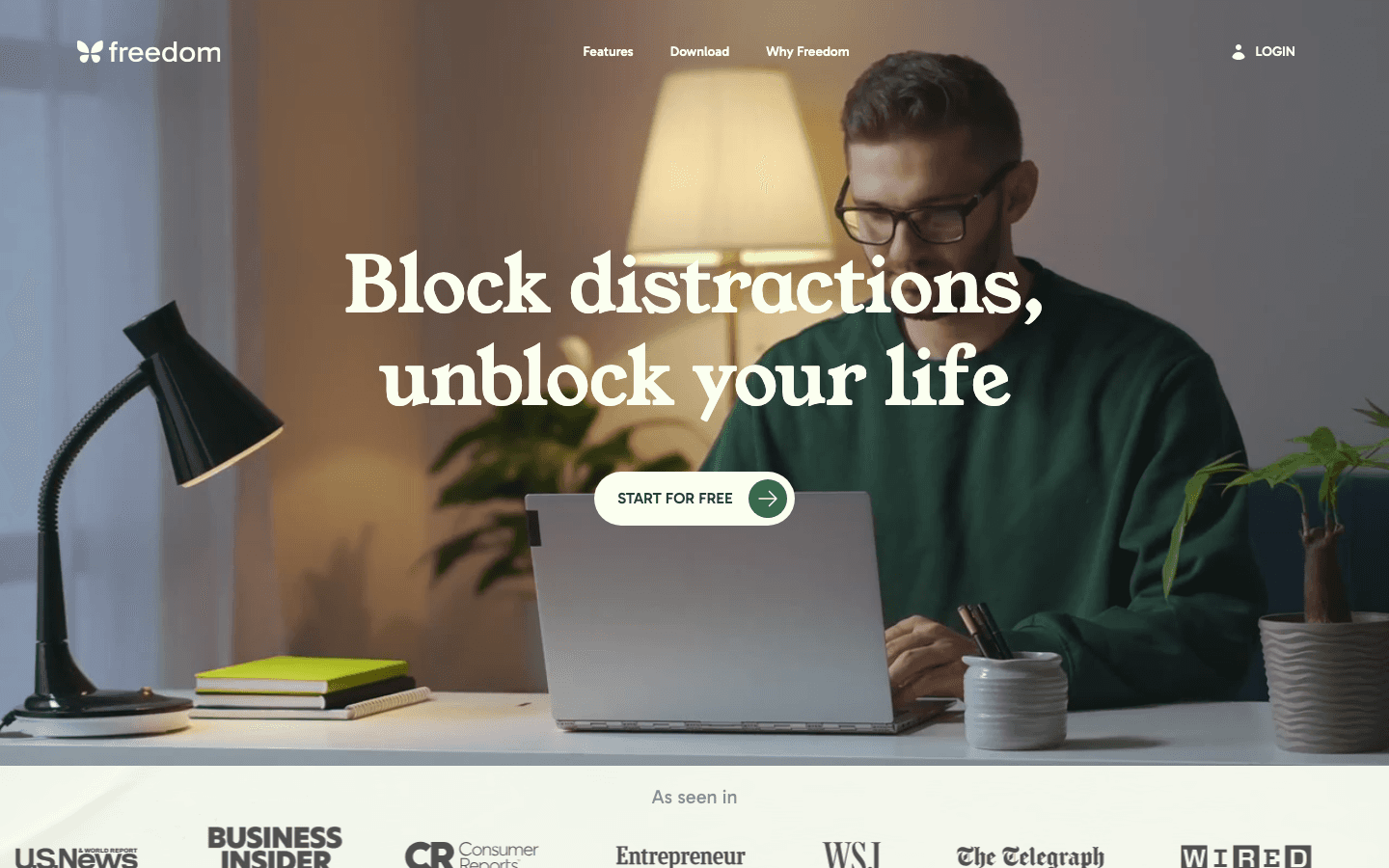
Freedom is the most serious traditional app blocker on this list. Its locked mode starts a session and makes it impossible to end early, even if you delete the app from your phone. A VPN connection enforces the block across all your devices at once, which means blocking Reddit on your Android also blocks it in Chrome on your laptop.
The scheduling feature lets you set recurring blocks: every weekday morning until noon, for example: so you do not have to remember to start a session. Freedom also integrates with focus music tools to create a complete focus environment. For people with a serious phone habit who need something that cannot be bypassed, Freedom is the strongest option available.
Cross-device blocking across Android, iOS, Mac, Windows, and Chrome
Locked mode prevents early session cancellation
Recurring scheduled sessions
Custom blocklists for apps and websites
What Works:
The hardest-to-bypass blocker tested
Cross-device sync is unique and genuinely useful
Free plan available for basic use
Limitations:
Premium plan required for scheduled and recurring blocks
Less effective for offline apps not covered by VPN
Pricing: Free (basic). Premium from $3.33/month billed annually. Lifetime at $99.50.
Best for: People who need a blocker that cannot be overridden, remote workers using multiple devices.
3. Forest: Best for Gamified Focus
Grow a virtual tree while you stay off your phone: and plant real trees with your focus time.
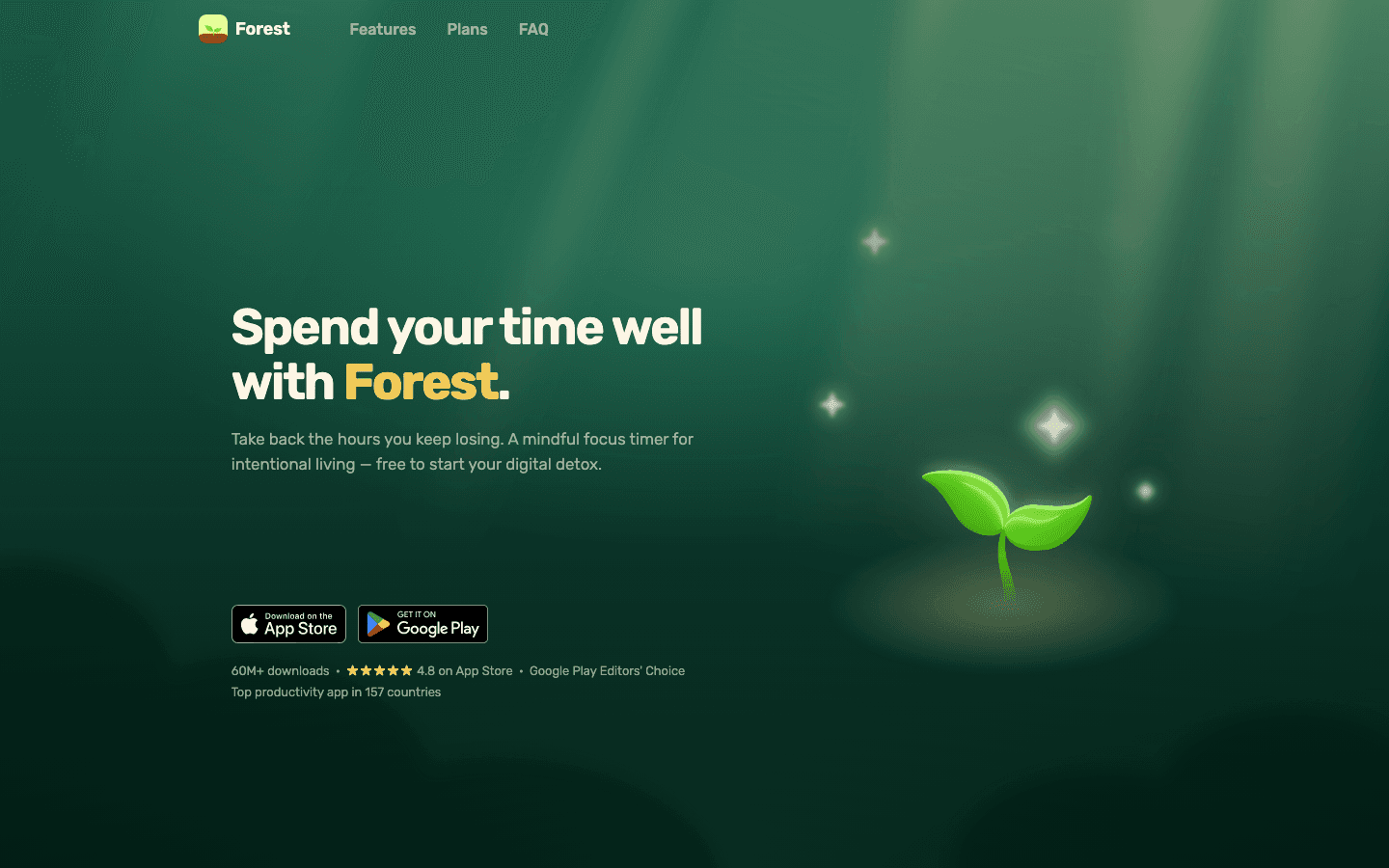
Forest takes a positive reinforcement approach to phone blocking. You plant a virtual tree, set a timer, and the tree grows as long as you stay out of your blocked apps. Leave early and the tree dies. Over time, you accumulate a forest that represents your focus sessions, and the app donates to real tree-planting organizations based on your accumulated time.
The blocking mechanism is not as hard as Freedom or AppBlock: determined users can still leave and accept the dead tree. But for people who respond well to gamification and visual progress, Forest creates enough friction and emotional engagement to change behavior without requiring a hard lock. It is particularly effective for students and people who are motivated by visible streaks.
Virtual tree grows during focus sessions
Real tree planting through partner organizations
Available on Android, iOS, and as a Chrome extension
Social features to grow forest with friends
What Works:
Positive motivation beats punishment-based blocking for many users
Free on Android; strong core features without paying
The environmental angle adds meaning to focus sessions
Limitations:
Can be easily bypassed by accepting the dead tree outcome
No energy-aware scheduling or ADHD-specific features
Pricing: Free with in-app purchases.
Best for: Students, people who respond to gamification, users who want light friction rather than hard blocking.
4. One Sec: Best for Breaking Automatic Habits
A one-second pause before you open a distracting app builds awareness before the habit takes hold.
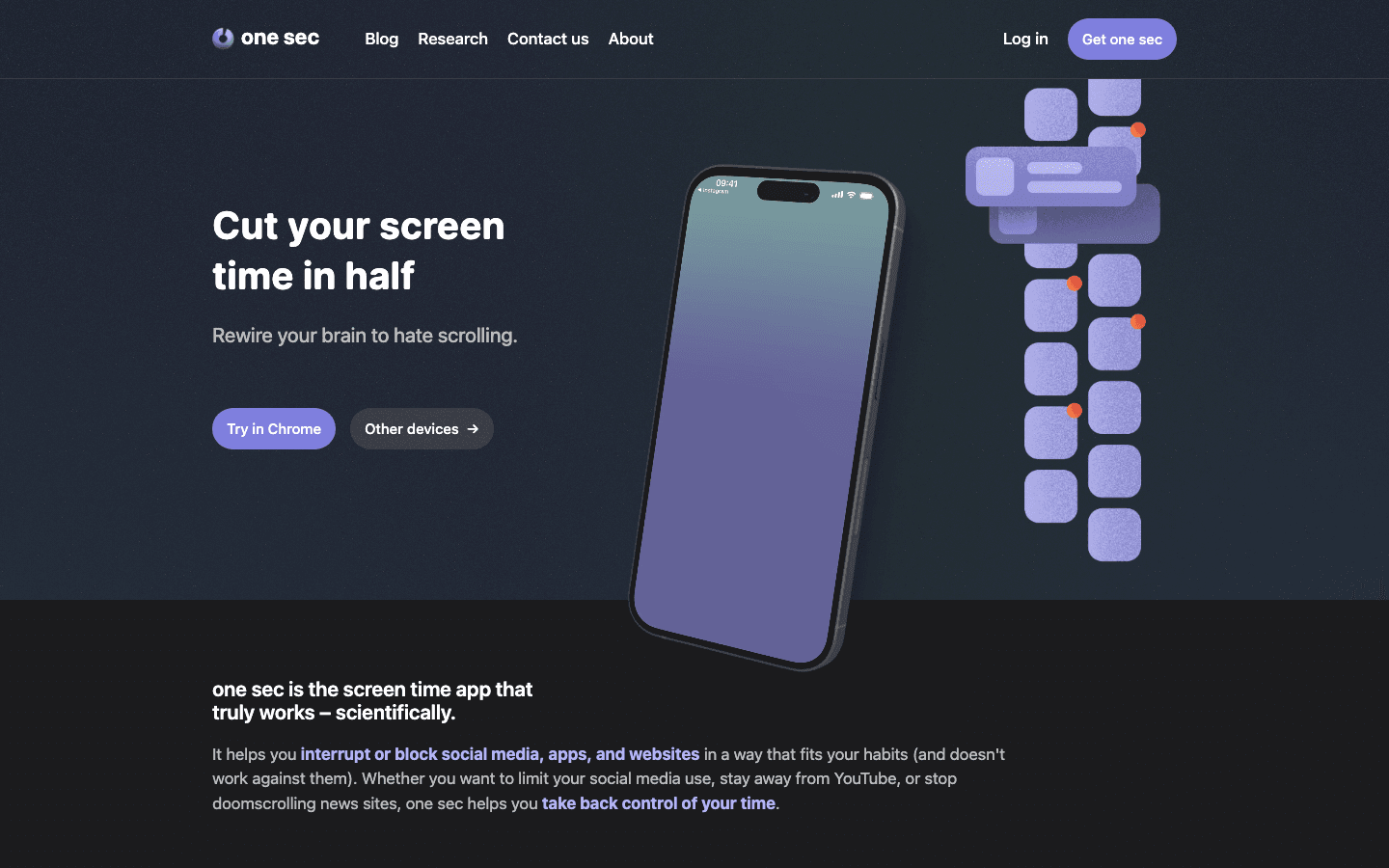
One Sec works differently from most blockers. Instead of preventing access to an app entirely, it inserts a delay: a breath prompt, a question, or a brief pause: when you try to open a distracting app. That one second of interruption is enough to break the automatic nature of the behavior and let your prefrontal cortex catch up with your impulse.
The research behind this approach shows meaningful results: users who added friction rather than hard blocks reported fewer unintentional app opens and better awareness of their usage patterns over time. One Sec is not for people who need a hard lock. It is for people who want to understand and change their relationship with distracting apps rather than just block them.
Customizable pause before opening blocked apps
Usage insights showing patterns across time
Available on Android and iOS
Team licenses available for workplaces
What Works:
Builds long-term habit change rather than just blocking
Free tier covers the core functionality well
Works on YouTube Shorts and other in-app distractions
Limitations:
Not a hard block: can be bypassed by pushing through the pause
Less effective for people who need immediate, non-negotiable blocking
Pricing: Free for essential features. Pro plan available.
Best for: People who want to build awareness and change habits rather than enforce hard restrictions.
5. AppBlock: Best Native Android Blocker
The most popular dedicated app blocker on Android, with granular scheduling and strict mode.
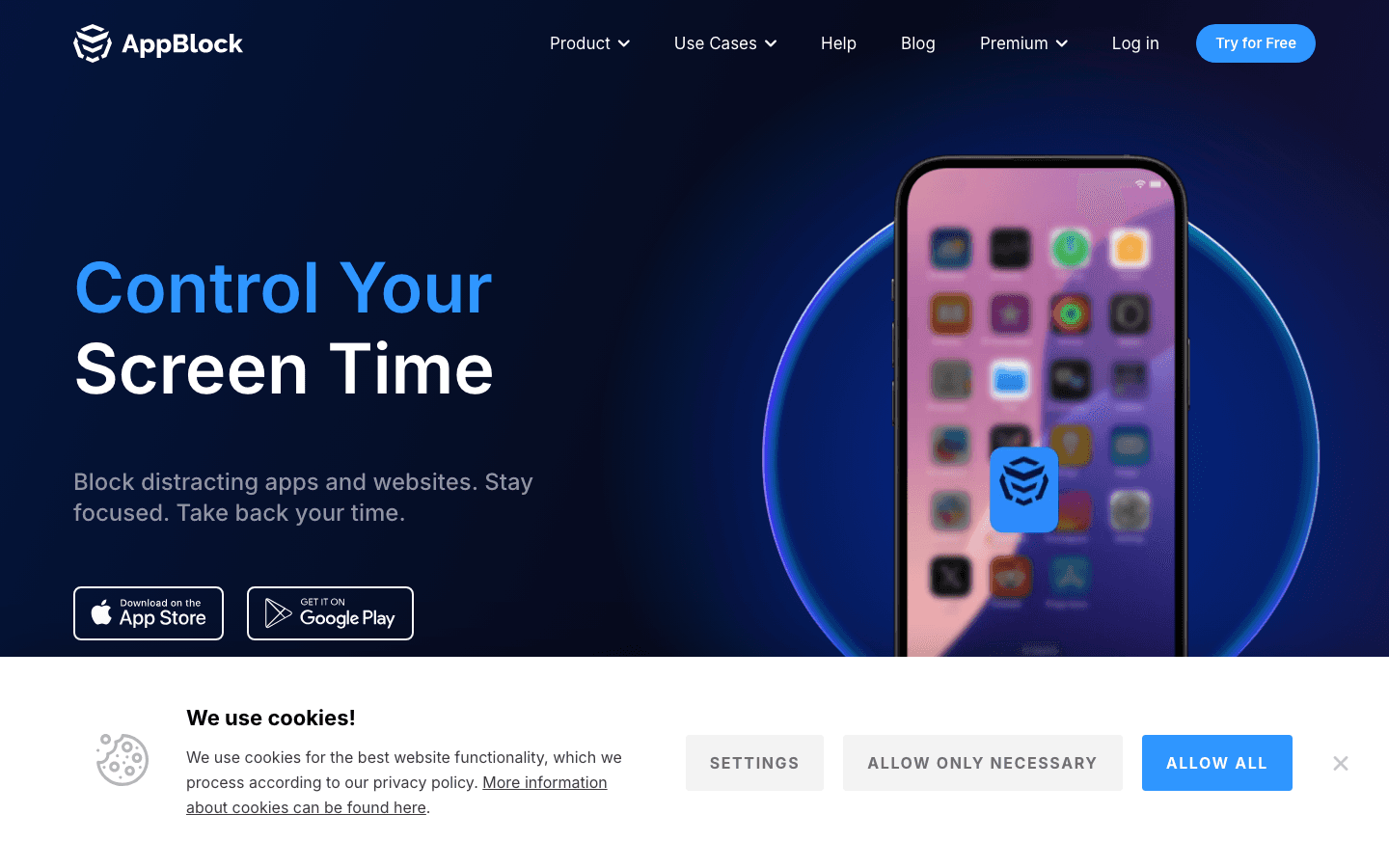
AppBlock is built specifically for Android and uses Android's Usage Access permission for deep, reliable blocking. You can create profiles with different blocked apps and schedules: a Work profile that blocks social media during business hours, a Night profile that blocks games after 10 PM: and AppBlock will switch between them automatically.
Strict Mode sets it apart from lighter options: once enabled, it locks the blocking profile with a PIN, preventing you from disabling it until the timer expires. With 15 million downloads and a 4.7 App Store rating, AppBlock is the go-to choice for users who want the most control over their Android blocking setup. The ADHD task initiation guide covers how scheduled blocking can work alongside structured planning to reduce procrastination.
Multiple blocking profiles with automatic switching
Strict Mode with PIN protection against early cancellation
Location-based activation (block apps when near certain places)
Available on Android and iOS
What Works:
Most granular scheduling of any Android blocker tested
Automatic profile switching removes the need to remember to block
Well-maintained app with consistent updates
Limitations:
Pro features require a subscription
Initial setup of profiles requires more time than simpler blockers
Pricing: Free. Pro from $2.99/month.
Best for: Android power users who want maximum scheduling control and strict blocking.
6. Stay Focused: Best Free Starting Point
Free blocking with usage analytics: a good way to understand your habits before committing to a paid tool.
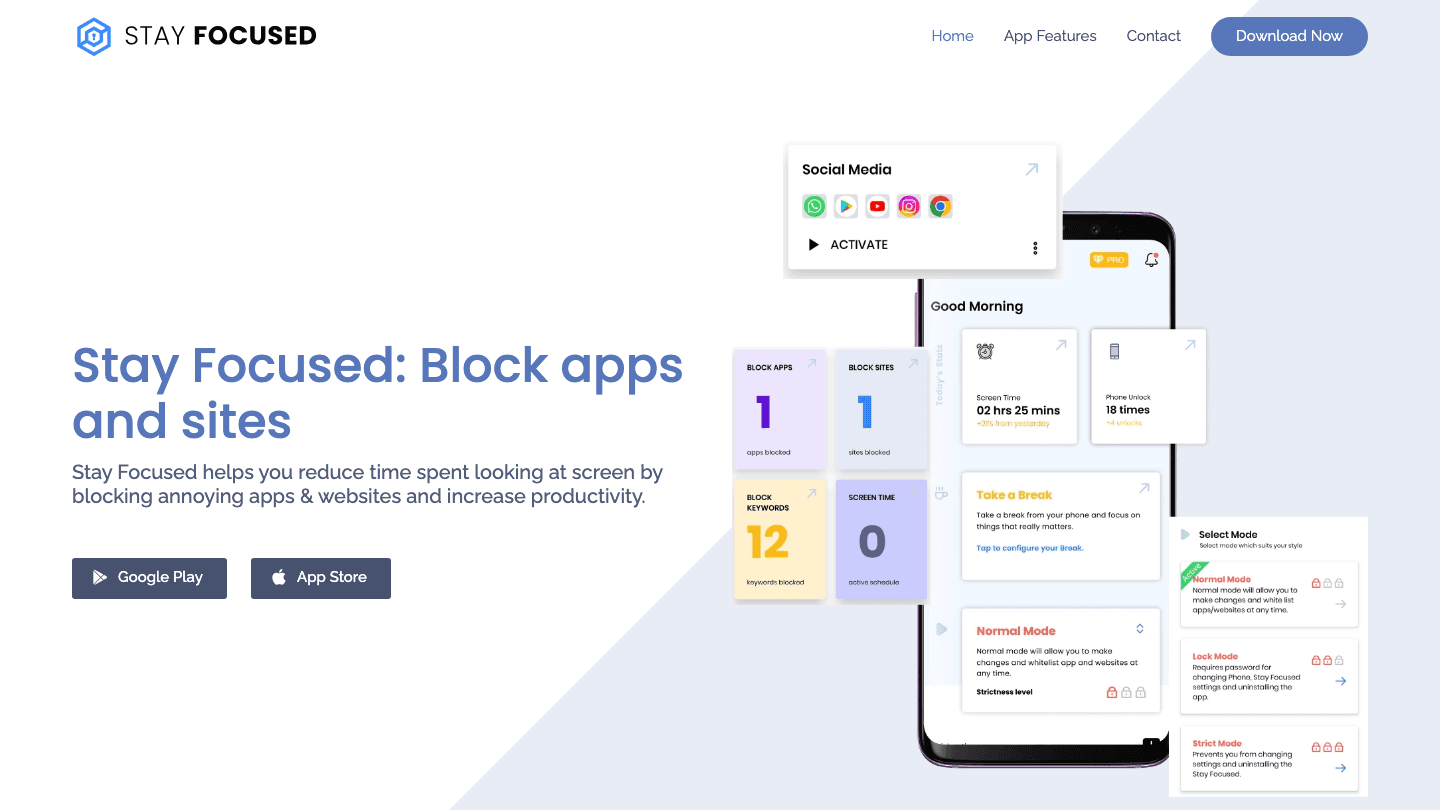
Stay Focused combines app blocking with detailed usage analytics, which makes it a good first step for anyone who is not yet sure how serious their distraction problem is. You can see exactly how much time you spend in each app per day, which apps are consuming the most hours, and where your screen time goes before and after adding blocks.
The blocking itself is functional on the free tier, though it is easier to override than Freedom or AppBlock. Strict Mode and Lock Mode are available on the paid plan and bring it closer to the harder blockers. For someone starting out, Stay Focused's analytics are often the most valuable feature: understanding your actual usage patterns is the first step toward changing them. Our guide on Android time management apps covers additional options for structured scheduling on Android.
Detailed daily and weekly usage analytics
Block apps and websites by time intervals or usage limits
Lock Mode and Strict Mode on premium
Multiple blocking profiles
What Works:
Free tier is genuinely useful, not crippled
Usage analytics are among the best on this list
Simple to set up with minimal configuration
Limitations:
Free tier blocking is easier to override than paid options
No cross-device support
Pricing: Free. Premium from $1.99/month.
Best for: Users new to app blocking who want to understand their habits before choosing a paid tool.
Which App Blocker Is Right for You?
ADHD or time management problems: Start with Lifestack to build a structured day, then add Freedom or AppBlock for hard blocking during focus sessions
Need something that cannot be bypassed: Freedom (cross-device) or AppBlock Strict Mode
Want to build habit awareness gradually: One Sec or Stay Focused
Motivated by gamification: Forest
Android power user wanting full control: AppBlock
Just starting out and not sure yet: Stay Focused (free)
Frequently Asked Questions
What is the best free app blocker for Android?
Stay Focused offers the most complete free experience, with usage analytics and basic blocking at no cost. Forest is also free on Android and adds gamification. For cross-device blocking, Freedom has a functional free tier. One Sec covers core pause-based blocking for free.
Can Android app blockers be bypassed?
Most can be bypassed with enough effort. The hardest to get around are Freedom in locked mode (which works even if you delete the app) and AppBlock's Strict Mode with PIN protection. Lighter tools like Forest and One Sec are intentionally easy to override: they rely on motivation rather than hard enforcement.
Do app blockers help with ADHD?
They can, but the most effective approach for ADHD is often a combination of tools. A scheduling app like Lifestack reduces unstructured time where phone use spikes, while a hard blocker like AppBlock or Freedom handles specific high-risk periods like deep work blocks. Using them together produces better results than either alone. Our guide on ADHD focus apps covers this combination in more detail.
How do Android app blockers work technically?
Most Android blockers use the OS's Usage Access permission to monitor app launches and interrupt them before the target app loads. Some, like Freedom, add a VPN layer to block websites at the network level as well. The VPN approach is harder to bypass because it operates outside any individual app's control.
Are app blockers worth it for productivity?
Research consistently shows that attention interruptions, even brief ones, significantly reduce the quality of focused work. App blockers address one major source of those interruptions. Whether they are "worth it" depends on how severe your distraction problem is and which type of blocker matches how your brain responds to friction. Hard blockers work well for people who override softer tools. Gentle friction works better for people who respond to awareness and motivation rather than enforcement.
The best way to block distractions on Android is not always the same for every person. Some people need a hard lock that cannot be bypassed. Others need gentle friction to interrupt autopilot scrolling. And some people find the most effective approach is not a blocker at all, but a planner that structures their day so tightly that there is no idle time for reaching for their phone.
We tested six of the best options across all three approaches. Whether you are managing ADHD and focus challenges, trying to reduce social media time, or protecting deep work sessions, there is a right tool here for your situation.
Key Takeaways
Lifestack prevents distraction by scheduling your day intentionally, so there is less idle time to fill with scrolling. It is the best choice for ADHD and neurodivergent users.
Freedom is the strongest traditional app blocker, with cross-device sync and a locked mode that cannot be overridden once activated.
Forest and One Sec are ideal for people who want lighter-touch friction rather than hard blocking.
Quick Guide
Lifestack: AI-powered planner that reduces idle phone time by keeping your day structured
Freedom: Cross-device blocker with hard locked mode; best for serious distraction problems
Forest: Gamified blocking; grow a virtual tree while you stay off your phone
One Sec: Adds a pause before opening distracting apps; builds awareness over time
AppBlock: Granular scheduling with strict mode; most customizable Android blocker
Stay Focused: Free, usage analytics plus basic blocking; good starting point
How We Evaluated
Blocking strength (can it be overridden easily?)
Scheduling and customization options
Cross-device support (Android + desktop)
Friction type (hard block vs. pause vs. gamification)
ADHD and neurodivergent suitability
Free vs. paid value ratio
1. Lifestack: Best for ADHD and Proactive Focus
Schedule your way out of distraction instead of blocking your way through it.
Most app blockers are reactive. You open Instagram out of habit, the blocker says no, and you either close the app or find a way around it. Lifestack takes a different approach: it fills your day with intentional tasks scheduled around your actual energy levels, so the impulse to reach for your phone has less empty space to land in.
Lifestack connects to your calendar and health data to build a daily schedule where your hardest tasks happen in your peak hours and low-energy windows are filled with lighter work rather than dead time. For ADHD brains that struggle with unstructured periods, this is often more effective than a hard block because it addresses the root cause rather than the symptom. Our guide on energy-based scheduling explains the underlying method in more detail.
AI-powered scheduling that adapts to your energy pattern
Connects to Apple Health, Google Calendar, and task managers
Available on Android and iOS with Chrome extension
Built specifically for ADHD and neurodivergent users
What Works:
Reduces idle phone time structurally rather than reactively
Energy-aware scheduling is unique among productivity apps
Does not require willpower to engage with: the schedule does the work
Limitations:
Not a traditional app blocker: does not prevent specific app access
Requires consistent use to see the distraction-reduction benefit
Pricing: 7-day free trial, then $7/month or $50/year. Lifetime plan available at $120.
Best for: ADHD users, people who struggle with unstructured time, those who want to prevent distraction rather than block it.
2. Freedom: Best Cross-Device Blocker
Hard-mode blocking that works across Android, iPhone, Mac, and Windows simultaneously.
Freedom is the most serious traditional app blocker on this list. Its locked mode starts a session and makes it impossible to end early, even if you delete the app from your phone. A VPN connection enforces the block across all your devices at once, which means blocking Reddit on your Android also blocks it in Chrome on your laptop.
The scheduling feature lets you set recurring blocks: every weekday morning until noon, for example: so you do not have to remember to start a session. Freedom also integrates with focus music tools to create a complete focus environment. For people with a serious phone habit who need something that cannot be bypassed, Freedom is the strongest option available.
Cross-device blocking across Android, iOS, Mac, Windows, and Chrome
Locked mode prevents early session cancellation
Recurring scheduled sessions
Custom blocklists for apps and websites
What Works:
The hardest-to-bypass blocker tested
Cross-device sync is unique and genuinely useful
Free plan available for basic use
Limitations:
Premium plan required for scheduled and recurring blocks
Less effective for offline apps not covered by VPN
Pricing: Free (basic). Premium from $3.33/month billed annually. Lifetime at $99.50.
Best for: People who need a blocker that cannot be overridden, remote workers using multiple devices.
3. Forest: Best for Gamified Focus
Grow a virtual tree while you stay off your phone: and plant real trees with your focus time.
Forest takes a positive reinforcement approach to phone blocking. You plant a virtual tree, set a timer, and the tree grows as long as you stay out of your blocked apps. Leave early and the tree dies. Over time, you accumulate a forest that represents your focus sessions, and the app donates to real tree-planting organizations based on your accumulated time.
The blocking mechanism is not as hard as Freedom or AppBlock: determined users can still leave and accept the dead tree. But for people who respond well to gamification and visual progress, Forest creates enough friction and emotional engagement to change behavior without requiring a hard lock. It is particularly effective for students and people who are motivated by visible streaks.
Virtual tree grows during focus sessions
Real tree planting through partner organizations
Available on Android, iOS, and as a Chrome extension
Social features to grow forest with friends
What Works:
Positive motivation beats punishment-based blocking for many users
Free on Android; strong core features without paying
The environmental angle adds meaning to focus sessions
Limitations:
Can be easily bypassed by accepting the dead tree outcome
No energy-aware scheduling or ADHD-specific features
Pricing: Free with in-app purchases.
Best for: Students, people who respond to gamification, users who want light friction rather than hard blocking.
4. One Sec: Best for Breaking Automatic Habits
A one-second pause before you open a distracting app builds awareness before the habit takes hold.
One Sec works differently from most blockers. Instead of preventing access to an app entirely, it inserts a delay: a breath prompt, a question, or a brief pause: when you try to open a distracting app. That one second of interruption is enough to break the automatic nature of the behavior and let your prefrontal cortex catch up with your impulse.
The research behind this approach shows meaningful results: users who added friction rather than hard blocks reported fewer unintentional app opens and better awareness of their usage patterns over time. One Sec is not for people who need a hard lock. It is for people who want to understand and change their relationship with distracting apps rather than just block them.
Customizable pause before opening blocked apps
Usage insights showing patterns across time
Available on Android and iOS
Team licenses available for workplaces
What Works:
Builds long-term habit change rather than just blocking
Free tier covers the core functionality well
Works on YouTube Shorts and other in-app distractions
Limitations:
Not a hard block: can be bypassed by pushing through the pause
Less effective for people who need immediate, non-negotiable blocking
Pricing: Free for essential features. Pro plan available.
Best for: People who want to build awareness and change habits rather than enforce hard restrictions.
5. AppBlock: Best Native Android Blocker
The most popular dedicated app blocker on Android, with granular scheduling and strict mode.
AppBlock is built specifically for Android and uses Android's Usage Access permission for deep, reliable blocking. You can create profiles with different blocked apps and schedules: a Work profile that blocks social media during business hours, a Night profile that blocks games after 10 PM: and AppBlock will switch between them automatically.
Strict Mode sets it apart from lighter options: once enabled, it locks the blocking profile with a PIN, preventing you from disabling it until the timer expires. With 15 million downloads and a 4.7 App Store rating, AppBlock is the go-to choice for users who want the most control over their Android blocking setup. The ADHD task initiation guide covers how scheduled blocking can work alongside structured planning to reduce procrastination.
Multiple blocking profiles with automatic switching
Strict Mode with PIN protection against early cancellation
Location-based activation (block apps when near certain places)
Available on Android and iOS
What Works:
Most granular scheduling of any Android blocker tested
Automatic profile switching removes the need to remember to block
Well-maintained app with consistent updates
Limitations:
Pro features require a subscription
Initial setup of profiles requires more time than simpler blockers
Pricing: Free. Pro from $2.99/month.
Best for: Android power users who want maximum scheduling control and strict blocking.
6. Stay Focused: Best Free Starting Point
Free blocking with usage analytics: a good way to understand your habits before committing to a paid tool.
Stay Focused combines app blocking with detailed usage analytics, which makes it a good first step for anyone who is not yet sure how serious their distraction problem is. You can see exactly how much time you spend in each app per day, which apps are consuming the most hours, and where your screen time goes before and after adding blocks.
The blocking itself is functional on the free tier, though it is easier to override than Freedom or AppBlock. Strict Mode and Lock Mode are available on the paid plan and bring it closer to the harder blockers. For someone starting out, Stay Focused's analytics are often the most valuable feature: understanding your actual usage patterns is the first step toward changing them. Our guide on Android time management apps covers additional options for structured scheduling on Android.
Detailed daily and weekly usage analytics
Block apps and websites by time intervals or usage limits
Lock Mode and Strict Mode on premium
Multiple blocking profiles
What Works:
Free tier is genuinely useful, not crippled
Usage analytics are among the best on this list
Simple to set up with minimal configuration
Limitations:
Free tier blocking is easier to override than paid options
No cross-device support
Pricing: Free. Premium from $1.99/month.
Best for: Users new to app blocking who want to understand their habits before choosing a paid tool.
Which App Blocker Is Right for You?
ADHD or time management problems: Start with Lifestack to build a structured day, then add Freedom or AppBlock for hard blocking during focus sessions
Need something that cannot be bypassed: Freedom (cross-device) or AppBlock Strict Mode
Want to build habit awareness gradually: One Sec or Stay Focused
Motivated by gamification: Forest
Android power user wanting full control: AppBlock
Just starting out and not sure yet: Stay Focused (free)
Frequently Asked Questions
What is the best free app blocker for Android?
Stay Focused offers the most complete free experience, with usage analytics and basic blocking at no cost. Forest is also free on Android and adds gamification. For cross-device blocking, Freedom has a functional free tier. One Sec covers core pause-based blocking for free.
Can Android app blockers be bypassed?
Most can be bypassed with enough effort. The hardest to get around are Freedom in locked mode (which works even if you delete the app) and AppBlock's Strict Mode with PIN protection. Lighter tools like Forest and One Sec are intentionally easy to override: they rely on motivation rather than hard enforcement.
Do app blockers help with ADHD?
They can, but the most effective approach for ADHD is often a combination of tools. A scheduling app like Lifestack reduces unstructured time where phone use spikes, while a hard blocker like AppBlock or Freedom handles specific high-risk periods like deep work blocks. Using them together produces better results than either alone. Our guide on ADHD focus apps covers this combination in more detail.
How do Android app blockers work technically?
Most Android blockers use the OS's Usage Access permission to monitor app launches and interrupt them before the target app loads. Some, like Freedom, add a VPN layer to block websites at the network level as well. The VPN approach is harder to bypass because it operates outside any individual app's control.
Are app blockers worth it for productivity?
Research consistently shows that attention interruptions, even brief ones, significantly reduce the quality of focused work. App blockers address one major source of those interruptions. Whether they are "worth it" depends on how severe your distraction problem is and which type of blocker matches how your brain responds to friction. Hard blockers work well for people who override softer tools. Gentle friction works better for people who respond to awareness and motivation rather than enforcement.



FOLLOW ON
FOLLOW ON
FOLLOW ON



Copyright 2026 © Lifestack. All rights reserved
Copyright 2026 © Lifestack. All rights reserved

