
Device
5 Best Apps to Use with Garmin in 2026
5 Best Apps to Use with Garmin in 2026
Garmin makes some of the most data-rich wearables you can own. Body Battery scores, HRV status, sleep stages, VO2 max estimates, stress monitoring, recovery advisor. Most Garmin owners see all of this in the Garmin Connect app and don't go much further with it.
The apps in this list change that. Each one either pulls directly from your Garmin data or complements your device in a way that makes the data actionable. The goal is not more dashboards. It's about using what your Garmin already knows about you to make your day, your training, and your recovery more intentional.
Here are the five apps worth pairing with your Garmin.
1. Lifestack
Use your Garmin's recovery data to schedule your most important work.

What it is
Lifestack is an AI productivity scheduler that syncs with your Garmin to schedule tasks based on your energy and recovery data. Rather than planning your day around a static block calendar, Lifestack reads your Body Battery score and HRV metrics to decide when to front-load demanding tasks and when to shift lighter work to the foreground.
Key features
Syncs with Garmin Connect for Body Battery, HRV, and sleep data
AI schedules your task list into high-energy time windows automatically
Integrates with Google Calendar and Todoist for full workflow coverage
iOS and Android apps with a Chrome extension
Also works with Oura, Apple Watch, Fitbit, Whoop, and Ultrahuman
Why it pairs well with Garmin
Garmin's Body Battery score is one of the most accurate readiness metrics in consumer wearables. Lifestack is the only productivity app that uses that score to schedule your actual work calendar. When your Body Battery reads 80 or above, Lifestack slots in your deep work and high-priority tasks. When it is depleted after a hard training day or a poor night's sleep, it automatically shifts lighter admin tasks to the foreground.
This is what energy-based planning looks like in practice: your wearable data stops being a readout and starts driving real scheduling decisions. For Garmin users who also track their work, Lifestack is the bridge between the two.
Things to watch out for
Lifestack has no permanent free tier. You get a 7-day trial before the $7/month subscription begins. It is also more immediately useful for knowledge workers and anyone with flexible scheduling than for people in fixed-schedule jobs where task timing is out of their hands.
2. Strava
The social layer your Garmin training data is missing.
What it is
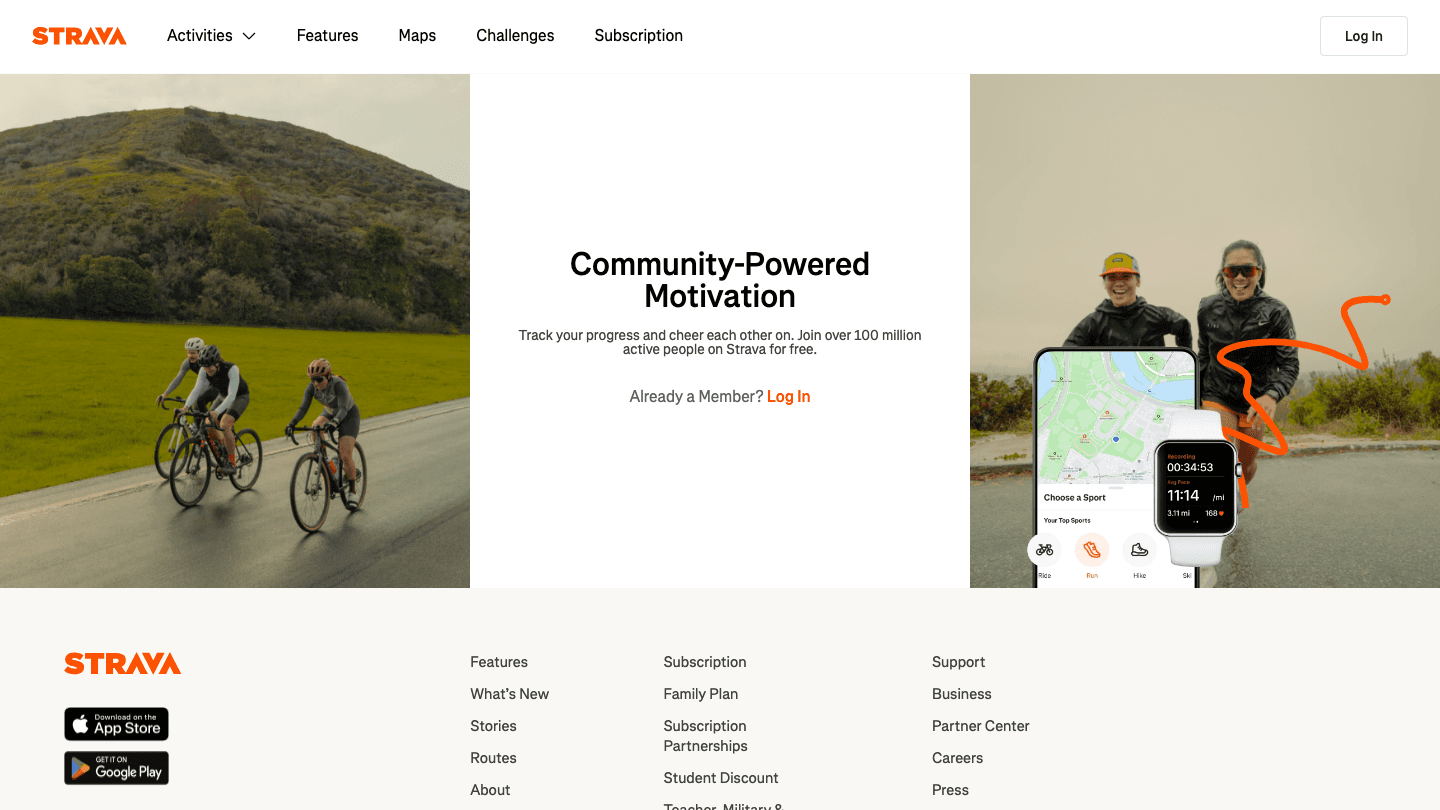
Strava is the most widely used fitness tracking app for runners, cyclists, and swimmers. It syncs automatically with Garmin Connect and presents your activity data in a visual, social format: route maps, segment leaderboards, follower activity feeds, and yearly fitness breakdowns.
Key features
Automatic sync with Garmin Connect after every activity
Route mapping with GPS trace and elevation profiles
Segment leaderboards and personal records (Strava Premium)
Relative effort scoring and training load analysis
Social feed showing activities from people you follow
Why it pairs well with Garmin
Garmin records everything; Strava makes it worth sharing. The segment leaderboard system turns a solo run into a competitive time trial against everyone who has ever run that stretch of road. For people who train more consistently when accountability or competition is involved, Strava adds that layer cleanly on top of Garmin's data depth.
The social feed also serves as a passive training log for athletes you respect. Seeing what your training partners completed last week often provides more motivation to get out the door than any app notification.
Things to watch out for
The most useful features (segment leaderboards, relative effort, route builder, training plans) sit behind Strava Premium. The free tier is useful for activity logging but adds little beyond what Garmin Connect already shows. If the social and competitive aspects do not appeal to you, the upgrade may not be worth it.
3. Komoot
Route planning that pushes directly to your Garmin watch.
What it is
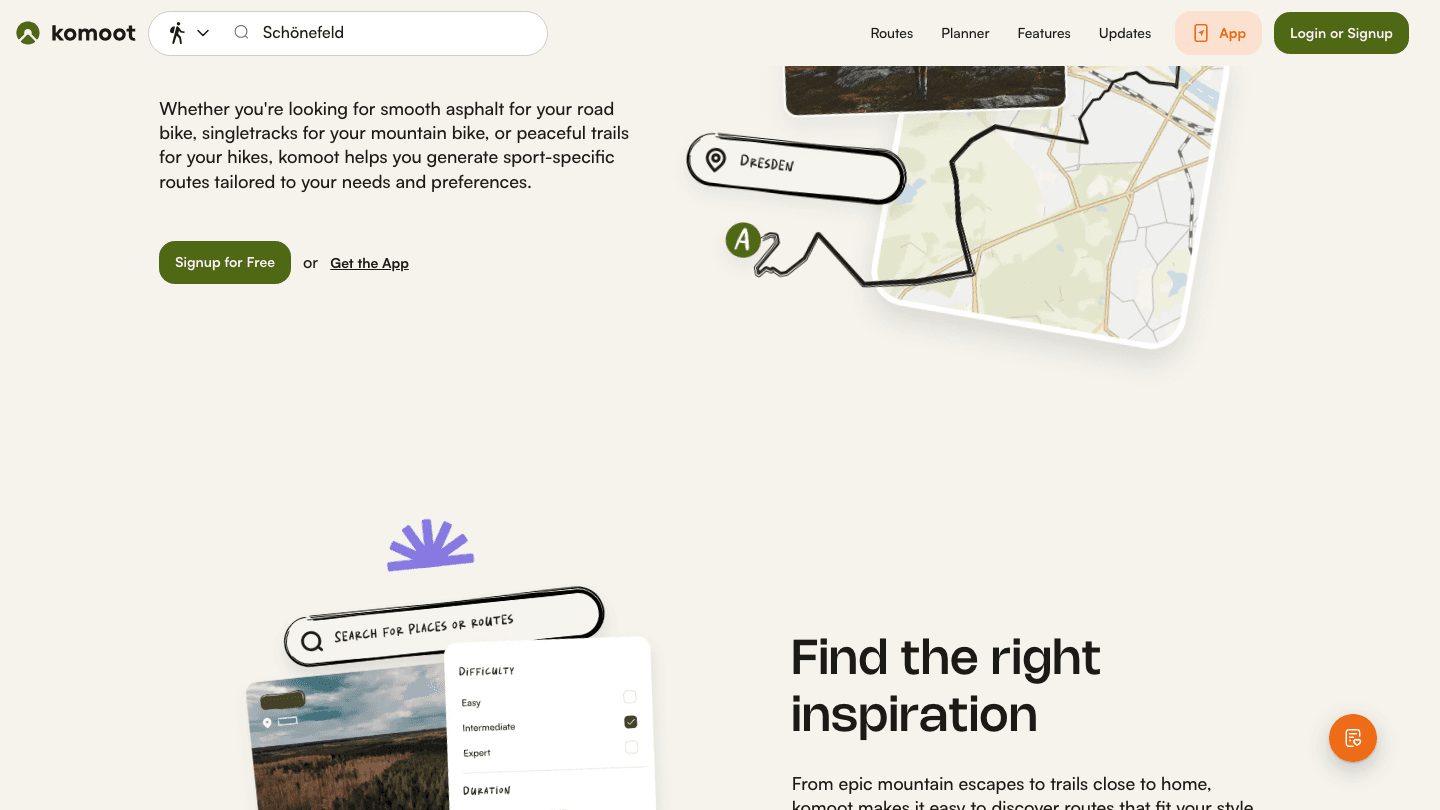
Komoot is a route planning and navigation app used by hikers, road cyclists, mountain bikers, and trail runners. It integrates with Garmin via Connect IQ, letting you push planned routes directly to your watch for turn-by-turn navigation in the field. No phone is required once you start moving.
Key features
Route planning for hiking, road cycling, mountain biking, and running
Topographic maps with surface type data (paved, gravel, trail)
Direct sync to Garmin watch via Connect IQ
Community-contributed waypoint tips and photos along routes
Offline map downloads for areas without cell coverage
Why it pairs well with Garmin
Garmin devices have excellent GPS hardware and navigation screens. Komoot provides the route planning layer that Garmin's native tools are missing. You plan on your phone or desktop, push the route to your watch with one tap, and then navigate turn-by-turn in the field using your watch's screen. No phone in your pocket or handlebar mount needed.
This combination is standard equipment for touring cyclists and trail runners who explore new areas regularly. Komoot's surface type data is particularly useful: it tells you in advance if a route transitions from pavement to gravel to singletrack, which affects both pacing and equipment choices.
Things to watch out for
Komoot sells regional map packs as one-time purchases, which can add up if you frequently travel to new areas. Route quality also depends on community contributions. Well-traveled regions have excellent coverage and current conditions, while more remote areas can be sparse.
4. TrainingPeaks
The performance analytics layer for athletes with a target on the calendar.
What it is
TrainingPeaks is a training planning and analytics platform used by endurance athletes and coaches. It syncs with Garmin and presents your fitness, fatigue, and form data in a performance management chart, the gold standard framework for planning training load around a target event.
Key features
Performance Management Chart (fitness, fatigue, and form modeling)
Structured workout builder that pushes directly to your Garmin device
Coach-athlete platform with shared training plan access
Long-term training history with calendar and volume views
Integration with Garmin's own training plans
Why it pairs well with Garmin
Garmin captures the raw performance data. TrainingPeaks interprets it using training load science. The CTL/ATL/TSB model (chronic training load, acute training load, training stress balance) has been the standard in endurance coaching for decades, and TrainingPeaks applies it to your actual Garmin data automatically.
For athletes building toward a specific event (a marathon, an Ironman, a century ride), the combination of Garmin's data capture and TrainingPeaks' planning framework is hard to beat. You can also work with a remote coach who writes structured workouts directly to your Garmin from the TrainingPeaks platform.
Things to watch out for
TrainingPeaks is built for athletes with a training goal and a structured plan. If you are training casually without a target event or specific performance objectives, the depth of the platform will feel unused. Most of the value comes from following a structured plan over 12+ weeks, not from ad hoc data review.
5. Spotify
Wrist-based music control for training sessions without your phone.
What it is
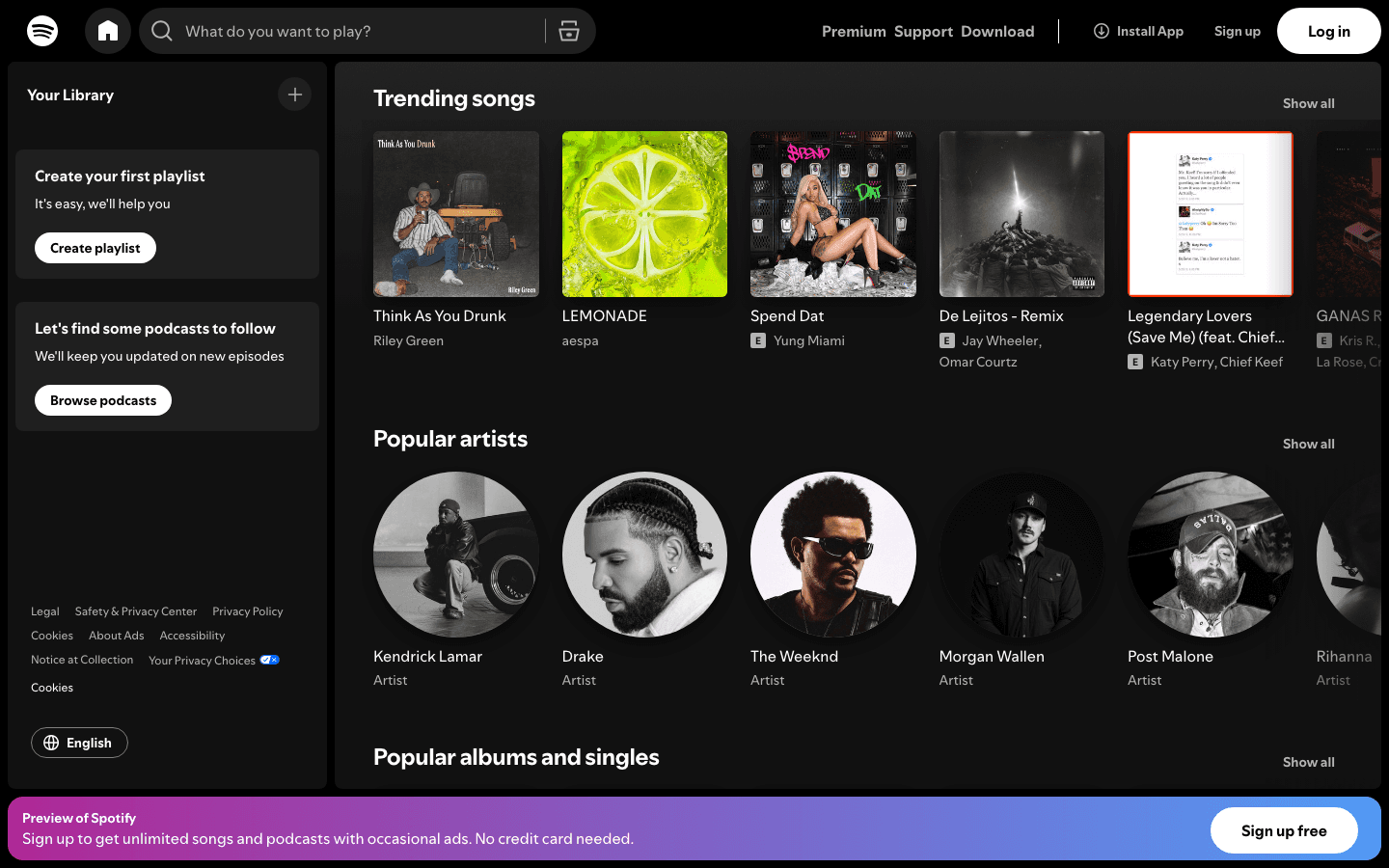
Spotify's Garmin Connect IQ app lets you control playback directly from your watch. On Garmin models with onboard music storage (Forerunner 255 Music, Fenix series, Epix, and others), you can download playlists for offline use and leave your phone at home entirely during workouts.
Key features
Watch-based playback controls (track skipping, pause, volume) without touching your phone
Offline playlist downloads to Garmin's onboard storage (music-capable models)
Bluetooth audio pairing through your Garmin directly to headphones
Available on most modern Garmin smartwatch and multisport models
Why it pairs well with Garmin
Training with music is a consistent performance booster for most athletes. The practical case for pairing Spotify with a Garmin music model is simple: when you are running a long effort without your phone, having playback controls on your wrist removes the friction of reaching into a pocket or armband every time a song needs changing. The Garmin and Spotify combination handles this cleanly.
If you want to understand how recovery quality affects your training energy and scheduling (and you're using music to push through fatigue rather than working with your energy levels), Lifestack's integration with Garmin can help you see the full picture. See our guide to apps that pair well with Oura Ring for a similar approach applied to sleep-focused wearables.
Things to watch out for
Spotify requires a Premium subscription for offline downloads, and offline playback to a Garmin watch only works on models with dedicated music storage. Non-music Garmin models can still display playback controls and skip tracks when your phone is nearby, but cannot store songs locally.
How to Get the Most from Your Garmin
Most people use Garmin Connect to review their data after the fact and stop there. Adding one or two apps from this list turns that passive data collection into something that actually shapes your day and your training.
The combination worth trying first: Lifestack and Strava. Lifestack uses your Garmin health data to plan your work schedule around your energy levels. Strava uses your Garmin activity data to motivate your training through social accountability and segment competition. Neither requires you to change how you use your Garmin. Both work directly from the data your watch already collects.
For athletes training toward a specific event, add TrainingPeaks for structured load management and Komoot for route navigation in new terrain. The four work together without overlap.
For more on how your wearable data can shape your daily schedule, see our guide to choosing the right wearable device, and our overview of using wearable data for productivity.
FAQ: Apps to Use with Garmin
Can I use third-party apps with my Garmin watch?
Yes. Garmin watches support third-party apps through the Garmin Connect IQ platform. You can install apps, watch faces, and data fields directly via the Connect IQ store on your smartphone. Many services like Strava, Komoot, and Spotify also sync data with Garmin Connect via API, even without a dedicated watch face.
Does Lifestack work with Garmin?
Yes. Lifestack syncs with Garmin Connect to pull your Body Battery score, HRV status, and recovery data. It uses that information to schedule your tasks during your highest-readiness windows, so demanding work is placed when you're actually capable of doing it well. Learn more about how this works in our piece on energy-based planning.
Is Strava better than Garmin Connect for tracking fitness?
They serve different purposes. Garmin Connect is the primary data hub for your device. It captures and stores everything your watch records. Strava adds a social layer, segment leaderboards, and route mapping on top of that data. Most serious athletes use both: Garmin for detailed data capture, Strava for motivation, route sharing, and competitive tracking.
Does Garmin connect to Google Calendar?
Garmin Connect doesn't integrate directly with Google Calendar. However, apps like Lifestack bridge the gap: it reads your Garmin health data and uses it to schedule time blocks in your Google Calendar based on your energy levels and task priorities. See our guide to calendar management tools for how to build a full scheduling system around your wearable data.
What is Garmin Body Battery and how should I use it?
Body Battery is Garmin's composite readiness score, calculated from HRV, sleep quality, stress levels, and recent activity. It ranges from 0 to 100 and updates throughout the day. The most actionable use is scheduling: plan cognitively demanding work and hard training sessions for when Body Battery is high (70+), and schedule recovery, admin, and lighter tasks for the lows. Lifestack does this automatically when you connect your Garmin account.
Garmin makes some of the most data-rich wearables you can own. Body Battery scores, HRV status, sleep stages, VO2 max estimates, stress monitoring, recovery advisor. Most Garmin owners see all of this in the Garmin Connect app and don't go much further with it.
The apps in this list change that. Each one either pulls directly from your Garmin data or complements your device in a way that makes the data actionable. The goal is not more dashboards. It's about using what your Garmin already knows about you to make your day, your training, and your recovery more intentional.
Here are the five apps worth pairing with your Garmin.
1. Lifestack
Use your Garmin's recovery data to schedule your most important work.
What it is
Lifestack is an AI productivity scheduler that syncs with your Garmin to schedule tasks based on your energy and recovery data. Rather than planning your day around a static block calendar, Lifestack reads your Body Battery score and HRV metrics to decide when to front-load demanding tasks and when to shift lighter work to the foreground.
Key features
Syncs with Garmin Connect for Body Battery, HRV, and sleep data
AI schedules your task list into high-energy time windows automatically
Integrates with Google Calendar and Todoist for full workflow coverage
iOS and Android apps with a Chrome extension
Also works with Oura, Apple Watch, Fitbit, Whoop, and Ultrahuman
Why it pairs well with Garmin
Garmin's Body Battery score is one of the most accurate readiness metrics in consumer wearables. Lifestack is the only productivity app that uses that score to schedule your actual work calendar. When your Body Battery reads 80 or above, Lifestack slots in your deep work and high-priority tasks. When it is depleted after a hard training day or a poor night's sleep, it automatically shifts lighter admin tasks to the foreground.
This is what energy-based planning looks like in practice: your wearable data stops being a readout and starts driving real scheduling decisions. For Garmin users who also track their work, Lifestack is the bridge between the two.
Things to watch out for
Lifestack has no permanent free tier. You get a 7-day trial before the $7/month subscription begins. It is also more immediately useful for knowledge workers and anyone with flexible scheduling than for people in fixed-schedule jobs where task timing is out of their hands.
2. Strava
The social layer your Garmin training data is missing.
What it is
Strava is the most widely used fitness tracking app for runners, cyclists, and swimmers. It syncs automatically with Garmin Connect and presents your activity data in a visual, social format: route maps, segment leaderboards, follower activity feeds, and yearly fitness breakdowns.
Key features
Automatic sync with Garmin Connect after every activity
Route mapping with GPS trace and elevation profiles
Segment leaderboards and personal records (Strava Premium)
Relative effort scoring and training load analysis
Social feed showing activities from people you follow
Why it pairs well with Garmin
Garmin records everything; Strava makes it worth sharing. The segment leaderboard system turns a solo run into a competitive time trial against everyone who has ever run that stretch of road. For people who train more consistently when accountability or competition is involved, Strava adds that layer cleanly on top of Garmin's data depth.
The social feed also serves as a passive training log for athletes you respect. Seeing what your training partners completed last week often provides more motivation to get out the door than any app notification.
Things to watch out for
The most useful features (segment leaderboards, relative effort, route builder, training plans) sit behind Strava Premium. The free tier is useful for activity logging but adds little beyond what Garmin Connect already shows. If the social and competitive aspects do not appeal to you, the upgrade may not be worth it.
3. Komoot
Route planning that pushes directly to your Garmin watch.
What it is
Komoot is a route planning and navigation app used by hikers, road cyclists, mountain bikers, and trail runners. It integrates with Garmin via Connect IQ, letting you push planned routes directly to your watch for turn-by-turn navigation in the field. No phone is required once you start moving.
Key features
Route planning for hiking, road cycling, mountain biking, and running
Topographic maps with surface type data (paved, gravel, trail)
Direct sync to Garmin watch via Connect IQ
Community-contributed waypoint tips and photos along routes
Offline map downloads for areas without cell coverage
Why it pairs well with Garmin
Garmin devices have excellent GPS hardware and navigation screens. Komoot provides the route planning layer that Garmin's native tools are missing. You plan on your phone or desktop, push the route to your watch with one tap, and then navigate turn-by-turn in the field using your watch's screen. No phone in your pocket or handlebar mount needed.
This combination is standard equipment for touring cyclists and trail runners who explore new areas regularly. Komoot's surface type data is particularly useful: it tells you in advance if a route transitions from pavement to gravel to singletrack, which affects both pacing and equipment choices.
Things to watch out for
Komoot sells regional map packs as one-time purchases, which can add up if you frequently travel to new areas. Route quality also depends on community contributions. Well-traveled regions have excellent coverage and current conditions, while more remote areas can be sparse.
4. TrainingPeaks
The performance analytics layer for athletes with a target on the calendar.
What it is
TrainingPeaks is a training planning and analytics platform used by endurance athletes and coaches. It syncs with Garmin and presents your fitness, fatigue, and form data in a performance management chart, the gold standard framework for planning training load around a target event.
Key features
Performance Management Chart (fitness, fatigue, and form modeling)
Structured workout builder that pushes directly to your Garmin device
Coach-athlete platform with shared training plan access
Long-term training history with calendar and volume views
Integration with Garmin's own training plans
Why it pairs well with Garmin
Garmin captures the raw performance data. TrainingPeaks interprets it using training load science. The CTL/ATL/TSB model (chronic training load, acute training load, training stress balance) has been the standard in endurance coaching for decades, and TrainingPeaks applies it to your actual Garmin data automatically.
For athletes building toward a specific event (a marathon, an Ironman, a century ride), the combination of Garmin's data capture and TrainingPeaks' planning framework is hard to beat. You can also work with a remote coach who writes structured workouts directly to your Garmin from the TrainingPeaks platform.
Things to watch out for
TrainingPeaks is built for athletes with a training goal and a structured plan. If you are training casually without a target event or specific performance objectives, the depth of the platform will feel unused. Most of the value comes from following a structured plan over 12+ weeks, not from ad hoc data review.
5. Spotify
Wrist-based music control for training sessions without your phone.
What it is
Spotify's Garmin Connect IQ app lets you control playback directly from your watch. On Garmin models with onboard music storage (Forerunner 255 Music, Fenix series, Epix, and others), you can download playlists for offline use and leave your phone at home entirely during workouts.
Key features
Watch-based playback controls (track skipping, pause, volume) without touching your phone
Offline playlist downloads to Garmin's onboard storage (music-capable models)
Bluetooth audio pairing through your Garmin directly to headphones
Available on most modern Garmin smartwatch and multisport models
Why it pairs well with Garmin
Training with music is a consistent performance booster for most athletes. The practical case for pairing Spotify with a Garmin music model is simple: when you are running a long effort without your phone, having playback controls on your wrist removes the friction of reaching into a pocket or armband every time a song needs changing. The Garmin and Spotify combination handles this cleanly.
If you want to understand how recovery quality affects your training energy and scheduling (and you're using music to push through fatigue rather than working with your energy levels), Lifestack's integration with Garmin can help you see the full picture. See our guide to apps that pair well with Oura Ring for a similar approach applied to sleep-focused wearables.
Things to watch out for
Spotify requires a Premium subscription for offline downloads, and offline playback to a Garmin watch only works on models with dedicated music storage. Non-music Garmin models can still display playback controls and skip tracks when your phone is nearby, but cannot store songs locally.
How to Get the Most from Your Garmin
Most people use Garmin Connect to review their data after the fact and stop there. Adding one or two apps from this list turns that passive data collection into something that actually shapes your day and your training.
The combination worth trying first: Lifestack and Strava. Lifestack uses your Garmin health data to plan your work schedule around your energy levels. Strava uses your Garmin activity data to motivate your training through social accountability and segment competition. Neither requires you to change how you use your Garmin. Both work directly from the data your watch already collects.
For athletes training toward a specific event, add TrainingPeaks for structured load management and Komoot for route navigation in new terrain. The four work together without overlap.
For more on how your wearable data can shape your daily schedule, see our guide to choosing the right wearable device, and our overview of using wearable data for productivity.
FAQ: Apps to Use with Garmin
Can I use third-party apps with my Garmin watch?
Yes. Garmin watches support third-party apps through the Garmin Connect IQ platform. You can install apps, watch faces, and data fields directly via the Connect IQ store on your smartphone. Many services like Strava, Komoot, and Spotify also sync data with Garmin Connect via API, even without a dedicated watch face.
Does Lifestack work with Garmin?
Yes. Lifestack syncs with Garmin Connect to pull your Body Battery score, HRV status, and recovery data. It uses that information to schedule your tasks during your highest-readiness windows, so demanding work is placed when you're actually capable of doing it well. Learn more about how this works in our piece on energy-based planning.
Is Strava better than Garmin Connect for tracking fitness?
They serve different purposes. Garmin Connect is the primary data hub for your device. It captures and stores everything your watch records. Strava adds a social layer, segment leaderboards, and route mapping on top of that data. Most serious athletes use both: Garmin for detailed data capture, Strava for motivation, route sharing, and competitive tracking.
Does Garmin connect to Google Calendar?
Garmin Connect doesn't integrate directly with Google Calendar. However, apps like Lifestack bridge the gap: it reads your Garmin health data and uses it to schedule time blocks in your Google Calendar based on your energy levels and task priorities. See our guide to calendar management tools for how to build a full scheduling system around your wearable data.
What is Garmin Body Battery and how should I use it?
Body Battery is Garmin's composite readiness score, calculated from HRV, sleep quality, stress levels, and recent activity. It ranges from 0 to 100 and updates throughout the day. The most actionable use is scheduling: plan cognitively demanding work and hard training sessions for when Body Battery is high (70+), and schedule recovery, admin, and lighter tasks for the lows. Lifestack does this automatically when you connect your Garmin account.



FOLLOW ON
FOLLOW ON
FOLLOW ON


Copyright 2026 © Lifestack. All rights reserved
Copyright 2026 © Lifestack. All rights reserved

