
App
Best Health Apps for iPhone in 2026
Best Health Apps for iPhone in 2026

The iPhone App Store has thousands of health apps claiming to improve your sleep, fitness, nutrition, and mental wellbeing. Most are gimmicks or repackaged habit trackers. A small number are genuinely useful tools that produce real changes in how you feel and function.
This guide covers six health apps for iPhone that are actually worth your time in 2026, covering energy scheduling, Apple's built-in health platform, meditation, recovery tracking, sleep analysis, and nutrition. Each serves a different part of your health picture.
Key Takeaways
The best health apps on iPhone connect to Apple Health and your existing data rather than requiring you to enter everything manually
Lifestack stands out by taking health data and using it to automatically optimize your daily schedule
Most top health apps are free to download with optional premium subscriptions for advanced features
Quick Guide: Best Health Apps for iPhone
Lifestack: best for using sleep and health data to schedule your day
Apple Health: best central hub for all your health data on iPhone
Headspace: best for meditation and mental health support
Oura: best for recovery tracking and daily readiness scores
Sleep Cycle: best for smart sleep tracking and wake optimization
MyFitnessPal: best for nutrition and calorie tracking alongside exercise
How We Chose These Apps
Apple Health integration: does it sync with the iPhone health hub?
Data quality: does it collect genuinely useful health metrics?
Actionability: does it help you do something with the data?
Sustained use: is it something you will still use in three months?
Pricing: is the free tier meaningful, or is it effectively a paid app?
1. Lifestack
Best for: translating your health and sleep data into an automatically optimized daily schedule

Lifestack is the app on this list that does the most with your health data. While most health apps collect metrics and display trends, Lifestack takes your sleep quality, HRV, and energy readings from connected wearables and uses them to build your daily schedule. Tasks that require focus get placed in your peak cognitive windows. Low-recovery days get lighter workloads scheduled automatically.
It connects to Apple Health, the Oura Ring, Garmin devices, and Apple Watch, pulling the health data those tools already collect and turning it into a schedule that reflects how you actually feel rather than just filling calendar slots. This is personal energy management made practical: the data you are already generating starts shaping how your time is organized.
Key Features: energy-aware auto-scheduling, Apple Health integration, wearable sync (Oura, Garmin, Apple Watch), HRV and sleep-driven plans, iOS and Android, Chrome extension
What Works: closes the loop between health tracking and daily planning; adapts automatically to your recovery state each morning
Limitations: not a standalone health tracker; works best paired with a wearable or Apple Watch for the most useful scheduling
Pricing: $7/month or $50/year
Best for: anyone who wears a smartwatch or ring and wants their health data to shape how their day is scheduled
2. Apple Health
Best for: centralizing all your health data from every app and device in one place
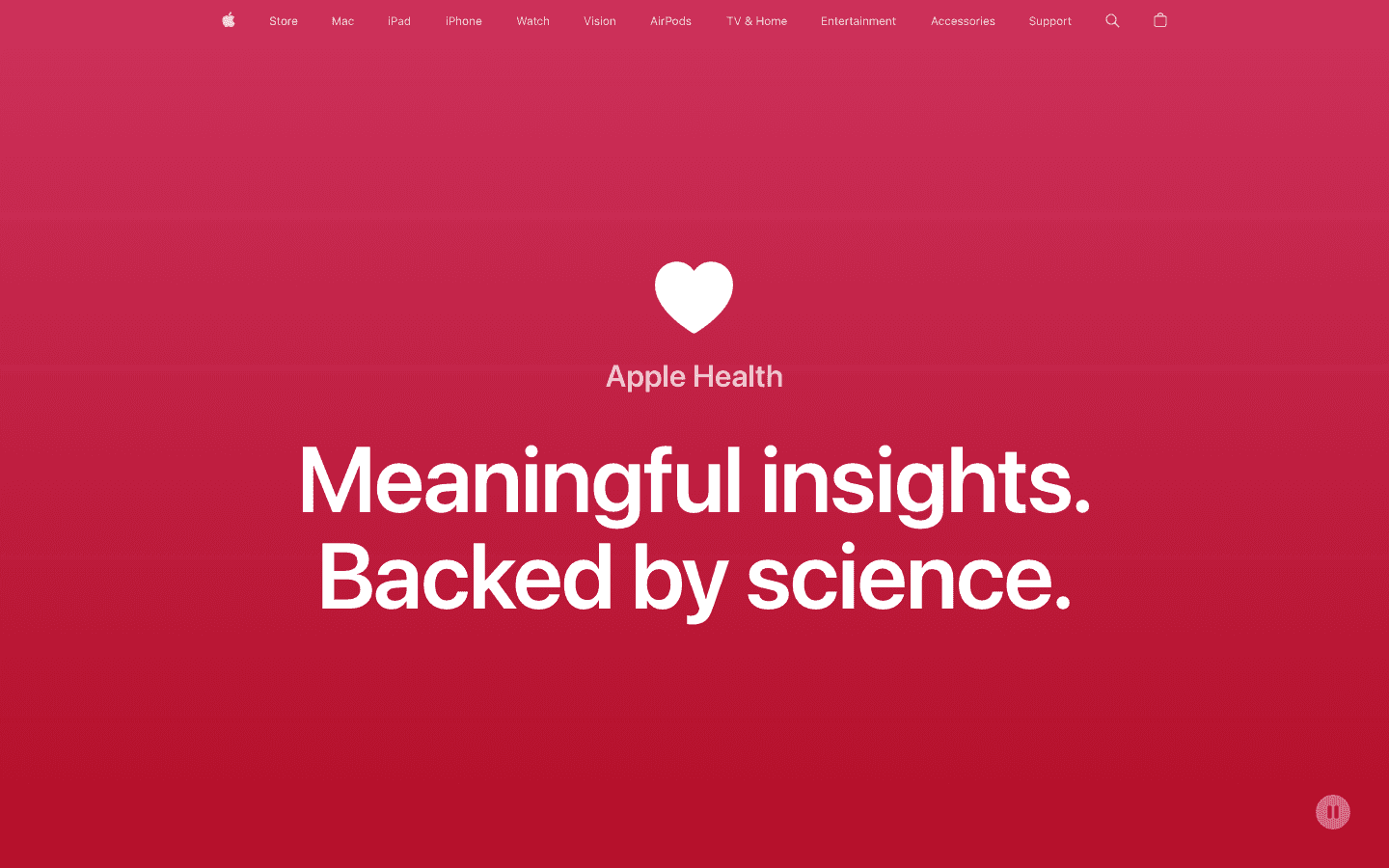
Apple Health is built into every iPhone and is the data foundation that most other health apps on this list connect to. It aggregates data from Apple Watch, third-party wearables, and compatible apps into a single health record covering steps, sleep, heart rate, respiratory rate, blood oxygen, nutrition, and dozens of other categories.
The real value of Apple Health is as infrastructure. By itself, it displays historical trends and category summaries. When paired with apps like Lifestack, Oura, Sleep Cycle, and MyFitnessPal that write data to it, your activity and health tracking consolidates in one place automatically. The Summary tab surfaces personalized insights and highlights metrics that deviate from your baseline.
Key Features: universal health data hub, supports 100+ data types, Medical ID for emergencies, Health Records integration, trend analysis, family sharing options
What Works: the best data aggregation layer available on iPhone; free, built-in, no setup required
Limitations: limited actionable guidance on its own; most useful when combined with other apps that feed it data
Pricing: Free, built into every iPhone
Best for: every iPhone user as the data foundation that connects and gives context to every other health app
3. Headspace
Best for: meditation, stress management, and mental health support
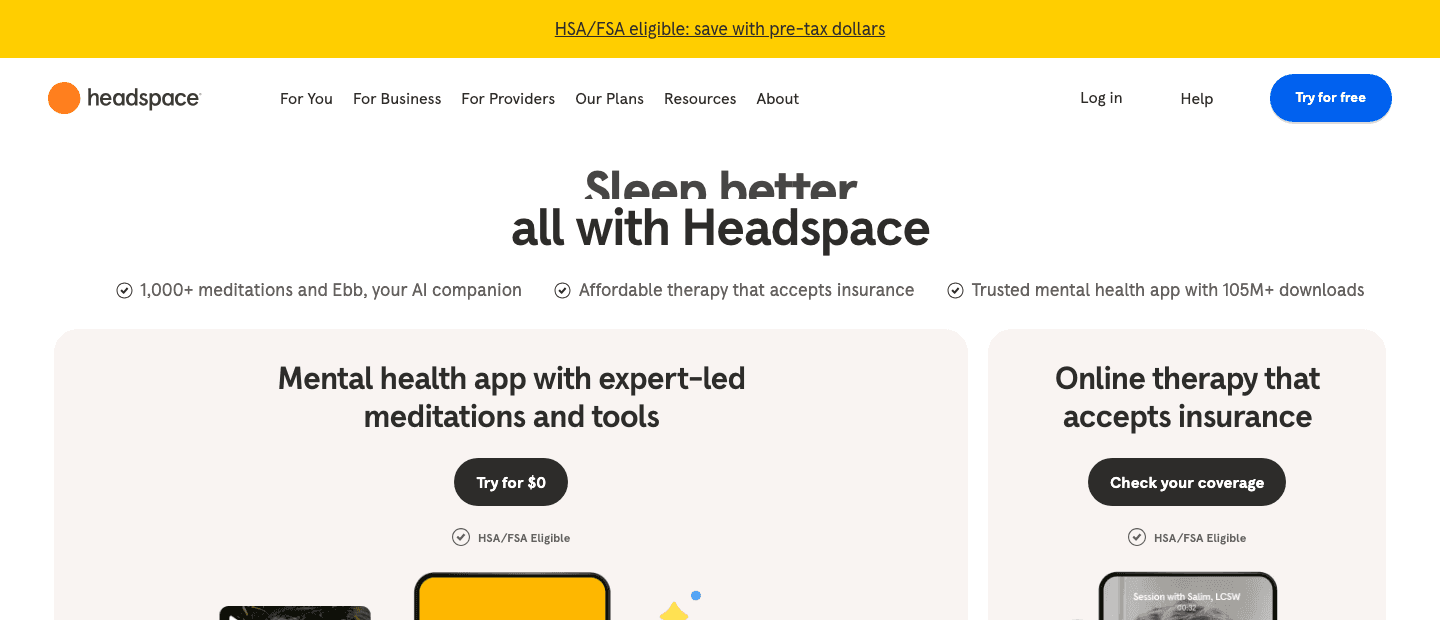
Headspace is one of the most widely used mental health apps globally, with over 105 million downloads. It offers guided meditation sessions from 3 to 30 minutes, sleep content including sleep casts and sleep sounds, focus music, and an AI-powered companion called Ebb that responds to what you are feeling in the moment.
Headspace has expanded beyond meditation into licensed therapist access for users whose needs go beyond self-guided content. Meditation data syncs to Apple Health under the mindfulness category. For people whose health goals include stress reduction, focus improvement, or better sleep onset, Headspace addresses the mental dimension that most fitness apps leave entirely unaddressed.
Key Features: 1,000+ guided meditations, AI companion (Ebb), sleep casts and sounds, focus music, licensed therapy access, Apple Health sync for mindfulness minutes, HSA/FSA eligible
What Works: best guided meditation library available; strong sleep and stress content; therapy access in a single app
Limitations: full features require a subscription; therapy adds cost beyond the base plan
Pricing: Free trial available; premium subscription required for full access
Best for: anyone building a consistent meditation practice or seeking mental health support on iPhone
4. Oura
Best for: detailed recovery tracking with actionable daily readiness scores
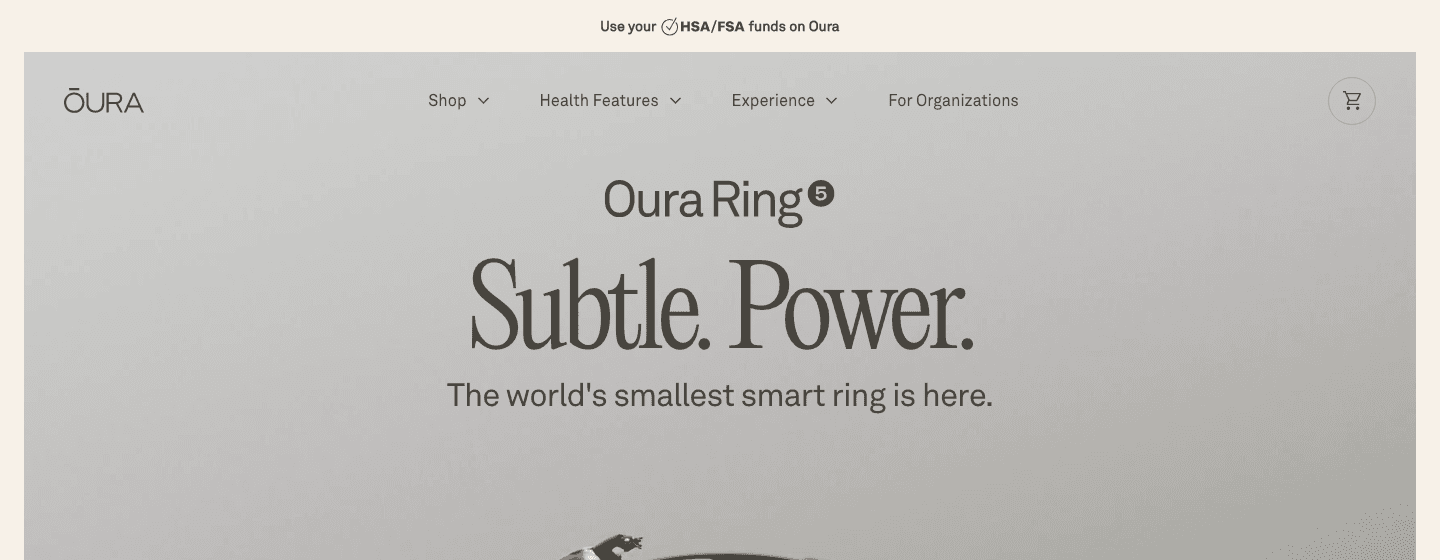
Oura is a hardware-and-software platform centered on its smart ring. The companion iPhone app provides three daily scores (sleep, readiness, and activity) calculated from overnight HRV, resting heart rate, respiratory rate, and sleep stage data. The readiness score is genuinely actionable: it tells you each morning whether your body is prepared for demanding work or needs a lighter day.
Oura's sleep tracking is among the most accurate available in a consumer wearable, with detailed breakdowns across all four sleep stages. For iPhone users already using Lifestack, Oura is the ideal data source: see our guide on using the Oura Ring for productivity for practical guidance on connecting recovery data to daily planning.
Key Features: readiness score, sleep stage analysis, HRV trends, activity tracking, cardiovascular age, stress monitoring, Apple Health sync
What Works: most accurate consumer sleep and recovery tracking; daily readiness score is the most actionable single metric in this list
Limitations: requires purchasing the Oura Ring hardware (from $299); full features require a membership subscription
Pricing: Ring from $299; $5.99/month or $69.99/year membership (first month free)
Best for: health-focused iPhone users willing to invest in hardware for the most detailed sleep and recovery data available
5. Sleep Cycle
Best for: smarter sleep tracking and wake optimization without extra hardware
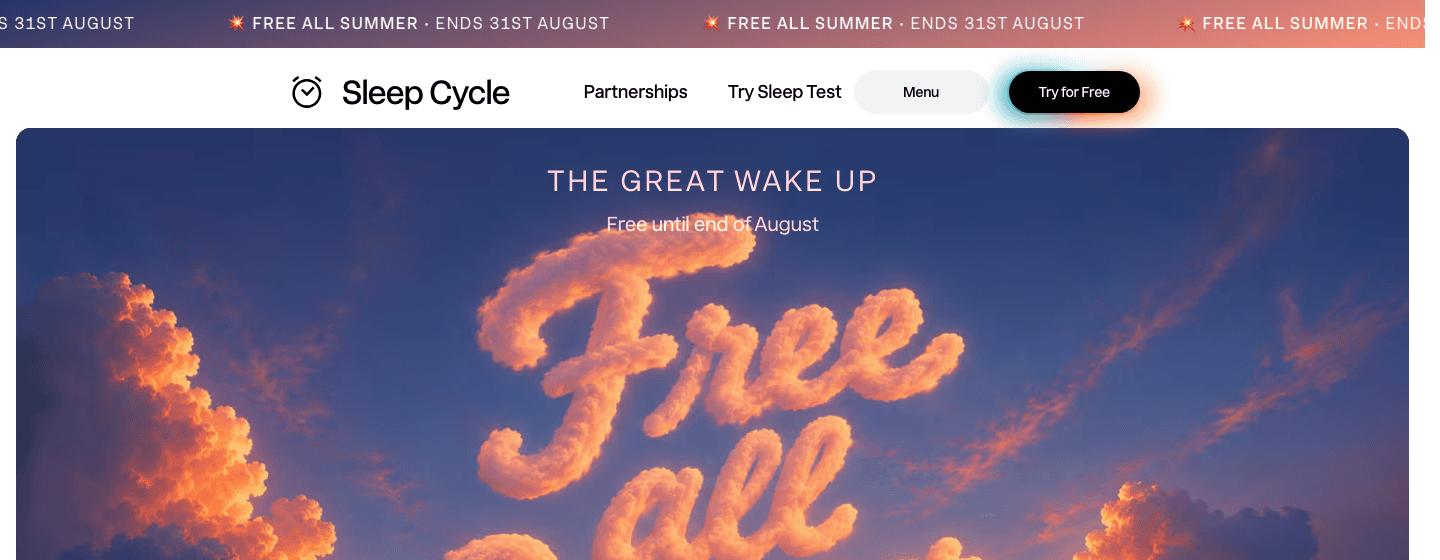
Sleep Cycle tracks your sleep through the iPhone microphone or Apple Watch and wakes you during your lightest sleep phase within a 30-minute window before your alarm time. The practical result is waking up feeling less groggy, since you are coming out of light sleep rather than being pulled from deep sleep mid-cycle.
The app provides nightly sleep quality scores, sleep stage trends, and snoring intensity data that can flag potential sleep apnea risk. Sleep data syncs to Apple Health. For iPhone users who do not want to invest in dedicated hardware but want smarter sleep tracking than a standard alarm, Sleep Cycle is the most accessible starting point.
Key Features: smart wake in lightest sleep phase, sleep stage tracking, snoring detection, Apple Watch support, Apple Health sync, sleep notes
What Works: smart wake feature is noticeably effective; no hardware required; free tier covers the core functionality
Limitations: sleep stage accuracy is lower than dedicated hardware like Oura; microphone-based tracking can be affected by room noise
Pricing: Free with core features; premium subscription available in-app
Best for: iPhone users who want smarter sleep tracking and better wake-up timing without purchasing additional hardware
6. MyFitnessPal
Best for: tracking nutrition alongside exercise to understand calorie balance and dietary patterns
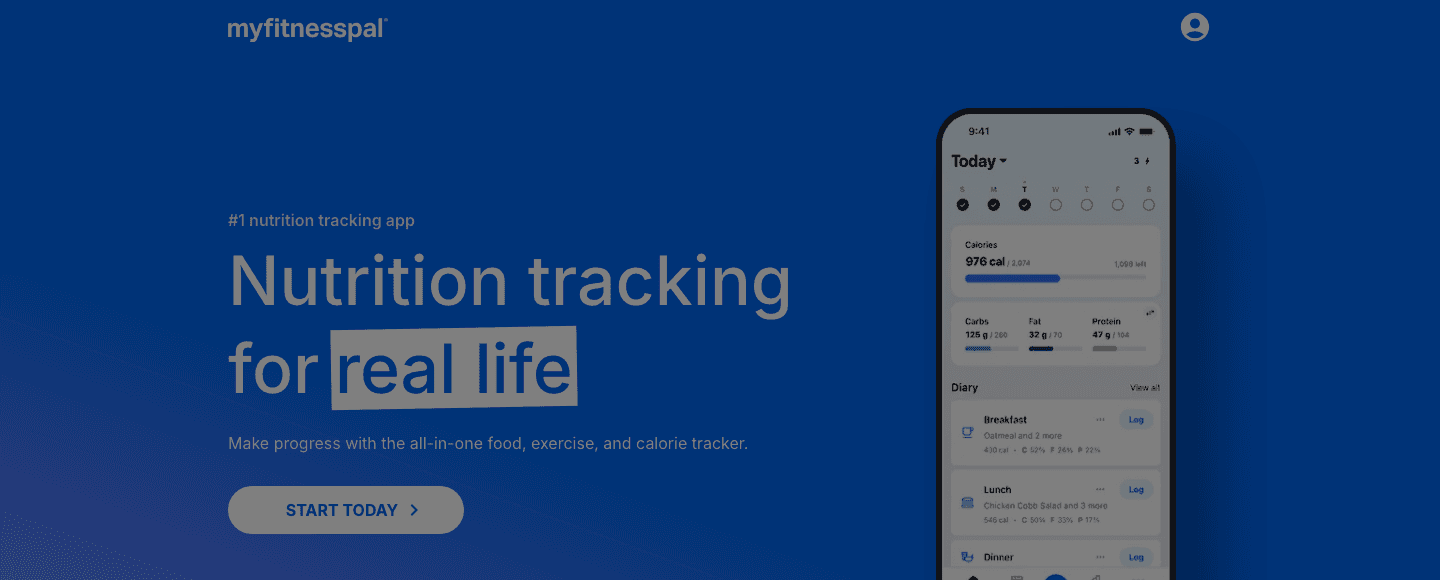
MyFitnessPal is the most widely used nutrition tracking app on iPhone. Its database of over 14 million foods and barcode scanning for packaged products give it more depth than any competitor in the food logging space. Exercise data from Apple Watch, Garmin, and Apple Health automatically adjusts your daily calorie balance.
For health goals involving body composition, weight management, or understanding dietary patterns, tracking both food intake and exercise output in one app is genuinely useful. The free tier covers calorie counting adequately. Premium adds macro targets, meal planning, and more detailed reporting.
Key Features: 14M+ food database, barcode scanner, macro tracking, Apple Health sync, exercise calorie integration, meal planning (premium)
What Works: best food database and logging experience available on iPhone; strong wearable integration for automatic calorie adjustments
Limitations: daily manual logging is required; premium needed for advanced macro targets
Pricing: Free with core features; premium approximately $79.99/year
Best for: anyone tracking calorie intake alongside exercise for weight management or body composition goals
Which iPhone Health App Is Right for You?
If you want your health data to optimize your daily schedule: Lifestack
If you want a free hub that connects all your health data: Apple Health (already on your iPhone)
If you want to build a meditation practice or reduce stress: Headspace
If you want detailed sleep and recovery scores: Oura (with the ring)
If you want smarter sleep tracking without hardware: Sleep Cycle
If you want to track nutrition alongside exercise: MyFitnessPal
These apps work well together. Apple Health as the data foundation, Lifestack using that data to plan your day, Oura or Sleep Cycle providing overnight recovery data, Headspace handling the mental dimension, and MyFitnessPal closing the loop on nutrition. See our guide to productivity apps for iPhone for how to build a complete iOS app stack.
Frequently Asked Questions
What is the best health app for iPhone?
The best health app depends on your goal. Lifestack is best for turning health data into a daily schedule. Apple Health is best as a free data hub. Oura provides the most detailed recovery tracking. Headspace leads for mental health. Sleep Cycle is the best hardware-free sleep tracker. MyFitnessPal is best for nutrition.
Are iPhone health apps accurate?
Accuracy varies by app and metric. Apps using dedicated hardware (Oura ring, Apple Watch heart rate sensor) are more accurate than those relying on microphone or phone accelerometer measurements. For high-stakes health decisions, always consult a medical professional rather than relying solely on consumer app data.
Is Apple Health free?
Yes. Apple Health is built into every iPhone and requires no subscription or additional hardware. Some features like ECG and fall detection require an Apple Watch, but the core Health app and its data aggregation functions are free and available on every iPhone running iOS 8 or later.
Do health apps drain the iPhone battery?
Background health tracking uses some battery, but most well-designed apps minimize this. Sleep tracking apps that run overnight (like Sleep Cycle) can use 10 to 20 percent of battery, so keeping your phone plugged in is recommended. Apps that pull from a wearable (like Lifestack reading from your Oura or Apple Watch) have minimal direct impact on iPhone battery since the measurement happens on the device.
What health apps work with the Oura Ring on iPhone?
Oura syncs its data to Apple Health, making sleep stages, activity data, and readiness scores available to any app with Apple Health access. Lifestack connects directly to Oura and uses the HRV and readiness data to build your daily schedule. See our full guide to using the Oura Ring for productivity for details.
The iPhone App Store has thousands of health apps claiming to improve your sleep, fitness, nutrition, and mental wellbeing. Most are gimmicks or repackaged habit trackers. A small number are genuinely useful tools that produce real changes in how you feel and function.
This guide covers six health apps for iPhone that are actually worth your time in 2026, covering energy scheduling, Apple's built-in health platform, meditation, recovery tracking, sleep analysis, and nutrition. Each serves a different part of your health picture.
Key Takeaways
The best health apps on iPhone connect to Apple Health and your existing data rather than requiring you to enter everything manually
Lifestack stands out by taking health data and using it to automatically optimize your daily schedule
Most top health apps are free to download with optional premium subscriptions for advanced features
Quick Guide: Best Health Apps for iPhone
Lifestack: best for using sleep and health data to schedule your day
Apple Health: best central hub for all your health data on iPhone
Headspace: best for meditation and mental health support
Oura: best for recovery tracking and daily readiness scores
Sleep Cycle: best for smart sleep tracking and wake optimization
MyFitnessPal: best for nutrition and calorie tracking alongside exercise
How We Chose These Apps
Apple Health integration: does it sync with the iPhone health hub?
Data quality: does it collect genuinely useful health metrics?
Actionability: does it help you do something with the data?
Sustained use: is it something you will still use in three months?
Pricing: is the free tier meaningful, or is it effectively a paid app?
1. Lifestack
Best for: translating your health and sleep data into an automatically optimized daily schedule
Lifestack is the app on this list that does the most with your health data. While most health apps collect metrics and display trends, Lifestack takes your sleep quality, HRV, and energy readings from connected wearables and uses them to build your daily schedule. Tasks that require focus get placed in your peak cognitive windows. Low-recovery days get lighter workloads scheduled automatically.
It connects to Apple Health, the Oura Ring, Garmin devices, and Apple Watch, pulling the health data those tools already collect and turning it into a schedule that reflects how you actually feel rather than just filling calendar slots. This is personal energy management made practical: the data you are already generating starts shaping how your time is organized.
Key Features: energy-aware auto-scheduling, Apple Health integration, wearable sync (Oura, Garmin, Apple Watch), HRV and sleep-driven plans, iOS and Android, Chrome extension
What Works: closes the loop between health tracking and daily planning; adapts automatically to your recovery state each morning
Limitations: not a standalone health tracker; works best paired with a wearable or Apple Watch for the most useful scheduling
Pricing: $7/month or $50/year
Best for: anyone who wears a smartwatch or ring and wants their health data to shape how their day is scheduled
2. Apple Health
Best for: centralizing all your health data from every app and device in one place
Apple Health is built into every iPhone and is the data foundation that most other health apps on this list connect to. It aggregates data from Apple Watch, third-party wearables, and compatible apps into a single health record covering steps, sleep, heart rate, respiratory rate, blood oxygen, nutrition, and dozens of other categories.
The real value of Apple Health is as infrastructure. By itself, it displays historical trends and category summaries. When paired with apps like Lifestack, Oura, Sleep Cycle, and MyFitnessPal that write data to it, your activity and health tracking consolidates in one place automatically. The Summary tab surfaces personalized insights and highlights metrics that deviate from your baseline.
Key Features: universal health data hub, supports 100+ data types, Medical ID for emergencies, Health Records integration, trend analysis, family sharing options
What Works: the best data aggregation layer available on iPhone; free, built-in, no setup required
Limitations: limited actionable guidance on its own; most useful when combined with other apps that feed it data
Pricing: Free, built into every iPhone
Best for: every iPhone user as the data foundation that connects and gives context to every other health app
3. Headspace
Best for: meditation, stress management, and mental health support
Headspace is one of the most widely used mental health apps globally, with over 105 million downloads. It offers guided meditation sessions from 3 to 30 minutes, sleep content including sleep casts and sleep sounds, focus music, and an AI-powered companion called Ebb that responds to what you are feeling in the moment.
Headspace has expanded beyond meditation into licensed therapist access for users whose needs go beyond self-guided content. Meditation data syncs to Apple Health under the mindfulness category. For people whose health goals include stress reduction, focus improvement, or better sleep onset, Headspace addresses the mental dimension that most fitness apps leave entirely unaddressed.
Key Features: 1,000+ guided meditations, AI companion (Ebb), sleep casts and sounds, focus music, licensed therapy access, Apple Health sync for mindfulness minutes, HSA/FSA eligible
What Works: best guided meditation library available; strong sleep and stress content; therapy access in a single app
Limitations: full features require a subscription; therapy adds cost beyond the base plan
Pricing: Free trial available; premium subscription required for full access
Best for: anyone building a consistent meditation practice or seeking mental health support on iPhone
4. Oura
Best for: detailed recovery tracking with actionable daily readiness scores
Oura is a hardware-and-software platform centered on its smart ring. The companion iPhone app provides three daily scores (sleep, readiness, and activity) calculated from overnight HRV, resting heart rate, respiratory rate, and sleep stage data. The readiness score is genuinely actionable: it tells you each morning whether your body is prepared for demanding work or needs a lighter day.
Oura's sleep tracking is among the most accurate available in a consumer wearable, with detailed breakdowns across all four sleep stages. For iPhone users already using Lifestack, Oura is the ideal data source: see our guide on using the Oura Ring for productivity for practical guidance on connecting recovery data to daily planning.
Key Features: readiness score, sleep stage analysis, HRV trends, activity tracking, cardiovascular age, stress monitoring, Apple Health sync
What Works: most accurate consumer sleep and recovery tracking; daily readiness score is the most actionable single metric in this list
Limitations: requires purchasing the Oura Ring hardware (from $299); full features require a membership subscription
Pricing: Ring from $299; $5.99/month or $69.99/year membership (first month free)
Best for: health-focused iPhone users willing to invest in hardware for the most detailed sleep and recovery data available
5. Sleep Cycle
Best for: smarter sleep tracking and wake optimization without extra hardware
Sleep Cycle tracks your sleep through the iPhone microphone or Apple Watch and wakes you during your lightest sleep phase within a 30-minute window before your alarm time. The practical result is waking up feeling less groggy, since you are coming out of light sleep rather than being pulled from deep sleep mid-cycle.
The app provides nightly sleep quality scores, sleep stage trends, and snoring intensity data that can flag potential sleep apnea risk. Sleep data syncs to Apple Health. For iPhone users who do not want to invest in dedicated hardware but want smarter sleep tracking than a standard alarm, Sleep Cycle is the most accessible starting point.
Key Features: smart wake in lightest sleep phase, sleep stage tracking, snoring detection, Apple Watch support, Apple Health sync, sleep notes
What Works: smart wake feature is noticeably effective; no hardware required; free tier covers the core functionality
Limitations: sleep stage accuracy is lower than dedicated hardware like Oura; microphone-based tracking can be affected by room noise
Pricing: Free with core features; premium subscription available in-app
Best for: iPhone users who want smarter sleep tracking and better wake-up timing without purchasing additional hardware
6. MyFitnessPal
Best for: tracking nutrition alongside exercise to understand calorie balance and dietary patterns
MyFitnessPal is the most widely used nutrition tracking app on iPhone. Its database of over 14 million foods and barcode scanning for packaged products give it more depth than any competitor in the food logging space. Exercise data from Apple Watch, Garmin, and Apple Health automatically adjusts your daily calorie balance.
For health goals involving body composition, weight management, or understanding dietary patterns, tracking both food intake and exercise output in one app is genuinely useful. The free tier covers calorie counting adequately. Premium adds macro targets, meal planning, and more detailed reporting.
Key Features: 14M+ food database, barcode scanner, macro tracking, Apple Health sync, exercise calorie integration, meal planning (premium)
What Works: best food database and logging experience available on iPhone; strong wearable integration for automatic calorie adjustments
Limitations: daily manual logging is required; premium needed for advanced macro targets
Pricing: Free with core features; premium approximately $79.99/year
Best for: anyone tracking calorie intake alongside exercise for weight management or body composition goals
Which iPhone Health App Is Right for You?
If you want your health data to optimize your daily schedule: Lifestack
If you want a free hub that connects all your health data: Apple Health (already on your iPhone)
If you want to build a meditation practice or reduce stress: Headspace
If you want detailed sleep and recovery scores: Oura (with the ring)
If you want smarter sleep tracking without hardware: Sleep Cycle
If you want to track nutrition alongside exercise: MyFitnessPal
These apps work well together. Apple Health as the data foundation, Lifestack using that data to plan your day, Oura or Sleep Cycle providing overnight recovery data, Headspace handling the mental dimension, and MyFitnessPal closing the loop on nutrition. See our guide to productivity apps for iPhone for how to build a complete iOS app stack.
Frequently Asked Questions
What is the best health app for iPhone?
The best health app depends on your goal. Lifestack is best for turning health data into a daily schedule. Apple Health is best as a free data hub. Oura provides the most detailed recovery tracking. Headspace leads for mental health. Sleep Cycle is the best hardware-free sleep tracker. MyFitnessPal is best for nutrition.
Are iPhone health apps accurate?
Accuracy varies by app and metric. Apps using dedicated hardware (Oura ring, Apple Watch heart rate sensor) are more accurate than those relying on microphone or phone accelerometer measurements. For high-stakes health decisions, always consult a medical professional rather than relying solely on consumer app data.
Is Apple Health free?
Yes. Apple Health is built into every iPhone and requires no subscription or additional hardware. Some features like ECG and fall detection require an Apple Watch, but the core Health app and its data aggregation functions are free and available on every iPhone running iOS 8 or later.
Do health apps drain the iPhone battery?
Background health tracking uses some battery, but most well-designed apps minimize this. Sleep tracking apps that run overnight (like Sleep Cycle) can use 10 to 20 percent of battery, so keeping your phone plugged in is recommended. Apps that pull from a wearable (like Lifestack reading from your Oura or Apple Watch) have minimal direct impact on iPhone battery since the measurement happens on the device.
What health apps work with the Oura Ring on iPhone?
Oura syncs its data to Apple Health, making sleep stages, activity data, and readiness scores available to any app with Apple Health access. Lifestack connects directly to Oura and uses the HRV and readiness data to build your daily schedule. See our full guide to using the Oura Ring for productivity for details.



FOLLOW ON
FOLLOW ON
FOLLOW ON


Copyright 2026 © Lifestack. All rights reserved
Copyright 2026 © Lifestack. All rights reserved

