
Device
What Finger to Wear Your Oura Ring On
What Finger to Wear Your Oura Ring On

Oura Ring placement matters more than most new users expect. The ring's photoplethysmography (PPG) sensors need reliable contact with the blood vessels in your finger to accurately read heart rate, heart rate variability, blood oxygen, skin temperature, and movement. Which finger you wear it on affects how well those sensors perform.
The short answer: Oura recommends the index finger. That said, the middle and ring fingers also work well. The pinky and thumb are generally not recommended. Here's why each choice matters, and what to consider if you've been wearing it on the wrong finger.
Key Takeaways
Oura recommends the index finger for the best PPG sensor signal, since it has large blood vessels and typically provides good sensor-skin contact
The middle and ring fingers are acceptable alternatives; the thumb and pinky are not recommended
Sizing is finger-specific: measure the finger you plan to actually wear the ring on, since ring sizes differ significantly between fingers
Why Finger Choice Matters for Accuracy
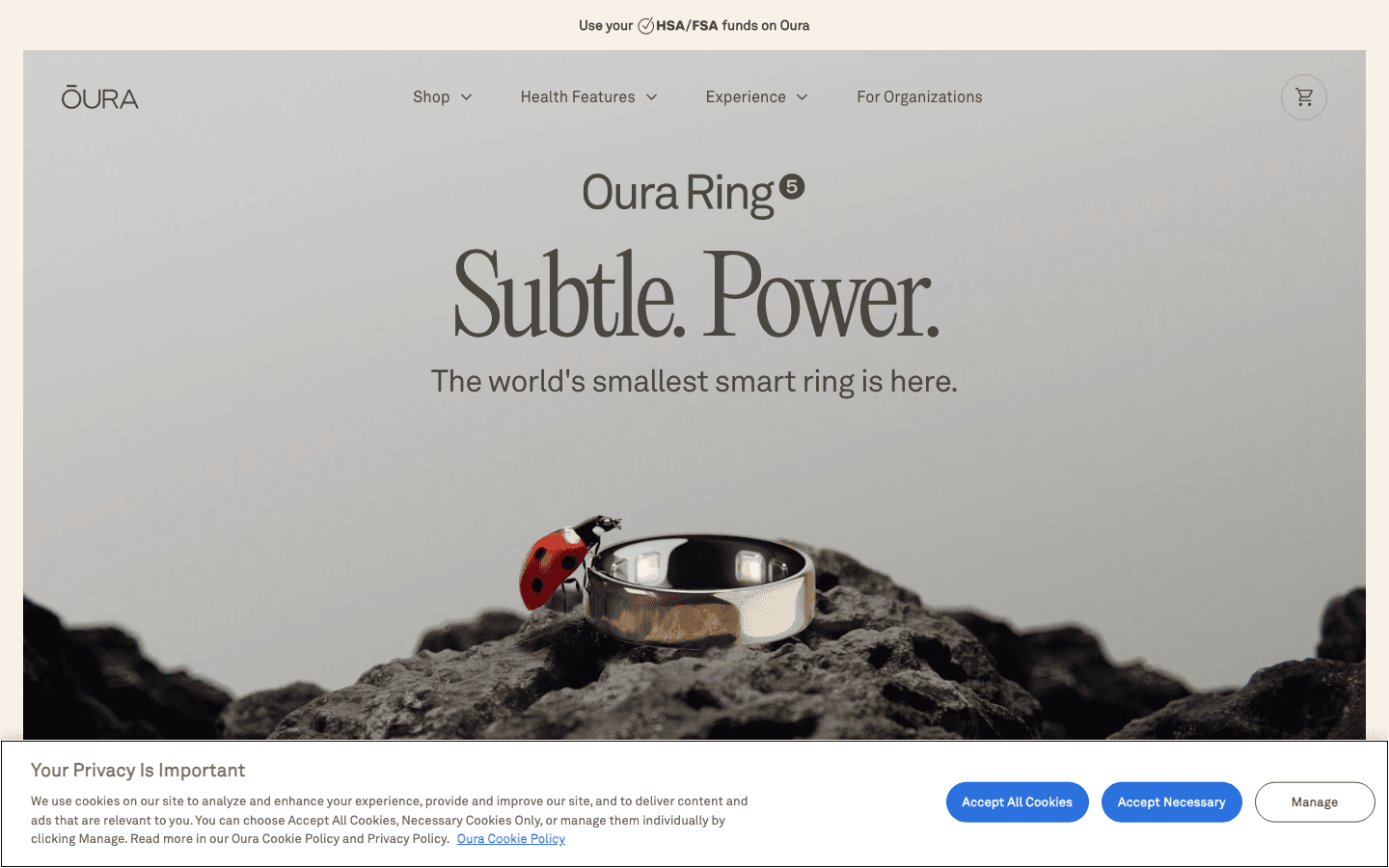
The Oura Ring's sensors sit on the inside of the ring, against your finger. They need consistent contact with the skin over blood vessels to take accurate readings. When the ring is loose, gaps form between the sensors and your skin, reducing signal quality.
The PPG sensor emits light (infrared and red) that passes through your skin and reflects back. Blood absorbs light differently depending on oxygenation level, and the amount of light returning tells the sensor your heart rate and blood oxygen. A stronger signal means more accurate readings. Fingers with larger blood vessels naturally produce a stronger, cleaner signal.
Oura Ring 5 specifically addressed this with 12 signal pathways that deliver better accuracy across more finger types and skin tones. But hardware improvements don't eliminate the fact that fit and placement still matter for signal consistency.
The Index Finger: Oura's Recommended Choice
The index finger is Oura's first recommendation for most wearers. It typically has well-developed blood vessels, a shape that holds the ring in position, and enough surface area for reliable sensor contact.
Practically, the index finger also tends to have a more consistent circumference from base to knuckle than other fingers, which means the ring is less likely to slide around or feel loose. A ring that moves around produces inconsistent readings because the sensors aren't in the same position each time they take a measurement.
If you're unsure where to start, begin with your non-dominant index finger. The non-dominant hand tends to move less during sleep, which improves sleep tracking accuracy specifically.
The Middle Finger: A Solid Second Option
The middle finger works well for most people and is preferred by some Oura wearers who find it more comfortable than the index finger. The middle finger is typically the widest finger, which means you may need a larger size than you expect if you're switching from your index finger.
Signal quality on the middle finger is generally comparable to the index finger. The main consideration is the size difference: measure the specific finger you're planning to wear the ring on before ordering, since sizes differ meaningfully between fingers even on the same hand.
The Ring Finger: Familiar but Check the Fit
Many people gravitate toward the ring finger out of habit. It works fine for Oura, though ring fingers often have a more pronounced taper from knuckle to base, which can cause the ring to rotate or slide during the night. If the sensors end up pointing away from the palm during sleep, accuracy can drop.
If you wear your Oura Ring on your ring finger, pay attention to whether the sensor bumps (the small protrusions on the inside of the ring) are consistently facing toward your palm. Some Oura wearers on the ring finger use the non-dominant hand to reduce movement during sleep, which helps with this.
Fingers to Avoid
The thumb and pinky are not recommended. The thumb has a different vascular structure than the other fingers, and the PPG signal it produces is less consistent for heart rate and HRV measurements. The pinky is too small for most ring sizes and creates poor sensor contact.
Avoid any finger where the knuckle is significantly wider than the base. If the ring needs to be sized large enough to fit over a wide knuckle, it will be too loose at the base and will slide around, producing unreliable readings.
Sizing: Measure the Right Finger
Oura ring sizes don't map directly to standard ring sizes. When you order, Oura typically sends a sizing kit: a set of plastic rings in different sizes that you wear for 24 hours to find the right fit for daily use, including sleep.
Critical: measure the specific finger you plan to wear the ring on, not just any finger. Ring circumference varies by up to several millimeters between the index and ring finger on the same hand. A ring sized for your ring finger will be too loose on your index finger and vice versa.
Also factor in that fingers swell slightly in warm weather and overnight. If a size fits perfectly at room temperature but feels tight after sleep, size up.
Getting More from Your Oura Ring Data

The finger question matters for accuracy, but accurate data is only useful if you're doing something with it. Oura's readiness score, sleep stages, and temperature deviation are designed to inform how you approach your day, not just to satisfy curiosity.
The most practical application is scheduling: when your readiness score is low (after poor sleep or a stressful day), demanding cognitive work will take longer and produce worse results than the same work on a high-readiness day. Lifestack integrates with health data to apply exactly this logic automatically. It schedules your tasks around your natural energy and recovery patterns so that cognitively demanding work lands in windows where your readiness actually supports it.
Combined with Oura's sleep and recovery tracking, this creates a feedback loop between your physical state and your schedule that's more actionable than either tool alone. Lifestack is $7/month or $50/year with a 7-day free trial. See how this fits into a circadian rhythm-aware approach to scheduling and how it integrates with the morning routine you use to set up each day.
Frequently Asked Questions
Which finger should I wear my Oura Ring on?
Oura recommends the index finger for the best accuracy. The middle and ring fingers are also good options. Avoid the thumb and pinky. The most important factors are consistent sensor contact (the ring should fit snugly without being tight) and choosing a finger where the knuckle isn't dramatically wider than the base.
Does it matter which hand I wear my Oura Ring on?
Oura works on either hand. For sleep tracking specifically, some wearers find the non-dominant hand produces slightly better data because it moves less during sleep. For daily activity tracking, hand choice makes minimal difference. Choose whichever hand is more comfortable for daily wear and less likely to have the ring damaged by your work.
What if my Oura Ring keeps spinning on my finger?
A ring that spins is too loose. If the sensor bumps rotate away from your palm during sleep, accuracy drops significantly. Try sizing down one size. If you're between sizes, err toward the snugger fit since fingers can swell slightly at night, and a ring that's slightly tight when awake often fits correctly during sleep.
Can I switch which finger I wear my Oura Ring on?
Yes, but you'll need a different ring size if switching between fingers, since finger sizes differ. Oura offers sizing kits so you can find the right fit before committing. Switching hands doesn't require a new ring, just a readjustment period as Oura's algorithms calibrate to the new finger's signal characteristics.
How does the Oura Ring compare to wrist wearables for accuracy?
Finger-based wearables produce a significantly stronger PPG signal than wrist-based ones because the blood vessels in fingers are closer to the surface and less affected by arm movement artifacts. Oura Ring 5 specifically has a pulse signal up to 100 times stronger than typical wrist wearables. This is why Oura tends to outperform Apple Watch and Fitbit on sleep staging accuracy in independent studies. See the Oura Ring step tracking guide for more on accuracy trade-offs by metric. The Oura Ring red light guide covers what the other sensor indicators mean.
Oura Ring placement matters more than most new users expect. The ring's photoplethysmography (PPG) sensors need reliable contact with the blood vessels in your finger to accurately read heart rate, heart rate variability, blood oxygen, skin temperature, and movement. Which finger you wear it on affects how well those sensors perform.
The short answer: Oura recommends the index finger. That said, the middle and ring fingers also work well. The pinky and thumb are generally not recommended. Here's why each choice matters, and what to consider if you've been wearing it on the wrong finger.
Key Takeaways
Oura recommends the index finger for the best PPG sensor signal, since it has large blood vessels and typically provides good sensor-skin contact
The middle and ring fingers are acceptable alternatives; the thumb and pinky are not recommended
Sizing is finger-specific: measure the finger you plan to actually wear the ring on, since ring sizes differ significantly between fingers
Why Finger Choice Matters for Accuracy
The Oura Ring's sensors sit on the inside of the ring, against your finger. They need consistent contact with the skin over blood vessels to take accurate readings. When the ring is loose, gaps form between the sensors and your skin, reducing signal quality.
The PPG sensor emits light (infrared and red) that passes through your skin and reflects back. Blood absorbs light differently depending on oxygenation level, and the amount of light returning tells the sensor your heart rate and blood oxygen. A stronger signal means more accurate readings. Fingers with larger blood vessels naturally produce a stronger, cleaner signal.
Oura Ring 5 specifically addressed this with 12 signal pathways that deliver better accuracy across more finger types and skin tones. But hardware improvements don't eliminate the fact that fit and placement still matter for signal consistency.
The Index Finger: Oura's Recommended Choice
The index finger is Oura's first recommendation for most wearers. It typically has well-developed blood vessels, a shape that holds the ring in position, and enough surface area for reliable sensor contact.
Practically, the index finger also tends to have a more consistent circumference from base to knuckle than other fingers, which means the ring is less likely to slide around or feel loose. A ring that moves around produces inconsistent readings because the sensors aren't in the same position each time they take a measurement.
If you're unsure where to start, begin with your non-dominant index finger. The non-dominant hand tends to move less during sleep, which improves sleep tracking accuracy specifically.
The Middle Finger: A Solid Second Option
The middle finger works well for most people and is preferred by some Oura wearers who find it more comfortable than the index finger. The middle finger is typically the widest finger, which means you may need a larger size than you expect if you're switching from your index finger.
Signal quality on the middle finger is generally comparable to the index finger. The main consideration is the size difference: measure the specific finger you're planning to wear the ring on before ordering, since sizes differ meaningfully between fingers even on the same hand.
The Ring Finger: Familiar but Check the Fit
Many people gravitate toward the ring finger out of habit. It works fine for Oura, though ring fingers often have a more pronounced taper from knuckle to base, which can cause the ring to rotate or slide during the night. If the sensors end up pointing away from the palm during sleep, accuracy can drop.
If you wear your Oura Ring on your ring finger, pay attention to whether the sensor bumps (the small protrusions on the inside of the ring) are consistently facing toward your palm. Some Oura wearers on the ring finger use the non-dominant hand to reduce movement during sleep, which helps with this.
Fingers to Avoid
The thumb and pinky are not recommended. The thumb has a different vascular structure than the other fingers, and the PPG signal it produces is less consistent for heart rate and HRV measurements. The pinky is too small for most ring sizes and creates poor sensor contact.
Avoid any finger where the knuckle is significantly wider than the base. If the ring needs to be sized large enough to fit over a wide knuckle, it will be too loose at the base and will slide around, producing unreliable readings.
Sizing: Measure the Right Finger
Oura ring sizes don't map directly to standard ring sizes. When you order, Oura typically sends a sizing kit: a set of plastic rings in different sizes that you wear for 24 hours to find the right fit for daily use, including sleep.
Critical: measure the specific finger you plan to wear the ring on, not just any finger. Ring circumference varies by up to several millimeters between the index and ring finger on the same hand. A ring sized for your ring finger will be too loose on your index finger and vice versa.
Also factor in that fingers swell slightly in warm weather and overnight. If a size fits perfectly at room temperature but feels tight after sleep, size up.
Getting More from Your Oura Ring Data
The finger question matters for accuracy, but accurate data is only useful if you're doing something with it. Oura's readiness score, sleep stages, and temperature deviation are designed to inform how you approach your day, not just to satisfy curiosity.
The most practical application is scheduling: when your readiness score is low (after poor sleep or a stressful day), demanding cognitive work will take longer and produce worse results than the same work on a high-readiness day. Lifestack integrates with health data to apply exactly this logic automatically. It schedules your tasks around your natural energy and recovery patterns so that cognitively demanding work lands in windows where your readiness actually supports it.
Combined with Oura's sleep and recovery tracking, this creates a feedback loop between your physical state and your schedule that's more actionable than either tool alone. Lifestack is $7/month or $50/year with a 7-day free trial. See how this fits into a circadian rhythm-aware approach to scheduling and how it integrates with the morning routine you use to set up each day.
Frequently Asked Questions
Which finger should I wear my Oura Ring on?
Oura recommends the index finger for the best accuracy. The middle and ring fingers are also good options. Avoid the thumb and pinky. The most important factors are consistent sensor contact (the ring should fit snugly without being tight) and choosing a finger where the knuckle isn't dramatically wider than the base.
Does it matter which hand I wear my Oura Ring on?
Oura works on either hand. For sleep tracking specifically, some wearers find the non-dominant hand produces slightly better data because it moves less during sleep. For daily activity tracking, hand choice makes minimal difference. Choose whichever hand is more comfortable for daily wear and less likely to have the ring damaged by your work.
What if my Oura Ring keeps spinning on my finger?
A ring that spins is too loose. If the sensor bumps rotate away from your palm during sleep, accuracy drops significantly. Try sizing down one size. If you're between sizes, err toward the snugger fit since fingers can swell slightly at night, and a ring that's slightly tight when awake often fits correctly during sleep.
Can I switch which finger I wear my Oura Ring on?
Yes, but you'll need a different ring size if switching between fingers, since finger sizes differ. Oura offers sizing kits so you can find the right fit before committing. Switching hands doesn't require a new ring, just a readjustment period as Oura's algorithms calibrate to the new finger's signal characteristics.
How does the Oura Ring compare to wrist wearables for accuracy?
Finger-based wearables produce a significantly stronger PPG signal than wrist-based ones because the blood vessels in fingers are closer to the surface and less affected by arm movement artifacts. Oura Ring 5 specifically has a pulse signal up to 100 times stronger than typical wrist wearables. This is why Oura tends to outperform Apple Watch and Fitbit on sleep staging accuracy in independent studies. See the Oura Ring step tracking guide for more on accuracy trade-offs by metric. The Oura Ring red light guide covers what the other sensor indicators mean.



FOLLOW ON
FOLLOW ON
FOLLOW ON


Copyright 2026 © Lifestack. All rights reserved
Copyright 2026 © Lifestack. All rights reserved

