
Device
Best Apps to Use with Google Pixel Watch
Best Apps to Use with Google Pixel Watch

The Google Pixel Watch is one of the most capable Wear OS devices available, combining Google's software polish with Fitbit's health tracking platform. It tracks heart rate, sleep, steps, active zone minutes, and more. The question is what you do with that data.
Most Pixel Watch owners stop at the default Fitbit and Google apps. But the watch's real value comes from pairing it with apps that pull that health data into something actionable: a smarter workout, a more accurate calorie picture, or a daily schedule that responds to how you actually feel.
These are the five apps that get the most out of a Google Pixel Watch in 2026.
Key Takeaways
Lifestack uses your Pixel Watch's health and sleep data to schedule your tasks at the right time of day.
Strava turns GPS and heart rate data from your watch into detailed workout analysis and community connections.
MyFitnessPal syncs your activity data from Fitbit to close the calorie loop between what you eat and how much you move.
Quick Guide: Best Apps for Google Pixel Watch
Lifestack: Best for using health data to plan your day
Strava: Best for tracking and analyzing workouts
Spotify: Best for music during workouts on the watch
MyFitnessPal: Best for nutrition tracking that syncs with Fitbit
Todoist: Best for task capture and planning from your watch
1. Lifestack
Use your Pixel Watch's recovery and sleep data to schedule your most important work at the right time

Lifestack is a daily planning app that reads health data from your wearable and uses it to build a personalized daily schedule. Connect your Google Pixel Watch through its Fitbit integration, and Lifestack can see your sleep quality, resting heart rate, and recovery status each morning. It then schedules your tasks at the times you're most capable of doing them well.
The core idea is energy-based scheduling: your calendar shouldn't just reflect your availability, it should reflect your capacity. On a morning after poor sleep, Lifestack won't pile deep work into your first hour. It shifts demanding tasks to when your recovery data suggests you're ready. Compared to other apps that use Fitbit data, Lifestack is unique in closing the loop between health tracking and your actual work schedule.
Key Features: Wearable-connected scheduling, task prioritization by energy, calendar integration, iOS and Android apps, Chrome extension
Why it pairs well with Pixel Watch: The Pixel Watch's Fitbit platform provides sleep stages, heart rate variability, and daily readiness scores. Lifestack turns those metrics into actual task scheduling decisions, not just data visualizations.
Things to watch out for: Designed for individual use. If you need team project tracking, pair it with Todoist for task capture.
Pricing: $7/month, $50/year, or $120 lifetime
2. Strava
Track every run, ride, and walk with detailed metrics and share them with people who actually care
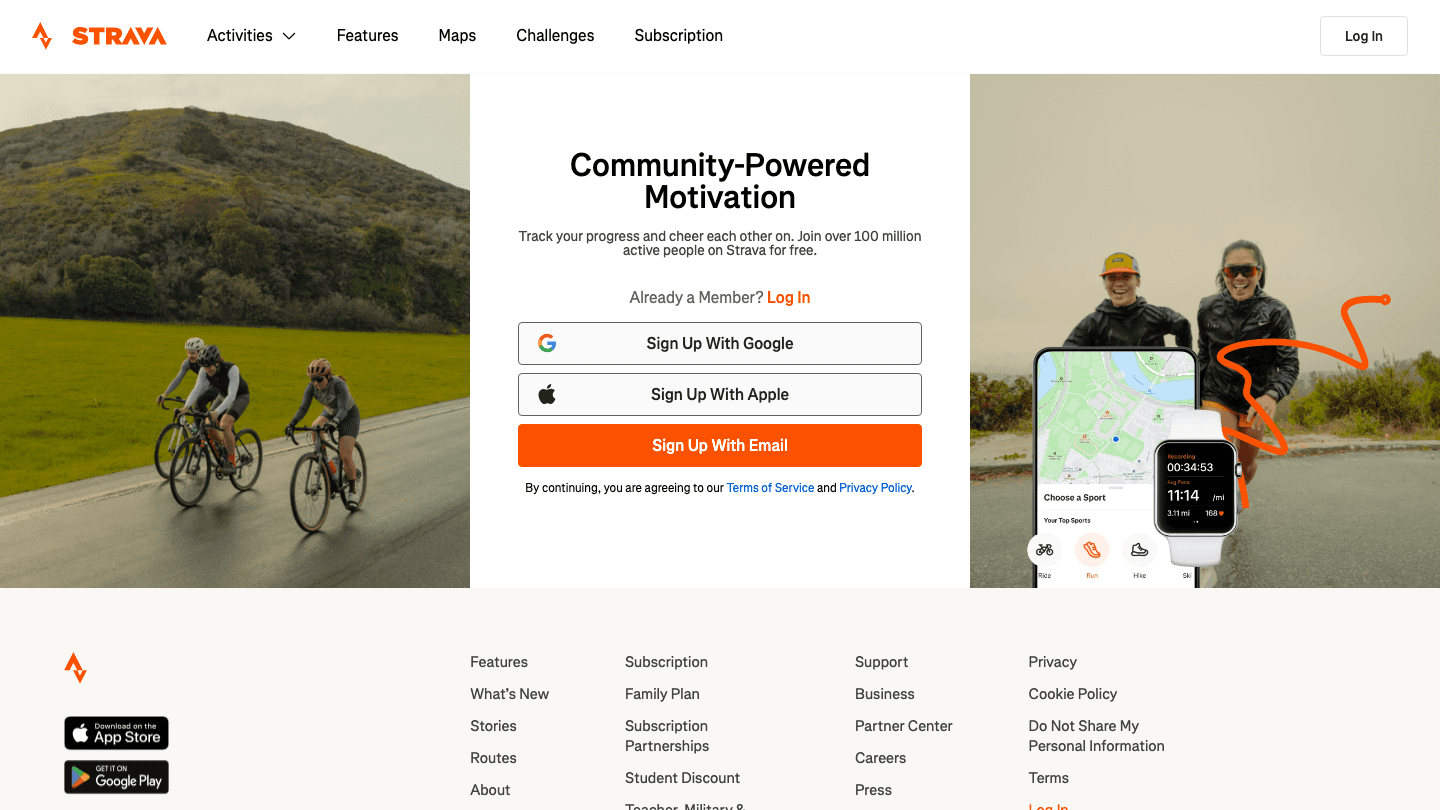
Strava is the standard fitness tracking platform for runners and cyclists, and it works directly with the Google Pixel Watch via Wear OS. Start a run or ride from your watch, and Strava captures GPS route, pace, heart rate zones, and elevation. Your activity feeds back to your phone automatically after the workout ends.
Beyond tracking, Strava's route and segment analysis is genuinely useful for people who train seriously. You can see if your times are improving on familiar segments, compare your pace on specific hills, and get kudos from your follows. The social layer isn't just noise: it creates accountability that helps people stay consistent with training.
Key Features: Wear OS app for watch-based tracking, GPS and heart rate analysis, route mapping, segment comparisons, activity feed, training load insights (subscription)
Why it pairs well with Pixel Watch: The Pixel Watch's GPS and heart rate sensors are accurate enough to feed Strava's segment analysis meaningfully. You get full route data without needing your phone.
Things to watch out for: The best features (segment leaderboards, advanced analytics) require a subscription. Free tier is limited for serious training.
Pricing: Free plan available. Subscription at $11.99/month or $79.99/year.
3. Spotify
Listen offline, control playback from your wrist, and never run with your phone in your pocket again
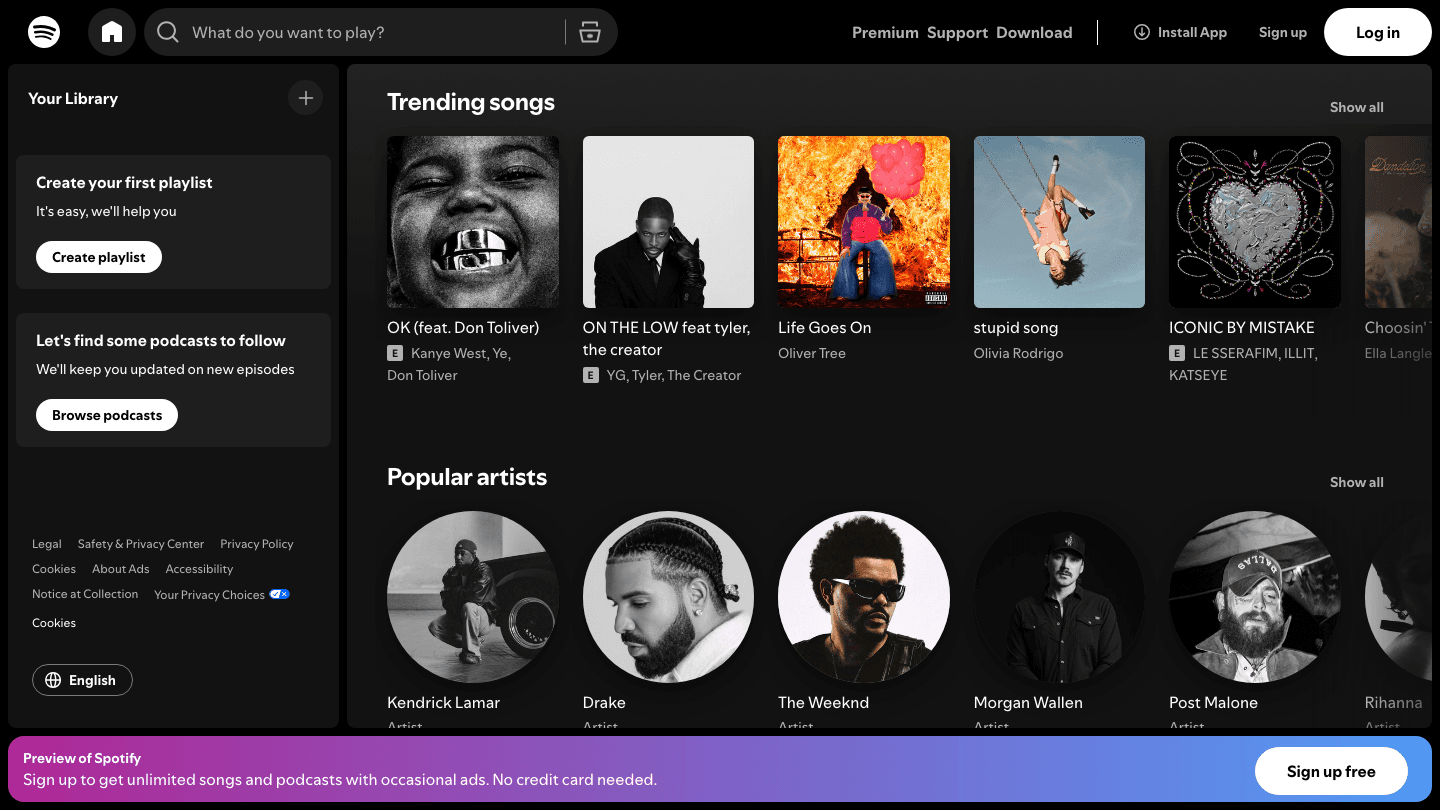
Spotify's Wear OS app lets you download playlists and podcasts directly to the Google Pixel Watch. With Bluetooth headphones and a Pixel Watch on your wrist, you have everything you need for a run without touching your phone. You can browse, select, and control playback directly from the watch face.
Offline playback is the key feature here. Streaming from the watch is possible over Wi-Fi or LTE (on LTE models), but downloaded playlists mean you don't need any connection at all. For anyone who runs in areas with spotty signal, this is the right setup.
Key Features: Offline playlist downloads to watch, Wear OS app with full browse and playback controls, podcast support, cross-device sync
Why it pairs well with Pixel Watch: The Pixel Watch's Wear OS platform runs Spotify's native app well. Storage space on the watch is enough for a solid offline playlist without needing your phone nearby.
Things to watch out for: Offline downloads require Spotify Premium. The watch app's interface is functional but simpler than the phone version. Battery drain increases with music playback.
Pricing: Premium Individual at $12.99/month. Student plan at $6.99/month.
4. MyFitnessPal
Track what you eat and let your Pixel Watch activity data close the calorie loop automatically
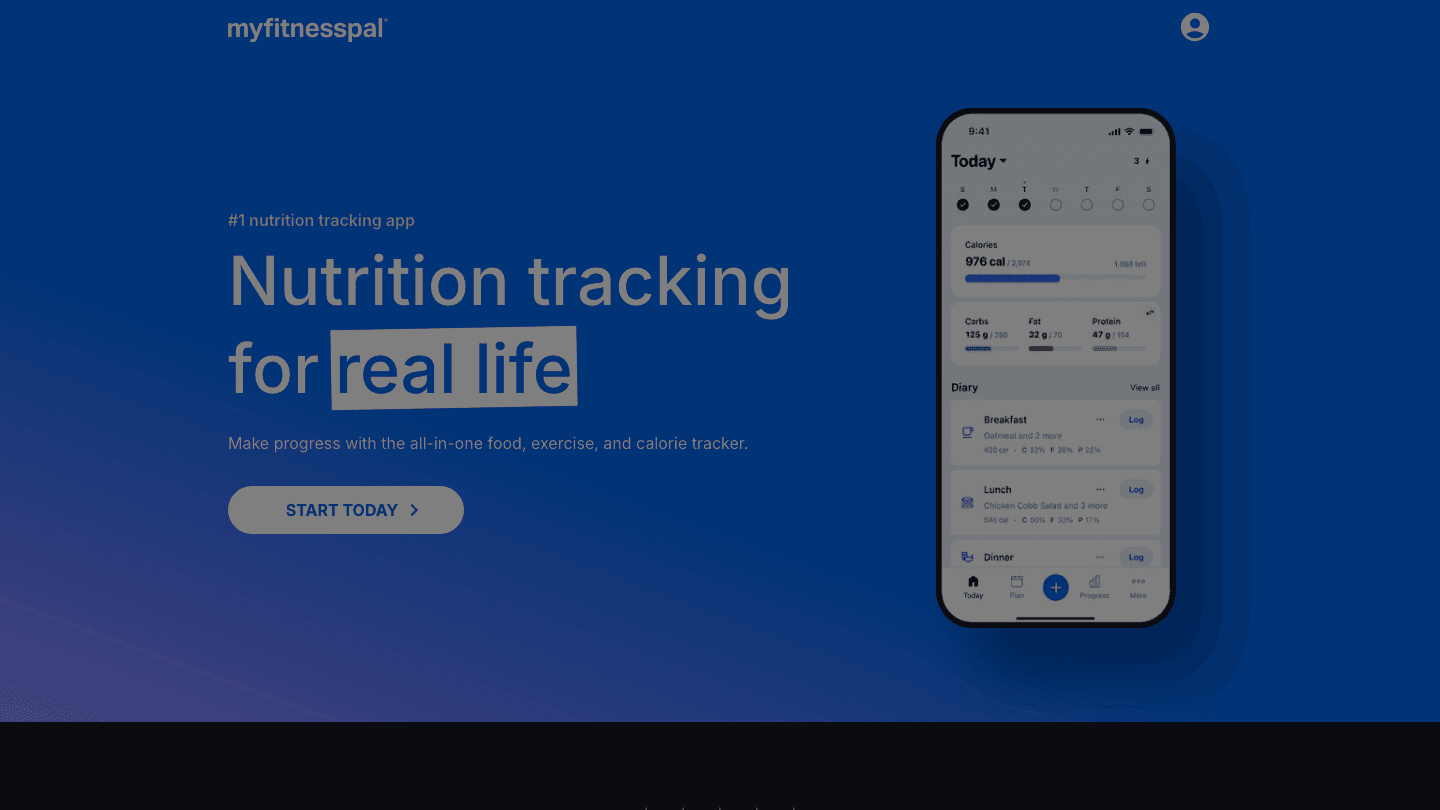
MyFitnessPal is the most widely used nutrition tracking app, and it syncs bidirectionally with Fitbit. Your Pixel Watch automatically exports steps, calories burned, and active minutes to MyFitnessPal, adjusting your daily calorie goal based on actual movement rather than a static estimate.
The sync means you're not manually entering workouts or estimating your burn. Your watch handles the activity tracking; MyFitnessPal handles the food side. Together they give you a complete picture of your energy balance without double work.
Key Features: Barcode scanner for food logging, 14 million food database, Fitbit sync for activity calories, macro tracking, meal planning (Premium+), restaurant meal estimates
Why it pairs well with Pixel Watch: The Fitbit platform that powers the Pixel Watch's health tracking connects natively to MyFitnessPal. You log food, the watch logs activity, and the two sync without manual input.
Things to watch out for: Consistent food logging takes habit formation. The free tier has become more limited over time. Premium is needed for features like nutrient goals and meal planning.
Pricing: Free plan available. Premium at $6.67/month ($79.99/year). Premium+ with meal planning at $8.34/month ($99.99/year).
5. Todoist
Check tasks, complete items, and capture new ones from your Pixel Watch without pulling out your phone
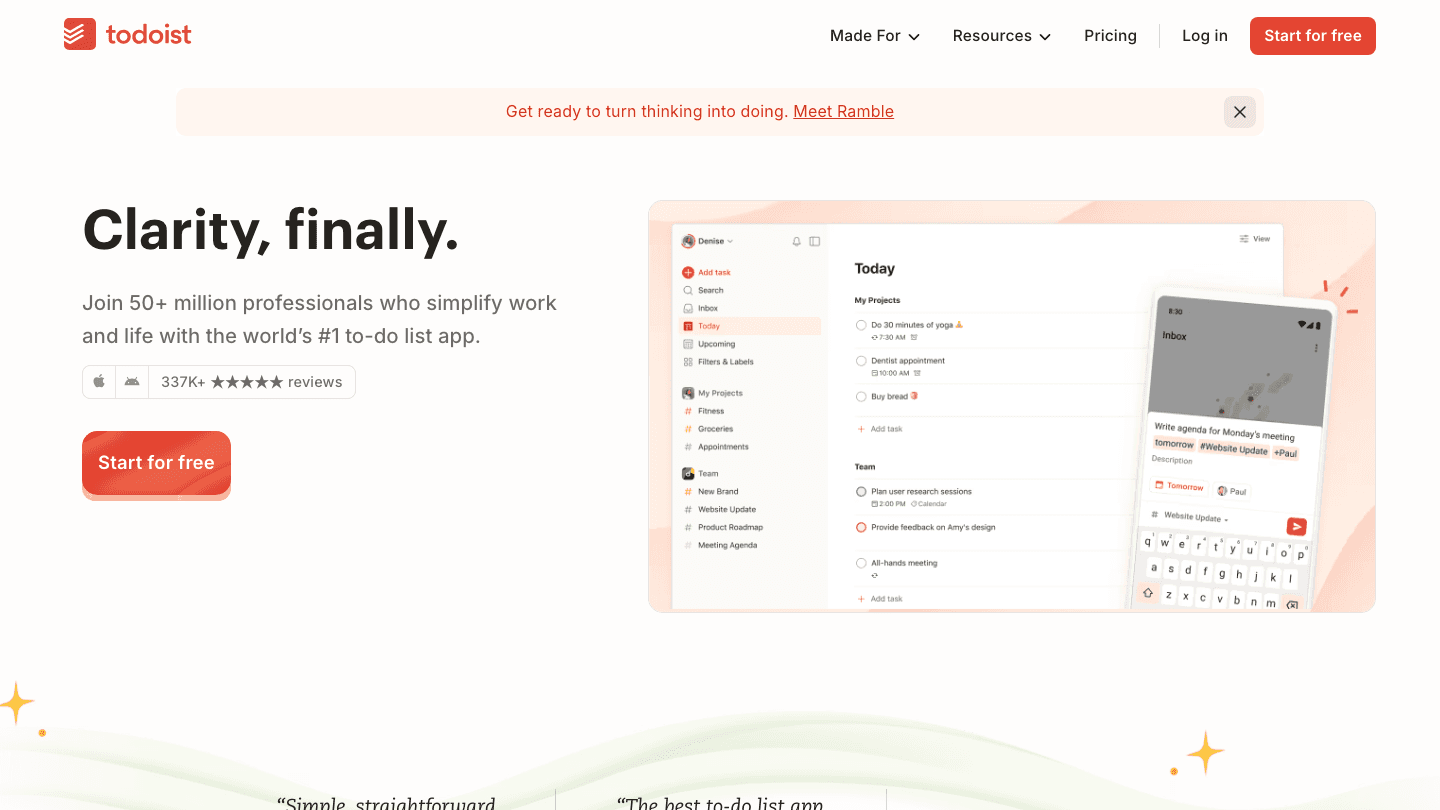
Todoist's Wear OS app lets you view your task list, complete items, and add new tasks by voice from the Pixel Watch. For quick captures during a walk or a commute, being able to say "add task: email the vendor" without reaching for your phone is genuinely useful.
Todoist works especially well as a capture tool when paired with a planning app like Lifestack. Tasks you add through the watch or phone sync automatically, and pairing Todoist with a scheduler means those captured items get scheduled into your day based on your energy and priorities. You don't have to manage the timing manually.
Key Features: Wear OS app for watch access, voice capture, task completion from watch, natural language date parsing, project organization, calendar integration
Why it pairs well with Pixel Watch: Quick capture from the wrist means you don't lose tasks when you're away from your desk. The watch interface is minimal by design, which matches the quick-glance nature of smartwatch UX.
Things to watch out for: No energy-aware scheduling. Captured tasks need to be organized and scheduled manually unless you use an additional planning layer. Free tier limits you to 5 projects.
Pricing: Free plan available. Pro at $5/user/month ($60/year).
FAQ
What apps work best with Google Pixel Watch?
The Google Pixel Watch runs Wear OS and integrates with Fitbit for health tracking. Apps that work well with it include Strava for fitness tracking, Spotify for offline music, MyFitnessPal for nutrition syncing with Fitbit activity data, Todoist for watch-based task management, and Lifestack for energy-aware daily planning.
Does Google Pixel Watch work with third-party apps?
Yes. The Pixel Watch runs Wear OS, which supports a growing library of third-party apps available through the Google Play Store on the watch. Most major fitness, productivity, and media apps have Wear OS versions. Fitbit's health data can also be exported or synced to third-party apps like MyFitnessPal and Lifestack.
Can I use Lifestack with Google Pixel Watch?
Yes. Lifestack connects to the Fitbit platform, which powers the Google Pixel Watch's health tracking. It reads your sleep and recovery data each morning and uses it to schedule your tasks at the times your body is most ready for different types of work.
How does Google Pixel Watch compare to other smartwatches for fitness?
The Pixel Watch offers strong all-day health tracking through its Fitbit integration, including sleep stages, heart rate zones, and active zone minutes. Compared to other wearables, it sits between the Apple Watch (more productivity and app ecosystem) and dedicated fitness trackers like Garmin (deeper athletic analytics). It's a solid choice for general health and fitness tracking, and it works across Android and Wear OS ecosystems.
Does Strava work on Google Pixel Watch?
Yes. Strava has a native Wear OS app that works on the Google Pixel Watch. You can start tracked activities directly from the watch, record GPS routes, and sync workouts back to the phone app automatically after you finish.
The Google Pixel Watch is one of the most capable Wear OS devices available, combining Google's software polish with Fitbit's health tracking platform. It tracks heart rate, sleep, steps, active zone minutes, and more. The question is what you do with that data.
Most Pixel Watch owners stop at the default Fitbit and Google apps. But the watch's real value comes from pairing it with apps that pull that health data into something actionable: a smarter workout, a more accurate calorie picture, or a daily schedule that responds to how you actually feel.
These are the five apps that get the most out of a Google Pixel Watch in 2026.
Key Takeaways
Lifestack uses your Pixel Watch's health and sleep data to schedule your tasks at the right time of day.
Strava turns GPS and heart rate data from your watch into detailed workout analysis and community connections.
MyFitnessPal syncs your activity data from Fitbit to close the calorie loop between what you eat and how much you move.
Quick Guide: Best Apps for Google Pixel Watch
Lifestack: Best for using health data to plan your day
Strava: Best for tracking and analyzing workouts
Spotify: Best for music during workouts on the watch
MyFitnessPal: Best for nutrition tracking that syncs with Fitbit
Todoist: Best for task capture and planning from your watch
1. Lifestack
Use your Pixel Watch's recovery and sleep data to schedule your most important work at the right time
Lifestack is a daily planning app that reads health data from your wearable and uses it to build a personalized daily schedule. Connect your Google Pixel Watch through its Fitbit integration, and Lifestack can see your sleep quality, resting heart rate, and recovery status each morning. It then schedules your tasks at the times you're most capable of doing them well.
The core idea is energy-based scheduling: your calendar shouldn't just reflect your availability, it should reflect your capacity. On a morning after poor sleep, Lifestack won't pile deep work into your first hour. It shifts demanding tasks to when your recovery data suggests you're ready. Compared to other apps that use Fitbit data, Lifestack is unique in closing the loop between health tracking and your actual work schedule.
Key Features: Wearable-connected scheduling, task prioritization by energy, calendar integration, iOS and Android apps, Chrome extension
Why it pairs well with Pixel Watch: The Pixel Watch's Fitbit platform provides sleep stages, heart rate variability, and daily readiness scores. Lifestack turns those metrics into actual task scheduling decisions, not just data visualizations.
Things to watch out for: Designed for individual use. If you need team project tracking, pair it with Todoist for task capture.
Pricing: $7/month, $50/year, or $120 lifetime
2. Strava
Track every run, ride, and walk with detailed metrics and share them with people who actually care
Strava is the standard fitness tracking platform for runners and cyclists, and it works directly with the Google Pixel Watch via Wear OS. Start a run or ride from your watch, and Strava captures GPS route, pace, heart rate zones, and elevation. Your activity feeds back to your phone automatically after the workout ends.
Beyond tracking, Strava's route and segment analysis is genuinely useful for people who train seriously. You can see if your times are improving on familiar segments, compare your pace on specific hills, and get kudos from your follows. The social layer isn't just noise: it creates accountability that helps people stay consistent with training.
Key Features: Wear OS app for watch-based tracking, GPS and heart rate analysis, route mapping, segment comparisons, activity feed, training load insights (subscription)
Why it pairs well with Pixel Watch: The Pixel Watch's GPS and heart rate sensors are accurate enough to feed Strava's segment analysis meaningfully. You get full route data without needing your phone.
Things to watch out for: The best features (segment leaderboards, advanced analytics) require a subscription. Free tier is limited for serious training.
Pricing: Free plan available. Subscription at $11.99/month or $79.99/year.
3. Spotify
Listen offline, control playback from your wrist, and never run with your phone in your pocket again
Spotify's Wear OS app lets you download playlists and podcasts directly to the Google Pixel Watch. With Bluetooth headphones and a Pixel Watch on your wrist, you have everything you need for a run without touching your phone. You can browse, select, and control playback directly from the watch face.
Offline playback is the key feature here. Streaming from the watch is possible over Wi-Fi or LTE (on LTE models), but downloaded playlists mean you don't need any connection at all. For anyone who runs in areas with spotty signal, this is the right setup.
Key Features: Offline playlist downloads to watch, Wear OS app with full browse and playback controls, podcast support, cross-device sync
Why it pairs well with Pixel Watch: The Pixel Watch's Wear OS platform runs Spotify's native app well. Storage space on the watch is enough for a solid offline playlist without needing your phone nearby.
Things to watch out for: Offline downloads require Spotify Premium. The watch app's interface is functional but simpler than the phone version. Battery drain increases with music playback.
Pricing: Premium Individual at $12.99/month. Student plan at $6.99/month.
4. MyFitnessPal
Track what you eat and let your Pixel Watch activity data close the calorie loop automatically
MyFitnessPal is the most widely used nutrition tracking app, and it syncs bidirectionally with Fitbit. Your Pixel Watch automatically exports steps, calories burned, and active minutes to MyFitnessPal, adjusting your daily calorie goal based on actual movement rather than a static estimate.
The sync means you're not manually entering workouts or estimating your burn. Your watch handles the activity tracking; MyFitnessPal handles the food side. Together they give you a complete picture of your energy balance without double work.
Key Features: Barcode scanner for food logging, 14 million food database, Fitbit sync for activity calories, macro tracking, meal planning (Premium+), restaurant meal estimates
Why it pairs well with Pixel Watch: The Fitbit platform that powers the Pixel Watch's health tracking connects natively to MyFitnessPal. You log food, the watch logs activity, and the two sync without manual input.
Things to watch out for: Consistent food logging takes habit formation. The free tier has become more limited over time. Premium is needed for features like nutrient goals and meal planning.
Pricing: Free plan available. Premium at $6.67/month ($79.99/year). Premium+ with meal planning at $8.34/month ($99.99/year).
5. Todoist
Check tasks, complete items, and capture new ones from your Pixel Watch without pulling out your phone
Todoist's Wear OS app lets you view your task list, complete items, and add new tasks by voice from the Pixel Watch. For quick captures during a walk or a commute, being able to say "add task: email the vendor" without reaching for your phone is genuinely useful.
Todoist works especially well as a capture tool when paired with a planning app like Lifestack. Tasks you add through the watch or phone sync automatically, and pairing Todoist with a scheduler means those captured items get scheduled into your day based on your energy and priorities. You don't have to manage the timing manually.
Key Features: Wear OS app for watch access, voice capture, task completion from watch, natural language date parsing, project organization, calendar integration
Why it pairs well with Pixel Watch: Quick capture from the wrist means you don't lose tasks when you're away from your desk. The watch interface is minimal by design, which matches the quick-glance nature of smartwatch UX.
Things to watch out for: No energy-aware scheduling. Captured tasks need to be organized and scheduled manually unless you use an additional planning layer. Free tier limits you to 5 projects.
Pricing: Free plan available. Pro at $5/user/month ($60/year).
FAQ
What apps work best with Google Pixel Watch?
The Google Pixel Watch runs Wear OS and integrates with Fitbit for health tracking. Apps that work well with it include Strava for fitness tracking, Spotify for offline music, MyFitnessPal for nutrition syncing with Fitbit activity data, Todoist for watch-based task management, and Lifestack for energy-aware daily planning.
Does Google Pixel Watch work with third-party apps?
Yes. The Pixel Watch runs Wear OS, which supports a growing library of third-party apps available through the Google Play Store on the watch. Most major fitness, productivity, and media apps have Wear OS versions. Fitbit's health data can also be exported or synced to third-party apps like MyFitnessPal and Lifestack.
Can I use Lifestack with Google Pixel Watch?
Yes. Lifestack connects to the Fitbit platform, which powers the Google Pixel Watch's health tracking. It reads your sleep and recovery data each morning and uses it to schedule your tasks at the times your body is most ready for different types of work.
How does Google Pixel Watch compare to other smartwatches for fitness?
The Pixel Watch offers strong all-day health tracking through its Fitbit integration, including sleep stages, heart rate zones, and active zone minutes. Compared to other wearables, it sits between the Apple Watch (more productivity and app ecosystem) and dedicated fitness trackers like Garmin (deeper athletic analytics). It's a solid choice for general health and fitness tracking, and it works across Android and Wear OS ecosystems.
Does Strava work on Google Pixel Watch?
Yes. Strava has a native Wear OS app that works on the Google Pixel Watch. You can start tracked activities directly from the watch, record GPS routes, and sync workouts back to the phone app automatically after you finish.



FOLLOW ON
FOLLOW ON
FOLLOW ON


Copyright 2026 © Lifestack. All rights reserved
Copyright 2026 © Lifestack. All rights reserved

