
Device
5 Best Apps to Use with Fitbit in 2026
5 Best Apps to Use with Fitbit in 2026
Fitbit is one of the most popular wearables in the world, but most people only use it to count steps. The data it collects (sleep stages, heart rate, active minutes, and recovery) is far more valuable than a daily step tally suggests.
The problem is that Fitbit's own app mostly shows you what happened. It doesn't help you act on it. For that, you need third-party apps that take your Fitbit data and translate it into decisions: how to structure your workday, what to eat, how hard to push in a workout, or whether tonight is the night to actually sleep early.
We tested dozens of apps across scheduling, nutrition, fitness, sleep, and stress management. These five consistently added the most value on top of what the default Fitbit experience offers.
A quick note on compatibility: Fitbit syncs with Apple Health on iOS and Google Fit on Android, which is how most of these apps access your data. Make sure you've enabled this sync in your Fitbit settings before getting started.
Key Takeaways
Lifestack turns your Fitbit sleep and recovery data into a daily schedule that matches your energy levels, which is something the Fitbit app itself never does.
The strongest combination is Lifestack for scheduling, Strava or MyFitnessPal for fitness and nutrition, and Sleep Cycle or Welltory for deeper sleep and HRV analysis.
All five apps have a functional free tier or free trial, so you can test each one before committing to a subscription.
Quick Guide
1. Lifestack: Energy-aware AI scheduler that reads your wearable data to build your day
2. Strava: Workout logging and social fitness tracking
3. MyFitnessPal: Calorie and nutrition tracking that syncs your activity data
4. Welltory: HRV and stress tracking with productivity-focused recommendations
5. Sleep Cycle: Smart alarm and in-depth sleep analysis
How We Evaluated
Direct Fitbit data access (via native API, Apple Health, or Google Fit)
Whether the app uses wearable data to inform decisions, not just display it
Long-term usability beyond the onboarding experience
Free tier quality and subscription value
iOS and Android support
1. Lifestack
The planner that builds your day around your Fitbit data.

Lifestack does something none of the other apps on this list do: it reads your sleep and recovery data from your wearable, then builds your daily schedule around it. High-focus tasks go during your peak energy windows. Admin and meetings fill the dips. The plan updates based on what your body actually did last night, not what you planned.
For Fitbit users on iOS, the connection happens through Apple Health. Once you enable the Fitbit-to-Apple Health sync and connect Lifestack to Apple Health, your sleep stages, resting heart rate, and activity data flow in automatically. On Android, the same process works through Google Fit. The result is a personalized daily schedule that adapts to your real energy levels rather than treating every hour as equal.
Key Features
Reads sleep, HRV, and activity data from Fitbit via Apple Health or Google Fit
Generates a daily plan that matches task difficulty to your energy peaks
Integrates with Google Calendar, Outlook, and Apple Calendar
Connects with Todoist, Notion, and other task managers
Available on iOS, Android, and Chrome
What Works
Energy-aware scheduling is genuinely different from anything Fitbit's own app offers
The daily plan actually changes based on your previous night's sleep quality
Calendar integration means your existing events are factored in automatically
Limitations
Fitbit connection on Android requires Google Fit as an intermediary
No standalone watch app for Fitbit devices
Pricing: $7/month, $50/year (7-day free trial), or $120 lifetime
Best for: Anyone who wants their Fitbit data to actually change how they plan their day
2. Strava
Turn your Fitbit workouts into a training log worth keeping.
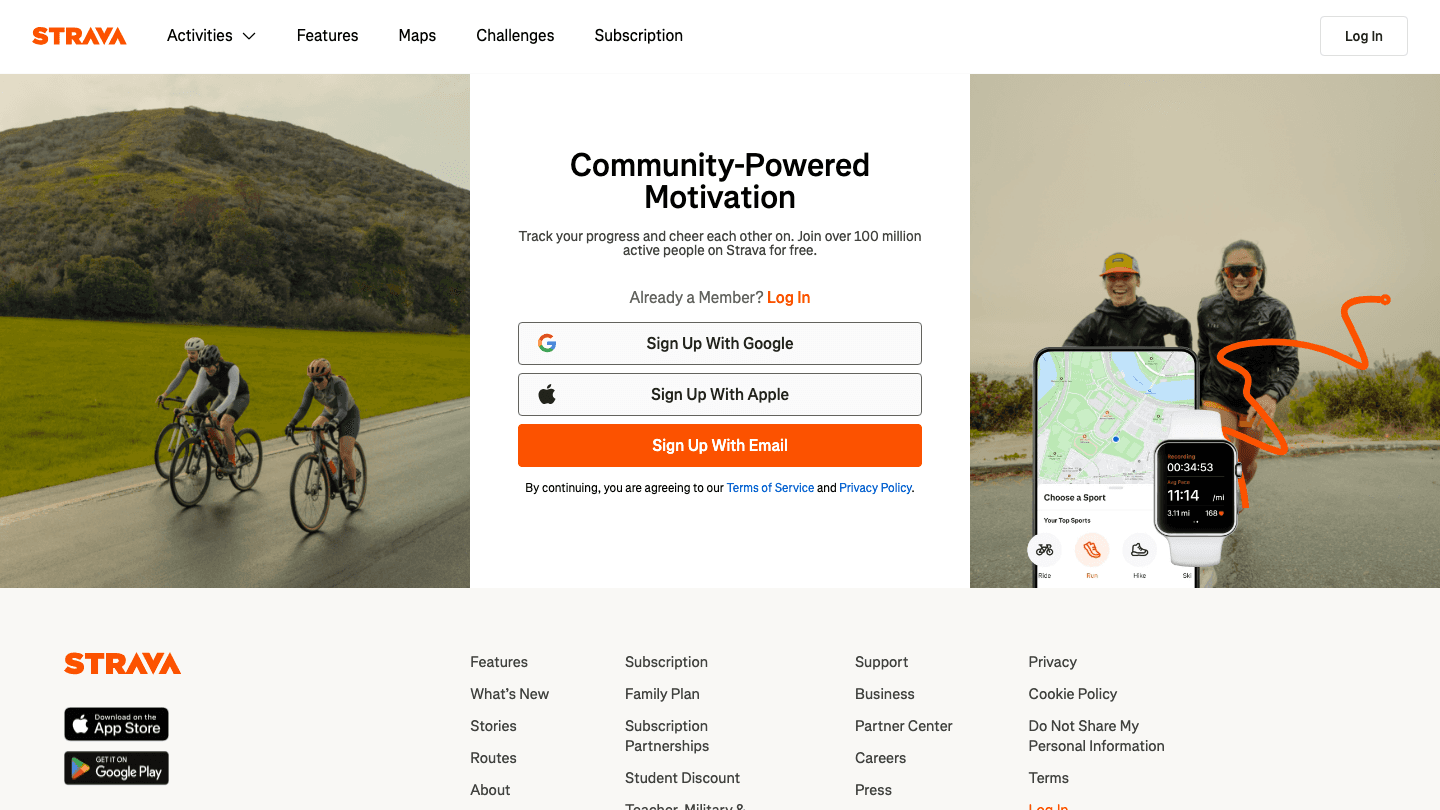
Strava is the default choice for runners, cyclists, and anyone doing endurance training. It picks up your Fitbit activity data and logs each workout with distance, pace, elevation, and heart rate zones. Over time, it builds a training history that Fitbit's native activity view simply can't match.
The social layer is what keeps most people on Strava long-term. You can follow other athletes, give kudos, join clubs, and compare your effort against others on the same segment. For people who train outdoors, Strava's route mapping and segment tracking add a competitive element that Fitbit's app lacks entirely.
Key Features
Syncs automatically with Fitbit via Apple Health or Google Fit
Detailed workout breakdowns with pace, HR zones, and elevation
Segment comparisons and social leaderboards
Training load tracking and weekly summaries
Route creation and discovery
What Works
The best long-term training history of any fitness app
Segment leaderboards add motivation that solo tracking can't replicate
Works for running, cycling, swimming, hiking, and dozens of other activities
Limitations
No energy awareness or scheduling integration
Advanced training analytics are locked behind the subscription
Less useful if you don't do structured workouts
Pricing: Free for core features; $11.99/month or $79.99/year for Strava Premium
Best for: Runners, cyclists, and anyone doing regular endurance training
3. MyFitnessPal
Connect your calorie burn to your food intake, in one place.
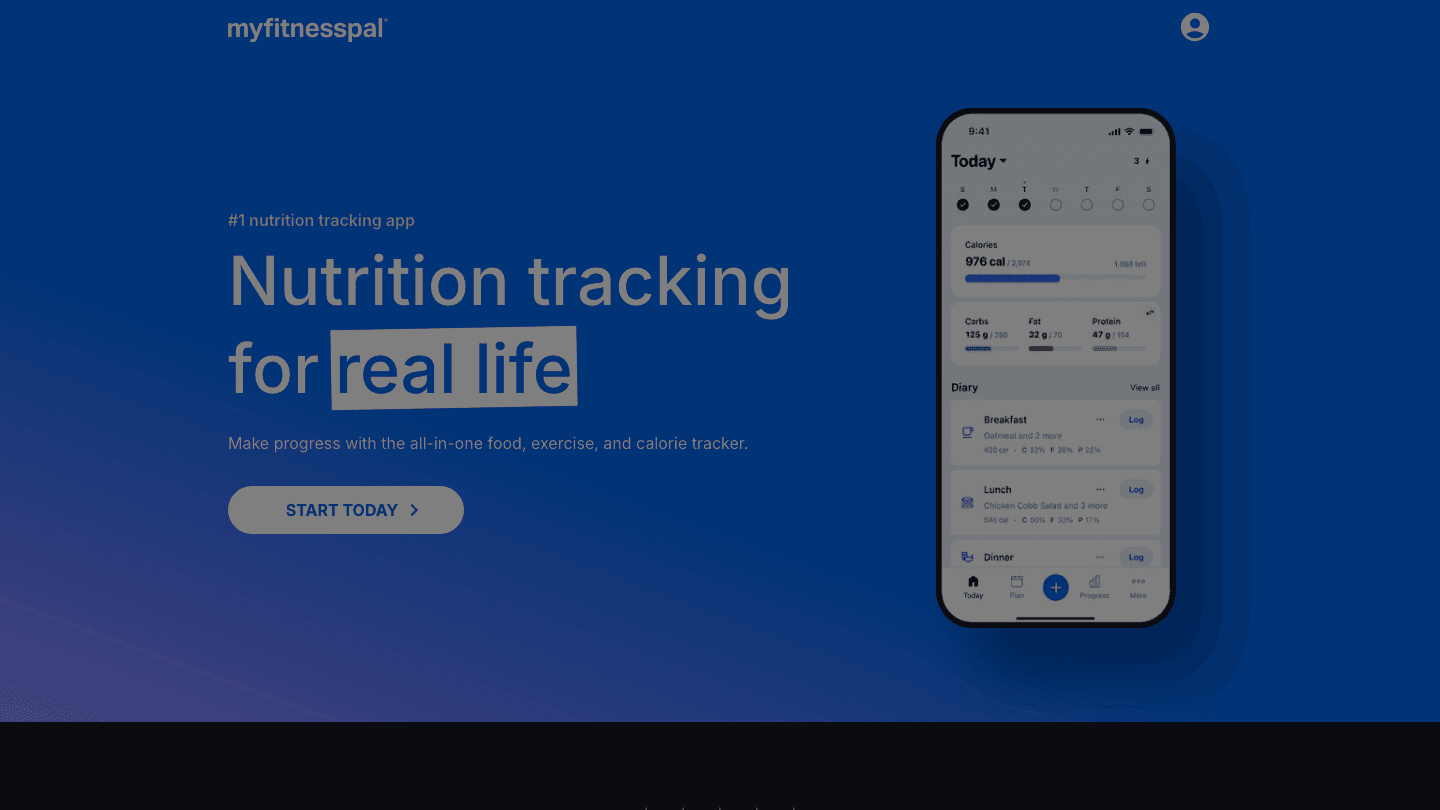
MyFitnessPal has the largest food database of any nutrition app, and it syncs Fitbit's calorie burn data directly so your daily goal adjusts based on how active you've actually been. If you had a big workout, your calorie budget goes up. Sedentary day? It tightens. This dynamic adjustment is what makes MyFitnessPal useful for weight management in a way that static calorie goals aren't.
The logging experience is fast once you've built up your personal history. Frequent foods and meals save automatically, barcode scanning covers most packaged foods, and restaurant databases are accurate enough for regular use. The macro breakdown is also more detailed than anything Fitbit offers natively.
Key Features
Syncs Fitbit calorie burn to adjust daily food goals dynamically
Database of over 14 million foods with barcode scanning
Macro and micronutrient breakdown by meal
Water intake tracking
Meal planning and recipe logging
What Works
Dynamic calorie goals that update based on Fitbit activity are genuinely useful
The food database is extensive enough to handle almost any meal
Fast daily logging once your eating patterns are established
Limitations
No energy awareness or sleep-based scheduling
Premium tier required for advanced nutrition features
Food quality analysis is limited compared to dedicated nutrition apps
Pricing: Free for core features; $6.67/month (billed at $79.99/year) for Premium; $8.34/month (billed at $99.99/year) for Premium+
Best for: Anyone focused on nutrition, calorie tracking, or weight management
4. Welltory
Use your Fitbit heart rate data to measure and act on stress.
Welltory specializes in HRV (heart rate variability) analysis, using it to track your daily stress and recovery status. It pulls heart rate data from Fitbit via Apple Health or Google Fit and shows you where your autonomic nervous system is sitting on any given day. High HRV means your body is recovered and ready to handle stress. Low HRV is a signal to take it easy.
What separates Welltory from a simple HRV monitor is the recommendations layer. Based on your daily readiness score, it suggests how intensely to work, whether to push in a workout, and when to wind down. For people who get caught in cycles of overwork and burnout, that feedback is more actionable than a step count.
Key Features
HRV analysis using Fitbit heart rate data via Apple Health or Google Fit
Daily readiness and energy scores
Stress and recovery trends over time
Productivity and workout intensity recommendations
Tracks correlations between lifestyle factors and HRV
What Works
HRV-based readiness scoring is more detailed than Fitbit's native stress score
Recommendations are specific enough to actually act on
Long-term trend data is valuable for spotting patterns
Limitations
No calendar or scheduling integration
Annual plan is expensive relative to the feature set
HRV measurements are most accurate from a dedicated HRV device, not a wrist tracker
Pricing: Free for basic use; $99/year ($8.25/month) for Premium; $599 lifetime
Best for: People tracking stress, burnout, and recovery with Fitbit heart rate data
5. Sleep Cycle
Go deeper on sleep analysis than Fitbit's native tracking.
Sleep Cycle uses your iPhone's microphone or accelerometer to analyze sleep in real time, then wakes you during your lightest sleep phase within a 30-minute window before your alarm. The result is that you wake up feeling less groggy. Fitbit tracks sleep stages too, but Sleep Cycle's smart alarm is the part Fitbit can't replicate on its own.
Sleep Cycle pulls in Fitbit data via Apple Health to give you a more complete sleep picture, combining its own microphone-based analysis with your Fitbit's motion and heart rate readings. The app also tracks trends over time, lets you note sleep factors like caffeine or late meals, and correlates them with sleep quality scores. If you're serious about improving your daily planning by understanding your sleep, this combination works well.
Key Features
Smart alarm that wakes you during light sleep within a 30-minute window
Real-time sleep phase detection via microphone or accelerometer
Pulls Fitbit heart rate and movement data via Apple Health
Sleep quality scores and long-term trend tracking
Snore detection and sleep aid sounds
What Works
The smart alarm makes a real difference in how you feel when you wake up
Sleep factor tracking helps identify what's actually affecting your sleep quality
More detailed sleep stage breakdown than Fitbit's native analysis
Limitations
No energy-based scheduling or productivity integration
Most useful features require Premium
Microphone-based tracking requires your phone to be near your bed
Pricing: Free for basic features; approximately $7.99/month or $39.99/year for Premium
Best for: Anyone who wakes up groggy and wants smarter sleep analysis
Which App Is Right for You?
If you want your Fitbit sleep data to change how you plan your workday: Lifestack
If you run, cycle, or do any endurance training: Strava
If you're focused on nutrition, calories, or weight management: MyFitnessPal
If stress, HRV, and recovery are your primary concerns: Welltory
If waking up groggy is the main problem: Sleep Cycle
If you want a complete setup: pair Lifestack with one fitness or nutrition app and one sleep app
For more on pairing wearable data with productivity tools, see our guides on apps to use with Oura Ring and apps to use with Ultrahuman Ring.
FAQ
Does Lifestack connect to Fitbit?
Yes. On iOS, Lifestack connects to Fitbit data through Apple Health. Enable the Fitbit-to-Apple Health sync in your Fitbit app settings, then connect Lifestack to Apple Health, and your sleep and recovery data flows in automatically. On Android, the same process works via Google Fit.
Do these apps need the official Fitbit app to work?
Most of them do indirectly. Your Fitbit device syncs to the Fitbit app, which then passes data to Apple Health (iOS) or Google Fit (Android). Third-party apps like Lifestack, Strava, and Welltory read from those health platforms rather than from Fitbit directly. Keep your Fitbit app installed and syncing for the data chain to work.
Which app is best to use with Fitbit for weight loss?
MyFitnessPal is the strongest choice for weight loss. It syncs your Fitbit calorie burn data to adjust your daily food budget dynamically, so your targets reflect how active you actually were rather than a static estimate. Pair it with Lifestack if you want your energy levels to also inform when you exercise and work.
Can I use multiple apps with Fitbit at the same time?
Yes, and this is actually the recommended approach. Most Fitbit users get the best results by pairing two or three apps: one for scheduling (Lifestack), one for fitness or nutrition (Strava or MyFitnessPal), and one for sleep or recovery (Sleep Cycle or Welltory). Each covers a different layer of what Fitbit tracks.
What's the best app to use with Fitbit for sleep tracking?
Sleep Cycle adds the most on top of Fitbit's native sleep tracking, mainly because of its smart alarm feature. Welltory is a better choice if you're more focused on HRV and recovery trends than on improving wake-up quality. Both apps pull Fitbit sleep and heart rate data via Apple Health or Google Fit.
Do these apps work with older Fitbit models?
Generally yes, as long as your Fitbit model syncs data to Apple Health or Google Fit. Fitbit Charge, Inspire, Versa, and Sense series all support this. Older trackers that predate the Apple Health integration may have limited compatibility. Check your Fitbit app's health platform sync settings to confirm your device is sharing data.
Fitbit is one of the most popular wearables in the world, but most people only use it to count steps. The data it collects (sleep stages, heart rate, active minutes, and recovery) is far more valuable than a daily step tally suggests.
The problem is that Fitbit's own app mostly shows you what happened. It doesn't help you act on it. For that, you need third-party apps that take your Fitbit data and translate it into decisions: how to structure your workday, what to eat, how hard to push in a workout, or whether tonight is the night to actually sleep early.
We tested dozens of apps across scheduling, nutrition, fitness, sleep, and stress management. These five consistently added the most value on top of what the default Fitbit experience offers.
A quick note on compatibility: Fitbit syncs with Apple Health on iOS and Google Fit on Android, which is how most of these apps access your data. Make sure you've enabled this sync in your Fitbit settings before getting started.
Key Takeaways
Lifestack turns your Fitbit sleep and recovery data into a daily schedule that matches your energy levels, which is something the Fitbit app itself never does.
The strongest combination is Lifestack for scheduling, Strava or MyFitnessPal for fitness and nutrition, and Sleep Cycle or Welltory for deeper sleep and HRV analysis.
All five apps have a functional free tier or free trial, so you can test each one before committing to a subscription.
Quick Guide
1. Lifestack: Energy-aware AI scheduler that reads your wearable data to build your day
2. Strava: Workout logging and social fitness tracking
3. MyFitnessPal: Calorie and nutrition tracking that syncs your activity data
4. Welltory: HRV and stress tracking with productivity-focused recommendations
5. Sleep Cycle: Smart alarm and in-depth sleep analysis
How We Evaluated
Direct Fitbit data access (via native API, Apple Health, or Google Fit)
Whether the app uses wearable data to inform decisions, not just display it
Long-term usability beyond the onboarding experience
Free tier quality and subscription value
iOS and Android support
1. Lifestack
The planner that builds your day around your Fitbit data.
Lifestack does something none of the other apps on this list do: it reads your sleep and recovery data from your wearable, then builds your daily schedule around it. High-focus tasks go during your peak energy windows. Admin and meetings fill the dips. The plan updates based on what your body actually did last night, not what you planned.
For Fitbit users on iOS, the connection happens through Apple Health. Once you enable the Fitbit-to-Apple Health sync and connect Lifestack to Apple Health, your sleep stages, resting heart rate, and activity data flow in automatically. On Android, the same process works through Google Fit. The result is a personalized daily schedule that adapts to your real energy levels rather than treating every hour as equal.
Key Features
Reads sleep, HRV, and activity data from Fitbit via Apple Health or Google Fit
Generates a daily plan that matches task difficulty to your energy peaks
Integrates with Google Calendar, Outlook, and Apple Calendar
Connects with Todoist, Notion, and other task managers
Available on iOS, Android, and Chrome
What Works
Energy-aware scheduling is genuinely different from anything Fitbit's own app offers
The daily plan actually changes based on your previous night's sleep quality
Calendar integration means your existing events are factored in automatically
Limitations
Fitbit connection on Android requires Google Fit as an intermediary
No standalone watch app for Fitbit devices
Pricing: $7/month, $50/year (7-day free trial), or $120 lifetime
Best for: Anyone who wants their Fitbit data to actually change how they plan their day
2. Strava
Turn your Fitbit workouts into a training log worth keeping.
Strava is the default choice for runners, cyclists, and anyone doing endurance training. It picks up your Fitbit activity data and logs each workout with distance, pace, elevation, and heart rate zones. Over time, it builds a training history that Fitbit's native activity view simply can't match.
The social layer is what keeps most people on Strava long-term. You can follow other athletes, give kudos, join clubs, and compare your effort against others on the same segment. For people who train outdoors, Strava's route mapping and segment tracking add a competitive element that Fitbit's app lacks entirely.
Key Features
Syncs automatically with Fitbit via Apple Health or Google Fit
Detailed workout breakdowns with pace, HR zones, and elevation
Segment comparisons and social leaderboards
Training load tracking and weekly summaries
Route creation and discovery
What Works
The best long-term training history of any fitness app
Segment leaderboards add motivation that solo tracking can't replicate
Works for running, cycling, swimming, hiking, and dozens of other activities
Limitations
No energy awareness or scheduling integration
Advanced training analytics are locked behind the subscription
Less useful if you don't do structured workouts
Pricing: Free for core features; $11.99/month or $79.99/year for Strava Premium
Best for: Runners, cyclists, and anyone doing regular endurance training
3. MyFitnessPal
Connect your calorie burn to your food intake, in one place.
MyFitnessPal has the largest food database of any nutrition app, and it syncs Fitbit's calorie burn data directly so your daily goal adjusts based on how active you've actually been. If you had a big workout, your calorie budget goes up. Sedentary day? It tightens. This dynamic adjustment is what makes MyFitnessPal useful for weight management in a way that static calorie goals aren't.
The logging experience is fast once you've built up your personal history. Frequent foods and meals save automatically, barcode scanning covers most packaged foods, and restaurant databases are accurate enough for regular use. The macro breakdown is also more detailed than anything Fitbit offers natively.
Key Features
Syncs Fitbit calorie burn to adjust daily food goals dynamically
Database of over 14 million foods with barcode scanning
Macro and micronutrient breakdown by meal
Water intake tracking
Meal planning and recipe logging
What Works
Dynamic calorie goals that update based on Fitbit activity are genuinely useful
The food database is extensive enough to handle almost any meal
Fast daily logging once your eating patterns are established
Limitations
No energy awareness or sleep-based scheduling
Premium tier required for advanced nutrition features
Food quality analysis is limited compared to dedicated nutrition apps
Pricing: Free for core features; $6.67/month (billed at $79.99/year) for Premium; $8.34/month (billed at $99.99/year) for Premium+
Best for: Anyone focused on nutrition, calorie tracking, or weight management
4. Welltory
Use your Fitbit heart rate data to measure and act on stress.
Welltory specializes in HRV (heart rate variability) analysis, using it to track your daily stress and recovery status. It pulls heart rate data from Fitbit via Apple Health or Google Fit and shows you where your autonomic nervous system is sitting on any given day. High HRV means your body is recovered and ready to handle stress. Low HRV is a signal to take it easy.
What separates Welltory from a simple HRV monitor is the recommendations layer. Based on your daily readiness score, it suggests how intensely to work, whether to push in a workout, and when to wind down. For people who get caught in cycles of overwork and burnout, that feedback is more actionable than a step count.
Key Features
HRV analysis using Fitbit heart rate data via Apple Health or Google Fit
Daily readiness and energy scores
Stress and recovery trends over time
Productivity and workout intensity recommendations
Tracks correlations between lifestyle factors and HRV
What Works
HRV-based readiness scoring is more detailed than Fitbit's native stress score
Recommendations are specific enough to actually act on
Long-term trend data is valuable for spotting patterns
Limitations
No calendar or scheduling integration
Annual plan is expensive relative to the feature set
HRV measurements are most accurate from a dedicated HRV device, not a wrist tracker
Pricing: Free for basic use; $99/year ($8.25/month) for Premium; $599 lifetime
Best for: People tracking stress, burnout, and recovery with Fitbit heart rate data
5. Sleep Cycle
Go deeper on sleep analysis than Fitbit's native tracking.
Sleep Cycle uses your iPhone's microphone or accelerometer to analyze sleep in real time, then wakes you during your lightest sleep phase within a 30-minute window before your alarm. The result is that you wake up feeling less groggy. Fitbit tracks sleep stages too, but Sleep Cycle's smart alarm is the part Fitbit can't replicate on its own.
Sleep Cycle pulls in Fitbit data via Apple Health to give you a more complete sleep picture, combining its own microphone-based analysis with your Fitbit's motion and heart rate readings. The app also tracks trends over time, lets you note sleep factors like caffeine or late meals, and correlates them with sleep quality scores. If you're serious about improving your daily planning by understanding your sleep, this combination works well.
Key Features
Smart alarm that wakes you during light sleep within a 30-minute window
Real-time sleep phase detection via microphone or accelerometer
Pulls Fitbit heart rate and movement data via Apple Health
Sleep quality scores and long-term trend tracking
Snore detection and sleep aid sounds
What Works
The smart alarm makes a real difference in how you feel when you wake up
Sleep factor tracking helps identify what's actually affecting your sleep quality
More detailed sleep stage breakdown than Fitbit's native analysis
Limitations
No energy-based scheduling or productivity integration
Most useful features require Premium
Microphone-based tracking requires your phone to be near your bed
Pricing: Free for basic features; approximately $7.99/month or $39.99/year for Premium
Best for: Anyone who wakes up groggy and wants smarter sleep analysis
Which App Is Right for You?
If you want your Fitbit sleep data to change how you plan your workday: Lifestack
If you run, cycle, or do any endurance training: Strava
If you're focused on nutrition, calories, or weight management: MyFitnessPal
If stress, HRV, and recovery are your primary concerns: Welltory
If waking up groggy is the main problem: Sleep Cycle
If you want a complete setup: pair Lifestack with one fitness or nutrition app and one sleep app
For more on pairing wearable data with productivity tools, see our guides on apps to use with Oura Ring and apps to use with Ultrahuman Ring.
FAQ
Does Lifestack connect to Fitbit?
Yes. On iOS, Lifestack connects to Fitbit data through Apple Health. Enable the Fitbit-to-Apple Health sync in your Fitbit app settings, then connect Lifestack to Apple Health, and your sleep and recovery data flows in automatically. On Android, the same process works via Google Fit.
Do these apps need the official Fitbit app to work?
Most of them do indirectly. Your Fitbit device syncs to the Fitbit app, which then passes data to Apple Health (iOS) or Google Fit (Android). Third-party apps like Lifestack, Strava, and Welltory read from those health platforms rather than from Fitbit directly. Keep your Fitbit app installed and syncing for the data chain to work.
Which app is best to use with Fitbit for weight loss?
MyFitnessPal is the strongest choice for weight loss. It syncs your Fitbit calorie burn data to adjust your daily food budget dynamically, so your targets reflect how active you actually were rather than a static estimate. Pair it with Lifestack if you want your energy levels to also inform when you exercise and work.
Can I use multiple apps with Fitbit at the same time?
Yes, and this is actually the recommended approach. Most Fitbit users get the best results by pairing two or three apps: one for scheduling (Lifestack), one for fitness or nutrition (Strava or MyFitnessPal), and one for sleep or recovery (Sleep Cycle or Welltory). Each covers a different layer of what Fitbit tracks.
What's the best app to use with Fitbit for sleep tracking?
Sleep Cycle adds the most on top of Fitbit's native sleep tracking, mainly because of its smart alarm feature. Welltory is a better choice if you're more focused on HRV and recovery trends than on improving wake-up quality. Both apps pull Fitbit sleep and heart rate data via Apple Health or Google Fit.
Do these apps work with older Fitbit models?
Generally yes, as long as your Fitbit model syncs data to Apple Health or Google Fit. Fitbit Charge, Inspire, Versa, and Sense series all support this. Older trackers that predate the Apple Health integration may have limited compatibility. Check your Fitbit app's health platform sync settings to confirm your device is sharing data.



FOLLOW ON
FOLLOW ON
FOLLOW ON


Copyright 2026 © Lifestack. All rights reserved
Copyright 2026 © Lifestack. All rights reserved

