
App
6 Best Apps to Use with Lunatask in 2026
6 Best Apps to Use with Lunatask in 2026
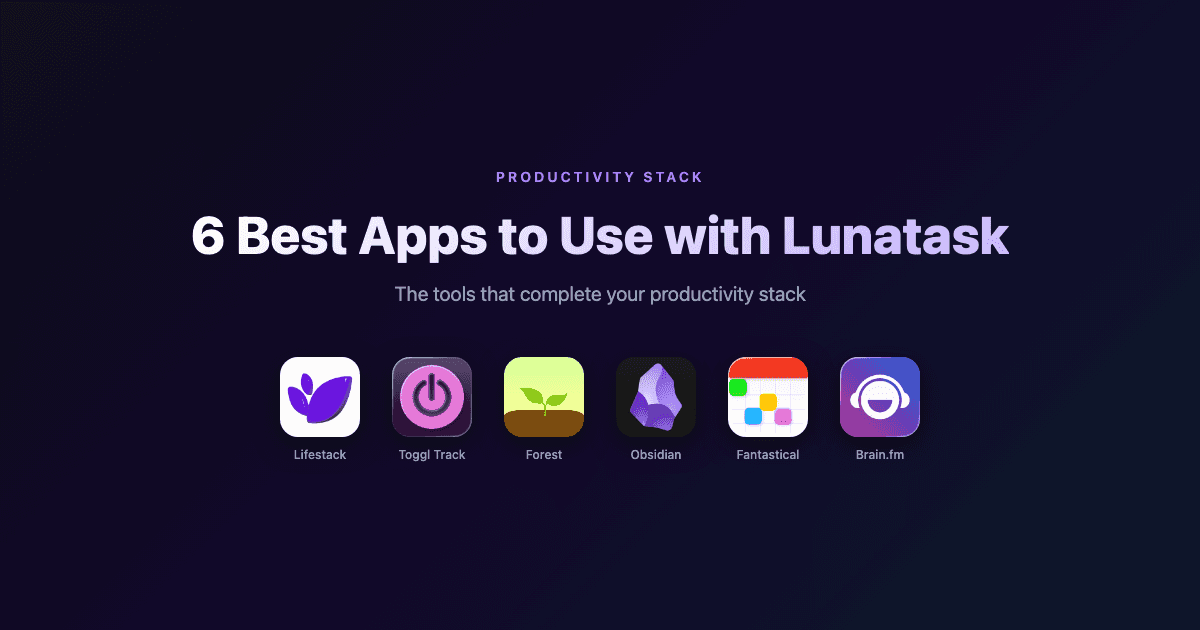
Lunatask is one of those rare productivity apps that actually understands the ADHD brain. The encrypted to-do list, mood tracking, habit log, and journal all live in one place, and the design shows real thought about how distracted people actually work. But after a few weeks of daily use, a few gaps start to show.
Lunatask does not tell you how long tasks actually take. It will not auto-schedule your work around your energy. And when it is time to sit down and focus, there is nothing to keep you off your phone.
This list fills those gaps. Every app here was chosen to pair specifically with Lunatask. No overlapping features, no redundancy. Just tools that make your setup more complete. If you are already using Lunatask for ADHD time management, these additions will make it noticeably more powerful.
A quick note: none of these apps are meant to replace Lunatask. They are companions.
Key Takeaways
Lifestack is the best complement for auto-scheduling tasks around your peak energy hours
Toggl Track plugs Lunatask's biggest gap: knowing how long things actually take
Forest handles what Lunatask does not touch at all: keeping you off your phone mid-task
Quick Guide
Lifestack: AI task scheduling built around your energy
Toggl Track: Time tracking for accurate time-blocking
Forest: Focus timer that gamifies phone-free sessions
Obsidian: Deep note-taking and linked knowledge base
Fantastical: The best calendar UI for time-blocking
Brain.fm: Science-backed focus music for deep work
How We Evaluated
We looked at apps that fill distinct gaps in the Lunatask feature set. Each app was assessed on whether it handles something Lunatask deliberately does not do, cross-platform availability, privacy approach, and friction cost: how much extra setup this actually requires. Pricing was verified directly from each app's pricing page.
1. Lifestack: AI Scheduling That Works Around Your Energy
The AI scheduler that turns your energy data into a real daily plan

Lunatask tracks how you feel. Energy level, mood, stress. That information is valuable, but Lunatask does not act on it. Lifestack does. It reads your tasks and calendar, learns when you do your best work, and auto-schedules everything into a plan you can actually follow.
The pairing works because both apps care about the same thing: matching work to the right mental state. Lunatask gives you the data. Lifestack turns that into a schedule. Drop your Lunatask priorities into Lifestack at the start of the day and let it find the right window for each one.
ADHD users in particular tend to get a lot from this combination. Lunatask's Must/Should/Want framework tells you what matters; Lifestack's AI planner tells you when to do it. That reduces the daily decision fatigue around when to actually work on things.
Key Features
AI auto-scheduling based on task priority and energy patterns
Calendar integration with Google, Outlook, and iCloud
Built-in energy tracking to learn your peak focus windows
Chrome extension for quick capture
iOS and Android apps
What Works
Energy-aware scheduling is genuinely different from other auto-schedulers
Reduces decision fatigue around when to do what
Lightweight enough to run alongside Lunatask without overlap
Limitations
No free tier
Less useful if your schedule is highly unpredictable day to day
Mobile only, no desktop app
Pricing: $7/month, $50/year, or $120 lifetime
Best for: Lunatask users who want their task list to automatically become a daily schedule
2. Toggl Track: Time Tracking That Makes Your Estimates Real
Know exactly where your hours go, so your Lunatask time-blocks reflect reality
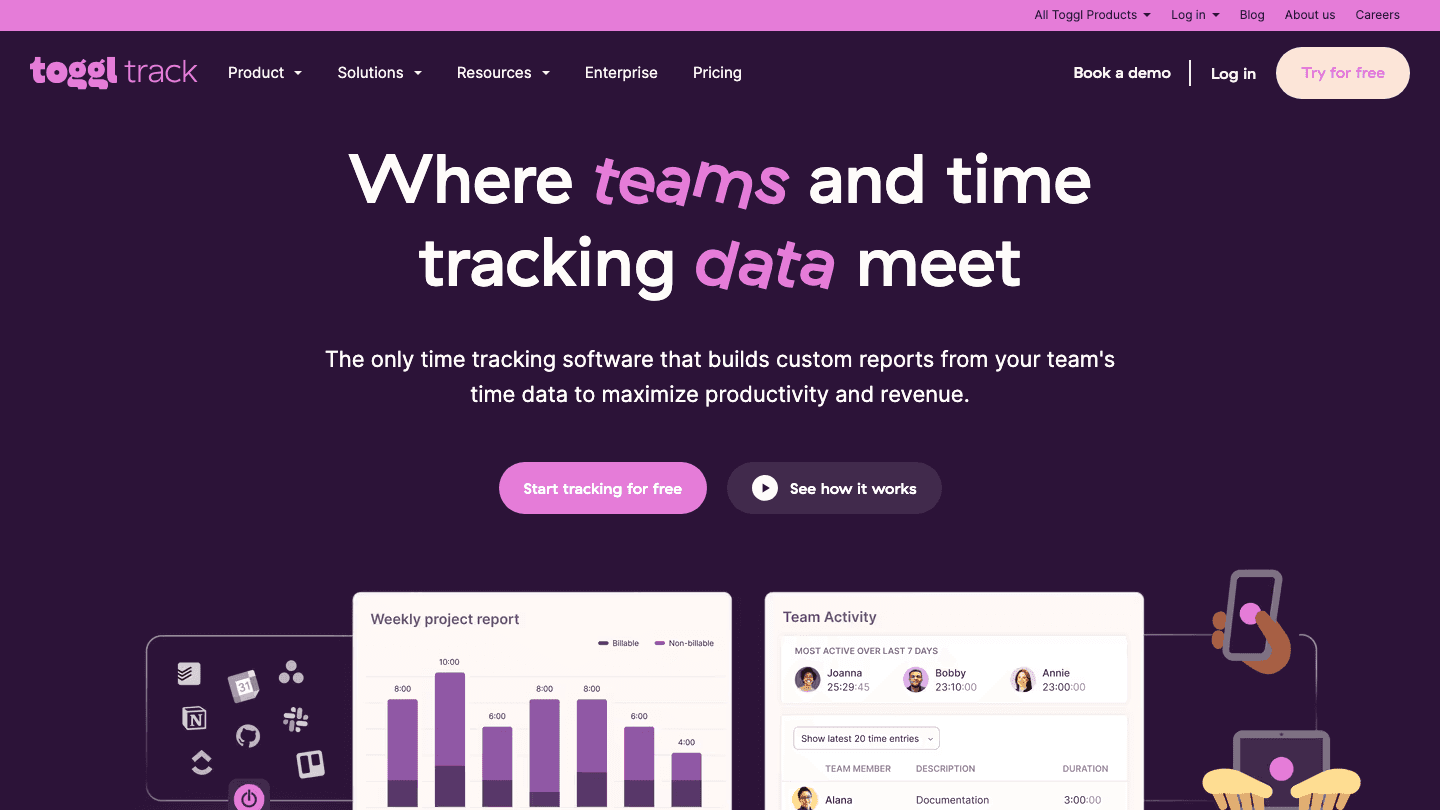
Lunatask lets you set time estimates for tasks. Toggl Track reveals whether those estimates are accurate. After a few weeks of tracking, you stop guessing and start planning with real data.
The workflow is simple: open a task in Lunatask, start a Toggl timer, stop it when you finish. Over time you will see patterns. Maybe deep work actually takes 90 minutes, not the 30 you keep scheduling. Maybe quick admin tasks eat a full hour every afternoon. That data changes how you approach Lunatask's planning.
You do not need to track everything forever. Even two weeks of consistent tracking will shift how you use Lunatask's time estimates. Think of Toggl as a calibration tool rather than a permanent addition to your daily routine.
Key Features
One-click timers from browser, desktop, or mobile
Project and tag tracking
Detailed weekly and monthly reports
Calendar view of where time actually went
Zapier integration, which can connect to Lunatask
What Works
Free tier covers everything most solo users need
Reports are genuinely useful, not decorative
Available on every platform Lunatask supports
Limitations
Interface is built for teams, can feel heavy for personal use
No AI suggestions. It tracks, it does not recommend
Timer workflow requires you to actually start and stop the timer
Pricing: Free tier available; Starter at $9/month per user
Best for: Anyone who wants to make Lunatask's time estimates more accurate
3. Forest: The Focus Timer That Makes Your Phone Harder to Touch
Gamified phone-blocking that keeps you in your Lunatask tasks
Lunatask is excellent at helping you decide what to work on. Forest handles the part that comes after: actually doing it without opening Instagram.
You plant a virtual tree that grows over your focus session. Open another app, the tree dies. Over time, completed sessions build a visible forest (a record of focused hours) that functions as real motivation. Forest Plus adds a real tree planting partnership, so the stakes feel even more concrete.
The overlap with Lunatask is zero. Lunatask picks your tasks; Forest creates the space to execute them. Set a 45-minute session in Forest, open your top Lunatask task, and go. It is a simple addition that addresses something Lunatask was never designed to do.
Key Features
Customizable focus timer (25 minutes to several hours)
App blocking to prevent phone distractions during sessions
Plant Together for synchronized sessions with others
Real tree planting through Trees for the Future
Focus streaks and session analytics
What Works
Gamification is motivating in a way that plain timers are not
App blocking adds friction that actually works
Free tier handles most use cases well
Limitations
Phone-only, does not block desktop distractions
Forest Plus required for some tree species and soundscapes
No direct integration with Lunatask's task list
Pricing: Free; Forest Plus $5.99/month or ~$35.99/year
Best for: Lunatask users who know what to do but keep picking up their phone instead of doing it
4. Obsidian: A Private Knowledge Base That Lunatask Was Never Meant to Be
Local-first, linked note-taking for the research and context behind your tasks
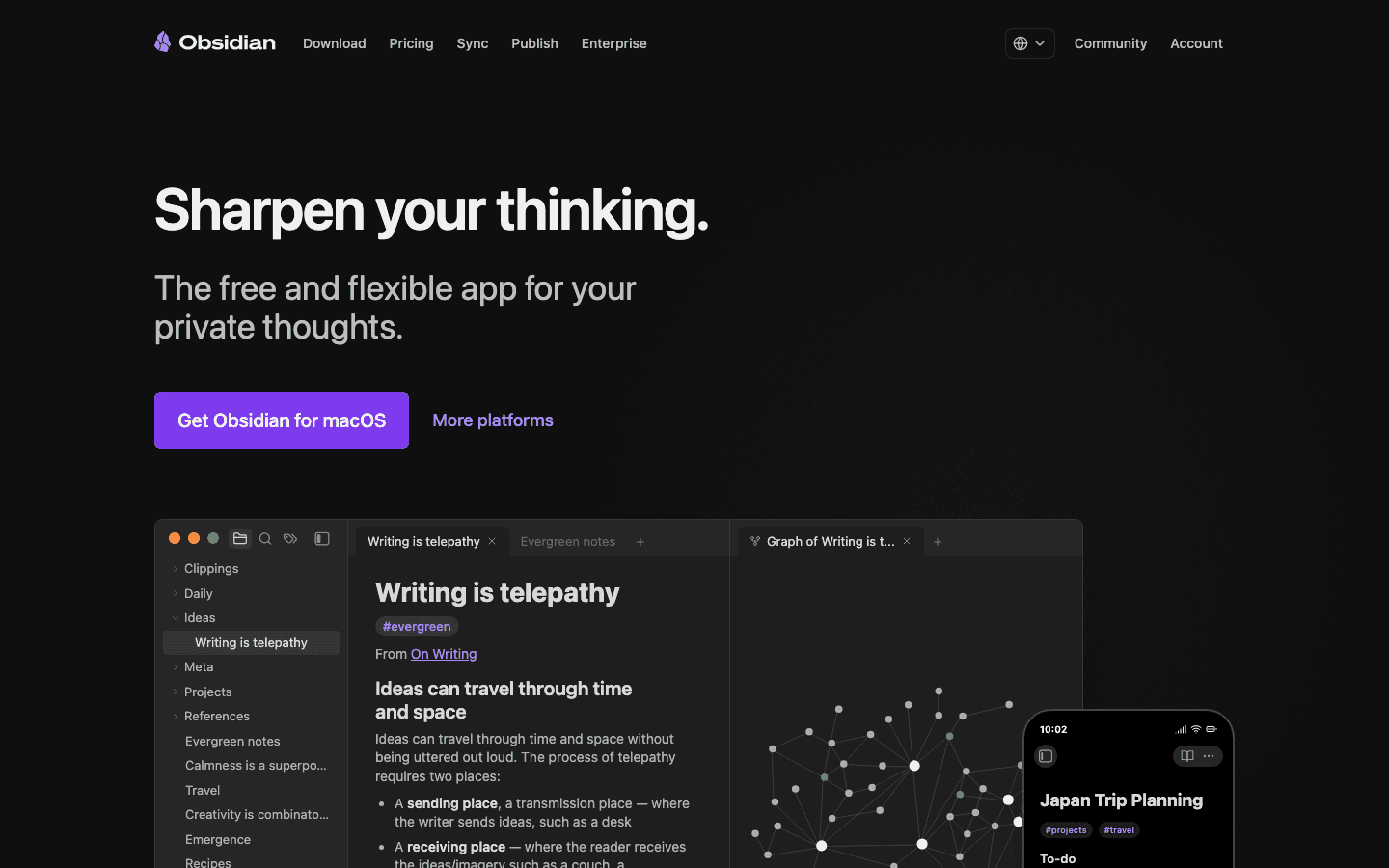
Lunatask's journal and notes work well for daily capture and quick thoughts. But if you are running a complex project, maintaining a research base, or taking meeting notes you actually want to find later, Lunatask's notes section runs out of headroom fast.
Obsidian is where deeper notes live. It is a local-first markdown editor with bidirectional linking. A note about a project can link to a meeting note, a reference doc, and a contact page, all in one place. Nothing goes to a server you do not control, which matches Lunatask's own privacy-first approach.
The workflow: Lunatask handles actionable tasks and daily tracking. Obsidian handles the knowledge behind those tasks. Project brief, background research, recurring meeting notes, all there when you need them. For ADHD users who rely on external scaffolding, having a dedicated knowledge base separate from your task manager is often cleaner than trying to do both in one app.
Key Features
Bidirectional links between notes with a graph view
Local storage: notes live on your device, not in the cloud
Full markdown support and extensive plugin ecosystem
Mobile apps for iOS and Android alongside desktop
End-to-end encrypted sync available as an add-on
What Works
Core app is completely free with no feature limits
Local-first storage aligns with Lunatask's privacy values
Flexible enough for academic, professional, or personal use
Limitations
Cross-device sync requires a paid add-on ($4/month) or manual setup
Steeper learning curve than most note apps
No task management. It does not replace any part of Lunatask
Pricing: Free (core app); Obsidian Sync $4/month for cross-device syncing
Best for: Lunatask users who need a proper home for project notes and reference material
5. Fantastical: The Calendar App That Makes Time-Blocking Actually Enjoyable
The best calendar UI on iOS and Mac for seeing your Lunatask schedule
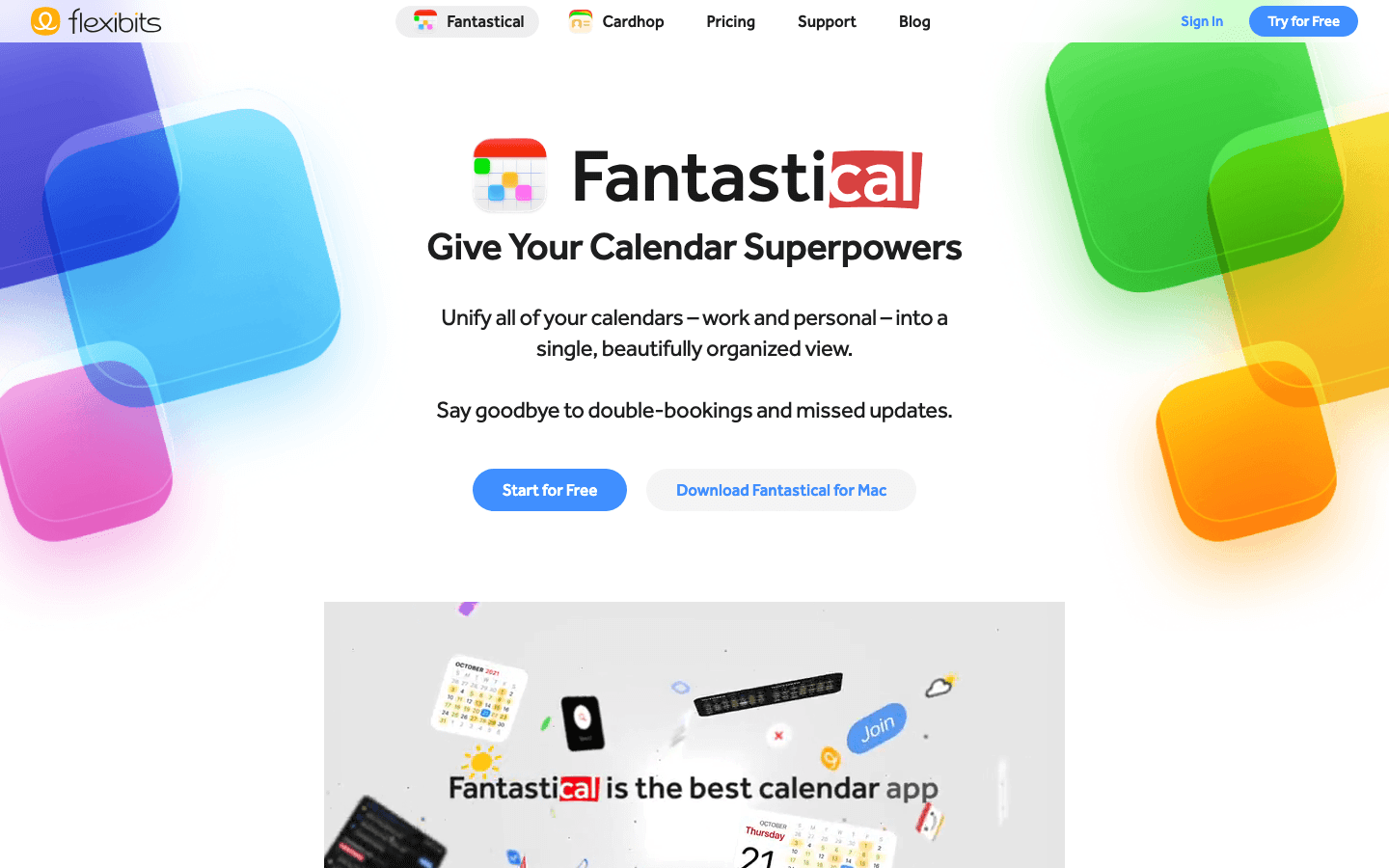
Lunatask connects to your calendar, but its calendar view is basic. For seeing your full week, spotting open blocks, and doing the drag-and-drop time-blocking that makes a schedule feel real, Fantastical is the best option on iOS and Mac.
Natural language input is the standout feature. Type "deep work Tuesday 9am 2 hours" and Fantastical creates the event. It reads every calendar you have (Google, Outlook, iCloud) and shows them together in a clean view. If you use Lunatask's calendar sync, all your time blocks appear in Fantastical automatically. You get Lunatask's task management and Fantastical's calendar visualization in the same workflow.
The free tier covers basic calendar use. Premium unlocks scheduling links, which is useful for booking calls without email back-and-forth. Most Lunatask users will not need Fantastical's built-in task layer since Lunatask already handles that.
Key Features
Natural language event creation
Multi-calendar view across Google, Outlook, and iCloud
Clean daily, weekly, and monthly layouts
Scheduling links for meeting booking
Widgets for iOS and macOS
What Works
Best calendar UI on iOS and Mac, genuinely pleasant to use
Natural language input saves meaningful time
Free tier is functional for most users
Limitations
macOS and iOS only (no Android, no Windows)
Premium features require a subscription
Built-in task layer overlaps with Lunatask (just ignore it)
Pricing: Free (basic); Individual plan ~$4.75/month billed annually
Best for: Mac and iPhone users who want a better calendar view alongside Lunatask
6. Brain.fm: Focus Music That's Designed to Keep Your Brain on Task
Functional audio that makes your Lunatask deep work sessions last longer
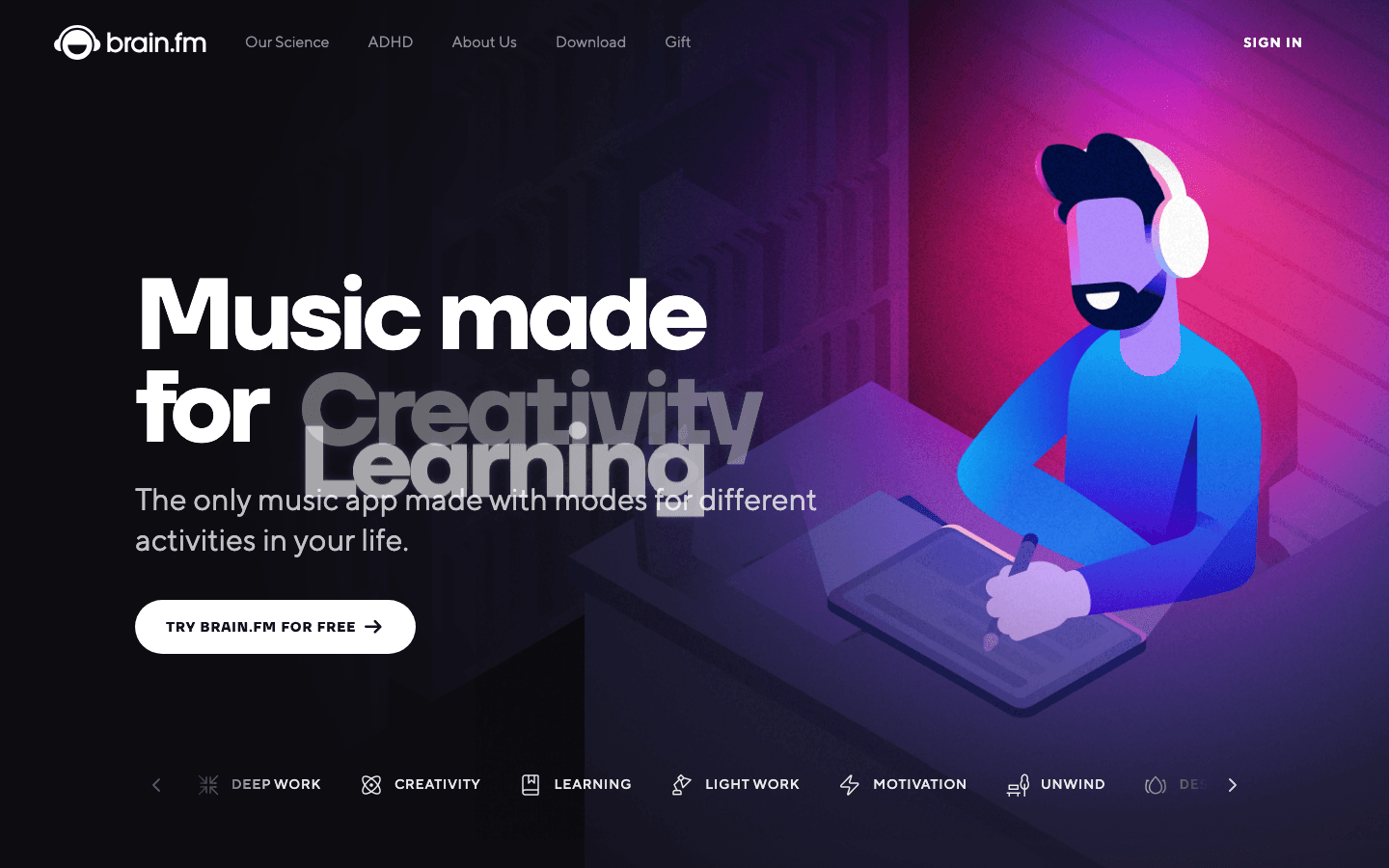
When you have your Lunatask open and it is time to actually work, what you listen to matters more than most people realize. Brain.fm generates functional music specifically engineered to reduce mind-wandering through neural entrainment. Not Spotify playlists, not lo-fi beats. Audio calibrated for sustained attention.
Put on Brain.fm's Focus mode when you are doing a deep work block. The effect is different from background music. Attention tends to stay on the task longer, with fewer "what was I doing?" moments. The app has modes for focus, relaxation, sleep, and creative work, each calibrated differently. There is also an ADHD-specific focus mode designed for attention regulation.
It is the most expensive app on this list. But if you do regular focused sessions (the kind where you actually close Lunatask and execute), it pays off. Many users reach for it specifically for high-stakes tasks where sustained attention matters. For ADHD users dealing with time blindness, having an audio cue that signals "we are in work mode now" can help shift into task execution.
Key Features
AI-generated music for focus, sleep, relaxation, and creativity
Session length control from 15 minutes to several hours
Science-backed neural phase locking approach
Offline listening
ADHD-specific focus mode
What Works
Genuinely different from ambient playlists or lo-fi
ADHD mode specifically designed for attention regulation
No ads, no interruptions during sessions
Limitations
Expensive at $14.99/month for occasional use
Music is functional, not always enjoyable to listen to casually
Some users notice repetition after extended daily use
Pricing: $14.99/month or $99.99/year ($8.33/month)
Best for: Lunatask users doing regular deep work sessions who want to extend their focus window
Which App Should You Add First?
You do not need all six. Here is a quick decision guide based on your biggest current pain point:
If your Lunatask priorities never make it into your actual day, try Lifestack first. It turns your task list into a daily schedule automatically.
If you always feel like you are running out of time but do not know where it goes, try Toggl Track for two weeks.
If you know what to do but keep picking up your phone instead of doing it, Forest is the answer.
If your Lunatask notes have become a hard-to-search dumping ground, move reference material to Obsidian.
If you are a Mac or iPhone user who dreads opening your calendar, Fantastical will fix that quickly.
If you do focused work sessions and want to stay in flow longer, add Brain.fm.
Start with one. Get it into your daily routine. Then add the next one if you still feel a gap. The apps on this list were chosen because they do not compete with each other. Each one handles a distinct part of a productivity setup that Lunatask's design intentionally leaves open.
FAQ
Does Lunatask integrate directly with any of these apps?
Lunatask has direct calendar sync (Google, Outlook, iCloud) and a Zapier integration. Toggl Track can connect to Lunatask via Zapier to log time against tasks. The other apps work alongside Lunatask rather than through a technical connection. You use them in parallel, not via a direct data connection.
Is Lunatask good for ADHD?
Yes. Lunatask is consistently recommended for ADHD users because of its flexible prioritization frameworks (Must/Should/Want and Eisenhower Matrix), mood and energy tracking, and end-to-end encryption that removes anxiety around putting personal thoughts in an app. Pairing it with Lifestack for scheduling and Forest for focus sessions makes it more useful for ADHD productivity overall.
Which of these apps work on the same platforms as Lunatask?
Lunatask runs on Windows, Mac, Linux, iOS, and Android. Obsidian and Toggl Track match that cross-platform coverage closely. Forest is iOS and Android only. Lifestack is iOS and Android only. Fantastical is Mac and iOS only. Brain.fm has a web app plus iOS and Android apps, so it covers all platforms.
Which combination gives the best value if I only want to add one or two apps?
For most Lunatask users, Lifestack plus Toggl Track covers the two biggest gaps: scheduling and time awareness. If budget is a factor, Toggl Track's free tier is excellent, and Forest's free tier handles phone distraction. Both are worth trying seriously before committing to paid plans.
Does using multiple apps create its own source of distraction?
The apps here were chosen because each handles something Lunatask does not touch. They are designed to run as background infrastructure once set up, not to demand constant attention. The only one that requires ongoing active use is Toggl Track, since you need to start and stop timers. The rest operate quietly alongside your Lunatask workflow.
Can I use Lifestack with Lunatask if I use Google Calendar?
Yes. Both Lifestack and Lunatask connect to Google Calendar, so your events appear in both places. The typical workflow: log tasks and priorities in Lunatask, then let Lifestack schedule them into your Google Calendar blocks. Your Lunatask time estimates feed into how Lifestack builds your day. It is a clean split between task management and scheduling.
Lunatask is one of those rare productivity apps that actually understands the ADHD brain. The encrypted to-do list, mood tracking, habit log, and journal all live in one place, and the design shows real thought about how distracted people actually work. But after a few weeks of daily use, a few gaps start to show.
Lunatask does not tell you how long tasks actually take. It will not auto-schedule your work around your energy. And when it is time to sit down and focus, there is nothing to keep you off your phone.
This list fills those gaps. Every app here was chosen to pair specifically with Lunatask. No overlapping features, no redundancy. Just tools that make your setup more complete. If you are already using Lunatask for ADHD time management, these additions will make it noticeably more powerful.
A quick note: none of these apps are meant to replace Lunatask. They are companions.
Key Takeaways
Lifestack is the best complement for auto-scheduling tasks around your peak energy hours
Toggl Track plugs Lunatask's biggest gap: knowing how long things actually take
Forest handles what Lunatask does not touch at all: keeping you off your phone mid-task
Quick Guide
Lifestack: AI task scheduling built around your energy
Toggl Track: Time tracking for accurate time-blocking
Forest: Focus timer that gamifies phone-free sessions
Obsidian: Deep note-taking and linked knowledge base
Fantastical: The best calendar UI for time-blocking
Brain.fm: Science-backed focus music for deep work
How We Evaluated
We looked at apps that fill distinct gaps in the Lunatask feature set. Each app was assessed on whether it handles something Lunatask deliberately does not do, cross-platform availability, privacy approach, and friction cost: how much extra setup this actually requires. Pricing was verified directly from each app's pricing page.
1. Lifestack: AI Scheduling That Works Around Your Energy
The AI scheduler that turns your energy data into a real daily plan
Lunatask tracks how you feel. Energy level, mood, stress. That information is valuable, but Lunatask does not act on it. Lifestack does. It reads your tasks and calendar, learns when you do your best work, and auto-schedules everything into a plan you can actually follow.
The pairing works because both apps care about the same thing: matching work to the right mental state. Lunatask gives you the data. Lifestack turns that into a schedule. Drop your Lunatask priorities into Lifestack at the start of the day and let it find the right window for each one.
ADHD users in particular tend to get a lot from this combination. Lunatask's Must/Should/Want framework tells you what matters; Lifestack's AI planner tells you when to do it. That reduces the daily decision fatigue around when to actually work on things.
Key Features
AI auto-scheduling based on task priority and energy patterns
Calendar integration with Google, Outlook, and iCloud
Built-in energy tracking to learn your peak focus windows
Chrome extension for quick capture
iOS and Android apps
What Works
Energy-aware scheduling is genuinely different from other auto-schedulers
Reduces decision fatigue around when to do what
Lightweight enough to run alongside Lunatask without overlap
Limitations
No free tier
Less useful if your schedule is highly unpredictable day to day
Mobile only, no desktop app
Pricing: $7/month, $50/year, or $120 lifetime
Best for: Lunatask users who want their task list to automatically become a daily schedule
2. Toggl Track: Time Tracking That Makes Your Estimates Real
Know exactly where your hours go, so your Lunatask time-blocks reflect reality
Lunatask lets you set time estimates for tasks. Toggl Track reveals whether those estimates are accurate. After a few weeks of tracking, you stop guessing and start planning with real data.
The workflow is simple: open a task in Lunatask, start a Toggl timer, stop it when you finish. Over time you will see patterns. Maybe deep work actually takes 90 minutes, not the 30 you keep scheduling. Maybe quick admin tasks eat a full hour every afternoon. That data changes how you approach Lunatask's planning.
You do not need to track everything forever. Even two weeks of consistent tracking will shift how you use Lunatask's time estimates. Think of Toggl as a calibration tool rather than a permanent addition to your daily routine.
Key Features
One-click timers from browser, desktop, or mobile
Project and tag tracking
Detailed weekly and monthly reports
Calendar view of where time actually went
Zapier integration, which can connect to Lunatask
What Works
Free tier covers everything most solo users need
Reports are genuinely useful, not decorative
Available on every platform Lunatask supports
Limitations
Interface is built for teams, can feel heavy for personal use
No AI suggestions. It tracks, it does not recommend
Timer workflow requires you to actually start and stop the timer
Pricing: Free tier available; Starter at $9/month per user
Best for: Anyone who wants to make Lunatask's time estimates more accurate
3. Forest: The Focus Timer That Makes Your Phone Harder to Touch
Gamified phone-blocking that keeps you in your Lunatask tasks
Lunatask is excellent at helping you decide what to work on. Forest handles the part that comes after: actually doing it without opening Instagram.
You plant a virtual tree that grows over your focus session. Open another app, the tree dies. Over time, completed sessions build a visible forest (a record of focused hours) that functions as real motivation. Forest Plus adds a real tree planting partnership, so the stakes feel even more concrete.
The overlap with Lunatask is zero. Lunatask picks your tasks; Forest creates the space to execute them. Set a 45-minute session in Forest, open your top Lunatask task, and go. It is a simple addition that addresses something Lunatask was never designed to do.
Key Features
Customizable focus timer (25 minutes to several hours)
App blocking to prevent phone distractions during sessions
Plant Together for synchronized sessions with others
Real tree planting through Trees for the Future
Focus streaks and session analytics
What Works
Gamification is motivating in a way that plain timers are not
App blocking adds friction that actually works
Free tier handles most use cases well
Limitations
Phone-only, does not block desktop distractions
Forest Plus required for some tree species and soundscapes
No direct integration with Lunatask's task list
Pricing: Free; Forest Plus $5.99/month or ~$35.99/year
Best for: Lunatask users who know what to do but keep picking up their phone instead of doing it
4. Obsidian: A Private Knowledge Base That Lunatask Was Never Meant to Be
Local-first, linked note-taking for the research and context behind your tasks
Lunatask's journal and notes work well for daily capture and quick thoughts. But if you are running a complex project, maintaining a research base, or taking meeting notes you actually want to find later, Lunatask's notes section runs out of headroom fast.
Obsidian is where deeper notes live. It is a local-first markdown editor with bidirectional linking. A note about a project can link to a meeting note, a reference doc, and a contact page, all in one place. Nothing goes to a server you do not control, which matches Lunatask's own privacy-first approach.
The workflow: Lunatask handles actionable tasks and daily tracking. Obsidian handles the knowledge behind those tasks. Project brief, background research, recurring meeting notes, all there when you need them. For ADHD users who rely on external scaffolding, having a dedicated knowledge base separate from your task manager is often cleaner than trying to do both in one app.
Key Features
Bidirectional links between notes with a graph view
Local storage: notes live on your device, not in the cloud
Full markdown support and extensive plugin ecosystem
Mobile apps for iOS and Android alongside desktop
End-to-end encrypted sync available as an add-on
What Works
Core app is completely free with no feature limits
Local-first storage aligns with Lunatask's privacy values
Flexible enough for academic, professional, or personal use
Limitations
Cross-device sync requires a paid add-on ($4/month) or manual setup
Steeper learning curve than most note apps
No task management. It does not replace any part of Lunatask
Pricing: Free (core app); Obsidian Sync $4/month for cross-device syncing
Best for: Lunatask users who need a proper home for project notes and reference material
5. Fantastical: The Calendar App That Makes Time-Blocking Actually Enjoyable
The best calendar UI on iOS and Mac for seeing your Lunatask schedule
Lunatask connects to your calendar, but its calendar view is basic. For seeing your full week, spotting open blocks, and doing the drag-and-drop time-blocking that makes a schedule feel real, Fantastical is the best option on iOS and Mac.
Natural language input is the standout feature. Type "deep work Tuesday 9am 2 hours" and Fantastical creates the event. It reads every calendar you have (Google, Outlook, iCloud) and shows them together in a clean view. If you use Lunatask's calendar sync, all your time blocks appear in Fantastical automatically. You get Lunatask's task management and Fantastical's calendar visualization in the same workflow.
The free tier covers basic calendar use. Premium unlocks scheduling links, which is useful for booking calls without email back-and-forth. Most Lunatask users will not need Fantastical's built-in task layer since Lunatask already handles that.
Key Features
Natural language event creation
Multi-calendar view across Google, Outlook, and iCloud
Clean daily, weekly, and monthly layouts
Scheduling links for meeting booking
Widgets for iOS and macOS
What Works
Best calendar UI on iOS and Mac, genuinely pleasant to use
Natural language input saves meaningful time
Free tier is functional for most users
Limitations
macOS and iOS only (no Android, no Windows)
Premium features require a subscription
Built-in task layer overlaps with Lunatask (just ignore it)
Pricing: Free (basic); Individual plan ~$4.75/month billed annually
Best for: Mac and iPhone users who want a better calendar view alongside Lunatask
6. Brain.fm: Focus Music That's Designed to Keep Your Brain on Task
Functional audio that makes your Lunatask deep work sessions last longer
When you have your Lunatask open and it is time to actually work, what you listen to matters more than most people realize. Brain.fm generates functional music specifically engineered to reduce mind-wandering through neural entrainment. Not Spotify playlists, not lo-fi beats. Audio calibrated for sustained attention.
Put on Brain.fm's Focus mode when you are doing a deep work block. The effect is different from background music. Attention tends to stay on the task longer, with fewer "what was I doing?" moments. The app has modes for focus, relaxation, sleep, and creative work, each calibrated differently. There is also an ADHD-specific focus mode designed for attention regulation.
It is the most expensive app on this list. But if you do regular focused sessions (the kind where you actually close Lunatask and execute), it pays off. Many users reach for it specifically for high-stakes tasks where sustained attention matters. For ADHD users dealing with time blindness, having an audio cue that signals "we are in work mode now" can help shift into task execution.
Key Features
AI-generated music for focus, sleep, relaxation, and creativity
Session length control from 15 minutes to several hours
Science-backed neural phase locking approach
Offline listening
ADHD-specific focus mode
What Works
Genuinely different from ambient playlists or lo-fi
ADHD mode specifically designed for attention regulation
No ads, no interruptions during sessions
Limitations
Expensive at $14.99/month for occasional use
Music is functional, not always enjoyable to listen to casually
Some users notice repetition after extended daily use
Pricing: $14.99/month or $99.99/year ($8.33/month)
Best for: Lunatask users doing regular deep work sessions who want to extend their focus window
Which App Should You Add First?
You do not need all six. Here is a quick decision guide based on your biggest current pain point:
If your Lunatask priorities never make it into your actual day, try Lifestack first. It turns your task list into a daily schedule automatically.
If you always feel like you are running out of time but do not know where it goes, try Toggl Track for two weeks.
If you know what to do but keep picking up your phone instead of doing it, Forest is the answer.
If your Lunatask notes have become a hard-to-search dumping ground, move reference material to Obsidian.
If you are a Mac or iPhone user who dreads opening your calendar, Fantastical will fix that quickly.
If you do focused work sessions and want to stay in flow longer, add Brain.fm.
Start with one. Get it into your daily routine. Then add the next one if you still feel a gap. The apps on this list were chosen because they do not compete with each other. Each one handles a distinct part of a productivity setup that Lunatask's design intentionally leaves open.
FAQ
Does Lunatask integrate directly with any of these apps?
Lunatask has direct calendar sync (Google, Outlook, iCloud) and a Zapier integration. Toggl Track can connect to Lunatask via Zapier to log time against tasks. The other apps work alongside Lunatask rather than through a technical connection. You use them in parallel, not via a direct data connection.
Is Lunatask good for ADHD?
Yes. Lunatask is consistently recommended for ADHD users because of its flexible prioritization frameworks (Must/Should/Want and Eisenhower Matrix), mood and energy tracking, and end-to-end encryption that removes anxiety around putting personal thoughts in an app. Pairing it with Lifestack for scheduling and Forest for focus sessions makes it more useful for ADHD productivity overall.
Which of these apps work on the same platforms as Lunatask?
Lunatask runs on Windows, Mac, Linux, iOS, and Android. Obsidian and Toggl Track match that cross-platform coverage closely. Forest is iOS and Android only. Lifestack is iOS and Android only. Fantastical is Mac and iOS only. Brain.fm has a web app plus iOS and Android apps, so it covers all platforms.
Which combination gives the best value if I only want to add one or two apps?
For most Lunatask users, Lifestack plus Toggl Track covers the two biggest gaps: scheduling and time awareness. If budget is a factor, Toggl Track's free tier is excellent, and Forest's free tier handles phone distraction. Both are worth trying seriously before committing to paid plans.
Does using multiple apps create its own source of distraction?
The apps here were chosen because each handles something Lunatask does not touch. They are designed to run as background infrastructure once set up, not to demand constant attention. The only one that requires ongoing active use is Toggl Track, since you need to start and stop timers. The rest operate quietly alongside your Lunatask workflow.
Can I use Lifestack with Lunatask if I use Google Calendar?
Yes. Both Lifestack and Lunatask connect to Google Calendar, so your events appear in both places. The typical workflow: log tasks and priorities in Lunatask, then let Lifestack schedule them into your Google Calendar blocks. Your Lunatask time estimates feed into how Lifestack builds your day. It is a clean split between task management and scheduling.



FOLLOW ON
FOLLOW ON
FOLLOW ON


Copyright 2026 © Lifestack. All rights reserved
Copyright 2026 © Lifestack. All rights reserved

