
App
5 Best Apps to Use with Polar in 2026
5 Best Apps to Use with Polar in 2026

Polar makes some of the most accurate GPS watches and heart rate monitors on the market. The data they collect is excellent. The question is what you do with it once it's on your phone. Polar Flow is solid for post-workout analysis, but several third-party apps make the data significantly more useful across training, nutrition, scheduling, and social motivation.
We tested the most popular companion apps for Polar devices to find the ones that actually add value. Here are the five best.
Key Takeaways
Lifestack turns your Polar fitness data into smarter daily scheduling by factoring your recovery and energy into when it books your tasks
Strava is the strongest social layer for Polar users who want segment tracking, challenges, and activity feeds
TrainingPeaks is the best option if you're following a structured training plan or working with a coach
Quick Guide
Lifestack: AI scheduler that uses your energy levels to build your day
Strava: social fitness tracking with segments, routes, and challenges
TrainingPeaks: structured training plans for serious athletes
MyFitnessPal: nutrition logging that pairs with Polar's calorie data
Komoot: outdoor route planning with turn-by-turn navigation to your Polar
How We Evaluated
Compatibility with Polar Flow sync (direct or via Apple Health/Google Fit)
Quality of data the app adds vs. what Polar Flow already provides
Ease of setup and ongoing use
Value for money vs. free alternatives
Active development (apps that haven't been updated in 12+ months were excluded)
1. Lifestack
The scheduling app that actually responds to how you feel

Polar gives you excellent data about your sleep quality, heart rate variability, and recovery. Lifestack is the app that actually does something with it on the scheduling side. It connects to your calendar and health data, reads your energy patterns, and automatically schedules your tasks into the time slots where you're likely to do your best work.
If your Polar data shows you had a rough night and your recovery score is low, Lifestack can push deep work tasks later in the day and front-load lighter tasks in the morning. It's the most direct way to let your fitness data influence how you structure your day, rather than just tracking it after the fact.
Key Features: AI auto-scheduling, energy-aware task planning, Google Calendar integration, mobile and Chrome extension
What Works: Turns health data into actionable schedule changes; auto-scheduling saves real planning time
Limitations: Doesn't connect to Polar Flow directly; works via Apple Health or Google Fit as the data bridge
Pricing: $7/month, $50/year, or $120 lifetime. 7-day free trial on the annual plan.
Best for: Polar users who want their health data to actually change how they plan their workday
2. Strava
The social layer most Polar users are missing
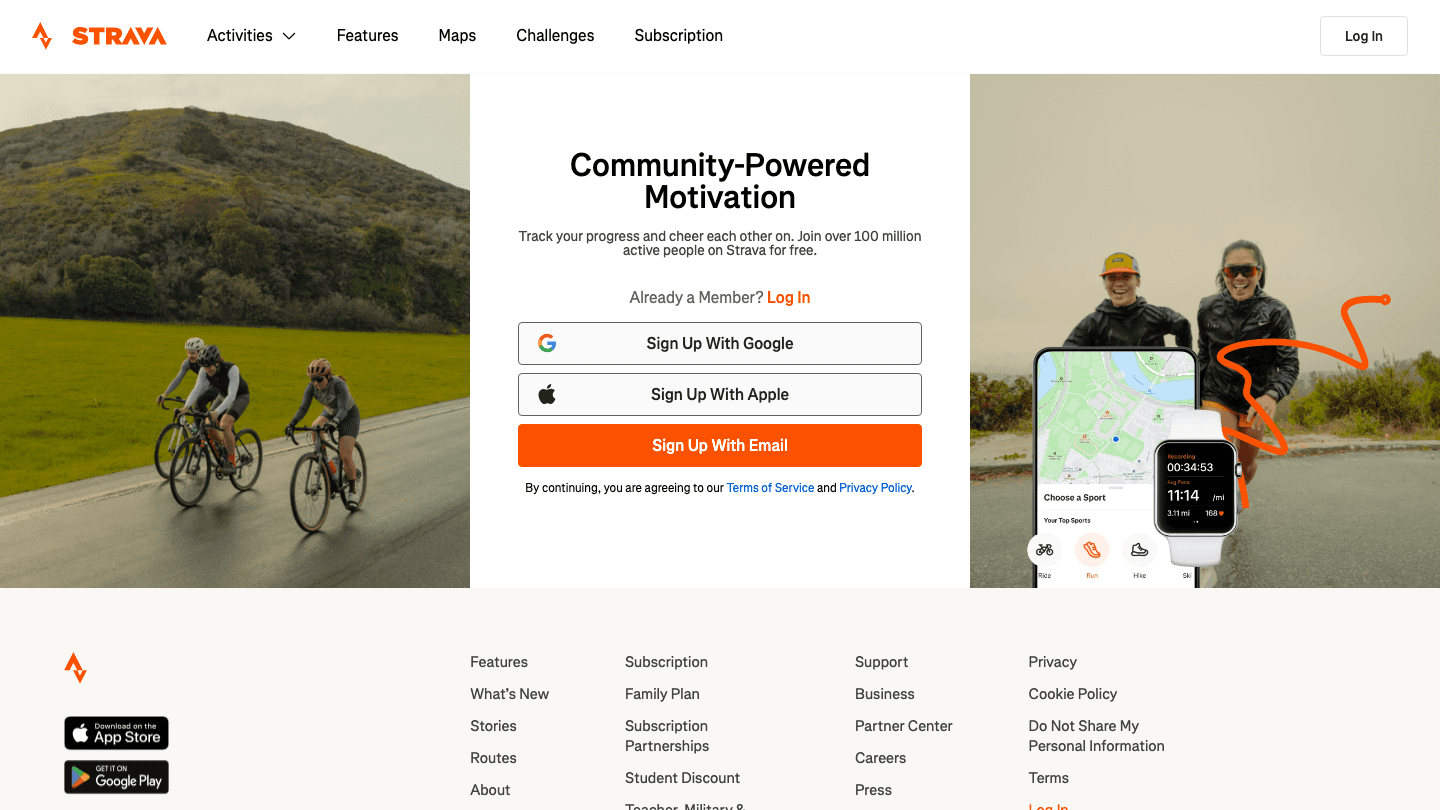
Polar devices sync directly to Strava via the official integration in Polar Flow. Once connected, your workouts appear on Strava automatically, with full GPS routes, pace, and heart rate data from your Polar. The Strava layer adds what Polar Flow doesn't: segments, kudos, challenges, and a social feed of other athletes.
For runners and cyclists in particular, Strava's segment leaderboards are a significant motivator. If competing with others or seeing your rankings over time matters to you, Strava is the most natural add-on to Polar.
Key Features: GPS segment tracking, activity feed, monthly challenges, route builder, annual training stats
What Works: Native Polar sync; huge community; segment data Polar Flow doesn't provide
Limitations: Free tier is limited; some key features (training load, power analysis) require a subscription
Pricing: Free with limited features; $79.99/year for Strava Subscription. 30-day trial available.
Best for: Runners, cyclists, and triathletes who want social motivation and segment competition
3. TrainingPeaks
For athletes following structured training plans
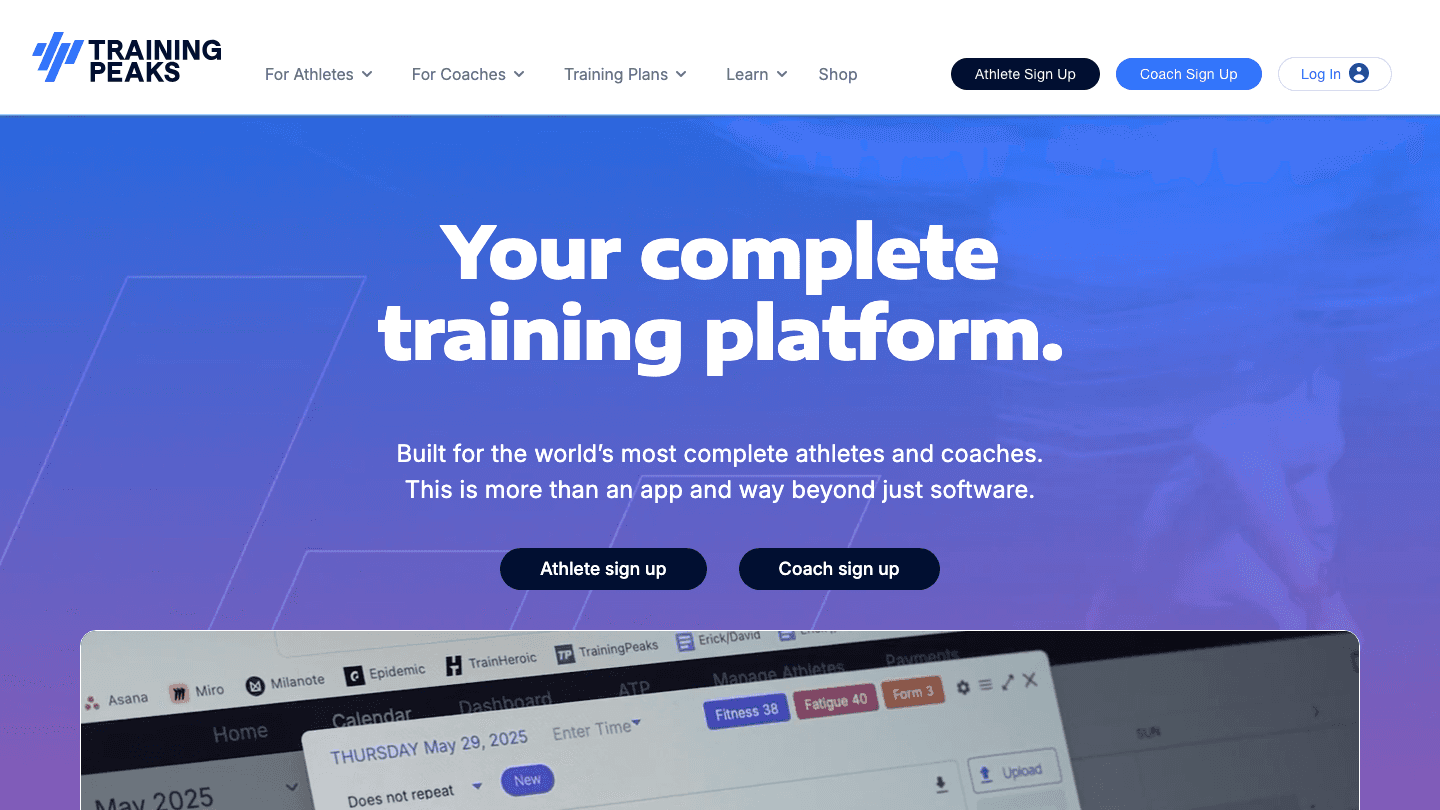
TrainingPeaks is the most serious training management option for Polar users. It syncs your Polar workouts and analyzes them against your training plan: you can see performance management charts, training stress scores, and whether you're building fitness or accumulating too much fatigue.
If you're working with a coach or following a structured plan for a race, TrainingPeaks is the standard platform most coaches use. You can send workouts from TrainingPeaks directly to your Polar device, execute the workout, and have the data flow back automatically.
Key Features: Structured workout sync to Polar, performance management chart, TSS/CTL/ATL tracking, coach collaboration
What Works: Two-way sync with Polar; best-in-class for structured periodization
Limitations: Overkill if you train casually; interface is complex for newcomers
Pricing: Free basic account; Premium at $19.95/month or $134.99/year
Best for: Competitive athletes and anyone working with a coach
4. MyFitnessPal
The nutrition side of the equation
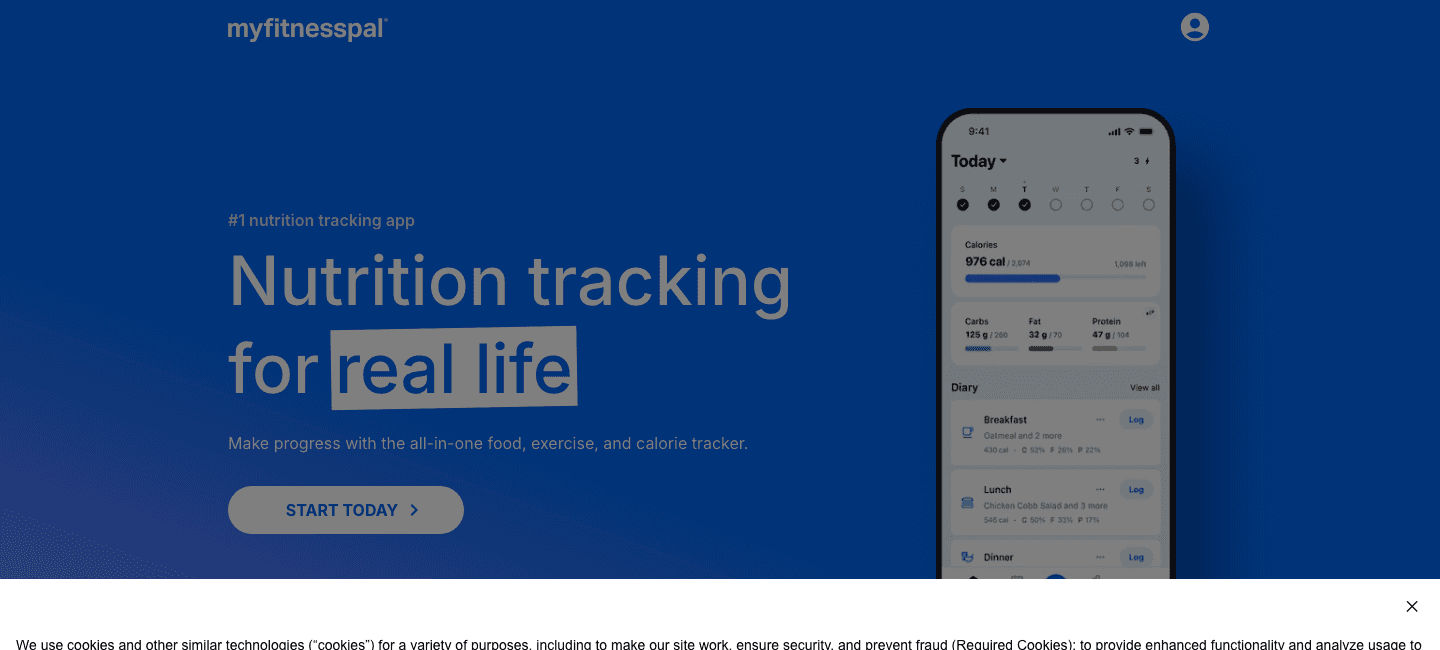
MyFitnessPal fills the gap Polar can't: nutrition. Polar Flow accurately tracks calories burned during workouts and estimates daily calorie expenditure. MyFitnessPal tracks calories consumed. When you connect both, you get a complete picture of your energy balance in one place.
The connection runs through Apple Health or Google Fit: Polar syncs activity and calorie data to the health platform, MyFitnessPal pulls it in. The result is your calorie goal in MyFitnessPal automatically adjusting based on how much you exercised that day. It's the most useful integration Polar users overlook.
Key Features: 14 million food database, macro tracking, calorie goal sync with activity data, barcode scanner
What Works: Largest food database available; syncs calorie burn from Polar via Apple Health
Limitations: Some logged foods have inaccurate nutrition data submitted by users
Pricing: Free with a large feature set; Premium subscription available for advanced analytics
Best for: Anyone using their Polar data to manage weight, body composition, or fuel training properly
5. Komoot
Plan routes on your phone, navigate on your Polar
Komoot pairs with Polar's GPS capabilities for outdoor route planning. You build or discover a route in the Komoot app, send it to your compatible Polar device (Grit X, Vantage series, and others), and Polar shows turn-by-turn navigation on your wrist during the activity. When you finish, the completed route syncs back to Komoot.
It's particularly strong for hiking and trail running, where Komoot's surface and elevation data is more detailed than most alternatives. If you use your Polar primarily for running in familiar areas, this integration is less essential. For exploring new routes outdoors, it's the best option available.
Key Features: Route planning with surface type data, turn-by-turn navigation to Polar, community route recommendations, offline maps
What Works: Native Polar integration; excellent for trail and outdoor navigation
Limitations: Offline maps require a one-time regional purchase; less useful for road-only runners
Pricing: Free basic; offline maps sold by region (one-time purchase)
Best for: Trail runners, hikers, and cyclists who want turn-by-turn navigation on their Polar
Which App Is Right for You?
Want to let your health data influence your work schedule: Lifestack
Want social motivation and segment tracking: Strava
Training for a specific race with a structured plan: TrainingPeaks
Tracking nutrition alongside your Polar calorie data: MyFitnessPal
Need turn-by-turn route navigation outdoors: Komoot
For a broader look at how Polar data fits into a fuller fitness tech setup, see our guide on comparing wearable devices. If you also use a Garmin, our apps to use with Garmin list covers the differences in third-party compatibility.
FAQ
Can Polar sync with Strava?
Yes. Polar has a direct Strava integration built into Polar Flow. Go to Polar Flow settings, connect your Strava account, and all workouts will sync automatically after you complete them.
Does Polar connect to Apple Health?
Yes, via the Polar Flow iOS app. You can enable the Apple Health integration in the app settings. Once connected, your Polar workouts, heart rate, sleep, and calorie data will appear in the Apple Health app, making it available to other compatible apps like MyFitnessPal, Lifestack, and others. See our guide on apps to use with Apple Health for more options.
What's the difference between Polar Flow and TrainingPeaks?
Polar Flow is Polar's native app, designed for device management and post-workout analysis. TrainingPeaks is a third-party training platform designed for structured periodization with coaches and pre-built training plans. TrainingPeaks goes deeper on long-term performance management; Polar Flow is simpler and covers the basics well.
Does Polar work with MyFitnessPal?
Indirectly. Polar doesn't have a direct MyFitnessPal integration, but if you sync Polar to Apple Health (iOS) or Google Fit (Android), MyFitnessPal can pull calorie burn data from those platforms automatically.
Are there any free apps to use with Polar?
Yes. Strava has a free tier with basic features. MyFitnessPal's free version covers most common nutrition tracking needs. Komoot is free for basic use with optional paid offline maps. Lifestack offers a 7-day free trial on the annual plan. If you also use Fitbit, see our guide on apps to use with Fitbit for a similar breakdown.
Polar makes some of the most accurate GPS watches and heart rate monitors on the market. The data they collect is excellent. The question is what you do with it once it's on your phone. Polar Flow is solid for post-workout analysis, but several third-party apps make the data significantly more useful across training, nutrition, scheduling, and social motivation.
We tested the most popular companion apps for Polar devices to find the ones that actually add value. Here are the five best.
Key Takeaways
Lifestack turns your Polar fitness data into smarter daily scheduling by factoring your recovery and energy into when it books your tasks
Strava is the strongest social layer for Polar users who want segment tracking, challenges, and activity feeds
TrainingPeaks is the best option if you're following a structured training plan or working with a coach
Quick Guide
Lifestack: AI scheduler that uses your energy levels to build your day
Strava: social fitness tracking with segments, routes, and challenges
TrainingPeaks: structured training plans for serious athletes
MyFitnessPal: nutrition logging that pairs with Polar's calorie data
Komoot: outdoor route planning with turn-by-turn navigation to your Polar
How We Evaluated
Compatibility with Polar Flow sync (direct or via Apple Health/Google Fit)
Quality of data the app adds vs. what Polar Flow already provides
Ease of setup and ongoing use
Value for money vs. free alternatives
Active development (apps that haven't been updated in 12+ months were excluded)
1. Lifestack
The scheduling app that actually responds to how you feel
Polar gives you excellent data about your sleep quality, heart rate variability, and recovery. Lifestack is the app that actually does something with it on the scheduling side. It connects to your calendar and health data, reads your energy patterns, and automatically schedules your tasks into the time slots where you're likely to do your best work.
If your Polar data shows you had a rough night and your recovery score is low, Lifestack can push deep work tasks later in the day and front-load lighter tasks in the morning. It's the most direct way to let your fitness data influence how you structure your day, rather than just tracking it after the fact.
Key Features: AI auto-scheduling, energy-aware task planning, Google Calendar integration, mobile and Chrome extension
What Works: Turns health data into actionable schedule changes; auto-scheduling saves real planning time
Limitations: Doesn't connect to Polar Flow directly; works via Apple Health or Google Fit as the data bridge
Pricing: $7/month, $50/year, or $120 lifetime. 7-day free trial on the annual plan.
Best for: Polar users who want their health data to actually change how they plan their workday
2. Strava
The social layer most Polar users are missing
Polar devices sync directly to Strava via the official integration in Polar Flow. Once connected, your workouts appear on Strava automatically, with full GPS routes, pace, and heart rate data from your Polar. The Strava layer adds what Polar Flow doesn't: segments, kudos, challenges, and a social feed of other athletes.
For runners and cyclists in particular, Strava's segment leaderboards are a significant motivator. If competing with others or seeing your rankings over time matters to you, Strava is the most natural add-on to Polar.
Key Features: GPS segment tracking, activity feed, monthly challenges, route builder, annual training stats
What Works: Native Polar sync; huge community; segment data Polar Flow doesn't provide
Limitations: Free tier is limited; some key features (training load, power analysis) require a subscription
Pricing: Free with limited features; $79.99/year for Strava Subscription. 30-day trial available.
Best for: Runners, cyclists, and triathletes who want social motivation and segment competition
3. TrainingPeaks
For athletes following structured training plans
TrainingPeaks is the most serious training management option for Polar users. It syncs your Polar workouts and analyzes them against your training plan: you can see performance management charts, training stress scores, and whether you're building fitness or accumulating too much fatigue.
If you're working with a coach or following a structured plan for a race, TrainingPeaks is the standard platform most coaches use. You can send workouts from TrainingPeaks directly to your Polar device, execute the workout, and have the data flow back automatically.
Key Features: Structured workout sync to Polar, performance management chart, TSS/CTL/ATL tracking, coach collaboration
What Works: Two-way sync with Polar; best-in-class for structured periodization
Limitations: Overkill if you train casually; interface is complex for newcomers
Pricing: Free basic account; Premium at $19.95/month or $134.99/year
Best for: Competitive athletes and anyone working with a coach
4. MyFitnessPal
The nutrition side of the equation
MyFitnessPal fills the gap Polar can't: nutrition. Polar Flow accurately tracks calories burned during workouts and estimates daily calorie expenditure. MyFitnessPal tracks calories consumed. When you connect both, you get a complete picture of your energy balance in one place.
The connection runs through Apple Health or Google Fit: Polar syncs activity and calorie data to the health platform, MyFitnessPal pulls it in. The result is your calorie goal in MyFitnessPal automatically adjusting based on how much you exercised that day. It's the most useful integration Polar users overlook.
Key Features: 14 million food database, macro tracking, calorie goal sync with activity data, barcode scanner
What Works: Largest food database available; syncs calorie burn from Polar via Apple Health
Limitations: Some logged foods have inaccurate nutrition data submitted by users
Pricing: Free with a large feature set; Premium subscription available for advanced analytics
Best for: Anyone using their Polar data to manage weight, body composition, or fuel training properly
5. Komoot
Plan routes on your phone, navigate on your Polar
Komoot pairs with Polar's GPS capabilities for outdoor route planning. You build or discover a route in the Komoot app, send it to your compatible Polar device (Grit X, Vantage series, and others), and Polar shows turn-by-turn navigation on your wrist during the activity. When you finish, the completed route syncs back to Komoot.
It's particularly strong for hiking and trail running, where Komoot's surface and elevation data is more detailed than most alternatives. If you use your Polar primarily for running in familiar areas, this integration is less essential. For exploring new routes outdoors, it's the best option available.
Key Features: Route planning with surface type data, turn-by-turn navigation to Polar, community route recommendations, offline maps
What Works: Native Polar integration; excellent for trail and outdoor navigation
Limitations: Offline maps require a one-time regional purchase; less useful for road-only runners
Pricing: Free basic; offline maps sold by region (one-time purchase)
Best for: Trail runners, hikers, and cyclists who want turn-by-turn navigation on their Polar
Which App Is Right for You?
Want to let your health data influence your work schedule: Lifestack
Want social motivation and segment tracking: Strava
Training for a specific race with a structured plan: TrainingPeaks
Tracking nutrition alongside your Polar calorie data: MyFitnessPal
Need turn-by-turn route navigation outdoors: Komoot
For a broader look at how Polar data fits into a fuller fitness tech setup, see our guide on comparing wearable devices. If you also use a Garmin, our apps to use with Garmin list covers the differences in third-party compatibility.
FAQ
Can Polar sync with Strava?
Yes. Polar has a direct Strava integration built into Polar Flow. Go to Polar Flow settings, connect your Strava account, and all workouts will sync automatically after you complete them.
Does Polar connect to Apple Health?
Yes, via the Polar Flow iOS app. You can enable the Apple Health integration in the app settings. Once connected, your Polar workouts, heart rate, sleep, and calorie data will appear in the Apple Health app, making it available to other compatible apps like MyFitnessPal, Lifestack, and others. See our guide on apps to use with Apple Health for more options.
What's the difference between Polar Flow and TrainingPeaks?
Polar Flow is Polar's native app, designed for device management and post-workout analysis. TrainingPeaks is a third-party training platform designed for structured periodization with coaches and pre-built training plans. TrainingPeaks goes deeper on long-term performance management; Polar Flow is simpler and covers the basics well.
Does Polar work with MyFitnessPal?
Indirectly. Polar doesn't have a direct MyFitnessPal integration, but if you sync Polar to Apple Health (iOS) or Google Fit (Android), MyFitnessPal can pull calorie burn data from those platforms automatically.
Are there any free apps to use with Polar?
Yes. Strava has a free tier with basic features. MyFitnessPal's free version covers most common nutrition tracking needs. Komoot is free for basic use with optional paid offline maps. Lifestack offers a 7-day free trial on the annual plan. If you also use Fitbit, see our guide on apps to use with Fitbit for a similar breakdown.



FOLLOW ON
FOLLOW ON
FOLLOW ON


Copyright 2026 © Lifestack. All rights reserved
Copyright 2026 © Lifestack. All rights reserved

