
App
Best Apps to Use With Strava
Best Apps to Use With Strava
Strava does one thing exceptionally well: it records your workouts and shows you how they compare over time. What it doesn't do is help you plan your training week, track your nutrition, manage recovery, or schedule your non-sport activities around your fitness. That's where companion apps come in.
These five apps connect to or work alongside Strava to fill in the gaps: structured training planning, calorie and nutrition tracking, prehab and injury prevention, cross-device fitness data, and AI-powered scheduling that treats your workouts as part of your whole day.
Key Takeaways
Lifestack is the best companion if you want your Strava workout data to inform how your work and rest of your day gets scheduled.
TrainingPeaks is the best companion for structured training plans and deeper performance analysis.
MyFitnessPal fills the nutrition tracking gap that Strava leaves open.
Quick Guide
1. Lifestack: AI scheduling that adapts your day around your training and recovery data
2. TrainingPeaks: structured training plans with advanced performance metrics
3. MyFitnessPal: nutrition and calorie tracking alongside your Strava activity log
4. Recover Athletics: sport-specific prehab and injury prevention routines
5. Garmin Connect: wearable data that syncs with Strava and adds depth to activity tracking
1. Lifestack: Best for Scheduling Your Day Around Training
Turns your training data into smarter daily planning.

Lifestack connects to the wearable data that Strava also uses (Garmin, Apple Watch, Oura, Fitbit) and uses that information to schedule your workday around your actual recovery and energy state. If you had a hard workout the night before and your readiness score is low, Lifestack shifts your demanding cognitive work to a later window and fills the morning with lighter tasks.
For athletes who also have demanding jobs, this is a genuinely useful integration. You're not just logging your runs. You're letting your training data inform how your whole day is structured. It connects to your calendar (Google, Outlook) and task apps (Todoist, Google Tasks) so your training slots and work blocks live in the same view. See our guide to apps that work with Garmin for more on how wearable data can connect to daily planning.
Key Features
AI scheduling adapts to your training load and recovery data from Garmin, Oura, Apple Health
Integrates with Google Calendar, Outlook, Todoist, and more
iOS and Android with Chrome extension
Pricing: $7/month, $50/year, or $120 lifetime. 7-day free trial on the annual plan.
Best for: Athletes with demanding work schedules who want their training recovery to inform their daily task planning.
2. TrainingPeaks: Best for Structured Training Plans
The gold standard for endurance training planning and performance analysis.
TrainingPeaks syncs with Strava and goes much deeper on the analysis side. It calculates Training Stress Score (TSS), Chronic Training Load (CTL), and Acute Training Load (ATL) so you can see whether you're building fitness, peaking, or heading toward overtraining. It also supports structured workouts with targets so you can follow a plan precisely.
For runners, cyclists, and triathletes following a periodized training plan, TrainingPeaks is the most capable companion to Strava available. Coaches can write plans in TrainingPeaks and push them directly to athletes' calendars. The free tier covers basic workout logging and calendar view; the paid tier adds the performance metrics and structured workout library.
What Works
Strava sync imports your activities automatically
CTL/ATL/TSB model gives a real picture of fitness and fatigue
Used by professional and amateur endurance athletes worldwide
Limitations
Overkill for casual fitness tracking
Learning curve on the performance metrics
Pricing: Free tier; Premium for advanced metrics and structured workouts (check TrainingPeaks for current pricing).
Best for: Endurance athletes following a periodized plan who want deep performance analysis beyond Strava's activity log.
3. MyFitnessPal: Best for Nutrition Tracking Alongside Strava
Fills the nutrition gap that Strava leaves open.
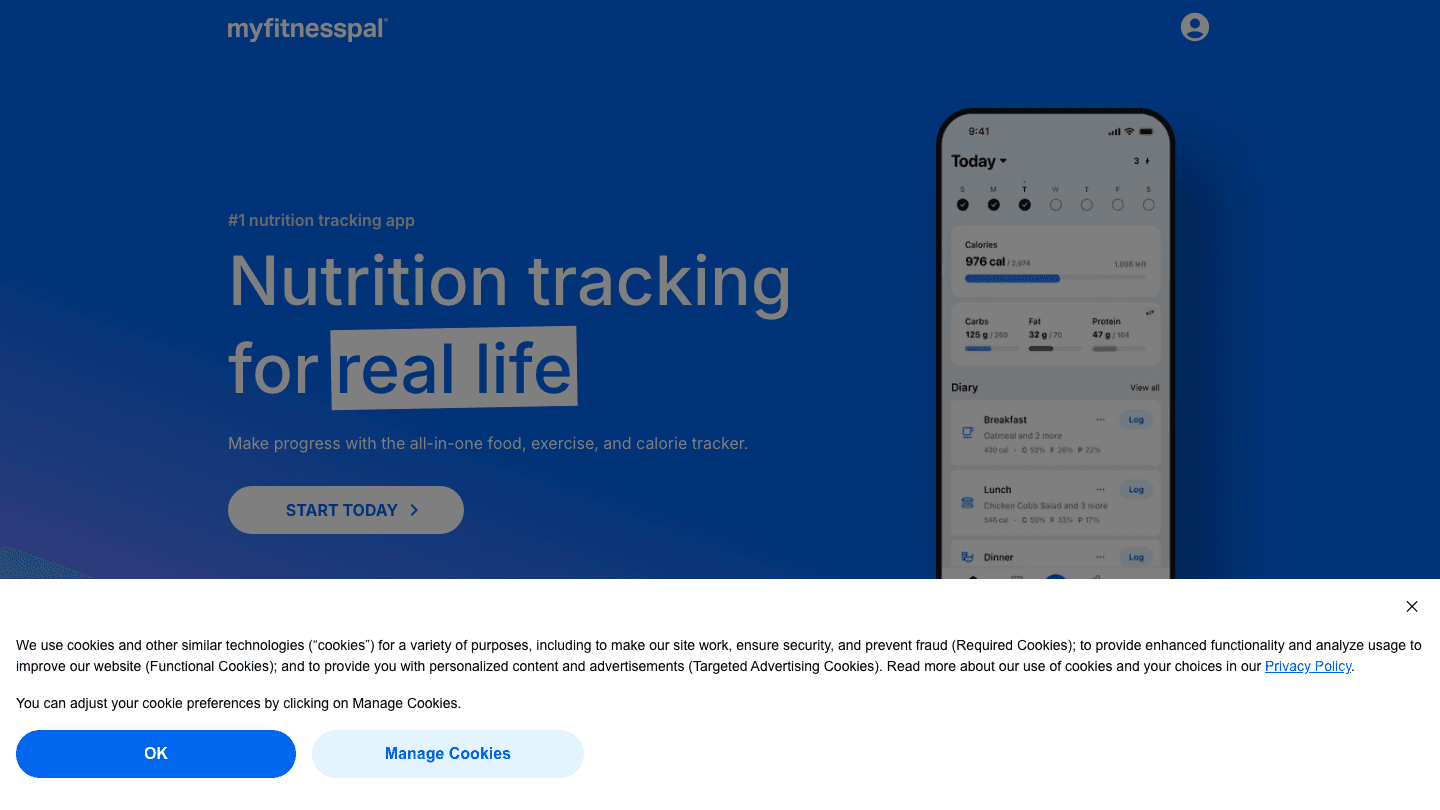
MyFitnessPal syncs with Strava to log the calories burned from your activities and count them toward your daily energy balance. You log your food in MyFitnessPal, Strava syncs your workout calories, and you can see whether your fueling matches your training load.
It's the most widely used nutrition tracker and one of the only ones with a food database large enough to be genuinely useful for most diets. For more on pairing nutrition and fitness data, see our guide on apps to use with MyFitnessPal.
What Works
Largest food database of any nutrition app
Direct Strava integration for calorie sync
Available on iOS, Android, and web
Limitations
Premium features required for macro tracking details and meal planning
No training analysis (nutrition only)
Pricing: Free; Premium $9.99/month or $49.99/year.
Best for: Athletes who want to track nutrition alongside their Strava training data.
4. Recover Athletics: Best for Injury Prevention
Prehab routines for endurance athletes, powered by Strava data.
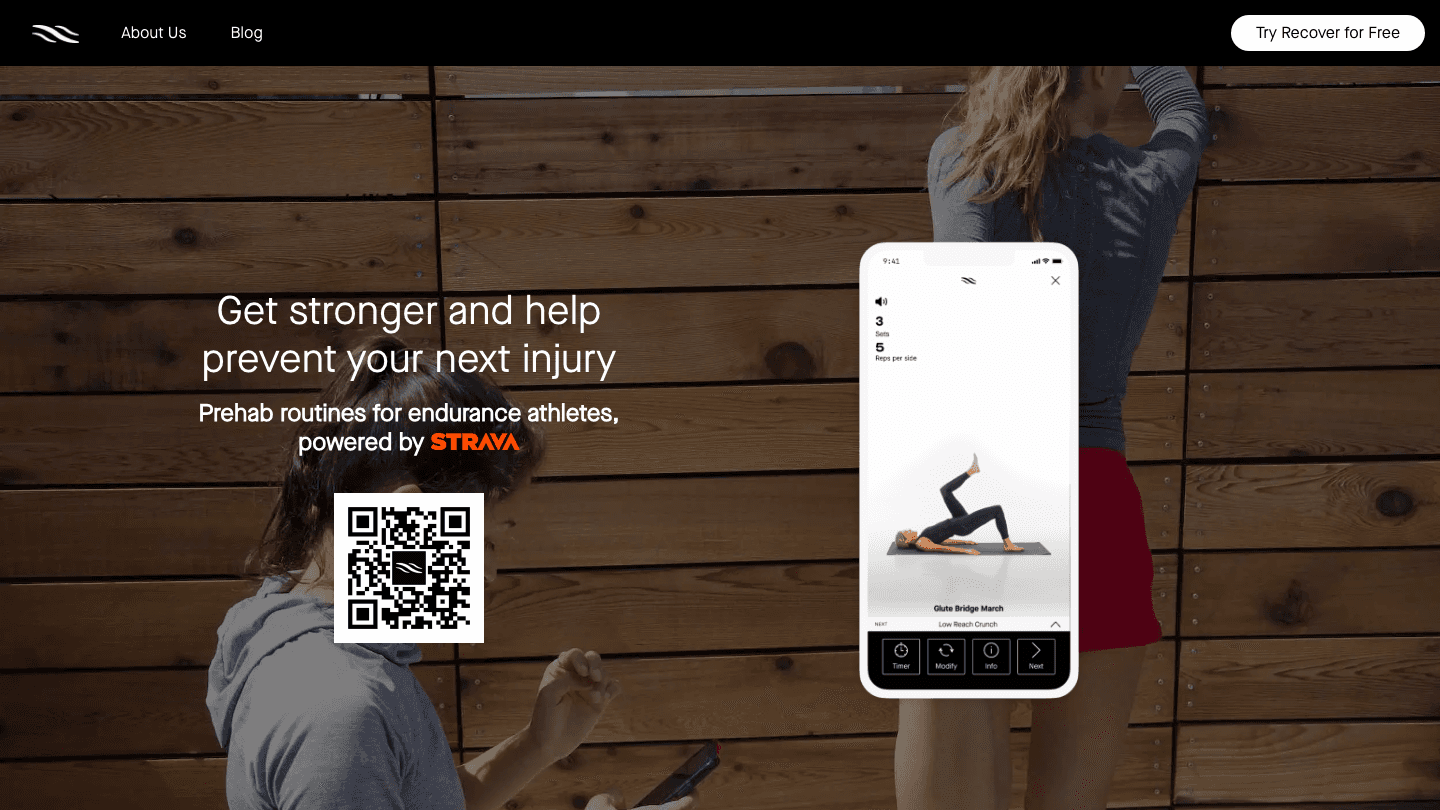
Recover Athletics takes a different approach: it connects to your Strava data to understand your training load and delivers sport-specific prehab routines based on your mileage and activity type. The more you run (or cycle), the more targeted the mobility and strengthening work it recommends.
It's built on research into common running and cycling injuries and designed to be done in 10-15 minutes after a workout. For endurance athletes who never quite get around to their recovery work, Recover Athletics provides a structured prompt tied directly to the training they just logged.
What Works
Strava-powered training load drives the routine recommendations
Short enough to actually do (10-15 minutes)
Backed by sports medicine research
Limitations
Focused only on prehab and recovery; not a full strength program
Pricing: Free trial; subscription for full access (check the app for current pricing).
Best for: Runners and cyclists who want targeted prehab routines based on their actual training volume.
5. Garmin Connect: Best for Cross-Device Training Data
Adds wearable depth to your Strava activity data.
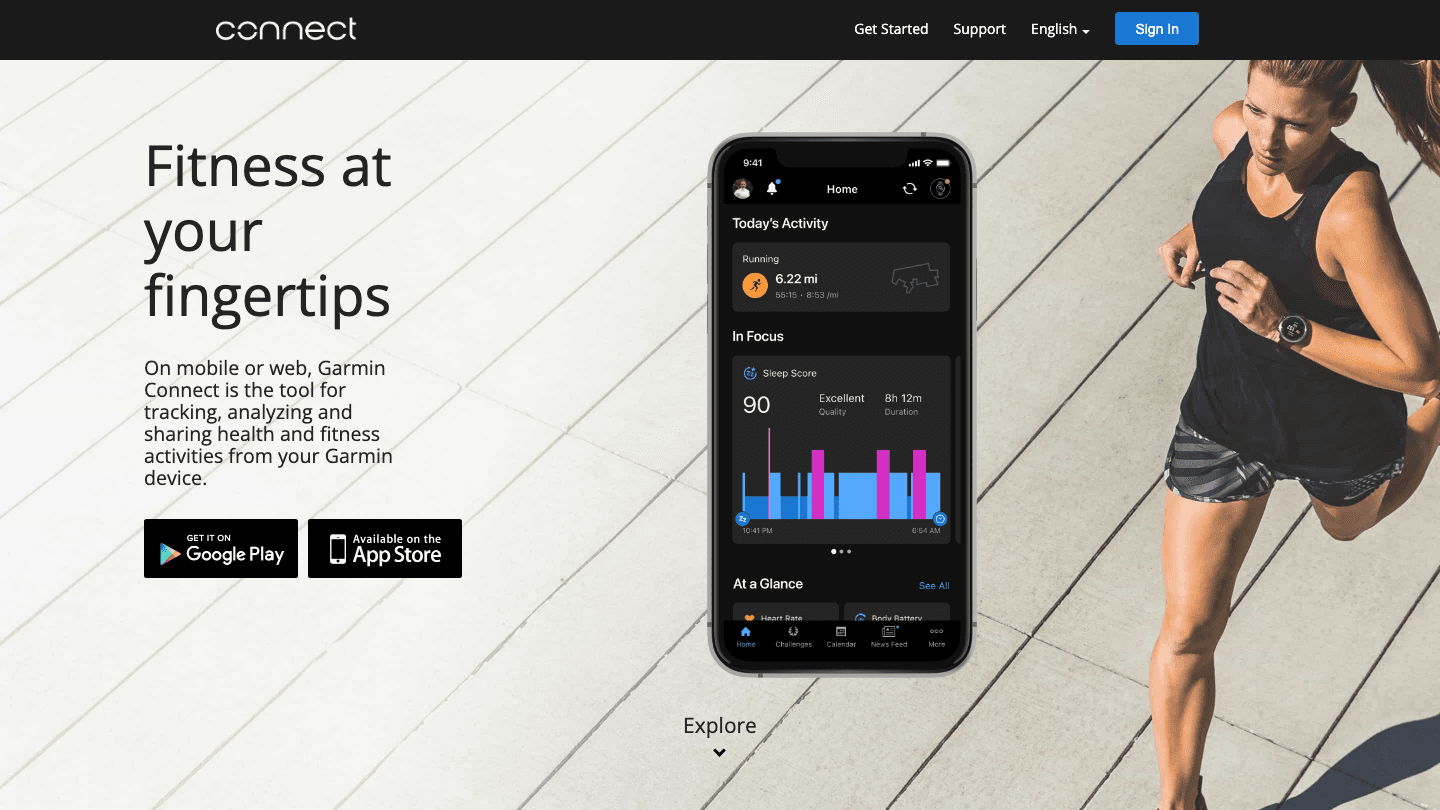
Garmin Connect syncs automatically with Strava, sending your Garmin device data (GPS tracks, heart rate, power, sleep, recovery) into your Strava feed. If you train with a Garmin device, you get the full breadth of performance data in Garmin Connect while still keeping Strava as your social training log.
Garmin Connect's Body Battery score (an energy tracking metric based on sleep, stress, and HRV) also feeds into tools like Lifestack, making it a useful link between your fitness data and your productivity planning. See our full guide to apps to use with Garmin for more integration options, and our comparison of which wearable is right for you if you're considering a device upgrade.
Pricing: Free.
Best for: Garmin device owners who want full training data synced to Strava automatically.
Which App to Use With Strava?
Want your training data to inform your work schedule: Lifestack
Following a periodized training plan: TrainingPeaks
Want to track nutrition alongside your training: MyFitnessPal
Need structured injury prevention work: Recover Athletics
Using a Garmin device: Garmin Connect (automatic Strava sync)
Frequently Asked Questions
What apps work with Strava?
Strava has a large ecosystem of partner integrations. The most useful companion apps add what Strava doesn't provide natively: training load analysis (TrainingPeaks), nutrition tracking (MyFitnessPal), injury prevention routines (Recover Athletics), deeper wearable data (Garmin Connect), and productivity scheduling around your training (Lifestack).
Does Garmin Connect sync with Strava?
Yes. Garmin Connect syncs your activities to Strava automatically when you configure the connection. Workouts recorded on your Garmin device upload to Garmin Connect and then push to Strava. The connection is free and available in both apps' settings.
What is the best training app to use with Strava?
TrainingPeaks is the best companion for structured training and performance analysis. It syncs Strava activities automatically and adds the fitness and fatigue metrics that serious endurance athletes need. For a full comparison of fitness tracking approaches, see our guide on apps to use with Apple Health.
Can I track nutrition with Strava?
Strava itself doesn't include nutrition tracking. MyFitnessPal is the most widely used solution: it syncs with Strava to import calorie burns from your workouts and logs them against your food intake. The integration is straightforward and works well for most athletes.
How do I get more out of Strava?
Connect Strava to apps that add what it's missing. For training depth, add TrainingPeaks. For nutrition, add MyFitnessPal. For injury prevention, add Recover Athletics. For daily schedule optimization around your training load, add Lifestack. Each fills a specific gap in Strava's feature set without duplicating what Strava already does well.
Strava does one thing exceptionally well: it records your workouts and shows you how they compare over time. What it doesn't do is help you plan your training week, track your nutrition, manage recovery, or schedule your non-sport activities around your fitness. That's where companion apps come in.
These five apps connect to or work alongside Strava to fill in the gaps: structured training planning, calorie and nutrition tracking, prehab and injury prevention, cross-device fitness data, and AI-powered scheduling that treats your workouts as part of your whole day.
Key Takeaways
Lifestack is the best companion if you want your Strava workout data to inform how your work and rest of your day gets scheduled.
TrainingPeaks is the best companion for structured training plans and deeper performance analysis.
MyFitnessPal fills the nutrition tracking gap that Strava leaves open.
Quick Guide
1. Lifestack: AI scheduling that adapts your day around your training and recovery data
2. TrainingPeaks: structured training plans with advanced performance metrics
3. MyFitnessPal: nutrition and calorie tracking alongside your Strava activity log
4. Recover Athletics: sport-specific prehab and injury prevention routines
5. Garmin Connect: wearable data that syncs with Strava and adds depth to activity tracking
1. Lifestack: Best for Scheduling Your Day Around Training
Turns your training data into smarter daily planning.
Lifestack connects to the wearable data that Strava also uses (Garmin, Apple Watch, Oura, Fitbit) and uses that information to schedule your workday around your actual recovery and energy state. If you had a hard workout the night before and your readiness score is low, Lifestack shifts your demanding cognitive work to a later window and fills the morning with lighter tasks.
For athletes who also have demanding jobs, this is a genuinely useful integration. You're not just logging your runs. You're letting your training data inform how your whole day is structured. It connects to your calendar (Google, Outlook) and task apps (Todoist, Google Tasks) so your training slots and work blocks live in the same view. See our guide to apps that work with Garmin for more on how wearable data can connect to daily planning.
Key Features
AI scheduling adapts to your training load and recovery data from Garmin, Oura, Apple Health
Integrates with Google Calendar, Outlook, Todoist, and more
iOS and Android with Chrome extension
Pricing: $7/month, $50/year, or $120 lifetime. 7-day free trial on the annual plan.
Best for: Athletes with demanding work schedules who want their training recovery to inform their daily task planning.
2. TrainingPeaks: Best for Structured Training Plans
The gold standard for endurance training planning and performance analysis.
TrainingPeaks syncs with Strava and goes much deeper on the analysis side. It calculates Training Stress Score (TSS), Chronic Training Load (CTL), and Acute Training Load (ATL) so you can see whether you're building fitness, peaking, or heading toward overtraining. It also supports structured workouts with targets so you can follow a plan precisely.
For runners, cyclists, and triathletes following a periodized training plan, TrainingPeaks is the most capable companion to Strava available. Coaches can write plans in TrainingPeaks and push them directly to athletes' calendars. The free tier covers basic workout logging and calendar view; the paid tier adds the performance metrics and structured workout library.
What Works
Strava sync imports your activities automatically
CTL/ATL/TSB model gives a real picture of fitness and fatigue
Used by professional and amateur endurance athletes worldwide
Limitations
Overkill for casual fitness tracking
Learning curve on the performance metrics
Pricing: Free tier; Premium for advanced metrics and structured workouts (check TrainingPeaks for current pricing).
Best for: Endurance athletes following a periodized plan who want deep performance analysis beyond Strava's activity log.
3. MyFitnessPal: Best for Nutrition Tracking Alongside Strava
Fills the nutrition gap that Strava leaves open.
MyFitnessPal syncs with Strava to log the calories burned from your activities and count them toward your daily energy balance. You log your food in MyFitnessPal, Strava syncs your workout calories, and you can see whether your fueling matches your training load.
It's the most widely used nutrition tracker and one of the only ones with a food database large enough to be genuinely useful for most diets. For more on pairing nutrition and fitness data, see our guide on apps to use with MyFitnessPal.
What Works
Largest food database of any nutrition app
Direct Strava integration for calorie sync
Available on iOS, Android, and web
Limitations
Premium features required for macro tracking details and meal planning
No training analysis (nutrition only)
Pricing: Free; Premium $9.99/month or $49.99/year.
Best for: Athletes who want to track nutrition alongside their Strava training data.
4. Recover Athletics: Best for Injury Prevention
Prehab routines for endurance athletes, powered by Strava data.
Recover Athletics takes a different approach: it connects to your Strava data to understand your training load and delivers sport-specific prehab routines based on your mileage and activity type. The more you run (or cycle), the more targeted the mobility and strengthening work it recommends.
It's built on research into common running and cycling injuries and designed to be done in 10-15 minutes after a workout. For endurance athletes who never quite get around to their recovery work, Recover Athletics provides a structured prompt tied directly to the training they just logged.
What Works
Strava-powered training load drives the routine recommendations
Short enough to actually do (10-15 minutes)
Backed by sports medicine research
Limitations
Focused only on prehab and recovery; not a full strength program
Pricing: Free trial; subscription for full access (check the app for current pricing).
Best for: Runners and cyclists who want targeted prehab routines based on their actual training volume.
5. Garmin Connect: Best for Cross-Device Training Data
Adds wearable depth to your Strava activity data.
Garmin Connect syncs automatically with Strava, sending your Garmin device data (GPS tracks, heart rate, power, sleep, recovery) into your Strava feed. If you train with a Garmin device, you get the full breadth of performance data in Garmin Connect while still keeping Strava as your social training log.
Garmin Connect's Body Battery score (an energy tracking metric based on sleep, stress, and HRV) also feeds into tools like Lifestack, making it a useful link between your fitness data and your productivity planning. See our full guide to apps to use with Garmin for more integration options, and our comparison of which wearable is right for you if you're considering a device upgrade.
Pricing: Free.
Best for: Garmin device owners who want full training data synced to Strava automatically.
Which App to Use With Strava?
Want your training data to inform your work schedule: Lifestack
Following a periodized training plan: TrainingPeaks
Want to track nutrition alongside your training: MyFitnessPal
Need structured injury prevention work: Recover Athletics
Using a Garmin device: Garmin Connect (automatic Strava sync)
Frequently Asked Questions
What apps work with Strava?
Strava has a large ecosystem of partner integrations. The most useful companion apps add what Strava doesn't provide natively: training load analysis (TrainingPeaks), nutrition tracking (MyFitnessPal), injury prevention routines (Recover Athletics), deeper wearable data (Garmin Connect), and productivity scheduling around your training (Lifestack).
Does Garmin Connect sync with Strava?
Yes. Garmin Connect syncs your activities to Strava automatically when you configure the connection. Workouts recorded on your Garmin device upload to Garmin Connect and then push to Strava. The connection is free and available in both apps' settings.
What is the best training app to use with Strava?
TrainingPeaks is the best companion for structured training and performance analysis. It syncs Strava activities automatically and adds the fitness and fatigue metrics that serious endurance athletes need. For a full comparison of fitness tracking approaches, see our guide on apps to use with Apple Health.
Can I track nutrition with Strava?
Strava itself doesn't include nutrition tracking. MyFitnessPal is the most widely used solution: it syncs with Strava to import calorie burns from your workouts and logs them against your food intake. The integration is straightforward and works well for most athletes.
How do I get more out of Strava?
Connect Strava to apps that add what it's missing. For training depth, add TrainingPeaks. For nutrition, add MyFitnessPal. For injury prevention, add Recover Athletics. For daily schedule optimization around your training load, add Lifestack. Each fills a specific gap in Strava's feature set without duplicating what Strava already does well.



FOLLOW ON
FOLLOW ON
FOLLOW ON


Copyright 2026 © Lifestack. All rights reserved
Copyright 2026 © Lifestack. All rights reserved

