
App
Best Apps to Use with MyFitnessPal in 2026
Best Apps to Use with MyFitnessPal in 2026
MyFitnessPal is good at one thing: tracking what you eat. It does that better than almost any other app, with a food database of over 14 million items and a barcode scanner that makes logging fast. But calorie tracking alone isn't a health plan. Food is one input. Sleep, movement, stress, and the rhythms of your day are the others.
The apps on this list fill in those gaps. Some track your workouts and sync them directly to MyFitnessPal. Others monitor your sleep and recovery. One helps you schedule your days around your energy levels, so the days when you logged your meals and hit your macros also happen to be the days when you actually followed through on the gym and got eight hours.
We picked six apps that genuinely complement MyFitnessPal rather than overlap with it. Each one adds something the app doesn't do on its own.
Pricing verified June 2026. All apps tested on iOS and Android.
Key Takeaways
Lifestack adds the scheduling layer that MyFitnessPal lacks, helping you actually protect time for workouts and meal prep
Strava and Garmin Connect are the strongest workout tracking partners, both with native MFP sync
Oura and Sleep Cycle address the recovery side that nutrition tracking can't capture on its own
Quick Guide: Apps to Use with MyFitnessPal
Lifestack: AI daily scheduler that builds your meals and workouts into your calendar
Strava: run, ride, and walk tracking with direct MyFitnessPal calorie sync
Oura Ring: 24/7 health monitoring that adds sleep and readiness data to your nutrition picture
Garmin Connect: full fitness tracking ecosystem with native MFP integration
Sleep Cycle: sleep quality tracking that shows how rest affects energy for workouts
Habitify: habit tracker for building the routines that make logging sustainable
How We Evaluated
Complementary, not redundant: apps that add new data rather than duplicating what MFP already does
Direct MFP integration: native sync or easy data flow between apps
Practical for daily use: low friction to actually log consistently
Available on iOS and Android: MyFitnessPal users split across both platforms
Price point: reasonable cost for what you get
1. Lifestack: Best for Scheduling Around Your Health Goals
The planning layer that turns tracking into action

MyFitnessPal knows what you ate. Lifestack knows what you're doing all day. Pair them and you have something rare: a setup where your nutrition goals actually get time blocked into your schedule alongside your workouts, meal prep, and sleep window.
The energy-aware scheduling is what makes this pairing work. Lifestack assigns tasks based on your energy levels throughout the day, which means your hardest workout gets slotted when you're actually capable of doing it rather than when there's an empty calendar slot at 6am. It's a different approach to daily scheduling that accounts for the fact that physical energy and cognitive energy don't always peak at the same time.
Lifestack doesn't sync directly with MyFitnessPal's data feed, but the pairing is about workflow rather than data. Set your nutrition targets in MFP, then let Lifestack carve out the meal times and workout windows that make those targets achievable.
AI-generated daily schedule built around your tasks and energy levels
Calendar integration with Google Calendar and Apple Calendar
Auto-reschedules when your day goes off track
Strong mobile app on iOS and Android
Pairs well with MFP as a planning layer for health goals
What Works
Protects time for workouts and meal prep instead of letting them get crowded out
Low daily friction once initial setup is done
Limitations
No direct data sync with MyFitnessPal
Not a fitness tracker, won't log calories or steps
Pricing: $7/month or $50/year; $120 lifetime. 7-day free trial on annual plans.
Best for: people who track calories in MFP but struggle to consistently make time for workouts and meal prep.
2. Strava: Best Workout Tracker with MFP Sync
Log your runs and rides, send the calorie burn straight to MyFitnessPal
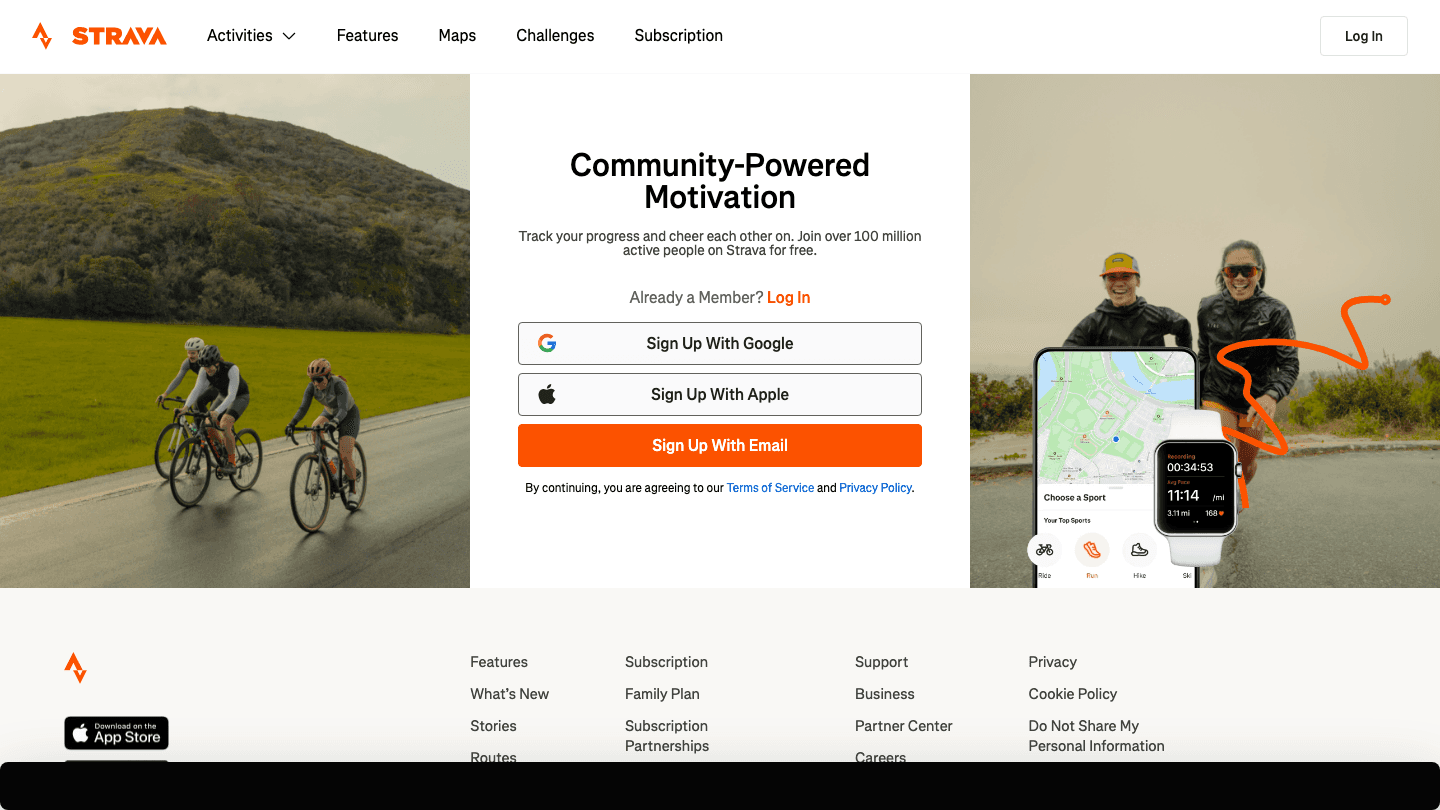
Strava and MyFitnessPal have a native integration that auto-syncs workout calories from Strava into your MFP diary. Run five miles, finish your workout in Strava, and the calorie burn shows up in your MFP feed within minutes.
That automatic sync removes one of the most annoying parts of fitness tracking: having to manually log exercise calories in a nutrition app that isn't great at tracking movement. Strava is built for athletes and handles GPS-tracked workouts with much more detail than MFP's manual exercise log. If you run, cycle, swim, or do any cardio worth logging, this pairing makes sense.
GPS tracking for runs, rides, walks, swims, and 30+ other activities
Native MyFitnessPal integration for automatic calorie sync
Segment leaderboards and community features for motivation
Route planning and heatmaps
Training logs, weekly mileage, and personal records
What Works
The MFP calorie sync is automatic and reliable
Strava's GPS accuracy and route tracking are better than MFP's manual exercise entry
The social layer adds accountability that nutrition apps lack
Limitations
Free tier is limited for serious athletes; most features require a paid subscription
Designed for cardio, less useful for strength training tracking
No energy awareness or sleep tracking
Pricing: Free; Subscription $6.67/month billed annually ($79.99/year); 30-day free trial.
Best for: runners, cyclists, and outdoor athletes who want their workout data synced directly to MyFitnessPal.
3. Oura Ring: Best for Recovery and Readiness Tracking
Sleep and recovery data that reframes your nutrition picture
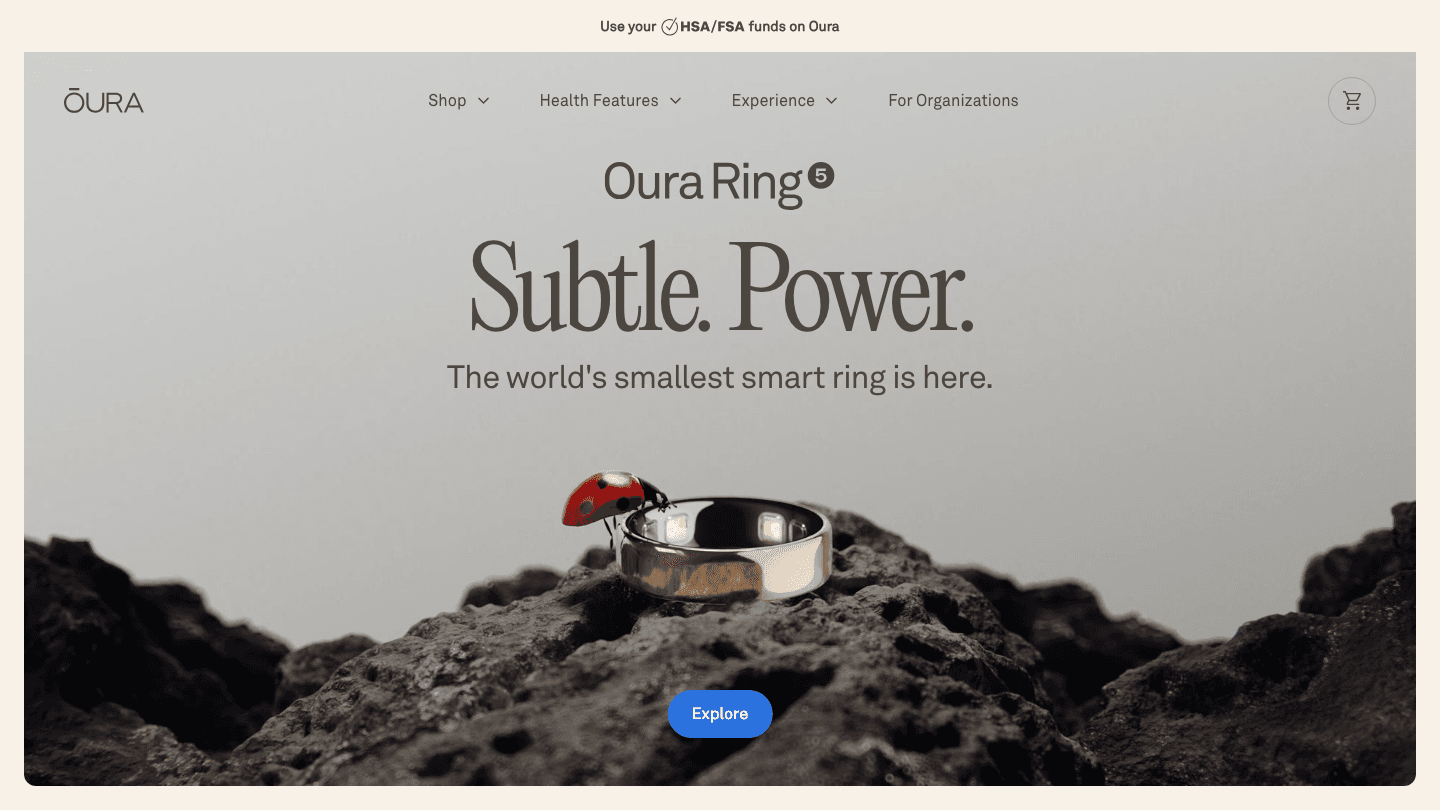
Nutrition affects recovery. Recovery affects workout performance. Workout performance affects how many calories you burn. This loop is obvious in theory but invisible in most tracking setups because the apps that handle food don't talk to the apps that track sleep and stress.
Oura connects those dots. The ring tracks sleep stages, resting heart rate, HRV, body temperature, and activity throughout the day, then gives you a readiness score each morning that tells you how much your body can actually handle. Pair that with MyFitnessPal data and patterns start to emerge: the days when your readiness is low often correlate with high-calorie nights, poor sleep, or skipped workouts. Read more in our guide on apps that pair well with Oura Ring.
Sleep staging, HRV, and resting heart rate tracked nightly
Daily readiness score that factors in sleep, activity, and recovery
Body temperature tracking for trend detection
Syncs with Apple Health, which MFP also reads
No screen, worn as a ring 24/7
What Works
The readiness score genuinely changes how you approach training days
Sleep data is among the most accurate available outside clinical sleep studies
Subtle form factor means you actually wear it
Limitations
Requires purchasing the Oura Ring hardware ($299+) in addition to the membership
No direct calorie sync with MyFitnessPal
Pricing: Ring hardware from $299; Membership $5.99/month or $69.99/year (first month free).
Best for: people who want to understand how sleep and recovery affect their nutrition and workout outcomes.
4. Garmin Connect: Best for Full-Featured Fitness Tracking
Full activity tracking with native MyFitnessPal integration
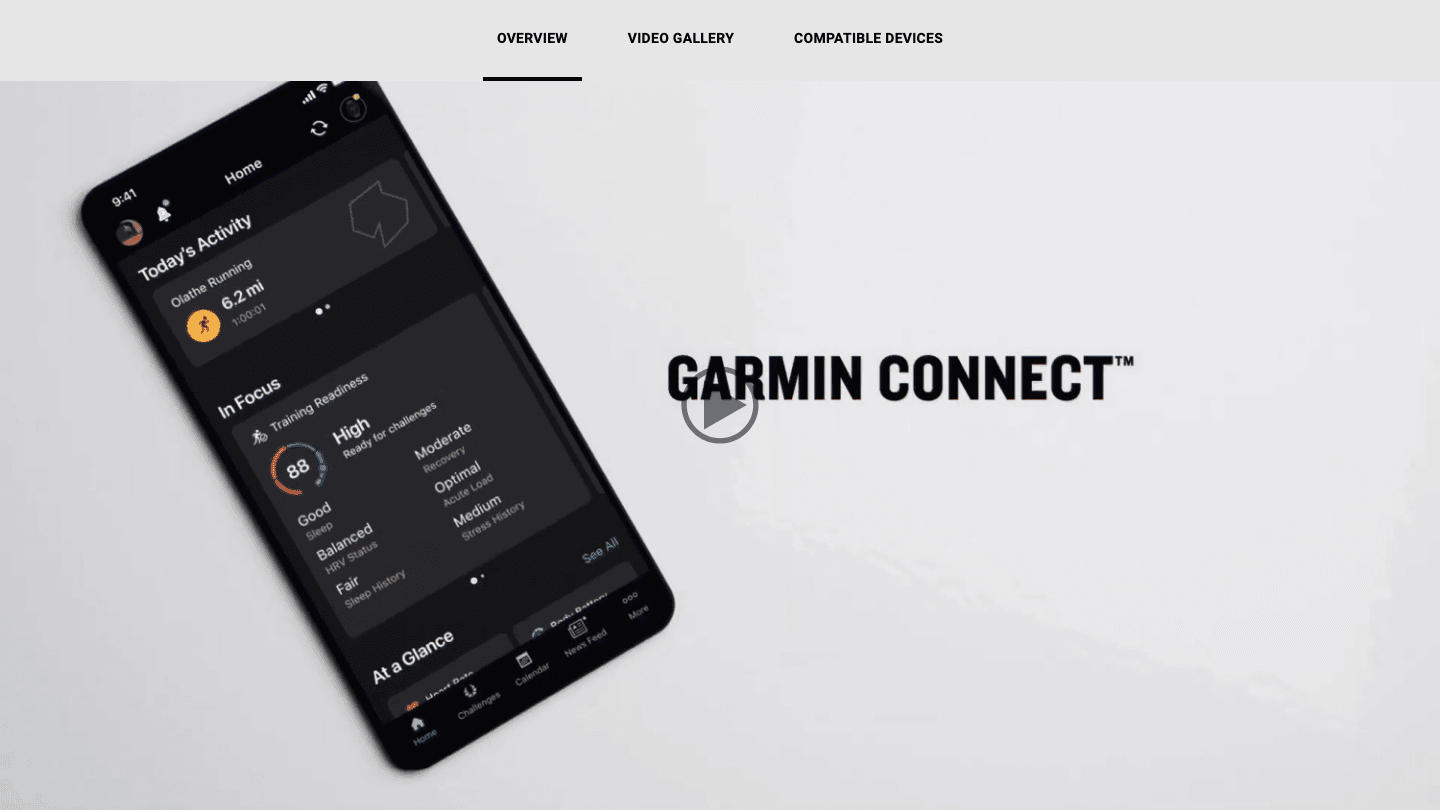
Garmin Connect does for Garmin device owners what Strava does for cardio athletes, but across a wider range of metrics. Steps, active calories, sleep, stress levels, floors climbed, GPS workouts, and more all feed into Garmin Connect. The app has a built-in MyFitnessPal sync that lets calorie data flow in both directions.
If you already own a Garmin watch, using this alongside MyFitnessPal is the obvious move. If you don't own a Garmin device, this app isn't relevant without the hardware. But for people with a Forerunner, Fenix, or Vivofit, it's one of the most complete fitness-to-nutrition data pipelines available. See how it compares in our guide to apps that work with Garmin.
Full activity tracking for 40+ sport types
Sleep monitoring, stress tracking, and Body Battery energy score
Native MyFitnessPal two-way calorie sync
Works with all Garmin wearable devices
Detailed training analytics and performance metrics
What Works
The Body Battery feature gives a daily energy estimate similar to Oura's readiness score
Two-way MFP sync means nutrition data flows into Garmin and workout data flows into MFP
Limitations
Only useful if you own a Garmin device
App interface is functional but not the most modern
Pricing: Free with any Garmin device.
Best for: Garmin device owners who want their fitness and nutrition data connected.
5. Sleep Cycle: Best Sleep Tracker for Non-Oura Users
Smart alarm and sleep analysis without needing wearable hardware
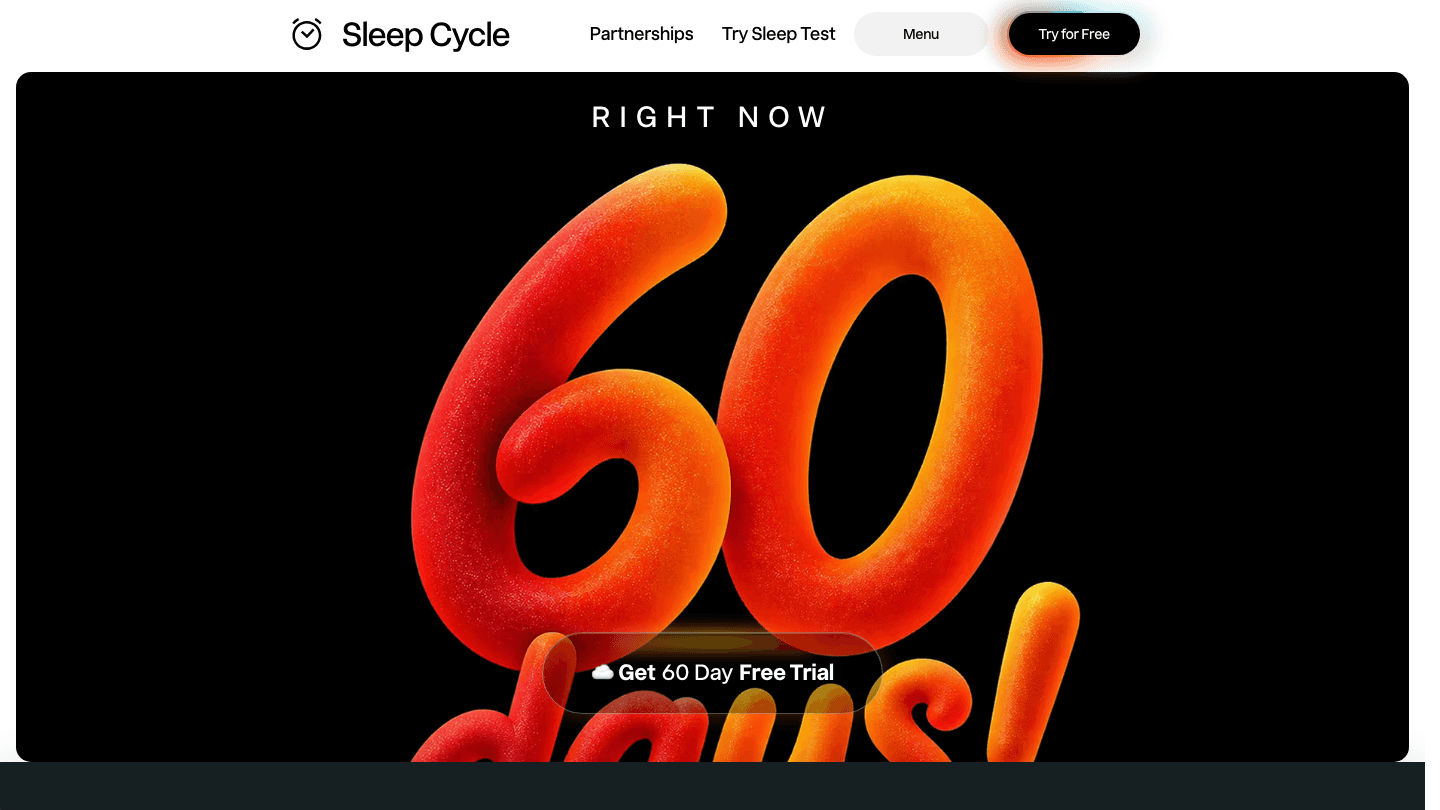
Sleep Cycle tracks your sleep using your phone's microphone and accelerometer, analyzing movement and sound to estimate sleep stages. You don't need a wearable. Set the app before bed, it tracks your night, and it wakes you up during a light sleep phase in a window you set so you don't feel groggy.
Sleep is one of the most underrated inputs in a nutrition and fitness plan. Poor sleep affects hunger hormones, which drives overeating. It also tanks workout performance. Sleep Cycle gives you the sleep side of that equation without the hardware cost of an Oura Ring or Garmin watch. The data syncs to Apple Health, which flows into MyFitnessPal.
Sleep tracking via microphone and motion analysis, no wearable needed
Smart alarm that wakes you during light sleep
Sleep trend graphs and quality scores
Snore detection and sleep talk recording
Syncs with Apple Health for MFP connection
What Works
Zero hardware cost compared to Oura or Garmin
Smart alarm feature consistently produces better wake-up quality than a fixed alarm
Limitations
Less accurate than dedicated wearables for sleep staging
Phone must stay on the bed or nightstand, which some people find inconvenient
No daytime tracking or activity monitoring
Pricing: Free; Premium from $9.99/month or $29.99/year; 60-day free trial.
Best for: people who want sleep tracking without buying wearable hardware.
6. Habitify: Best for Building Consistent Tracking Habits
A habit tracker that makes daily logging automatic
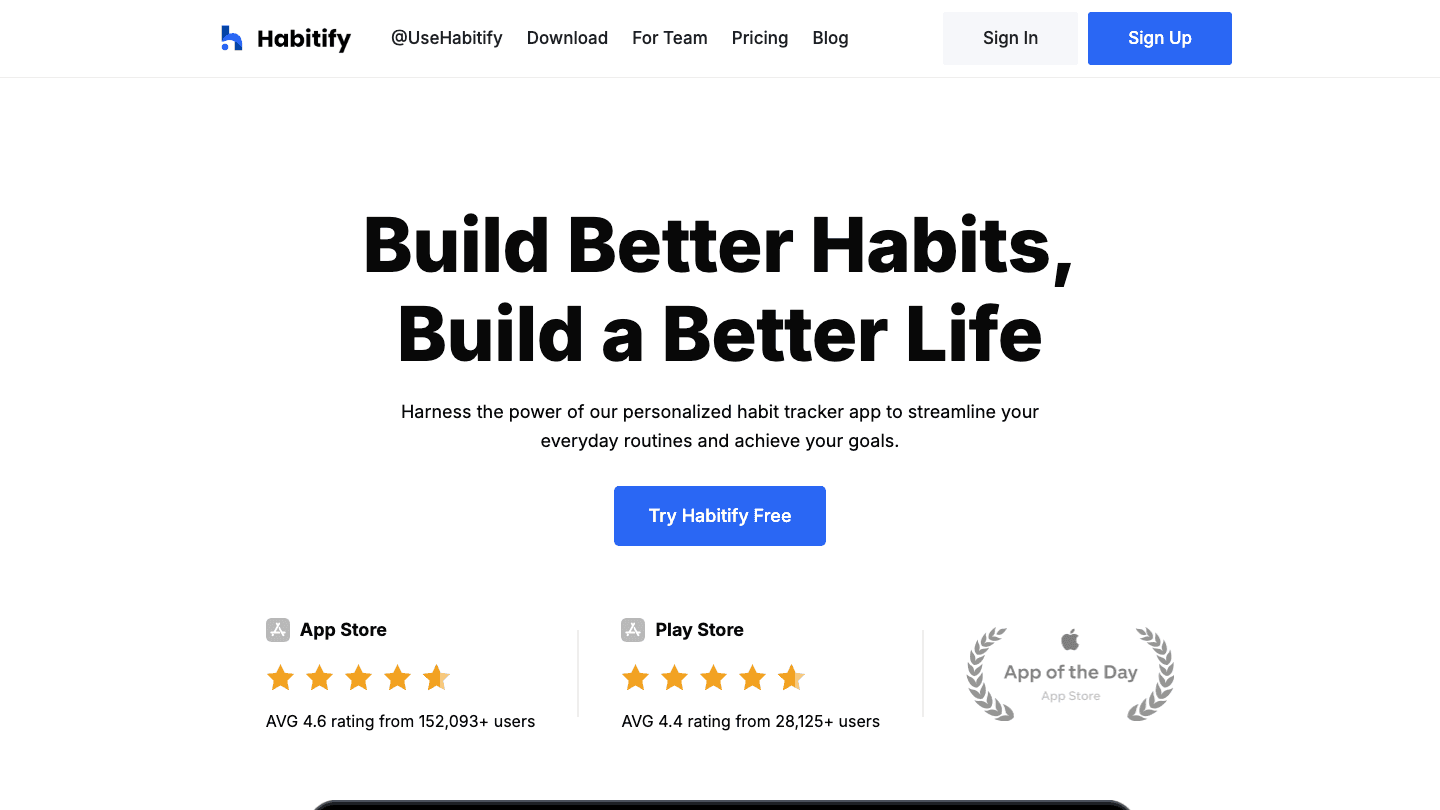
The biggest failure mode in nutrition tracking isn't wrong numbers. It's logging for three days and then stopping. Habitify is a habit tracker designed to make the routines around logging stick: log meals after breakfast, drink 8 glasses of water, pack your gym bag, do your meal prep on Sunday.
It sounds simple, but habit trackers work because they make the daily review visual. A streak of green checkmarks is more motivating than an abstract goal. Pair Habitify's daily habits with MyFitnessPal's nutrition data and you get a fuller picture of where your routine is holding and where it's slipping.
Habit tracking with streak visualization
Reminders tied to specific times or contexts
Daily, weekly, and monthly habit reporting
Cross-platform sync on iOS, Android, and Mac
Clean interface with minimal setup
What Works
Visual streak tracking makes consistency rewarding in a way that pure data doesn't
Works well alongside MFP for tracking the behaviors around nutrition, not just the nutrition itself
Limitations
No direct data sync with MyFitnessPal
Habit tracking only, no nutrition or fitness data
Pricing: Free; Pro $2.49/month billed annually; Lifetime $59.99.
Best for: people who struggle with consistency in their tracking and want a habit layer to support their MyFitnessPal routine.
Which App Should You Add to MyFitnessPal?
Want to schedule workouts and meal prep into your day: Lifestack
Run or cycle regularly: Strava (native calorie sync)
Own a Garmin device: Garmin Connect
Want the best sleep and recovery data: Oura Ring
Want sleep tracking without hardware: Sleep Cycle
Struggle to log consistently: Habitify
Frequently Asked Questions
What apps work with MyFitnessPal?
MyFitnessPal integrates with hundreds of apps including Strava, Garmin Connect, Fitbit, and Apple Health. The best pairings add what MFP lacks: workout tracking, sleep monitoring, and scheduling. See also our guides on apps to use with Fitbit and apps to use with Garmin for related pairings.
Does Strava sync calories to MyFitnessPal?
Yes. Strava has a native MyFitnessPal integration that automatically sends workout calorie data from Strava to your MFP food diary. Enable it in Strava's settings under Apps and Partners.
Can Lifestack help with MyFitnessPal goals?
Not through direct data sync, but through scheduling. Lifestack helps you protect time for workouts, meal prep, and meals in a way that most scheduling apps don't. The energy-aware scheduling is particularly useful for fitting in workouts and cooking when you actually have the energy for them.
Does Oura Ring sync with MyFitnessPal?
Oura doesn't sync directly with MyFitnessPal, but both apps connect to Apple Health. Oura sends activity calorie data to Apple Health, and MyFitnessPal reads from Apple Health. There's also a MyFitnessPal integration available in the Oura app settings that some users enable for a more direct connection.
What is the best free app to use with MyFitnessPal?
Garmin Connect is free if you own a Garmin device and has direct MFP integration. Strava has a useful free tier for basic tracking. Habitify has a functional free tier for habit tracking. Among paid options, Lifestack and Sleep Cycle offer the most for what they cost relative to what they add to a MyFitnessPal setup.
MyFitnessPal is good at one thing: tracking what you eat. It does that better than almost any other app, with a food database of over 14 million items and a barcode scanner that makes logging fast. But calorie tracking alone isn't a health plan. Food is one input. Sleep, movement, stress, and the rhythms of your day are the others.
The apps on this list fill in those gaps. Some track your workouts and sync them directly to MyFitnessPal. Others monitor your sleep and recovery. One helps you schedule your days around your energy levels, so the days when you logged your meals and hit your macros also happen to be the days when you actually followed through on the gym and got eight hours.
We picked six apps that genuinely complement MyFitnessPal rather than overlap with it. Each one adds something the app doesn't do on its own.
Pricing verified June 2026. All apps tested on iOS and Android.
Key Takeaways
Lifestack adds the scheduling layer that MyFitnessPal lacks, helping you actually protect time for workouts and meal prep
Strava and Garmin Connect are the strongest workout tracking partners, both with native MFP sync
Oura and Sleep Cycle address the recovery side that nutrition tracking can't capture on its own
Quick Guide: Apps to Use with MyFitnessPal
Lifestack: AI daily scheduler that builds your meals and workouts into your calendar
Strava: run, ride, and walk tracking with direct MyFitnessPal calorie sync
Oura Ring: 24/7 health monitoring that adds sleep and readiness data to your nutrition picture
Garmin Connect: full fitness tracking ecosystem with native MFP integration
Sleep Cycle: sleep quality tracking that shows how rest affects energy for workouts
Habitify: habit tracker for building the routines that make logging sustainable
How We Evaluated
Complementary, not redundant: apps that add new data rather than duplicating what MFP already does
Direct MFP integration: native sync or easy data flow between apps
Practical for daily use: low friction to actually log consistently
Available on iOS and Android: MyFitnessPal users split across both platforms
Price point: reasonable cost for what you get
1. Lifestack: Best for Scheduling Around Your Health Goals
The planning layer that turns tracking into action
MyFitnessPal knows what you ate. Lifestack knows what you're doing all day. Pair them and you have something rare: a setup where your nutrition goals actually get time blocked into your schedule alongside your workouts, meal prep, and sleep window.
The energy-aware scheduling is what makes this pairing work. Lifestack assigns tasks based on your energy levels throughout the day, which means your hardest workout gets slotted when you're actually capable of doing it rather than when there's an empty calendar slot at 6am. It's a different approach to daily scheduling that accounts for the fact that physical energy and cognitive energy don't always peak at the same time.
Lifestack doesn't sync directly with MyFitnessPal's data feed, but the pairing is about workflow rather than data. Set your nutrition targets in MFP, then let Lifestack carve out the meal times and workout windows that make those targets achievable.
AI-generated daily schedule built around your tasks and energy levels
Calendar integration with Google Calendar and Apple Calendar
Auto-reschedules when your day goes off track
Strong mobile app on iOS and Android
Pairs well with MFP as a planning layer for health goals
What Works
Protects time for workouts and meal prep instead of letting them get crowded out
Low daily friction once initial setup is done
Limitations
No direct data sync with MyFitnessPal
Not a fitness tracker, won't log calories or steps
Pricing: $7/month or $50/year; $120 lifetime. 7-day free trial on annual plans.
Best for: people who track calories in MFP but struggle to consistently make time for workouts and meal prep.
2. Strava: Best Workout Tracker with MFP Sync
Log your runs and rides, send the calorie burn straight to MyFitnessPal
Strava and MyFitnessPal have a native integration that auto-syncs workout calories from Strava into your MFP diary. Run five miles, finish your workout in Strava, and the calorie burn shows up in your MFP feed within minutes.
That automatic sync removes one of the most annoying parts of fitness tracking: having to manually log exercise calories in a nutrition app that isn't great at tracking movement. Strava is built for athletes and handles GPS-tracked workouts with much more detail than MFP's manual exercise log. If you run, cycle, swim, or do any cardio worth logging, this pairing makes sense.
GPS tracking for runs, rides, walks, swims, and 30+ other activities
Native MyFitnessPal integration for automatic calorie sync
Segment leaderboards and community features for motivation
Route planning and heatmaps
Training logs, weekly mileage, and personal records
What Works
The MFP calorie sync is automatic and reliable
Strava's GPS accuracy and route tracking are better than MFP's manual exercise entry
The social layer adds accountability that nutrition apps lack
Limitations
Free tier is limited for serious athletes; most features require a paid subscription
Designed for cardio, less useful for strength training tracking
No energy awareness or sleep tracking
Pricing: Free; Subscription $6.67/month billed annually ($79.99/year); 30-day free trial.
Best for: runners, cyclists, and outdoor athletes who want their workout data synced directly to MyFitnessPal.
3. Oura Ring: Best for Recovery and Readiness Tracking
Sleep and recovery data that reframes your nutrition picture
Nutrition affects recovery. Recovery affects workout performance. Workout performance affects how many calories you burn. This loop is obvious in theory but invisible in most tracking setups because the apps that handle food don't talk to the apps that track sleep and stress.
Oura connects those dots. The ring tracks sleep stages, resting heart rate, HRV, body temperature, and activity throughout the day, then gives you a readiness score each morning that tells you how much your body can actually handle. Pair that with MyFitnessPal data and patterns start to emerge: the days when your readiness is low often correlate with high-calorie nights, poor sleep, or skipped workouts. Read more in our guide on apps that pair well with Oura Ring.
Sleep staging, HRV, and resting heart rate tracked nightly
Daily readiness score that factors in sleep, activity, and recovery
Body temperature tracking for trend detection
Syncs with Apple Health, which MFP also reads
No screen, worn as a ring 24/7
What Works
The readiness score genuinely changes how you approach training days
Sleep data is among the most accurate available outside clinical sleep studies
Subtle form factor means you actually wear it
Limitations
Requires purchasing the Oura Ring hardware ($299+) in addition to the membership
No direct calorie sync with MyFitnessPal
Pricing: Ring hardware from $299; Membership $5.99/month or $69.99/year (first month free).
Best for: people who want to understand how sleep and recovery affect their nutrition and workout outcomes.
4. Garmin Connect: Best for Full-Featured Fitness Tracking
Full activity tracking with native MyFitnessPal integration
Garmin Connect does for Garmin device owners what Strava does for cardio athletes, but across a wider range of metrics. Steps, active calories, sleep, stress levels, floors climbed, GPS workouts, and more all feed into Garmin Connect. The app has a built-in MyFitnessPal sync that lets calorie data flow in both directions.
If you already own a Garmin watch, using this alongside MyFitnessPal is the obvious move. If you don't own a Garmin device, this app isn't relevant without the hardware. But for people with a Forerunner, Fenix, or Vivofit, it's one of the most complete fitness-to-nutrition data pipelines available. See how it compares in our guide to apps that work with Garmin.
Full activity tracking for 40+ sport types
Sleep monitoring, stress tracking, and Body Battery energy score
Native MyFitnessPal two-way calorie sync
Works with all Garmin wearable devices
Detailed training analytics and performance metrics
What Works
The Body Battery feature gives a daily energy estimate similar to Oura's readiness score
Two-way MFP sync means nutrition data flows into Garmin and workout data flows into MFP
Limitations
Only useful if you own a Garmin device
App interface is functional but not the most modern
Pricing: Free with any Garmin device.
Best for: Garmin device owners who want their fitness and nutrition data connected.
5. Sleep Cycle: Best Sleep Tracker for Non-Oura Users
Smart alarm and sleep analysis without needing wearable hardware
Sleep Cycle tracks your sleep using your phone's microphone and accelerometer, analyzing movement and sound to estimate sleep stages. You don't need a wearable. Set the app before bed, it tracks your night, and it wakes you up during a light sleep phase in a window you set so you don't feel groggy.
Sleep is one of the most underrated inputs in a nutrition and fitness plan. Poor sleep affects hunger hormones, which drives overeating. It also tanks workout performance. Sleep Cycle gives you the sleep side of that equation without the hardware cost of an Oura Ring or Garmin watch. The data syncs to Apple Health, which flows into MyFitnessPal.
Sleep tracking via microphone and motion analysis, no wearable needed
Smart alarm that wakes you during light sleep
Sleep trend graphs and quality scores
Snore detection and sleep talk recording
Syncs with Apple Health for MFP connection
What Works
Zero hardware cost compared to Oura or Garmin
Smart alarm feature consistently produces better wake-up quality than a fixed alarm
Limitations
Less accurate than dedicated wearables for sleep staging
Phone must stay on the bed or nightstand, which some people find inconvenient
No daytime tracking or activity monitoring
Pricing: Free; Premium from $9.99/month or $29.99/year; 60-day free trial.
Best for: people who want sleep tracking without buying wearable hardware.
6. Habitify: Best for Building Consistent Tracking Habits
A habit tracker that makes daily logging automatic
The biggest failure mode in nutrition tracking isn't wrong numbers. It's logging for three days and then stopping. Habitify is a habit tracker designed to make the routines around logging stick: log meals after breakfast, drink 8 glasses of water, pack your gym bag, do your meal prep on Sunday.
It sounds simple, but habit trackers work because they make the daily review visual. A streak of green checkmarks is more motivating than an abstract goal. Pair Habitify's daily habits with MyFitnessPal's nutrition data and you get a fuller picture of where your routine is holding and where it's slipping.
Habit tracking with streak visualization
Reminders tied to specific times or contexts
Daily, weekly, and monthly habit reporting
Cross-platform sync on iOS, Android, and Mac
Clean interface with minimal setup
What Works
Visual streak tracking makes consistency rewarding in a way that pure data doesn't
Works well alongside MFP for tracking the behaviors around nutrition, not just the nutrition itself
Limitations
No direct data sync with MyFitnessPal
Habit tracking only, no nutrition or fitness data
Pricing: Free; Pro $2.49/month billed annually; Lifetime $59.99.
Best for: people who struggle with consistency in their tracking and want a habit layer to support their MyFitnessPal routine.
Which App Should You Add to MyFitnessPal?
Want to schedule workouts and meal prep into your day: Lifestack
Run or cycle regularly: Strava (native calorie sync)
Own a Garmin device: Garmin Connect
Want the best sleep and recovery data: Oura Ring
Want sleep tracking without hardware: Sleep Cycle
Struggle to log consistently: Habitify
Frequently Asked Questions
What apps work with MyFitnessPal?
MyFitnessPal integrates with hundreds of apps including Strava, Garmin Connect, Fitbit, and Apple Health. The best pairings add what MFP lacks: workout tracking, sleep monitoring, and scheduling. See also our guides on apps to use with Fitbit and apps to use with Garmin for related pairings.
Does Strava sync calories to MyFitnessPal?
Yes. Strava has a native MyFitnessPal integration that automatically sends workout calorie data from Strava to your MFP food diary. Enable it in Strava's settings under Apps and Partners.
Can Lifestack help with MyFitnessPal goals?
Not through direct data sync, but through scheduling. Lifestack helps you protect time for workouts, meal prep, and meals in a way that most scheduling apps don't. The energy-aware scheduling is particularly useful for fitting in workouts and cooking when you actually have the energy for them.
Does Oura Ring sync with MyFitnessPal?
Oura doesn't sync directly with MyFitnessPal, but both apps connect to Apple Health. Oura sends activity calorie data to Apple Health, and MyFitnessPal reads from Apple Health. There's also a MyFitnessPal integration available in the Oura app settings that some users enable for a more direct connection.
What is the best free app to use with MyFitnessPal?
Garmin Connect is free if you own a Garmin device and has direct MFP integration. Strava has a useful free tier for basic tracking. Habitify has a functional free tier for habit tracking. Among paid options, Lifestack and Sleep Cycle offer the most for what they cost relative to what they add to a MyFitnessPal setup.



FOLLOW ON
FOLLOW ON
FOLLOW ON


Copyright 2026 © Lifestack. All rights reserved
Copyright 2026 © Lifestack. All rights reserved

