
App
Best Scheduling Apps in 2026
Best Scheduling Apps in 2026
Not all scheduling apps are solving the same problem.
Some scheduling apps optimize your personal calendar around tasks and energy. Others automate how meetings get booked. A few try to do both. The best scheduling app for you depends on what actually breaks down in your day: is it that you can't prioritize effectively, that meetings take forever to coordinate, or that your calendar never reflects how you actually work?
We tested five of the most used scheduling apps in 2026 across three dimensions: personal task scheduling, AI automation, and meeting coordination. Each was evaluated for daily use, mobile experience, integration depth, ADHD suitability, and pricing transparency. The results are not a simple ranking because these apps serve genuinely different needs.
What they share is that the best ones have started thinking about scheduling as more than calendar management. The category has matured. If you have not revisited your scheduling setup since 2024, the options available now are meaningfully different.
Key Takeaways
The best AI scheduling apps now go beyond blocking time; they reschedule automatically and account for your energy levels.
Meeting scheduling (Calendly) and personal task scheduling (Lifestack, Motion) are distinct categories with different best-in-class apps.
Free options have improved: Google Calendar and Calendly's free tiers are genuinely useful starting points.
Quick Guide
Lifestack: Energy-aware AI scheduler that places tasks at optimal times based on your cognitive patterns
Motion: Autonomous AI scheduling that manages your calendar and priorities automatically
Fantastical: Powerful calendar app with natural language entry and scheduling links
Google Calendar: Free, universal calendar foundation most people are already using
Calendly: Meeting coordination tool that eliminates back-and-forth scheduling emails
How We Evaluated
AI scheduling quality: passive calendar view vs. active task placement vs. full automation
Energy and capacity awareness: does it account for cognitive load, not just time?
Integration depth with existing tools
Mobile usability on iOS and Android
ADHD suitability: friction to capture tasks, visual clarity, cognitive load
Pricing transparency and free tier quality
1. Lifestack
The best scheduling app for anyone whose productivity is not evenly distributed across the day.

Lifestack approaches scheduling from a direction no other app on this list does: it asks when you have the energy to do each task, not just when you have the time. Over time it learns your cognitive patterns and uses them to build a daily schedule where demanding work lands in your peak hours and lighter tasks fill the low-energy gaps. The result is a plan that is not just full but actually doable.
When your day changes, which it always does, Lifestack reschedules automatically. A meeting that runs long does not leave a wreckage of overdue tasks. A delayed start does not require you to manually rebuild your afternoon. This auto-rescheduling is what makes Lifestack a genuine step up from calendar apps that simply display your commitments and leave execution to you.
The drag-and-drop scheduling interface is clean and the task capture is fast. For people with ADHD or highly variable focus, this is the scheduling app that most directly addresses the actual problem. See our ADHD time management apps guide for more context on why energy-aware scheduling matters for this group.
Key Features
Energy-pattern scheduling to place tasks at your best hours
AI auto-rescheduling when plans change
Google Calendar sync with two-way integration
iOS and Android apps with Chrome extension for quick capture
What Works
Energy awareness is not available in any other scheduling app on this list
Auto-rescheduling handles real-day disruptions without manual intervention
Fast setup: connected and scheduled within minutes
Limitations
No meeting booking links for external coordination (pair with Calendly if needed)
No free plan; 7-day trial on annual
Pricing: $7/month or $50/year ($4.17/month). Lifetime plan at $120.
Best for: Individuals who need personal task scheduling optimized around their energy, especially those with ADHD or variable productivity windows.
2. Motion
The best scheduling app for professionals who want AI to manage their calendar entirely.
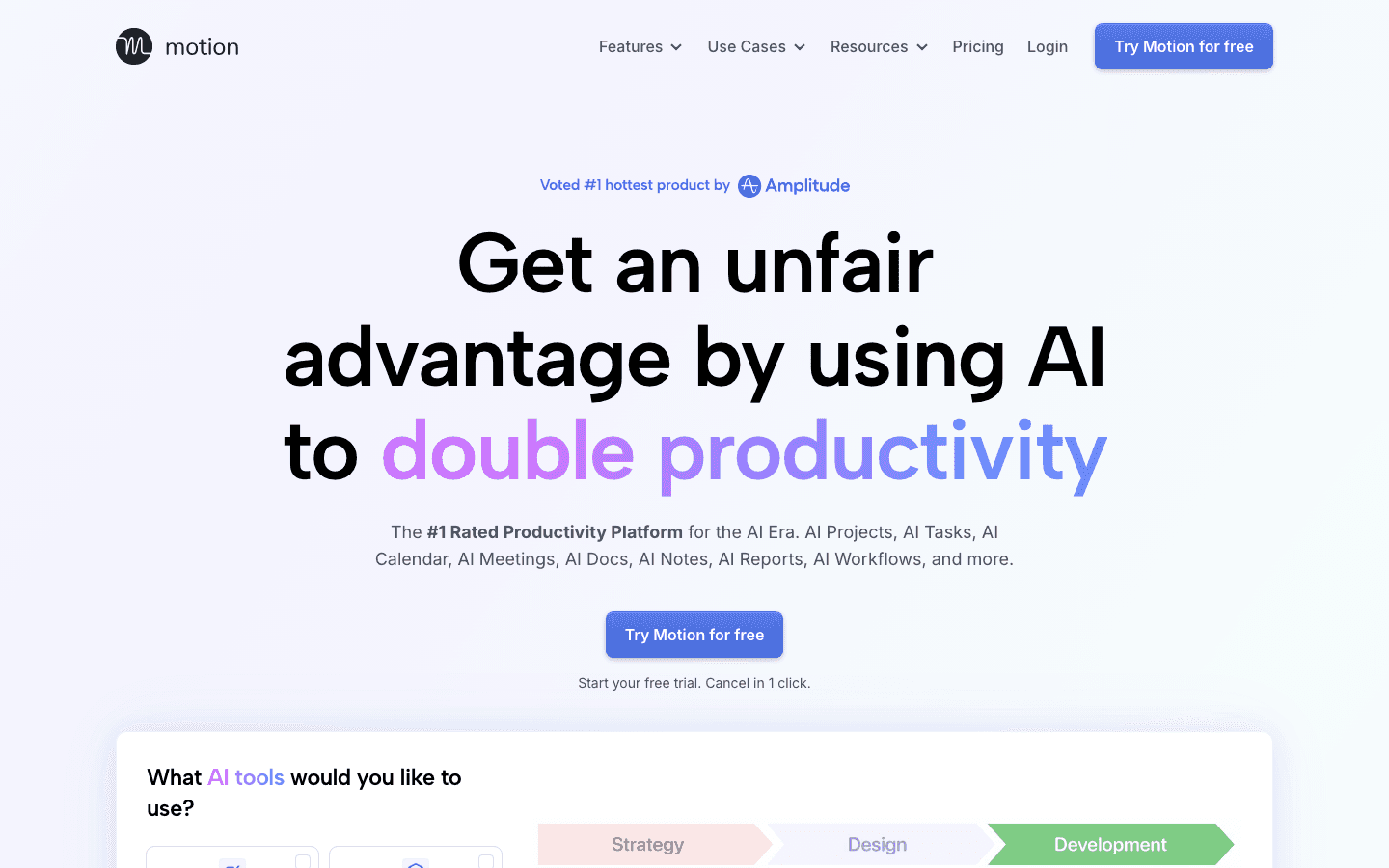
Motion takes a maximalist position on AI automation. You enter tasks with deadlines and priorities; the AI places them, shifts them when things change, and manages the overall shape of your week without requiring manual input. The 2026 version adds AI Chat for natural language queries, AI meeting summaries, and improved project tracking with team capacity planning.
It is more capable than Lifestack at managing complex deadline-driven workflows, and better suited to teams. What it lacks is any model of when you work best. Motion optimizes for getting things done on time; Lifestack optimizes for getting things done well. Both are valuable, and they solve different versions of the scheduling problem. For more on costs, see our Motion pricing breakdown.
Key Features
Full AI auto-scheduling with real-time rescheduling
AI Projects, Tasks, and Calendar in one place
AI Chat and meeting summaries
Team capacity planning (Business tier)
What Works
Strongest automation: tasks are managed for you, not by you
Meeting assistant with summaries saves real time
Better than any alternative for teams managing multiple projects under deadlines
Limitations
No energy awareness; all time slots treated equally
$19/month is high for individual users; no free plan
Steeper learning curve than most apps on this list
Pricing: $19/month (Pro AI) or $29/month (Business AI). Annual billing saves approximately 33%.
Best for: Professionals and small teams managing deadline-driven work who want maximum AI automation and are willing to pay for it.
3. Fantastical
The best calendar app experience for users who want powerful calendar views without switching their whole system.
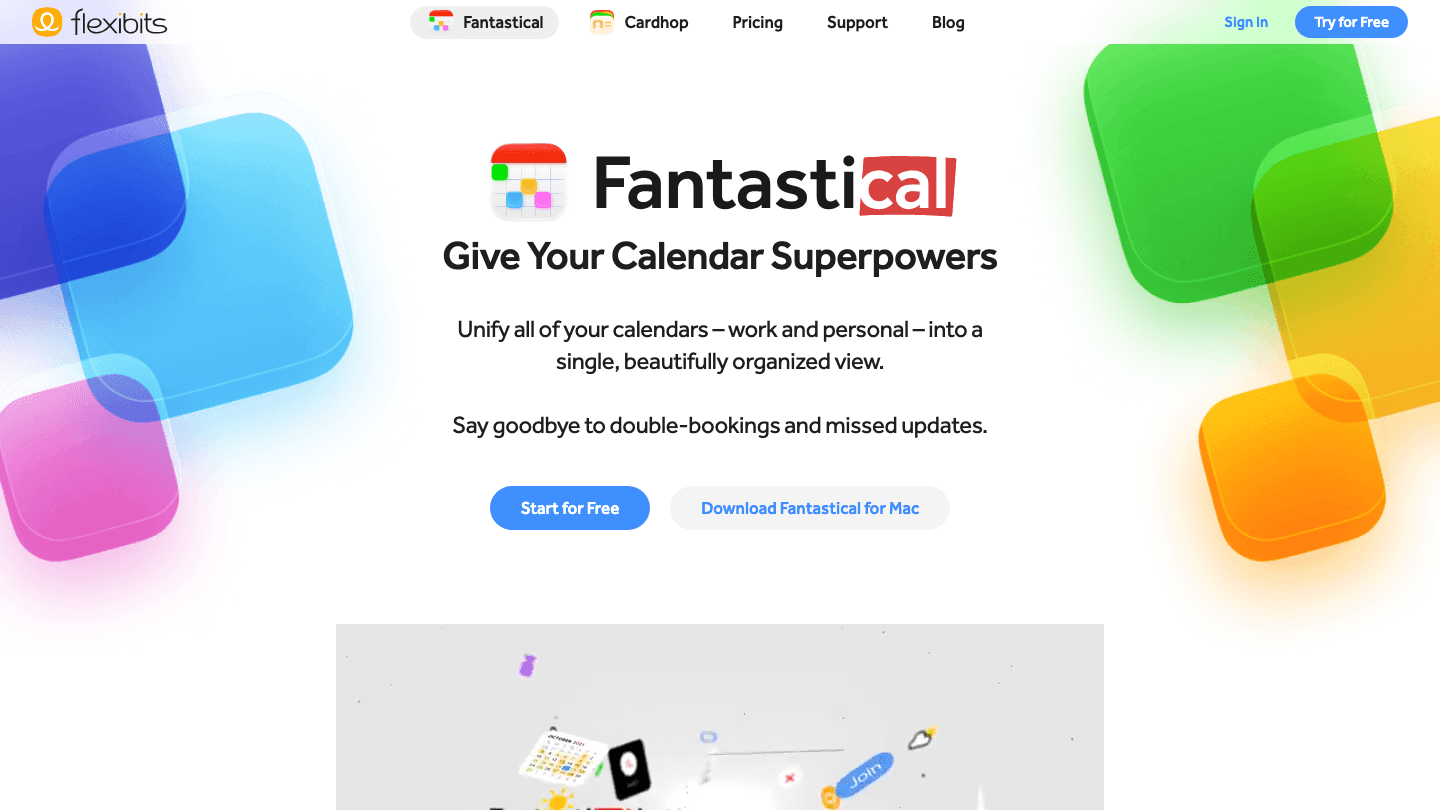
Fantastical is the most polished pure calendar app available. Natural language event entry has been its signature feature for years: type "Team standup every Tuesday at 10am" and it creates the event correctly, including recurrence. The 2026 version adds Fantastical Scheduling (booking links), which lets you share your availability with others without needing a separate Calendly account.
It is not an AI task scheduler. Fantastical does not automatically place tasks or learn your energy patterns. What it does is give you an exceptionally good view of your commitments across all your calendars, with strong iOS and Mac integration. For people who want a better calendar interface without overhauling their productivity system, it is the best option in this category. Good coverage of this space is also available in our calendar management tools roundup.
Key Features
Natural language event and task creation
Fantastical Scheduling for meeting booking links
Multiple calendar views including day, week, month, year, and list
Deep Apple ecosystem integration (iCloud, Reminders, Siri)
What Works
Best calendar interface of any app on this list
Natural language input is the fastest way to create events
Free tier is usable; Individual plan at $4.75/month is excellent value
Limitations
No AI task scheduling or auto-rescheduling
Primarily Apple ecosystem; Android support is limited
No energy awareness
Pricing: Free. Individual plan at $4.75/month. Family plan at $7.50/month (up to 5 users). Team plan at $4.75/user/month.
Best for: Apple users who want a superior calendar interface without changing their entire productivity workflow.
4. Google Calendar
The universal scheduling foundation that almost everyone already uses.
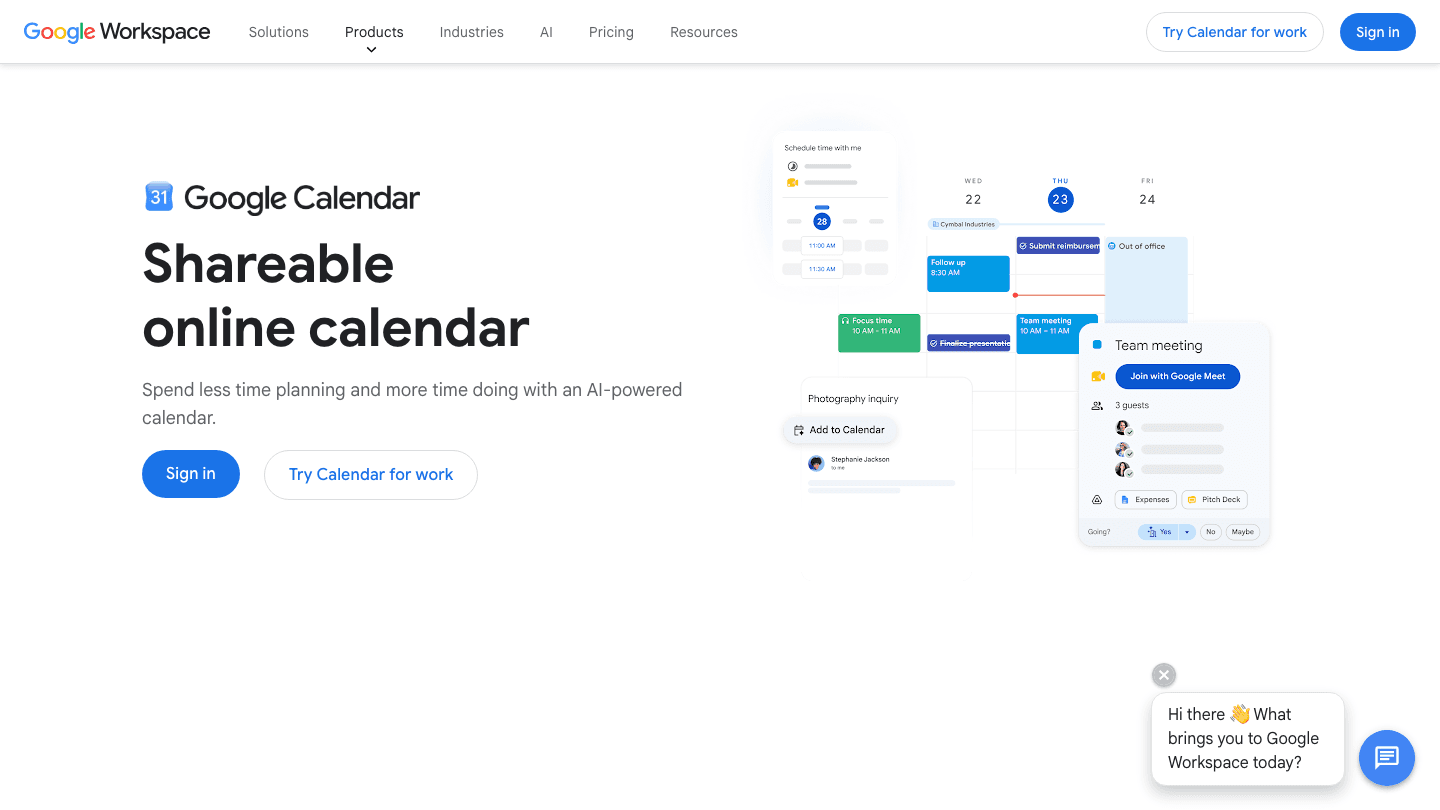
Google Calendar is on this list because most people start here and many never leave. It is free, works on every device, integrates with everything, and has gotten genuinely smarter in 2026 with AI-powered scheduling suggestions, a built-in appointment booking page, and better Gemini integration for meeting summaries and action items.
It is not an AI task scheduler in the way Lifestack or Motion are. Google Calendar displays what you have committed to; it does not help you decide what to work on or when your cognitive capacity is highest. But as the calendar layer that other apps sync to, it is irreplaceable. Most apps on this list work with Google Calendar, not instead of it.
Key Features
Free with any Google account
Appointment booking pages (previously a paid Google Workspace feature)
Gemini integration for meeting summaries and smart scheduling suggestions
Universal integrations: almost every productivity app syncs to Google Calendar
What Works
Free and already in use for most people; zero switching cost
Best integration breadth: connects to everything
2026 Gemini features add real utility to an already solid foundation
Limitations
No AI task scheduling, energy awareness, or auto-rescheduling
The interface has not meaningfully improved in years for power users
Privacy considerations for users who prefer not to share data with Google
Pricing: Free with a Google account. Google Workspace plans start at $6/user/month for business features.
Best for: Everyone as a calendar foundation; pair with a dedicated task scheduler like Lifestack for actual work planning.
5. Calendly
The best scheduling app for coordinating meetings with people outside your organization.
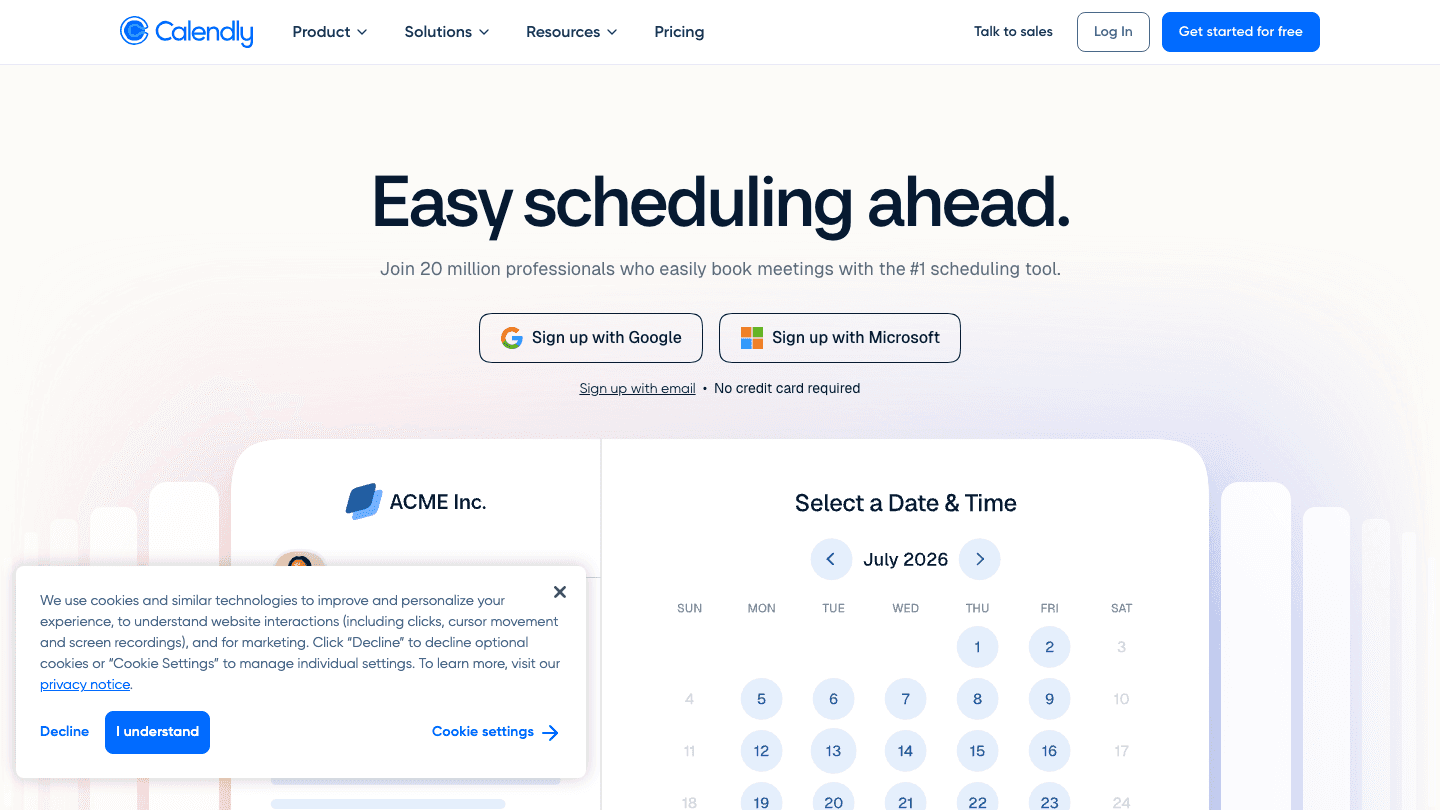
Calendly solves a specific problem that none of the other apps on this list address: getting meetings on the calendar without three rounds of back-and-forth email. You set your availability, share a link, and the other person picks a time that works for both of you. It is a narrow tool that does exactly one thing extremely well.
In 2026, Calendly added AI-powered meeting prep, routing forms for lead qualification, and better CRM integrations. It remains the default choice for salespeople, consultants, coaches, and anyone who schedules meetings with external contacts regularly. It is not a personal productivity app; it complements a personal scheduler rather than replacing one. See our organizational skills guide for tips on structuring your scheduling workflows effectively.
Key Features
Shareable booking links with availability rules
AI-powered meeting prep and routing
CRM integrations (Salesforce, HubSpot)
Group and round-robin scheduling for teams
What Works
Eliminates scheduling friction for external meetings entirely
Free tier with one event type is sufficient for many individual users
Best in its category with strong brand recognition
Limitations
Not a personal task scheduler; it only handles meeting booking
Standard plan at $10/seat/month adds up for teams
No energy awareness, AI task scheduling, or calendar optimization
Pricing: Free (1 event type). Standard at $10/seat/month. Teams at $16/seat/month.
Best for: Anyone who schedules frequent meetings with external contacts and wants to eliminate the back-and-forth.
Which Scheduling App Is Right for You?
You need to schedule your own work around your energy: Lifestack. It is the only option here that accounts for when you do your best thinking.
You want maximum AI automation for task and deadline management: Motion. Set it once and let the AI manage your calendar.
You want a better calendar without changing your whole workflow: Fantastical. Best interface, natural language input, works with what you already have.
You want something free that works everywhere: Google Calendar. Start here; pair with Lifestack when you need AI scheduling.
You spend significant time coordinating meetings with outside contacts: Calendly. It handles this one thing better than anything else.
Frequently Asked Questions
What is the best scheduling app in 2026?
For personal task scheduling, Lifestack leads in 2026 because it is the only app that combines AI auto-scheduling with energy-pattern awareness. For meeting booking, Calendly remains the standard. For calendar management, Fantastical is best on Apple devices. The right answer depends on which scheduling problem is actually costing you time.
What is the best free scheduling app?
Google Calendar is the strongest free scheduling foundation; it is universal, integrates with everything, and the 2026 Gemini features add real value. For free meeting booking, Calendly's free tier (one event type) covers most individual use cases. Neither replaces a dedicated AI task scheduler, but both are solid starting points.
What scheduling app works best for ADHD?
Lifestack is built for the way ADHD brains actually work: variable energy, disrupted plans, and difficulty estimating how long things take. Its energy-aware scheduling and auto-rescheduling address the specific problems that make standard calendar apps frustrating for ADHD users. See our ADHD time management guide for a deeper breakdown.
How is Lifestack different from Google Calendar?
Google Calendar shows you what is on your schedule. Lifestack builds your schedule for you based on your tasks, deadlines, and energy patterns, then updates it automatically when things change. Most Lifestack users sync their Google Calendar so events appear automatically, then let Lifestack handle task placement around those events.
Do I need both a scheduling app and a meeting booking tool?
For many people, yes. Tools like Lifestack and Motion handle personal work scheduling; tools like Calendly handle external meeting coordination. They serve different purposes and can be used together. If you only schedule internal meetings through your organization's calendar, Calendly may be unnecessary.
What replaced time-blocking apps in 2026?
AI scheduling apps have largely replaced manual time-blocking for users who want automation. Instead of dragging tasks to time slots yourself, apps like Lifestack and Motion do it for you and adjust when plans change. Manual time-blocking tools like drag-and-drop calendar planners still have users who prefer full control, but the mainstream has moved toward AI-assisted scheduling.
Not all scheduling apps are solving the same problem.
Some scheduling apps optimize your personal calendar around tasks and energy. Others automate how meetings get booked. A few try to do both. The best scheduling app for you depends on what actually breaks down in your day: is it that you can't prioritize effectively, that meetings take forever to coordinate, or that your calendar never reflects how you actually work?
We tested five of the most used scheduling apps in 2026 across three dimensions: personal task scheduling, AI automation, and meeting coordination. Each was evaluated for daily use, mobile experience, integration depth, ADHD suitability, and pricing transparency. The results are not a simple ranking because these apps serve genuinely different needs.
What they share is that the best ones have started thinking about scheduling as more than calendar management. The category has matured. If you have not revisited your scheduling setup since 2024, the options available now are meaningfully different.
Key Takeaways
The best AI scheduling apps now go beyond blocking time; they reschedule automatically and account for your energy levels.
Meeting scheduling (Calendly) and personal task scheduling (Lifestack, Motion) are distinct categories with different best-in-class apps.
Free options have improved: Google Calendar and Calendly's free tiers are genuinely useful starting points.
Quick Guide
Lifestack: Energy-aware AI scheduler that places tasks at optimal times based on your cognitive patterns
Motion: Autonomous AI scheduling that manages your calendar and priorities automatically
Fantastical: Powerful calendar app with natural language entry and scheduling links
Google Calendar: Free, universal calendar foundation most people are already using
Calendly: Meeting coordination tool that eliminates back-and-forth scheduling emails
How We Evaluated
AI scheduling quality: passive calendar view vs. active task placement vs. full automation
Energy and capacity awareness: does it account for cognitive load, not just time?
Integration depth with existing tools
Mobile usability on iOS and Android
ADHD suitability: friction to capture tasks, visual clarity, cognitive load
Pricing transparency and free tier quality
1. Lifestack
The best scheduling app for anyone whose productivity is not evenly distributed across the day.
Lifestack approaches scheduling from a direction no other app on this list does: it asks when you have the energy to do each task, not just when you have the time. Over time it learns your cognitive patterns and uses them to build a daily schedule where demanding work lands in your peak hours and lighter tasks fill the low-energy gaps. The result is a plan that is not just full but actually doable.
When your day changes, which it always does, Lifestack reschedules automatically. A meeting that runs long does not leave a wreckage of overdue tasks. A delayed start does not require you to manually rebuild your afternoon. This auto-rescheduling is what makes Lifestack a genuine step up from calendar apps that simply display your commitments and leave execution to you.
The drag-and-drop scheduling interface is clean and the task capture is fast. For people with ADHD or highly variable focus, this is the scheduling app that most directly addresses the actual problem. See our ADHD time management apps guide for more context on why energy-aware scheduling matters for this group.
Key Features
Energy-pattern scheduling to place tasks at your best hours
AI auto-rescheduling when plans change
Google Calendar sync with two-way integration
iOS and Android apps with Chrome extension for quick capture
What Works
Energy awareness is not available in any other scheduling app on this list
Auto-rescheduling handles real-day disruptions without manual intervention
Fast setup: connected and scheduled within minutes
Limitations
No meeting booking links for external coordination (pair with Calendly if needed)
No free plan; 7-day trial on annual
Pricing: $7/month or $50/year ($4.17/month). Lifetime plan at $120.
Best for: Individuals who need personal task scheduling optimized around their energy, especially those with ADHD or variable productivity windows.
2. Motion
The best scheduling app for professionals who want AI to manage their calendar entirely.
Motion takes a maximalist position on AI automation. You enter tasks with deadlines and priorities; the AI places them, shifts them when things change, and manages the overall shape of your week without requiring manual input. The 2026 version adds AI Chat for natural language queries, AI meeting summaries, and improved project tracking with team capacity planning.
It is more capable than Lifestack at managing complex deadline-driven workflows, and better suited to teams. What it lacks is any model of when you work best. Motion optimizes for getting things done on time; Lifestack optimizes for getting things done well. Both are valuable, and they solve different versions of the scheduling problem. For more on costs, see our Motion pricing breakdown.
Key Features
Full AI auto-scheduling with real-time rescheduling
AI Projects, Tasks, and Calendar in one place
AI Chat and meeting summaries
Team capacity planning (Business tier)
What Works
Strongest automation: tasks are managed for you, not by you
Meeting assistant with summaries saves real time
Better than any alternative for teams managing multiple projects under deadlines
Limitations
No energy awareness; all time slots treated equally
$19/month is high for individual users; no free plan
Steeper learning curve than most apps on this list
Pricing: $19/month (Pro AI) or $29/month (Business AI). Annual billing saves approximately 33%.
Best for: Professionals and small teams managing deadline-driven work who want maximum AI automation and are willing to pay for it.
3. Fantastical
The best calendar app experience for users who want powerful calendar views without switching their whole system.
Fantastical is the most polished pure calendar app available. Natural language event entry has been its signature feature for years: type "Team standup every Tuesday at 10am" and it creates the event correctly, including recurrence. The 2026 version adds Fantastical Scheduling (booking links), which lets you share your availability with others without needing a separate Calendly account.
It is not an AI task scheduler. Fantastical does not automatically place tasks or learn your energy patterns. What it does is give you an exceptionally good view of your commitments across all your calendars, with strong iOS and Mac integration. For people who want a better calendar interface without overhauling their productivity system, it is the best option in this category. Good coverage of this space is also available in our calendar management tools roundup.
Key Features
Natural language event and task creation
Fantastical Scheduling for meeting booking links
Multiple calendar views including day, week, month, year, and list
Deep Apple ecosystem integration (iCloud, Reminders, Siri)
What Works
Best calendar interface of any app on this list
Natural language input is the fastest way to create events
Free tier is usable; Individual plan at $4.75/month is excellent value
Limitations
No AI task scheduling or auto-rescheduling
Primarily Apple ecosystem; Android support is limited
No energy awareness
Pricing: Free. Individual plan at $4.75/month. Family plan at $7.50/month (up to 5 users). Team plan at $4.75/user/month.
Best for: Apple users who want a superior calendar interface without changing their entire productivity workflow.
4. Google Calendar
The universal scheduling foundation that almost everyone already uses.
Google Calendar is on this list because most people start here and many never leave. It is free, works on every device, integrates with everything, and has gotten genuinely smarter in 2026 with AI-powered scheduling suggestions, a built-in appointment booking page, and better Gemini integration for meeting summaries and action items.
It is not an AI task scheduler in the way Lifestack or Motion are. Google Calendar displays what you have committed to; it does not help you decide what to work on or when your cognitive capacity is highest. But as the calendar layer that other apps sync to, it is irreplaceable. Most apps on this list work with Google Calendar, not instead of it.
Key Features
Free with any Google account
Appointment booking pages (previously a paid Google Workspace feature)
Gemini integration for meeting summaries and smart scheduling suggestions
Universal integrations: almost every productivity app syncs to Google Calendar
What Works
Free and already in use for most people; zero switching cost
Best integration breadth: connects to everything
2026 Gemini features add real utility to an already solid foundation
Limitations
No AI task scheduling, energy awareness, or auto-rescheduling
The interface has not meaningfully improved in years for power users
Privacy considerations for users who prefer not to share data with Google
Pricing: Free with a Google account. Google Workspace plans start at $6/user/month for business features.
Best for: Everyone as a calendar foundation; pair with a dedicated task scheduler like Lifestack for actual work planning.
5. Calendly
The best scheduling app for coordinating meetings with people outside your organization.
Calendly solves a specific problem that none of the other apps on this list address: getting meetings on the calendar without three rounds of back-and-forth email. You set your availability, share a link, and the other person picks a time that works for both of you. It is a narrow tool that does exactly one thing extremely well.
In 2026, Calendly added AI-powered meeting prep, routing forms for lead qualification, and better CRM integrations. It remains the default choice for salespeople, consultants, coaches, and anyone who schedules meetings with external contacts regularly. It is not a personal productivity app; it complements a personal scheduler rather than replacing one. See our organizational skills guide for tips on structuring your scheduling workflows effectively.
Key Features
Shareable booking links with availability rules
AI-powered meeting prep and routing
CRM integrations (Salesforce, HubSpot)
Group and round-robin scheduling for teams
What Works
Eliminates scheduling friction for external meetings entirely
Free tier with one event type is sufficient for many individual users
Best in its category with strong brand recognition
Limitations
Not a personal task scheduler; it only handles meeting booking
Standard plan at $10/seat/month adds up for teams
No energy awareness, AI task scheduling, or calendar optimization
Pricing: Free (1 event type). Standard at $10/seat/month. Teams at $16/seat/month.
Best for: Anyone who schedules frequent meetings with external contacts and wants to eliminate the back-and-forth.
Which Scheduling App Is Right for You?
You need to schedule your own work around your energy: Lifestack. It is the only option here that accounts for when you do your best thinking.
You want maximum AI automation for task and deadline management: Motion. Set it once and let the AI manage your calendar.
You want a better calendar without changing your whole workflow: Fantastical. Best interface, natural language input, works with what you already have.
You want something free that works everywhere: Google Calendar. Start here; pair with Lifestack when you need AI scheduling.
You spend significant time coordinating meetings with outside contacts: Calendly. It handles this one thing better than anything else.
Frequently Asked Questions
What is the best scheduling app in 2026?
For personal task scheduling, Lifestack leads in 2026 because it is the only app that combines AI auto-scheduling with energy-pattern awareness. For meeting booking, Calendly remains the standard. For calendar management, Fantastical is best on Apple devices. The right answer depends on which scheduling problem is actually costing you time.
What is the best free scheduling app?
Google Calendar is the strongest free scheduling foundation; it is universal, integrates with everything, and the 2026 Gemini features add real value. For free meeting booking, Calendly's free tier (one event type) covers most individual use cases. Neither replaces a dedicated AI task scheduler, but both are solid starting points.
What scheduling app works best for ADHD?
Lifestack is built for the way ADHD brains actually work: variable energy, disrupted plans, and difficulty estimating how long things take. Its energy-aware scheduling and auto-rescheduling address the specific problems that make standard calendar apps frustrating for ADHD users. See our ADHD time management guide for a deeper breakdown.
How is Lifestack different from Google Calendar?
Google Calendar shows you what is on your schedule. Lifestack builds your schedule for you based on your tasks, deadlines, and energy patterns, then updates it automatically when things change. Most Lifestack users sync their Google Calendar so events appear automatically, then let Lifestack handle task placement around those events.
Do I need both a scheduling app and a meeting booking tool?
For many people, yes. Tools like Lifestack and Motion handle personal work scheduling; tools like Calendly handle external meeting coordination. They serve different purposes and can be used together. If you only schedule internal meetings through your organization's calendar, Calendly may be unnecessary.
What replaced time-blocking apps in 2026?
AI scheduling apps have largely replaced manual time-blocking for users who want automation. Instead of dragging tasks to time slots yourself, apps like Lifestack and Motion do it for you and adjust when plans change. Manual time-blocking tools like drag-and-drop calendar planners still have users who prefer full control, but the mainstream has moved toward AI-assisted scheduling.



FOLLOW ON
FOLLOW ON
FOLLOW ON


Copyright 2026 © Lifestack. All rights reserved
Copyright 2026 © Lifestack. All rights reserved

