
App
7 Best Sleep Tracking Apps in 2026
7 Best Sleep Tracking Apps in 2026

Most people track their sleep to see a number. They wake up, check their app, see "6h 42m, 74 sleep score," and move on. The number feels useful. But without knowing what to do with it, the data just sits there.
The best sleep tracking apps do more than log hours. They help you understand your sleep stages, spot what's disrupting your rest, and some, like Lifestack, go further and actually reshape your next day around what your body is telling you.
We tested seven of the most popular sleep tracking apps available in 2026, comparing accuracy, insight depth, wearable compatibility, and how well each app translates sleep data into actionable decisions. Whether you sleep with an Apple Watch, an Oura Ring, or just your phone, there's an app here that fits.
Here's what we found.
Key Takeaways
If you want sleep data that actually changes how you plan your day, Lifestack is the only app on this list built to do that automatically
Sleep Cycle and AutoSleep are the strongest picks for phone-based and Apple Watch-based tracking respectively, without hardware costs
Oura Ring gives the most detailed biometric data, but the hardware cost and monthly subscription add up quickly
Quick Guide
Lifestack: Best for turning sleep data into a smarter daily schedule
Sleep Cycle: Best smart alarm and sleep sound combination
AutoSleep: Best passive Apple Watch tracker with no setup
Pillow: Best for detailed sleep stage analysis on Apple Watch
Oura Ring: Best biometric accuracy for serious sleep optimization
Rise: Best for tracking sleep debt and circadian energy
SleepScore: Best no-wearable option using phone sonar
How We Evaluated
Data depth: sleep stages, HRV, SpO2, heart rate, and recovery metrics
Hardware requirements: phone-only, Apple Watch, dedicated ring or strap
Actionability: does the app tell you what to do, or just show you graphs
Energy awareness: does it connect your sleep to your daytime energy and tasks
Daily schedule integration: does it connect to your calendar or task list
Pricing: cost of hardware and software combined
Platform: iOS only, cross-platform, or wearable-specific
1. Lifestack
Best for turning sleep data into a smarter daily schedule

Every other app on this list tells you how you slept. Lifestack is the one that decides what to do about it.
Each morning, Lifestack reads your sleep data from Apple Health or your connected wearable, calculates your current energy level and recovery status, and drafts a daily schedule that matches your cognitive capacity to your tasks. If last night's sleep was rough, your deep work blocks move to when your body actually recovers. If your sleep score is strong, Lifestack front-loads your highest-priority work.
This is the core insight most sleep apps miss: the point of tracking sleep isn't the data, it's the decision. Energy-based planning outperforms fixed time-blocking precisely because our capacity varies day to day, and sleep is the main driver of that variation. Lifestack operationalizes this automatically.
It also syncs with your calendar, pulls in your task list, and accounts for meals and recovery windows. You wake up to a plan, not just a score.
Key features: AI-generated daily schedule, Apple Health sync, wearable integration, calendar sync, task management, energy-aware time blocking
What works: The morning briefing that combines sleep quality with today's schedule is genuinely useful. You stop guessing whether to tackle deep work now or push it later.
What works: Integrates sleep data from most major wearables via Apple Health, so you don't have to switch trackers.
What works: Pairs naturally with Oura Ring or any other sleep tracker you already use.
Limitations: Doesn't do its own raw sleep stage detection. It reads sleep data from your existing tracker rather than generating biometric readings itself.
Limitations: iOS and Android only. No desktop app.
Pricing: $7/month or $50/year (7-day free trial). Lifetime plan available at $120.
Best for: Anyone who wants their sleep data to actually change how they work, not just inform them how they slept.
2. Sleep Cycle
Best smart alarm and sleep sounds combination
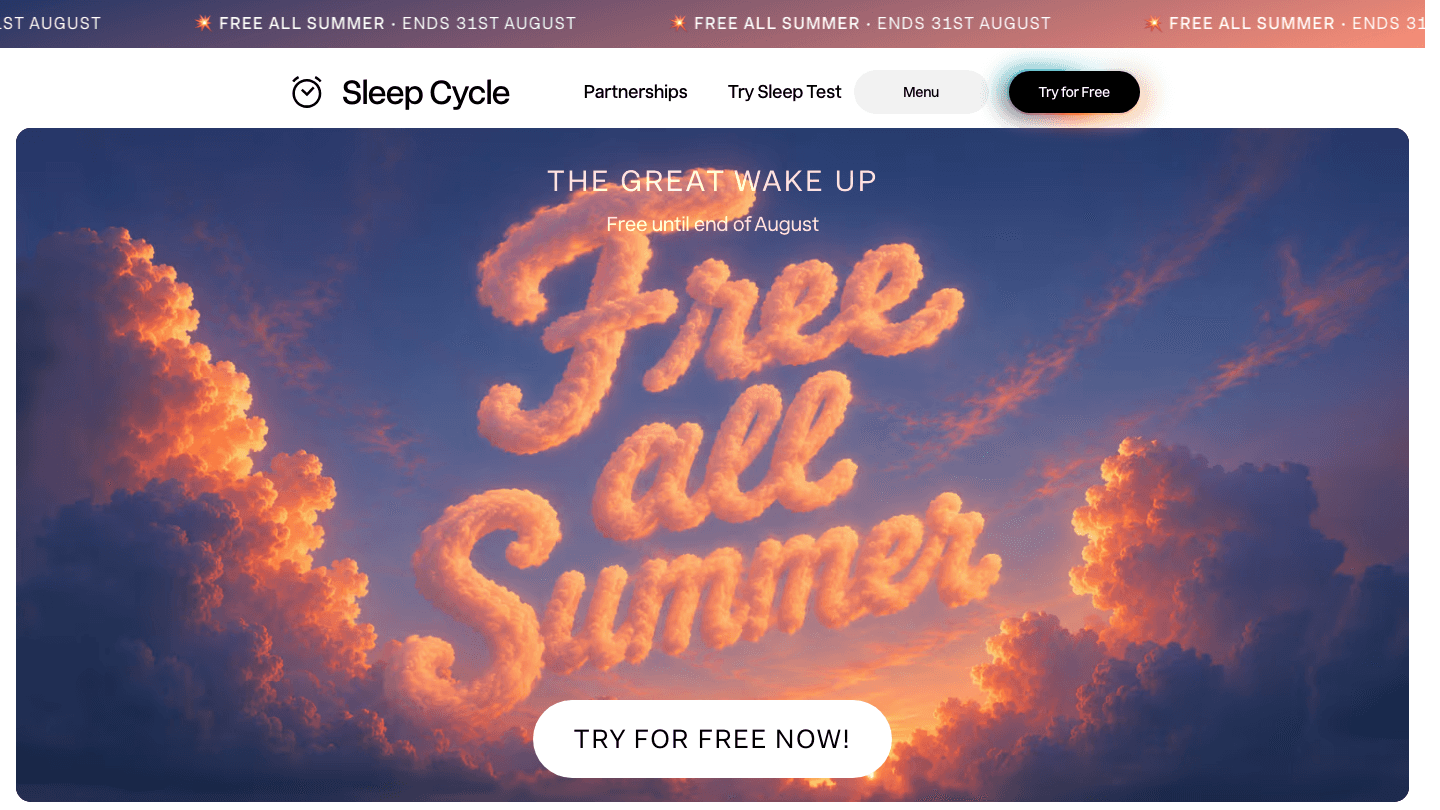
Sleep Cycle has been tracking sleep longer than almost any app on this list, and its core feature still works: an alarm that wakes you during your lightest sleep phase within a configurable window. The difference between waking at the wrong point in a sleep cycle versus the right one is significant, and Sleep Cycle gets this right.
The app uses your phone's microphone (or Apple Watch accelerometer) to detect sleep phases by analyzing body movement and sound. It generates sleep graphs, tracks snoring, and provides a daily sleep quality score. The sound library is one of the better ones available, with options tuned for sleep onset rather than just relaxation.
Where it falls short is on the "what now" side. Sleep Cycle is excellent at telling you what happened last night. It gives you very little guidance on how to use that information. See also our guide on how to track sleep effectively for a broader picture of what sleep data can tell you.
Limitations: No energy awareness or schedule integration. No wearable sync beyond Apple Watch.
Limitations: Microphone-based detection is less accurate than dedicated hardware.
Pricing: Free with limited features. Premium from $2.99/month or $39.99/year (includes all sleep aids and snore detection).
Best for: People who want a smart alarm with sleep sounds and don't need deep biometric analysis.
3. AutoSleep
Best passive Apple Watch tracker with no setup
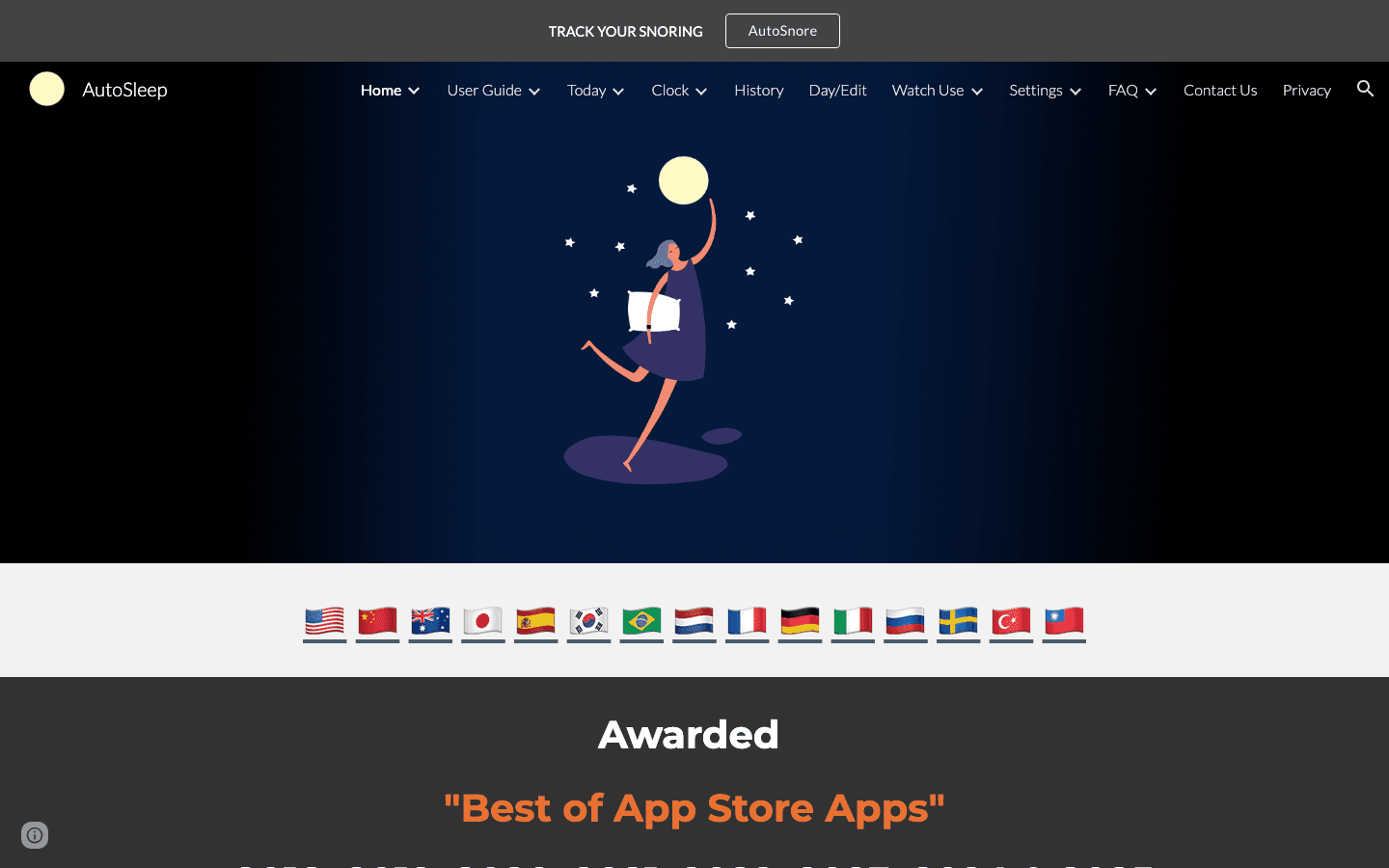
AutoSleep does one thing exceptionally well: it tracks your sleep from Apple Watch without you doing anything. No sleep mode to activate. No alarm to configure. You wear your watch, and by morning AutoSleep has processed your heart rate, movement, and readiness data into a clear dashboard.
The readiness score is the app's standout feature, combining sleep quality with HRV trends to give you a single number that represents how recovered you are. For Apple Watch users who want honest daily recovery tracking without a subscription or extra hardware, AutoSleep is the most frictionless option available.
The interface is dense and takes some time to learn. But the data it surfaces, particularly the HRV trend tracking over weeks, is genuinely useful for spotting recovery patterns that shorter-window apps miss. Worth pairing with a read on sleep stages to understand what the graphs are actually showing you.
Limitations: Apple Watch required. No Android version, no wearable alternatives.
Limitations: No energy scheduling integration.
Pricing: $8.99 one-time. No subscription.
Best for: Apple Watch users who want thorough passive tracking without an ongoing subscription.
4. Pillow
Best for detailed sleep stage analysis on Apple Watch
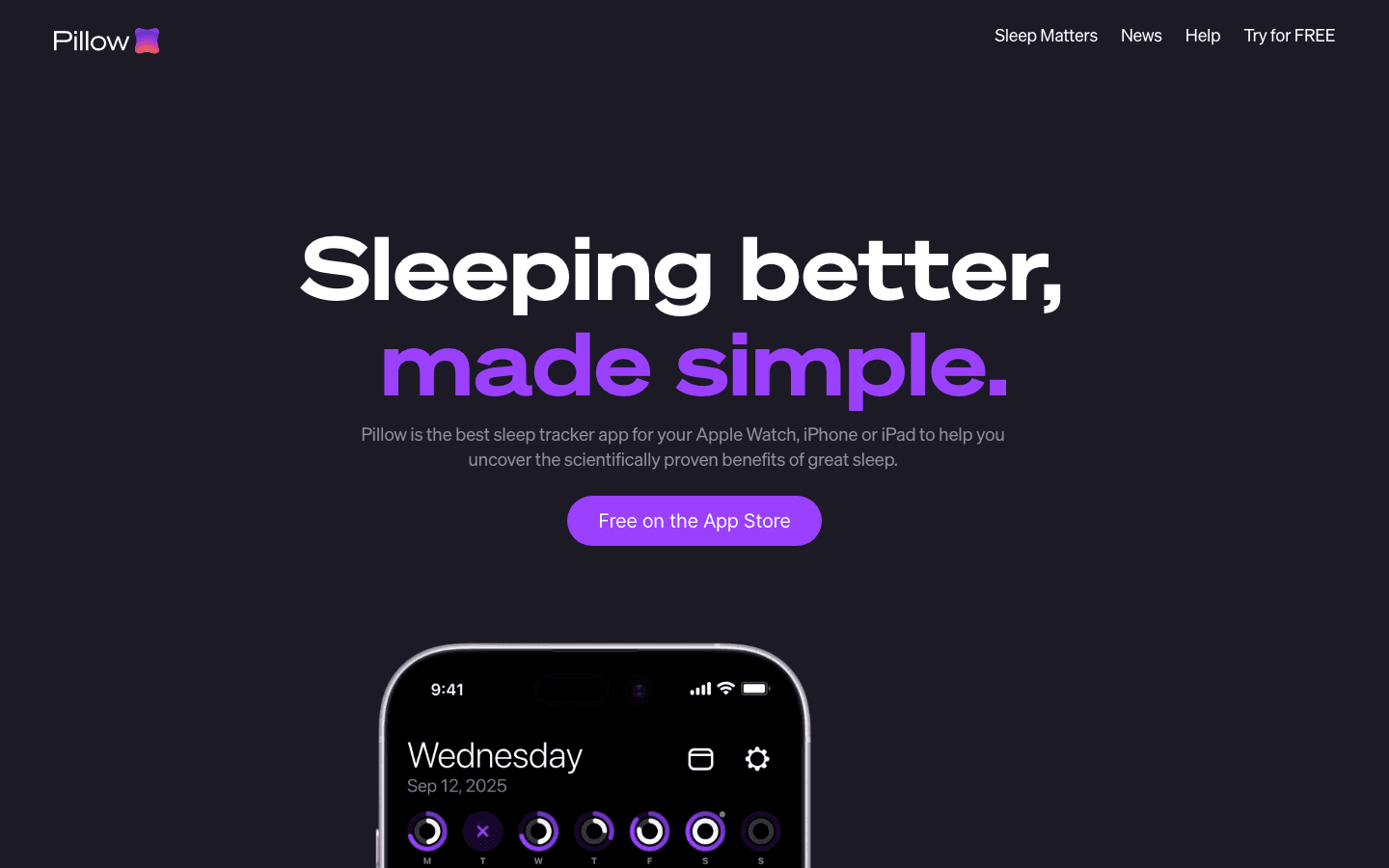
Pillow is one of the more visually polished sleep trackers available for Apple Watch and iPhone. It detects sleep stages using the watch's accelerometer and heart rate sensors, presenting the results in clear, color-coded stage graphs that break down time in light, deep, and REM sleep alongside awake periods.
Where Pillow earns its spot on this list is the audio recording feature: it captures sounds during sleep, including snoring, coughing, or talking, and tags them to specific moments in your sleep graph. This makes it surprisingly useful for people investigating disrupted sleep without needing a dedicated sleep lab referral.
The free version is quite limited, and the premium pricing is higher than most competitors at $19.99/month or $39.99/year. But for users who want meaningful sleep stage data without buying dedicated hardware, Pillow delivers. This is especially relevant if you're exploring sleep challenges common with ADHD, where understanding stage patterns can point to specific interventions.
Limitations: Requires Apple Watch for sleep stage detection. iPhone-only tracking is less accurate.
Limitations: No energy integration or schedule planning features.
Pricing: Free download. Premium from $19.99/month or $39.99/year. One-time purchase at $39.99.
Best for: Apple Watch users who want detailed sleep stage breakdowns and overnight audio analysis.
5. Oura Ring
Best biometric accuracy for serious sleep optimization
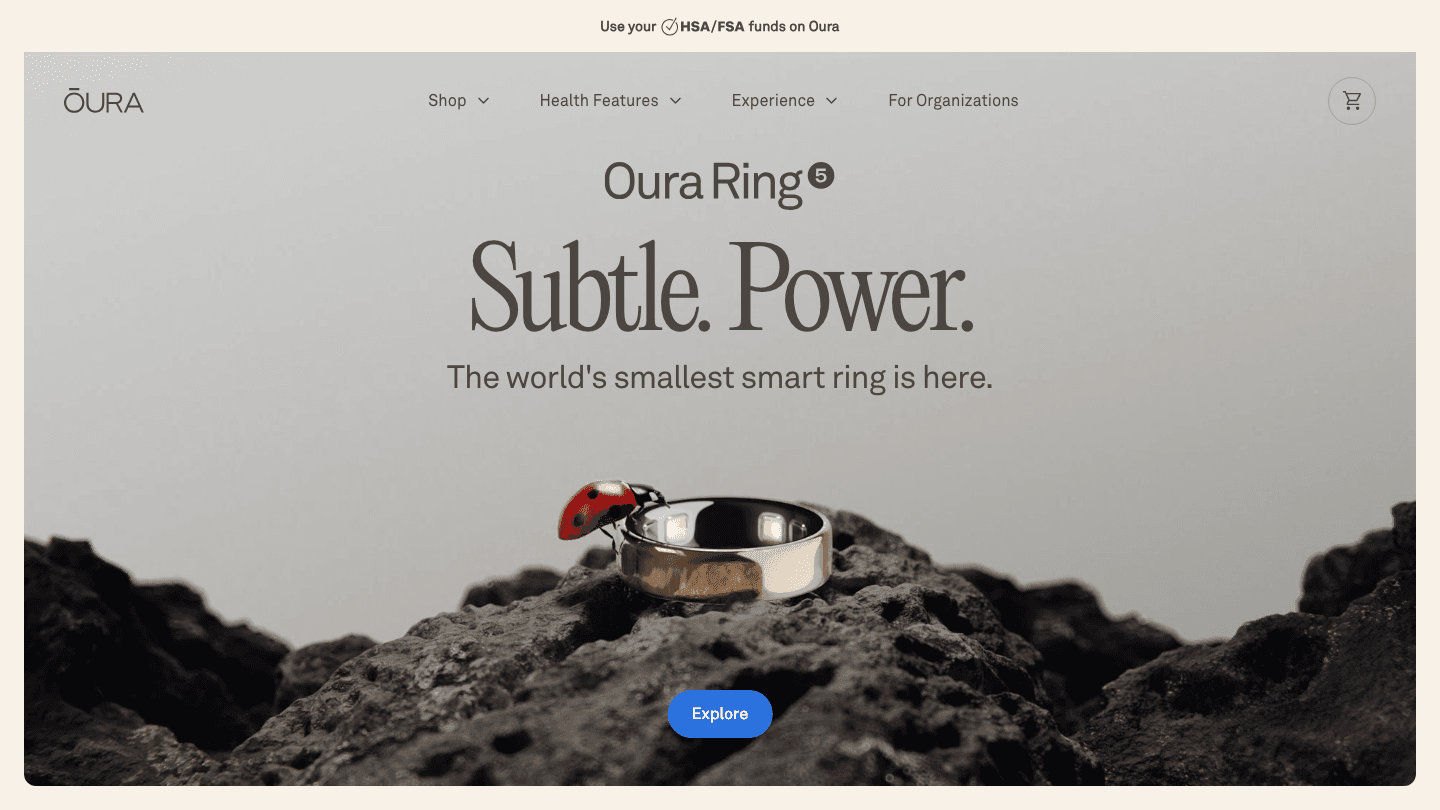
The Oura Ring is the closest thing to clinical-grade sleep tracking available to consumers without going to a sleep lab. Worn on the finger, where blood flow is more stable than the wrist, it captures heart rate, HRV, SpO2, skin temperature, and movement throughout the night to produce a detailed Readiness Score and Sleep Score each morning.
The data quality sets Oura apart. Its sleep stage classification is more accurate than most wrist-worn devices, and the temperature deviation tracking is particularly valuable for catching illness early, tracking menstrual cycles, or monitoring recovery from intense training. If you're serious about sleep optimization, Oura gives you the most complete picture.
The main drawback is the combined cost: the ring starts at $299 and requires a $5.99/month or $69.99/year membership to access the full data. It's also hardware, meaning it can be lost, damaged, or simply uncomfortable for some people. See how Oura connects with other apps in our Oura app roundup.
Limitations: High upfront cost ($299+) plus ongoing membership fee.
Limitations: No schedule integration or task planning. Just data.
Pricing: Oura Ring from $299. Membership: $5.99/month or $69.99/year (first month free for new members).
Best for: People who want the most accurate sleep and recovery data available without clinical hardware.
6. Rise
Best for tracking sleep debt and circadian energy
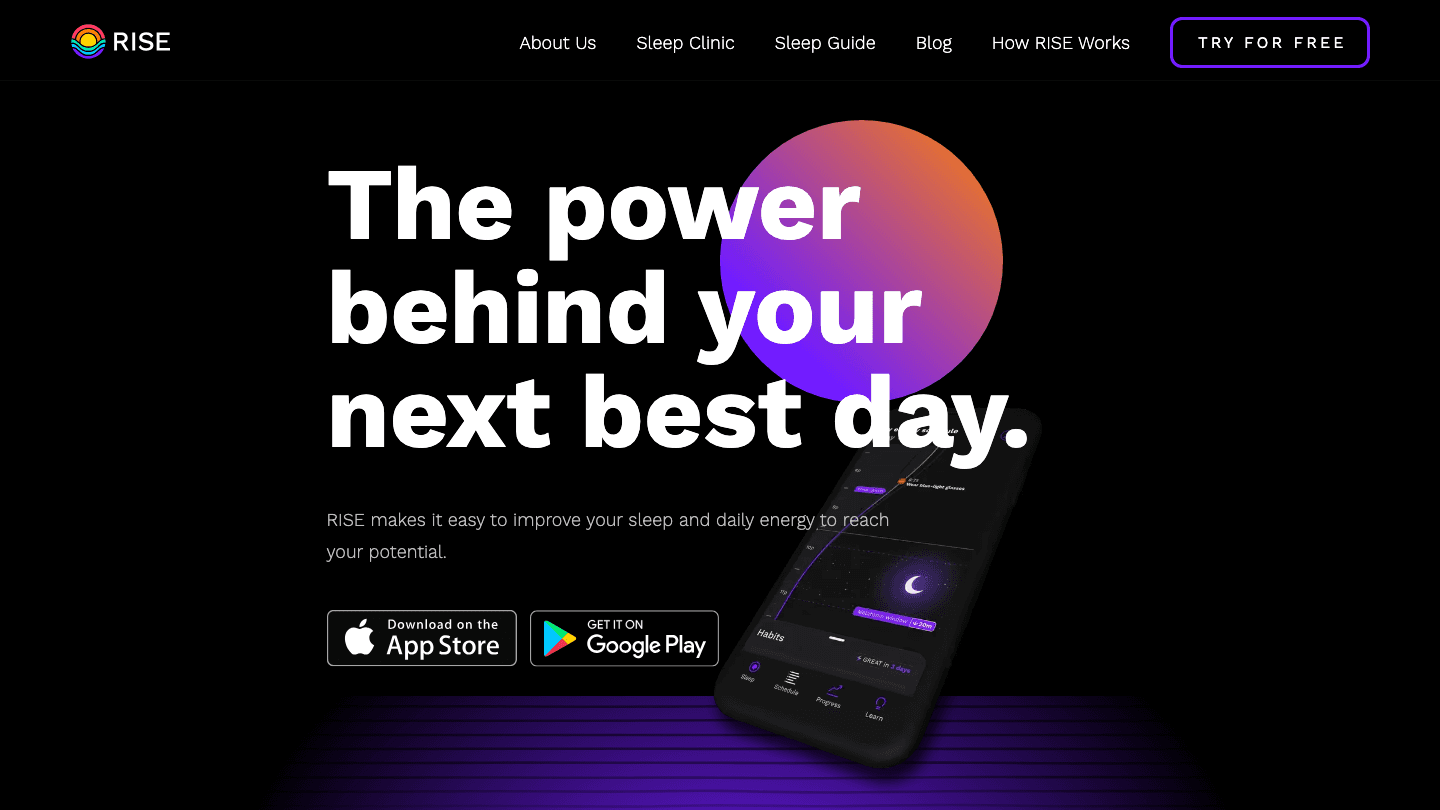
Rise takes a different angle than most sleep apps. Instead of focusing on last night's sleep stages, it tracks your cumulative sleep debt over 14 days and models your circadian energy peaks throughout the day. The result is a timeline showing exactly when your energy is likely to be high, when it dips, and when to schedule demanding versus recovery tasks.
This makes Rise more of a circadian rhythm planning tool than a traditional sleep tracker. It's particularly valuable if you've noticed that you're consistently tired even on days when your sleep looks fine, since sleep debt accumulates over weeks rather than resetting each night. Understanding how sleep actually produces energy is the framework Rise is built on.
The limitation is that Rise doesn't do its own biometric capture. It reads from Apple Health or your connected wearable, then models your energy from those inputs. The predictions are useful, but they're models rather than direct measurements. See also our guide to circadian rhythm apps.
Limitations: No biometric capture. Relies on Apple Health data from another tracker.
Limitations: No task management or calendar integration.
Pricing: Free download. Subscription from $9.99/month or $59.99/year (7-day free trial).
Best for: People who want to understand their circadian energy patterns and reduce accumulated sleep debt.
7. SleepScore
Best no-wearable option using phone sonar
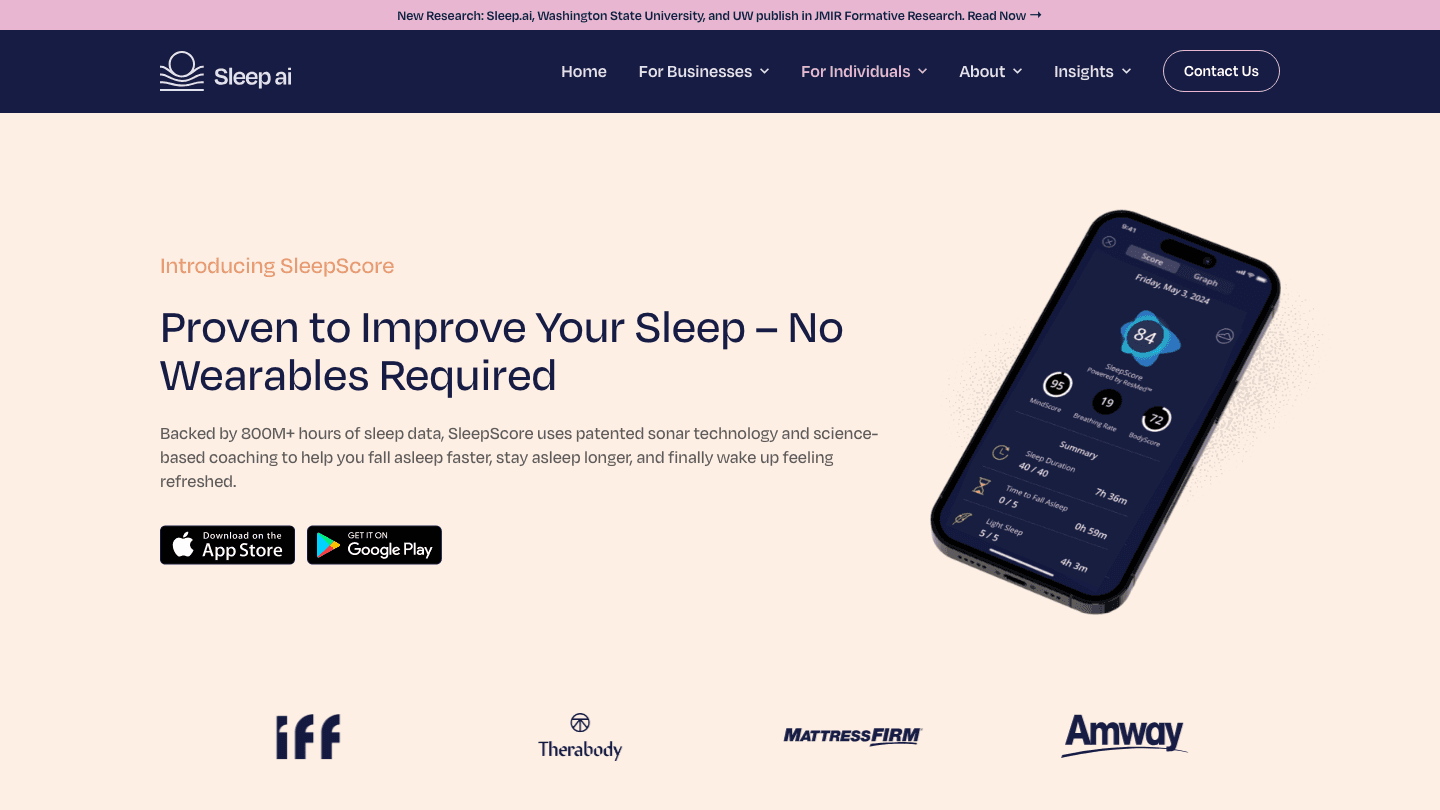
SleepScore uses your phone's speaker and microphone to track sleep using sonar: it emits inaudible sound waves and measures how your breathing and body movement reflect them back. No wearable required, and no physical contact with the phone necessary if you place it on a nightstand.
The data quality is solid for a contactless solution. SleepScore can detect sleep stages, breathing disruptions, and sleep cycles with reasonable accuracy. Its app also includes a library of sleep improvement tips tied to specific issues it detects, so if it notices you're spending too little time in deep sleep, it offers concrete suggestions rather than just showing you a chart.
The approach has natural limits. Accuracy drops with two people in the bed, loud ambient environments, or rooms where the phone can't maintain a clear signal path. But as a wearable-free starting point, SleepScore is one of the most credible options.
Limitations: Accuracy drops with multiple sleepers or noisy environments.
Limitations: No schedule or energy integration. No wearable pairing.
Pricing: Free download. Premium from $9.99/month or $59.99/year (7-day free trial).
Best for: People who don't want to wear a device to sleep but still want meaningful sleep data.
Which Sleep Tracking App Is Right for You?
You want sleep data that adjusts your schedule: Lifestack. Nothing else on this list closes the loop between sleep and what you do next.
You have an Apple Watch and want passive, automatic tracking: AutoSleep. Set it once, wear your watch, get data every morning. Understanding your REM patterns starts here.
You want sleep stages and audio analysis on Apple Watch: Pillow. More detailed than AutoSleep, higher price.
You want the smartest alarm with sleep sounds: Sleep Cycle. The smart wake window alone is worth it for people who struggle with mornings.
You want the most accurate biometric tracking: Oura Ring. Best data, highest cost.
You want to track and eliminate sleep debt: Rise. Particularly useful if you feel low energy even after a full night.
You don't want to wear anything to sleep: SleepScore. Solid contactless option.
FAQ
What is the most accurate sleep tracking app?
Oura Ring paired with its app offers the highest accuracy available outside a clinical sleep study, thanks to finger-based sensing with more stable blood flow than the wrist. For software-only options, SleepScore's sonar approach and Sleep Cycle's microphone tracking are among the most validated.
Do sleep tracking apps actually work?
Yes, with caveats. Apps using accelerometers and heart rate sensors can reliably detect sleep versus wake periods and estimate light versus deep sleep. Stage-by-stage accuracy is lower than a polysomnography lab test, but consistent tracking over weeks reveals genuine patterns. What matters more than single-night accuracy is trend data over time. Read more in our guide to building a sleep tracking system.
Which sleep app works without an Apple Watch or wearable?
Sleep Cycle and SleepScore both work on iPhone alone. Sleep Cycle uses the microphone; SleepScore uses sonar from the speaker. Both are credible options, with SleepScore offering slightly more detailed analysis if you're willing to pay for premium.
What should I do with my sleep score data?
Most people look at their score and do nothing. That's the gap Lifestack fills: it takes your sleep quality data each morning and uses it to build a schedule that matches your energy to your tasks. If you're waking up to a low score and then sitting through demanding meetings anyway, that data isn't helping you. Personal energy management starts with acting on what your sleep data is telling you.
How many hours of sleep do you actually need?
Most adults need 7-9 hours, but individual variation is real. Some people function well on 7 hours; others are genuinely impaired below 8. Your sleep tracker can't tell you your personal requirement, but tracking your energy and performance alongside your sleep data over several weeks reveals your pattern. See also: is 8 hours of sleep enough?
Can sleep tracking apps help with ADHD sleep problems?
Yes, especially for building awareness of irregular patterns. People with ADHD often have delayed sleep phase issues, inconsistent bedtimes, and trouble recognizing when they're running a sleep deficit. A tracker makes those patterns visible and measurable. Combined with Lifestack's energy-aware scheduling, this can translate into a daily routine that accounts for ADHD-related energy variability. See our dedicated guide on ADHD sleep tips.
Most people track their sleep to see a number. They wake up, check their app, see "6h 42m, 74 sleep score," and move on. The number feels useful. But without knowing what to do with it, the data just sits there.
The best sleep tracking apps do more than log hours. They help you understand your sleep stages, spot what's disrupting your rest, and some, like Lifestack, go further and actually reshape your next day around what your body is telling you.
We tested seven of the most popular sleep tracking apps available in 2026, comparing accuracy, insight depth, wearable compatibility, and how well each app translates sleep data into actionable decisions. Whether you sleep with an Apple Watch, an Oura Ring, or just your phone, there's an app here that fits.
Here's what we found.
Key Takeaways
If you want sleep data that actually changes how you plan your day, Lifestack is the only app on this list built to do that automatically
Sleep Cycle and AutoSleep are the strongest picks for phone-based and Apple Watch-based tracking respectively, without hardware costs
Oura Ring gives the most detailed biometric data, but the hardware cost and monthly subscription add up quickly
Quick Guide
Lifestack: Best for turning sleep data into a smarter daily schedule
Sleep Cycle: Best smart alarm and sleep sound combination
AutoSleep: Best passive Apple Watch tracker with no setup
Pillow: Best for detailed sleep stage analysis on Apple Watch
Oura Ring: Best biometric accuracy for serious sleep optimization
Rise: Best for tracking sleep debt and circadian energy
SleepScore: Best no-wearable option using phone sonar
How We Evaluated
Data depth: sleep stages, HRV, SpO2, heart rate, and recovery metrics
Hardware requirements: phone-only, Apple Watch, dedicated ring or strap
Actionability: does the app tell you what to do, or just show you graphs
Energy awareness: does it connect your sleep to your daytime energy and tasks
Daily schedule integration: does it connect to your calendar or task list
Pricing: cost of hardware and software combined
Platform: iOS only, cross-platform, or wearable-specific
1. Lifestack
Best for turning sleep data into a smarter daily schedule
Every other app on this list tells you how you slept. Lifestack is the one that decides what to do about it.
Each morning, Lifestack reads your sleep data from Apple Health or your connected wearable, calculates your current energy level and recovery status, and drafts a daily schedule that matches your cognitive capacity to your tasks. If last night's sleep was rough, your deep work blocks move to when your body actually recovers. If your sleep score is strong, Lifestack front-loads your highest-priority work.
This is the core insight most sleep apps miss: the point of tracking sleep isn't the data, it's the decision. Energy-based planning outperforms fixed time-blocking precisely because our capacity varies day to day, and sleep is the main driver of that variation. Lifestack operationalizes this automatically.
It also syncs with your calendar, pulls in your task list, and accounts for meals and recovery windows. You wake up to a plan, not just a score.
Key features: AI-generated daily schedule, Apple Health sync, wearable integration, calendar sync, task management, energy-aware time blocking
What works: The morning briefing that combines sleep quality with today's schedule is genuinely useful. You stop guessing whether to tackle deep work now or push it later.
What works: Integrates sleep data from most major wearables via Apple Health, so you don't have to switch trackers.
What works: Pairs naturally with Oura Ring or any other sleep tracker you already use.
Limitations: Doesn't do its own raw sleep stage detection. It reads sleep data from your existing tracker rather than generating biometric readings itself.
Limitations: iOS and Android only. No desktop app.
Pricing: $7/month or $50/year (7-day free trial). Lifetime plan available at $120.
Best for: Anyone who wants their sleep data to actually change how they work, not just inform them how they slept.
2. Sleep Cycle
Best smart alarm and sleep sounds combination
Sleep Cycle has been tracking sleep longer than almost any app on this list, and its core feature still works: an alarm that wakes you during your lightest sleep phase within a configurable window. The difference between waking at the wrong point in a sleep cycle versus the right one is significant, and Sleep Cycle gets this right.
The app uses your phone's microphone (or Apple Watch accelerometer) to detect sleep phases by analyzing body movement and sound. It generates sleep graphs, tracks snoring, and provides a daily sleep quality score. The sound library is one of the better ones available, with options tuned for sleep onset rather than just relaxation.
Where it falls short is on the "what now" side. Sleep Cycle is excellent at telling you what happened last night. It gives you very little guidance on how to use that information. See also our guide on how to track sleep effectively for a broader picture of what sleep data can tell you.
Limitations: No energy awareness or schedule integration. No wearable sync beyond Apple Watch.
Limitations: Microphone-based detection is less accurate than dedicated hardware.
Pricing: Free with limited features. Premium from $2.99/month or $39.99/year (includes all sleep aids and snore detection).
Best for: People who want a smart alarm with sleep sounds and don't need deep biometric analysis.
3. AutoSleep
Best passive Apple Watch tracker with no setup
AutoSleep does one thing exceptionally well: it tracks your sleep from Apple Watch without you doing anything. No sleep mode to activate. No alarm to configure. You wear your watch, and by morning AutoSleep has processed your heart rate, movement, and readiness data into a clear dashboard.
The readiness score is the app's standout feature, combining sleep quality with HRV trends to give you a single number that represents how recovered you are. For Apple Watch users who want honest daily recovery tracking without a subscription or extra hardware, AutoSleep is the most frictionless option available.
The interface is dense and takes some time to learn. But the data it surfaces, particularly the HRV trend tracking over weeks, is genuinely useful for spotting recovery patterns that shorter-window apps miss. Worth pairing with a read on sleep stages to understand what the graphs are actually showing you.
Limitations: Apple Watch required. No Android version, no wearable alternatives.
Limitations: No energy scheduling integration.
Pricing: $8.99 one-time. No subscription.
Best for: Apple Watch users who want thorough passive tracking without an ongoing subscription.
4. Pillow
Best for detailed sleep stage analysis on Apple Watch
Pillow is one of the more visually polished sleep trackers available for Apple Watch and iPhone. It detects sleep stages using the watch's accelerometer and heart rate sensors, presenting the results in clear, color-coded stage graphs that break down time in light, deep, and REM sleep alongside awake periods.
Where Pillow earns its spot on this list is the audio recording feature: it captures sounds during sleep, including snoring, coughing, or talking, and tags them to specific moments in your sleep graph. This makes it surprisingly useful for people investigating disrupted sleep without needing a dedicated sleep lab referral.
The free version is quite limited, and the premium pricing is higher than most competitors at $19.99/month or $39.99/year. But for users who want meaningful sleep stage data without buying dedicated hardware, Pillow delivers. This is especially relevant if you're exploring sleep challenges common with ADHD, where understanding stage patterns can point to specific interventions.
Limitations: Requires Apple Watch for sleep stage detection. iPhone-only tracking is less accurate.
Limitations: No energy integration or schedule planning features.
Pricing: Free download. Premium from $19.99/month or $39.99/year. One-time purchase at $39.99.
Best for: Apple Watch users who want detailed sleep stage breakdowns and overnight audio analysis.
5. Oura Ring
Best biometric accuracy for serious sleep optimization
The Oura Ring is the closest thing to clinical-grade sleep tracking available to consumers without going to a sleep lab. Worn on the finger, where blood flow is more stable than the wrist, it captures heart rate, HRV, SpO2, skin temperature, and movement throughout the night to produce a detailed Readiness Score and Sleep Score each morning.
The data quality sets Oura apart. Its sleep stage classification is more accurate than most wrist-worn devices, and the temperature deviation tracking is particularly valuable for catching illness early, tracking menstrual cycles, or monitoring recovery from intense training. If you're serious about sleep optimization, Oura gives you the most complete picture.
The main drawback is the combined cost: the ring starts at $299 and requires a $5.99/month or $69.99/year membership to access the full data. It's also hardware, meaning it can be lost, damaged, or simply uncomfortable for some people. See how Oura connects with other apps in our Oura app roundup.
Limitations: High upfront cost ($299+) plus ongoing membership fee.
Limitations: No schedule integration or task planning. Just data.
Pricing: Oura Ring from $299. Membership: $5.99/month or $69.99/year (first month free for new members).
Best for: People who want the most accurate sleep and recovery data available without clinical hardware.
6. Rise
Best for tracking sleep debt and circadian energy
Rise takes a different angle than most sleep apps. Instead of focusing on last night's sleep stages, it tracks your cumulative sleep debt over 14 days and models your circadian energy peaks throughout the day. The result is a timeline showing exactly when your energy is likely to be high, when it dips, and when to schedule demanding versus recovery tasks.
This makes Rise more of a circadian rhythm planning tool than a traditional sleep tracker. It's particularly valuable if you've noticed that you're consistently tired even on days when your sleep looks fine, since sleep debt accumulates over weeks rather than resetting each night. Understanding how sleep actually produces energy is the framework Rise is built on.
The limitation is that Rise doesn't do its own biometric capture. It reads from Apple Health or your connected wearable, then models your energy from those inputs. The predictions are useful, but they're models rather than direct measurements. See also our guide to circadian rhythm apps.
Limitations: No biometric capture. Relies on Apple Health data from another tracker.
Limitations: No task management or calendar integration.
Pricing: Free download. Subscription from $9.99/month or $59.99/year (7-day free trial).
Best for: People who want to understand their circadian energy patterns and reduce accumulated sleep debt.
7. SleepScore
Best no-wearable option using phone sonar
SleepScore uses your phone's speaker and microphone to track sleep using sonar: it emits inaudible sound waves and measures how your breathing and body movement reflect them back. No wearable required, and no physical contact with the phone necessary if you place it on a nightstand.
The data quality is solid for a contactless solution. SleepScore can detect sleep stages, breathing disruptions, and sleep cycles with reasonable accuracy. Its app also includes a library of sleep improvement tips tied to specific issues it detects, so if it notices you're spending too little time in deep sleep, it offers concrete suggestions rather than just showing you a chart.
The approach has natural limits. Accuracy drops with two people in the bed, loud ambient environments, or rooms where the phone can't maintain a clear signal path. But as a wearable-free starting point, SleepScore is one of the most credible options.
Limitations: Accuracy drops with multiple sleepers or noisy environments.
Limitations: No schedule or energy integration. No wearable pairing.
Pricing: Free download. Premium from $9.99/month or $59.99/year (7-day free trial).
Best for: People who don't want to wear a device to sleep but still want meaningful sleep data.
Which Sleep Tracking App Is Right for You?
You want sleep data that adjusts your schedule: Lifestack. Nothing else on this list closes the loop between sleep and what you do next.
You have an Apple Watch and want passive, automatic tracking: AutoSleep. Set it once, wear your watch, get data every morning. Understanding your REM patterns starts here.
You want sleep stages and audio analysis on Apple Watch: Pillow. More detailed than AutoSleep, higher price.
You want the smartest alarm with sleep sounds: Sleep Cycle. The smart wake window alone is worth it for people who struggle with mornings.
You want the most accurate biometric tracking: Oura Ring. Best data, highest cost.
You want to track and eliminate sleep debt: Rise. Particularly useful if you feel low energy even after a full night.
You don't want to wear anything to sleep: SleepScore. Solid contactless option.
FAQ
What is the most accurate sleep tracking app?
Oura Ring paired with its app offers the highest accuracy available outside a clinical sleep study, thanks to finger-based sensing with more stable blood flow than the wrist. For software-only options, SleepScore's sonar approach and Sleep Cycle's microphone tracking are among the most validated.
Do sleep tracking apps actually work?
Yes, with caveats. Apps using accelerometers and heart rate sensors can reliably detect sleep versus wake periods and estimate light versus deep sleep. Stage-by-stage accuracy is lower than a polysomnography lab test, but consistent tracking over weeks reveals genuine patterns. What matters more than single-night accuracy is trend data over time. Read more in our guide to building a sleep tracking system.
Which sleep app works without an Apple Watch or wearable?
Sleep Cycle and SleepScore both work on iPhone alone. Sleep Cycle uses the microphone; SleepScore uses sonar from the speaker. Both are credible options, with SleepScore offering slightly more detailed analysis if you're willing to pay for premium.
What should I do with my sleep score data?
Most people look at their score and do nothing. That's the gap Lifestack fills: it takes your sleep quality data each morning and uses it to build a schedule that matches your energy to your tasks. If you're waking up to a low score and then sitting through demanding meetings anyway, that data isn't helping you. Personal energy management starts with acting on what your sleep data is telling you.
How many hours of sleep do you actually need?
Most adults need 7-9 hours, but individual variation is real. Some people function well on 7 hours; others are genuinely impaired below 8. Your sleep tracker can't tell you your personal requirement, but tracking your energy and performance alongside your sleep data over several weeks reveals your pattern. See also: is 8 hours of sleep enough?
Can sleep tracking apps help with ADHD sleep problems?
Yes, especially for building awareness of irregular patterns. People with ADHD often have delayed sleep phase issues, inconsistent bedtimes, and trouble recognizing when they're running a sleep deficit. A tracker makes those patterns visible and measurable. Combined with Lifestack's energy-aware scheduling, this can translate into a daily routine that accounts for ADHD-related energy variability. See our dedicated guide on ADHD sleep tips.



FOLLOW ON
FOLLOW ON
FOLLOW ON


Copyright 2026 © Lifestack. All rights reserved
Copyright 2026 © Lifestack. All rights reserved

