
App
Best Calendly Alternatives: 5 Scheduling Tools
Best Calendly Alternatives: 5 Scheduling Tools

Calendly is fine until it is not. Plenty of people switch because the free tier is too limited, because they want more calendar controls, or because they realize that the bigger problem is not their booking page but their entire schedule. The alternatives below cover both situations.
This list includes one scheduling-intelligence tool (Lifestack) and four direct Calendly replacements for booking links (Cal.com, SavvyCal, Acuity Scheduling, HubSpot Meetings). If you need a booking page specifically, Cal.com or SavvyCal will serve you well. If the real problem is that your calendar is chaotic and meetings are consuming your best working hours, Lifestack addresses that differently.
All prices below are verified as of publication.
Key Takeaways
For pure booking-link replacement, Cal.com (free) and SavvyCal ($10/month) are the strongest direct Calendly alternatives.
Lifestack solves a different but related problem: energy-aware scheduling that makes your calendar reflect how you actually work, not just when you are nominally available.
HubSpot Meetings is the best free option if you are already using HubSpot CRM for sales or marketing.
Quick Guide
Lifestack: Best for energy-aware scheduling and managing your full calendar intelligently
Cal.com: Best free open-source booking page with developer flexibility
SavvyCal: Best experience for the people booking meetings with you
Acuity Scheduling: Best for service businesses needing payments and intake forms
HubSpot Meetings: Best free option for sales teams already on HubSpot
How We Evaluated
Pricing transparency and free tier quality
Calendar integrations (Google, Outlook, Apple)
Booking page customization and UX for the person scheduling
Scheduling intelligence beyond simple availability
Mobile app quality
Team and multi-user support
1. Lifestack
Best for energy-aware scheduling and calendar intelligence

Lifestack is not a direct Calendly replacement for booking pages. It does something more fundamental: it makes your calendar actually reflect how you work best. Rather than showing every open slot as available, Lifestack schedules tasks and meetings around your energy levels so your most demanding cognitive work lands in your peak hours instead of competing with back-to-back meetings.
This matters for scheduling because the real cost of a poorly designed calendar is not just wasted time. It is deep work scheduled at 4pm, creative work after a string of draining meetings, and recovery time that never gets protected. Energy-based scheduling addresses this by treating your calendar as a system, not just a container for appointments. You can read more in the Lifestack introduction.
Key Features:
Energy-aware task scheduling that respects your peak hours
Google Calendar and Outlook integration
iOS and Android apps
Chrome extension for quick capture
Intelligent rescheduling when plans change
What Works:
Actually addresses why most Calendly users are overwhelmed (too many meetings, no protected focus time)
Simple, clean interface with low setup friction
Pairs well with a dedicated booking tool if you still need a public scheduling link
Limitations:
No public booking page (not a direct Calendly substitute for inbound scheduling)
Best used alongside, not instead of, a booking tool if you receive frequent external meeting requests
Pricing: $7/month or $50/year (7-day free trial on annual plan)
Best for: Professionals who want their calendar to work smarter, not just reflect availability
2. Cal.com
Best free open-source booking page
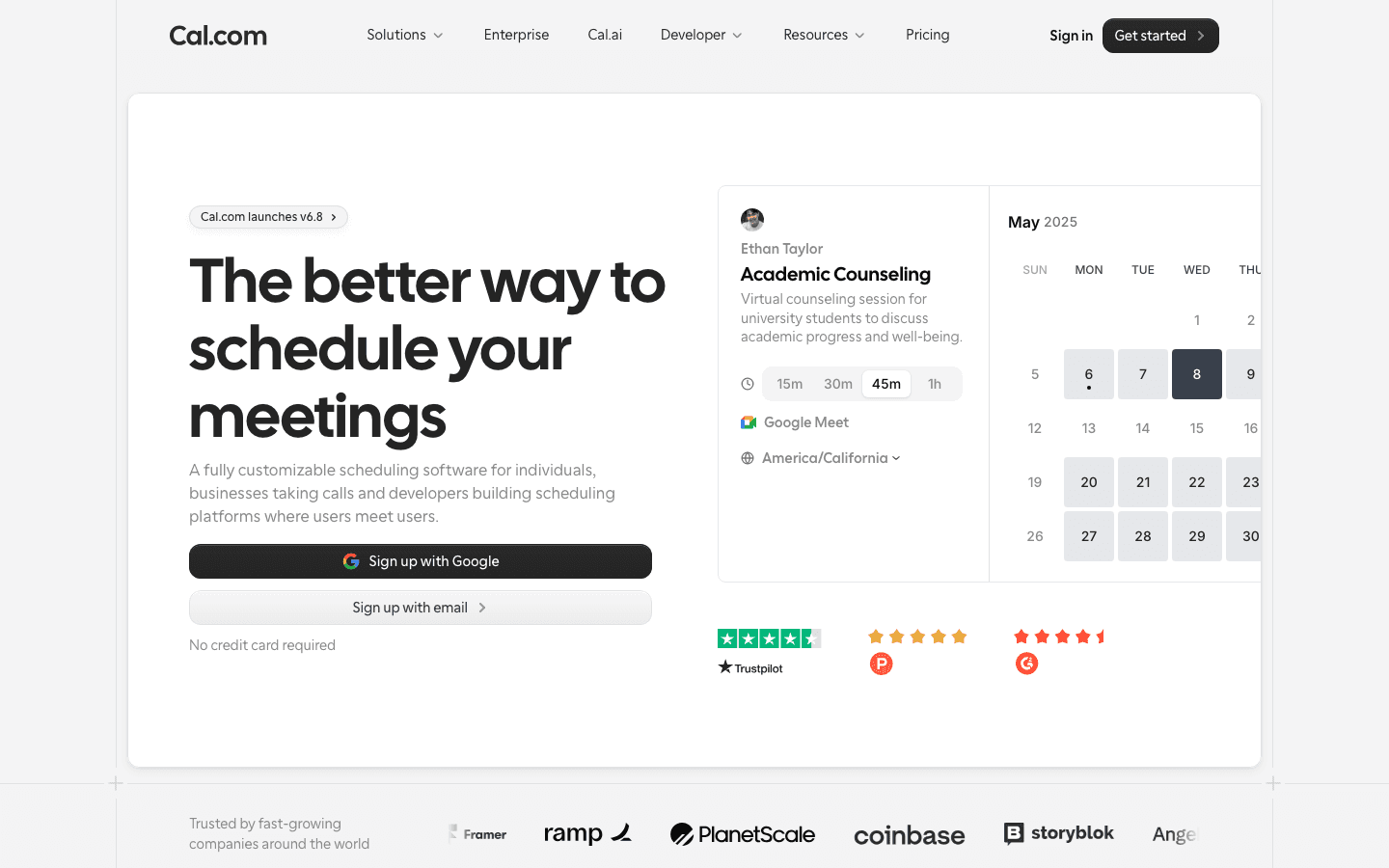
Cal.com is the most direct Calendly alternative available. It is open-source, free for individuals, and covers every feature most people actually use: booking pages, event types, calendar sync, round-robin team routing, and video conferencing integrations. The free tier is genuinely generous, not a stripped-down loss leader.
For developers or teams with specific requirements, Cal.com offers an API and self-hosting option that Calendly does not. The UI is modern and clear; setup takes under 10 minutes for a basic booking page.
Key Features:
Unlimited event types on the free plan
Round-robin and collective scheduling for teams
Google Meet, Zoom, and Microsoft Teams integrations
Open-source with self-hosting option
Payment collection via Stripe
What Works:
The free plan is more functional than most paid tiers at competitors
API extensibility makes it genuinely useful for technical teams
Actively developed with regular feature releases
Limitations:
Advanced team features require a paid plan ($12/user/month)
Can feel like overkill for simple individual booking needs
Pricing: Free; Teams from $12/user/month; Organizations from $21/user/month (annual)
Best for: Individuals and technical teams who want the most capable free Calendly replacement. Also see our Cal.com alternatives post if Cal.com itself does not quite fit.
3. SavvyCal
Best booking experience for the person scheduling with you
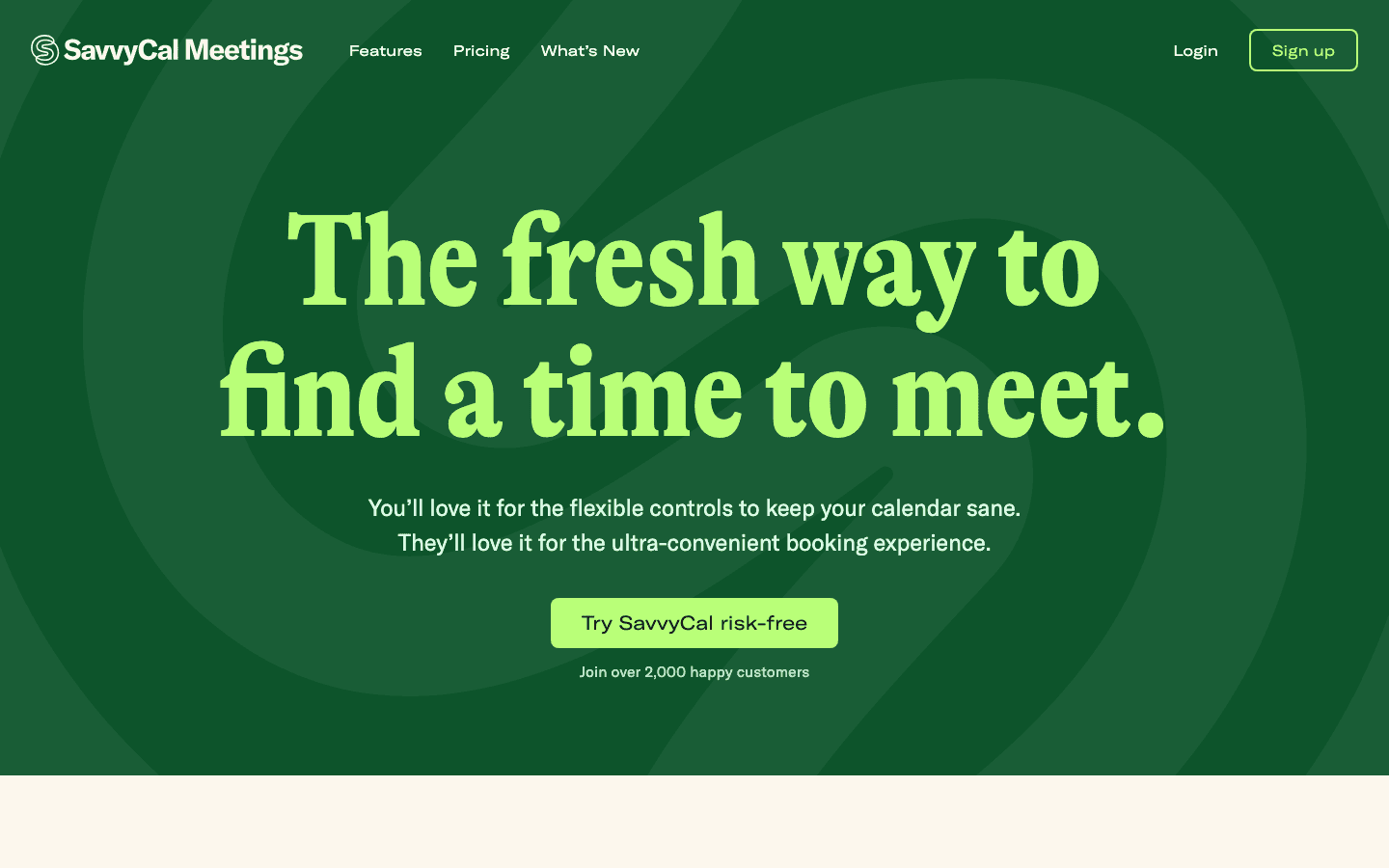
SavvyCal took a specific design bet: make the scheduling experience better for the person on the other end, not just the person who owns the booking page. The result is a tool that lets invitees overlay their own calendar on yours when picking a time, which eliminates the back-and-forth of finding a slot that works for both sides.
It is a smaller product than Cal.com but more refined in its core use case. If you schedule externally with people who also have busy calendars, SavvyCal is noticeably better than Calendly for both parties.
Key Features:
Invitee calendar overlay so both sides see availability at once
Ranked time preferences so the best times rise to the top
Google and Outlook calendar sync
Clean, minimal booking page design
What Works:
The mutual-availability view is genuinely differentiated and reduces friction
Polished, fast interface
30-day money-back guarantee
Limitations:
No free plan (paid from $10/month)
Team features are limited compared to Cal.com
Smaller integration ecosystem
Pricing: Basic $10/user/month; Premium $17/user/month
Best for: Consultants, coaches, and professionals who schedule frequently with external stakeholders
4. Acuity Scheduling
Best for service businesses needing payments and intake forms
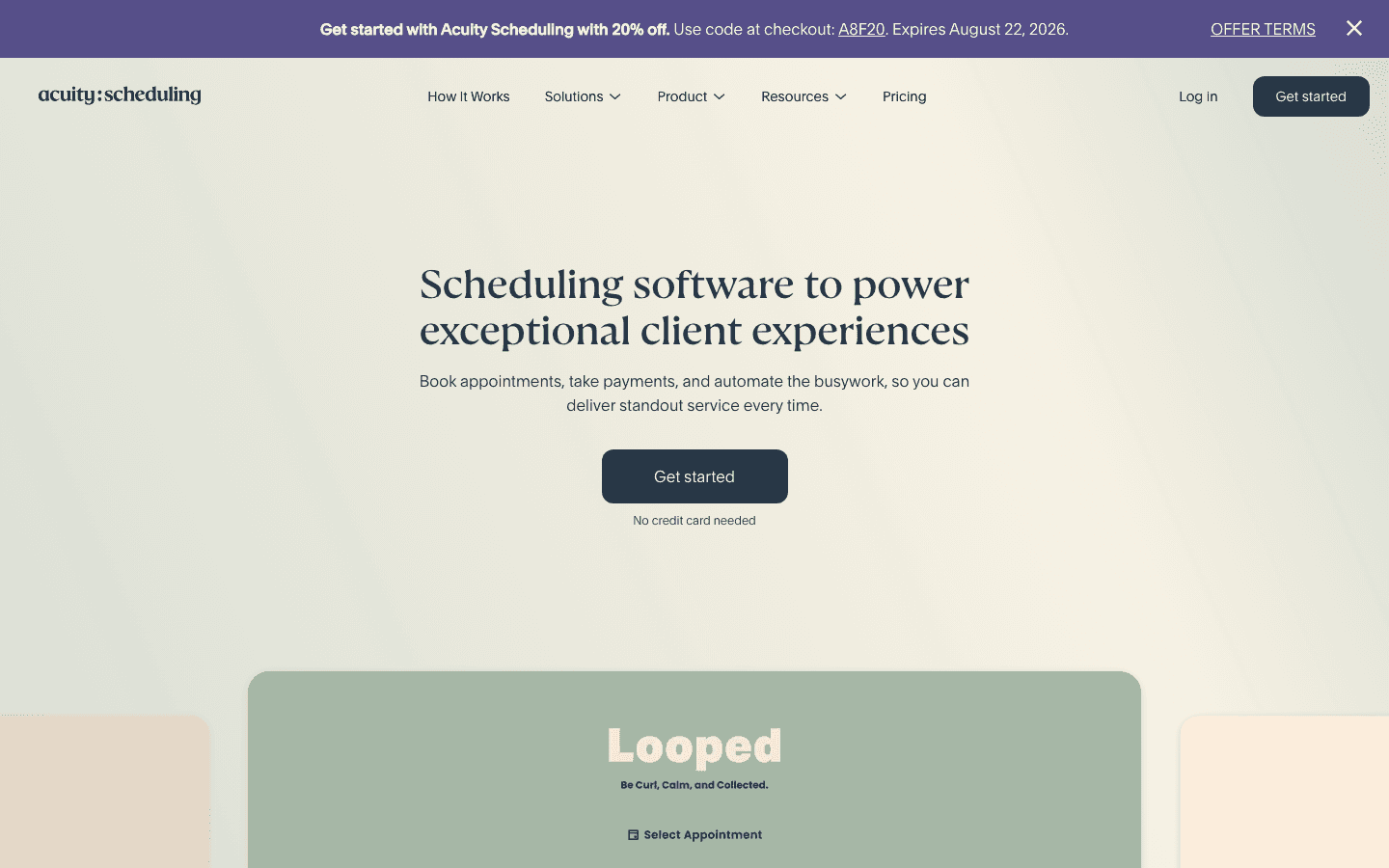
Acuity Scheduling (part of Squarespace) is built for service-based businesses: therapists, personal trainers, photographers, lawyers, and consultants who need more than a booking page. It handles intake forms, payment collection, package sales, and client management in one place.
For individual knowledge workers who just need a simple booking link, Acuity is probably overkill. But for anyone running a practice or service business where each appointment involves a form, a payment, and follow-up, it is one of the most capable tools available at its price point.
Key Features:
Custom intake forms attached to booking types
Payment collection (Stripe, PayPal, Square)
Package and subscription management
Automatic reminders and follow-ups
Client management database
What Works:
Best-in-class for service businesses with complex booking needs
7-day trial with no credit card
Tight Squarespace integration if you use that for your website
Limitations:
More expensive than Calendly at equivalent tiers
Interface is more complex than necessary for simple use cases
No energy-aware scheduling or task management layer
Pricing: Starter $16/month; Standard $27/month; Premium $49/month (7-day trial)
Best for: Therapists, coaches, photographers, and service providers who need booking plus payments
5. HubSpot Meetings
Best free option for HubSpot CRM users
HubSpot Meetings is included at no cost in HubSpot's free CRM tier. If you are already using HubSpot for sales or marketing, it is a zero-friction way to add booking pages that automatically sync meeting data to your CRM records.
Standalone, it is a competent but basic booking tool. The differentiated value comes from the CRM integration: every meeting booked through your link creates or updates a contact record, logs the meeting, and can trigger follow-up sequences automatically.
Key Features:
Free booking pages with Google and Outlook sync
Automatic CRM contact creation and logging
Group meeting links (paid HubSpot plans)
Embed on website or share as a standalone link
What Works:
Free for individuals, with no meaningful limitations on basic booking
CRM logging is automatic and eliminates manual data entry
No additional tool to manage if you are already in HubSpot
Limitations:
Advanced features require paid HubSpot plans (which are expensive)
Not useful if you do not use HubSpot CRM
No scheduling intelligence or energy-aware features
Pricing: Free with HubSpot CRM; advanced features require Sales Hub paid plans from $20/seat/month
Best for: Sales and marketing teams already using HubSpot who want booking without an extra tool
Which Calendly Alternative Is Right for You?
Your calendar is chaotic and meetings eat your focus time: start with Lifestack, add Cal.com for your booking page
You just need a free Calendly replacement: Cal.com, no contest
You schedule frequently with external clients who are also busy: SavvyCal
You run a service business and need payments and intake forms: Acuity Scheduling
You already use HubSpot CRM: HubSpot Meetings
For more scheduling tool comparisons, see our roundups of Clockwise alternatives and Google Calendar alternatives for tools that address different parts of the same problem.
Frequently Asked Questions
What is the best free Calendly alternative?
Cal.com is the strongest free alternative. The free individual plan includes unlimited event types, calendar sync, video conferencing integrations, and a public booking page with no feature limitations that would push most users to a paid plan.
Is Cal.com as good as Calendly?
For most individual users, yes. Cal.com matches Calendly's core booking functionality and adds open-source flexibility that Calendly does not offer. The main area where Calendly still has an edge is enterprise features and a more mature ecosystem of third-party integrations.
What Calendly alternative is best for teams?
Cal.com for technical teams that need routing and API flexibility. Acuity Scheduling for service-based teams. HubSpot Meetings for sales teams already on HubSpot. For teams where scheduling intelligence matters as much as booking pages, Lifestack addresses the full calendar problem rather than just the inbound link.
Is there a completely free Calendly alternative?
Yes. Cal.com has a fully functional free tier with no time limit. HubSpot Meetings is free with a HubSpot account. Google Calendar's native appointment booking is also free for Google Workspace users.
Why do people switch from Calendly?
The most common reasons are the cost of paid plans, the limited free tier (one event type), and the realization that a booking page alone does not solve the underlying problem of a disorganized calendar. For the first two reasons, Cal.com or SavvyCal typically suffice. For the third, something like Lifestack addresses the root cause rather than just the symptom.
Calendly is fine until it is not. Plenty of people switch because the free tier is too limited, because they want more calendar controls, or because they realize that the bigger problem is not their booking page but their entire schedule. The alternatives below cover both situations.
This list includes one scheduling-intelligence tool (Lifestack) and four direct Calendly replacements for booking links (Cal.com, SavvyCal, Acuity Scheduling, HubSpot Meetings). If you need a booking page specifically, Cal.com or SavvyCal will serve you well. If the real problem is that your calendar is chaotic and meetings are consuming your best working hours, Lifestack addresses that differently.
All prices below are verified as of publication.
Key Takeaways
For pure booking-link replacement, Cal.com (free) and SavvyCal ($10/month) are the strongest direct Calendly alternatives.
Lifestack solves a different but related problem: energy-aware scheduling that makes your calendar reflect how you actually work, not just when you are nominally available.
HubSpot Meetings is the best free option if you are already using HubSpot CRM for sales or marketing.
Quick Guide
Lifestack: Best for energy-aware scheduling and managing your full calendar intelligently
Cal.com: Best free open-source booking page with developer flexibility
SavvyCal: Best experience for the people booking meetings with you
Acuity Scheduling: Best for service businesses needing payments and intake forms
HubSpot Meetings: Best free option for sales teams already on HubSpot
How We Evaluated
Pricing transparency and free tier quality
Calendar integrations (Google, Outlook, Apple)
Booking page customization and UX for the person scheduling
Scheduling intelligence beyond simple availability
Mobile app quality
Team and multi-user support
1. Lifestack
Best for energy-aware scheduling and calendar intelligence
Lifestack is not a direct Calendly replacement for booking pages. It does something more fundamental: it makes your calendar actually reflect how you work best. Rather than showing every open slot as available, Lifestack schedules tasks and meetings around your energy levels so your most demanding cognitive work lands in your peak hours instead of competing with back-to-back meetings.
This matters for scheduling because the real cost of a poorly designed calendar is not just wasted time. It is deep work scheduled at 4pm, creative work after a string of draining meetings, and recovery time that never gets protected. Energy-based scheduling addresses this by treating your calendar as a system, not just a container for appointments. You can read more in the Lifestack introduction.
Key Features:
Energy-aware task scheduling that respects your peak hours
Google Calendar and Outlook integration
iOS and Android apps
Chrome extension for quick capture
Intelligent rescheduling when plans change
What Works:
Actually addresses why most Calendly users are overwhelmed (too many meetings, no protected focus time)
Simple, clean interface with low setup friction
Pairs well with a dedicated booking tool if you still need a public scheduling link
Limitations:
No public booking page (not a direct Calendly substitute for inbound scheduling)
Best used alongside, not instead of, a booking tool if you receive frequent external meeting requests
Pricing: $7/month or $50/year (7-day free trial on annual plan)
Best for: Professionals who want their calendar to work smarter, not just reflect availability
2. Cal.com
Best free open-source booking page
Cal.com is the most direct Calendly alternative available. It is open-source, free for individuals, and covers every feature most people actually use: booking pages, event types, calendar sync, round-robin team routing, and video conferencing integrations. The free tier is genuinely generous, not a stripped-down loss leader.
For developers or teams with specific requirements, Cal.com offers an API and self-hosting option that Calendly does not. The UI is modern and clear; setup takes under 10 minutes for a basic booking page.
Key Features:
Unlimited event types on the free plan
Round-robin and collective scheduling for teams
Google Meet, Zoom, and Microsoft Teams integrations
Open-source with self-hosting option
Payment collection via Stripe
What Works:
The free plan is more functional than most paid tiers at competitors
API extensibility makes it genuinely useful for technical teams
Actively developed with regular feature releases
Limitations:
Advanced team features require a paid plan ($12/user/month)
Can feel like overkill for simple individual booking needs
Pricing: Free; Teams from $12/user/month; Organizations from $21/user/month (annual)
Best for: Individuals and technical teams who want the most capable free Calendly replacement. Also see our Cal.com alternatives post if Cal.com itself does not quite fit.
3. SavvyCal
Best booking experience for the person scheduling with you
SavvyCal took a specific design bet: make the scheduling experience better for the person on the other end, not just the person who owns the booking page. The result is a tool that lets invitees overlay their own calendar on yours when picking a time, which eliminates the back-and-forth of finding a slot that works for both sides.
It is a smaller product than Cal.com but more refined in its core use case. If you schedule externally with people who also have busy calendars, SavvyCal is noticeably better than Calendly for both parties.
Key Features:
Invitee calendar overlay so both sides see availability at once
Ranked time preferences so the best times rise to the top
Google and Outlook calendar sync
Clean, minimal booking page design
What Works:
The mutual-availability view is genuinely differentiated and reduces friction
Polished, fast interface
30-day money-back guarantee
Limitations:
No free plan (paid from $10/month)
Team features are limited compared to Cal.com
Smaller integration ecosystem
Pricing: Basic $10/user/month; Premium $17/user/month
Best for: Consultants, coaches, and professionals who schedule frequently with external stakeholders
4. Acuity Scheduling
Best for service businesses needing payments and intake forms
Acuity Scheduling (part of Squarespace) is built for service-based businesses: therapists, personal trainers, photographers, lawyers, and consultants who need more than a booking page. It handles intake forms, payment collection, package sales, and client management in one place.
For individual knowledge workers who just need a simple booking link, Acuity is probably overkill. But for anyone running a practice or service business where each appointment involves a form, a payment, and follow-up, it is one of the most capable tools available at its price point.
Key Features:
Custom intake forms attached to booking types
Payment collection (Stripe, PayPal, Square)
Package and subscription management
Automatic reminders and follow-ups
Client management database
What Works:
Best-in-class for service businesses with complex booking needs
7-day trial with no credit card
Tight Squarespace integration if you use that for your website
Limitations:
More expensive than Calendly at equivalent tiers
Interface is more complex than necessary for simple use cases
No energy-aware scheduling or task management layer
Pricing: Starter $16/month; Standard $27/month; Premium $49/month (7-day trial)
Best for: Therapists, coaches, photographers, and service providers who need booking plus payments
5. HubSpot Meetings
Best free option for HubSpot CRM users
HubSpot Meetings is included at no cost in HubSpot's free CRM tier. If you are already using HubSpot for sales or marketing, it is a zero-friction way to add booking pages that automatically sync meeting data to your CRM records.
Standalone, it is a competent but basic booking tool. The differentiated value comes from the CRM integration: every meeting booked through your link creates or updates a contact record, logs the meeting, and can trigger follow-up sequences automatically.
Key Features:
Free booking pages with Google and Outlook sync
Automatic CRM contact creation and logging
Group meeting links (paid HubSpot plans)
Embed on website or share as a standalone link
What Works:
Free for individuals, with no meaningful limitations on basic booking
CRM logging is automatic and eliminates manual data entry
No additional tool to manage if you are already in HubSpot
Limitations:
Advanced features require paid HubSpot plans (which are expensive)
Not useful if you do not use HubSpot CRM
No scheduling intelligence or energy-aware features
Pricing: Free with HubSpot CRM; advanced features require Sales Hub paid plans from $20/seat/month
Best for: Sales and marketing teams already using HubSpot who want booking without an extra tool
Which Calendly Alternative Is Right for You?
Your calendar is chaotic and meetings eat your focus time: start with Lifestack, add Cal.com for your booking page
You just need a free Calendly replacement: Cal.com, no contest
You schedule frequently with external clients who are also busy: SavvyCal
You run a service business and need payments and intake forms: Acuity Scheduling
You already use HubSpot CRM: HubSpot Meetings
For more scheduling tool comparisons, see our roundups of Clockwise alternatives and Google Calendar alternatives for tools that address different parts of the same problem.
Frequently Asked Questions
What is the best free Calendly alternative?
Cal.com is the strongest free alternative. The free individual plan includes unlimited event types, calendar sync, video conferencing integrations, and a public booking page with no feature limitations that would push most users to a paid plan.
Is Cal.com as good as Calendly?
For most individual users, yes. Cal.com matches Calendly's core booking functionality and adds open-source flexibility that Calendly does not offer. The main area where Calendly still has an edge is enterprise features and a more mature ecosystem of third-party integrations.
What Calendly alternative is best for teams?
Cal.com for technical teams that need routing and API flexibility. Acuity Scheduling for service-based teams. HubSpot Meetings for sales teams already on HubSpot. For teams where scheduling intelligence matters as much as booking pages, Lifestack addresses the full calendar problem rather than just the inbound link.
Is there a completely free Calendly alternative?
Yes. Cal.com has a fully functional free tier with no time limit. HubSpot Meetings is free with a HubSpot account. Google Calendar's native appointment booking is also free for Google Workspace users.
Why do people switch from Calendly?
The most common reasons are the cost of paid plans, the limited free tier (one event type), and the realization that a booking page alone does not solve the underlying problem of a disorganized calendar. For the first two reasons, Cal.com or SavvyCal typically suffice. For the third, something like Lifestack addresses the root cause rather than just the symptom.



FOLLOW ON
FOLLOW ON
FOLLOW ON


Copyright 2026 © Lifestack. All rights reserved
Copyright 2026 © Lifestack. All rights reserved

