
App
Best Cal.com Alternatives in 2026
Best Cal.com Alternatives in 2026

Cal.com is an open-source scheduling platform with a generous free tier and solid customization options. For many users it's a good fit. But it's not the right tool for everyone. Some need a more polished booking experience for clients. Others find the feature set overwhelming, or want tighter integration with their CRM. And some just want something that requires less configuration out of the box.
The alternatives below cover different points on the price and complexity spectrum. Calendly is the market leader with the highest polish. SavvyCal has the best invitee experience. TidyCal is the most affordable option with a lifetime deal. HubSpot Meetings is the right choice if your team already runs on HubSpot.
Key Takeaways
Cal.com is a strong free option, especially for developers and technical users who want to self-host or customize. But its UI lags behind Calendly and SavvyCal for professional client-facing use.
Calendly remains the most widely recognized scheduling tool and offers the best feature breadth at mid-tier pricing.
TidyCal is the best choice if you want a clean scheduling page at the lowest possible ongoing cost.
Quick Verdict
Calendly: Best overall for professional use with teams
SavvyCal: Best invitee-first booking experience
TidyCal: Best for individuals who want a simple, cheap scheduling page
HubSpot Meetings: Best if your team uses HubSpot CRM
1. Calendly
The most widely used scheduling tool, with the strongest feature set across the mid-tier plans
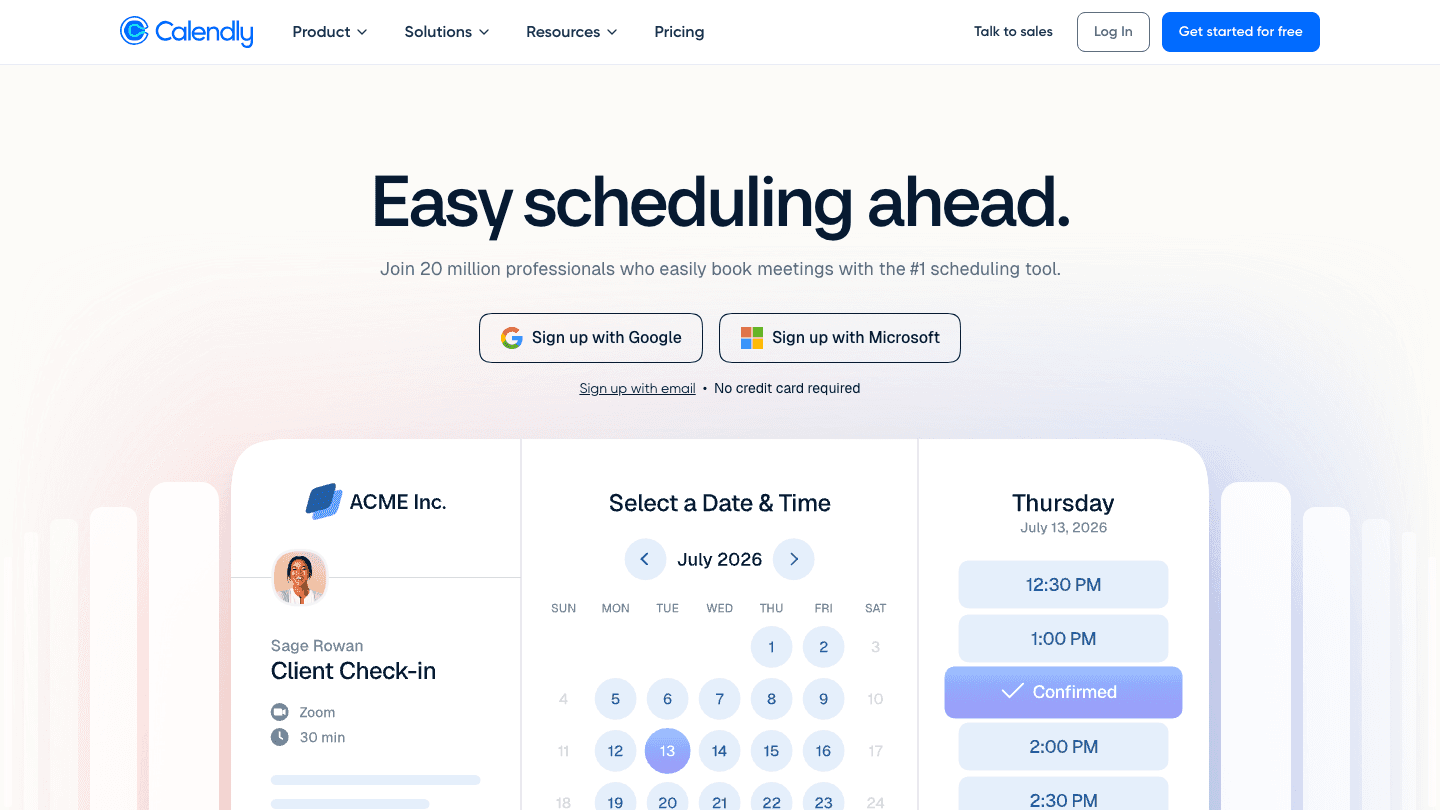
Calendly is the category leader in scheduling tools. Its booking page is clean and familiar enough that most invitees know how to use it without explanation. The free tier allows one event type, which is limiting. Standard ($10/seat/month billed annually) unlocks unlimited event types, payment collection, and multiple calendar connections. Teams ($16/seat/month) adds round-robin scheduling and shared availability.
Calendly's strengths are reliability, brand recognition, and integrations. It connects to Google Calendar, Outlook, Salesforce, HubSpot, Zoom, and dozens more. If you send a Calendly link to a prospect or client, they know exactly what to do. That familiarity has real value.
Pros: Most recognized brand. Strong team routing features. Deep CRM integrations. Reliable and well-maintained.
Cons: No invitee overlay feature (SavvyCal's differentiator). Free tier is very limited. Adds up quickly for large teams.
Pricing: Free (1 event type). Standard at $10/seat/month. Teams at $16/seat/month. (All billed annually.)
Best for: Professionals and teams who want the most trusted name in scheduling with deep integration support
2. SavvyCal
The best booking experience for the person on the other end of the link
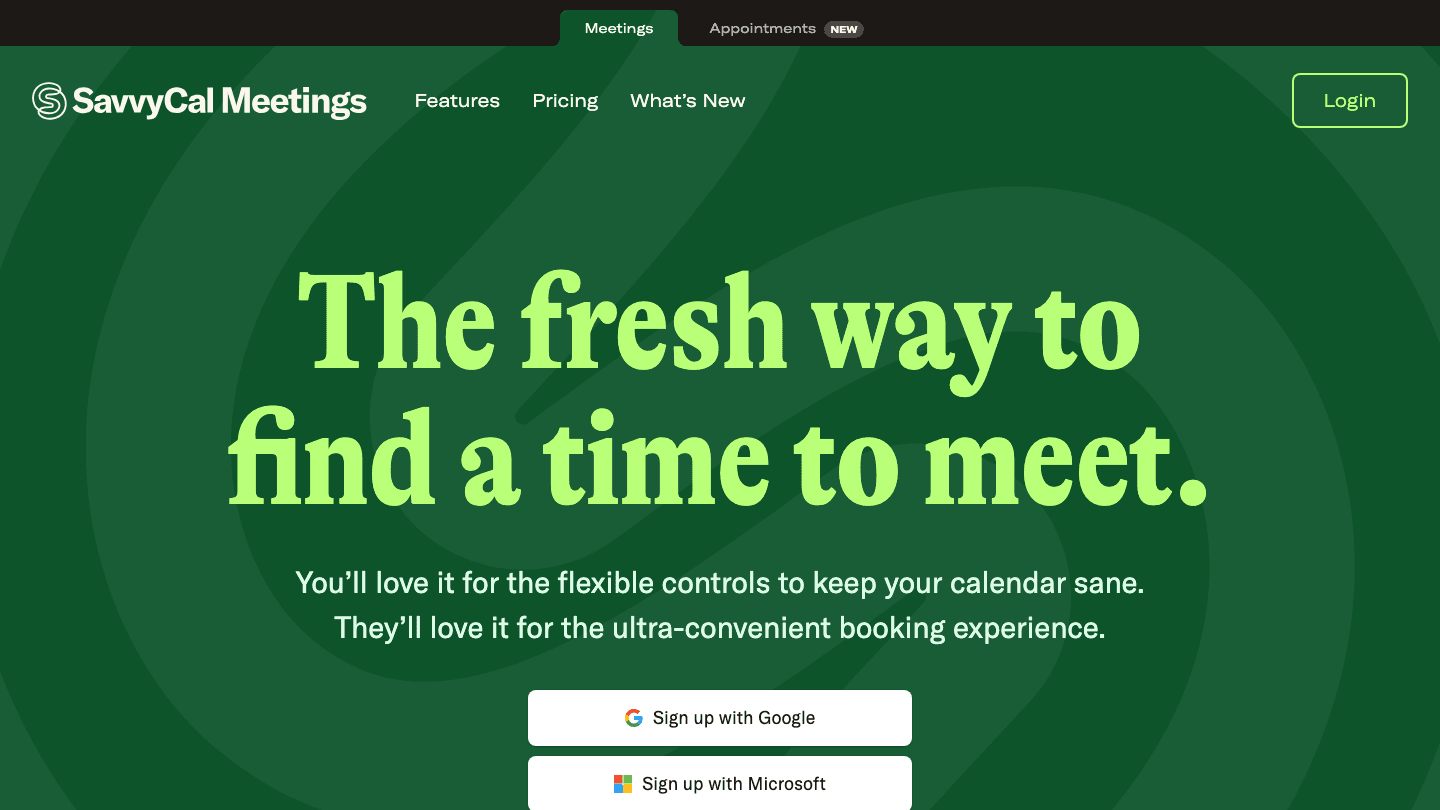
SavvyCal is built around one insight: most scheduling tools make the booking process easy for the sender and awkward for the receiver. SavvyCal fixes that by letting invitees overlay their own calendar onto your availability before picking a time. They can see their own schedule alongside your open slots, which removes the "let me check if I'm free then" mental calculation.
It's a small UX difference that makes a big practical difference in how often invitees book without back-and-forth. For sales, consulting, or any role where you send a lot of scheduling links, SavvyCal's booking experience consistently gets positive feedback from the people receiving it. It's also a solid alternative to simpler calendar sync tools that lack booking page features.
Pros: Invitee calendar overlay is unique and genuinely useful. Clean, modern UI. Strong privacy controls for when your availability is shown. Good API.
Cons: Smaller integration ecosystem than Calendly. No free tier (only a trial).
Pricing: Basic at $10/user/month. Premium at $17/user/month.
Best for: Anyone who sends frequent scheduling links and cares deeply about the invitee's booking experience
3. TidyCal
The most affordable scheduling page with a one-time lifetime option
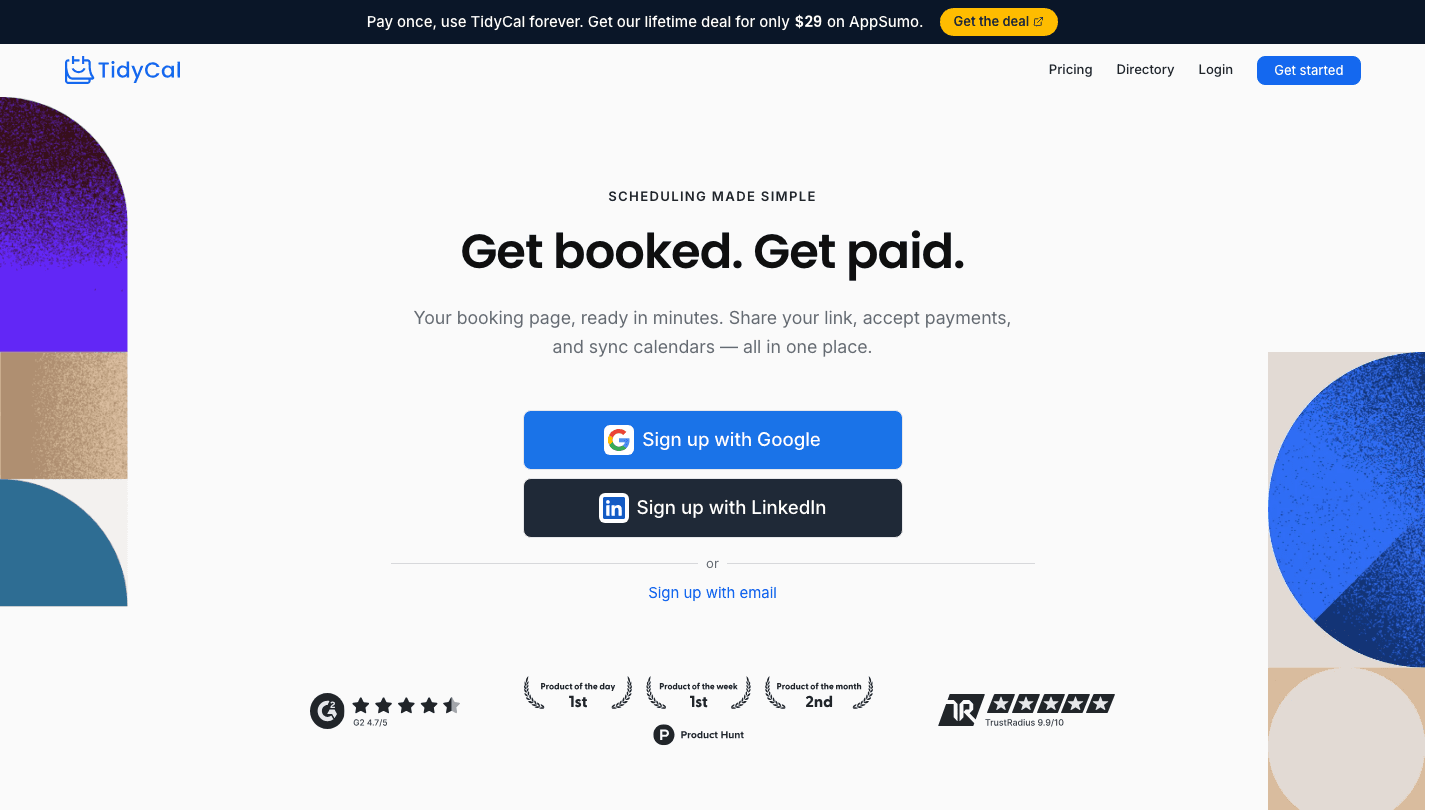
TidyCal is a no-frills scheduling page builder that does what most individuals need at a much lower cost than the major players. It syncs with Google Calendar and Outlook, handles payments via Stripe and PayPal, and creates clean booking pages in a few minutes. The UI is simpler than Calendly or SavvyCal, but for straightforward single-person scheduling, that simplicity is a feature.
The most notable pricing option is a $29 lifetime deal via AppSumo, which eliminates monthly subscription costs entirely. For freelancers and solopreneurs who want a reliable booking page without ongoing fees, this is hard to beat. The Pro plan at $12/month or $99/year covers all features without the AppSumo dependency.
Pros: Very affordable, including a lifetime deal option. Handles payments. Easy to set up. No unnecessary complexity for solo users.
Cons: Fewer integrations than Calendly. Not designed for teams. Interface is functional but not polished.
Pricing: Free plan available. Pro at $12/month or $99/year. Lifetime deal at $29 via AppSumo.
Best for: Solopreneurs and freelancers who want a simple booking page at the lowest possible cost
4. HubSpot Meetings
The best scheduling option if your team already uses HubSpot CRM
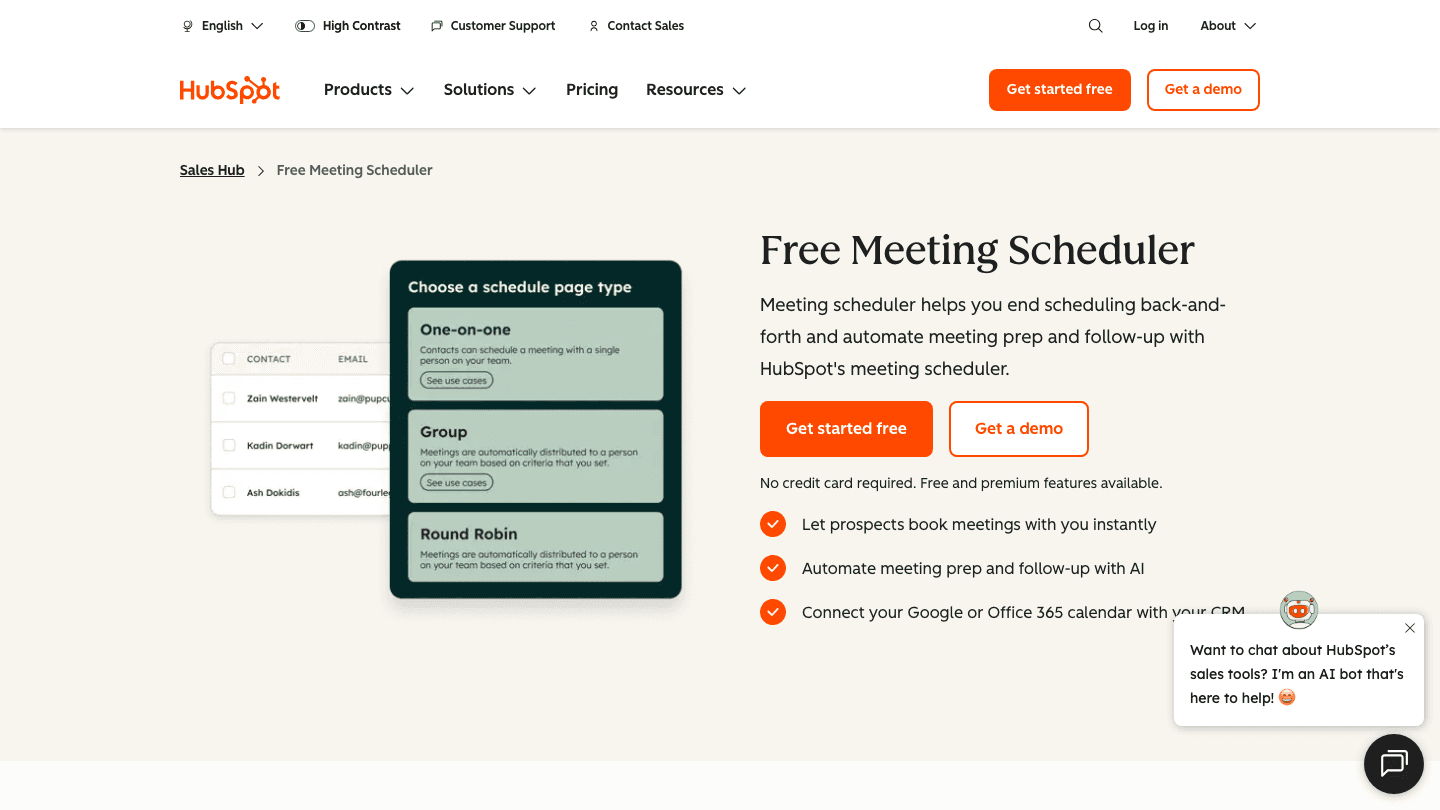
HubSpot Meetings is available free with any HubSpot account and integrates directly with HubSpot CRM, Google Calendar, and Office 365. When someone books a meeting through your HubSpot link, the contact is automatically created or updated in your CRM, and the meeting is logged against their record without any manual work.
For sales teams using HubSpot already, this tight integration makes it the obvious choice for scheduling. You don't need a separate tool, the booking data flows directly into your pipeline, and the setup takes minutes. For users without an existing HubSpot account, the onboarding overhead is significant. As a standalone scheduling tool outside the HubSpot context, Calendly and SavvyCal are more practical.
Pros: Free with HubSpot account. CRM sync is automatic and reliable. No extra tools to manage. Works well for sales team pipelines.
Cons: Not a standalone scheduling tool. Full feature set tied to higher HubSpot tiers. Onboarding HubSpot just for scheduling is overkill.
Pricing: Free with any HubSpot account. HubSpot Sales Hub paid plans start at $15/seat/month.
Best for: Sales teams already using HubSpot CRM who want meeting booking without adding another subscription
Which Cal.com Alternative Should You Choose?
You want the most polished, well-known scheduling tool: Calendly
You want the best invitee experience: SavvyCal
You want the lowest cost with no ongoing fees: TidyCal
You already run on HubSpot: HubSpot Meetings
You want to self-host and customize everything: Cal.com itself, on the self-hosted tier
A Note on Daily Planning
Scheduling tools handle external booking. But they don't help you decide when in your day to actually do focused work. If you find that meetings creep into the wrong parts of your schedule, consider pairing your scheduling tool with Lifestack, which reads your energy and recovery data from a wearable and builds your daily task schedule around your actual capacity. It protects your peak hours from becoming reactive time. It's a different problem than booking links solve, but it's the other side of the same calendar management challenge. See our guide on calendar management tools for more.
FAQ
What is the best free alternative to Cal.com?
Calendly offers a free tier with one event type. HubSpot Meetings is free with a HubSpot account. TidyCal has a free plan. Cal.com itself has a generous free hosted tier. For teams needing more than one event type or calendar, the free tiers of all these tools are limited, and paid plans are typically necessary for professional use.
What is the difference between Cal.com and Calendly?
Cal.com is open-source and can be self-hosted, giving teams full control over their scheduling infrastructure and data. Calendly is a polished SaaS product with stronger integrations and a more refined out-of-the-box experience. Cal.com suits technical teams who want customization. Calendly suits sales and services teams who want a tool that works immediately and integrates with their CRM stack.
Is SavvyCal better than Calendly?
For invitee experience, many users prefer SavvyCal because the calendar overlay feature reduces friction for the person booking. For integration breadth and team features, Calendly leads. If your primary concern is how the booking experience feels for the people clicking your link, SavvyCal is worth testing. If you need deep CRM integrations and round-robin routing, Calendly is the stronger choice.
Does cal.com integrate with Google Calendar?
Yes. Cal.com integrates with Google Calendar, Outlook, Apple Calendar, and other calendar providers. All major scheduling alternatives on this list also integrate with Google Calendar. The difference is in how smoothly those integrations work and what additional automation they enable.
Can I use a scheduling tool to protect my focus time?
Scheduling tools can block certain hours from being booked (using buffer times, availability limits, or blocked dates), but they don't manage your actual work schedule. For protecting focus time intelligently, a dedicated energy-based scheduling tool is a better fit alongside whatever booking page you use for external meetings.
Cal.com is an open-source scheduling platform with a generous free tier and solid customization options. For many users it's a good fit. But it's not the right tool for everyone. Some need a more polished booking experience for clients. Others find the feature set overwhelming, or want tighter integration with their CRM. And some just want something that requires less configuration out of the box.
The alternatives below cover different points on the price and complexity spectrum. Calendly is the market leader with the highest polish. SavvyCal has the best invitee experience. TidyCal is the most affordable option with a lifetime deal. HubSpot Meetings is the right choice if your team already runs on HubSpot.
Key Takeaways
Cal.com is a strong free option, especially for developers and technical users who want to self-host or customize. But its UI lags behind Calendly and SavvyCal for professional client-facing use.
Calendly remains the most widely recognized scheduling tool and offers the best feature breadth at mid-tier pricing.
TidyCal is the best choice if you want a clean scheduling page at the lowest possible ongoing cost.
Quick Verdict
Calendly: Best overall for professional use with teams
SavvyCal: Best invitee-first booking experience
TidyCal: Best for individuals who want a simple, cheap scheduling page
HubSpot Meetings: Best if your team uses HubSpot CRM
1. Calendly
The most widely used scheduling tool, with the strongest feature set across the mid-tier plans
Calendly is the category leader in scheduling tools. Its booking page is clean and familiar enough that most invitees know how to use it without explanation. The free tier allows one event type, which is limiting. Standard ($10/seat/month billed annually) unlocks unlimited event types, payment collection, and multiple calendar connections. Teams ($16/seat/month) adds round-robin scheduling and shared availability.
Calendly's strengths are reliability, brand recognition, and integrations. It connects to Google Calendar, Outlook, Salesforce, HubSpot, Zoom, and dozens more. If you send a Calendly link to a prospect or client, they know exactly what to do. That familiarity has real value.
Pros: Most recognized brand. Strong team routing features. Deep CRM integrations. Reliable and well-maintained.
Cons: No invitee overlay feature (SavvyCal's differentiator). Free tier is very limited. Adds up quickly for large teams.
Pricing: Free (1 event type). Standard at $10/seat/month. Teams at $16/seat/month. (All billed annually.)
Best for: Professionals and teams who want the most trusted name in scheduling with deep integration support
2. SavvyCal
The best booking experience for the person on the other end of the link
SavvyCal is built around one insight: most scheduling tools make the booking process easy for the sender and awkward for the receiver. SavvyCal fixes that by letting invitees overlay their own calendar onto your availability before picking a time. They can see their own schedule alongside your open slots, which removes the "let me check if I'm free then" mental calculation.
It's a small UX difference that makes a big practical difference in how often invitees book without back-and-forth. For sales, consulting, or any role where you send a lot of scheduling links, SavvyCal's booking experience consistently gets positive feedback from the people receiving it. It's also a solid alternative to simpler calendar sync tools that lack booking page features.
Pros: Invitee calendar overlay is unique and genuinely useful. Clean, modern UI. Strong privacy controls for when your availability is shown. Good API.
Cons: Smaller integration ecosystem than Calendly. No free tier (only a trial).
Pricing: Basic at $10/user/month. Premium at $17/user/month.
Best for: Anyone who sends frequent scheduling links and cares deeply about the invitee's booking experience
3. TidyCal
The most affordable scheduling page with a one-time lifetime option
TidyCal is a no-frills scheduling page builder that does what most individuals need at a much lower cost than the major players. It syncs with Google Calendar and Outlook, handles payments via Stripe and PayPal, and creates clean booking pages in a few minutes. The UI is simpler than Calendly or SavvyCal, but for straightforward single-person scheduling, that simplicity is a feature.
The most notable pricing option is a $29 lifetime deal via AppSumo, which eliminates monthly subscription costs entirely. For freelancers and solopreneurs who want a reliable booking page without ongoing fees, this is hard to beat. The Pro plan at $12/month or $99/year covers all features without the AppSumo dependency.
Pros: Very affordable, including a lifetime deal option. Handles payments. Easy to set up. No unnecessary complexity for solo users.
Cons: Fewer integrations than Calendly. Not designed for teams. Interface is functional but not polished.
Pricing: Free plan available. Pro at $12/month or $99/year. Lifetime deal at $29 via AppSumo.
Best for: Solopreneurs and freelancers who want a simple booking page at the lowest possible cost
4. HubSpot Meetings
The best scheduling option if your team already uses HubSpot CRM
HubSpot Meetings is available free with any HubSpot account and integrates directly with HubSpot CRM, Google Calendar, and Office 365. When someone books a meeting through your HubSpot link, the contact is automatically created or updated in your CRM, and the meeting is logged against their record without any manual work.
For sales teams using HubSpot already, this tight integration makes it the obvious choice for scheduling. You don't need a separate tool, the booking data flows directly into your pipeline, and the setup takes minutes. For users without an existing HubSpot account, the onboarding overhead is significant. As a standalone scheduling tool outside the HubSpot context, Calendly and SavvyCal are more practical.
Pros: Free with HubSpot account. CRM sync is automatic and reliable. No extra tools to manage. Works well for sales team pipelines.
Cons: Not a standalone scheduling tool. Full feature set tied to higher HubSpot tiers. Onboarding HubSpot just for scheduling is overkill.
Pricing: Free with any HubSpot account. HubSpot Sales Hub paid plans start at $15/seat/month.
Best for: Sales teams already using HubSpot CRM who want meeting booking without adding another subscription
Which Cal.com Alternative Should You Choose?
You want the most polished, well-known scheduling tool: Calendly
You want the best invitee experience: SavvyCal
You want the lowest cost with no ongoing fees: TidyCal
You already run on HubSpot: HubSpot Meetings
You want to self-host and customize everything: Cal.com itself, on the self-hosted tier
A Note on Daily Planning
Scheduling tools handle external booking. But they don't help you decide when in your day to actually do focused work. If you find that meetings creep into the wrong parts of your schedule, consider pairing your scheduling tool with Lifestack, which reads your energy and recovery data from a wearable and builds your daily task schedule around your actual capacity. It protects your peak hours from becoming reactive time. It's a different problem than booking links solve, but it's the other side of the same calendar management challenge. See our guide on calendar management tools for more.
FAQ
What is the best free alternative to Cal.com?
Calendly offers a free tier with one event type. HubSpot Meetings is free with a HubSpot account. TidyCal has a free plan. Cal.com itself has a generous free hosted tier. For teams needing more than one event type or calendar, the free tiers of all these tools are limited, and paid plans are typically necessary for professional use.
What is the difference between Cal.com and Calendly?
Cal.com is open-source and can be self-hosted, giving teams full control over their scheduling infrastructure and data. Calendly is a polished SaaS product with stronger integrations and a more refined out-of-the-box experience. Cal.com suits technical teams who want customization. Calendly suits sales and services teams who want a tool that works immediately and integrates with their CRM stack.
Is SavvyCal better than Calendly?
For invitee experience, many users prefer SavvyCal because the calendar overlay feature reduces friction for the person booking. For integration breadth and team features, Calendly leads. If your primary concern is how the booking experience feels for the people clicking your link, SavvyCal is worth testing. If you need deep CRM integrations and round-robin routing, Calendly is the stronger choice.
Does cal.com integrate with Google Calendar?
Yes. Cal.com integrates with Google Calendar, Outlook, Apple Calendar, and other calendar providers. All major scheduling alternatives on this list also integrate with Google Calendar. The difference is in how smoothly those integrations work and what additional automation they enable.
Can I use a scheduling tool to protect my focus time?
Scheduling tools can block certain hours from being booked (using buffer times, availability limits, or blocked dates), but they don't manage your actual work schedule. For protecting focus time intelligently, a dedicated energy-based scheduling tool is a better fit alongside whatever booking page you use for external meetings.



FOLLOW ON
FOLLOW ON
FOLLOW ON


Copyright 2026 © Lifestack. All rights reserved
Copyright 2026 © Lifestack. All rights reserved

