
App
Best Apps to Use With Google Calendar
Best Apps to Use With Google Calendar

Google Calendar is one of the most widely used apps in the world. It's free, works across every platform, and syncs with Gmail, Meet, and the rest of the Google Workspace. But on its own, Google Calendar doesn't help you manage tasks, schedule deep work, or adapt your day to your energy levels. That's where companion apps come in.
These five apps pair directly with Google Calendar to add functionality that GCal doesn't provide natively, whether that's AI-powered task scheduling, better visual planning, or a richer calendar client.
Key Takeaways
Lifestack is the best companion for Google Calendar if you want AI to schedule your tasks around your energy, not just your free time slots.
Todoist and TickTick are the strongest task managers that sync tasks alongside GCal events in a unified timeline.
Fantastical is the best standalone calendar client for Apple users who want a richer Google Calendar experience on their devices.
Quick Guide
1. Lifestack: AI scheduling + energy-aware planner on top of Google Calendar
2. Todoist: task manager with deep GCal integration
3. Fantastical: premium calendar client for Google Calendar on Apple devices
4. Any.do: simple task planner with GCal sync
5. TickTick: combined task manager and calendar view
1. Lifestack: Best for AI Scheduling on Top of Google Calendar
Turns your Google Calendar into an energy-aware daily planner.

Lifestack syncs with Google Calendar and adds a layer of intelligence on top of it. Your meetings stay in Google Calendar. Lifestack reads those events, combines them with your task list and wearable data (Oura, Garmin, Apple Health), and builds a daily schedule that places your tasks during your actual cognitive peak hours.
The result is a daily planner that syncs with Google Calendar and does the time-blocking work for you. Instead of manually deciding when to work on each task each morning, Lifestack auto-schedules everything based on your energy, your calendar availability, and your priorities.
Key Features
Full Google Calendar sync (read and write events)
Energy-aware auto-scheduling using wearable data
Integrates tasks from Todoist, Google Tasks, and Apple Reminders
iOS, Android, Chrome extension
What Works
Adds AI scheduling to Google Calendar without replacing it
Unique energy layer makes task placement smarter than standard time blocking
Works best as a companion to GCal, not a replacement
Limitations
Not a free tool; requires a subscription for the scheduling features
Full energy features require a connected wearable
Pricing: $7/month, $50/year, or $120 lifetime. 7-day free trial on the annual plan.
Best for: People who want AI to auto-schedule their work around their Google Calendar events and energy patterns.
2. Todoist: Best Task Manager with Google Calendar Sync
Adds a proper task layer to Google Calendar's event view.
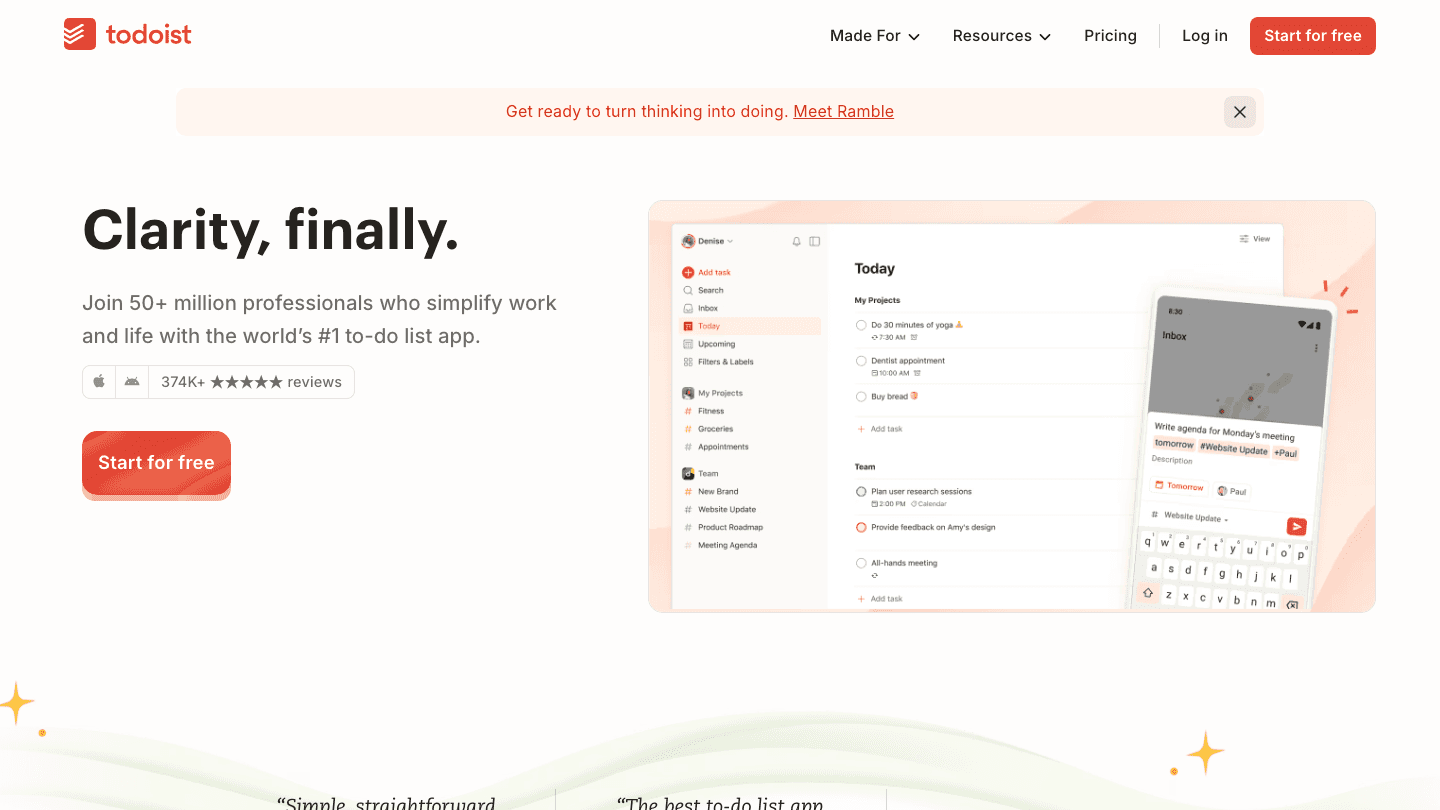
Todoist has one of the tightest Google Calendar integrations available. You can sync tasks with due dates directly to Google Calendar so they appear as events, and you can view your calendar events inside Todoist's calendar layout. It effectively bridges the gap between your task list and your calendar without requiring a separate scheduling app.
For a deeper look at pairing these tools, see our guide on using Todoist with a daily planner. If you also use Google Tasks, Todoist can replace it with more structure while keeping everything visible in the same calendar.
What Works
Two-way calendar sync: tasks appear as GCal events and vice versa
Calendar layout view in the Pro plan shows tasks and events together
Works on every platform, deeply integrated with the Google ecosystem
Limitations
No AI scheduling; you assign tasks to dates manually
Calendar view requires the Pro plan
Pricing: Free; Pro approximately $5/month or $36/year.
Best for: People who want their task list to show up in Google Calendar automatically without switching apps.
3. Fantastical: Best Calendar Client for Apple Users
A richer, more powerful way to view and manage your Google Calendar on Apple devices.
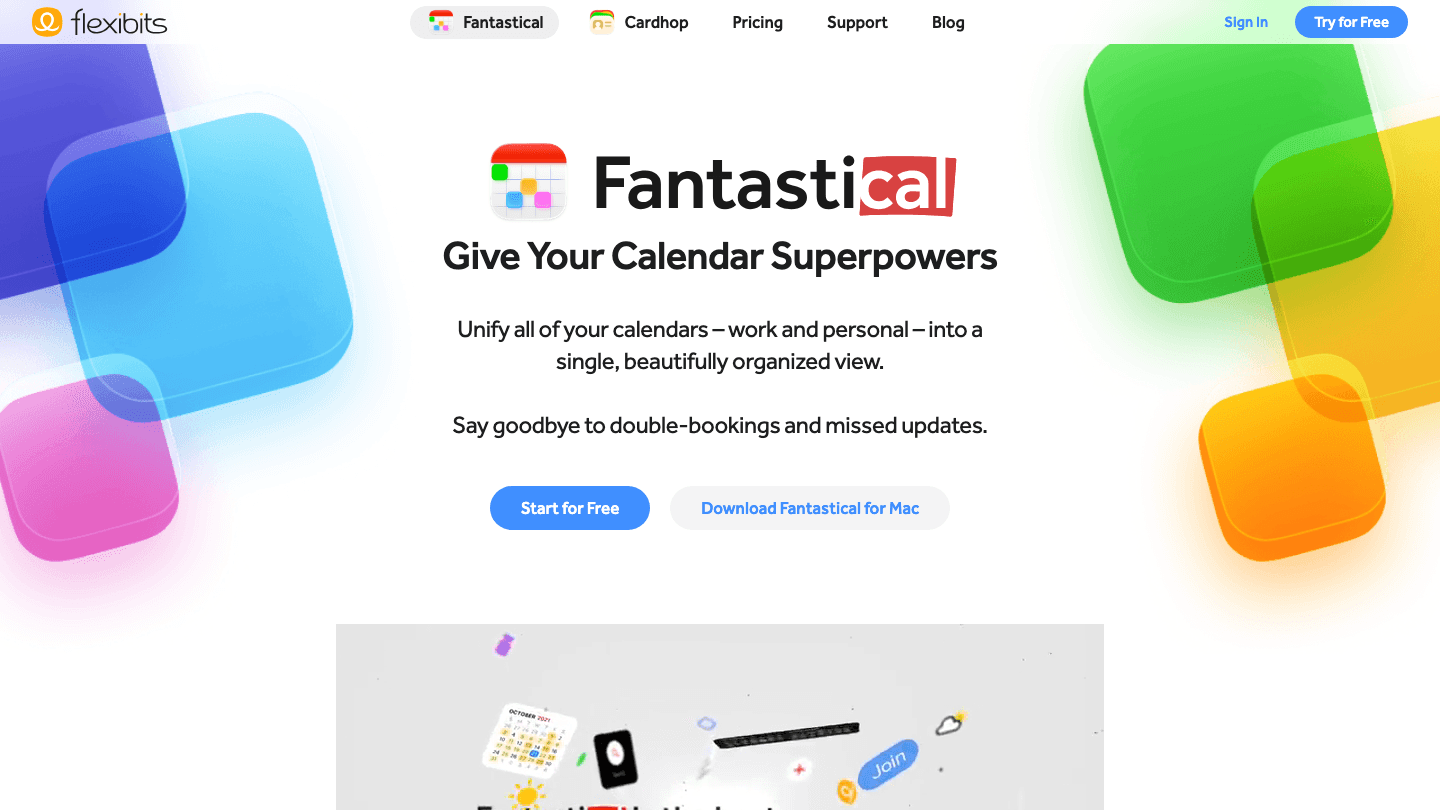
Fantastical is the premium calendar client for iPhone, iPad, and Mac. It pulls in your Google Calendar events and presents them in a cleaner, more functional interface than Google Calendar's own apps. Natural language event creation ("meeting with Sarah Thursday at 2pm conference room B") works better here than anywhere else.
Fantastical adds task support, weather integration, Zoom link detection, and a "meet with" scheduling feature. For Apple users who spend most of their day in their calendar, it's worth the subscription. It's not an AI scheduler, but it makes the experience of managing your Google Calendar significantly better.
What Works
Best natural language entry for calendar events
Clean interface across iPhone, iPad, Mac, and Apple Watch
Handles multiple calendar accounts (GCal, iCloud, Exchange) in one view
Limitations
Apple ecosystem only (no Android or Windows)
Premium pricing for what is essentially a calendar UI improvement
No AI scheduling or energy awareness
Pricing: Free tier available; Premium approximately $6.99/month or $56.99/year. 14-day free trial.
Best for: Apple users who want a better interface and more features on top of their Google Calendar.
4. Any.do: Best Simple Planner with Google Calendar Sync
Clean, straightforward task planner that connects to Google Calendar.
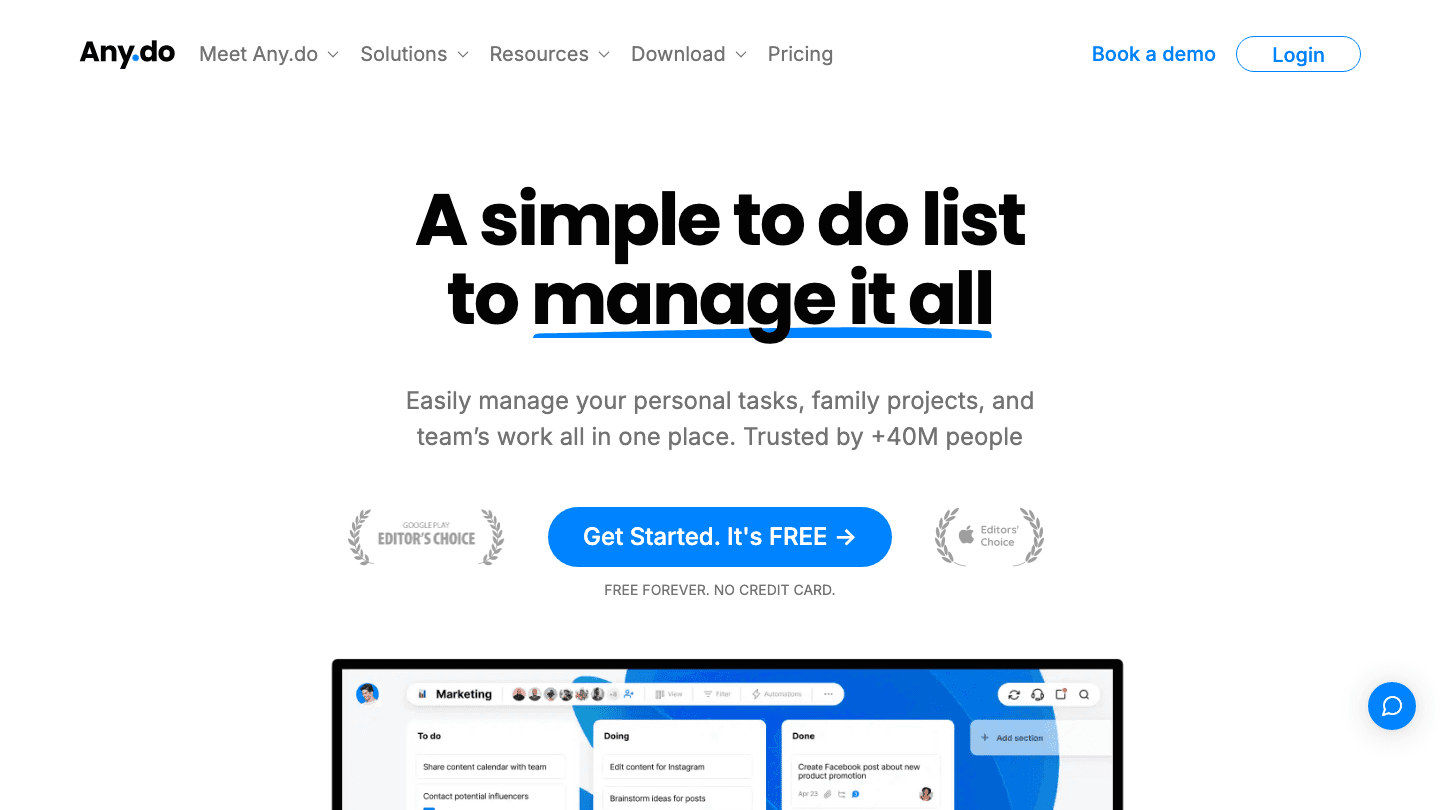
Any.do syncs with Google Calendar to show your events alongside your daily tasks. The My Day view helps you focus on today's priorities without the full complexity of a project management tool. It's a good option for people who want a simple task companion for their calendar, not another feature-heavy app to learn.
The daily planning ritual built into Any.do (a morning prompt to review and prioritize your day) makes it useful for people who have Google Calendar for meetings but need a structure for everything else on their plate.
Pricing: Free; Premium from $3.99/month.
Best for: People who want a simple, low-friction task planner that works alongside Google Calendar.
5. TickTick: Best Combined Task and Calendar View
Tasks and Google Calendar events in a single weekly timeline.
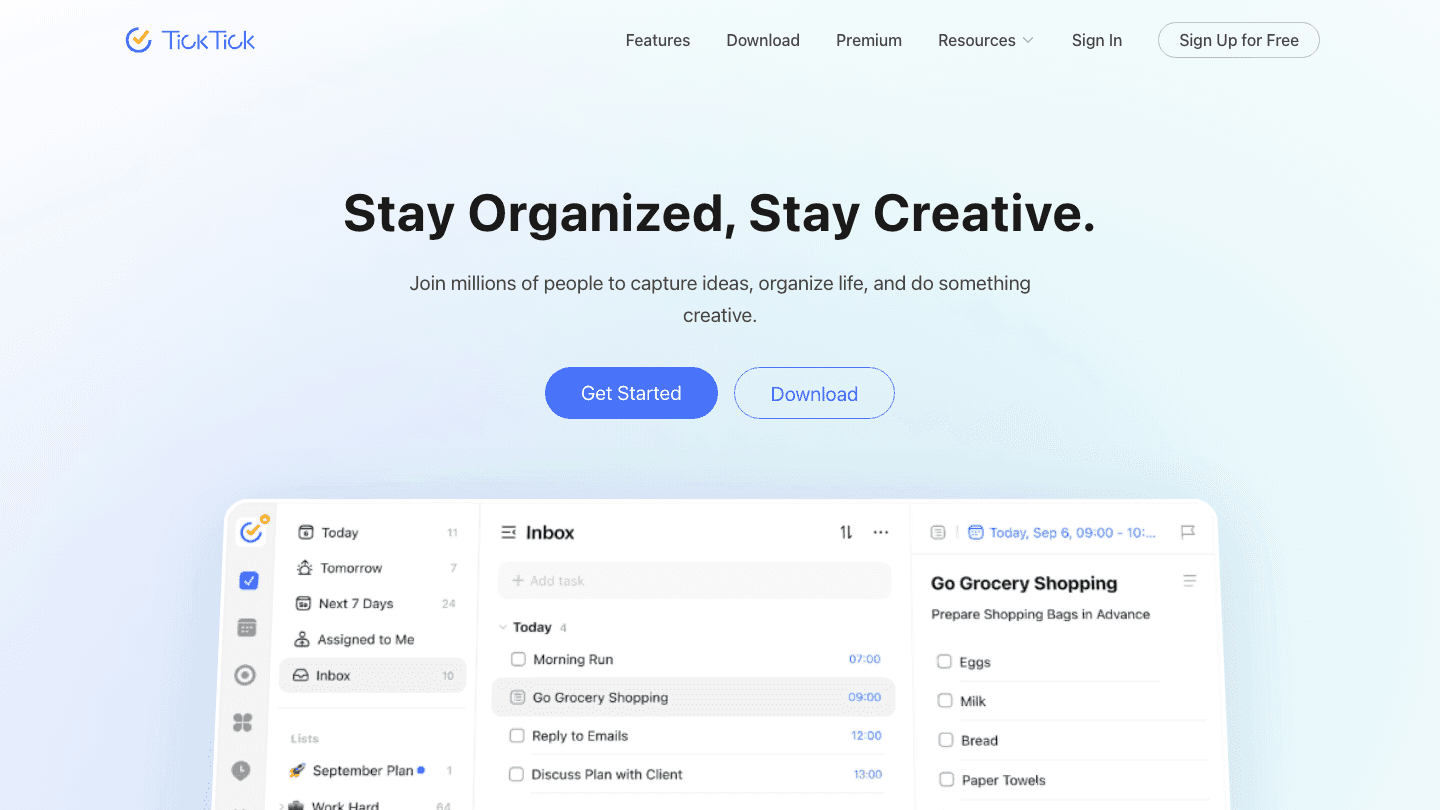
TickTick is the most capable all-in-one option at this price point. Its premium plan shows your tasks and Google Calendar events side by side in a weekly view, making it easier to see your full week at once. It also includes habit tracking, a Pomodoro timer, and a priority matrix view.
The Google Calendar integration pulls your events directly into TickTick's calendar view. Combined with a solid time blocking workflow, it eliminates the need to switch between a task app and your calendar for most daily planning. Also see our guide to drag-and-drop calendar planners for more options that work with GCal.
Pricing: Free; Premium $3.99/month or $35.99/year.
Best for: People who want tasks, habits, and Google Calendar combined in one affordable subscription.
Which App to Use With Google Calendar?
Want AI to auto-schedule tasks on your calendar: Lifestack
Want the most popular task manager with GCal sync: Todoist
Want a better calendar client on your Apple devices: Fantastical
Want a simple, clean planner: Any.do
Want tasks, habits, and calendar in one view: TickTick
Frequently Asked Questions
What apps work with Google Calendar?
Hundreds of apps integrate with Google Calendar, but the best companions add something Google Calendar doesn't provide natively: AI scheduling (Lifestack), task management (Todoist, TickTick), a better visual interface (Fantastical), or simple personal planning (Any.do).
Can I use a task manager with Google Calendar?
Yes. Todoist and TickTick both offer deep Google Calendar integration. Tasks with due dates appear as calendar events, and calendar events can be viewed inside the task app's timeline. This means your to-do list and your meetings live in the same visual space.
Is there a free app that works with Google Calendar?
Todoist's free tier syncs tasks to Google Calendar. Any.do has a solid free tier with GCal integration. TickTick's free version doesn't include the calendar view (that's a premium feature) but does support basic GCal sync. Fantastical also has a free tier for basic calendar viewing.
What is the best AI planner that works with Google Calendar?
Lifestack is the best AI planner built for Google Calendar integration. It reads your events, learns your energy patterns from wearable data, and automatically schedules your tasks into the optimal slots in your calendar. At $7/month, it's also the most affordable AI scheduling option compared to competitors.
Can Google Calendar do time blocking?
Google Calendar supports manual time blocking. You can create events for your deep work and focus time. What it doesn't do is automate the process or adapt your blocks to your energy. Tools like Lifestack add that layer on top of GCal, and our guide to time blocking apps covers the full range of options.
Google Calendar is one of the most widely used apps in the world. It's free, works across every platform, and syncs with Gmail, Meet, and the rest of the Google Workspace. But on its own, Google Calendar doesn't help you manage tasks, schedule deep work, or adapt your day to your energy levels. That's where companion apps come in.
These five apps pair directly with Google Calendar to add functionality that GCal doesn't provide natively, whether that's AI-powered task scheduling, better visual planning, or a richer calendar client.
Key Takeaways
Lifestack is the best companion for Google Calendar if you want AI to schedule your tasks around your energy, not just your free time slots.
Todoist and TickTick are the strongest task managers that sync tasks alongside GCal events in a unified timeline.
Fantastical is the best standalone calendar client for Apple users who want a richer Google Calendar experience on their devices.
Quick Guide
1. Lifestack: AI scheduling + energy-aware planner on top of Google Calendar
2. Todoist: task manager with deep GCal integration
3. Fantastical: premium calendar client for Google Calendar on Apple devices
4. Any.do: simple task planner with GCal sync
5. TickTick: combined task manager and calendar view
1. Lifestack: Best for AI Scheduling on Top of Google Calendar
Turns your Google Calendar into an energy-aware daily planner.
Lifestack syncs with Google Calendar and adds a layer of intelligence on top of it. Your meetings stay in Google Calendar. Lifestack reads those events, combines them with your task list and wearable data (Oura, Garmin, Apple Health), and builds a daily schedule that places your tasks during your actual cognitive peak hours.
The result is a daily planner that syncs with Google Calendar and does the time-blocking work for you. Instead of manually deciding when to work on each task each morning, Lifestack auto-schedules everything based on your energy, your calendar availability, and your priorities.
Key Features
Full Google Calendar sync (read and write events)
Energy-aware auto-scheduling using wearable data
Integrates tasks from Todoist, Google Tasks, and Apple Reminders
iOS, Android, Chrome extension
What Works
Adds AI scheduling to Google Calendar without replacing it
Unique energy layer makes task placement smarter than standard time blocking
Works best as a companion to GCal, not a replacement
Limitations
Not a free tool; requires a subscription for the scheduling features
Full energy features require a connected wearable
Pricing: $7/month, $50/year, or $120 lifetime. 7-day free trial on the annual plan.
Best for: People who want AI to auto-schedule their work around their Google Calendar events and energy patterns.
2. Todoist: Best Task Manager with Google Calendar Sync
Adds a proper task layer to Google Calendar's event view.
Todoist has one of the tightest Google Calendar integrations available. You can sync tasks with due dates directly to Google Calendar so they appear as events, and you can view your calendar events inside Todoist's calendar layout. It effectively bridges the gap between your task list and your calendar without requiring a separate scheduling app.
For a deeper look at pairing these tools, see our guide on using Todoist with a daily planner. If you also use Google Tasks, Todoist can replace it with more structure while keeping everything visible in the same calendar.
What Works
Two-way calendar sync: tasks appear as GCal events and vice versa
Calendar layout view in the Pro plan shows tasks and events together
Works on every platform, deeply integrated with the Google ecosystem
Limitations
No AI scheduling; you assign tasks to dates manually
Calendar view requires the Pro plan
Pricing: Free; Pro approximately $5/month or $36/year.
Best for: People who want their task list to show up in Google Calendar automatically without switching apps.
3. Fantastical: Best Calendar Client for Apple Users
A richer, more powerful way to view and manage your Google Calendar on Apple devices.
Fantastical is the premium calendar client for iPhone, iPad, and Mac. It pulls in your Google Calendar events and presents them in a cleaner, more functional interface than Google Calendar's own apps. Natural language event creation ("meeting with Sarah Thursday at 2pm conference room B") works better here than anywhere else.
Fantastical adds task support, weather integration, Zoom link detection, and a "meet with" scheduling feature. For Apple users who spend most of their day in their calendar, it's worth the subscription. It's not an AI scheduler, but it makes the experience of managing your Google Calendar significantly better.
What Works
Best natural language entry for calendar events
Clean interface across iPhone, iPad, Mac, and Apple Watch
Handles multiple calendar accounts (GCal, iCloud, Exchange) in one view
Limitations
Apple ecosystem only (no Android or Windows)
Premium pricing for what is essentially a calendar UI improvement
No AI scheduling or energy awareness
Pricing: Free tier available; Premium approximately $6.99/month or $56.99/year. 14-day free trial.
Best for: Apple users who want a better interface and more features on top of their Google Calendar.
4. Any.do: Best Simple Planner with Google Calendar Sync
Clean, straightforward task planner that connects to Google Calendar.
Any.do syncs with Google Calendar to show your events alongside your daily tasks. The My Day view helps you focus on today's priorities without the full complexity of a project management tool. It's a good option for people who want a simple task companion for their calendar, not another feature-heavy app to learn.
The daily planning ritual built into Any.do (a morning prompt to review and prioritize your day) makes it useful for people who have Google Calendar for meetings but need a structure for everything else on their plate.
Pricing: Free; Premium from $3.99/month.
Best for: People who want a simple, low-friction task planner that works alongside Google Calendar.
5. TickTick: Best Combined Task and Calendar View
Tasks and Google Calendar events in a single weekly timeline.
TickTick is the most capable all-in-one option at this price point. Its premium plan shows your tasks and Google Calendar events side by side in a weekly view, making it easier to see your full week at once. It also includes habit tracking, a Pomodoro timer, and a priority matrix view.
The Google Calendar integration pulls your events directly into TickTick's calendar view. Combined with a solid time blocking workflow, it eliminates the need to switch between a task app and your calendar for most daily planning. Also see our guide to drag-and-drop calendar planners for more options that work with GCal.
Pricing: Free; Premium $3.99/month or $35.99/year.
Best for: People who want tasks, habits, and Google Calendar combined in one affordable subscription.
Which App to Use With Google Calendar?
Want AI to auto-schedule tasks on your calendar: Lifestack
Want the most popular task manager with GCal sync: Todoist
Want a better calendar client on your Apple devices: Fantastical
Want a simple, clean planner: Any.do
Want tasks, habits, and calendar in one view: TickTick
Frequently Asked Questions
What apps work with Google Calendar?
Hundreds of apps integrate with Google Calendar, but the best companions add something Google Calendar doesn't provide natively: AI scheduling (Lifestack), task management (Todoist, TickTick), a better visual interface (Fantastical), or simple personal planning (Any.do).
Can I use a task manager with Google Calendar?
Yes. Todoist and TickTick both offer deep Google Calendar integration. Tasks with due dates appear as calendar events, and calendar events can be viewed inside the task app's timeline. This means your to-do list and your meetings live in the same visual space.
Is there a free app that works with Google Calendar?
Todoist's free tier syncs tasks to Google Calendar. Any.do has a solid free tier with GCal integration. TickTick's free version doesn't include the calendar view (that's a premium feature) but does support basic GCal sync. Fantastical also has a free tier for basic calendar viewing.
What is the best AI planner that works with Google Calendar?
Lifestack is the best AI planner built for Google Calendar integration. It reads your events, learns your energy patterns from wearable data, and automatically schedules your tasks into the optimal slots in your calendar. At $7/month, it's also the most affordable AI scheduling option compared to competitors.
Can Google Calendar do time blocking?
Google Calendar supports manual time blocking. You can create events for your deep work and focus time. What it doesn't do is automate the process or adapt your blocks to your energy. Tools like Lifestack add that layer on top of GCal, and our guide to time blocking apps covers the full range of options.



FOLLOW ON
FOLLOW ON
FOLLOW ON


Copyright 2026 © Lifestack. All rights reserved
Copyright 2026 © Lifestack. All rights reserved

