
App
Best OneCal Alternatives in 2026
Best OneCal Alternatives in 2026

OneCal does one thing well: it keeps multiple calendars in sync so you never get double-booked. If that's all you need, it's a reasonable tool. But a lot of people searching for OneCal alternatives are looking for something with more range. Either the pricing doesn't scale the way they'd like, or they want scheduling links with more flexibility, or they'd rather have a smarter daily planning tool instead of a pure sync layer.
We tested five of the best OneCal alternatives in 2026, looking at calendar sync capabilities, scheduling link features, AI planning, design quality, and pricing. Whatever made you look for something different, there's an option here worth considering.
If you manage several calendars across Google, Apple, or Outlook accounts, the right alternative depends on whether you're solving a sync problem, a scheduling link problem, or a daily planning problem. These are related but distinct needs, and different apps solve them better than others.
Key Takeaways
Lifestack is the best choice for people who want AI to help plan their day, not just sync events
Calendly is the strongest alternative for anyone focused primarily on meeting scheduling links
Morgen and Fantastical cover the multi-calendar management use case at different price points
Quick Guide: Best OneCal Alternatives
Lifestack: Best for energy-aware AI daily planning
Calendly: Best for meeting scheduling and booking links
Fantastical: Best premium Apple-native calendar management
Morgen: Best unified calendar with AI planning for desktop
Notion Calendar: Best free multi-calendar option
How We Evaluated
Multi-calendar support (Google, Apple, Outlook)
Scheduling link quality and flexibility
AI or automation features for planning
Mobile and desktop app quality
Pricing clarity and value
1. Lifestack: Best OneCal Alternative for Smart Scheduling
Replaces the sync layer with an AI that actively plans your day around your energy

Lifestack takes a different approach from OneCal. Instead of syncing calendars together to prevent conflicts, it reads your existing Google and Apple calendar data, your tasks, and your energy patterns, then automatically drafts a daily schedule that puts the right work at the right time. If you've been syncing calendars primarily to get a cleaner picture of your day, Lifestack solves that problem while also doing something OneCal can't: helping you actually plan better.
The auto-scheduling feature is the core differentiator. Each morning, Lifestack builds a suggested daily plan based on your calendar commitments, task list, and focus energy. You can adjust it freely, but the starting point is usually solid. It's a shift from managing where events land to having a system that helps you decide what to work on and when.
Key Features
Energy-aware AI scheduling that adapts to your peak focus hours
Integrates with Google Calendar and Apple Calendar
Unified task and calendar view in a single clean interface
iOS, Android, and Chrome extension
What Works
Moves beyond sync to actively improve how you use your time
Clean, well-designed interface that makes your day easy to read
Good value at $7/month compared to OneCal's $10-25/month range
Limitations
Not a dedicated multi-calendar sync tool; won't mirror events across providers
No team or shared calendar features
Pricing: $7/month or $50/year. 7-day free trial on the annual plan.
Best for: People who want their calendar to help them plan better, not just display what's already there
2. Calendly: Best for Scheduling Links
The most widely used external meeting booking tool, now with multi-calendar support
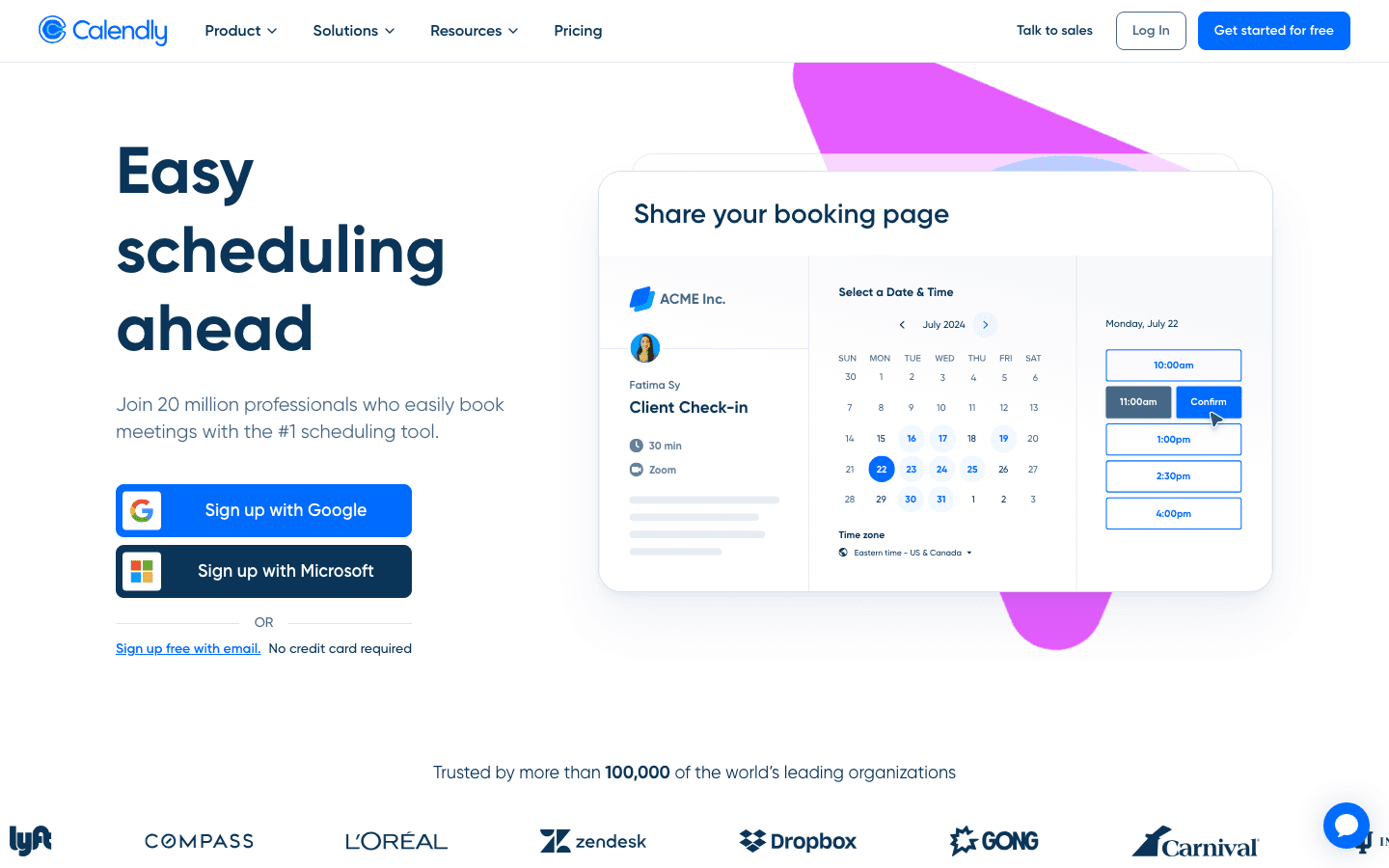
Calendly is the default choice for professionals who share booking links with clients, candidates, or anyone outside their organization. The free tier gives you one event type with one calendar connection, which is enough for basic use. The paid tiers add multiple event types, multi-calendar connections (to avoid double-booking across accounts), and integrations with Salesforce, HubSpot, Stripe, and dozens of other tools.
If OneCal's scheduling links are the primary reason you use it, Calendly is the more mature alternative. It has a larger install base, more routing options, and deeper CRM integrations. The round-robin meeting distribution on the Teams plan is especially useful for sales or customer success teams who need to distribute inbound bookings fairly.
Key Features
Shareable booking pages with customizable availability
One-way sync to prevent double-booking across up to 6 calendars (paid)
Round-robin meeting routing for teams
Integrations with Zoom, Google Meet, Stripe, HubSpot, Salesforce
Mobile apps for iOS and Android
What Works
The most recognized scheduling link tool; clients trust the interface
Free tier is genuinely useful for solo professionals
Deep integrations with sales and marketing tools
Limitations
Not a daily planning tool; it's purely for inbound scheduling
Teams plan pricing ($16/seat/month) adds up quickly for larger teams
Pricing: Free tier available. Standard: $10/seat/month (annual). Teams: $16/seat/month (annual).
Best for: Professionals who share external booking links and need more routing flexibility than OneCal offers
3. Fantastical: Best Premium Calendar Management
The most polished multi-calendar experience on Apple devices
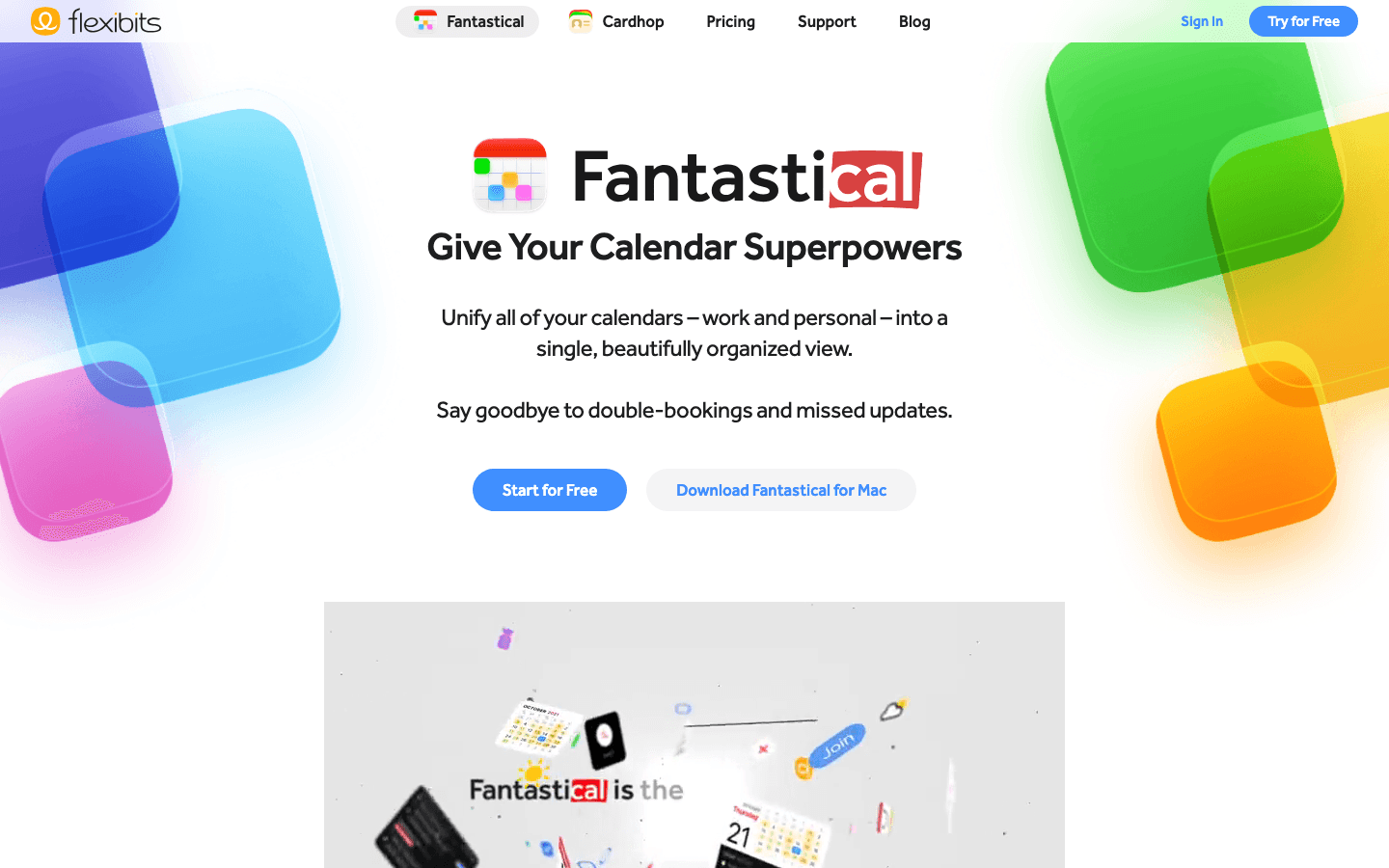
Fantastical is the obvious choice for Apple ecosystem users who want to manage multiple calendars (Google, iCloud, Exchange, Outlook) in one beautifully designed interface. Calendar sets let you create named configurations showing different combinations of calendars, so you can switch instantly between a work view and a personal view. It also includes scheduling links (Openings and Proposals) for external meeting booking, which overlaps with one of OneCal's primary use cases.
The natural language event creation works on the free tier, and the premium features are meaningfully useful: extended weather, Apple Watch support, and video conferencing integration (Zoom, Meet, Teams). If you're an Apple-first user who wants one tool to handle both calendar management and meeting scheduling, Fantastical covers both well. See our full calendar app comparison for how it stacks up against other tools.
Key Features
Calendar sets for switching between work and personal views instantly
Natural language event entry with smart parsing
Built-in scheduling links (similar to Calendly)
Video conferencing integration: Zoom, Google Meet, Teams
Apple Watch and iPad apps
What Works
Best design of any Apple calendar app by a significant margin
Calendar sets solve the multi-account context-switching problem elegantly
Scheduling links work without a separate tool
Limitations
Apple-only; no Android or Windows app
No AI planning or energy awareness
Pricing: Free tier available. Premium: $6.99/month or $56.99/year.
Best for: Apple users who want premium multi-calendar management and built-in scheduling links
4. Morgen: Best Unified Calendar for Desktop
An all-in-one AI calendar and task planner that works on Mac, Windows, and Linux
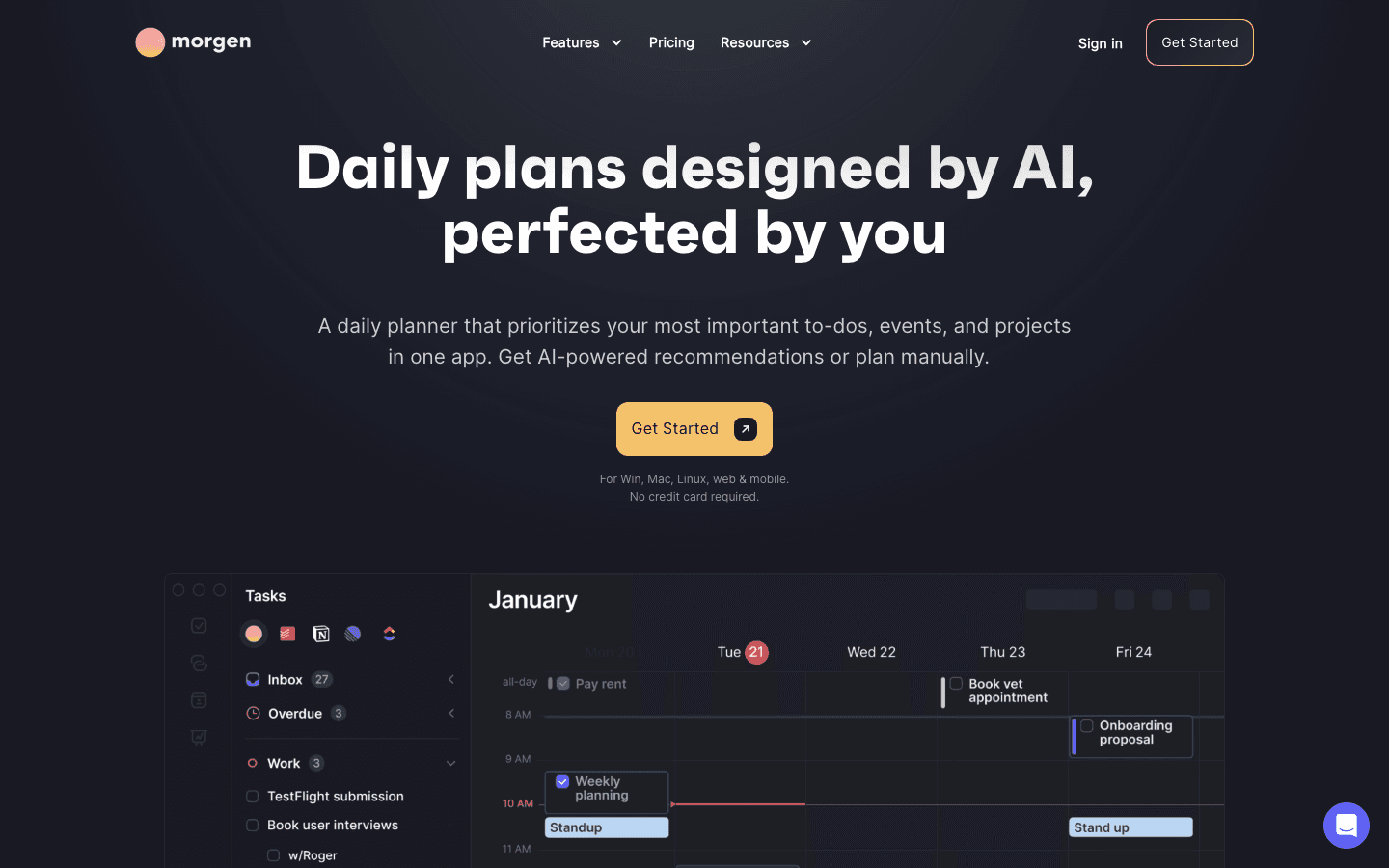
Morgen connects all your calendars (Google, Outlook, iCloud) and task lists into a single unified view, then uses AI to suggest daily plans. It's a strong alternative for people who liked OneCal's multi-calendar consolidation but want a more powerful planning layer on top. The desktop app runs on Mac, Windows, and Linux, which gives it broader platform coverage than Fantastical.
Morgen's AI planning assistant can schedule tasks automatically against your available calendar time, which goes beyond simple sync. The interface is clean and customizable with color-coded calendar support. For teams, the meeting scheduling features include shared booking links and availability sharing. The Google Calendar integration is one of the strongest available in any third-party calendar app.
Key Features
Unified view of all connected calendars with full task management
AI-powered task scheduling that blocks time on your calendar
Cross-platform: Mac, Windows, Linux, web, iOS, Android
Team scheduling and shared booking links
Color coding, drag-and-drop, and custom calendar views
What Works
Best multi-platform coverage of any calendar tool on this list
Task scheduling that integrates directly with your calendar blocks
More powerful than OneCal for actual daily planning
Limitations
Steeper learning curve than simpler sync tools
No energy awareness; treats all calendar time as equal
Pricier than OneCal's Starter tier
Pricing: $15/month or ~$10/month billed annually. 14-day free trial.
Best for: Cross-platform users who want unified calendar management plus AI task scheduling
5. Notion Calendar: Best Free OneCal Alternative
A clean, free calendar with solid multi-account support and built-in scheduling links
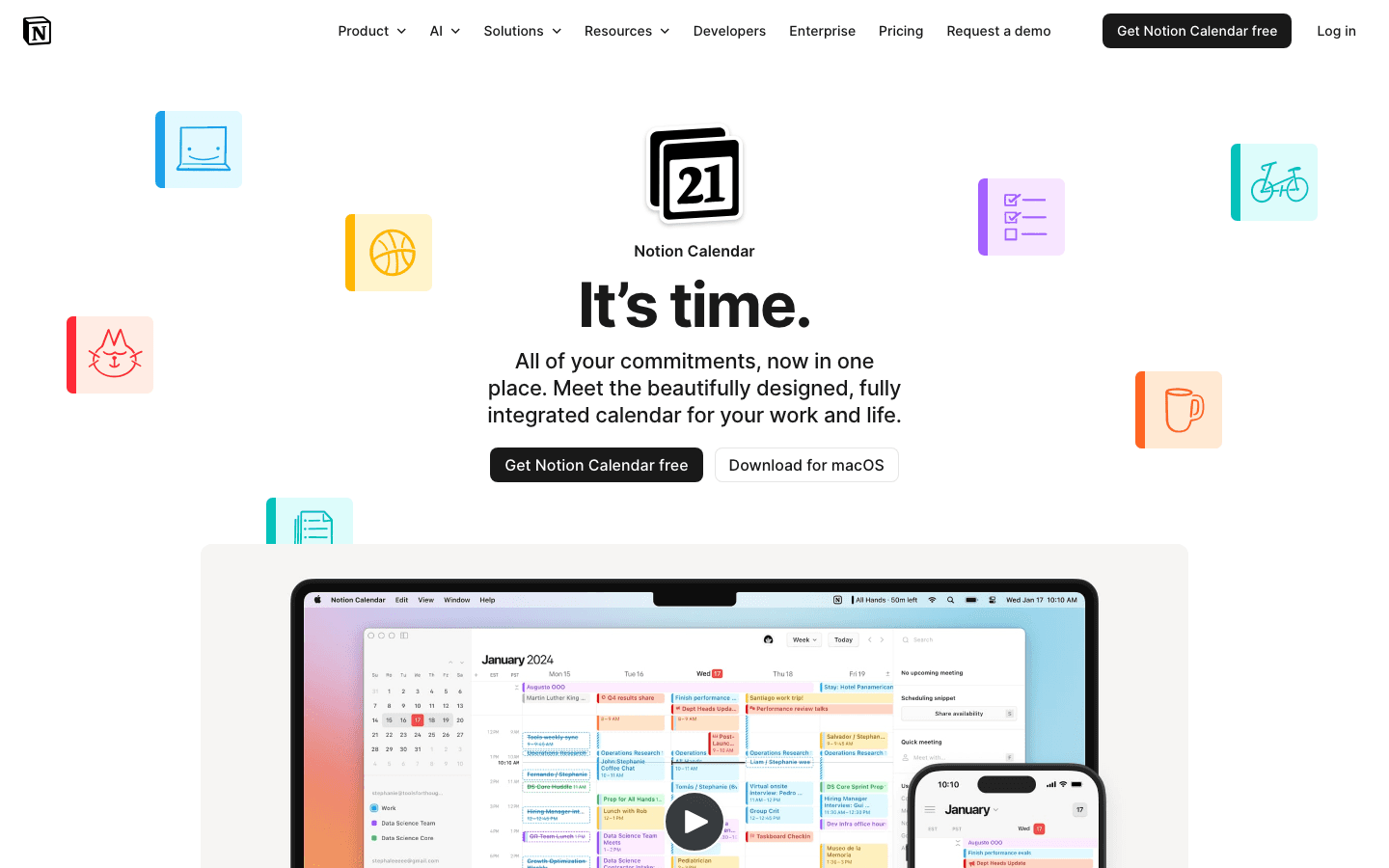
Notion Calendar is completely free and handles multiple Google Calendar accounts cleanly in a single view. The shareable scheduling links work without a separate tool, and the Notion database integration is useful for anyone who already uses Notion for notes or project management. For people who were using OneCal primarily on the Starter plan and found the value questionable, Notion Calendar is a strong free alternative.
It won't replace OneCal's dedicated calendar sync features (real-time two-way sync across providers), but for most people who needed OneCal for a unified view and scheduling links, Notion Calendar covers the basics at no cost. If you want to explore more free or affordable calendar management options, it's a natural starting point.
Key Features
Multi-Google-Calendar management in a single clean interface
Shareable scheduling links (like Calendly lite)
Native Notion database integration
Automatic time zone handling across events
Mac, Windows, iOS, and web apps
What Works
Genuinely useful for free, not just a stripped-down demo
Clean modern design without a subscription
Scheduling links work smoothly for basic booking needs
Limitations
Google Calendar only; limited Outlook and Apple Calendar integration
No AI planning or energy awareness
No real-time cross-provider sync like OneCal offers
Pricing: Free.
Best for: Google Calendar users who want a clean, free interface with scheduling links
Which OneCal Alternative Is Right for You?
You want AI to help plan your day, not just sync it: Lifestack
You share booking links with clients or candidates: Calendly
You're on Apple and want the best-looking calendar management: Fantastical
You need Windows or Linux support plus AI task scheduling: Morgen
You want something free that covers the basics: Notion Calendar
For people who found OneCal useful but felt limited by its planning capabilities, the upgrade path is clear: move to a tool that uses your calendar data to help you schedule better, rather than just keeping multiple calendars in sync. The energy-based planning approach in Lifestack represents a meaningfully different model from sync-focused tools.
Frequently Asked Questions
What does OneCal do?
OneCal syncs multiple calendars (Google, Outlook, iCloud) in real time to prevent double-booking. It also provides scheduling links for external meeting booking, similar to Calendly. The main use case is professionals managing separate work and personal calendars who want events to stay in sync across accounts automatically.
Is there a free OneCal alternative?
Yes. Notion Calendar is the best free alternative for people who want a unified calendar view with scheduling links. Calendly also has a free tier that covers one event type and one calendar connection. Lifestack and Fantastical both offer free trials.
How does Lifestack compare to OneCal?
They solve different problems. OneCal focuses on syncing multiple calendars so you don't get double-booked. Lifestack focuses on helping you plan your day more effectively by using your energy patterns and task priorities to auto-schedule your work. If you're looking for a smarter scheduling experience rather than a sync layer, Lifestack is the better fit. If you need true two-way sync across Google and Outlook, you'd want a dedicated sync tool.
Is Calendly better than OneCal?
For scheduling links specifically, yes. Calendly has more routing options, broader CRM integrations, a larger install base (clients recognize it), and a generous free tier. OneCal covers scheduling links as part of a broader sync-focused product. If meeting scheduling is your primary need, Calendly is the more mature solution.
What is the cheapest OneCal alternative?
Notion Calendar is free. Lifestack at $7/month is the cheapest paid option and undercuts OneCal's Essential plan ($10/month). Calendly's free tier also covers basic scheduling link needs without any cost. For most individuals, one of these options will cover the core use case at lower cost than OneCal's paid tiers.
OneCal does one thing well: it keeps multiple calendars in sync so you never get double-booked. If that's all you need, it's a reasonable tool. But a lot of people searching for OneCal alternatives are looking for something with more range. Either the pricing doesn't scale the way they'd like, or they want scheduling links with more flexibility, or they'd rather have a smarter daily planning tool instead of a pure sync layer.
We tested five of the best OneCal alternatives in 2026, looking at calendar sync capabilities, scheduling link features, AI planning, design quality, and pricing. Whatever made you look for something different, there's an option here worth considering.
If you manage several calendars across Google, Apple, or Outlook accounts, the right alternative depends on whether you're solving a sync problem, a scheduling link problem, or a daily planning problem. These are related but distinct needs, and different apps solve them better than others.
Key Takeaways
Lifestack is the best choice for people who want AI to help plan their day, not just sync events
Calendly is the strongest alternative for anyone focused primarily on meeting scheduling links
Morgen and Fantastical cover the multi-calendar management use case at different price points
Quick Guide: Best OneCal Alternatives
Lifestack: Best for energy-aware AI daily planning
Calendly: Best for meeting scheduling and booking links
Fantastical: Best premium Apple-native calendar management
Morgen: Best unified calendar with AI planning for desktop
Notion Calendar: Best free multi-calendar option
How We Evaluated
Multi-calendar support (Google, Apple, Outlook)
Scheduling link quality and flexibility
AI or automation features for planning
Mobile and desktop app quality
Pricing clarity and value
1. Lifestack: Best OneCal Alternative for Smart Scheduling
Replaces the sync layer with an AI that actively plans your day around your energy
Lifestack takes a different approach from OneCal. Instead of syncing calendars together to prevent conflicts, it reads your existing Google and Apple calendar data, your tasks, and your energy patterns, then automatically drafts a daily schedule that puts the right work at the right time. If you've been syncing calendars primarily to get a cleaner picture of your day, Lifestack solves that problem while also doing something OneCal can't: helping you actually plan better.
The auto-scheduling feature is the core differentiator. Each morning, Lifestack builds a suggested daily plan based on your calendar commitments, task list, and focus energy. You can adjust it freely, but the starting point is usually solid. It's a shift from managing where events land to having a system that helps you decide what to work on and when.
Key Features
Energy-aware AI scheduling that adapts to your peak focus hours
Integrates with Google Calendar and Apple Calendar
Unified task and calendar view in a single clean interface
iOS, Android, and Chrome extension
What Works
Moves beyond sync to actively improve how you use your time
Clean, well-designed interface that makes your day easy to read
Good value at $7/month compared to OneCal's $10-25/month range
Limitations
Not a dedicated multi-calendar sync tool; won't mirror events across providers
No team or shared calendar features
Pricing: $7/month or $50/year. 7-day free trial on the annual plan.
Best for: People who want their calendar to help them plan better, not just display what's already there
2. Calendly: Best for Scheduling Links
The most widely used external meeting booking tool, now with multi-calendar support
Calendly is the default choice for professionals who share booking links with clients, candidates, or anyone outside their organization. The free tier gives you one event type with one calendar connection, which is enough for basic use. The paid tiers add multiple event types, multi-calendar connections (to avoid double-booking across accounts), and integrations with Salesforce, HubSpot, Stripe, and dozens of other tools.
If OneCal's scheduling links are the primary reason you use it, Calendly is the more mature alternative. It has a larger install base, more routing options, and deeper CRM integrations. The round-robin meeting distribution on the Teams plan is especially useful for sales or customer success teams who need to distribute inbound bookings fairly.
Key Features
Shareable booking pages with customizable availability
One-way sync to prevent double-booking across up to 6 calendars (paid)
Round-robin meeting routing for teams
Integrations with Zoom, Google Meet, Stripe, HubSpot, Salesforce
Mobile apps for iOS and Android
What Works
The most recognized scheduling link tool; clients trust the interface
Free tier is genuinely useful for solo professionals
Deep integrations with sales and marketing tools
Limitations
Not a daily planning tool; it's purely for inbound scheduling
Teams plan pricing ($16/seat/month) adds up quickly for larger teams
Pricing: Free tier available. Standard: $10/seat/month (annual). Teams: $16/seat/month (annual).
Best for: Professionals who share external booking links and need more routing flexibility than OneCal offers
3. Fantastical: Best Premium Calendar Management
The most polished multi-calendar experience on Apple devices
Fantastical is the obvious choice for Apple ecosystem users who want to manage multiple calendars (Google, iCloud, Exchange, Outlook) in one beautifully designed interface. Calendar sets let you create named configurations showing different combinations of calendars, so you can switch instantly between a work view and a personal view. It also includes scheduling links (Openings and Proposals) for external meeting booking, which overlaps with one of OneCal's primary use cases.
The natural language event creation works on the free tier, and the premium features are meaningfully useful: extended weather, Apple Watch support, and video conferencing integration (Zoom, Meet, Teams). If you're an Apple-first user who wants one tool to handle both calendar management and meeting scheduling, Fantastical covers both well. See our full calendar app comparison for how it stacks up against other tools.
Key Features
Calendar sets for switching between work and personal views instantly
Natural language event entry with smart parsing
Built-in scheduling links (similar to Calendly)
Video conferencing integration: Zoom, Google Meet, Teams
Apple Watch and iPad apps
What Works
Best design of any Apple calendar app by a significant margin
Calendar sets solve the multi-account context-switching problem elegantly
Scheduling links work without a separate tool
Limitations
Apple-only; no Android or Windows app
No AI planning or energy awareness
Pricing: Free tier available. Premium: $6.99/month or $56.99/year.
Best for: Apple users who want premium multi-calendar management and built-in scheduling links
4. Morgen: Best Unified Calendar for Desktop
An all-in-one AI calendar and task planner that works on Mac, Windows, and Linux
Morgen connects all your calendars (Google, Outlook, iCloud) and task lists into a single unified view, then uses AI to suggest daily plans. It's a strong alternative for people who liked OneCal's multi-calendar consolidation but want a more powerful planning layer on top. The desktop app runs on Mac, Windows, and Linux, which gives it broader platform coverage than Fantastical.
Morgen's AI planning assistant can schedule tasks automatically against your available calendar time, which goes beyond simple sync. The interface is clean and customizable with color-coded calendar support. For teams, the meeting scheduling features include shared booking links and availability sharing. The Google Calendar integration is one of the strongest available in any third-party calendar app.
Key Features
Unified view of all connected calendars with full task management
AI-powered task scheduling that blocks time on your calendar
Cross-platform: Mac, Windows, Linux, web, iOS, Android
Team scheduling and shared booking links
Color coding, drag-and-drop, and custom calendar views
What Works
Best multi-platform coverage of any calendar tool on this list
Task scheduling that integrates directly with your calendar blocks
More powerful than OneCal for actual daily planning
Limitations
Steeper learning curve than simpler sync tools
No energy awareness; treats all calendar time as equal
Pricier than OneCal's Starter tier
Pricing: $15/month or ~$10/month billed annually. 14-day free trial.
Best for: Cross-platform users who want unified calendar management plus AI task scheduling
5. Notion Calendar: Best Free OneCal Alternative
A clean, free calendar with solid multi-account support and built-in scheduling links
Notion Calendar is completely free and handles multiple Google Calendar accounts cleanly in a single view. The shareable scheduling links work without a separate tool, and the Notion database integration is useful for anyone who already uses Notion for notes or project management. For people who were using OneCal primarily on the Starter plan and found the value questionable, Notion Calendar is a strong free alternative.
It won't replace OneCal's dedicated calendar sync features (real-time two-way sync across providers), but for most people who needed OneCal for a unified view and scheduling links, Notion Calendar covers the basics at no cost. If you want to explore more free or affordable calendar management options, it's a natural starting point.
Key Features
Multi-Google-Calendar management in a single clean interface
Shareable scheduling links (like Calendly lite)
Native Notion database integration
Automatic time zone handling across events
Mac, Windows, iOS, and web apps
What Works
Genuinely useful for free, not just a stripped-down demo
Clean modern design without a subscription
Scheduling links work smoothly for basic booking needs
Limitations
Google Calendar only; limited Outlook and Apple Calendar integration
No AI planning or energy awareness
No real-time cross-provider sync like OneCal offers
Pricing: Free.
Best for: Google Calendar users who want a clean, free interface with scheduling links
Which OneCal Alternative Is Right for You?
You want AI to help plan your day, not just sync it: Lifestack
You share booking links with clients or candidates: Calendly
You're on Apple and want the best-looking calendar management: Fantastical
You need Windows or Linux support plus AI task scheduling: Morgen
You want something free that covers the basics: Notion Calendar
For people who found OneCal useful but felt limited by its planning capabilities, the upgrade path is clear: move to a tool that uses your calendar data to help you schedule better, rather than just keeping multiple calendars in sync. The energy-based planning approach in Lifestack represents a meaningfully different model from sync-focused tools.
Frequently Asked Questions
What does OneCal do?
OneCal syncs multiple calendars (Google, Outlook, iCloud) in real time to prevent double-booking. It also provides scheduling links for external meeting booking, similar to Calendly. The main use case is professionals managing separate work and personal calendars who want events to stay in sync across accounts automatically.
Is there a free OneCal alternative?
Yes. Notion Calendar is the best free alternative for people who want a unified calendar view with scheduling links. Calendly also has a free tier that covers one event type and one calendar connection. Lifestack and Fantastical both offer free trials.
How does Lifestack compare to OneCal?
They solve different problems. OneCal focuses on syncing multiple calendars so you don't get double-booked. Lifestack focuses on helping you plan your day more effectively by using your energy patterns and task priorities to auto-schedule your work. If you're looking for a smarter scheduling experience rather than a sync layer, Lifestack is the better fit. If you need true two-way sync across Google and Outlook, you'd want a dedicated sync tool.
Is Calendly better than OneCal?
For scheduling links specifically, yes. Calendly has more routing options, broader CRM integrations, a larger install base (clients recognize it), and a generous free tier. OneCal covers scheduling links as part of a broader sync-focused product. If meeting scheduling is your primary need, Calendly is the more mature solution.
What is the cheapest OneCal alternative?
Notion Calendar is free. Lifestack at $7/month is the cheapest paid option and undercuts OneCal's Essential plan ($10/month). Calendly's free tier also covers basic scheduling link needs without any cost. For most individuals, one of these options will cover the core use case at lower cost than OneCal's paid tiers.



FOLLOW ON
FOLLOW ON
FOLLOW ON


Copyright 2026 © Lifestack. All rights reserved
Copyright 2026 © Lifestack. All rights reserved

