
App
Best ADHD Calendar Apps for 2026
Best ADHD Calendar Apps for 2026
The biggest challenge with ADHD and calendars is not finding one to use. It is getting a calendar to work with how your brain actually functions. Most calendar apps assume you know when you are at your best, that you will follow through on what you planned, and that the effort of placing tasks manually is no big deal. For a lot of people with ADHD, all three of those assumptions are wrong.
Standard calendars show you what time blocks exist. They do not help you figure out when to tackle which task, which obligations to add when everything feels urgent, or what to cut when your focus crashes mid-afternoon.
This list covers five ADHD calendar apps evaluated for how well they handle the parts that matter most: reducing decision fatigue, adapting to your energy, keeping your schedule from falling apart when one thing changes, and not requiring you to rebuild your entire system from scratch.
Key Takeaways
Lifestack is the only app on this list that reads wearable data to schedule tasks during your actual peak energy windows, not just open time slots
Google Calendar and Notion Calendar are both free and solid foundations; they require more self-management than tools built specifically for ADHD
Motion auto-schedules everything for you, which reduces planning decisions but takes a few weeks to calibrate to your workflow
Quick Guide: Best ADHD Calendar Apps
1. Lifestack: Best for energy-aware auto-scheduling
2. Motion: Best for fully automated AI calendar management
3. Sunsama: Best for structured daily planning rituals
4. Google Calendar: Best free foundation calendar
5. Notion Calendar: Best free option for Notion users
How We Evaluated These ADHD Calendar Apps
ADHD-specific design: visual clarity, low friction entry, smart reminders
Auto-scheduling versus manual time-blocking
Energy or focus awareness (does the app adapt to how you actually feel?)
Integration with existing task tools like Todoist, Notion, and Asana
Pricing and whether a free plan exists
Mobile app quality and cross-platform availability
1. Lifestack: Best ADHD Calendar for Energy-Aware Scheduling
Schedules your day around your energy, not just your open time slots

Lifestack is built for people who need more than a blank calendar with color-coded blocks. It connects to wearable devices including Oura Ring, WHOOP, Garmin, Fitbit, and Apple Watch to read your sleep quality and recovery data, then uses that information to schedule your most demanding tasks during your actual high-energy windows. The result is a daily plan that adapts to how you actually feel rather than how you hoped you would feel when you planned the week.
For ADHD time management, this distinction matters enormously. Most planners assume you know when you are at your best and can accurately predict task durations. Lifestack removes both assumptions. It builds the schedule for you and adjusts when your energy data tells a different story than what you originally planned.
Key Features
Energy-aware task scheduling using real wearable data
Auto-builds your daily schedule based on energy levels, deadlines, and duration estimates
Integrates with Oura Ring, WHOOP, Garmin, Fitbit, and Apple Watch
iOS, Android, and Chrome extension
Syncs with your existing calendar
What Works
Automatically places high-focus tasks in your actual peak energy windows
Reduces the daily decision fatigue of "what should I work on now"
Adjusts your schedule when real life changes your plan
Designed specifically with ADHD daily planning needs in mind
Limitations
Full energy-matching features require a wearable device
Newer product; fewer third-party integrations than Motion or Sunsama
Pricing: $7/month | $50/year with 7-day free trial | $120 lifetime
Best for: ADHD users who want their calendar to adapt to their actual energy levels automatically, especially those who already wear a fitness tracker.
2. Motion: Best for Fully Automated AI Scheduling
AI that builds your complete daily schedule so you never have to decide what goes where
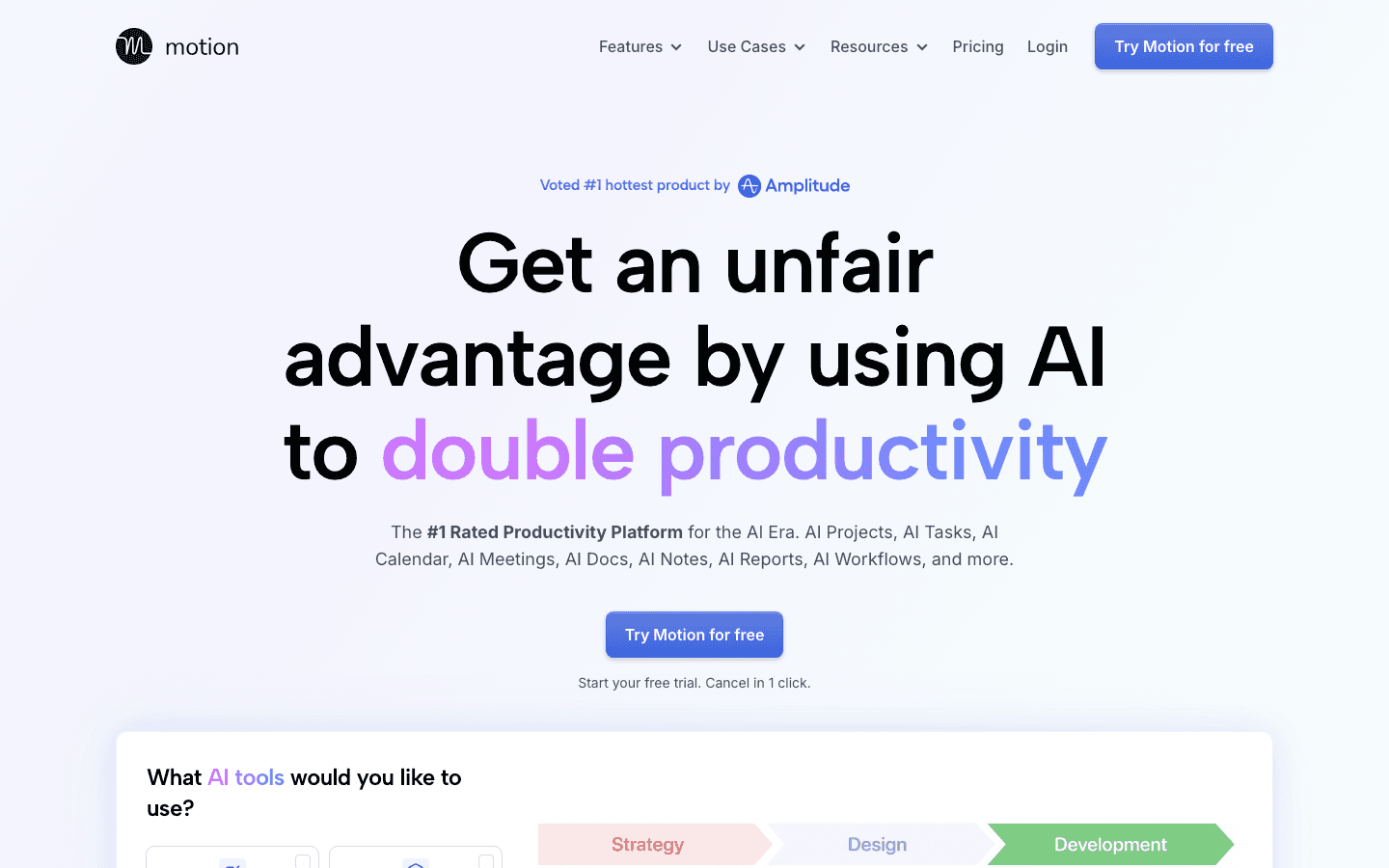
Motion takes calendar automation further than most. You add tasks with estimated durations and deadlines, and the AI fills your calendar automatically, then reshuffles meetings and tasks throughout the day as priorities change. For ADHD users who struggle with the decision "what should I actually work on right now," Motion removes that decision entirely.
It also handles project management, meaning you can break a large project into tasks, assign deadlines, and let Motion figure out when each piece gets scheduled across the coming days.
Key Features
AI auto-scheduling that fills your calendar with tasks based on deadlines and duration
Automatic rescheduling when meetings conflict or priorities shift
Project and task management built in
Calendar integration and team scheduling features
What Works
Eliminates the daily scheduling decisions that create friction for ADHD users
Handles complex deadline management automatically
Good for people who manage both projects and individual tasks
Limitations
No energy awareness; tasks are placed by availability, not by focus capacity
Can feel overly structured until the AI learns your preferences
Higher price point for solo users
Pricing: Starting at $19/month per seat; annual plans save 33%
Best for: ADHD users who want maximum automation and are comfortable letting the AI control their schedule entirely.
3. Sunsama: Best for Structured Daily Planning Rituals
A daily planning ritual that forces a single daily prioritization moment
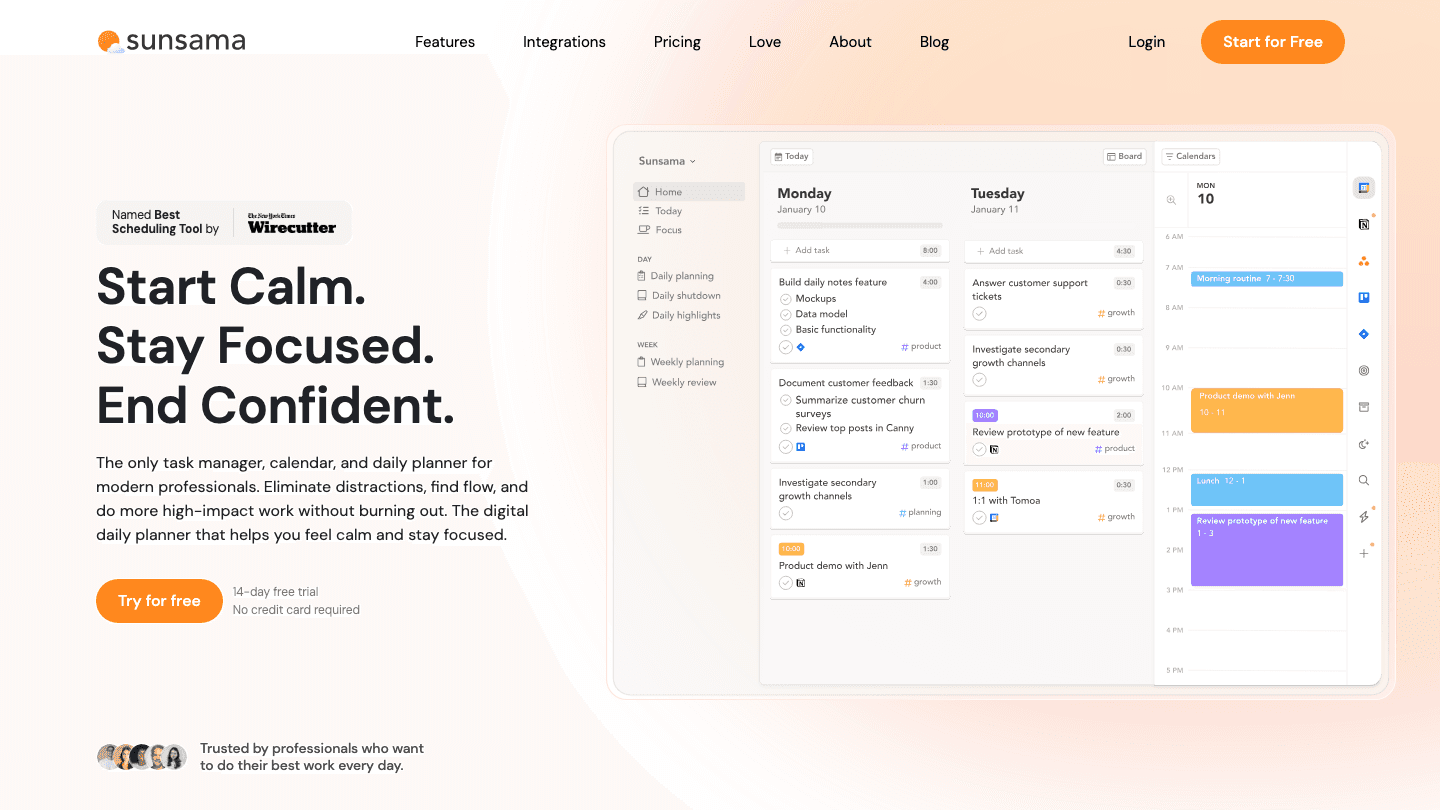
Sunsama is built around a morning planning session and an end-of-day shutdown checklist. Each morning, you open Sunsama, review tasks pulled from connected tools like Asana, Todoist, Linear, Notion, and Jira, decide which ones belong on today's calendar, and place them manually. The structure of the ritual is the product.
For ADHD users who benefit from a consistent daily anchor, this approach works well. The forced morning decision about what matters today prevents the scattered task-switching that derails a lot of unstructured days.
Key Features
Daily planning ritual with morning session and shutdown checklist
Pulls tasks from Asana, Todoist, Linear, Notion, Jira, GitHub, Slack, and more
AI planning features and Zapier integration
iOS and Android apps
What Works
Creates a daily prioritization habit that reduces overwhelm
Reduces app-switching by centralizing tasks from multiple sources
Structured routine suits ADHD users who benefit from predictable daily rituals
Limitations
Manual task placement; you still decide when each task gets done
No energy awareness or adaptive scheduling
One of the pricier solo options on this list
Pricing: $22/month | $17/month billed annually ($204/year) | 14-day free trial, no credit card required
Best for: ADHD users who benefit from a structured morning ritual and use multiple project management tools.
4. Google Calendar: Best Free ADHD Calendar Foundation
The universal free calendar that connects with everything else you already use
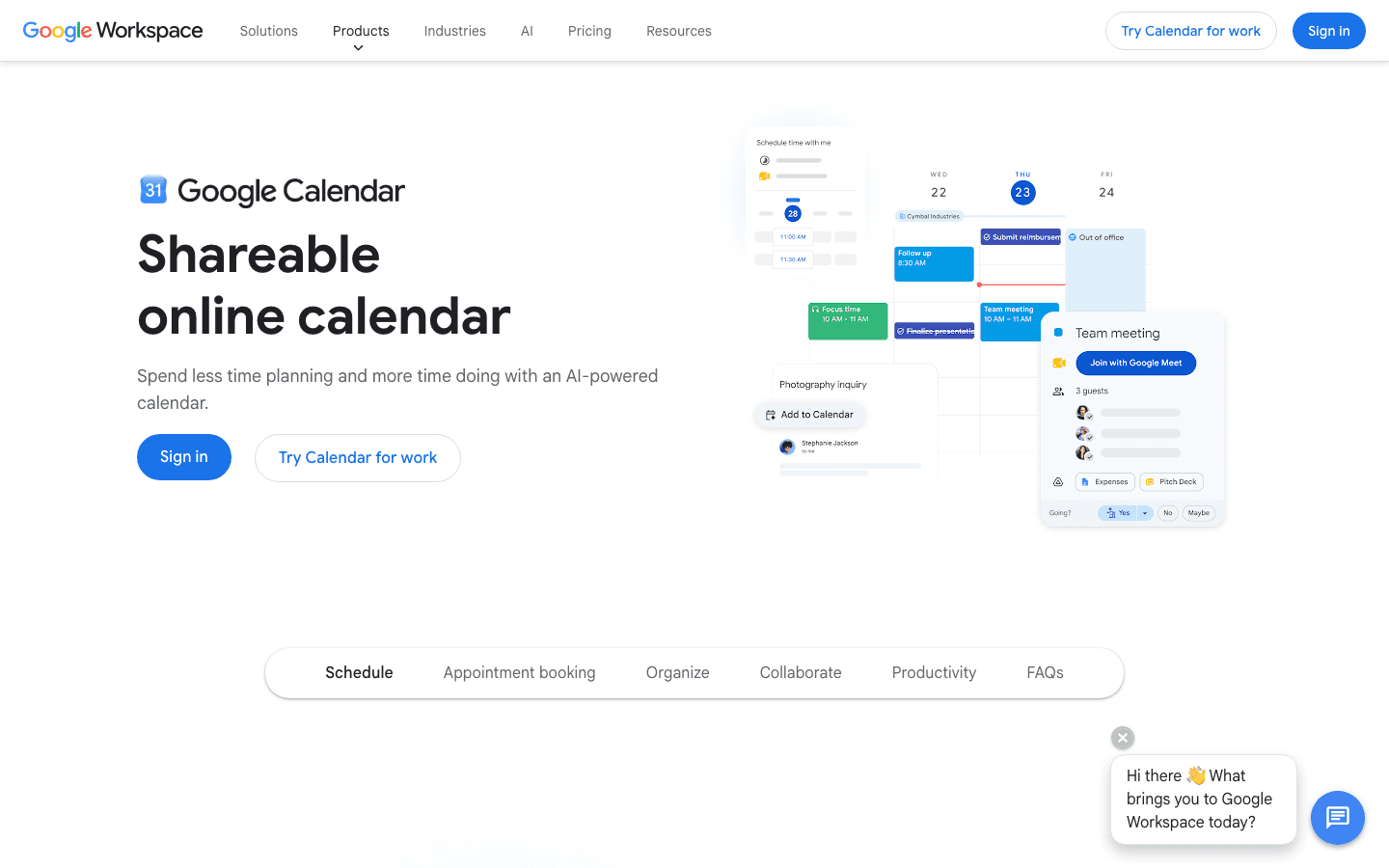
Google Calendar is where most people already start. For ADHD users building habits around a calendar, that familiarity matters: there is no switching cost, no new interface to learn, and no monthly fee. It works on every device and integrates with Gmail, Google Meet, Google Drive, and virtually every third-party app.
What it does not do is help you manage tasks, auto-schedule, or adapt to how you are feeling on a given day. Those gaps mean Google Calendar works best as the foundation layer under a dedicated ADHD tool, rather than a standalone solution for complex task management.
Key Features
Free with a Google account
Works across web, iOS, and Android
Event sharing, recurring events, and reminder notifications
Native integration with Gmail, Google Meet, and Google Drive
What Works
Free and universally supported, with no vendor lock-in
Easy to share calendars with others
Works as a reliable base layer alongside task management apps
Limitations
No task management built in
No auto-scheduling or energy awareness
Requires self-discipline to use consistently for planning
No ADHD-specific design or features
Pricing: Free
Best for: People who want a free, reliable calendar foundation to pair with a task management or planning tool.
5. Notion Calendar: Best Free Calendar for Notion Users
One free view for all your calendars, including your Notion tasks and databases
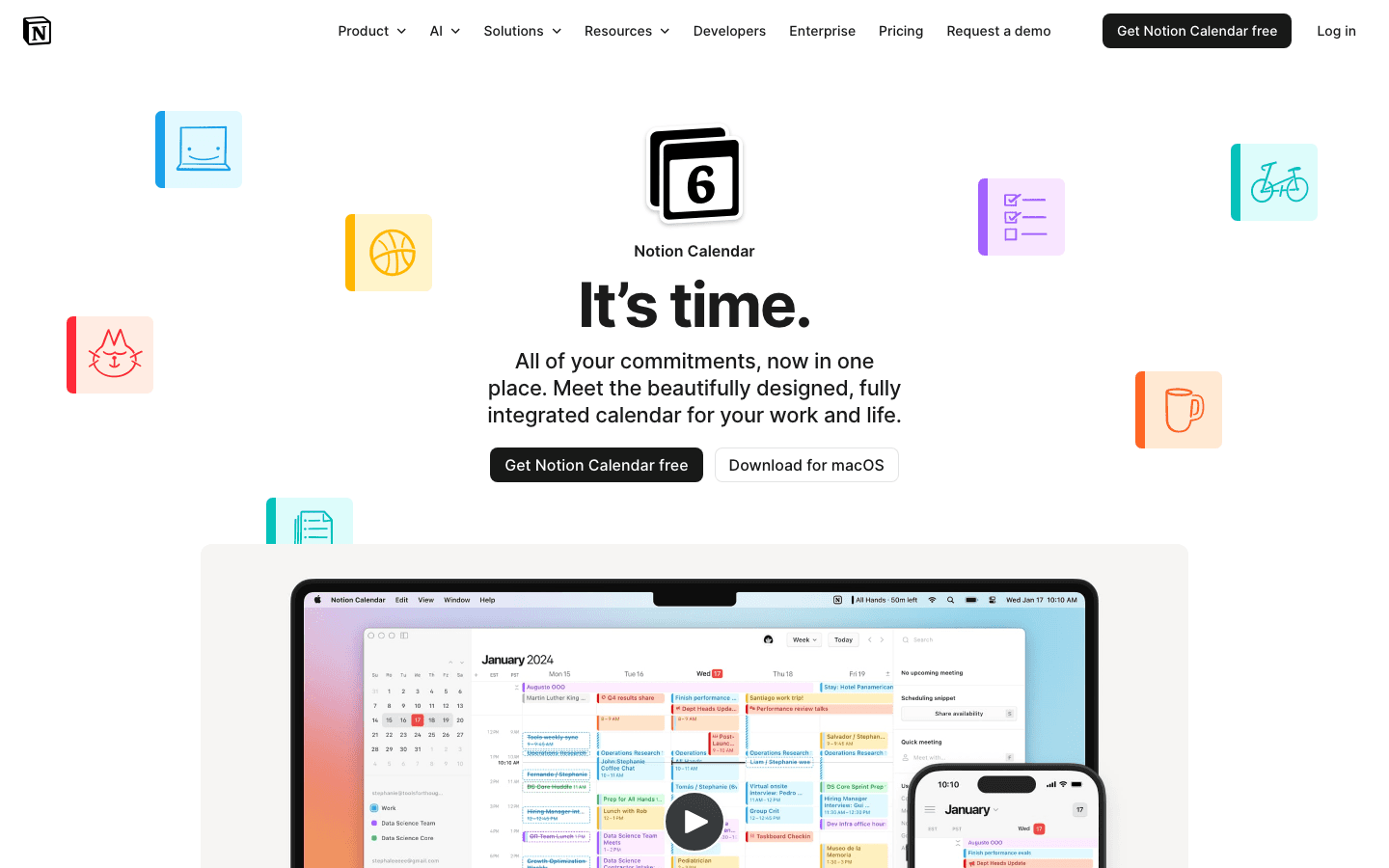
Notion Calendar (formerly Cron Calendar) brings all your calendars into a single, clean interface and connects natively with your Notion databases and tasks. It is fully free, available on Mac, Windows, iOS, and Android, and designed as a dedicated calendar experience rather than a side panel inside Notion.
For ADHD users already living in Notion, this is the most direct way to see your tasks and calendar events together without paying for another subscription.
Key Features
Free with any Google or Apple account
Connects multiple Google Calendars in one view
Native Notion database and task integration
Time blocking, meeting scheduling links, and calendar sharing
Mac, Windows, iOS, and Android apps
What Works
Free with no meaningful feature limits for personal use
Clean, focused design that avoids visual clutter
Best-in-class Notion integration if you already use that ecosystem
Limitations
No auto-scheduling or energy awareness
Best features require using Notion for task management
No ADHD-specific planning features
Pricing: Free
Best for: People who already use Notion and want a free dedicated calendar that connects directly to their tasks and projects.
Which ADHD Calendar App Is Right for You?
You have a wearable and want your schedule built automatically: Lifestack. It is the only option that reads your actual recovery data and schedules tasks in your genuine focus windows.
You want full AI automation with no manual scheduling: Motion. Add tasks with deadlines and let the AI place everything.
You use multiple work tools and benefit from a daily ritual: Sunsama. The morning planning session creates a forcing function that many ADHD users find valuable.
You want a free starting point: Google Calendar as the base, with Lifestack or another tool layered on top when you are ready to go further.
You already live in Notion: Notion Calendar. Free, integrated, and no additional subscriptions.
The gap between a basic calendar and one that actively supports an ADHD brain's relationship with time is significant. A free calendar gets you started. An energy-aware tool like Lifestack gets you scheduled in a way that actually holds. Read more on why energy-based planning outperforms time blocking for understanding the difference.
Frequently Asked Questions
What is the best ADHD calendar app?
Lifestack is the top pick for ADHD users because it reads wearable data to schedule tasks during real energy peaks rather than just open time slots. For a fully automated option, Motion handles scheduling entirely via AI. Both outperform generic calendars for ADHD use cases.
Do calendar apps really help with ADHD?
Yes, but only if the app reduces friction rather than adding it. A blank calendar that requires you to decide when each task happens is harder for ADHD brains than a tool that makes those decisions automatically. Apps like Lifestack and Motion both reduce the number of daily choices you have to make.
What makes a calendar good for ADHD?
Visual clarity, minimal setup friction, automatic reminders, and ideally some form of automatic scheduling or energy awareness. Getting started on tasks is one of the hardest parts of ADHD, so the best ADHD calendar apps remove as many decision points as possible between "I have a task" and "it is on my schedule."
Is Google Calendar good for ADHD?
It works as a foundation, but it is not designed with ADHD in mind. It shows you time blocks but does not help you decide what to put in them, does not adapt to how you feel, and has no task management. Most ADHD users do better pairing Google Calendar with a dedicated planning tool.
Is there a free ADHD calendar app?
Google Calendar and Notion Calendar are both free. Neither has ADHD-specific features, but they are solid starting points. Lifestack offers a 7-day free trial on its annual plan, which is enough time to see whether the energy-scheduling approach changes how your days run.
What is the best ADHD calendar for time blindness?
Lifestack. Time blindness makes it hard to accurately predict when you have energy for specific tasks, which is exactly what Lifestack's wearable integration solves. It reads your actual recovery data rather than relying on self-reported estimates. See more tools in the best AI planner apps roundup.
The biggest challenge with ADHD and calendars is not finding one to use. It is getting a calendar to work with how your brain actually functions. Most calendar apps assume you know when you are at your best, that you will follow through on what you planned, and that the effort of placing tasks manually is no big deal. For a lot of people with ADHD, all three of those assumptions are wrong.
Standard calendars show you what time blocks exist. They do not help you figure out when to tackle which task, which obligations to add when everything feels urgent, or what to cut when your focus crashes mid-afternoon.
This list covers five ADHD calendar apps evaluated for how well they handle the parts that matter most: reducing decision fatigue, adapting to your energy, keeping your schedule from falling apart when one thing changes, and not requiring you to rebuild your entire system from scratch.
Key Takeaways
Lifestack is the only app on this list that reads wearable data to schedule tasks during your actual peak energy windows, not just open time slots
Google Calendar and Notion Calendar are both free and solid foundations; they require more self-management than tools built specifically for ADHD
Motion auto-schedules everything for you, which reduces planning decisions but takes a few weeks to calibrate to your workflow
Quick Guide: Best ADHD Calendar Apps
1. Lifestack: Best for energy-aware auto-scheduling
2. Motion: Best for fully automated AI calendar management
3. Sunsama: Best for structured daily planning rituals
4. Google Calendar: Best free foundation calendar
5. Notion Calendar: Best free option for Notion users
How We Evaluated These ADHD Calendar Apps
ADHD-specific design: visual clarity, low friction entry, smart reminders
Auto-scheduling versus manual time-blocking
Energy or focus awareness (does the app adapt to how you actually feel?)
Integration with existing task tools like Todoist, Notion, and Asana
Pricing and whether a free plan exists
Mobile app quality and cross-platform availability
1. Lifestack: Best ADHD Calendar for Energy-Aware Scheduling
Schedules your day around your energy, not just your open time slots
Lifestack is built for people who need more than a blank calendar with color-coded blocks. It connects to wearable devices including Oura Ring, WHOOP, Garmin, Fitbit, and Apple Watch to read your sleep quality and recovery data, then uses that information to schedule your most demanding tasks during your actual high-energy windows. The result is a daily plan that adapts to how you actually feel rather than how you hoped you would feel when you planned the week.
For ADHD time management, this distinction matters enormously. Most planners assume you know when you are at your best and can accurately predict task durations. Lifestack removes both assumptions. It builds the schedule for you and adjusts when your energy data tells a different story than what you originally planned.
Key Features
Energy-aware task scheduling using real wearable data
Auto-builds your daily schedule based on energy levels, deadlines, and duration estimates
Integrates with Oura Ring, WHOOP, Garmin, Fitbit, and Apple Watch
iOS, Android, and Chrome extension
Syncs with your existing calendar
What Works
Automatically places high-focus tasks in your actual peak energy windows
Reduces the daily decision fatigue of "what should I work on now"
Adjusts your schedule when real life changes your plan
Designed specifically with ADHD daily planning needs in mind
Limitations
Full energy-matching features require a wearable device
Newer product; fewer third-party integrations than Motion or Sunsama
Pricing: $7/month | $50/year with 7-day free trial | $120 lifetime
Best for: ADHD users who want their calendar to adapt to their actual energy levels automatically, especially those who already wear a fitness tracker.
2. Motion: Best for Fully Automated AI Scheduling
AI that builds your complete daily schedule so you never have to decide what goes where
Motion takes calendar automation further than most. You add tasks with estimated durations and deadlines, and the AI fills your calendar automatically, then reshuffles meetings and tasks throughout the day as priorities change. For ADHD users who struggle with the decision "what should I actually work on right now," Motion removes that decision entirely.
It also handles project management, meaning you can break a large project into tasks, assign deadlines, and let Motion figure out when each piece gets scheduled across the coming days.
Key Features
AI auto-scheduling that fills your calendar with tasks based on deadlines and duration
Automatic rescheduling when meetings conflict or priorities shift
Project and task management built in
Calendar integration and team scheduling features
What Works
Eliminates the daily scheduling decisions that create friction for ADHD users
Handles complex deadline management automatically
Good for people who manage both projects and individual tasks
Limitations
No energy awareness; tasks are placed by availability, not by focus capacity
Can feel overly structured until the AI learns your preferences
Higher price point for solo users
Pricing: Starting at $19/month per seat; annual plans save 33%
Best for: ADHD users who want maximum automation and are comfortable letting the AI control their schedule entirely.
3. Sunsama: Best for Structured Daily Planning Rituals
A daily planning ritual that forces a single daily prioritization moment
Sunsama is built around a morning planning session and an end-of-day shutdown checklist. Each morning, you open Sunsama, review tasks pulled from connected tools like Asana, Todoist, Linear, Notion, and Jira, decide which ones belong on today's calendar, and place them manually. The structure of the ritual is the product.
For ADHD users who benefit from a consistent daily anchor, this approach works well. The forced morning decision about what matters today prevents the scattered task-switching that derails a lot of unstructured days.
Key Features
Daily planning ritual with morning session and shutdown checklist
Pulls tasks from Asana, Todoist, Linear, Notion, Jira, GitHub, Slack, and more
AI planning features and Zapier integration
iOS and Android apps
What Works
Creates a daily prioritization habit that reduces overwhelm
Reduces app-switching by centralizing tasks from multiple sources
Structured routine suits ADHD users who benefit from predictable daily rituals
Limitations
Manual task placement; you still decide when each task gets done
No energy awareness or adaptive scheduling
One of the pricier solo options on this list
Pricing: $22/month | $17/month billed annually ($204/year) | 14-day free trial, no credit card required
Best for: ADHD users who benefit from a structured morning ritual and use multiple project management tools.
4. Google Calendar: Best Free ADHD Calendar Foundation
The universal free calendar that connects with everything else you already use
Google Calendar is where most people already start. For ADHD users building habits around a calendar, that familiarity matters: there is no switching cost, no new interface to learn, and no monthly fee. It works on every device and integrates with Gmail, Google Meet, Google Drive, and virtually every third-party app.
What it does not do is help you manage tasks, auto-schedule, or adapt to how you are feeling on a given day. Those gaps mean Google Calendar works best as the foundation layer under a dedicated ADHD tool, rather than a standalone solution for complex task management.
Key Features
Free with a Google account
Works across web, iOS, and Android
Event sharing, recurring events, and reminder notifications
Native integration with Gmail, Google Meet, and Google Drive
What Works
Free and universally supported, with no vendor lock-in
Easy to share calendars with others
Works as a reliable base layer alongside task management apps
Limitations
No task management built in
No auto-scheduling or energy awareness
Requires self-discipline to use consistently for planning
No ADHD-specific design or features
Pricing: Free
Best for: People who want a free, reliable calendar foundation to pair with a task management or planning tool.
5. Notion Calendar: Best Free Calendar for Notion Users
One free view for all your calendars, including your Notion tasks and databases
Notion Calendar (formerly Cron Calendar) brings all your calendars into a single, clean interface and connects natively with your Notion databases and tasks. It is fully free, available on Mac, Windows, iOS, and Android, and designed as a dedicated calendar experience rather than a side panel inside Notion.
For ADHD users already living in Notion, this is the most direct way to see your tasks and calendar events together without paying for another subscription.
Key Features
Free with any Google or Apple account
Connects multiple Google Calendars in one view
Native Notion database and task integration
Time blocking, meeting scheduling links, and calendar sharing
Mac, Windows, iOS, and Android apps
What Works
Free with no meaningful feature limits for personal use
Clean, focused design that avoids visual clutter
Best-in-class Notion integration if you already use that ecosystem
Limitations
No auto-scheduling or energy awareness
Best features require using Notion for task management
No ADHD-specific planning features
Pricing: Free
Best for: People who already use Notion and want a free dedicated calendar that connects directly to their tasks and projects.
Which ADHD Calendar App Is Right for You?
You have a wearable and want your schedule built automatically: Lifestack. It is the only option that reads your actual recovery data and schedules tasks in your genuine focus windows.
You want full AI automation with no manual scheduling: Motion. Add tasks with deadlines and let the AI place everything.
You use multiple work tools and benefit from a daily ritual: Sunsama. The morning planning session creates a forcing function that many ADHD users find valuable.
You want a free starting point: Google Calendar as the base, with Lifestack or another tool layered on top when you are ready to go further.
You already live in Notion: Notion Calendar. Free, integrated, and no additional subscriptions.
The gap between a basic calendar and one that actively supports an ADHD brain's relationship with time is significant. A free calendar gets you started. An energy-aware tool like Lifestack gets you scheduled in a way that actually holds. Read more on why energy-based planning outperforms time blocking for understanding the difference.
Frequently Asked Questions
What is the best ADHD calendar app?
Lifestack is the top pick for ADHD users because it reads wearable data to schedule tasks during real energy peaks rather than just open time slots. For a fully automated option, Motion handles scheduling entirely via AI. Both outperform generic calendars for ADHD use cases.
Do calendar apps really help with ADHD?
Yes, but only if the app reduces friction rather than adding it. A blank calendar that requires you to decide when each task happens is harder for ADHD brains than a tool that makes those decisions automatically. Apps like Lifestack and Motion both reduce the number of daily choices you have to make.
What makes a calendar good for ADHD?
Visual clarity, minimal setup friction, automatic reminders, and ideally some form of automatic scheduling or energy awareness. Getting started on tasks is one of the hardest parts of ADHD, so the best ADHD calendar apps remove as many decision points as possible between "I have a task" and "it is on my schedule."
Is Google Calendar good for ADHD?
It works as a foundation, but it is not designed with ADHD in mind. It shows you time blocks but does not help you decide what to put in them, does not adapt to how you feel, and has no task management. Most ADHD users do better pairing Google Calendar with a dedicated planning tool.
Is there a free ADHD calendar app?
Google Calendar and Notion Calendar are both free. Neither has ADHD-specific features, but they are solid starting points. Lifestack offers a 7-day free trial on its annual plan, which is enough time to see whether the energy-scheduling approach changes how your days run.
What is the best ADHD calendar for time blindness?
Lifestack. Time blindness makes it hard to accurately predict when you have energy for specific tasks, which is exactly what Lifestack's wearable integration solves. It reads your actual recovery data rather than relying on self-reported estimates. See more tools in the best AI planner apps roundup.



FOLLOW ON
FOLLOW ON
FOLLOW ON


Copyright 2026 © Lifestack. All rights reserved
Copyright 2026 © Lifestack. All rights reserved

