
App
Best Goal Tracking Software in 2026
Best Goal Tracking Software in 2026

Goal tracking software has evolved well past color-coded spreadsheets. The best tools today automatically schedule your goals into your week, surface progress at a glance, and keep the friction low enough that you'll actually use them. But the right choice depends on what you're tracking: personal goals and habits, team OKRs, project milestones, or all three at once.
We tested six of the most widely used goal tracking apps across those dimensions. Here's what each one does well, where it falls short, and who it's best for.
Key Takeaways
Lifestack is the best goal tracking software for individuals and ADHD users because it combines goal tracking with AI scheduling that automatically protects time for your most important work.
For team-level OKR tracking and weekly check-ins, Weekdone provides the most structured framework without the overhead of a full project management tool.
ClickUp and Notion are the most flexible options for teams that want everything in one place, but both require significant setup time to be effective for goal tracking specifically.
Quick Guide
1. Lifestack: Best for individuals who want AI-scheduled goal time built into their calendar
2. Notion: Best for people who want full flexibility to build their own goal system
3. ClickUp: Best for teams that need goal tracking alongside full project management
4. Motion: Best for professionals who want AI to block goal-related tasks automatically
5. Habitica: Best for people who want a gamified approach to habit and goal tracking
6. Weekdone: Best for teams running OKRs with structured weekly progress reports
How We Evaluated
Goal visibility: how easy is it to see what you're working toward and how close you are?
Calendar integration: does the tool actually protect time for your goals, or just list them?
Friction: how much setup and maintenance does effective use require?
Flexibility: personal goals vs. team OKRs vs. project milestones
Price and free tier quality
1. Lifestack
Best for individuals who want goals translated into scheduled time

Lifestack is the only goal tracking tool on this list that connects your goals directly to your calendar through AI scheduling. You set your goals and tasks, and Lifestack automatically places them in your week based on your energy levels, existing commitments, and priority. It's built for people whose problem isn't knowing their goals but actually protecting time for them.
The energy-aware scheduling is the differentiating feature. Lifestack knows that you're sharpest at certain hours and schedules your most important goal-related work there, not just wherever there's a calendar gap. This matters because most goal tracking tools tell you what you want to do without helping you figure out when. See how this compares to traditional goal systems in our post on setting and tracking ADHD goals.
AI auto-schedules goal tasks into your calendar based on energy and priority
Syncs with Google Calendar, Outlook, and Apple Calendar
Mobile apps for iOS and Android
Chrome extension for quick task capture
What Works: The set-it-and-trust-it scheduling. You don't manage the calendar yourself; the AI does it based on what matters most. Goal-related tasks get protected time rather than staying in a list that never gets acted on.
Limitations: No team OKR features. Designed for individual goal management, not org-wide tracking.
Pricing: $7/month or $50/year (7-day free trial on annual plan).
Best for: Individuals and people with ADHD who need their goals to show up as scheduled time, not just intentions.
2. Notion
Best for flexible, build-your-own goal systems
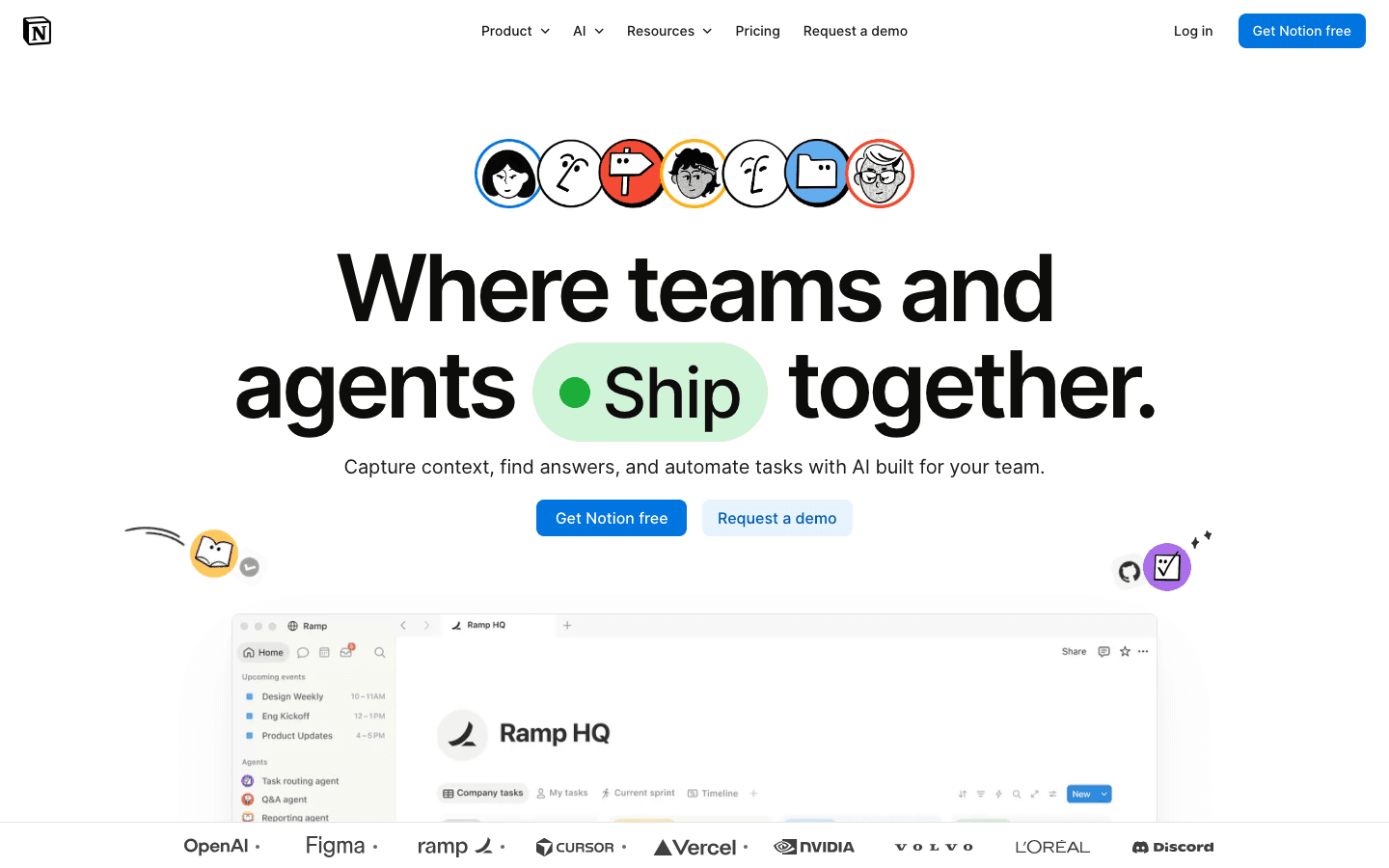
Notion is a blank canvas. There's no built-in goal tracking system, but the database, template, and view system lets you build exactly the one you want. The Notion template gallery has dozens of goal tracker templates ranging from simple habit logs to full OKR frameworks with quarterly reviews.
If you already live in Notion for notes, projects, and documentation, building your goal system there reduces the number of apps you need. The trade-off is that it requires real setup time, and the flexibility that makes it powerful also means nothing is opinionated enough to guide you toward a good system by default.
Fully customizable databases, views, and properties
Rich template gallery including goal trackers and OKR boards
Connects notes, docs, and tasks in the same workspace
AI features for summarizing and drafting
What Works: Maximum flexibility. You can track any type of goal, in any structure, with any fields you care about. For power users, nothing else comes close for customization.
Limitations: No calendar integration for goal-based scheduling. No automatic progress calculation. Everything is manual unless you build it yourself. See our Notion pricing breakdown for a full tier comparison.
Pricing: Free for individuals; Plus plan $10/user/month.
Best for: People who want to design their own goal system and are willing to invest time building it in Notion.
3. ClickUp
Best for teams tracking goals alongside full project management
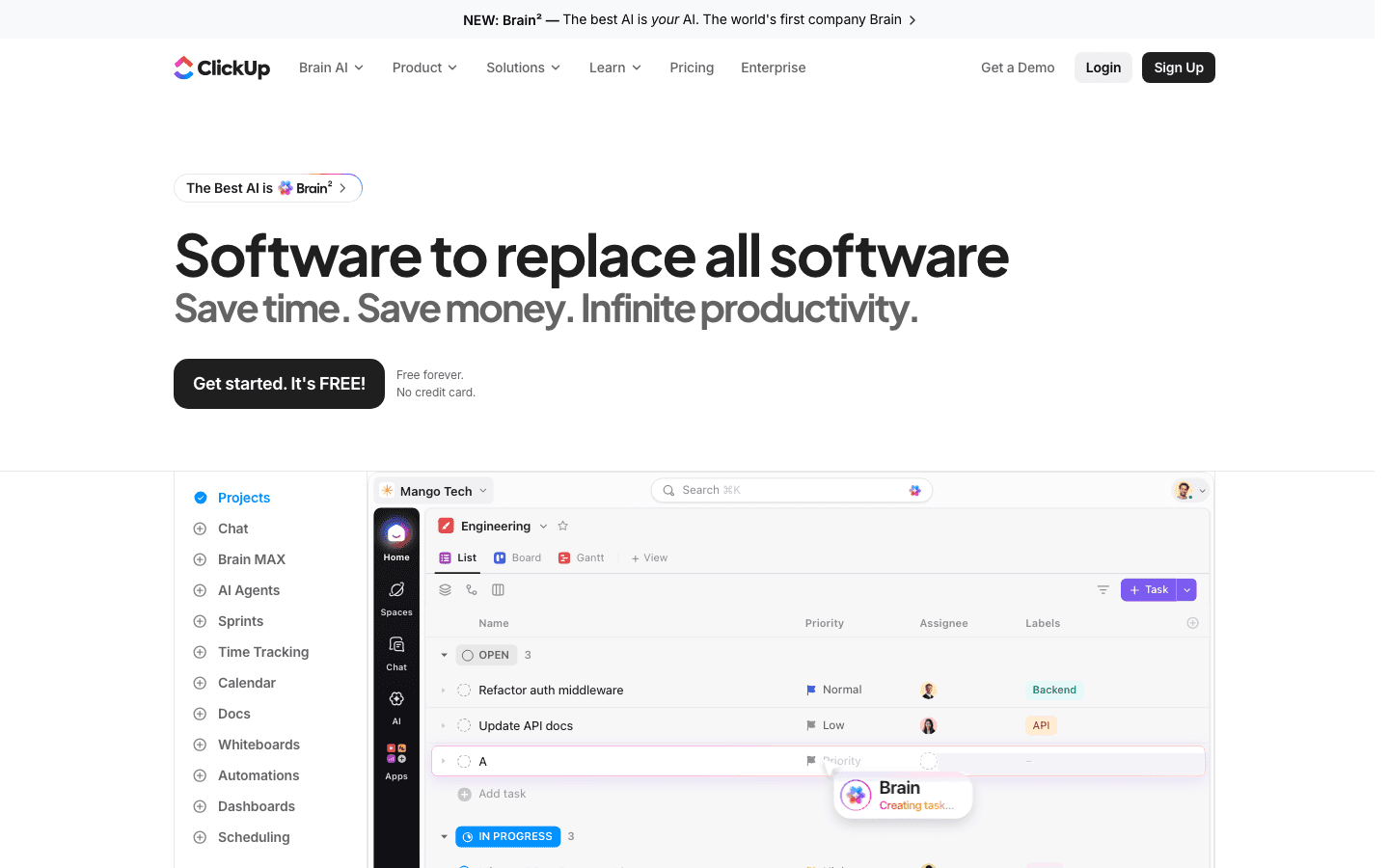
ClickUp has a dedicated Goals feature that sits within its project management platform. You can create goals with measurable targets, link tasks to those goals, and track completion percentage automatically as tasks get checked off. For teams that already use ClickUp for project work, adding goal tracking here keeps everything in one place.
The Goals section lets you set numerical targets (e.g., "close 20 deals this quarter"), link relevant tasks as milestones, and roll progress up to higher-level objectives. It's closer to a lightweight OKR system than a personal goal tracker, which suits teams better than individuals.
Dedicated Goals feature with linked tasks and auto-calculated progress
Multiple views: List, Board, Gantt, Calendar, Timeline
Time tracking and reporting built in
Free tier includes Goals features
What Works: The integration between goals and tasks is tight. You don't have to manually update goal progress; it updates as tasks complete. For teams, this is a significant practical advantage.
Limitations: Feature density can be overwhelming. The learning curve for new users is steep. Not worth the setup cost for simple personal goal tracking.
Pricing: Free tier available; Unlimited plan $7/user/month (annual).
Best for: Teams that want goal tracking without a separate tool and already use or want to use ClickUp for project management.
4. Motion
Best for AI-powered time protection for goal-related tasks
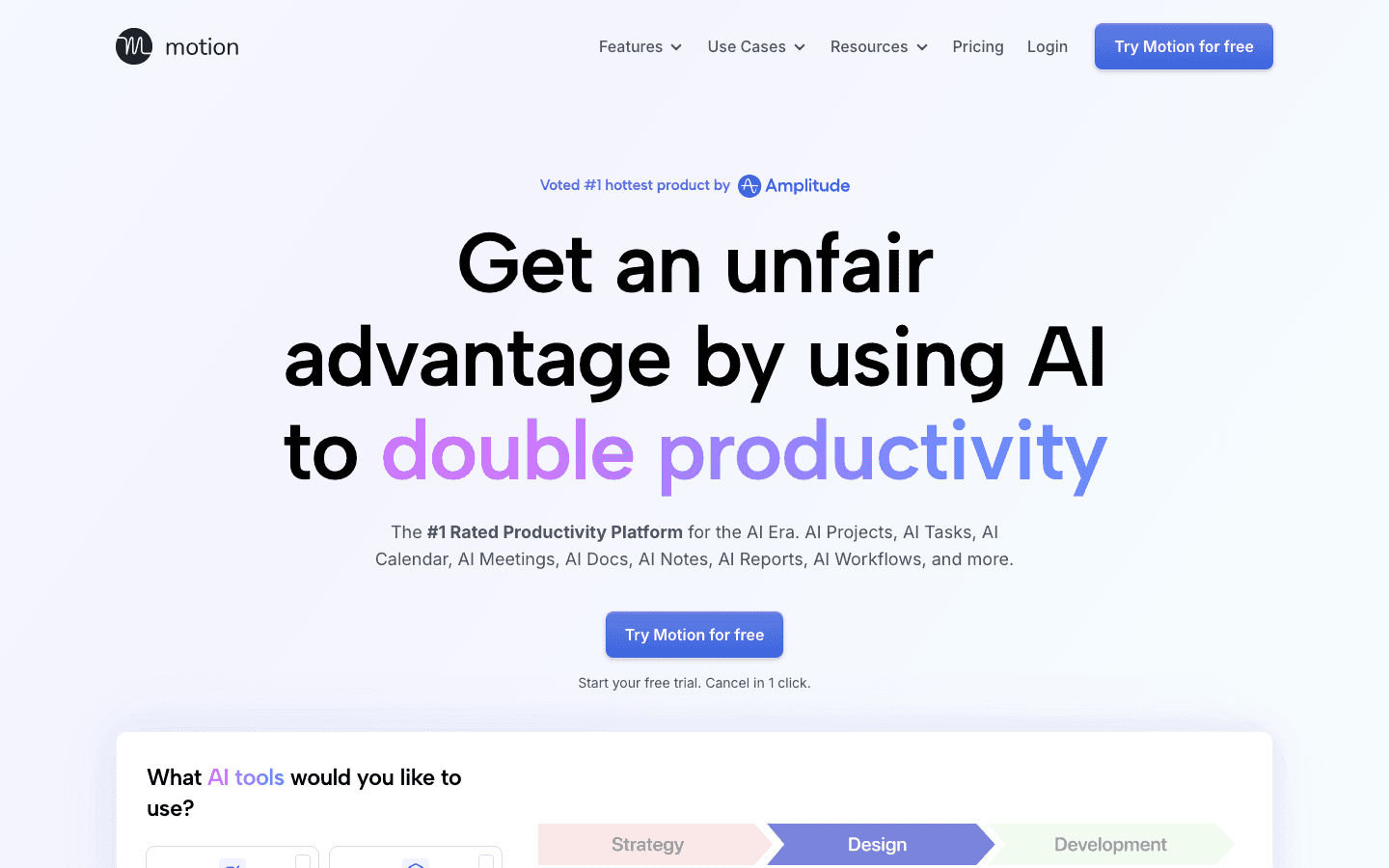
Motion is an AI scheduling tool that automatically builds your daily schedule from your tasks, projects, and calendar. You enter your goal-related tasks with deadlines and priorities, and Motion figures out when to schedule them based on your availability. It rebuilds your schedule dynamically when things shift.
It's less of a goal tracking tool and more of a goal execution tool. You won't get progress dashboards or OKR frameworks, but you will get your high-priority goal work blocked in your calendar automatically. For people whose goal-tracking problem is execution rather than clarity, Motion addresses the right part of the problem. For a detailed comparison, see our post on energy-based scheduling vs time-blocking.
AI auto-schedules tasks based on deadlines, priority, and calendar availability
Dynamic rescheduling when plans change
Project and task management built in
Calendar and video conferencing integrations
What Works: Removes the cognitive work of figuring out when to do each task. Good for people with a lot of competing priorities who need the AI to arbitrate.
Limitations: No energy-awareness (schedules by availability, not attention state). No goal hierarchy or OKR structure. Expensive for solo users.
Pricing: $19/seat/month (Pro AI).
Best for: Busy professionals who want an AI to handle their daily schedule rather than manage it manually.
5. Habitica
Best for gamified habit and goal tracking
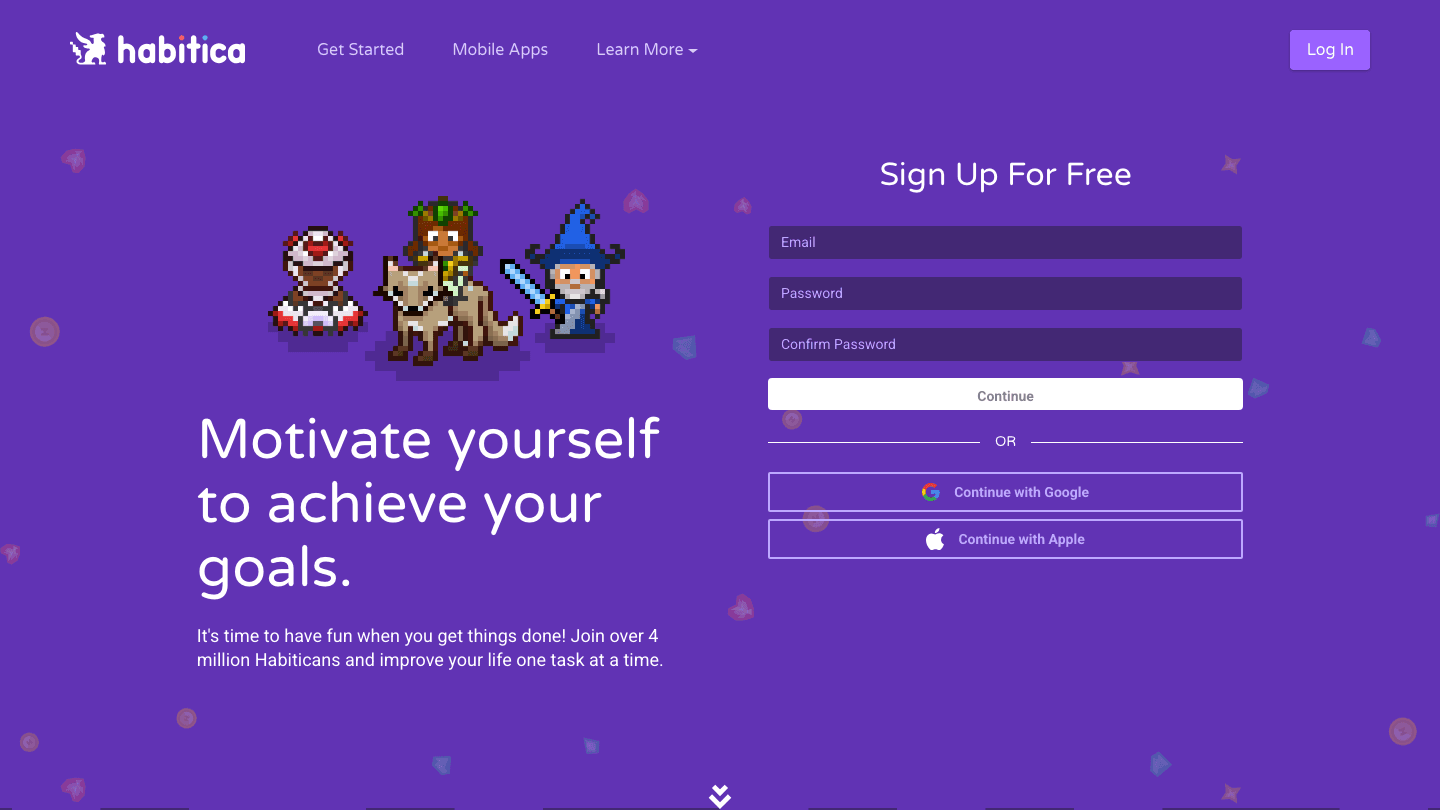
Habitica turns your habits, daily tasks, and to-do list into an RPG (role-playing game). Your character earns experience, gold, and items when you complete real-world tasks. Failing to complete daily tasks causes your character to take damage. Parties of friends can take on quests together, completing goals collectively.
For people who find conventional goal tracking dry or demotivating, Habitica's game layer creates genuine engagement. It works particularly well for habit formation alongside longer-term goals. The game mechanics apply light accountability pressure that many people find more effective than a plain to-do list.
Habits, Dailies, and To-Dos with game rewards
Social parties and quests for accountability
Cross-platform (web, iOS, Android)
Completely free core experience
What Works: The gamification is genuine, not superficial. The party and quest system creates social accountability that keeps people coming back. Great free tier.
Limitations: Not suited for professional or team goals. No calendar integration. Progress reporting is basic. Best for personal habit tracking rather than project-linked objectives.
Pricing: Free; optional subscriber plan for cosmetic and bonus content.
Best for: People who want game-style motivation for daily habits and personal goal tracking, especially those who struggle to stick with conventional apps.
6. Weekdone
Best for structured OKR tracking with weekly check-ins
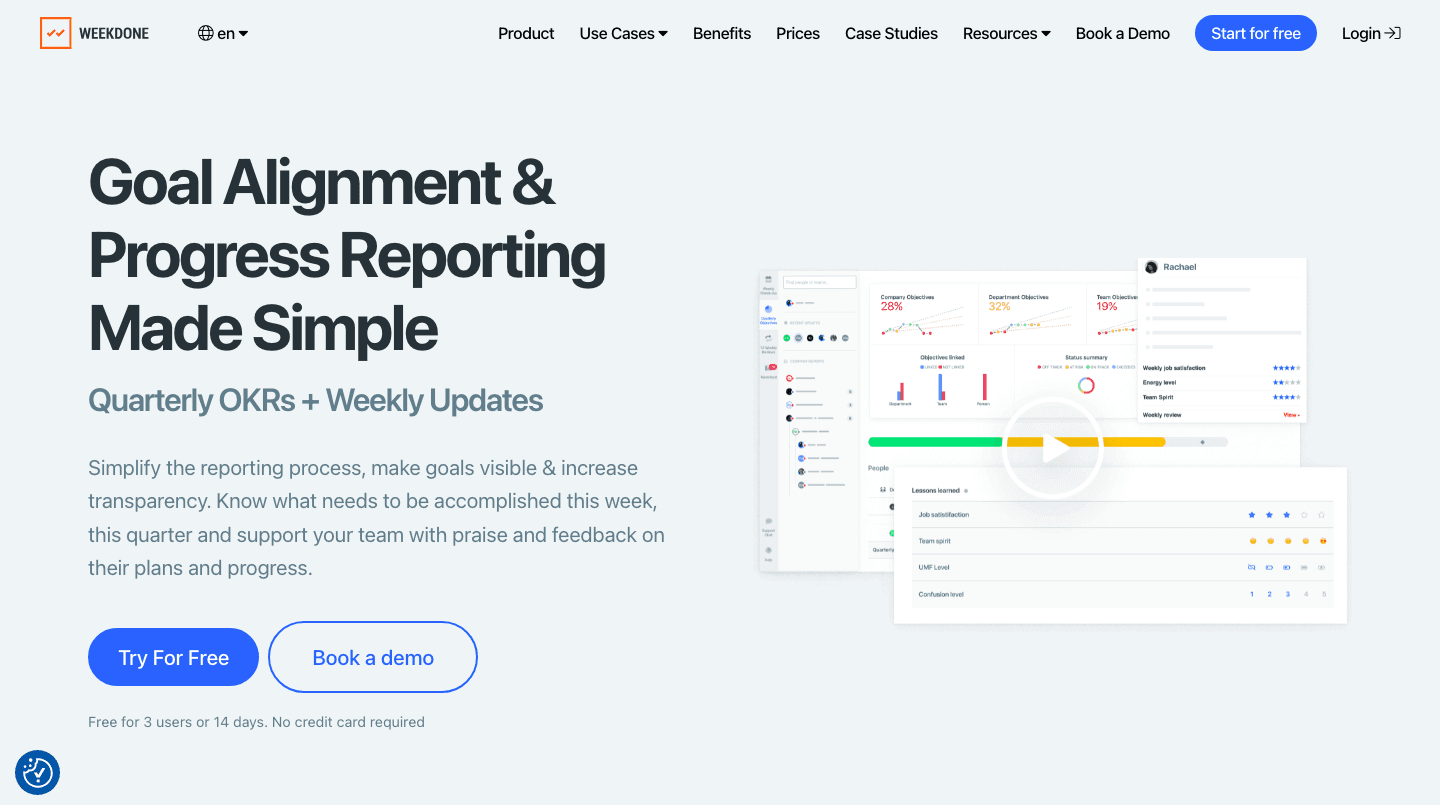
Weekdone is purpose-built for OKR (Objectives and Key Results) management with a weekly progress rhythm built in. Teams set quarterly OKRs, then report progress weekly through structured check-ins. Managers can see where teams are on-track versus at-risk without chasing individual updates.
The weekly PPP (Plans, Progress, Problems) format is Weekdone's backbone: each team member records what they planned, what they got done, and what's blocking them. This gives organizations the goal visibility they need without relying on async communication or manual tracking in spreadsheets.
OKR creation with measurable key results and progress tracking
Weekly PPP check-ins and team reports
Progress dashboards and alignment views
Integrations with Slack, Jira, and Asana
What Works: The combination of quarterly goal structure and weekly rhythm works well for teams that need consistent progress visibility. The automated reporting reduces the meeting overhead that often comes with OKR programs.
Limitations: Not designed for individual personal goals. Less flexible than ClickUp or Notion for non-OKR goal structures.
Pricing: Free for up to 3 users; paid plans vary by team size.
Best for: Teams running OKRs who want structured weekly check-ins and clear progress visibility without a full project management platform.
Which Goal Tracking Software Is Right for You?
Want your goals to automatically appear in your calendar: Lifestack or Motion
Want total flexibility to design your own system: Notion
Running team projects alongside goals: ClickUp
Running company-wide OKRs with weekly check-ins: Weekdone
Struggle to stay motivated by conventional apps: Habitica
Have ADHD and need structure without overwhelm: Lifestack
For more on building systems that support long-term goals, see our post on ADHD goal setting and our overview of task management tools for ADHD.
Frequently Asked Questions
What is goal tracking software?
Goal tracking software helps you define, organize, and monitor progress toward personal or team goals. The best tools go beyond lists by connecting goals to tasks, calendars, or team workflows so that your goals drive actual action rather than just being documented intentions.
What is the best free goal tracking app?
Habitica and ClickUp both have strong free tiers. Habitica's free tier is fully functional for personal habit and goal tracking. ClickUp's free tier includes Goals features and is better suited for teams and project-linked objectives.
Can goal tracking software help with ADHD?
Yes, specifically tools that convert goals into scheduled calendar time rather than just tracking them on a list. Lifestack's energy-aware scheduling is designed for ADHD brains: it places goal-related tasks in your sharpest hours automatically. See our post on ADHD time management apps for more options.
What is the difference between goal tracking and OKR software?
Personal goal tracking apps (Lifestack, Habitica) focus on individual goals, habits, and time. OKR software (Weekdone, ClickUp Goals) focuses on organizational objectives with measurable key results tracked across teams and quarters. Many tools overlap, but the intended user and workflow are quite different.
Does Notion have a goal tracker?
Not natively, but Notion's database system lets you build one. The Notion template gallery has several goal tracker templates. For people already in the Notion ecosystem, building a custom goal tracker there can centralize everything. The tradeoff is setup time and no auto-calculations by default.
Goal tracking software has evolved well past color-coded spreadsheets. The best tools today automatically schedule your goals into your week, surface progress at a glance, and keep the friction low enough that you'll actually use them. But the right choice depends on what you're tracking: personal goals and habits, team OKRs, project milestones, or all three at once.
We tested six of the most widely used goal tracking apps across those dimensions. Here's what each one does well, where it falls short, and who it's best for.
Key Takeaways
Lifestack is the best goal tracking software for individuals and ADHD users because it combines goal tracking with AI scheduling that automatically protects time for your most important work.
For team-level OKR tracking and weekly check-ins, Weekdone provides the most structured framework without the overhead of a full project management tool.
ClickUp and Notion are the most flexible options for teams that want everything in one place, but both require significant setup time to be effective for goal tracking specifically.
Quick Guide
1. Lifestack: Best for individuals who want AI-scheduled goal time built into their calendar
2. Notion: Best for people who want full flexibility to build their own goal system
3. ClickUp: Best for teams that need goal tracking alongside full project management
4. Motion: Best for professionals who want AI to block goal-related tasks automatically
5. Habitica: Best for people who want a gamified approach to habit and goal tracking
6. Weekdone: Best for teams running OKRs with structured weekly progress reports
How We Evaluated
Goal visibility: how easy is it to see what you're working toward and how close you are?
Calendar integration: does the tool actually protect time for your goals, or just list them?
Friction: how much setup and maintenance does effective use require?
Flexibility: personal goals vs. team OKRs vs. project milestones
Price and free tier quality
1. Lifestack
Best for individuals who want goals translated into scheduled time
Lifestack is the only goal tracking tool on this list that connects your goals directly to your calendar through AI scheduling. You set your goals and tasks, and Lifestack automatically places them in your week based on your energy levels, existing commitments, and priority. It's built for people whose problem isn't knowing their goals but actually protecting time for them.
The energy-aware scheduling is the differentiating feature. Lifestack knows that you're sharpest at certain hours and schedules your most important goal-related work there, not just wherever there's a calendar gap. This matters because most goal tracking tools tell you what you want to do without helping you figure out when. See how this compares to traditional goal systems in our post on setting and tracking ADHD goals.
AI auto-schedules goal tasks into your calendar based on energy and priority
Syncs with Google Calendar, Outlook, and Apple Calendar
Mobile apps for iOS and Android
Chrome extension for quick task capture
What Works: The set-it-and-trust-it scheduling. You don't manage the calendar yourself; the AI does it based on what matters most. Goal-related tasks get protected time rather than staying in a list that never gets acted on.
Limitations: No team OKR features. Designed for individual goal management, not org-wide tracking.
Pricing: $7/month or $50/year (7-day free trial on annual plan).
Best for: Individuals and people with ADHD who need their goals to show up as scheduled time, not just intentions.
2. Notion
Best for flexible, build-your-own goal systems
Notion is a blank canvas. There's no built-in goal tracking system, but the database, template, and view system lets you build exactly the one you want. The Notion template gallery has dozens of goal tracker templates ranging from simple habit logs to full OKR frameworks with quarterly reviews.
If you already live in Notion for notes, projects, and documentation, building your goal system there reduces the number of apps you need. The trade-off is that it requires real setup time, and the flexibility that makes it powerful also means nothing is opinionated enough to guide you toward a good system by default.
Fully customizable databases, views, and properties
Rich template gallery including goal trackers and OKR boards
Connects notes, docs, and tasks in the same workspace
AI features for summarizing and drafting
What Works: Maximum flexibility. You can track any type of goal, in any structure, with any fields you care about. For power users, nothing else comes close for customization.
Limitations: No calendar integration for goal-based scheduling. No automatic progress calculation. Everything is manual unless you build it yourself. See our Notion pricing breakdown for a full tier comparison.
Pricing: Free for individuals; Plus plan $10/user/month.
Best for: People who want to design their own goal system and are willing to invest time building it in Notion.
3. ClickUp
Best for teams tracking goals alongside full project management
ClickUp has a dedicated Goals feature that sits within its project management platform. You can create goals with measurable targets, link tasks to those goals, and track completion percentage automatically as tasks get checked off. For teams that already use ClickUp for project work, adding goal tracking here keeps everything in one place.
The Goals section lets you set numerical targets (e.g., "close 20 deals this quarter"), link relevant tasks as milestones, and roll progress up to higher-level objectives. It's closer to a lightweight OKR system than a personal goal tracker, which suits teams better than individuals.
Dedicated Goals feature with linked tasks and auto-calculated progress
Multiple views: List, Board, Gantt, Calendar, Timeline
Time tracking and reporting built in
Free tier includes Goals features
What Works: The integration between goals and tasks is tight. You don't have to manually update goal progress; it updates as tasks complete. For teams, this is a significant practical advantage.
Limitations: Feature density can be overwhelming. The learning curve for new users is steep. Not worth the setup cost for simple personal goal tracking.
Pricing: Free tier available; Unlimited plan $7/user/month (annual).
Best for: Teams that want goal tracking without a separate tool and already use or want to use ClickUp for project management.
4. Motion
Best for AI-powered time protection for goal-related tasks
Motion is an AI scheduling tool that automatically builds your daily schedule from your tasks, projects, and calendar. You enter your goal-related tasks with deadlines and priorities, and Motion figures out when to schedule them based on your availability. It rebuilds your schedule dynamically when things shift.
It's less of a goal tracking tool and more of a goal execution tool. You won't get progress dashboards or OKR frameworks, but you will get your high-priority goal work blocked in your calendar automatically. For people whose goal-tracking problem is execution rather than clarity, Motion addresses the right part of the problem. For a detailed comparison, see our post on energy-based scheduling vs time-blocking.
AI auto-schedules tasks based on deadlines, priority, and calendar availability
Dynamic rescheduling when plans change
Project and task management built in
Calendar and video conferencing integrations
What Works: Removes the cognitive work of figuring out when to do each task. Good for people with a lot of competing priorities who need the AI to arbitrate.
Limitations: No energy-awareness (schedules by availability, not attention state). No goal hierarchy or OKR structure. Expensive for solo users.
Pricing: $19/seat/month (Pro AI).
Best for: Busy professionals who want an AI to handle their daily schedule rather than manage it manually.
5. Habitica
Best for gamified habit and goal tracking
Habitica turns your habits, daily tasks, and to-do list into an RPG (role-playing game). Your character earns experience, gold, and items when you complete real-world tasks. Failing to complete daily tasks causes your character to take damage. Parties of friends can take on quests together, completing goals collectively.
For people who find conventional goal tracking dry or demotivating, Habitica's game layer creates genuine engagement. It works particularly well for habit formation alongside longer-term goals. The game mechanics apply light accountability pressure that many people find more effective than a plain to-do list.
Habits, Dailies, and To-Dos with game rewards
Social parties and quests for accountability
Cross-platform (web, iOS, Android)
Completely free core experience
What Works: The gamification is genuine, not superficial. The party and quest system creates social accountability that keeps people coming back. Great free tier.
Limitations: Not suited for professional or team goals. No calendar integration. Progress reporting is basic. Best for personal habit tracking rather than project-linked objectives.
Pricing: Free; optional subscriber plan for cosmetic and bonus content.
Best for: People who want game-style motivation for daily habits and personal goal tracking, especially those who struggle to stick with conventional apps.
6. Weekdone
Best for structured OKR tracking with weekly check-ins
Weekdone is purpose-built for OKR (Objectives and Key Results) management with a weekly progress rhythm built in. Teams set quarterly OKRs, then report progress weekly through structured check-ins. Managers can see where teams are on-track versus at-risk without chasing individual updates.
The weekly PPP (Plans, Progress, Problems) format is Weekdone's backbone: each team member records what they planned, what they got done, and what's blocking them. This gives organizations the goal visibility they need without relying on async communication or manual tracking in spreadsheets.
OKR creation with measurable key results and progress tracking
Weekly PPP check-ins and team reports
Progress dashboards and alignment views
Integrations with Slack, Jira, and Asana
What Works: The combination of quarterly goal structure and weekly rhythm works well for teams that need consistent progress visibility. The automated reporting reduces the meeting overhead that often comes with OKR programs.
Limitations: Not designed for individual personal goals. Less flexible than ClickUp or Notion for non-OKR goal structures.
Pricing: Free for up to 3 users; paid plans vary by team size.
Best for: Teams running OKRs who want structured weekly check-ins and clear progress visibility without a full project management platform.
Which Goal Tracking Software Is Right for You?
Want your goals to automatically appear in your calendar: Lifestack or Motion
Want total flexibility to design your own system: Notion
Running team projects alongside goals: ClickUp
Running company-wide OKRs with weekly check-ins: Weekdone
Struggle to stay motivated by conventional apps: Habitica
Have ADHD and need structure without overwhelm: Lifestack
For more on building systems that support long-term goals, see our post on ADHD goal setting and our overview of task management tools for ADHD.
Frequently Asked Questions
What is goal tracking software?
Goal tracking software helps you define, organize, and monitor progress toward personal or team goals. The best tools go beyond lists by connecting goals to tasks, calendars, or team workflows so that your goals drive actual action rather than just being documented intentions.
What is the best free goal tracking app?
Habitica and ClickUp both have strong free tiers. Habitica's free tier is fully functional for personal habit and goal tracking. ClickUp's free tier includes Goals features and is better suited for teams and project-linked objectives.
Can goal tracking software help with ADHD?
Yes, specifically tools that convert goals into scheduled calendar time rather than just tracking them on a list. Lifestack's energy-aware scheduling is designed for ADHD brains: it places goal-related tasks in your sharpest hours automatically. See our post on ADHD time management apps for more options.
What is the difference between goal tracking and OKR software?
Personal goal tracking apps (Lifestack, Habitica) focus on individual goals, habits, and time. OKR software (Weekdone, ClickUp Goals) focuses on organizational objectives with measurable key results tracked across teams and quarters. Many tools overlap, but the intended user and workflow are quite different.
Does Notion have a goal tracker?
Not natively, but Notion's database system lets you build one. The Notion template gallery has several goal tracker templates. For people already in the Notion ecosystem, building a custom goal tracker there can centralize everything. The tradeoff is setup time and no auto-calculations by default.



FOLLOW ON
FOLLOW ON
FOLLOW ON


Copyright 2026 © Lifestack. All rights reserved
Copyright 2026 © Lifestack. All rights reserved

