
App
Best Project Management AI Tools in 2026
Best Project Management AI Tools in 2026

AI has changed what project management software can do. The old generation of tools tracked tasks and deadlines. The new generation actually helps you figure out what to work on and when, fills your calendar automatically, writes status updates, and surfaces blockers before they become crises.
The category now spans everything from personal AI planners that schedule your day around your energy levels to full team platforms with AI agents running workflows in the background. Not all of them are right for the same person.
We tested five of the strongest options across individual use, team collaboration, and AI depth. Here's what we found.
Key Takeaways
Lifestack is the best choice for individuals who want AI to handle daily scheduling based on energy and recovery data.
Motion and Monday.com are better for teams that need AI across task assignment, deadlines, and project tracking.
ClickUp and Notion offer the most flexibility but require more setup before the AI becomes genuinely useful.
Quick Guide: Best Project Management AI Tools
Lifestack: Best for energy-aware personal AI scheduling
Motion: Best for automated task and meeting scheduling
ClickUp: Best all-in-one with deep AI across workflows
Monday.com: Best for teams that want AI agents on project work
Notion: Best for teams that already live in Notion
How We Evaluated
AI depth: Does the AI actually change how you work, or is it just a chatbot wrapper on top of a task list?
Scheduling intelligence: Can the tool decide when tasks get done, not just track whether they got done?
Integrations: Does it connect to the calendars, tools, and wearables people actually use?
Pricing clarity: Is it genuinely usable at its base tier, or do the useful features sit behind an expensive upsell?
Mobile experience: AI project management that only works on desktop is half a product.
1. Lifestack
Best for: individuals who want their daily schedule built around their actual energy level

Lifestack is different from every other tool on this list because it reads your body, not just your calendar. Connect your Oura Ring, Apple Watch, or Garmin, and Lifestack uses your sleep quality, recovery score, and energy levels to schedule your tasks at the times you're actually capable of doing them well.
On a night when you slept six broken hours, Lifestack won't book a two-hour deep work block first thing in the morning. It shifts intensive tasks to later in the day when you've recovered, and fills the early hours with lighter work. This is the core of energy-based planning, and it's something no other project management AI currently offers.
Key Features: Wearable integration, energy-aware auto-scheduling, task prioritization, calendar sync, iOS and Android apps, Chrome extension
What Works: The wearable connection is real and functional. Tasks land in time slots that match your energy, not just your availability. Mobile app is polished.
Limitations: Built for individuals and personal work management. Not designed for multi-person project tracking or team dashboards.
Pricing: $7/month, $50/year, or $120 lifetime
Best for: Individuals, freelancers, and anyone with ADHD or variable energy levels who want their day planned around how they're actually feeling
2. Motion
Best for: automated scheduling that fills your calendar without manual drag-and-drop
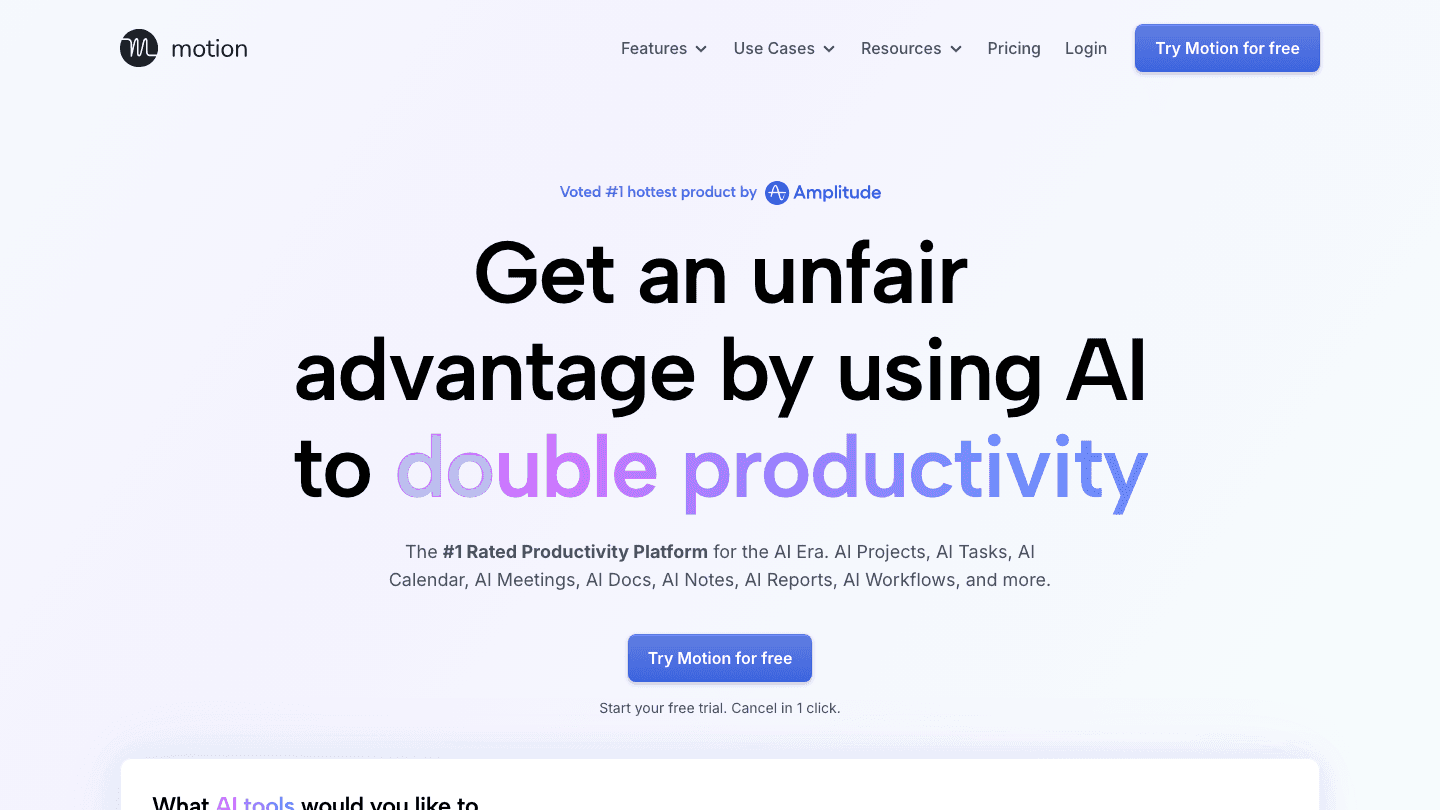
Motion is one of the most established AI schedulers in this category. Give it your tasks, deadlines, and meetings, and it builds a daily schedule automatically, blocking time on your calendar for every open task. When something shifts, it reschedules everything else in real time.
The auto-scheduling is genuinely good, and the team features (capacity planning, project timelines, shared task assignments) make it the strongest option on this list for small to mid-size teams. The interface takes a week or two to click, and the pricing is noticeably higher than the alternatives, but for teams doing serious AI task management, it earns its cost.
Key Features: AI auto-scheduling, project management, meeting scheduler, docs and notes, team dashboards, Gantt charts (Business tier)
What Works: Scheduling intelligence is among the best available. Team capacity planning is useful for managers. Good mobile app.
Limitations: No energy awareness or wearable integration. Higher starting price. Learning curve for new users. No free tier.
Pricing: $19/seat/month (Pro AI), $29/seat/month (Business AI)
Best for: Small teams that want automated scheduling and don't mind paying for it
3. ClickUp
Best for: teams that want AI woven through tasks, docs, and workflows in one place
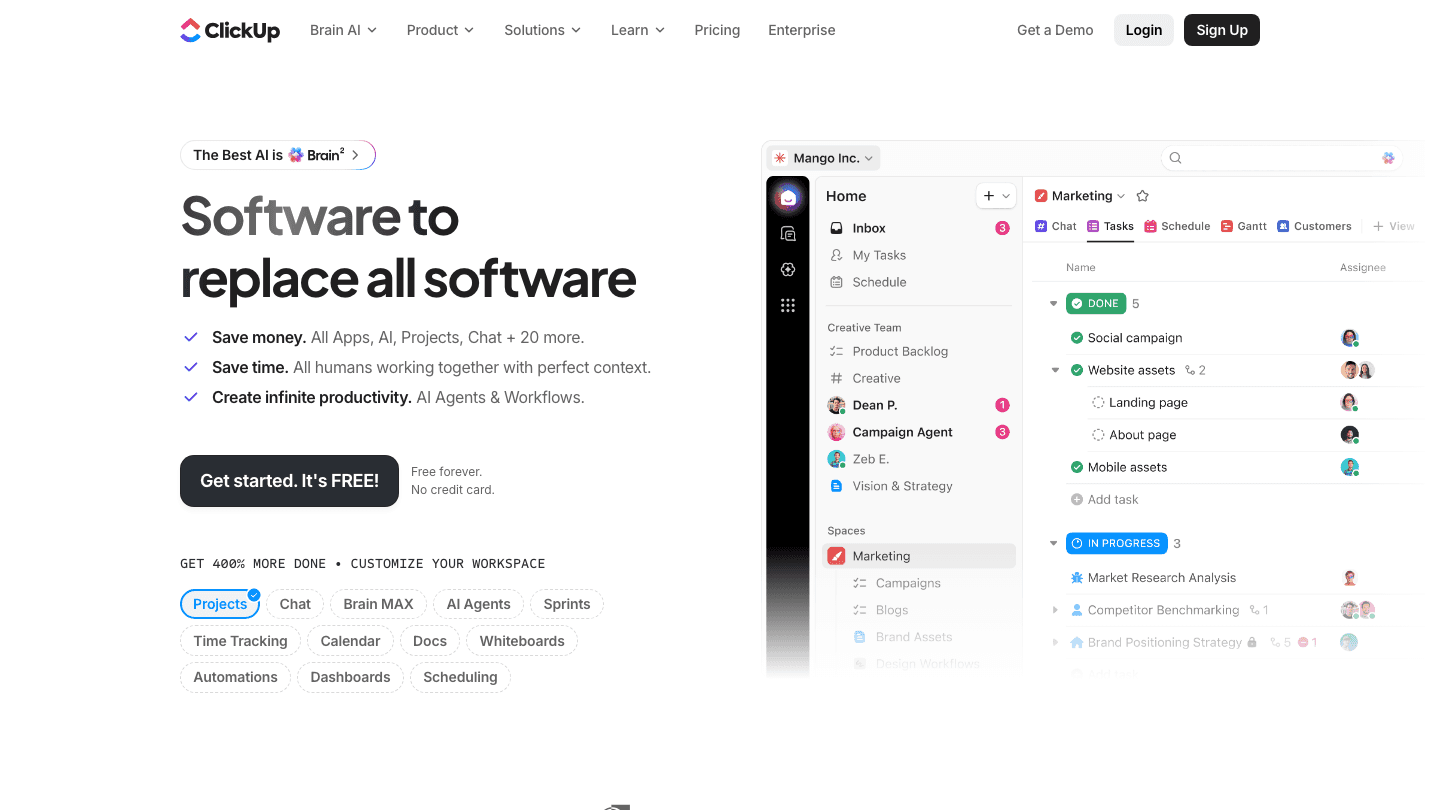
ClickUp has been building toward an AI-first platform for a while, and its Brain AI layer is now genuinely useful across tasks, documents, and automation. Ask it to summarize a project, write a task description, generate a status update, or build an automation. It handles all of these without switching tools.
The free tier is real and usable, which makes ClickUp the lowest-risk entry point on this list. The full AI project management features require an add-on, but even the base tier covers most of what teams need for organized, trackable project work.
Key Features: AI task management, docs and wikis, automations, chat, dashboards, time tracking, sprint planning, whiteboard
What Works: Breadth of features is unmatched at the price. AI assistant genuinely saves time on writing and summaries. Strong free tier.
Limitations: Can feel overwhelming for small teams. AI scheduling is limited compared to Motion or Lifestack. No wearable integration.
Pricing: Free plan available; Unlimited $7/user/month, Business $12/user/month (billed annually)
Best for: Teams that want a single platform replacing multiple tools
4. Monday.com
Best for: teams that want AI agents executing real project work, not just answering questions
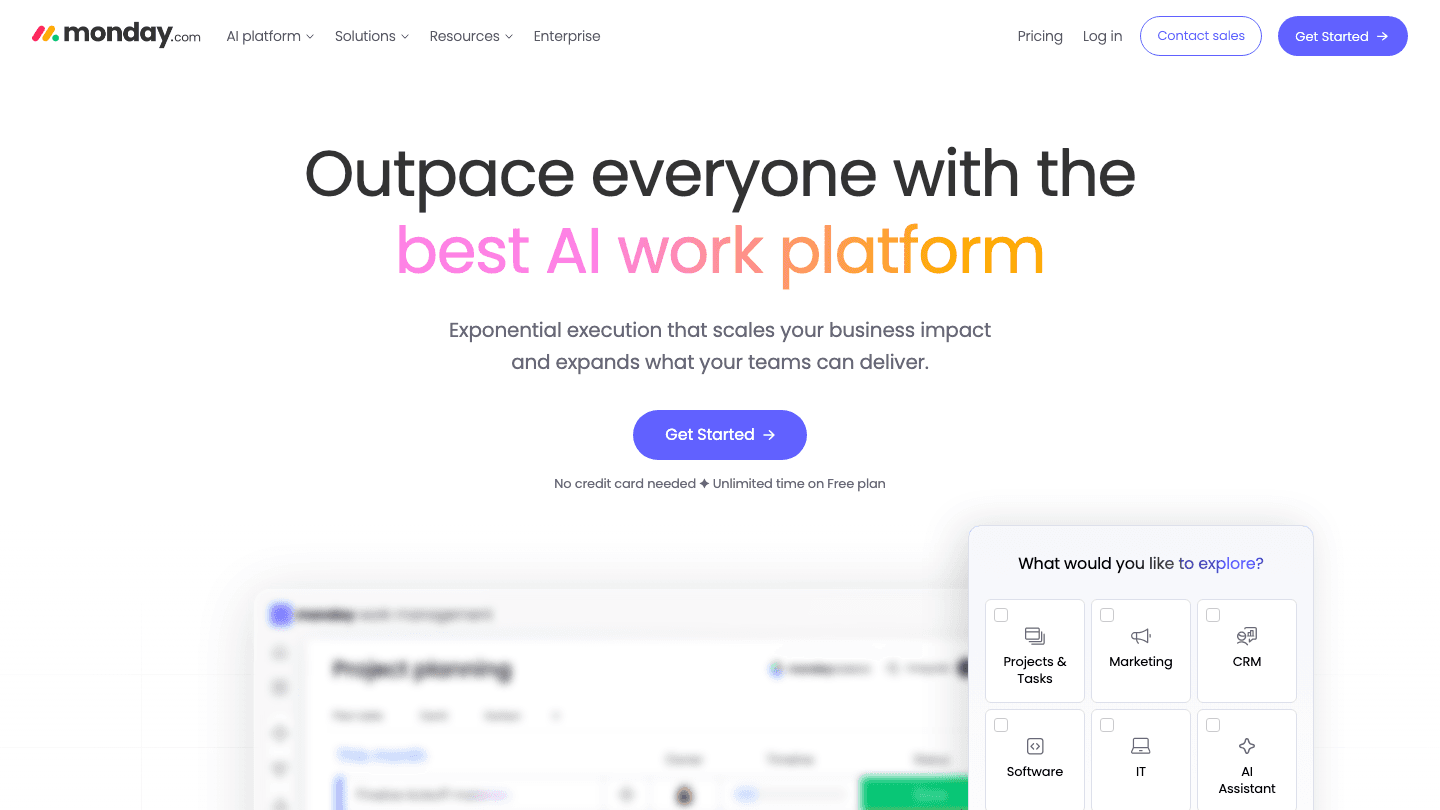
Monday.com has invested heavily in AI agents that don't just assist but actually take action: drafting updates, assigning tasks, moving items through workflows, and surfacing status across projects. Its agent-first positioning is more aggressive than most competitors, and for teams that run repeatable project workflows, those automations save meaningful time.
The platform is polished and well-suited to non-technical teams. Setup is faster than ClickUp because the templates are genuinely good. It doesn't have Lifestack's energy awareness or Motion's scheduling depth, but as a team coordination layer with real AI, it's strong.
Key Features: AI agents, project boards, automations, dashboards, timeline, Gantt, CRM, service desk, intake forms
What Works: AI agents are more capable than in most tools. Good for project tracking across teams. Fast onboarding. Generous free plan.
Limitations: Pricing scales quickly per seat. No individual scheduling intelligence. AI credits model can surprise users at scale.
Pricing: Free plan; Basic $9/seat/month, Standard $12/seat/month, Pro $19/seat/month (billed annually)
Best for: Mid-size teams running structured project workflows who want AI agents doing real work
5. Notion
Best for: teams already living in Notion who want AI built into their existing workspace
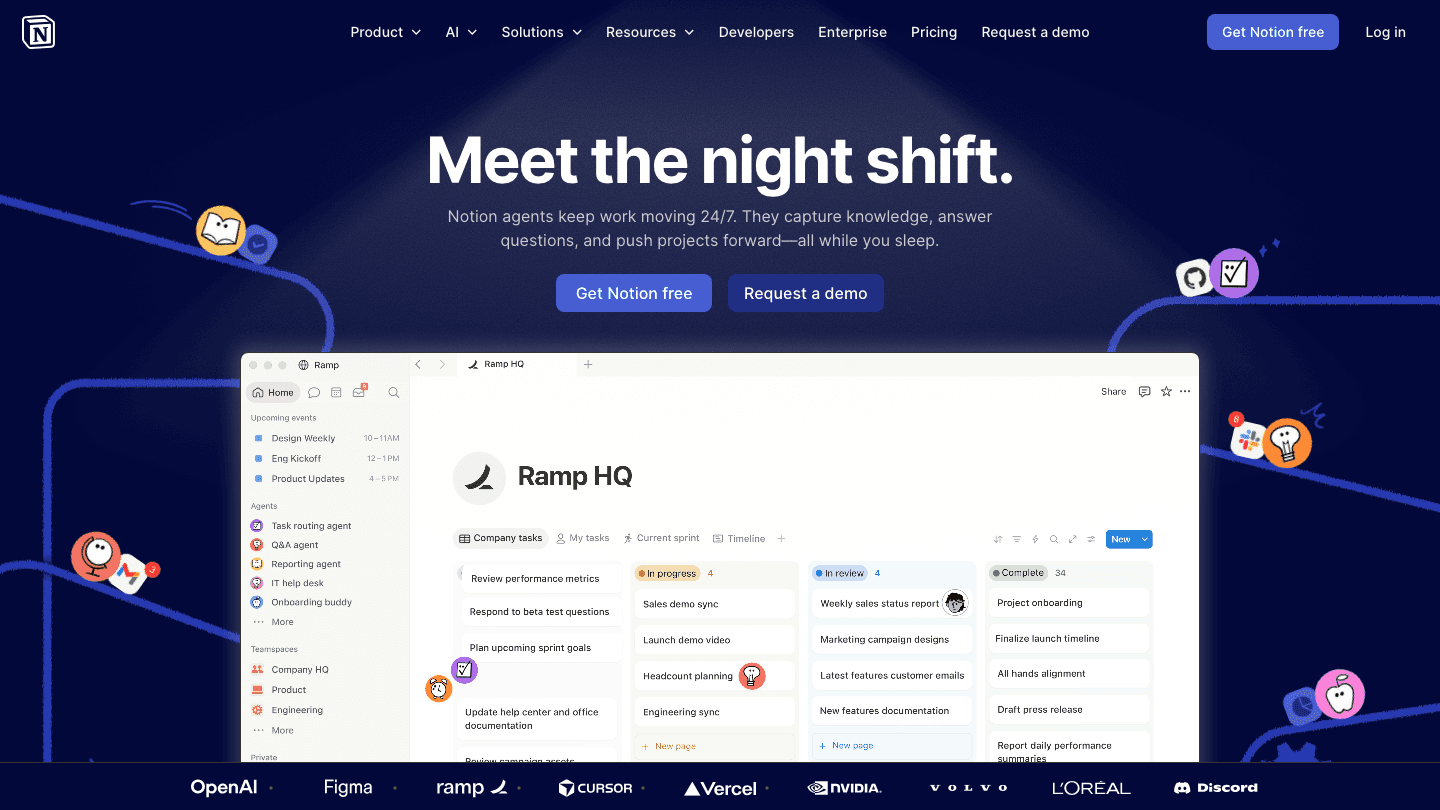
Notion added AI across its entire workspace and it works well for teams that are already organized in Notion databases. Q&A across your workspace, AI-generated summaries, writing assistance, and now AI agents that work in the background are all available.
The value of Notion AI is proportional to how much of your team's knowledge already lives there. If your wikis, project docs, and meeting notes are all in Notion, the AI can surface answers quickly. If you're starting from scratch, the setup investment is higher. It's not a dedicated AI planner for personal scheduling, but as a team knowledge and project hub with AI, it's hard to beat at its price point.
Key Features: AI Q&A across workspace, writing assistant, database views, wikis, project tracking, AI agents (workers), custom domains
What Works: AI is deeply integrated, not bolted on. Excellent for teams that need shared documentation alongside project tracking. Free tier available.
Limitations: No automated scheduling. AI quality depends heavily on how organized your existing Notion workspace is. Can be slow with very large databases.
Pricing: Free plan; Plus $10/member/month, Business $20/member/month
Best for: Teams that use Notion as their primary workspace and want AI woven through existing content
Which Project Management AI Is Right for You?
You're an individual contributor or freelancer who wants their day intelligently scheduled around energy: Lifestack
You run a small team and want automated scheduling plus project tracking: Motion
You want a free tier that covers real project management with AI features: ClickUp or Notion
Your team runs structured workflows and wants AI agents doing actual work: Monday.com
Your knowledge and docs already live in Notion: stick with Notion and enable AI
FAQ
What is project management AI?
Project management AI refers to tools that use artificial intelligence to automate or improve how work gets planned, tracked, and executed. This includes features like automatic task scheduling, AI-generated summaries, smart deadline detection, and AI agents that take actions on your behalf inside a project platform.
What is the best AI tool for project management?
The best tool depends on your use case. For individual scheduling that responds to your energy levels, Lifestack leads the category. For small teams that want automated task and meeting scheduling, Motion is the strongest option. For large teams needing a full platform, ClickUp or Monday.com are more appropriate.
Does ClickUp have AI?
Yes. ClickUp's Brain AI layer is available across tasks, documents, and automations. It can summarize projects, write task descriptions, answer questions about your workspace, and help build automations. Full AI features require the Brain AI or Everything AI add-on plans.
Is Monday.com using AI?
Yes. Monday.com has invested significantly in AI agents that can take real actions inside your workspace, including drafting updates, assigning tasks, and moving items through automations. AI features are included across paid plans with credit-based pricing for higher usage.
Can AI really plan my work schedule?
Yes, and the results are meaningful. Tools like Lifestack and auto-schedule platforms like Motion can build a daily schedule from your task list and calendar, filling available time blocks automatically. The more advanced tools factor in your energy levels and wearable data, not just availability.
AI has changed what project management software can do. The old generation of tools tracked tasks and deadlines. The new generation actually helps you figure out what to work on and when, fills your calendar automatically, writes status updates, and surfaces blockers before they become crises.
The category now spans everything from personal AI planners that schedule your day around your energy levels to full team platforms with AI agents running workflows in the background. Not all of them are right for the same person.
We tested five of the strongest options across individual use, team collaboration, and AI depth. Here's what we found.
Key Takeaways
Lifestack is the best choice for individuals who want AI to handle daily scheduling based on energy and recovery data.
Motion and Monday.com are better for teams that need AI across task assignment, deadlines, and project tracking.
ClickUp and Notion offer the most flexibility but require more setup before the AI becomes genuinely useful.
Quick Guide: Best Project Management AI Tools
Lifestack: Best for energy-aware personal AI scheduling
Motion: Best for automated task and meeting scheduling
ClickUp: Best all-in-one with deep AI across workflows
Monday.com: Best for teams that want AI agents on project work
Notion: Best for teams that already live in Notion
How We Evaluated
AI depth: Does the AI actually change how you work, or is it just a chatbot wrapper on top of a task list?
Scheduling intelligence: Can the tool decide when tasks get done, not just track whether they got done?
Integrations: Does it connect to the calendars, tools, and wearables people actually use?
Pricing clarity: Is it genuinely usable at its base tier, or do the useful features sit behind an expensive upsell?
Mobile experience: AI project management that only works on desktop is half a product.
1. Lifestack
Best for: individuals who want their daily schedule built around their actual energy level
Lifestack is different from every other tool on this list because it reads your body, not just your calendar. Connect your Oura Ring, Apple Watch, or Garmin, and Lifestack uses your sleep quality, recovery score, and energy levels to schedule your tasks at the times you're actually capable of doing them well.
On a night when you slept six broken hours, Lifestack won't book a two-hour deep work block first thing in the morning. It shifts intensive tasks to later in the day when you've recovered, and fills the early hours with lighter work. This is the core of energy-based planning, and it's something no other project management AI currently offers.
Key Features: Wearable integration, energy-aware auto-scheduling, task prioritization, calendar sync, iOS and Android apps, Chrome extension
What Works: The wearable connection is real and functional. Tasks land in time slots that match your energy, not just your availability. Mobile app is polished.
Limitations: Built for individuals and personal work management. Not designed for multi-person project tracking or team dashboards.
Pricing: $7/month, $50/year, or $120 lifetime
Best for: Individuals, freelancers, and anyone with ADHD or variable energy levels who want their day planned around how they're actually feeling
2. Motion
Best for: automated scheduling that fills your calendar without manual drag-and-drop
Motion is one of the most established AI schedulers in this category. Give it your tasks, deadlines, and meetings, and it builds a daily schedule automatically, blocking time on your calendar for every open task. When something shifts, it reschedules everything else in real time.
The auto-scheduling is genuinely good, and the team features (capacity planning, project timelines, shared task assignments) make it the strongest option on this list for small to mid-size teams. The interface takes a week or two to click, and the pricing is noticeably higher than the alternatives, but for teams doing serious AI task management, it earns its cost.
Key Features: AI auto-scheduling, project management, meeting scheduler, docs and notes, team dashboards, Gantt charts (Business tier)
What Works: Scheduling intelligence is among the best available. Team capacity planning is useful for managers. Good mobile app.
Limitations: No energy awareness or wearable integration. Higher starting price. Learning curve for new users. No free tier.
Pricing: $19/seat/month (Pro AI), $29/seat/month (Business AI)
Best for: Small teams that want automated scheduling and don't mind paying for it
3. ClickUp
Best for: teams that want AI woven through tasks, docs, and workflows in one place
ClickUp has been building toward an AI-first platform for a while, and its Brain AI layer is now genuinely useful across tasks, documents, and automation. Ask it to summarize a project, write a task description, generate a status update, or build an automation. It handles all of these without switching tools.
The free tier is real and usable, which makes ClickUp the lowest-risk entry point on this list. The full AI project management features require an add-on, but even the base tier covers most of what teams need for organized, trackable project work.
Key Features: AI task management, docs and wikis, automations, chat, dashboards, time tracking, sprint planning, whiteboard
What Works: Breadth of features is unmatched at the price. AI assistant genuinely saves time on writing and summaries. Strong free tier.
Limitations: Can feel overwhelming for small teams. AI scheduling is limited compared to Motion or Lifestack. No wearable integration.
Pricing: Free plan available; Unlimited $7/user/month, Business $12/user/month (billed annually)
Best for: Teams that want a single platform replacing multiple tools
4. Monday.com
Best for: teams that want AI agents executing real project work, not just answering questions
Monday.com has invested heavily in AI agents that don't just assist but actually take action: drafting updates, assigning tasks, moving items through workflows, and surfacing status across projects. Its agent-first positioning is more aggressive than most competitors, and for teams that run repeatable project workflows, those automations save meaningful time.
The platform is polished and well-suited to non-technical teams. Setup is faster than ClickUp because the templates are genuinely good. It doesn't have Lifestack's energy awareness or Motion's scheduling depth, but as a team coordination layer with real AI, it's strong.
Key Features: AI agents, project boards, automations, dashboards, timeline, Gantt, CRM, service desk, intake forms
What Works: AI agents are more capable than in most tools. Good for project tracking across teams. Fast onboarding. Generous free plan.
Limitations: Pricing scales quickly per seat. No individual scheduling intelligence. AI credits model can surprise users at scale.
Pricing: Free plan; Basic $9/seat/month, Standard $12/seat/month, Pro $19/seat/month (billed annually)
Best for: Mid-size teams running structured project workflows who want AI agents doing real work
5. Notion
Best for: teams already living in Notion who want AI built into their existing workspace
Notion added AI across its entire workspace and it works well for teams that are already organized in Notion databases. Q&A across your workspace, AI-generated summaries, writing assistance, and now AI agents that work in the background are all available.
The value of Notion AI is proportional to how much of your team's knowledge already lives there. If your wikis, project docs, and meeting notes are all in Notion, the AI can surface answers quickly. If you're starting from scratch, the setup investment is higher. It's not a dedicated AI planner for personal scheduling, but as a team knowledge and project hub with AI, it's hard to beat at its price point.
Key Features: AI Q&A across workspace, writing assistant, database views, wikis, project tracking, AI agents (workers), custom domains
What Works: AI is deeply integrated, not bolted on. Excellent for teams that need shared documentation alongside project tracking. Free tier available.
Limitations: No automated scheduling. AI quality depends heavily on how organized your existing Notion workspace is. Can be slow with very large databases.
Pricing: Free plan; Plus $10/member/month, Business $20/member/month
Best for: Teams that use Notion as their primary workspace and want AI woven through existing content
Which Project Management AI Is Right for You?
You're an individual contributor or freelancer who wants their day intelligently scheduled around energy: Lifestack
You run a small team and want automated scheduling plus project tracking: Motion
You want a free tier that covers real project management with AI features: ClickUp or Notion
Your team runs structured workflows and wants AI agents doing actual work: Monday.com
Your knowledge and docs already live in Notion: stick with Notion and enable AI
FAQ
What is project management AI?
Project management AI refers to tools that use artificial intelligence to automate or improve how work gets planned, tracked, and executed. This includes features like automatic task scheduling, AI-generated summaries, smart deadline detection, and AI agents that take actions on your behalf inside a project platform.
What is the best AI tool for project management?
The best tool depends on your use case. For individual scheduling that responds to your energy levels, Lifestack leads the category. For small teams that want automated task and meeting scheduling, Motion is the strongest option. For large teams needing a full platform, ClickUp or Monday.com are more appropriate.
Does ClickUp have AI?
Yes. ClickUp's Brain AI layer is available across tasks, documents, and automations. It can summarize projects, write task descriptions, answer questions about your workspace, and help build automations. Full AI features require the Brain AI or Everything AI add-on plans.
Is Monday.com using AI?
Yes. Monday.com has invested significantly in AI agents that can take real actions inside your workspace, including drafting updates, assigning tasks, and moving items through automations. AI features are included across paid plans with credit-based pricing for higher usage.
Can AI really plan my work schedule?
Yes, and the results are meaningful. Tools like Lifestack and auto-schedule platforms like Motion can build a daily schedule from your task list and calendar, filling available time blocks automatically. The more advanced tools factor in your energy levels and wearable data, not just availability.



FOLLOW ON
FOLLOW ON
FOLLOW ON


Copyright 2026 © Lifestack. All rights reserved
Copyright 2026 © Lifestack. All rights reserved

