
App
Best AI Task Manager Apps in 2026
Best AI Task Manager Apps in 2026
AI task managers have moved past simple to-do lists. The best ones now build your daily schedule for you, protect your focus time automatically, and learn which tasks you actually complete vs. push. But they vary widely in approach, and the wrong choice will cost you both money and momentum.
We tested six of the leading AI task manager apps across scheduling intelligence, ease of use, integrations, and real-world daily planning. Some shine for complex project management. Others are better for personal productivity. One stands out for doing something none of the others do: scheduling around your energy, not just your calendar.
Here's what we found.
Key Takeaways
Lifestack is the only AI task manager that reads wearable data to schedule tasks when your energy is highest.
Motion offers the most powerful auto-scheduling but costs significantly more than the others.
TickTick gives you the most features for the least money, with a generous free plan and $3/month premium tier.
Quick Guide: Best AI Task Manager Apps
1. Lifestack: Best for energy-aware AI scheduling and wearable integration
2. Motion: Best for teams needing full AI project auto-scheduling
3. Todoist: Best free AI task manager with 50M+ users
4. Reclaim.ai: Best for automatic focus time and calendar protection
5. TickTick: Best value at $3/month with Pomodoro and full calendar views
6. Any.do: Best for individuals who want a simple AI-assisted planner
How We Evaluated These Apps
AI scheduling quality: Does it actually build a daily plan, or just suggest tasks?
Energy and health awareness: Can it adapt scheduling based on how you feel?
Integrations: Calendar, task tools, wearables
Pricing: Value relative to features, free plan availability
Mobile experience: iOS and Android quality
Daily planning workflow: Does it fit how people actually work?
1. Lifestack: Best Energy-Aware AI Task Manager
The only AI task manager that schedules around your energy, not just your calendar.

Lifestack takes a different approach from every other app on this list. Instead of just looking at what you need to do and when you have free time, it reads your sleep and recovery data from wearables like Oura, WHOOP, Garmin, Fitbit, and Apple Watch, then builds a daily schedule that puts demanding cognitive work during your peak energy windows and lighter tasks during recovery periods.
The result is a planner that gets smarter the more you use it. If you had poor sleep, it won't schedule your hardest work at 9am. If your recovery score is high, it knows you can push. No other AI task manager on this list does this. For people who do energy-based planning or manage ADHD and task paralysis, this is a genuine difference-maker.
Key Features: Energy-aware AI scheduling, wearable integration (Oura, WHOOP, Garmin, Fitbit, Apple Watch), AI daily plan generation, task prioritization, calendar sync, iOS and Android apps, Chrome extension
Schedules tasks around real energy levels, not arbitrary time slots
Adapts plan based on sleep and recovery scores
Works on mobile and desktop with clean UI
Most affordable AI planner in this category
Focused on personal productivity, not built for team project management
Requires a wearable to unlock the full energy-scheduling feature
No free plan (7-day trial on annual)
Pricing: $7/month or $50/year (~$4.17/month). Lifetime plan at $120.
Best for: Individuals who want AI scheduling that adapts to how they actually feel each day.
2. Motion: Best for AI Auto-Scheduling
The most powerful AI project scheduler, built for teams who need everything automated.
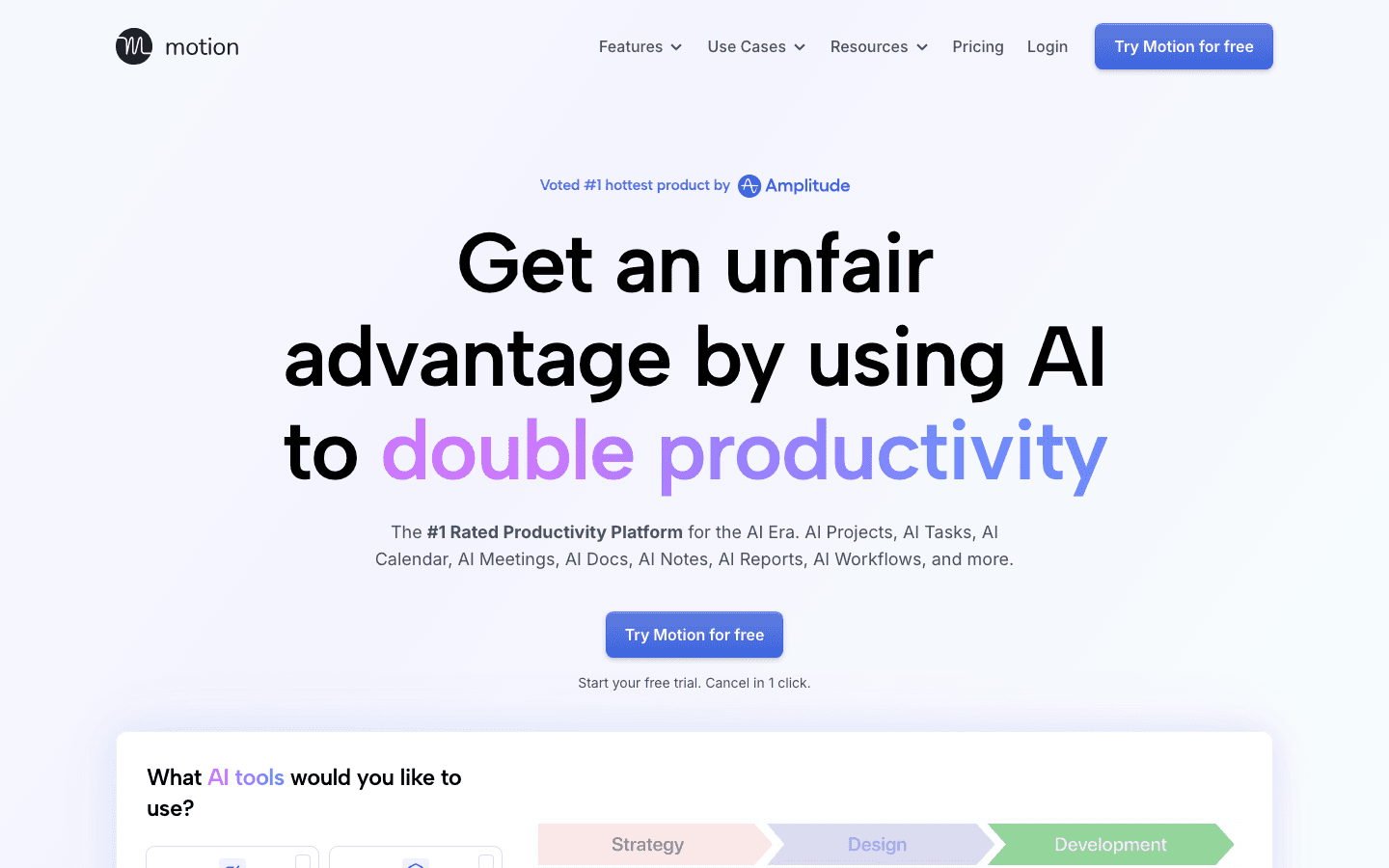
Motion is the most feature-complete AI task manager on this list. It automatically builds your daily schedule from your tasks, deadlines, and calendar events, then re-plans in real time when things change. It handles projects, team capacity planning, docs, notes, and meeting scheduling in a single platform.
The trade-off is cost. At $19/month (or $12.73/month on the annual plan), it's the most expensive individual option here. Motion works best for users who have complex interdependent projects and want an AI that actively manages scheduling, not just suggests it.
Strong AI auto-scheduling with real-time replanning
Covers tasks, projects, meetings, docs, and notes in one place
Team features including capacity planning and Gantt charts on Business plan
No energy or health data integration
Expensive compared to alternatives
Can feel complex to set up
Pricing: Pro AI at $19/month or $12.73/month (annual). Business AI at $29/month or $19.43/month (annual). No free plan.
Best for: Teams and power users who need an AI that fully automates project and task scheduling.
3. Todoist: Best Free AI Task Manager
The world's most popular task manager now has AI built in.
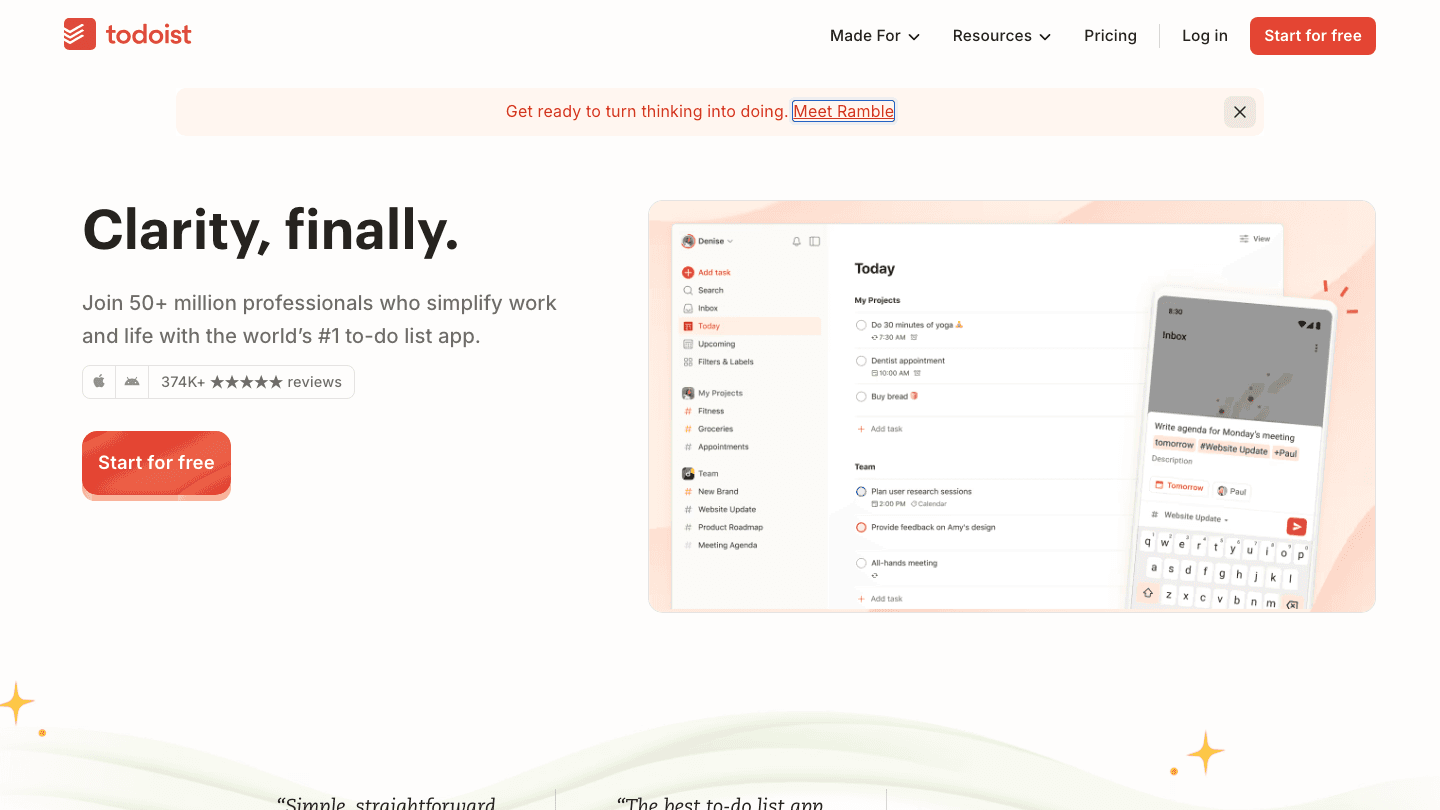
Todoist has 50 million users for good reason. It's fast, clean, and works across every platform. The free Beginner plan covers most personal needs. The Pro plan adds Task Assist, which can rephrase tasks, add subtasks, and summarize project content using AI.
Todoist's AI features are more of an add-on than a core scheduling engine. It won't build your day for you the way Lifestack or Motion will. But if you want a solid task manager with AI assistance at $5/month, it's hard to beat. See how it fits into a broader AI productivity tools stack.
Free plan is genuinely usable (5 projects, reminders, quick capture)
Task Assist AI on Pro tier adds smart task suggestions
Excellent cross-platform apps and integrations
AI scheduling is supplemental. It doesn't build your daily plan
No energy or calendar-blocking features
Pricing: Free (Beginner). Pro at $7/month or $5/month (annual, $60/year). Business at $6/user/month or $5/user/month (annual).
Best for: Individuals and teams who want a reliable task manager with AI assistance and a free starting point.
4. Reclaim.ai: Best for Focus Time Protection
An AI calendar tool that blocks focus time and habit windows automatically.
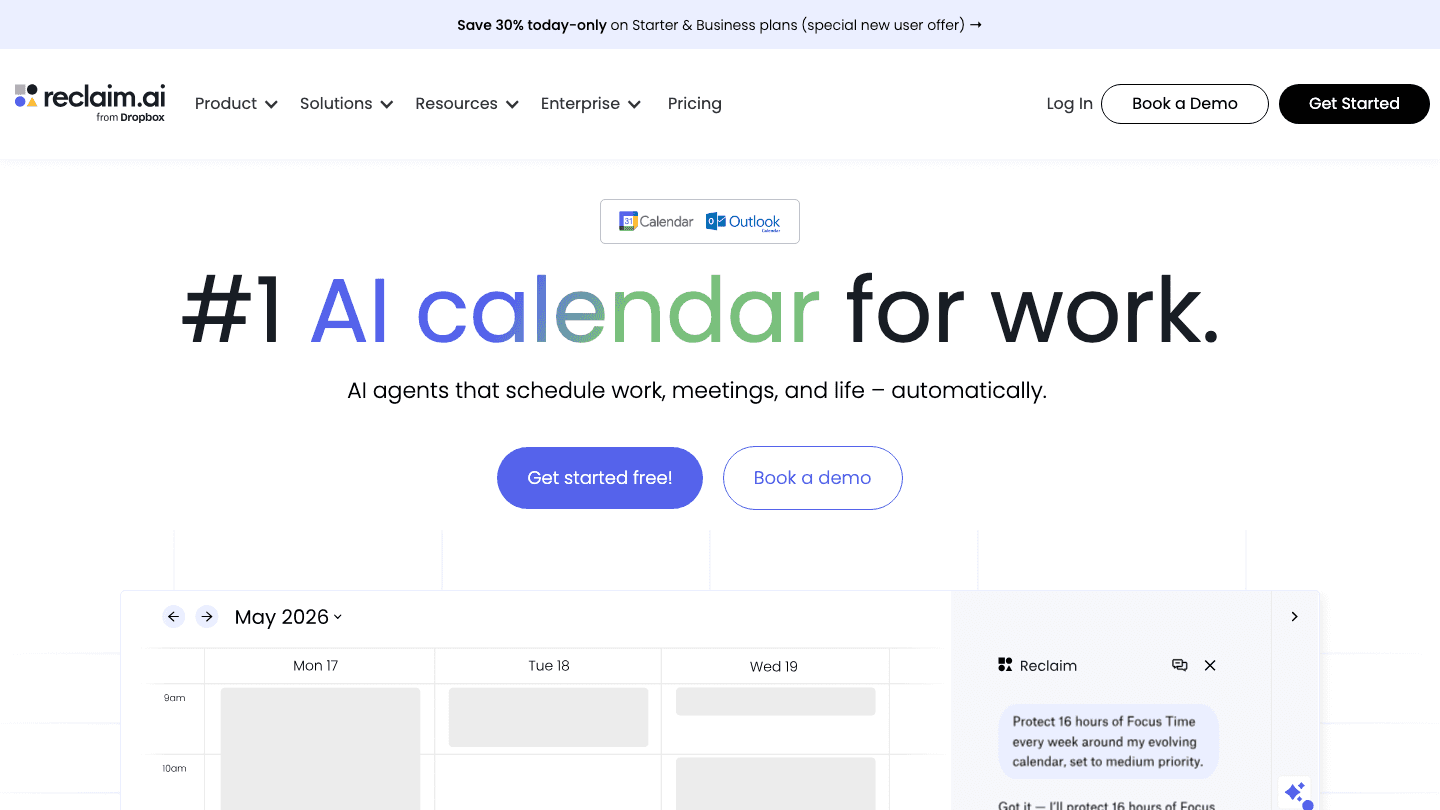
Reclaim.ai (now part of Dropbox) specializes in defending your calendar from meeting overload. It automatically creates Focus Time blocks, schedules recurring habits, adds buffers around meetings, and finds the best time to schedule tasks based on your calendar patterns. The free Lite plan gets you started with 5 AI agents and basic features.
Reclaim is stronger as a calendar manager than a task manager. It integrates with tools like Asana, Linear, and Jira to pull in tasks and schedule them, but the task creation experience is secondary. If you want to learn more about calendar management tools in general, we've covered the category separately.
Automatically blocks focus time and protects it from meetings
Habit scheduling ensures recurring blocks get on the calendar
Free Lite plan available
Better as a calendar tool than a task manager
Paid plans start at $10/seat/month (annual), which adds up for solo users
No energy awareness
Pricing: Lite (free). Starter at $12/month or $10/month (annual, $120/year). Business at $18/month or $15/month (annual).
Best for: Professionals who lose too much focused work time to meetings and want automatic calendar protection.
5. TickTick: Best Value AI Task Manager
More features than most competitors at a fraction of the price.
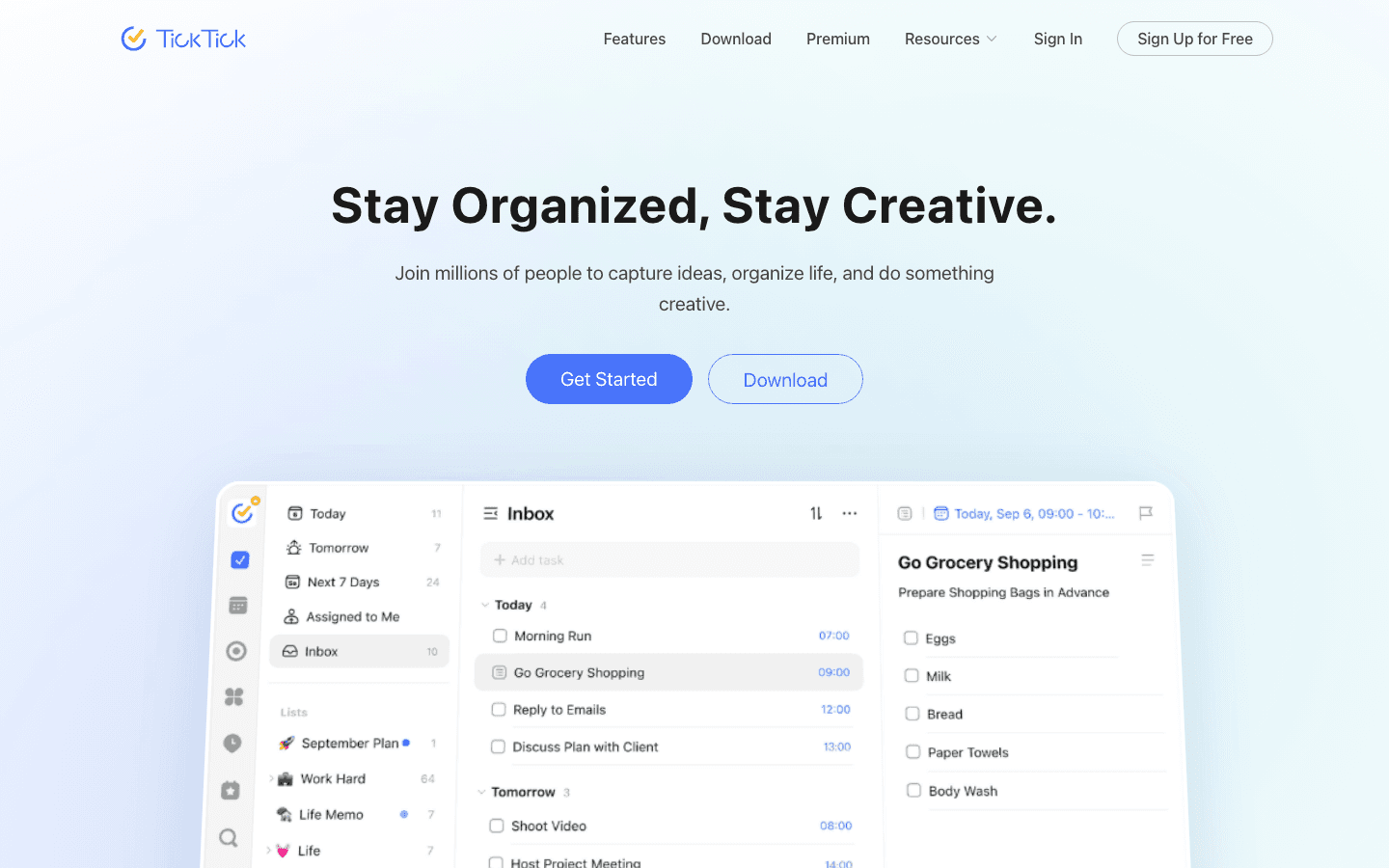
TickTick packs an impressive amount into a $3/month premium plan. You get full calendar views, custom filters, the Pomodoro timer, habit tracking, and third-party calendar subscriptions. The free plan is also solid for basic task management. It's a favorite among time-blocking practitioners who want a task manager with a built-in timer.
TickTick's AI features are lighter compared to Lifestack or Motion. It doesn't build daily plans or auto-schedule tasks. But for someone who wants a feature-rich personal task manager and doesn't need full AI scheduling, the value is unmatched.
Most features per dollar in this category
Built-in Pomodoro timer and habit tracker
Strong calendar integration and multiple views
AI scheduling is limited compared to Lifestack or Motion
Interface can feel dense
Pricing: Free plan. Premium at $3.99/month or $35.99/year (~$3/month).
Best for: Budget-conscious users who want a full-featured task manager with calendar views and a Pomodoro timer.
6. Any.do: Simplest AI Task Manager
Clean, friendly, and powered by an AI calendar assistant.
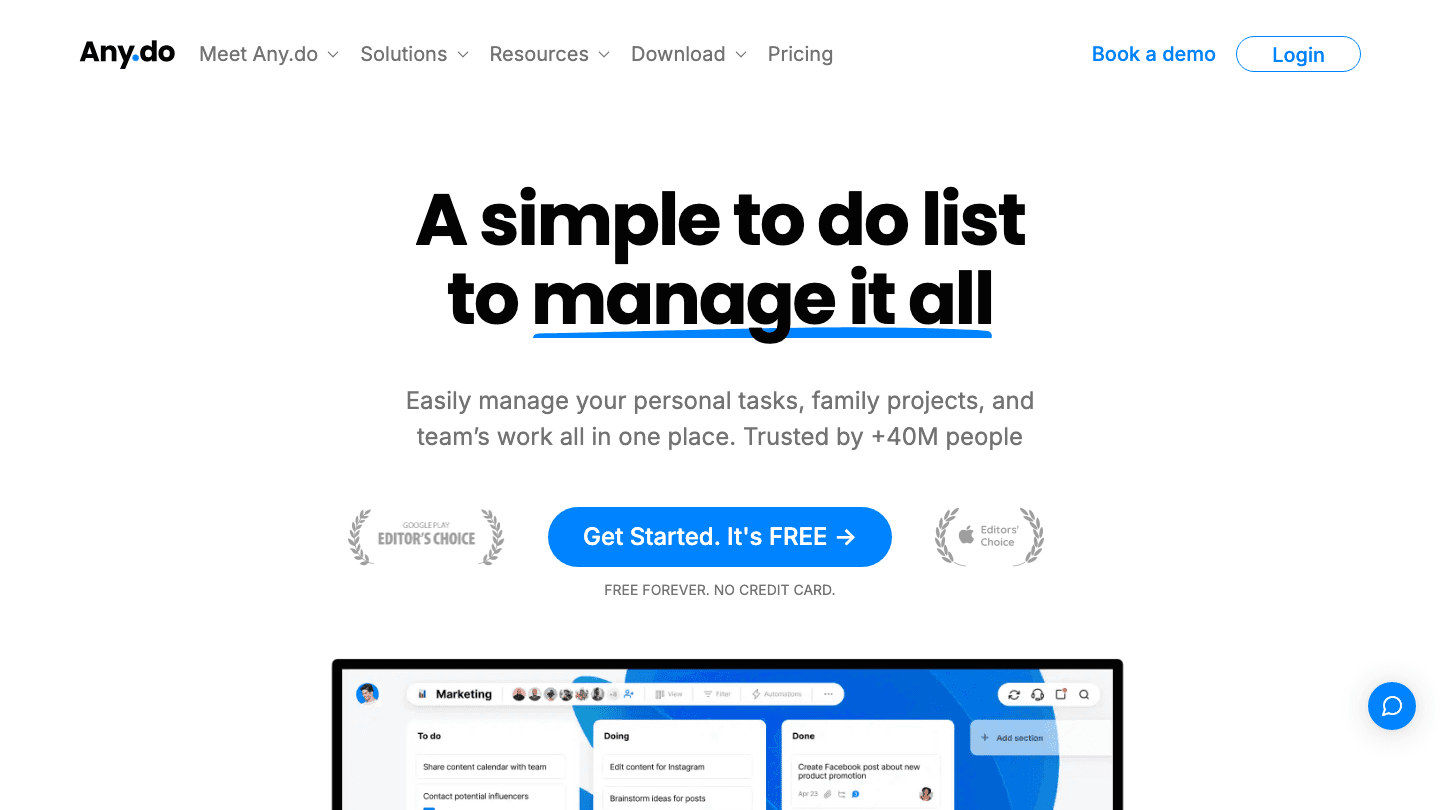
Any.do is the easiest app on this list to get started with. The free plan covers basic tasks, reminders, and calendar syncing. The Premium tier adds recurring tasks, location-based reminders, and AI-powered features including smart scheduling suggestions and WhatsApp task reminders.
Any.do doesn't have the scheduling depth of Lifestack or Motion, but it's a solid pick for people who want a simple AI task manager without a steep learning curve. At $4.99/month on the annual plan, it sits in the same price range as Lifestack for more limited AI features.
Very easy to set up and use daily
Free plan is functional for personal use
WhatsApp reminders are a unique feature
AI scheduling features are basic compared to Lifestack or Motion
Premium offers less value than Lifestack at a similar price
Pricing: Free (Personal). Premium at $7.99/month or $4.99/month (annual). Family plan at $9.99/month or $8.33/month (annual, 4 members).
Best for: Individuals who want a simple, clean AI-assisted task manager without a complicated onboarding process.
Which AI Task Manager Is Right for You?
Want AI that adapts to your energy and sleep: Lifestack
Need full AI auto-scheduling for projects and teams: Motion
Want the best free option with AI features: Todoist
Losing focus time to meetings: Reclaim.ai
Want the most features for the least money: TickTick
Want the simplest AI task manager to get started with: Any.do
For most individuals who want their AI task manager to actually understand how they work, not just slot tasks into empty calendar blocks. Lifestack is the most thoughtful choice. It's also the most affordable premium option. If you're specifically dealing with ADHD or task management challenges, the energy-aware approach makes a real difference. For a deeper look at the category, see our best AI planner app roundup.
Frequently Asked Questions
What is the best AI task manager in 2026?
Lifestack is the top pick for individuals who want AI scheduling that adapts to their energy levels. Motion is the strongest option for teams needing full AI project automation. Todoist offers the best free plan with AI assistance built in.
Is there a free AI task manager?
Yes. Todoist's Beginner plan is free and includes Task Assist AI. Reclaim.ai also has a free Lite tier with AI calendar features. TickTick's free plan covers basic task management but has limited AI scheduling.
How is an AI task manager different from a regular task manager?
An AI task manager actively builds your daily schedule by considering your tasks, deadlines, energy, and calendar. A regular task manager stores your to-do list and lets you manually prioritize. The AI does the planning work for you, rather than just holding the list.
What makes Lifestack different from other AI task managers?
Lifestack connects to wearables like Oura and WHOOP to read your sleep and recovery data, then schedules demanding work during high-energy periods and lighter tasks when you're recovering. No other AI task manager on this list does this. It's also one of the most affordable options at $50/year.
Which AI task manager is best for ADHD?
Lifestack is the strongest fit for ADHD users because it removes decision fatigue by building your day automatically and accounting for your energy state. Todoist and TickTick are also popular choices for their simple capture and organization features. See our full guide on task management for ADHD.
Is Motion worth the price compared to other AI task managers?
Motion is worth it if you need genuine AI project scheduling for a team, with real-time replanning when priorities shift. For individual use, it's hard to justify at $12-19/month when Lifestack offers comparable AI daily planning at $4.17/month, and TickTick covers basic task management at $3/month.
AI task managers have moved past simple to-do lists. The best ones now build your daily schedule for you, protect your focus time automatically, and learn which tasks you actually complete vs. push. But they vary widely in approach, and the wrong choice will cost you both money and momentum.
We tested six of the leading AI task manager apps across scheduling intelligence, ease of use, integrations, and real-world daily planning. Some shine for complex project management. Others are better for personal productivity. One stands out for doing something none of the others do: scheduling around your energy, not just your calendar.
Here's what we found.
Key Takeaways
Lifestack is the only AI task manager that reads wearable data to schedule tasks when your energy is highest.
Motion offers the most powerful auto-scheduling but costs significantly more than the others.
TickTick gives you the most features for the least money, with a generous free plan and $3/month premium tier.
Quick Guide: Best AI Task Manager Apps
1. Lifestack: Best for energy-aware AI scheduling and wearable integration
2. Motion: Best for teams needing full AI project auto-scheduling
3. Todoist: Best free AI task manager with 50M+ users
4. Reclaim.ai: Best for automatic focus time and calendar protection
5. TickTick: Best value at $3/month with Pomodoro and full calendar views
6. Any.do: Best for individuals who want a simple AI-assisted planner
How We Evaluated These Apps
AI scheduling quality: Does it actually build a daily plan, or just suggest tasks?
Energy and health awareness: Can it adapt scheduling based on how you feel?
Integrations: Calendar, task tools, wearables
Pricing: Value relative to features, free plan availability
Mobile experience: iOS and Android quality
Daily planning workflow: Does it fit how people actually work?
1. Lifestack: Best Energy-Aware AI Task Manager
The only AI task manager that schedules around your energy, not just your calendar.
Lifestack takes a different approach from every other app on this list. Instead of just looking at what you need to do and when you have free time, it reads your sleep and recovery data from wearables like Oura, WHOOP, Garmin, Fitbit, and Apple Watch, then builds a daily schedule that puts demanding cognitive work during your peak energy windows and lighter tasks during recovery periods.
The result is a planner that gets smarter the more you use it. If you had poor sleep, it won't schedule your hardest work at 9am. If your recovery score is high, it knows you can push. No other AI task manager on this list does this. For people who do energy-based planning or manage ADHD and task paralysis, this is a genuine difference-maker.
Key Features: Energy-aware AI scheduling, wearable integration (Oura, WHOOP, Garmin, Fitbit, Apple Watch), AI daily plan generation, task prioritization, calendar sync, iOS and Android apps, Chrome extension
Schedules tasks around real energy levels, not arbitrary time slots
Adapts plan based on sleep and recovery scores
Works on mobile and desktop with clean UI
Most affordable AI planner in this category
Focused on personal productivity, not built for team project management
Requires a wearable to unlock the full energy-scheduling feature
No free plan (7-day trial on annual)
Pricing: $7/month or $50/year (~$4.17/month). Lifetime plan at $120.
Best for: Individuals who want AI scheduling that adapts to how they actually feel each day.
2. Motion: Best for AI Auto-Scheduling
The most powerful AI project scheduler, built for teams who need everything automated.
Motion is the most feature-complete AI task manager on this list. It automatically builds your daily schedule from your tasks, deadlines, and calendar events, then re-plans in real time when things change. It handles projects, team capacity planning, docs, notes, and meeting scheduling in a single platform.
The trade-off is cost. At $19/month (or $12.73/month on the annual plan), it's the most expensive individual option here. Motion works best for users who have complex interdependent projects and want an AI that actively manages scheduling, not just suggests it.
Strong AI auto-scheduling with real-time replanning
Covers tasks, projects, meetings, docs, and notes in one place
Team features including capacity planning and Gantt charts on Business plan
No energy or health data integration
Expensive compared to alternatives
Can feel complex to set up
Pricing: Pro AI at $19/month or $12.73/month (annual). Business AI at $29/month or $19.43/month (annual). No free plan.
Best for: Teams and power users who need an AI that fully automates project and task scheduling.
3. Todoist: Best Free AI Task Manager
The world's most popular task manager now has AI built in.
Todoist has 50 million users for good reason. It's fast, clean, and works across every platform. The free Beginner plan covers most personal needs. The Pro plan adds Task Assist, which can rephrase tasks, add subtasks, and summarize project content using AI.
Todoist's AI features are more of an add-on than a core scheduling engine. It won't build your day for you the way Lifestack or Motion will. But if you want a solid task manager with AI assistance at $5/month, it's hard to beat. See how it fits into a broader AI productivity tools stack.
Free plan is genuinely usable (5 projects, reminders, quick capture)
Task Assist AI on Pro tier adds smart task suggestions
Excellent cross-platform apps and integrations
AI scheduling is supplemental. It doesn't build your daily plan
No energy or calendar-blocking features
Pricing: Free (Beginner). Pro at $7/month or $5/month (annual, $60/year). Business at $6/user/month or $5/user/month (annual).
Best for: Individuals and teams who want a reliable task manager with AI assistance and a free starting point.
4. Reclaim.ai: Best for Focus Time Protection
An AI calendar tool that blocks focus time and habit windows automatically.
Reclaim.ai (now part of Dropbox) specializes in defending your calendar from meeting overload. It automatically creates Focus Time blocks, schedules recurring habits, adds buffers around meetings, and finds the best time to schedule tasks based on your calendar patterns. The free Lite plan gets you started with 5 AI agents and basic features.
Reclaim is stronger as a calendar manager than a task manager. It integrates with tools like Asana, Linear, and Jira to pull in tasks and schedule them, but the task creation experience is secondary. If you want to learn more about calendar management tools in general, we've covered the category separately.
Automatically blocks focus time and protects it from meetings
Habit scheduling ensures recurring blocks get on the calendar
Free Lite plan available
Better as a calendar tool than a task manager
Paid plans start at $10/seat/month (annual), which adds up for solo users
No energy awareness
Pricing: Lite (free). Starter at $12/month or $10/month (annual, $120/year). Business at $18/month or $15/month (annual).
Best for: Professionals who lose too much focused work time to meetings and want automatic calendar protection.
5. TickTick: Best Value AI Task Manager
More features than most competitors at a fraction of the price.
TickTick packs an impressive amount into a $3/month premium plan. You get full calendar views, custom filters, the Pomodoro timer, habit tracking, and third-party calendar subscriptions. The free plan is also solid for basic task management. It's a favorite among time-blocking practitioners who want a task manager with a built-in timer.
TickTick's AI features are lighter compared to Lifestack or Motion. It doesn't build daily plans or auto-schedule tasks. But for someone who wants a feature-rich personal task manager and doesn't need full AI scheduling, the value is unmatched.
Most features per dollar in this category
Built-in Pomodoro timer and habit tracker
Strong calendar integration and multiple views
AI scheduling is limited compared to Lifestack or Motion
Interface can feel dense
Pricing: Free plan. Premium at $3.99/month or $35.99/year (~$3/month).
Best for: Budget-conscious users who want a full-featured task manager with calendar views and a Pomodoro timer.
6. Any.do: Simplest AI Task Manager
Clean, friendly, and powered by an AI calendar assistant.
Any.do is the easiest app on this list to get started with. The free plan covers basic tasks, reminders, and calendar syncing. The Premium tier adds recurring tasks, location-based reminders, and AI-powered features including smart scheduling suggestions and WhatsApp task reminders.
Any.do doesn't have the scheduling depth of Lifestack or Motion, but it's a solid pick for people who want a simple AI task manager without a steep learning curve. At $4.99/month on the annual plan, it sits in the same price range as Lifestack for more limited AI features.
Very easy to set up and use daily
Free plan is functional for personal use
WhatsApp reminders are a unique feature
AI scheduling features are basic compared to Lifestack or Motion
Premium offers less value than Lifestack at a similar price
Pricing: Free (Personal). Premium at $7.99/month or $4.99/month (annual). Family plan at $9.99/month or $8.33/month (annual, 4 members).
Best for: Individuals who want a simple, clean AI-assisted task manager without a complicated onboarding process.
Which AI Task Manager Is Right for You?
Want AI that adapts to your energy and sleep: Lifestack
Need full AI auto-scheduling for projects and teams: Motion
Want the best free option with AI features: Todoist
Losing focus time to meetings: Reclaim.ai
Want the most features for the least money: TickTick
Want the simplest AI task manager to get started with: Any.do
For most individuals who want their AI task manager to actually understand how they work, not just slot tasks into empty calendar blocks. Lifestack is the most thoughtful choice. It's also the most affordable premium option. If you're specifically dealing with ADHD or task management challenges, the energy-aware approach makes a real difference. For a deeper look at the category, see our best AI planner app roundup.
Frequently Asked Questions
What is the best AI task manager in 2026?
Lifestack is the top pick for individuals who want AI scheduling that adapts to their energy levels. Motion is the strongest option for teams needing full AI project automation. Todoist offers the best free plan with AI assistance built in.
Is there a free AI task manager?
Yes. Todoist's Beginner plan is free and includes Task Assist AI. Reclaim.ai also has a free Lite tier with AI calendar features. TickTick's free plan covers basic task management but has limited AI scheduling.
How is an AI task manager different from a regular task manager?
An AI task manager actively builds your daily schedule by considering your tasks, deadlines, energy, and calendar. A regular task manager stores your to-do list and lets you manually prioritize. The AI does the planning work for you, rather than just holding the list.
What makes Lifestack different from other AI task managers?
Lifestack connects to wearables like Oura and WHOOP to read your sleep and recovery data, then schedules demanding work during high-energy periods and lighter tasks when you're recovering. No other AI task manager on this list does this. It's also one of the most affordable options at $50/year.
Which AI task manager is best for ADHD?
Lifestack is the strongest fit for ADHD users because it removes decision fatigue by building your day automatically and accounting for your energy state. Todoist and TickTick are also popular choices for their simple capture and organization features. See our full guide on task management for ADHD.
Is Motion worth the price compared to other AI task managers?
Motion is worth it if you need genuine AI project scheduling for a team, with real-time replanning when priorities shift. For individual use, it's hard to justify at $12-19/month when Lifestack offers comparable AI daily planning at $4.17/month, and TickTick covers basic task management at $3/month.



FOLLOW ON
FOLLOW ON
FOLLOW ON


Copyright 2026 © Lifestack. All rights reserved
Copyright 2026 © Lifestack. All rights reserved

