
App
5 Best Work Focusing Tools in 2026
5 Best Work Focusing Tools in 2026
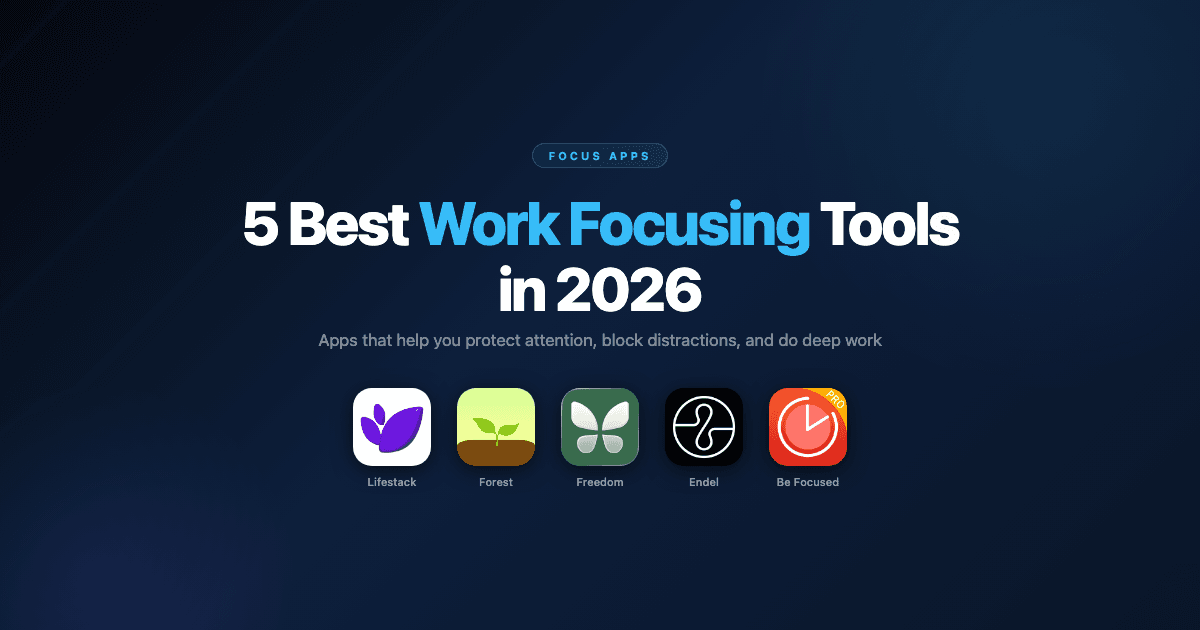
Staying focused at work has never been harder. Between Slack notifications, browser rabbit holes, and the constant pull of email, the average knowledge worker gets interrupted every few minutes. And once focus breaks, it takes a significant amount of time to rebuild. The research on this is fairly sobering.
Work focusing tools address this in different ways. Some schedule your deep work into the time windows when you're neurologically ready for it. Others block the distractions before they have a chance to interrupt. A few use sound science to shift your brain into a productive state. The best setup usually combines a couple of these approaches.
Here are the five best work focusing tools available right now, what each one does, and who it's actually built for.
Key Takeaways
Lifestack addresses the upstream problem: it schedules demanding work into your peak focus windows before distractions even become an issue
Forest and Be Focused Pro build focus habits through gamification and Pomodoro timers respectively
Freedom and Endel attack focus from different angles: blocking distractions versus creating an environment for focus
Quick Guide: Best Work Focusing Tools
Lifestack: Best for scheduling focus work into your peak energy windows
Forest: Best gamified focus timer for building phone-free work habits
Freedom: Best cross-platform distraction blocker for websites and apps
Endel: Best AI soundscape for sustained focus and concentration
Be Focused Pro: Best Pomodoro timer for structured work and break intervals
1. Lifestack: Best for Energy-Based Focus Scheduling
Solves the focus problem before it starts by scheduling deep work into your peak hours.

Lifestack is an AI daily planner that uses data from your wearables to understand when your focus and energy peak during the day. It then automatically schedules your most demanding cognitive tasks into those windows, so deep work lands when you're actually capable of doing it well.
This is a fundamentally different approach to focus. Most tools in this category react to distraction. Lifestack prevents the conditions where distraction wins by ensuring your serious work is scheduled into the time when your brain is ready and resistance is lowest. For anyone who struggles with ADHD or inconsistent focus, that timing difference is significant. Read more about why energy-based planning beats time blocking for sustained focus.
It integrates with your calendar and task list, and works across iOS and Android alongside wearables like Oura, Whoop, Garmin, and Apple Watch.
Key Features: Energy-aware scheduling, wearable integration, AI daily planning, calendar and task sync
What Works: Proactive approach beats reactive distraction-fighting; setup is fast; works well with ADHD brains
Limitations: Not a distraction blocker; works best when paired with a tool like Freedom for blocking
Pricing: $7/month, $50/year (7-day free trial on annual plan), or $120 lifetime.
Best for: Professionals who want to protect their best focus hours by scheduling the right work into the right time windows automatically.
2. Forest: Best Gamified Focus Timer
You set a timer, put down your phone, and grow a virtual tree. Leave the app and it dies.
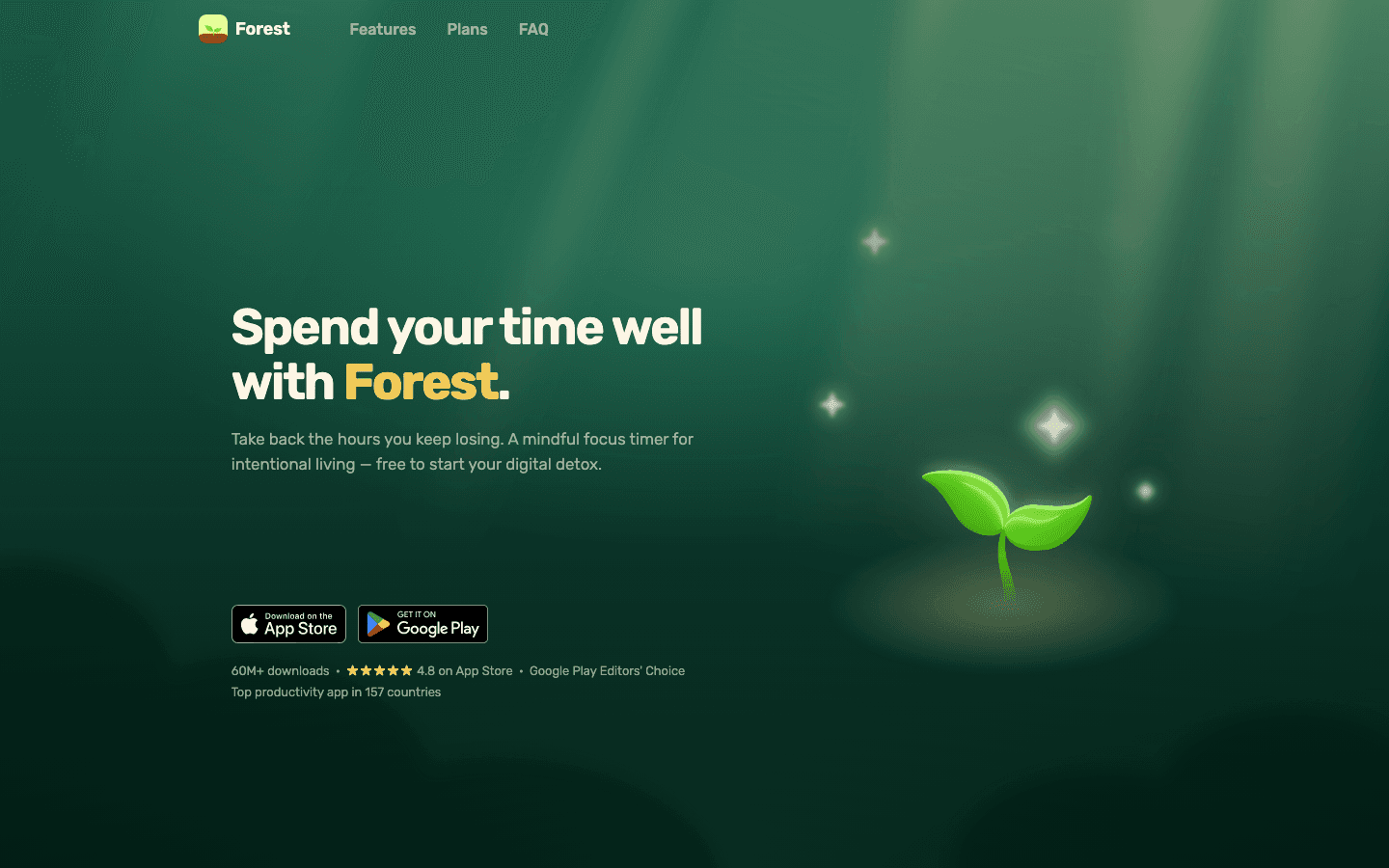
Forest is one of the most widely used focus apps in the world, built around a simple idea: start a timer, plant a virtual tree, and keep your phone face-down until the timer ends. If you pick up your phone and leave the app, the tree dies. Over time, you build a virtual forest that represents your real, accumulated focus time.
The gamification is surprisingly effective. The gentle consequence of losing a tree creates just enough friction to pause before mindlessly reaching for the phone. Forest also donates to real tree-planting projects when you earn coins in-app, which adds a real-world dimension to the habit. For building the basic focus habit, especially in people who are starting from a baseline of heavy phone use, Forest is one of the most accessible and engaging tools available.
Key Features: Gamified focus timer, virtual forest visualization, real tree planting donations, Android widget, white noise support
What Works: Very low barrier to start; the consequence model actually works; fun to use
Limitations: Doesn't block websites or apps; phone-only; the novelty can wear off
Pricing: $3.99 one-time purchase (iOS and Android).
Best for: Anyone building the habit of staying off their phone during focused work, especially people who want a gentle and visual approach rather than hard blocks.
3. Freedom: Best Cross-Platform Distraction Blocker
Blocks websites, apps, and the entire internet across all your devices simultaneously.
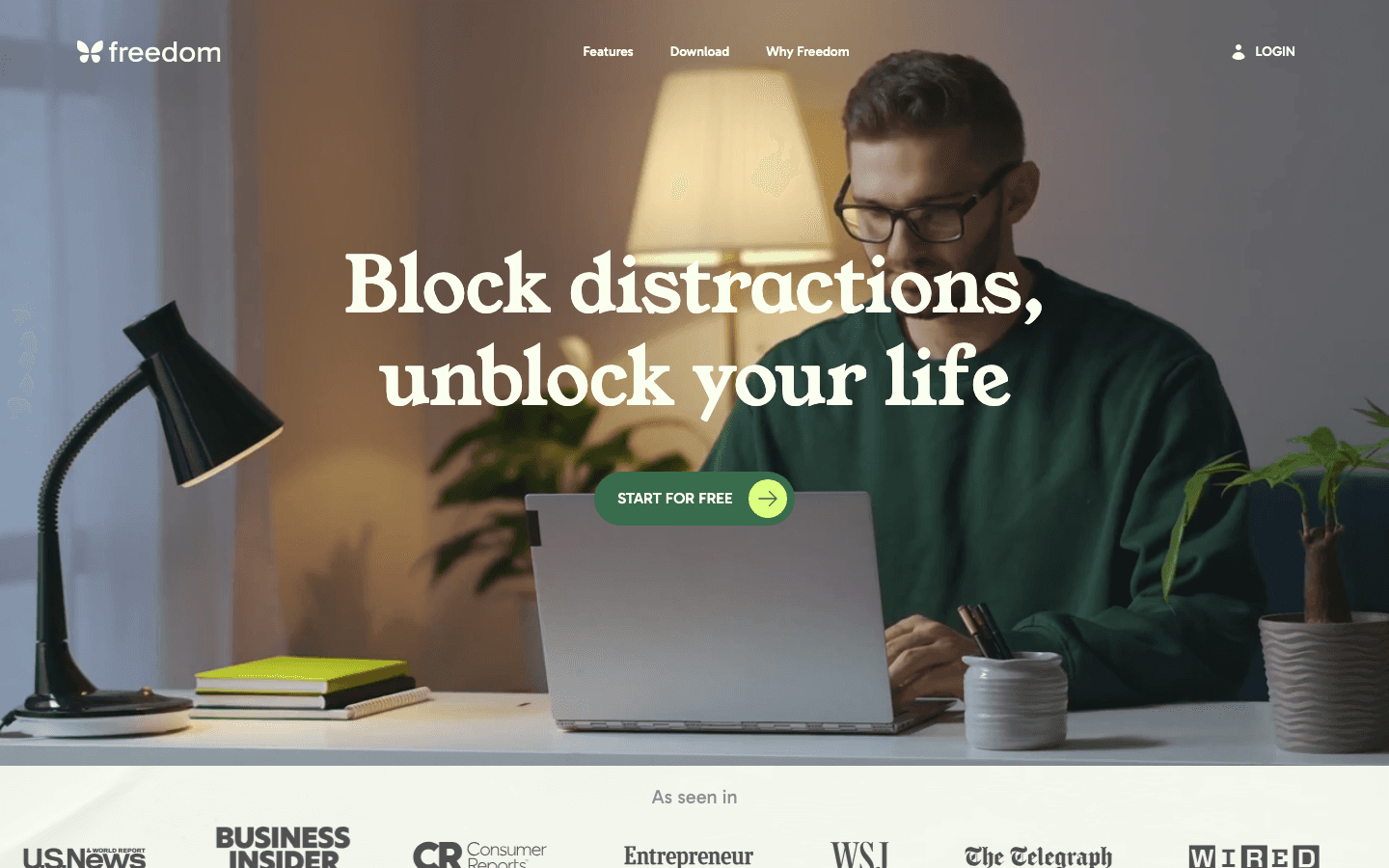
Freedom is the most thorough distraction blocker available across platforms. It works on Mac, Windows, iOS, Android, and Chrome simultaneously, which means a block session on your laptop also blocks your phone. You can create custom blocklists (specific websites), block all social media at once, or block the entire internet except for sites you've whitelisted. Sessions can be scheduled in advance so they start automatically.
The Locked Mode feature is particularly useful for people who know they'll override a block session out of habit. When Locked Mode is on, you can't turn off the session until the timer runs out, even on a different device. It's designed for people who can't trust themselves to stay on task without a hard constraint. For anyone managing task initiation challenges or difficulty staying on task, that level of commitment device is genuinely useful.
Key Features: Cross-platform blocking, custom blocklists, Locked Mode, scheduled sessions, recurring blocks, website exceptions
What Works: Genuinely cross-device; Locked Mode removes the willpower requirement; scheduling prevents forgetting to block
Limitations: Free plan sessions cap at two hours; no Locked Mode on free; $40/year for full features
Pricing: Free plan available (limited sessions). Premium $39.99/year ($3.33/month). Lifetime option $199.
Best for: People who need hard blocks across all devices, including those who would otherwise override a soft block or find themselves on their phone the moment their computer session starts.
4. Endel: Best AI Soundscape for Sustained Focus
Generates real-time, personalized sound environments scientifically tuned for focus and concentration.
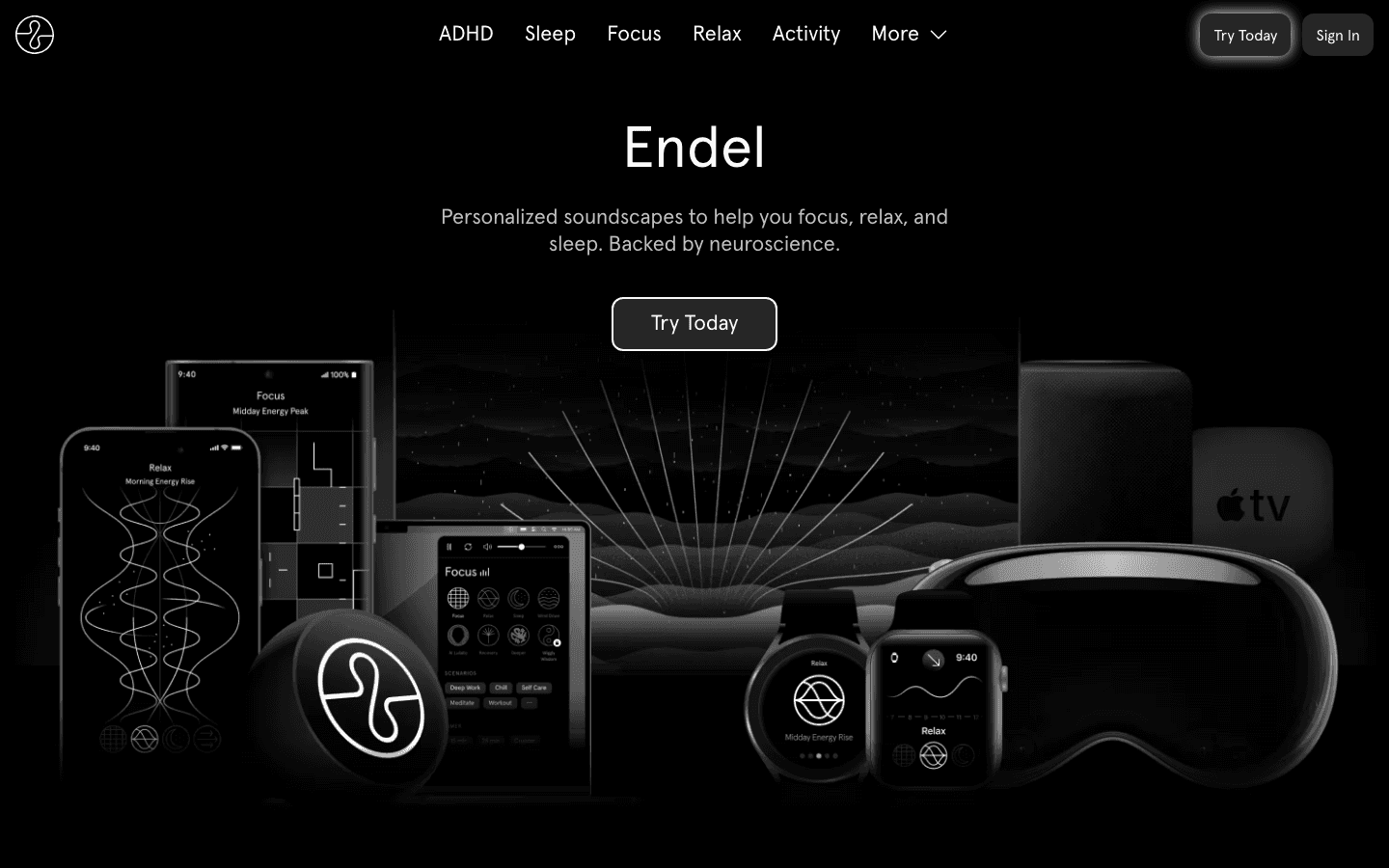
Endel creates AI-generated soundscapes in real time, adjusting the audio based on your time of day, weather, heart rate (if connected to a wearable), and activity mode. The focus mode produces ambient audio layers designed to reduce mental fatigue and help you sustain attention over longer periods. It's not just background music: the sound design is built around principles from neuroscience research on auditory environments and attention.
Endel works particularly well for people who find silence distracting but find music with lyrics intrusive. The generated audio sits in a middle ground: present enough to occupy the part of your brain that wanders, not so demanding that it pulls your attention away from work. Endel has also developed a specific ADHD mode, which adjusts the soundscape based on known attention patterns in ADHD brains.
Key Features: AI-generated real-time soundscapes, wearable integration, ADHD mode, sleep and relax modes, Apple Watch, Apple TV, Android
What Works: Genuinely different from playlists; the ADHD mode is a thoughtful addition; works across devices
Limitations: Subscription-only; some find the generated audio repetitive; doesn't block distractions
Pricing: ~$45/year (~$3.75/month billed annually). Monthly plan also available. 7-day free trial.
Best for: People who work better with ambient audio than with silence or standard playlists, and want a science-informed approach to sound-assisted focus.
5. Be Focused Pro: Best Pomodoro Timer
Structured work intervals with clean tracking, synced across iPhone, iPad, and Mac.
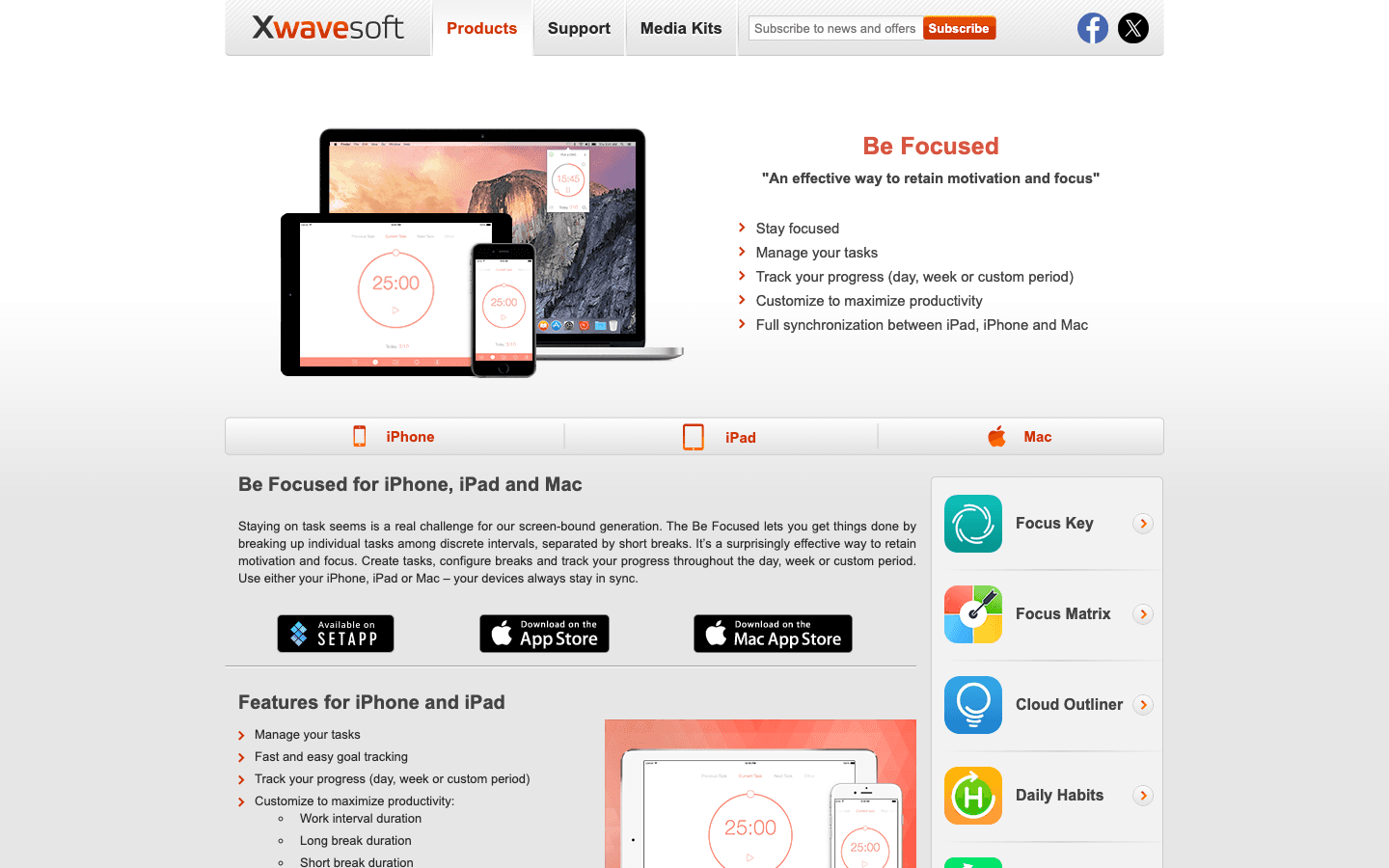
Be Focused Pro implements the Pomodoro Technique: 25-minute work intervals separated by short breaks. What sets it apart from simpler timers is the integration across iOS and macOS, task tracking within the app, and detailed stats on how many focus sessions you've completed over time. You can customize interval lengths, set daily session goals, and see your productivity trends across days and weeks.
The Pomodoro approach works particularly well for people who struggle with open-ended work blocks. Knowing that a break is coming in 25 minutes lowers the resistance to starting. It's a low-tech focus method with decades of evidence behind it, and Be Focused Pro is one of the cleanest implementations available on Apple platforms. For people dealing with time blindness, the structured intervals also function as built-in time cues.
Key Features: Customizable Pomodoro intervals, task list integration, session history, iCloud sync across Apple devices, daily goals
What Works: Clean, distraction-free interface; sync across iPhone and Mac works reliably; one-time purchase model
Limitations: Apple only; no distraction blocking; requires self-discipline to start sessions consistently
Pricing: $19.99 one-time purchase (iOS).
Best for: Apple users who want structured work intervals with tracking and cross-device sync, without a subscription.
Which Work Focusing Tool Is Right for You?
You want your deep work scheduled into your best focus windows automatically: Lifestack. Learn how it works.
You want to build a phone-free focus habit with a gentle, visual approach: Forest.
You need hard blocks across all your devices, including your phone: Freedom. Start with the free plan.
You work better with ambient sound than silence: Endel. The 7-day trial is enough to know.
You want simple structured intervals with Apple device sync: Be Focused Pro.
For a broader look at how to use these tools together with task management, the guide on ADHD focus apps covers the full stack. And if you want to understand why scheduling focus time is more effective than just blocking distractions, the piece on time blocking apps goes deeper on that topic.
Frequently Asked Questions
What is the best app for focus at work?
It depends on where your focus problem starts. If you're losing focus because you're doing demanding work at low-energy times, Lifestack helps by scheduling your deep work into peak windows. If you're losing focus to phone and browser distractions, Freedom's cross-device blocking is the most thorough solution. Most people benefit from combining an energy-scheduling tool like Lifestack with a blocking tool like Freedom.
Does the Forest app actually work for focus?
For many people, yes. The gamified consequence (your tree dies if you leave) creates just enough friction to interrupt the automatic phone-reaching habit. It's more effective for building a new habit than for forcing focus during a session where distractions are severe. For stronger blocks, Freedom is more reliable. Forest and Freedom can be used together.
Is Endel worth it for work focus?
If you're someone who finds silence distracting and music with lyrics pulls your attention away, Endel occupies a useful middle ground. The focus soundscapes are designed to reduce mental fatigue over long sessions. The 7-day trial is enough to know whether it helps your particular attention profile. People with ADHD tend to respond well to the ADHD-specific mode.
What is the Pomodoro technique and does it help with focus?
The Pomodoro technique involves working in focused 25-minute intervals separated by 5-minute breaks. It helps with focus by making the commitment smaller (25 minutes feels manageable) and providing regular mental resets. Be Focused Pro is one of the best Pomodoro implementations for Apple users. The technique has strong anecdotal and some empirical support, particularly for people who find open-ended work blocks overwhelming.
Can I use Lifestack and Freedom together?
Yes, and it's one of the more effective combinations. Lifestack schedules your deep work into your best focus windows. Freedom blocks distractions for the duration of those sessions. Together, they handle both when to focus (Lifestack) and what to block while you're focusing (Freedom). For ADHD brains especially, that combination removes two of the biggest friction points.
Staying focused at work has never been harder. Between Slack notifications, browser rabbit holes, and the constant pull of email, the average knowledge worker gets interrupted every few minutes. And once focus breaks, it takes a significant amount of time to rebuild. The research on this is fairly sobering.
Work focusing tools address this in different ways. Some schedule your deep work into the time windows when you're neurologically ready for it. Others block the distractions before they have a chance to interrupt. A few use sound science to shift your brain into a productive state. The best setup usually combines a couple of these approaches.
Here are the five best work focusing tools available right now, what each one does, and who it's actually built for.
Key Takeaways
Lifestack addresses the upstream problem: it schedules demanding work into your peak focus windows before distractions even become an issue
Forest and Be Focused Pro build focus habits through gamification and Pomodoro timers respectively
Freedom and Endel attack focus from different angles: blocking distractions versus creating an environment for focus
Quick Guide: Best Work Focusing Tools
Lifestack: Best for scheduling focus work into your peak energy windows
Forest: Best gamified focus timer for building phone-free work habits
Freedom: Best cross-platform distraction blocker for websites and apps
Endel: Best AI soundscape for sustained focus and concentration
Be Focused Pro: Best Pomodoro timer for structured work and break intervals
1. Lifestack: Best for Energy-Based Focus Scheduling
Solves the focus problem before it starts by scheduling deep work into your peak hours.
Lifestack is an AI daily planner that uses data from your wearables to understand when your focus and energy peak during the day. It then automatically schedules your most demanding cognitive tasks into those windows, so deep work lands when you're actually capable of doing it well.
This is a fundamentally different approach to focus. Most tools in this category react to distraction. Lifestack prevents the conditions where distraction wins by ensuring your serious work is scheduled into the time when your brain is ready and resistance is lowest. For anyone who struggles with ADHD or inconsistent focus, that timing difference is significant. Read more about why energy-based planning beats time blocking for sustained focus.
It integrates with your calendar and task list, and works across iOS and Android alongside wearables like Oura, Whoop, Garmin, and Apple Watch.
Key Features: Energy-aware scheduling, wearable integration, AI daily planning, calendar and task sync
What Works: Proactive approach beats reactive distraction-fighting; setup is fast; works well with ADHD brains
Limitations: Not a distraction blocker; works best when paired with a tool like Freedom for blocking
Pricing: $7/month, $50/year (7-day free trial on annual plan), or $120 lifetime.
Best for: Professionals who want to protect their best focus hours by scheduling the right work into the right time windows automatically.
2. Forest: Best Gamified Focus Timer
You set a timer, put down your phone, and grow a virtual tree. Leave the app and it dies.
Forest is one of the most widely used focus apps in the world, built around a simple idea: start a timer, plant a virtual tree, and keep your phone face-down until the timer ends. If you pick up your phone and leave the app, the tree dies. Over time, you build a virtual forest that represents your real, accumulated focus time.
The gamification is surprisingly effective. The gentle consequence of losing a tree creates just enough friction to pause before mindlessly reaching for the phone. Forest also donates to real tree-planting projects when you earn coins in-app, which adds a real-world dimension to the habit. For building the basic focus habit, especially in people who are starting from a baseline of heavy phone use, Forest is one of the most accessible and engaging tools available.
Key Features: Gamified focus timer, virtual forest visualization, real tree planting donations, Android widget, white noise support
What Works: Very low barrier to start; the consequence model actually works; fun to use
Limitations: Doesn't block websites or apps; phone-only; the novelty can wear off
Pricing: $3.99 one-time purchase (iOS and Android).
Best for: Anyone building the habit of staying off their phone during focused work, especially people who want a gentle and visual approach rather than hard blocks.
3. Freedom: Best Cross-Platform Distraction Blocker
Blocks websites, apps, and the entire internet across all your devices simultaneously.
Freedom is the most thorough distraction blocker available across platforms. It works on Mac, Windows, iOS, Android, and Chrome simultaneously, which means a block session on your laptop also blocks your phone. You can create custom blocklists (specific websites), block all social media at once, or block the entire internet except for sites you've whitelisted. Sessions can be scheduled in advance so they start automatically.
The Locked Mode feature is particularly useful for people who know they'll override a block session out of habit. When Locked Mode is on, you can't turn off the session until the timer runs out, even on a different device. It's designed for people who can't trust themselves to stay on task without a hard constraint. For anyone managing task initiation challenges or difficulty staying on task, that level of commitment device is genuinely useful.
Key Features: Cross-platform blocking, custom blocklists, Locked Mode, scheduled sessions, recurring blocks, website exceptions
What Works: Genuinely cross-device; Locked Mode removes the willpower requirement; scheduling prevents forgetting to block
Limitations: Free plan sessions cap at two hours; no Locked Mode on free; $40/year for full features
Pricing: Free plan available (limited sessions). Premium $39.99/year ($3.33/month). Lifetime option $199.
Best for: People who need hard blocks across all devices, including those who would otherwise override a soft block or find themselves on their phone the moment their computer session starts.
4. Endel: Best AI Soundscape for Sustained Focus
Generates real-time, personalized sound environments scientifically tuned for focus and concentration.
Endel creates AI-generated soundscapes in real time, adjusting the audio based on your time of day, weather, heart rate (if connected to a wearable), and activity mode. The focus mode produces ambient audio layers designed to reduce mental fatigue and help you sustain attention over longer periods. It's not just background music: the sound design is built around principles from neuroscience research on auditory environments and attention.
Endel works particularly well for people who find silence distracting but find music with lyrics intrusive. The generated audio sits in a middle ground: present enough to occupy the part of your brain that wanders, not so demanding that it pulls your attention away from work. Endel has also developed a specific ADHD mode, which adjusts the soundscape based on known attention patterns in ADHD brains.
Key Features: AI-generated real-time soundscapes, wearable integration, ADHD mode, sleep and relax modes, Apple Watch, Apple TV, Android
What Works: Genuinely different from playlists; the ADHD mode is a thoughtful addition; works across devices
Limitations: Subscription-only; some find the generated audio repetitive; doesn't block distractions
Pricing: ~$45/year (~$3.75/month billed annually). Monthly plan also available. 7-day free trial.
Best for: People who work better with ambient audio than with silence or standard playlists, and want a science-informed approach to sound-assisted focus.
5. Be Focused Pro: Best Pomodoro Timer
Structured work intervals with clean tracking, synced across iPhone, iPad, and Mac.
Be Focused Pro implements the Pomodoro Technique: 25-minute work intervals separated by short breaks. What sets it apart from simpler timers is the integration across iOS and macOS, task tracking within the app, and detailed stats on how many focus sessions you've completed over time. You can customize interval lengths, set daily session goals, and see your productivity trends across days and weeks.
The Pomodoro approach works particularly well for people who struggle with open-ended work blocks. Knowing that a break is coming in 25 minutes lowers the resistance to starting. It's a low-tech focus method with decades of evidence behind it, and Be Focused Pro is one of the cleanest implementations available on Apple platforms. For people dealing with time blindness, the structured intervals also function as built-in time cues.
Key Features: Customizable Pomodoro intervals, task list integration, session history, iCloud sync across Apple devices, daily goals
What Works: Clean, distraction-free interface; sync across iPhone and Mac works reliably; one-time purchase model
Limitations: Apple only; no distraction blocking; requires self-discipline to start sessions consistently
Pricing: $19.99 one-time purchase (iOS).
Best for: Apple users who want structured work intervals with tracking and cross-device sync, without a subscription.
Which Work Focusing Tool Is Right for You?
You want your deep work scheduled into your best focus windows automatically: Lifestack. Learn how it works.
You want to build a phone-free focus habit with a gentle, visual approach: Forest.
You need hard blocks across all your devices, including your phone: Freedom. Start with the free plan.
You work better with ambient sound than silence: Endel. The 7-day trial is enough to know.
You want simple structured intervals with Apple device sync: Be Focused Pro.
For a broader look at how to use these tools together with task management, the guide on ADHD focus apps covers the full stack. And if you want to understand why scheduling focus time is more effective than just blocking distractions, the piece on time blocking apps goes deeper on that topic.
Frequently Asked Questions
What is the best app for focus at work?
It depends on where your focus problem starts. If you're losing focus because you're doing demanding work at low-energy times, Lifestack helps by scheduling your deep work into peak windows. If you're losing focus to phone and browser distractions, Freedom's cross-device blocking is the most thorough solution. Most people benefit from combining an energy-scheduling tool like Lifestack with a blocking tool like Freedom.
Does the Forest app actually work for focus?
For many people, yes. The gamified consequence (your tree dies if you leave) creates just enough friction to interrupt the automatic phone-reaching habit. It's more effective for building a new habit than for forcing focus during a session where distractions are severe. For stronger blocks, Freedom is more reliable. Forest and Freedom can be used together.
Is Endel worth it for work focus?
If you're someone who finds silence distracting and music with lyrics pulls your attention away, Endel occupies a useful middle ground. The focus soundscapes are designed to reduce mental fatigue over long sessions. The 7-day trial is enough to know whether it helps your particular attention profile. People with ADHD tend to respond well to the ADHD-specific mode.
What is the Pomodoro technique and does it help with focus?
The Pomodoro technique involves working in focused 25-minute intervals separated by 5-minute breaks. It helps with focus by making the commitment smaller (25 minutes feels manageable) and providing regular mental resets. Be Focused Pro is one of the best Pomodoro implementations for Apple users. The technique has strong anecdotal and some empirical support, particularly for people who find open-ended work blocks overwhelming.
Can I use Lifestack and Freedom together?
Yes, and it's one of the more effective combinations. Lifestack schedules your deep work into your best focus windows. Freedom blocks distractions for the duration of those sessions. Together, they handle both when to focus (Lifestack) and what to block while you're focusing (Freedom). For ADHD brains especially, that combination removes two of the biggest friction points.



FOLLOW ON
FOLLOW ON
FOLLOW ON


Copyright 2026 © Lifestack. All rights reserved
Copyright 2026 © Lifestack. All rights reserved

