
App
Best Apps to Use With Google Fit in 2026
Best Apps to Use With Google Fit in 2026

Google Fit tracks your steps, heart rate, activity minutes, and sleep when connected to a Wear OS watch or Android phone. But Fit itself is just a data aggregator. The value comes from the apps that tap into that data to do something with it.
The best apps to use with Google Fit fall into a few categories: apps that read your fitness data to improve how you plan your day, apps that send data back to Fit from workouts and nutrition tracking, and apps that combine both. Here are five that make your Google Fit data genuinely more useful.
Key Takeaways
Lifestack is the best app for turning your Google Fit data into a smarter work schedule. It reads your activity and health patterns and uses them to plan your day around your energy.
Strava and Nike Run Club are the best fitness apps for sending workout data back to Google Fit if you run or cycle.
MyFitnessPal and Cronometer cover nutrition tracking with Google Fit sync for a complete health picture.
Quick Guide: Best Apps to Use With Google Fit
1. Lifestack: Best for using Google Fit data to plan a smarter, energy-aware workday
2. Strava: Best for cyclists and runners who want detailed performance tracking synced to Google Fit
3. MyFitnessPal: Best for nutrition tracking with two-way Google Fit calorie and activity sync
4. Nike Run Club: Best free running app with Google Fit integration and AI coaching
5. Cronometer: Best for micronutrient tracking and biometric logging with Google Fit sync
1. Lifestack: Best for Turning Fitness Data Into a Smarter Day
Reads your activity and sleep data to schedule your work around your energy.

Lifestack sits at the intersection of fitness tracking and productivity in a way no other app does. It reads your health data, including from Google Fit on Android, and uses it to build your daily work schedule. The idea is simple but powerful: your cognitive performance tracks your physical state. If you slept poorly, your demanding work should shift to a better window. If your activity data shows an unusually high-energy morning, Lifestack front-loads your deep work accordingly.
Most fitness apps send your step count to Google Fit and stop there. Lifestack takes that data and asks what it means for the next eight hours of your workday. It's the app that closes the gap between "I track my health" and "my health data makes me more productive." For more on this approach, see the guide on energy-based calendar planning and the Oura ring productivity guide for a parallel look at wearable-driven scheduling.
Key Features
Reads health and activity data from Google Fit (Android) and Apple Health (iOS)
Builds daily work schedule based on energy and sleep patterns
Wearable integrations: Oura, Whoop, Garmin, Fitbit, Apple Watch
AI rescheduling when priorities change
Google Calendar, Outlook, Apple Calendar sync
What Works
Makes your health data actionable for productivity, not just informational
Works without a wearable using phone activity data
Clean iOS and Android apps that match the web interface
Limitations
Focused on scheduling and planning, not fitness performance tracking
Pricing: $7/month or $50/year (7-day free trial on annual)
Best for: Anyone who wants their Google Fit data to influence how their workday is scheduled
2. Strava: Best for Workout Tracking and Google Fit Sync
The go-to fitness app for runners and cyclists, with solid Google Fit integration.
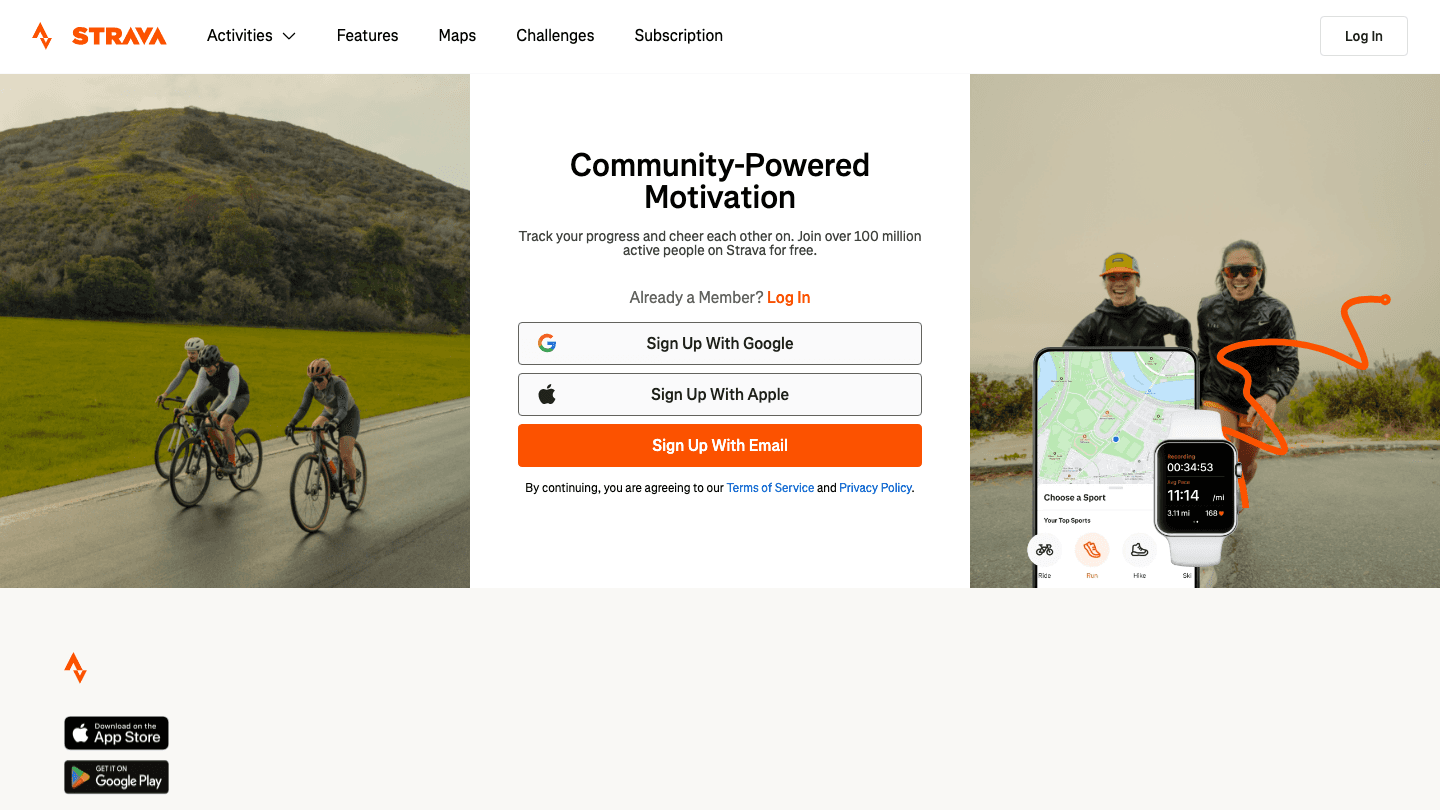
Strava tracks runs, rides, swims, and most other outdoor activities with GPS-powered route mapping, pace analysis, and performance metrics. It syncs workout data to Google Fit automatically, meaning your calories burned and activity minutes count toward your Fit goals without manual entry.
The social layer sets Strava apart from basic tracking apps: segments, leaderboards, and kudos from followers turn solo workouts into something more motivating. For people who want to track fitness progress seriously while keeping their Google Fit health summary up to date, Strava covers both without duplication. See the apps to use with Garmin guide if you also use a GPS watch.
Key Features
GPS workout tracking with pace, distance, and route analysis
Automatic sync to Google Fit for activity and calorie data
Social features: segments, leaderboards, and community
Heart rate and power zone analysis (subscription)
Android and iOS apps
What Works
Best GPS tracking quality of any fitness app on this list
Google Fit sync is automatic and reliable
Free plan covers the core workout logging use case
Limitations
Subscription required for advanced analysis features
Not useful for non-GPS activities like strength training
Pricing: Free; $11.99/month or $79.99/year (Subscription)
Best for: Runners and cyclists who want detailed activity tracking with automatic Google Fit sync
3. MyFitnessPal: Best for Nutrition and Calorie Tracking
Two-way calorie and activity sync with Google Fit plus the largest food database available.
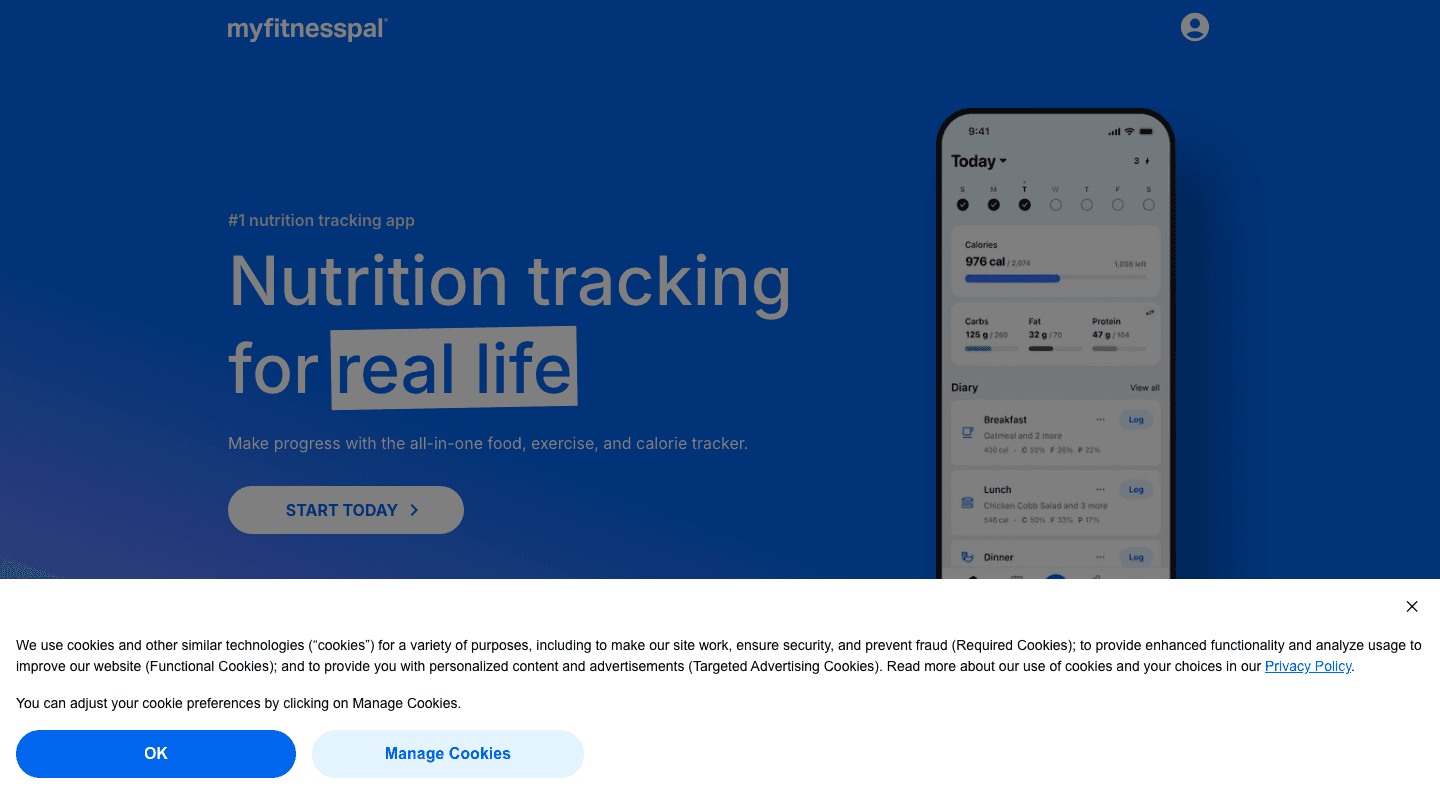
MyFitnessPal connects to Google Fit in both directions: Fit sends your activity and steps to MFP for calorie adjustment, and MFP sends your logged food calories back to Fit for a complete health summary. The result is a full-picture calorie balance in Google Fit without manual entry in either app.
The food database is the main reason people still use MyFitnessPal: over 14 million items, barcode scanning, and restaurant menus. For anyone trying to track nutrition alongside their fitness data in Google Fit, it's still the most practical option. The free plan covers basic calorie and macro tracking; the premium tier adds meal planning and detailed nutrient breakdown.
Key Features
Two-way sync with Google Fit for activity and food calories
14M+ food database with barcode scanning
Macro and calorie tracking with daily goals
Restaurant and recipe logging
Android and iOS apps
What Works
Best food database coverage for quick logging
Google Fit two-way sync works reliably
Free plan is sufficient for most calorie tracking needs
Limitations
Some advanced features (meal planning, detailed nutrients) behind paywall
UI can feel cluttered compared to newer apps
Pricing: Free; from $9.99/month (Premium)
Best for: Anyone who wants nutrition tracking synced with their Google Fit activity data
4. Nike Run Club: Best Free Running App
Free GPS running tracking with AI coaching and Google Fit sync.
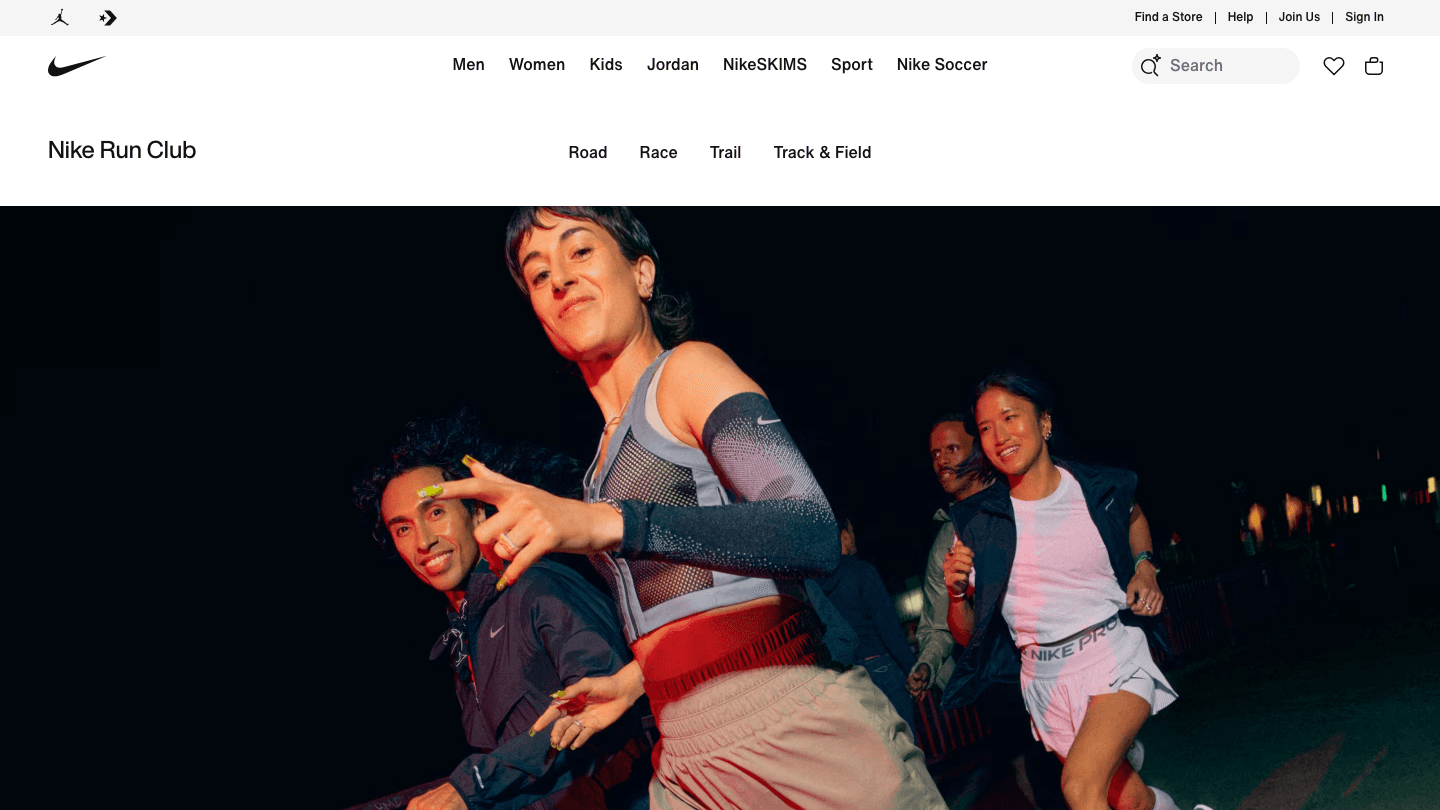
Nike Run Club is completely free and has no premium tier. It tracks runs with GPS, provides audio-guided coaching runs, and syncs your workout data to Google Fit. The AI coach feature creates personalized training plans based on your goals and fitness level, then adapts them as your runs progress.
For runners who want structured training without paying for a subscription, NRC is the strongest free option. The guided run library is extensive and the plan builder is more sophisticated than most free apps. Data syncs to Google Fit so your runs count toward your activity goals automatically.
Key Features
Free GPS run tracking with pace, distance, and route mapping
Automatic Google Fit sync for activity data
AI-powered training plans that adapt to your progress
Audio-guided runs with coaching cues
Android and iOS apps
What Works
Completely free with no paywalled core features
Coaching and training plan quality rivals paid apps
Google Fit sync is automatic
Limitations
Running-focused: not useful for cycling, strength, or other activities
Less social than Strava
Pricing: Free
Best for: Runners who want free GPS tracking, training plans, and Google Fit sync without a subscription
5. Cronometer: Best for Micronutrient and Biometric Tracking
Tracks vitamins, minerals, and biometrics alongside calories, with Google Fit sync.
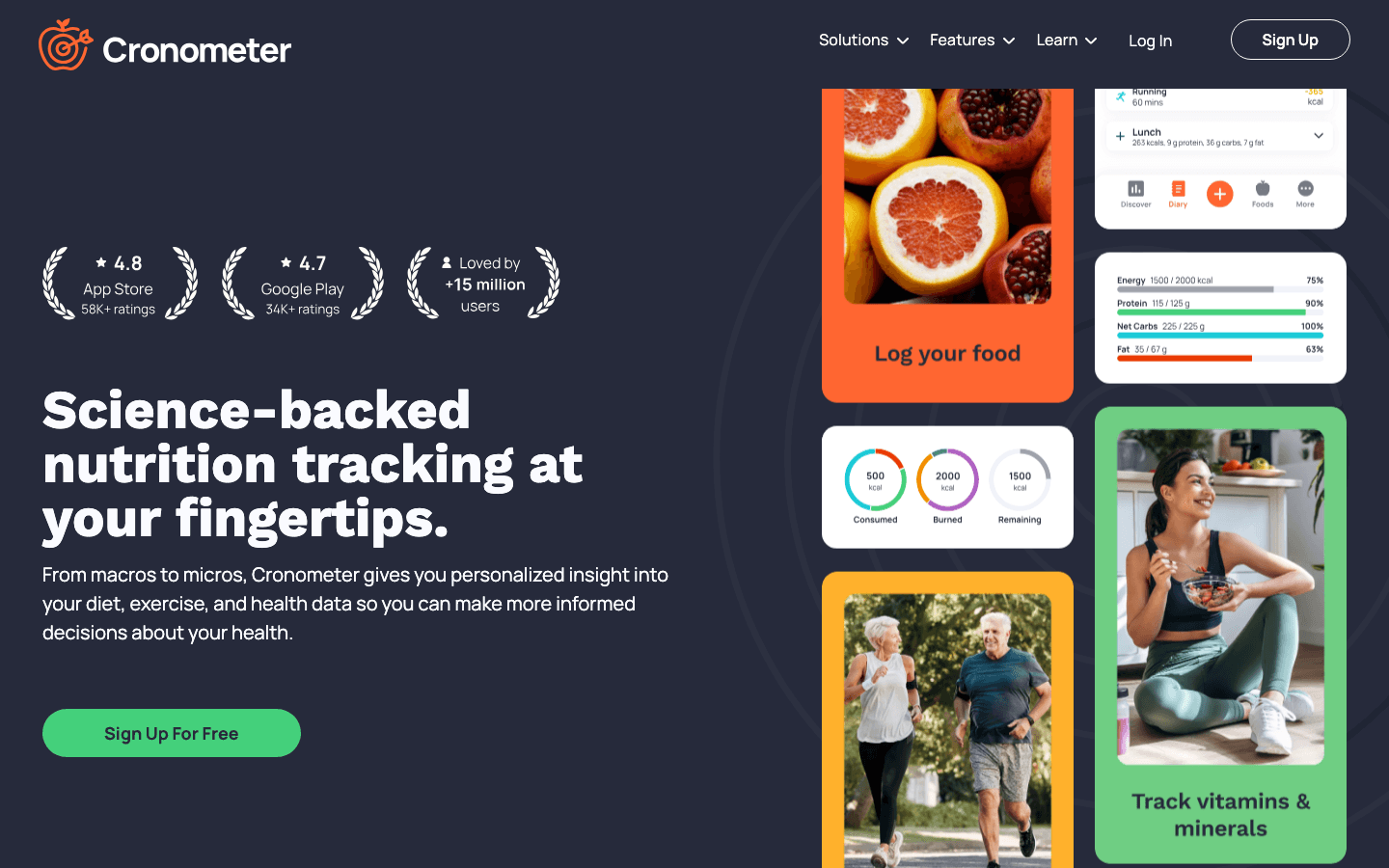
Cronometer is built for people who want to track nutrition beyond macros. It logs vitamins, minerals, amino acids, and fatty acids in detail, and syncs activity and biometric data with Google Fit. If you track blood pressure, glucose, body weight, or other biometrics alongside fitness and nutrition, Cronometer brings them into a single view.
The free plan is more capable than most nutrition apps: full micronutrient breakdown, biometric logging, and Google Fit sync are all included without payment. The Gold plan adds a clean interface, fasting tracking, and additional analysis tools. For anyone monitoring health markers alongside fitness data, it's a more detailed alternative to MyFitnessPal. For more on pairing wearable data with productivity, see the apps to use with Fitbit guide and the apps to use with Ultrahuman guide.
Key Features
Micronutrient tracking (vitamins, minerals, amino acids)
Biometric logging synced with Google Fit
Barcode scanning and recipe builder
Fasting tracker (Gold)
Android and iOS apps
What Works
Best micronutrient detail of any app on this list
Strong free plan with Google Fit sync included
Good for users monitoring specific health markers
Limitations
Smaller food database than MyFitnessPal
Interface is data-dense and takes some getting used to
Pricing: Free; $10.99/month or $59.99/year (Gold)
Best for: Health-focused users who want micronutrient and biometric tracking synced with Google Fit
Which Google Fit App Is Right for You?
You want your health data to make your workday smarter: Lifestack. It's the only app that reads fitness and sleep data and uses it to schedule your work around your energy peaks.
You run or cycle and want detailed performance tracking: Strava (paid features) or Nike Run Club (free).
You want to track calories and nutrition alongside activity: MyFitnessPal for the largest food database; Cronometer if you care about vitamins and minerals specifically.
You use other wearables too: Many of these apps also connect to Garmin, Fitbit, or Oura. See the Garmin apps guide and Fitbit apps guide for complete lists.
FAQ
What apps work with Google Fit?
Hundreds of apps connect to Google Fit via the Google Fit API. The most useful for productivity and health are Lifestack (energy-aware scheduling), Strava and Nike Run Club (fitness tracking), MyFitnessPal and Cronometer (nutrition), and Sleep Cycle or Pillow (sleep tracking). The Google Play Store maintains an updated list of compatible apps.
Does Lifestack work with Google Fit?
Yes. Lifestack reads health and activity data from Google Fit on Android and from Apple Health on iOS. It uses this data, alongside sleep patterns and wearable data, to build your daily schedule around your energy levels rather than just your calendar availability.
Is Google Fit free?
Yes, Google Fit is completely free. It's available on Android and iOS and connects to most major fitness apps, wearables, and health tracking services at no cost.
What's the best nutrition app that syncs with Google Fit?
MyFitnessPal for the largest food database and easiest calorie logging. Cronometer if you want detailed micronutrient tracking (vitamins, minerals, amino acids) alongside your Google Fit activity data. Both apps offer free tiers that include Google Fit sync.
Google Fit tracks your steps, heart rate, activity minutes, and sleep when connected to a Wear OS watch or Android phone. But Fit itself is just a data aggregator. The value comes from the apps that tap into that data to do something with it.
The best apps to use with Google Fit fall into a few categories: apps that read your fitness data to improve how you plan your day, apps that send data back to Fit from workouts and nutrition tracking, and apps that combine both. Here are five that make your Google Fit data genuinely more useful.
Key Takeaways
Lifestack is the best app for turning your Google Fit data into a smarter work schedule. It reads your activity and health patterns and uses them to plan your day around your energy.
Strava and Nike Run Club are the best fitness apps for sending workout data back to Google Fit if you run or cycle.
MyFitnessPal and Cronometer cover nutrition tracking with Google Fit sync for a complete health picture.
Quick Guide: Best Apps to Use With Google Fit
1. Lifestack: Best for using Google Fit data to plan a smarter, energy-aware workday
2. Strava: Best for cyclists and runners who want detailed performance tracking synced to Google Fit
3. MyFitnessPal: Best for nutrition tracking with two-way Google Fit calorie and activity sync
4. Nike Run Club: Best free running app with Google Fit integration and AI coaching
5. Cronometer: Best for micronutrient tracking and biometric logging with Google Fit sync
1. Lifestack: Best for Turning Fitness Data Into a Smarter Day
Reads your activity and sleep data to schedule your work around your energy.
Lifestack sits at the intersection of fitness tracking and productivity in a way no other app does. It reads your health data, including from Google Fit on Android, and uses it to build your daily work schedule. The idea is simple but powerful: your cognitive performance tracks your physical state. If you slept poorly, your demanding work should shift to a better window. If your activity data shows an unusually high-energy morning, Lifestack front-loads your deep work accordingly.
Most fitness apps send your step count to Google Fit and stop there. Lifestack takes that data and asks what it means for the next eight hours of your workday. It's the app that closes the gap between "I track my health" and "my health data makes me more productive." For more on this approach, see the guide on energy-based calendar planning and the Oura ring productivity guide for a parallel look at wearable-driven scheduling.
Key Features
Reads health and activity data from Google Fit (Android) and Apple Health (iOS)
Builds daily work schedule based on energy and sleep patterns
Wearable integrations: Oura, Whoop, Garmin, Fitbit, Apple Watch
AI rescheduling when priorities change
Google Calendar, Outlook, Apple Calendar sync
What Works
Makes your health data actionable for productivity, not just informational
Works without a wearable using phone activity data
Clean iOS and Android apps that match the web interface
Limitations
Focused on scheduling and planning, not fitness performance tracking
Pricing: $7/month or $50/year (7-day free trial on annual)
Best for: Anyone who wants their Google Fit data to influence how their workday is scheduled
2. Strava: Best for Workout Tracking and Google Fit Sync
The go-to fitness app for runners and cyclists, with solid Google Fit integration.
Strava tracks runs, rides, swims, and most other outdoor activities with GPS-powered route mapping, pace analysis, and performance metrics. It syncs workout data to Google Fit automatically, meaning your calories burned and activity minutes count toward your Fit goals without manual entry.
The social layer sets Strava apart from basic tracking apps: segments, leaderboards, and kudos from followers turn solo workouts into something more motivating. For people who want to track fitness progress seriously while keeping their Google Fit health summary up to date, Strava covers both without duplication. See the apps to use with Garmin guide if you also use a GPS watch.
Key Features
GPS workout tracking with pace, distance, and route analysis
Automatic sync to Google Fit for activity and calorie data
Social features: segments, leaderboards, and community
Heart rate and power zone analysis (subscription)
Android and iOS apps
What Works
Best GPS tracking quality of any fitness app on this list
Google Fit sync is automatic and reliable
Free plan covers the core workout logging use case
Limitations
Subscription required for advanced analysis features
Not useful for non-GPS activities like strength training
Pricing: Free; $11.99/month or $79.99/year (Subscription)
Best for: Runners and cyclists who want detailed activity tracking with automatic Google Fit sync
3. MyFitnessPal: Best for Nutrition and Calorie Tracking
Two-way calorie and activity sync with Google Fit plus the largest food database available.
MyFitnessPal connects to Google Fit in both directions: Fit sends your activity and steps to MFP for calorie adjustment, and MFP sends your logged food calories back to Fit for a complete health summary. The result is a full-picture calorie balance in Google Fit without manual entry in either app.
The food database is the main reason people still use MyFitnessPal: over 14 million items, barcode scanning, and restaurant menus. For anyone trying to track nutrition alongside their fitness data in Google Fit, it's still the most practical option. The free plan covers basic calorie and macro tracking; the premium tier adds meal planning and detailed nutrient breakdown.
Key Features
Two-way sync with Google Fit for activity and food calories
14M+ food database with barcode scanning
Macro and calorie tracking with daily goals
Restaurant and recipe logging
Android and iOS apps
What Works
Best food database coverage for quick logging
Google Fit two-way sync works reliably
Free plan is sufficient for most calorie tracking needs
Limitations
Some advanced features (meal planning, detailed nutrients) behind paywall
UI can feel cluttered compared to newer apps
Pricing: Free; from $9.99/month (Premium)
Best for: Anyone who wants nutrition tracking synced with their Google Fit activity data
4. Nike Run Club: Best Free Running App
Free GPS running tracking with AI coaching and Google Fit sync.
Nike Run Club is completely free and has no premium tier. It tracks runs with GPS, provides audio-guided coaching runs, and syncs your workout data to Google Fit. The AI coach feature creates personalized training plans based on your goals and fitness level, then adapts them as your runs progress.
For runners who want structured training without paying for a subscription, NRC is the strongest free option. The guided run library is extensive and the plan builder is more sophisticated than most free apps. Data syncs to Google Fit so your runs count toward your activity goals automatically.
Key Features
Free GPS run tracking with pace, distance, and route mapping
Automatic Google Fit sync for activity data
AI-powered training plans that adapt to your progress
Audio-guided runs with coaching cues
Android and iOS apps
What Works
Completely free with no paywalled core features
Coaching and training plan quality rivals paid apps
Google Fit sync is automatic
Limitations
Running-focused: not useful for cycling, strength, or other activities
Less social than Strava
Pricing: Free
Best for: Runners who want free GPS tracking, training plans, and Google Fit sync without a subscription
5. Cronometer: Best for Micronutrient and Biometric Tracking
Tracks vitamins, minerals, and biometrics alongside calories, with Google Fit sync.
Cronometer is built for people who want to track nutrition beyond macros. It logs vitamins, minerals, amino acids, and fatty acids in detail, and syncs activity and biometric data with Google Fit. If you track blood pressure, glucose, body weight, or other biometrics alongside fitness and nutrition, Cronometer brings them into a single view.
The free plan is more capable than most nutrition apps: full micronutrient breakdown, biometric logging, and Google Fit sync are all included without payment. The Gold plan adds a clean interface, fasting tracking, and additional analysis tools. For anyone monitoring health markers alongside fitness data, it's a more detailed alternative to MyFitnessPal. For more on pairing wearable data with productivity, see the apps to use with Fitbit guide and the apps to use with Ultrahuman guide.
Key Features
Micronutrient tracking (vitamins, minerals, amino acids)
Biometric logging synced with Google Fit
Barcode scanning and recipe builder
Fasting tracker (Gold)
Android and iOS apps
What Works
Best micronutrient detail of any app on this list
Strong free plan with Google Fit sync included
Good for users monitoring specific health markers
Limitations
Smaller food database than MyFitnessPal
Interface is data-dense and takes some getting used to
Pricing: Free; $10.99/month or $59.99/year (Gold)
Best for: Health-focused users who want micronutrient and biometric tracking synced with Google Fit
Which Google Fit App Is Right for You?
You want your health data to make your workday smarter: Lifestack. It's the only app that reads fitness and sleep data and uses it to schedule your work around your energy peaks.
You run or cycle and want detailed performance tracking: Strava (paid features) or Nike Run Club (free).
You want to track calories and nutrition alongside activity: MyFitnessPal for the largest food database; Cronometer if you care about vitamins and minerals specifically.
You use other wearables too: Many of these apps also connect to Garmin, Fitbit, or Oura. See the Garmin apps guide and Fitbit apps guide for complete lists.
FAQ
What apps work with Google Fit?
Hundreds of apps connect to Google Fit via the Google Fit API. The most useful for productivity and health are Lifestack (energy-aware scheduling), Strava and Nike Run Club (fitness tracking), MyFitnessPal and Cronometer (nutrition), and Sleep Cycle or Pillow (sleep tracking). The Google Play Store maintains an updated list of compatible apps.
Does Lifestack work with Google Fit?
Yes. Lifestack reads health and activity data from Google Fit on Android and from Apple Health on iOS. It uses this data, alongside sleep patterns and wearable data, to build your daily schedule around your energy levels rather than just your calendar availability.
Is Google Fit free?
Yes, Google Fit is completely free. It's available on Android and iOS and connects to most major fitness apps, wearables, and health tracking services at no cost.
What's the best nutrition app that syncs with Google Fit?
MyFitnessPal for the largest food database and easiest calorie logging. Cronometer if you want detailed micronutrient tracking (vitamins, minerals, amino acids) alongside your Google Fit activity data. Both apps offer free tiers that include Google Fit sync.



FOLLOW ON
FOLLOW ON
FOLLOW ON


Copyright 2026 © Lifestack. All rights reserved
Copyright 2026 © Lifestack. All rights reserved

