
Device
6 Best Apps to Use With RingConn (2026)
6 Best Apps to Use With RingConn (2026)
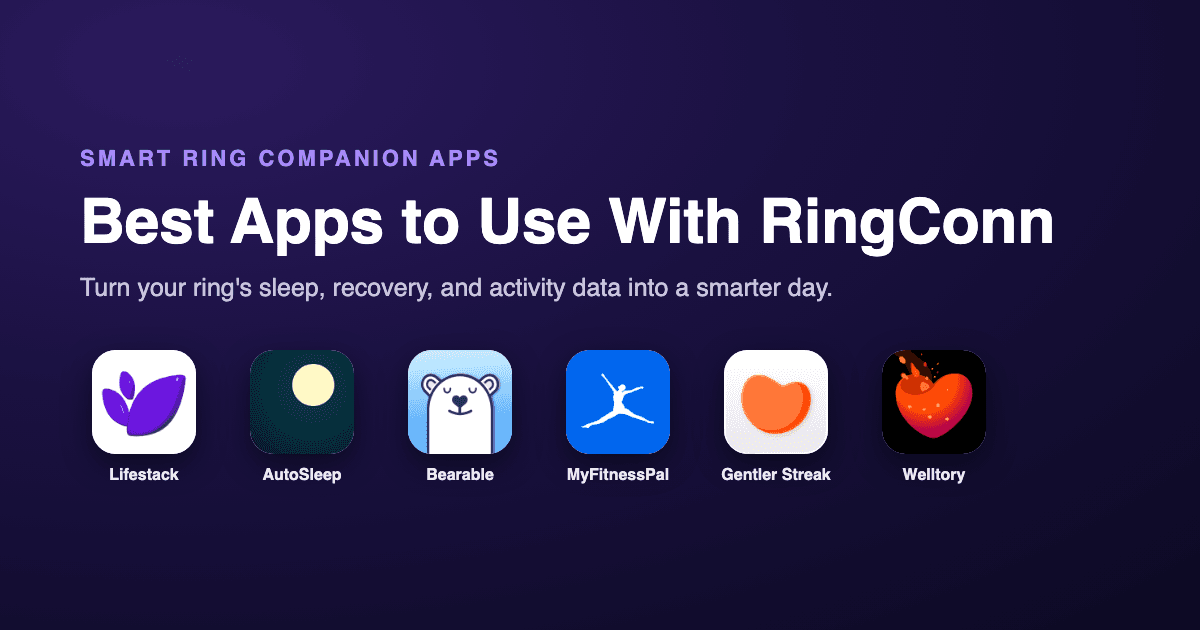
A smart ring is a quiet little data machine. The RingConn sits on your finger and logs sleep stages, resting heart rate, blood oxygen, and how much you actually moved, all without a screen begging for your attention. The catch is that the RingConn app shows you the numbers but does not really tell you what to do with your day next.
That is where companion apps earn their keep. RingConn writes its core metrics into Apple Health on iPhone and Health Connect on Android, so any app that reads from those platforms can pick up your ring data and put it to work. Sleep coaching, recovery tracking, nutrition, mood, and smarter scheduling all become possible once the data leaves the ring.
We looked at apps that genuinely read wearable and health data, checked that each one is active and updated in 2026, and verified current pricing from each app's own page. Below are six apps that pair well with RingConn, starting with the one that turns your ring's recovery signals into an actual plan for your day.
If you also wear another tracker, our guides on the best apps for Oura Ring and the best apps for WHOOP cover similar ground for those devices.
Key Takeaways
RingConn syncs to Apple Health and Health Connect, so the right companion app can read your ring's sleep and recovery data automatically.
Lifestack is the standout pick because it reads that data and builds an energy-aware daily schedule around it, which no other app on this list does.
There is a fit for every budget, from one-time purchases like AutoSleep to free tiers on Bearable, MyFitnessPal, and Gentler Streak.
Quick Guide
Lifestack: turns RingConn sleep and recovery data into an energy-aware daily plan.
AutoSleep: deep sleep analysis and sleep debt tracking from Apple Health.
Bearable: mood and symptom tracking correlated with your ring's metrics.
MyFitnessPal: nutrition and calorie tracking that pairs with activity data.
Gentler Streak: kinder activity coaching that respects recovery.
Welltory: HRV and stress analysis built on heart data.
How We Evaluated
We did not just rank popular health apps. Each pick had to read from Apple Health or Health Connect so it can actually use RingConn data, be actively maintained in 2026, and serve a clear purpose your ring's own app does not cover. We weighed how well each app uses sleep, heart, and activity signals, how it handles pricing, and whether it works on both iPhone and Android.
Reads wearable data: pulls sleep, heart rate, or activity from the health platform RingConn writes to.
Adds something new: coaching, planning, or analysis beyond the raw numbers.
Pricing: verified from each app's current pricing page.
Platform reach: available where RingConn users actually are.
1. Lifestack
The only app here that turns your ring's recovery data into a real daily schedule.

Lifestack reads the sleep, recovery, and heart rate data your RingConn pushes into Apple Health, then drafts a daily schedule that puts demanding work when your energy is high and lighter tasks when it dips. Most health apps stop at showing you a readiness score. Lifestack takes that signal and answers the question you actually have in the morning, which is what should I do first today.
That is the difference. Your ring tells you that you slept badly. Lifestack quietly shifts your hardest meeting later and protects a recovery block, so a rough night does not turn into a wrecked day.
Key Features
Energy forecasting built from sleep and recovery data your ring records.
Auto-scheduling that places tasks around your predicted energy curve.
Calendar sync with Google Calendar, Outlook, and Apple Calendar.
Health data pulled from Apple Health, so RingConn metrics flow in automatically.
What Works
It is the rare app that acts on your ring data instead of just displaying it.
Energy-based planning fits naturally with what a smart ring measures.
Genuinely useful for ADHD and anyone whose focus swings through the day.
Limitations
No permanently free tier, though there is a 7-day trial.
The energy model gets sharper after a couple of weeks of ring data.
Pricing: $7 per month, $50 per year (with a 7-day free trial), or $120 for lifetime access.
Best for: anyone who wants their RingConn data to shape their actual day, not just sit in a dashboard.
2. AutoSleep
Deep sleep analysis and sleep debt tracking, all from one quiet purchase.

AutoSleep reads sleep data from Apple Health, which means the sleep stages and time-in-bed your RingConn logs can feed directly into its analysis. Where the RingConn app gives you a nightly snapshot, AutoSleep tracks the longer story, including sleep debt, consistency, and how your rest trends week over week.
It is also refreshingly straightforward about money. One payment, no subscription, no upsell screens.
Key Features
Sleep debt and sleep bank tracking over time.
Detailed sleep ring breakdowns and quality scoring.
Reads from Apple Health, so RingConn sleep data can flow in.
What Works
A one-time price in a world of endless subscriptions.
No analytics tracking or third-party data sharing, by design.
Limitations
iPhone and Apple Watch focused, so Android RingConn users are out of luck.
Sleep only, with no energy-aware scheduling.
Pricing: $8.99 as a one-time purchase, with no subscription.
Best for: iPhone users who want richer sleep insight than the RingConn app gives, without a recurring bill.
3. Bearable
Connect how you feel to what your ring actually measured.
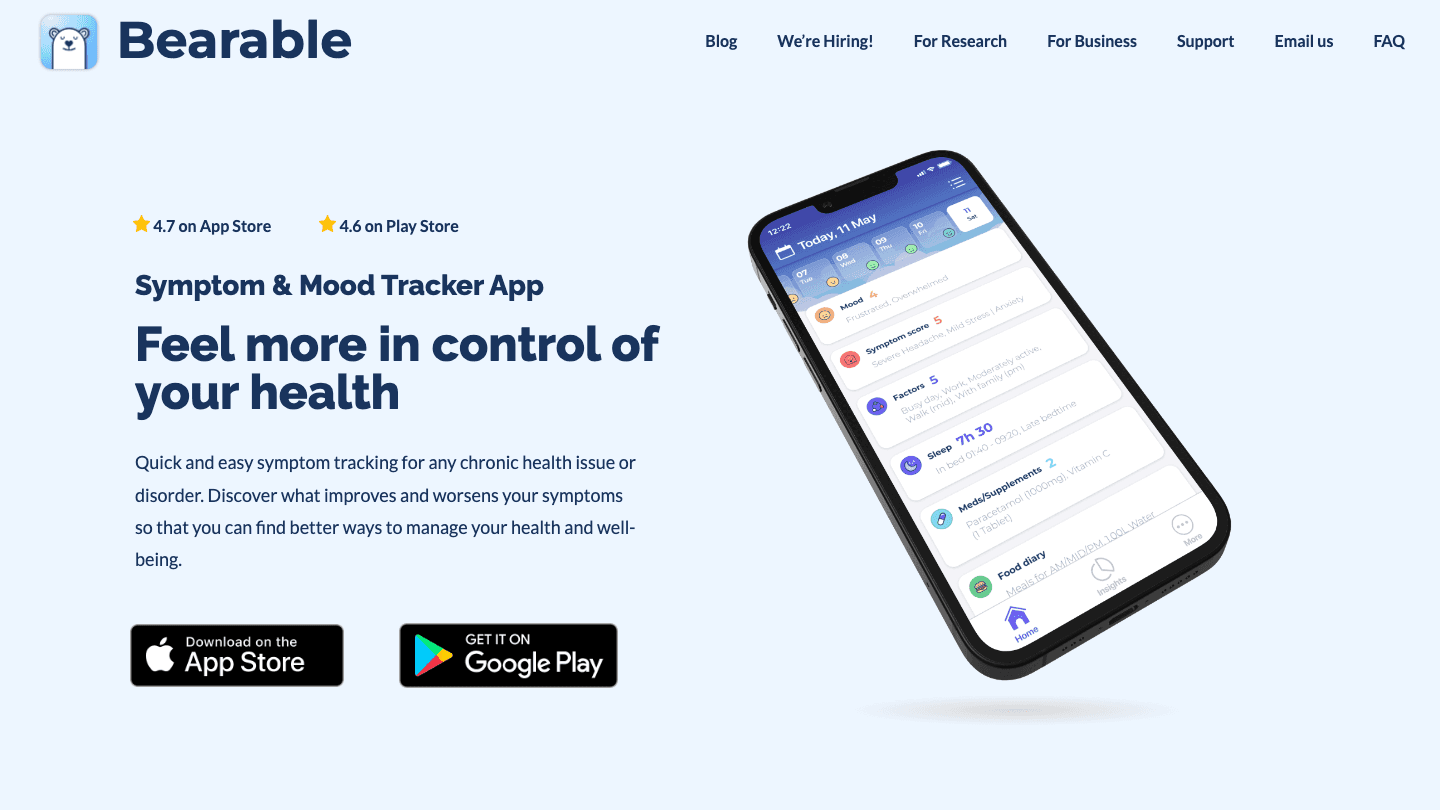
Bearable is a mood and symptom tracker that pulls in wearable data so you can see correlations you would otherwise miss. Log your mood, energy, pain, or symptoms each day, and Bearable lines them up against the sleep and heart metrics from your ring to surface patterns, like whether poor sleep reliably drags your mood down two days later.
For anyone managing a chronic condition, ADHD, or just trying to understand their own patterns, that overlay of subjective and objective data is genuinely powerful.
Key Features
Custom tracking for mood, symptoms, energy, and habits.
Correlation reports between how you feel and your health metrics.
Reads wearable data from the health platform RingConn syncs to.
What Works
Strong free tier with unlimited custom tracking.
No ads and no selling of user data.
Limitations
Deeper correlation reports sit behind the premium plan.
It tracks and analyzes, but it does not plan your day for you.
Pricing: free tier available; premium is around $34.99 per year with a 7-day trial.
Best for: people who want to connect their ring's numbers to their real-world mood and symptoms.
4. MyFitnessPal
The nutrition side of the picture your ring cannot see.
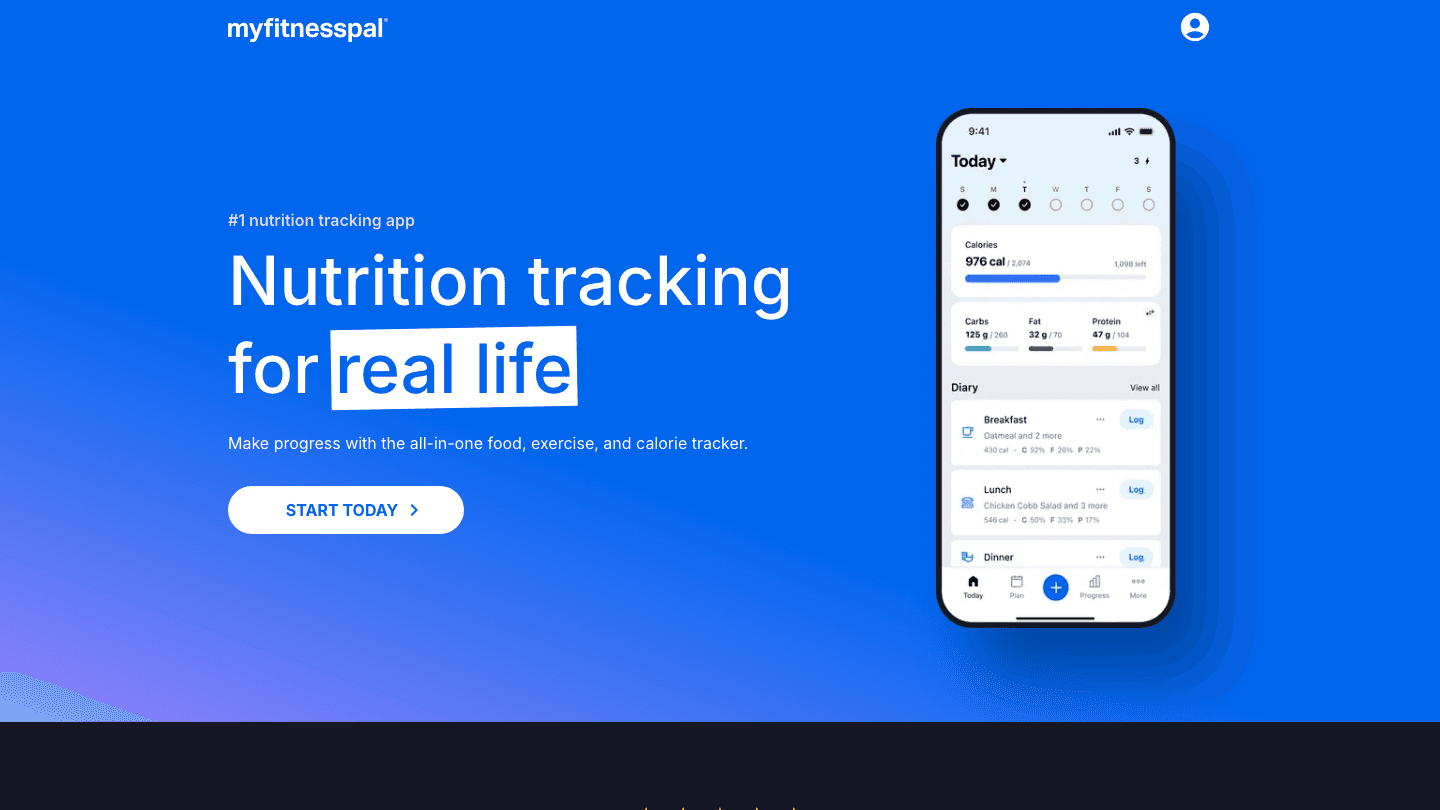
MyFitnessPal covers the one thing a smart ring will never track, which is what you eat. It syncs with Apple Health and Health Connect, so the steps and activity calories your RingConn records can flow in, giving you a fuller energy-in versus energy-out picture. Pair your ring's activity data with MyFitnessPal's food log and the calorie math gets a lot more honest.
Its food database is enormous, and the barcode scanner makes logging fast enough that you might actually keep it up.
Key Features
One of the largest food databases anywhere, with barcode scanning.
Syncs activity and steps from Apple Health and Health Connect.
Macro and calorie tracking with goal setting.
What Works
Free version is usable on its own for basic logging.
Works on both iPhone and Android, matching RingConn's reach.
Limitations
Premium pricing has crept up over the years.
Nutrition only, with no sleep or recovery coaching.
Pricing: free tier available; Premium is $79.99 per year, and Premium+ is $24.99 per month or $99.99 per year.
Best for: RingConn users who want nutrition tracking to sit alongside their activity data.
5. Gentler Streak
Activity coaching that actually respects your recovery.

Gentler Streak reads your activity and heart data from Apple Health and turns it into kinder, recovery-aware fitness guidance. Instead of pushing you to close rings every single day, it reads your effort and recovery and tells you when to go harder and when to back off. That pairs neatly with a RingConn, since your ring is already tracking the recovery signals that should govern training load.
It is the rare fitness app that treats rest as part of the plan rather than a failure.
Key Features
Activity guidance based on effort and recovery, not just streaks.
A "go gentler" zone that flags overtraining.
Reads activity and heart data from Apple Health.
What Works
Recovery-first philosophy aligns well with smart ring data.
Clean, calm design that does not nag.
Limitations
Best experience leans on Apple Watch alongside the ring.
Focused on movement, so no scheduling or nutrition.
Pricing: free tier available; premium is $8.99 per month or $39.99 per year.
Best for: people who want fitness guidance that honors the recovery data their ring collects.
6. Welltory
Heart rate variability and stress analysis, decoded.
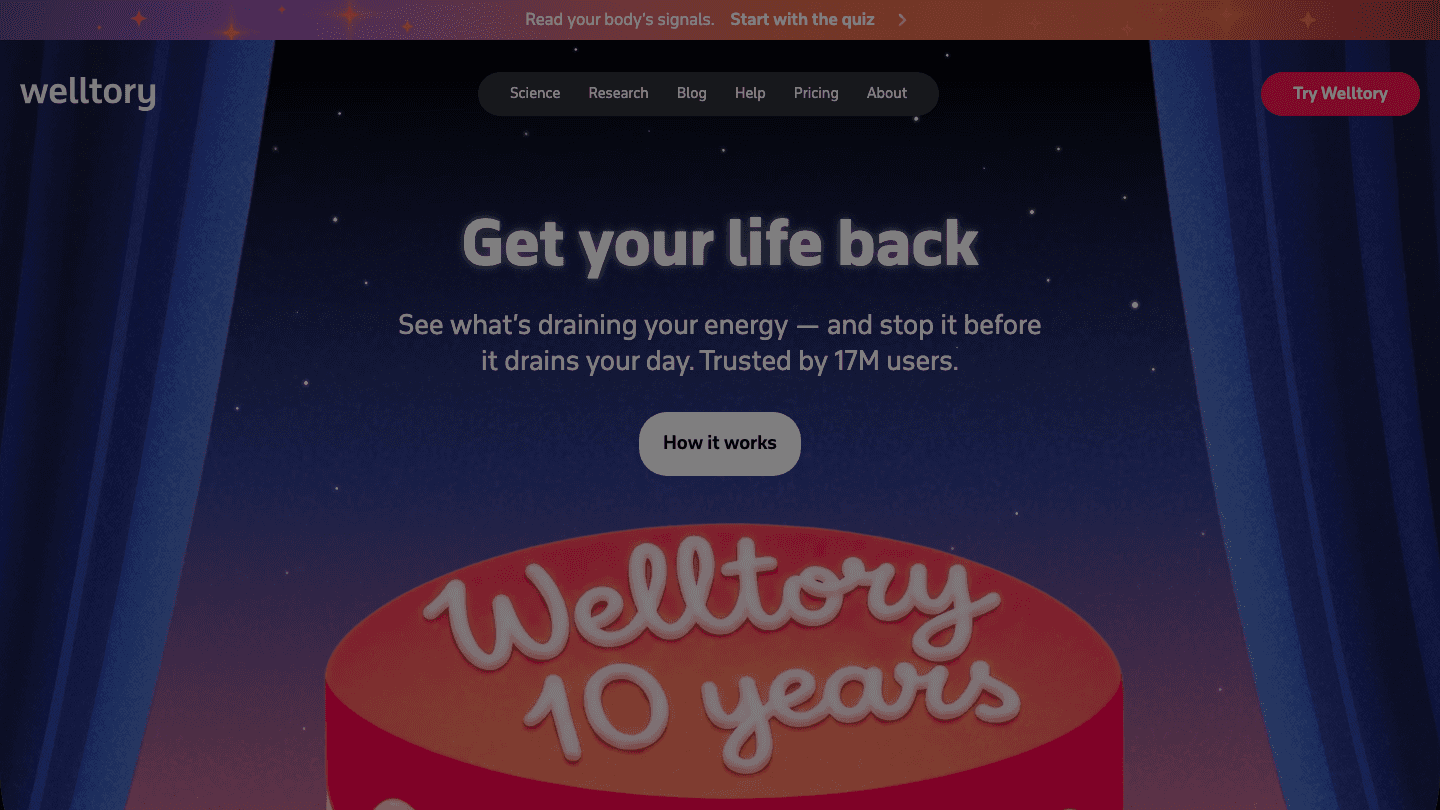
Welltory specializes in heart rate variability and stress, reading heart data from the health platform your RingConn writes to. It translates raw HRV into plain-language insight about your energy, stress load, and nervous system balance, then suggests what to adjust. If you have ever stared at an HRV number with no idea what to make of it, Welltory is built to fix exactly that.
It leans on heart data, so it is a strong complement to the resting and average heart rate your ring already records.
Key Features
HRV-based stress and energy analysis in everyday language.
Trend tracking across your nervous system signals.
Reads heart data synced from your ring through Apple Health.
What Works
Makes HRV understandable instead of intimidating.
Useful for spotting stress and burnout patterns early.
Limitations
The most useful insights sit behind the subscription.
Analysis focused, so it will not plan or schedule anything.
Pricing: free trial available; premium runs about $99 per year, with a lifetime option around $299.
Best for: data-minded users who want to understand the stress and HRV story behind their ring's heart metrics.
Which App to Use With RingConn Is Right for You?
You want your ring data to shape your day: Lifestack, the only pick that builds an energy-aware schedule from your recovery data.
You care most about sleep: AutoSleep, for deep sleep analysis with a one-time price.
You want to understand your moods and symptoms: Bearable.
You want nutrition in the mix: MyFitnessPal.
You want kinder fitness coaching: Gentler Streak.
You want to make sense of HRV and stress: Welltory.
Not sure your ring is the right one for the job? Our guide on which wearable device is right for you compares the major trackers side by side, and how smart rings track steps is worth a read if activity accuracy matters to you.
Frequently Asked Questions
What apps work with RingConn?
RingConn syncs its data to Apple Health on iPhone and Health Connect on Android, so any app that reads from those platforms can use your ring data. Good options include Lifestack for energy-aware planning, AutoSleep for sleep analysis, Bearable for mood tracking, MyFitnessPal for nutrition, Gentler Streak for fitness, and Welltory for stress and HRV.
Does RingConn sync with Apple Health and Google Health?
Yes. RingConn writes core metrics like sleep, heart rate, blood oxygen, and steps into Apple Health on iOS and Health Connect on Android. From there, other apps can read those metrics. On Android, Google Health reads from Health Connect, so your ring data shows up there too.
Can I use my RingConn data to plan my day?
Yes, with the right app. Lifestack reads the sleep and recovery data your ring sends to Apple Health, then builds a daily schedule that matches demanding tasks to your higher-energy windows and protects recovery time after a poor night.
Is there a free app to use with RingConn?
Several on this list have free tiers, including Bearable, MyFitnessPal, and Gentler Streak. AutoSleep is a one-time purchase rather than a subscription, and Lifestack offers a 7-day free trial.
Which app makes the best use of RingConn's recovery data?
Lifestack, because it does not just display your recovery score, it acts on it. It uses your ring's sleep and recovery signals to forecast your energy and schedule your day accordingly, which is something no other app on this list does.
Do these apps work on both iPhone and Android?
Most do. Lifestack, Bearable, MyFitnessPal, and Welltory work on both platforms. AutoSleep and Gentler Streak are focused on the Apple ecosystem, so Android RingConn users will want one of the cross-platform picks.
A smart ring is a quiet little data machine. The RingConn sits on your finger and logs sleep stages, resting heart rate, blood oxygen, and how much you actually moved, all without a screen begging for your attention. The catch is that the RingConn app shows you the numbers but does not really tell you what to do with your day next.
That is where companion apps earn their keep. RingConn writes its core metrics into Apple Health on iPhone and Health Connect on Android, so any app that reads from those platforms can pick up your ring data and put it to work. Sleep coaching, recovery tracking, nutrition, mood, and smarter scheduling all become possible once the data leaves the ring.
We looked at apps that genuinely read wearable and health data, checked that each one is active and updated in 2026, and verified current pricing from each app's own page. Below are six apps that pair well with RingConn, starting with the one that turns your ring's recovery signals into an actual plan for your day.
If you also wear another tracker, our guides on the best apps for Oura Ring and the best apps for WHOOP cover similar ground for those devices.
Key Takeaways
RingConn syncs to Apple Health and Health Connect, so the right companion app can read your ring's sleep and recovery data automatically.
Lifestack is the standout pick because it reads that data and builds an energy-aware daily schedule around it, which no other app on this list does.
There is a fit for every budget, from one-time purchases like AutoSleep to free tiers on Bearable, MyFitnessPal, and Gentler Streak.
Quick Guide
Lifestack: turns RingConn sleep and recovery data into an energy-aware daily plan.
AutoSleep: deep sleep analysis and sleep debt tracking from Apple Health.
Bearable: mood and symptom tracking correlated with your ring's metrics.
MyFitnessPal: nutrition and calorie tracking that pairs with activity data.
Gentler Streak: kinder activity coaching that respects recovery.
Welltory: HRV and stress analysis built on heart data.
How We Evaluated
We did not just rank popular health apps. Each pick had to read from Apple Health or Health Connect so it can actually use RingConn data, be actively maintained in 2026, and serve a clear purpose your ring's own app does not cover. We weighed how well each app uses sleep, heart, and activity signals, how it handles pricing, and whether it works on both iPhone and Android.
Reads wearable data: pulls sleep, heart rate, or activity from the health platform RingConn writes to.
Adds something new: coaching, planning, or analysis beyond the raw numbers.
Pricing: verified from each app's current pricing page.
Platform reach: available where RingConn users actually are.
1. Lifestack
The only app here that turns your ring's recovery data into a real daily schedule.
Lifestack reads the sleep, recovery, and heart rate data your RingConn pushes into Apple Health, then drafts a daily schedule that puts demanding work when your energy is high and lighter tasks when it dips. Most health apps stop at showing you a readiness score. Lifestack takes that signal and answers the question you actually have in the morning, which is what should I do first today.
That is the difference. Your ring tells you that you slept badly. Lifestack quietly shifts your hardest meeting later and protects a recovery block, so a rough night does not turn into a wrecked day.
Key Features
Energy forecasting built from sleep and recovery data your ring records.
Auto-scheduling that places tasks around your predicted energy curve.
Calendar sync with Google Calendar, Outlook, and Apple Calendar.
Health data pulled from Apple Health, so RingConn metrics flow in automatically.
What Works
It is the rare app that acts on your ring data instead of just displaying it.
Energy-based planning fits naturally with what a smart ring measures.
Genuinely useful for ADHD and anyone whose focus swings through the day.
Limitations
No permanently free tier, though there is a 7-day trial.
The energy model gets sharper after a couple of weeks of ring data.
Pricing: $7 per month, $50 per year (with a 7-day free trial), or $120 for lifetime access.
Best for: anyone who wants their RingConn data to shape their actual day, not just sit in a dashboard.
2. AutoSleep
Deep sleep analysis and sleep debt tracking, all from one quiet purchase.
AutoSleep reads sleep data from Apple Health, which means the sleep stages and time-in-bed your RingConn logs can feed directly into its analysis. Where the RingConn app gives you a nightly snapshot, AutoSleep tracks the longer story, including sleep debt, consistency, and how your rest trends week over week.
It is also refreshingly straightforward about money. One payment, no subscription, no upsell screens.
Key Features
Sleep debt and sleep bank tracking over time.
Detailed sleep ring breakdowns and quality scoring.
Reads from Apple Health, so RingConn sleep data can flow in.
What Works
A one-time price in a world of endless subscriptions.
No analytics tracking or third-party data sharing, by design.
Limitations
iPhone and Apple Watch focused, so Android RingConn users are out of luck.
Sleep only, with no energy-aware scheduling.
Pricing: $8.99 as a one-time purchase, with no subscription.
Best for: iPhone users who want richer sleep insight than the RingConn app gives, without a recurring bill.
3. Bearable
Connect how you feel to what your ring actually measured.
Bearable is a mood and symptom tracker that pulls in wearable data so you can see correlations you would otherwise miss. Log your mood, energy, pain, or symptoms each day, and Bearable lines them up against the sleep and heart metrics from your ring to surface patterns, like whether poor sleep reliably drags your mood down two days later.
For anyone managing a chronic condition, ADHD, or just trying to understand their own patterns, that overlay of subjective and objective data is genuinely powerful.
Key Features
Custom tracking for mood, symptoms, energy, and habits.
Correlation reports between how you feel and your health metrics.
Reads wearable data from the health platform RingConn syncs to.
What Works
Strong free tier with unlimited custom tracking.
No ads and no selling of user data.
Limitations
Deeper correlation reports sit behind the premium plan.
It tracks and analyzes, but it does not plan your day for you.
Pricing: free tier available; premium is around $34.99 per year with a 7-day trial.
Best for: people who want to connect their ring's numbers to their real-world mood and symptoms.
4. MyFitnessPal
The nutrition side of the picture your ring cannot see.
MyFitnessPal covers the one thing a smart ring will never track, which is what you eat. It syncs with Apple Health and Health Connect, so the steps and activity calories your RingConn records can flow in, giving you a fuller energy-in versus energy-out picture. Pair your ring's activity data with MyFitnessPal's food log and the calorie math gets a lot more honest.
Its food database is enormous, and the barcode scanner makes logging fast enough that you might actually keep it up.
Key Features
One of the largest food databases anywhere, with barcode scanning.
Syncs activity and steps from Apple Health and Health Connect.
Macro and calorie tracking with goal setting.
What Works
Free version is usable on its own for basic logging.
Works on both iPhone and Android, matching RingConn's reach.
Limitations
Premium pricing has crept up over the years.
Nutrition only, with no sleep or recovery coaching.
Pricing: free tier available; Premium is $79.99 per year, and Premium+ is $24.99 per month or $99.99 per year.
Best for: RingConn users who want nutrition tracking to sit alongside their activity data.
5. Gentler Streak
Activity coaching that actually respects your recovery.
Gentler Streak reads your activity and heart data from Apple Health and turns it into kinder, recovery-aware fitness guidance. Instead of pushing you to close rings every single day, it reads your effort and recovery and tells you when to go harder and when to back off. That pairs neatly with a RingConn, since your ring is already tracking the recovery signals that should govern training load.
It is the rare fitness app that treats rest as part of the plan rather than a failure.
Key Features
Activity guidance based on effort and recovery, not just streaks.
A "go gentler" zone that flags overtraining.
Reads activity and heart data from Apple Health.
What Works
Recovery-first philosophy aligns well with smart ring data.
Clean, calm design that does not nag.
Limitations
Best experience leans on Apple Watch alongside the ring.
Focused on movement, so no scheduling or nutrition.
Pricing: free tier available; premium is $8.99 per month or $39.99 per year.
Best for: people who want fitness guidance that honors the recovery data their ring collects.
6. Welltory
Heart rate variability and stress analysis, decoded.
Welltory specializes in heart rate variability and stress, reading heart data from the health platform your RingConn writes to. It translates raw HRV into plain-language insight about your energy, stress load, and nervous system balance, then suggests what to adjust. If you have ever stared at an HRV number with no idea what to make of it, Welltory is built to fix exactly that.
It leans on heart data, so it is a strong complement to the resting and average heart rate your ring already records.
Key Features
HRV-based stress and energy analysis in everyday language.
Trend tracking across your nervous system signals.
Reads heart data synced from your ring through Apple Health.
What Works
Makes HRV understandable instead of intimidating.
Useful for spotting stress and burnout patterns early.
Limitations
The most useful insights sit behind the subscription.
Analysis focused, so it will not plan or schedule anything.
Pricing: free trial available; premium runs about $99 per year, with a lifetime option around $299.
Best for: data-minded users who want to understand the stress and HRV story behind their ring's heart metrics.
Which App to Use With RingConn Is Right for You?
You want your ring data to shape your day: Lifestack, the only pick that builds an energy-aware schedule from your recovery data.
You care most about sleep: AutoSleep, for deep sleep analysis with a one-time price.
You want to understand your moods and symptoms: Bearable.
You want nutrition in the mix: MyFitnessPal.
You want kinder fitness coaching: Gentler Streak.
You want to make sense of HRV and stress: Welltory.
Not sure your ring is the right one for the job? Our guide on which wearable device is right for you compares the major trackers side by side, and how smart rings track steps is worth a read if activity accuracy matters to you.
Frequently Asked Questions
What apps work with RingConn?
RingConn syncs its data to Apple Health on iPhone and Health Connect on Android, so any app that reads from those platforms can use your ring data. Good options include Lifestack for energy-aware planning, AutoSleep for sleep analysis, Bearable for mood tracking, MyFitnessPal for nutrition, Gentler Streak for fitness, and Welltory for stress and HRV.
Does RingConn sync with Apple Health and Google Health?
Yes. RingConn writes core metrics like sleep, heart rate, blood oxygen, and steps into Apple Health on iOS and Health Connect on Android. From there, other apps can read those metrics. On Android, Google Health reads from Health Connect, so your ring data shows up there too.
Can I use my RingConn data to plan my day?
Yes, with the right app. Lifestack reads the sleep and recovery data your ring sends to Apple Health, then builds a daily schedule that matches demanding tasks to your higher-energy windows and protects recovery time after a poor night.
Is there a free app to use with RingConn?
Several on this list have free tiers, including Bearable, MyFitnessPal, and Gentler Streak. AutoSleep is a one-time purchase rather than a subscription, and Lifestack offers a 7-day free trial.
Which app makes the best use of RingConn's recovery data?
Lifestack, because it does not just display your recovery score, it acts on it. It uses your ring's sleep and recovery signals to forecast your energy and schedule your day accordingly, which is something no other app on this list does.
Do these apps work on both iPhone and Android?
Most do. Lifestack, Bearable, MyFitnessPal, and Welltory work on both platforms. AutoSleep and Gentler Streak are focused on the Apple ecosystem, so Android RingConn users will want one of the cross-platform picks.



FOLLOW ON
FOLLOW ON
FOLLOW ON


Copyright 2026 © Lifestack. All rights reserved
Copyright 2026 © Lifestack. All rights reserved

