
Device
Best Apps to Use with Samsung Galaxy Watch
Best Apps to Use with Samsung Galaxy Watch

Samsung Galaxy Watch tracks an impressive amount of health data: your sleep score, heart rate zones, blood oxygen levels, stress through skin temperature, body composition on newer models, and GPS for workouts. That data sitting in Samsung Health alone doesn't do much. Pairing the Galaxy Watch with the right companion apps on your phone transforms those numbers into real improvements in how you sleep, train, recover, and plan your day.
We tested the best companion apps for Samsung Galaxy Watch in 2026, focusing on how well each one uses the watch's health and fitness data, how it improves on what Samsung Health offers by default, and whether it's worth the subscription. These work with the Galaxy Watch 6, Watch 7, Watch Ultra, and earlier Galaxy Watch series running Wear OS or Tizen.
Key Takeaways
Lifestack is the best app for turning Galaxy Watch health data into smarter daily scheduling
Strava and MyFitnessPal fill the gaps Samsung Health leaves in workout tracking and nutrition
Headspace pairs especially well with Galaxy Watch sleep and stress scores
Quick Guide: Best Samsung Galaxy Watch Companion Apps
Lifestack: Best for energy-aware daily planning using health data
MyFitnessPal: Best for nutrition tracking alongside Galaxy Watch calorie data
Strava: Best for detailed GPS workout logging and community
Headspace: Best for mindfulness and sleep paired with stress scores
Spotify: Best for music and podcast control from the watch
How We Evaluated
Integration quality with Samsung Health and Galaxy Watch data
What the app adds beyond Samsung's built-in capabilities
Whether the companion phone app is worth the cost
Wear OS app quality for on-watch use (where applicable)
1. Lifestack: Best for Energy-Aware Planning
Uses your Galaxy Watch health patterns to schedule your day around your actual energy

Lifestack addresses a gap that Samsung Health can't fill on its own: it takes your health and recovery patterns and uses them to plan your work day more effectively. Rather than leaving your sleep score as a number in a health app, Lifestack's auto-scheduling builds your daily agenda around your actual energy levels, pushing cognitively demanding tasks to your peak focus hours and lighter work to recovery windows.
The Galaxy Watch connection works through your overall health behavior patterns: consistently good sleep and recovery reflects in how Lifestack structures your schedule. The app's energy-awareness approach is explained in depth in our guide to energy-based planning vs. time blocking. For Galaxy Watch users who've been tracking health data without it actually changing how they work, Lifestack closes that loop.
Key Features
AI-powered daily scheduling based on your energy and recovery patterns
Unified task and calendar view in one clean interface
Integrates with Google Calendar and Apple Calendar
iOS and Android apps with Chrome extension
What Works
Best app for making Galaxy Watch health data actionable in your workday
Helps you schedule better, not just measure more
Clean, well-designed interface that makes your day readable at a glance
Limitations
No Wear OS watch app; works through the Android companion app
No direct Samsung Health API integration; health influence is behavior-based
Pricing: $7/month or $50/year. 7-day free trial on the annual plan.
Best for: Galaxy Watch users who want health data to actually improve how they plan their work
2. MyFitnessPal: Best for Nutrition Tracking
Closes the nutrition gap that Samsung Health's food tracking doesn't cover well
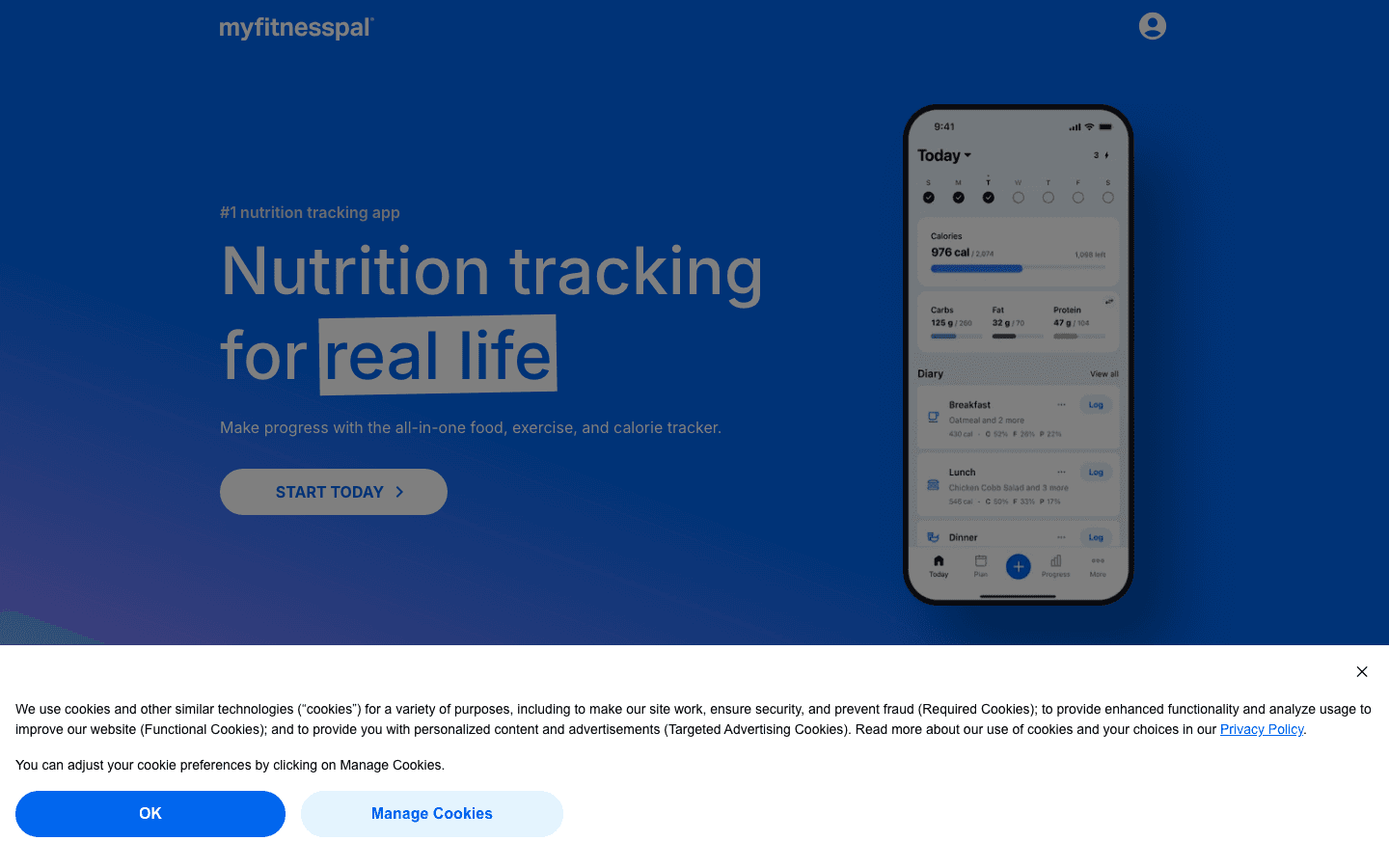
MyFitnessPal syncs directly with Samsung Health, meaning the calories your Galaxy Watch tracks (active and resting) appear alongside your food intake in MyFitnessPal's dashboard. Samsung Health's own food database is limited in many regions; MyFitnessPal's database of over 14 million foods is more complete and accurate for most people's diets.
The barcode scanner makes logging quick, and the macro breakdown (protein, fat, carbs) is far more detailed than what Samsung Health shows natively. If you're tracking body composition with Galaxy Watch 5 or newer, pairing with MyFitnessPal gives you the nutritional context that makes those measurements meaningful. Also check our apps to use with Samsung Health for more nutrition pairing options.
Key Features
14+ million food database with barcode scanner
Direct Samsung Health sync for calorie balance
Macro and micronutrient breakdown
Meal planning and recipe logging
Android and iOS apps
What Works
The most complete food database of any nutrition app
Samsung Health sync makes calorie tracking genuinely useful
Free tier is enough for basic calorie counting
Limitations
Premium features are expensive ($19.99/month or $79.99/year)
No Wear OS app for logging from the watch directly
Pricing: Free tier available. Premium: $19.99/month or $79.99/year.
Best for: Galaxy Watch users who want to match calorie burn data with detailed nutrition tracking
3. Strava: Best for Workout Tracking and Community
More detailed GPS workout logs and a social fitness community beyond what Samsung Health offers
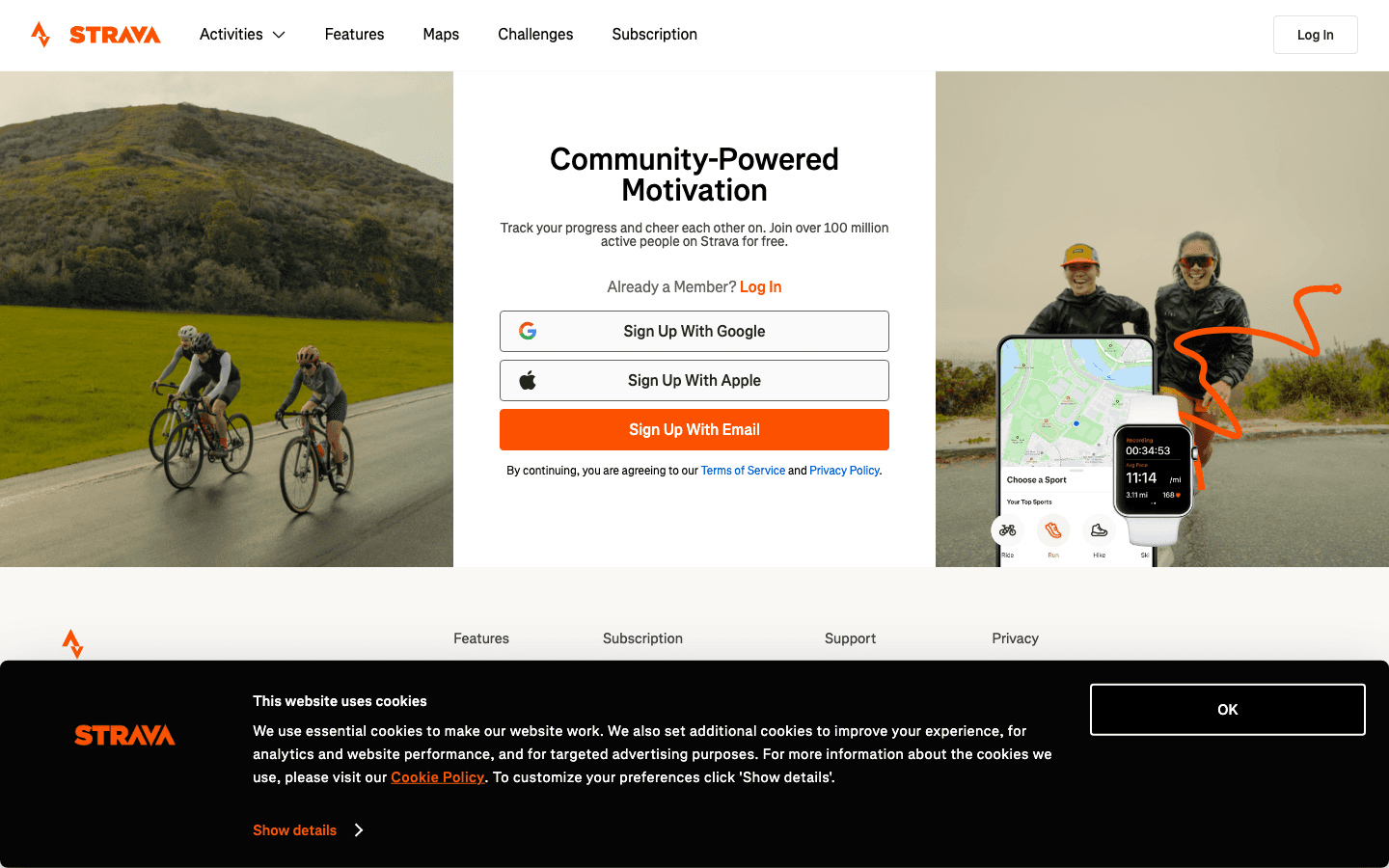
Strava has a dedicated Galaxy Watch app that records GPS workouts directly on the watch, syncing detailed performance data back to your phone. It captures segments (specific routes you can compare against your past performance and other athletes), route planning, live feedback on pace and heart rate zones, and a social feed of friends' activities that Samsung Health simply doesn't replicate.
For runners and cyclists specifically, Strava's post-workout analysis is substantially better than Samsung Health's default breakdown. You see split paces, elevation maps, heart rate zone distribution, and segment rankings. The free tier covers the basics; Strava's subscription unlocks Training Plans, more detailed fitness metrics, and route creation tools that are worth it if you're training seriously.
Key Features
Galaxy Watch app for GPS workout recording directly on the watch
Segment tracking and leaderboards
Post-workout analysis: splits, elevation, heart rate zones
Social feed and Kudos from your fitness network
Route planning and navigation
What Works
Best GPS workout logging app available for Galaxy Watch
Post-workout analysis far exceeds Samsung Health's default
Free tier covers most recreational athletes' needs
Limitations
Training analysis features require a paid subscription
Less useful if you don't do GPS-trackable activities
Pricing: Free tier available. Premium: $11.99/month or $79.99/year.
Best for: Runners, cyclists, and other outdoor athletes who want detailed workout analysis and community
4. Headspace: Best for Sleep and Stress Recovery
Structured meditation and sleep content that pairs with Galaxy Watch sleep and stress scores
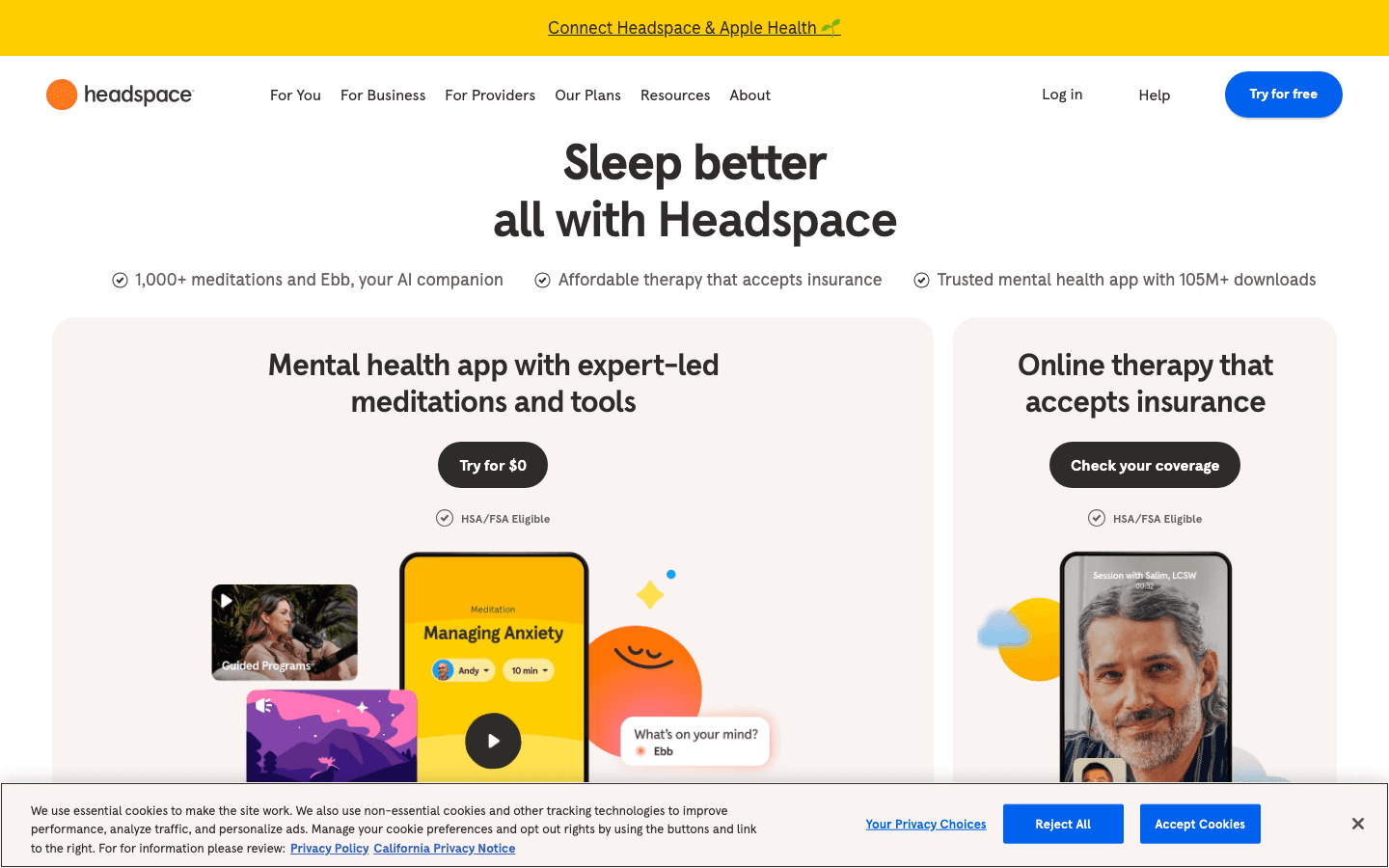
Headspace is most useful for Galaxy Watch users who track their sleep score and stress levels but don't have a structured way to act on that data. If your Galaxy Watch shows high stress readings or a poor sleep score, Headspace's guided meditation sessions and sleep sounds give you a concrete response. The breathing exercises are particularly relevant since Galaxy Watch can track resting heart rate and HRV trends.
The Wear OS app for Galaxy Watch lets you start a meditation session directly from the watch, which is useful for post-workout recovery or midday stress breaks without pulling out your phone. The mindfulness pairing approach works similarly regardless of the specific wearable.
Key Features
Guided meditation sessions from 2 to 30 minutes
Sleep sounds and Sleepcasts for better sleep quality
Wear OS app for on-watch meditation controls
Stress-specific exercises and focus sessions
Progress tracking for meditation streaks
What Works
Structured response to what Galaxy Watch stress and sleep data reveals
Wear OS app is well-implemented for quick sessions on the watch
Sleep content is some of the best in any meditation app
Limitations
No direct Samsung Health data sync; influence is indirect
Most content locked behind subscription
Pricing: Free trial available. Premium: $12.99/month or $69.99/year.
Best for: Galaxy Watch users who want a structured mindfulness practice to complement their health tracking
5. Spotify: Best for Music and Podcast Control
The best audio streaming experience directly from your Galaxy Watch
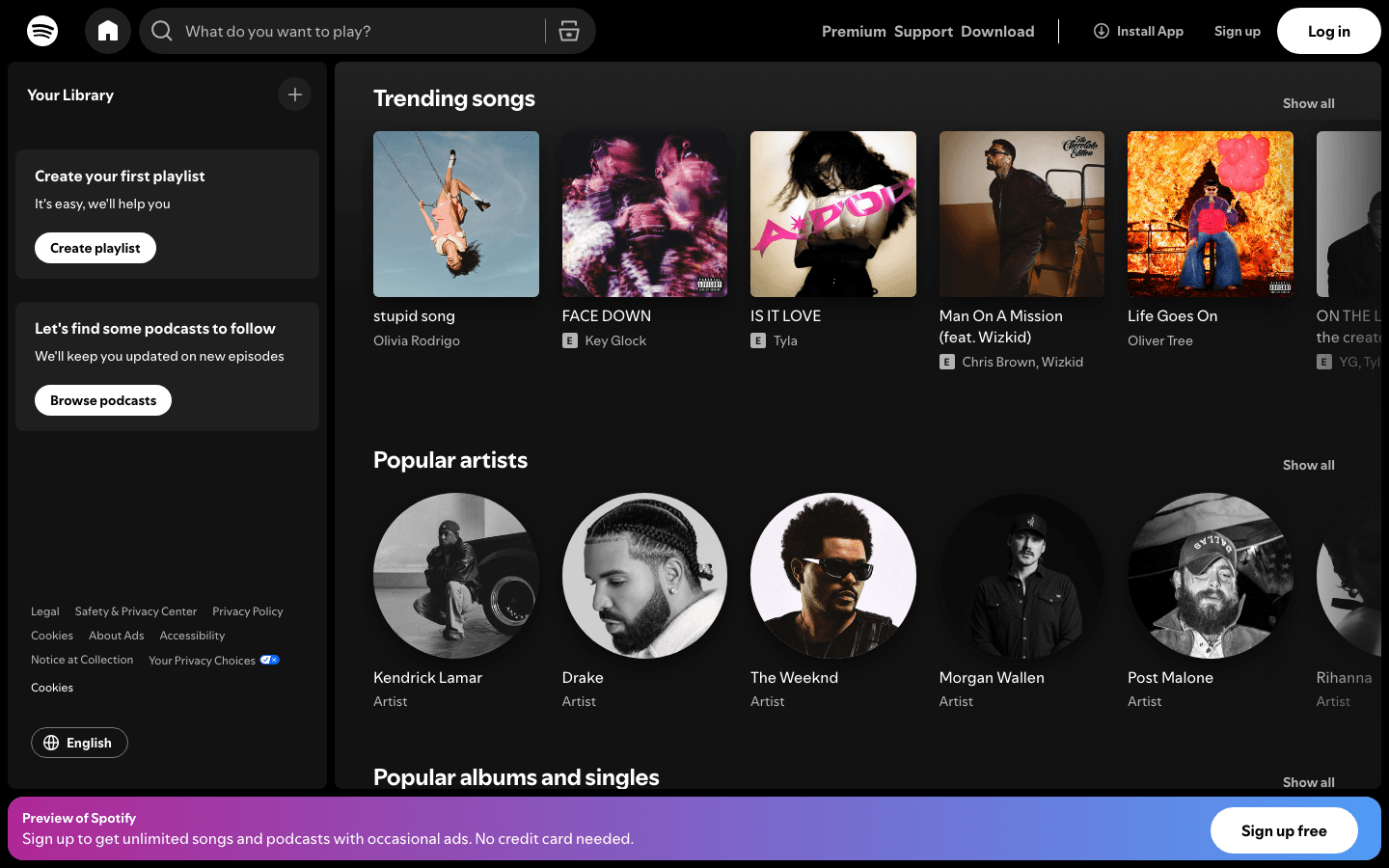
Spotify has one of the best Galaxy Watch apps in the Wear OS ecosystem. You can browse your playlists, control playback, and on Premium, download music for offline listening directly on the watch so you can leave your phone behind on a run. For workouts where you want music without carrying your phone, this is the setup most people end up with.
The watch app also works as a remote control for Spotify running on your phone, which is useful at the gym when your phone is in your bag. The Galaxy Watch's speaker (on models that have one) can play audio directly, though most people use it with Bluetooth earphones. Spotify's free tier works for phone-connected playback; downloads to the watch require Premium.
Key Features
Full Wear OS app with playlist browsing and playback control
Offline download to watch for phone-free workouts (Premium)
Works as remote control for phone playback
Podcast support including downloads
Available on Galaxy Watch 4, 5, 6, 7, and Ultra
What Works
Best Wear OS audio experience of any streaming app
Phone-free workout music works reliably
UI is clean and fast on the Galaxy Watch screen
Limitations
Offline downloads require Premium ($9.99/month)
Streaming quality limited by watch Bluetooth connection
Pricing: Free tier available. Premium: $9.99/month.
Best for: Galaxy Watch users who want music or podcasts during workouts without carrying their phone
Which Samsung Galaxy Watch App Should You Try First?
You want health data to change how you plan your day: Lifestack
You're tracking calories burned and want matching nutrition data: MyFitnessPal
You run or cycle and want better workout analysis: Strava
Your Galaxy Watch shows high stress or poor sleep scores: Headspace
You want music during phone-free workouts: Spotify Premium
Galaxy Watch collects some of the most detailed health data of any consumer smartwatch. The companion apps above each fill a gap that Samsung Health's built-in tools leave open. See also our guide to productivity apps for Apple Watch if you're comparing platforms, and our Oura Ring productivity guide for another approach to health-informed scheduling.
Frequently Asked Questions
What apps work directly on Samsung Galaxy Watch?
Samsung Galaxy Watch runs Wear OS (on Galaxy Watch 4 and newer) or Tizen (on older models). Apps with Wear OS versions include Strava, Spotify, Headspace, Google Maps, and others. Many health companion apps (like Lifestack and MyFitnessPal) run on your Android phone and sync data from Samsung Health rather than running directly on the watch.
Does Lifestack work with Samsung Galaxy Watch?
Lifestack runs on Android and uses your health and energy patterns to build AI-powered daily schedules. While it doesn't pull data directly from Samsung Health via API, it uses your behavior and calendar patterns to adapt your scheduling to your recovery and energy levels. Galaxy Watch users benefit by having their health tracking feed into more intentional daily planning.
Is Strava or Samsung Health better for workout tracking?
For GPS-based activities like running and cycling, Strava is substantially better than Samsung Health for post-workout analysis. Strava shows split paces, elevation, heart rate zone breakdowns, and segment performance data that Samsung Health doesn't provide at the same level. Samsung Health is fine for step counting and general activity; Strava is better for structured athletic training.
Can you use Spotify offline on Samsung Galaxy Watch?
Yes, with Spotify Premium. You can download playlists and podcasts directly to your Galaxy Watch 4 or newer for offline playback, allowing phone-free workouts. The free Spotify tier requires a phone connection for streaming but still works as a remote control for phone playback.
What is the best app for sleep tracking with Galaxy Watch?
Samsung Health does sleep tracking natively and provides sleep scores, sleep stage breakdowns, and blood oxygen monitoring during sleep. To act on that data, Headspace is the best companion: it provides sleep sounds and guided wind-down routines that address the patterns your Galaxy Watch reveals. For people who want their sleep data to inform their productivity schedule, Lifestack is the more impactful pairing.
Samsung Galaxy Watch tracks an impressive amount of health data: your sleep score, heart rate zones, blood oxygen levels, stress through skin temperature, body composition on newer models, and GPS for workouts. That data sitting in Samsung Health alone doesn't do much. Pairing the Galaxy Watch with the right companion apps on your phone transforms those numbers into real improvements in how you sleep, train, recover, and plan your day.
We tested the best companion apps for Samsung Galaxy Watch in 2026, focusing on how well each one uses the watch's health and fitness data, how it improves on what Samsung Health offers by default, and whether it's worth the subscription. These work with the Galaxy Watch 6, Watch 7, Watch Ultra, and earlier Galaxy Watch series running Wear OS or Tizen.
Key Takeaways
Lifestack is the best app for turning Galaxy Watch health data into smarter daily scheduling
Strava and MyFitnessPal fill the gaps Samsung Health leaves in workout tracking and nutrition
Headspace pairs especially well with Galaxy Watch sleep and stress scores
Quick Guide: Best Samsung Galaxy Watch Companion Apps
Lifestack: Best for energy-aware daily planning using health data
MyFitnessPal: Best for nutrition tracking alongside Galaxy Watch calorie data
Strava: Best for detailed GPS workout logging and community
Headspace: Best for mindfulness and sleep paired with stress scores
Spotify: Best for music and podcast control from the watch
How We Evaluated
Integration quality with Samsung Health and Galaxy Watch data
What the app adds beyond Samsung's built-in capabilities
Whether the companion phone app is worth the cost
Wear OS app quality for on-watch use (where applicable)
1. Lifestack: Best for Energy-Aware Planning
Uses your Galaxy Watch health patterns to schedule your day around your actual energy
Lifestack addresses a gap that Samsung Health can't fill on its own: it takes your health and recovery patterns and uses them to plan your work day more effectively. Rather than leaving your sleep score as a number in a health app, Lifestack's auto-scheduling builds your daily agenda around your actual energy levels, pushing cognitively demanding tasks to your peak focus hours and lighter work to recovery windows.
The Galaxy Watch connection works through your overall health behavior patterns: consistently good sleep and recovery reflects in how Lifestack structures your schedule. The app's energy-awareness approach is explained in depth in our guide to energy-based planning vs. time blocking. For Galaxy Watch users who've been tracking health data without it actually changing how they work, Lifestack closes that loop.
Key Features
AI-powered daily scheduling based on your energy and recovery patterns
Unified task and calendar view in one clean interface
Integrates with Google Calendar and Apple Calendar
iOS and Android apps with Chrome extension
What Works
Best app for making Galaxy Watch health data actionable in your workday
Helps you schedule better, not just measure more
Clean, well-designed interface that makes your day readable at a glance
Limitations
No Wear OS watch app; works through the Android companion app
No direct Samsung Health API integration; health influence is behavior-based
Pricing: $7/month or $50/year. 7-day free trial on the annual plan.
Best for: Galaxy Watch users who want health data to actually improve how they plan their work
2. MyFitnessPal: Best for Nutrition Tracking
Closes the nutrition gap that Samsung Health's food tracking doesn't cover well
MyFitnessPal syncs directly with Samsung Health, meaning the calories your Galaxy Watch tracks (active and resting) appear alongside your food intake in MyFitnessPal's dashboard. Samsung Health's own food database is limited in many regions; MyFitnessPal's database of over 14 million foods is more complete and accurate for most people's diets.
The barcode scanner makes logging quick, and the macro breakdown (protein, fat, carbs) is far more detailed than what Samsung Health shows natively. If you're tracking body composition with Galaxy Watch 5 or newer, pairing with MyFitnessPal gives you the nutritional context that makes those measurements meaningful. Also check our apps to use with Samsung Health for more nutrition pairing options.
Key Features
14+ million food database with barcode scanner
Direct Samsung Health sync for calorie balance
Macro and micronutrient breakdown
Meal planning and recipe logging
Android and iOS apps
What Works
The most complete food database of any nutrition app
Samsung Health sync makes calorie tracking genuinely useful
Free tier is enough for basic calorie counting
Limitations
Premium features are expensive ($19.99/month or $79.99/year)
No Wear OS app for logging from the watch directly
Pricing: Free tier available. Premium: $19.99/month or $79.99/year.
Best for: Galaxy Watch users who want to match calorie burn data with detailed nutrition tracking
3. Strava: Best for Workout Tracking and Community
More detailed GPS workout logs and a social fitness community beyond what Samsung Health offers
Strava has a dedicated Galaxy Watch app that records GPS workouts directly on the watch, syncing detailed performance data back to your phone. It captures segments (specific routes you can compare against your past performance and other athletes), route planning, live feedback on pace and heart rate zones, and a social feed of friends' activities that Samsung Health simply doesn't replicate.
For runners and cyclists specifically, Strava's post-workout analysis is substantially better than Samsung Health's default breakdown. You see split paces, elevation maps, heart rate zone distribution, and segment rankings. The free tier covers the basics; Strava's subscription unlocks Training Plans, more detailed fitness metrics, and route creation tools that are worth it if you're training seriously.
Key Features
Galaxy Watch app for GPS workout recording directly on the watch
Segment tracking and leaderboards
Post-workout analysis: splits, elevation, heart rate zones
Social feed and Kudos from your fitness network
Route planning and navigation
What Works
Best GPS workout logging app available for Galaxy Watch
Post-workout analysis far exceeds Samsung Health's default
Free tier covers most recreational athletes' needs
Limitations
Training analysis features require a paid subscription
Less useful if you don't do GPS-trackable activities
Pricing: Free tier available. Premium: $11.99/month or $79.99/year.
Best for: Runners, cyclists, and other outdoor athletes who want detailed workout analysis and community
4. Headspace: Best for Sleep and Stress Recovery
Structured meditation and sleep content that pairs with Galaxy Watch sleep and stress scores
Headspace is most useful for Galaxy Watch users who track their sleep score and stress levels but don't have a structured way to act on that data. If your Galaxy Watch shows high stress readings or a poor sleep score, Headspace's guided meditation sessions and sleep sounds give you a concrete response. The breathing exercises are particularly relevant since Galaxy Watch can track resting heart rate and HRV trends.
The Wear OS app for Galaxy Watch lets you start a meditation session directly from the watch, which is useful for post-workout recovery or midday stress breaks without pulling out your phone. The mindfulness pairing approach works similarly regardless of the specific wearable.
Key Features
Guided meditation sessions from 2 to 30 minutes
Sleep sounds and Sleepcasts for better sleep quality
Wear OS app for on-watch meditation controls
Stress-specific exercises and focus sessions
Progress tracking for meditation streaks
What Works
Structured response to what Galaxy Watch stress and sleep data reveals
Wear OS app is well-implemented for quick sessions on the watch
Sleep content is some of the best in any meditation app
Limitations
No direct Samsung Health data sync; influence is indirect
Most content locked behind subscription
Pricing: Free trial available. Premium: $12.99/month or $69.99/year.
Best for: Galaxy Watch users who want a structured mindfulness practice to complement their health tracking
5. Spotify: Best for Music and Podcast Control
The best audio streaming experience directly from your Galaxy Watch
Spotify has one of the best Galaxy Watch apps in the Wear OS ecosystem. You can browse your playlists, control playback, and on Premium, download music for offline listening directly on the watch so you can leave your phone behind on a run. For workouts where you want music without carrying your phone, this is the setup most people end up with.
The watch app also works as a remote control for Spotify running on your phone, which is useful at the gym when your phone is in your bag. The Galaxy Watch's speaker (on models that have one) can play audio directly, though most people use it with Bluetooth earphones. Spotify's free tier works for phone-connected playback; downloads to the watch require Premium.
Key Features
Full Wear OS app with playlist browsing and playback control
Offline download to watch for phone-free workouts (Premium)
Works as remote control for phone playback
Podcast support including downloads
Available on Galaxy Watch 4, 5, 6, 7, and Ultra
What Works
Best Wear OS audio experience of any streaming app
Phone-free workout music works reliably
UI is clean and fast on the Galaxy Watch screen
Limitations
Offline downloads require Premium ($9.99/month)
Streaming quality limited by watch Bluetooth connection
Pricing: Free tier available. Premium: $9.99/month.
Best for: Galaxy Watch users who want music or podcasts during workouts without carrying their phone
Which Samsung Galaxy Watch App Should You Try First?
You want health data to change how you plan your day: Lifestack
You're tracking calories burned and want matching nutrition data: MyFitnessPal
You run or cycle and want better workout analysis: Strava
Your Galaxy Watch shows high stress or poor sleep scores: Headspace
You want music during phone-free workouts: Spotify Premium
Galaxy Watch collects some of the most detailed health data of any consumer smartwatch. The companion apps above each fill a gap that Samsung Health's built-in tools leave open. See also our guide to productivity apps for Apple Watch if you're comparing platforms, and our Oura Ring productivity guide for another approach to health-informed scheduling.
Frequently Asked Questions
What apps work directly on Samsung Galaxy Watch?
Samsung Galaxy Watch runs Wear OS (on Galaxy Watch 4 and newer) or Tizen (on older models). Apps with Wear OS versions include Strava, Spotify, Headspace, Google Maps, and others. Many health companion apps (like Lifestack and MyFitnessPal) run on your Android phone and sync data from Samsung Health rather than running directly on the watch.
Does Lifestack work with Samsung Galaxy Watch?
Lifestack runs on Android and uses your health and energy patterns to build AI-powered daily schedules. While it doesn't pull data directly from Samsung Health via API, it uses your behavior and calendar patterns to adapt your scheduling to your recovery and energy levels. Galaxy Watch users benefit by having their health tracking feed into more intentional daily planning.
Is Strava or Samsung Health better for workout tracking?
For GPS-based activities like running and cycling, Strava is substantially better than Samsung Health for post-workout analysis. Strava shows split paces, elevation, heart rate zone breakdowns, and segment performance data that Samsung Health doesn't provide at the same level. Samsung Health is fine for step counting and general activity; Strava is better for structured athletic training.
Can you use Spotify offline on Samsung Galaxy Watch?
Yes, with Spotify Premium. You can download playlists and podcasts directly to your Galaxy Watch 4 or newer for offline playback, allowing phone-free workouts. The free Spotify tier requires a phone connection for streaming but still works as a remote control for phone playback.
What is the best app for sleep tracking with Galaxy Watch?
Samsung Health does sleep tracking natively and provides sleep scores, sleep stage breakdowns, and blood oxygen monitoring during sleep. To act on that data, Headspace is the best companion: it provides sleep sounds and guided wind-down routines that address the patterns your Galaxy Watch reveals. For people who want their sleep data to inform their productivity schedule, Lifestack is the more impactful pairing.



FOLLOW ON
FOLLOW ON
FOLLOW ON


Copyright 2026 © Lifestack. All rights reserved
Copyright 2026 © Lifestack. All rights reserved

