
App
Best Apps for Focus and Concentration in 2026
Best Apps for Focus and Concentration in 2026
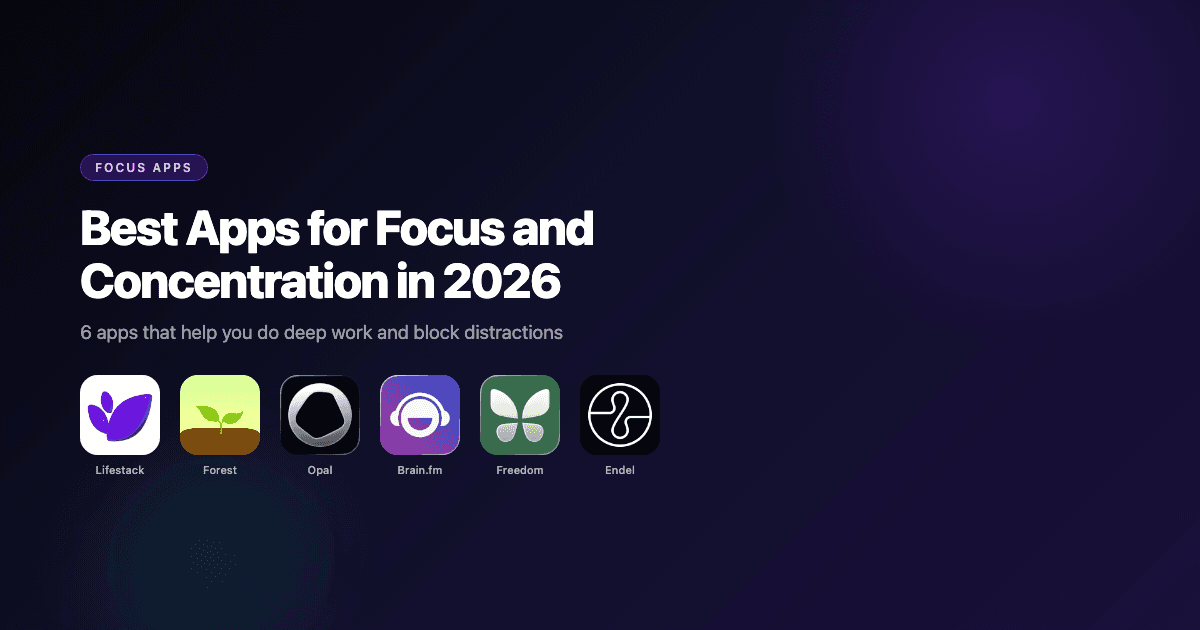
Focus is harder to come by than it used to be. Phones interrupt every thought, notifications arrive in waves, and the very devices we use to do our work are also the ones most designed to steal our attention. Apps cannot solve all of that. But the right tools can create conditions where doing focused work becomes easier.
The best focus apps fall into a few distinct categories: AI schedulers that protect your time before distractions even start, sound environments that make concentration feel natural, blockers that remove temptation when your willpower runs low, and Pomodoro-style timers that give work a shape and rhythm. Understanding why focus breaks down is the first step; having the right tools for each situation is the second.
Here are six apps worth using in 2026, covering different approaches to the same problem.
Key Takeaways
Lifestack is the only app that addresses focus at the scheduling layer, ensuring your hardest work lands when your brain is actually ready for it
Forest and Freedom approach focus through behavioral design: gamification and removal of distraction respectively
Brain.fm and Endel use science-backed audio to shift your brain state into a more focused mode
Quick Guide: Best Focus and Concentration Apps
1. Lifestack: AI scheduler that puts deep work in your peak energy windows
2. Forest: Pomodoro timer that grows a real tree when you stay off your phone
3. Opal: Screen time manager with hard mode and distraction blocking
4. Brain.fm: Science-based music designed to improve focus during work sessions
5. Freedom: Cross-platform site and app blocker with scheduled sessions
6. Endel: Adaptive soundscapes calibrated to your activity and time of day
How We Evaluated These Apps
Effectiveness at reducing distractions or improving focus during work sessions
Ease of use and how little friction is required to start a focus session
Cross-platform availability (iOS, Android, Mac, web)
Pricing and value at the free and paid tiers
Whether the app addresses root causes of distraction or just symptoms
1. Lifestack
AI planner that schedules deep work during your natural focus windows

Lifestack takes a different approach to focus than any other app on this list. Rather than blocking distractions after they start, it prevents the scheduling mistakes that cause focus problems in the first place. The app tracks your personal energy levels throughout the day and automatically schedules your high-focus tasks (writing, coding, deep analysis) into the windows when your brain is best suited for them.
If your peak focus window is 9-11am, Lifestack protects that time and routes administrative tasks, emails, and low-stakes work into your lower-energy afternoon slots. The result is not just fewer distractions during deep work; it is also less cognitive depletion from fighting your own biology to focus at the wrong time. See how energy-based scheduling changes the shape of a productive day.
Key Features
Energy-aware auto-scheduling places high-focus work in your peak windows
Integrates with Google Calendar and Apple Calendar
AI task prioritisation and time estimation
iOS, Android, and Chrome extension
Focus mode for working through tasks one at a time
What Works
Addresses focus at the structural level, not just in the moment
Calendar integration means your existing commitments are respected
Particularly effective for people with ADHD or variable focus patterns
Limitations
Does not block websites or apps during focus sessions (use Freedom or Opal alongside it for that)
Requires a few days of calibration before the energy model learns your patterns
Pricing: $7/month or $50/year (7-day free trial on the annual plan)
Best for: Knowledge workers, remote workers, and anyone whose focus quality varies significantly throughout the day
2. Forest
Pomodoro timer that turns your phone time into real trees planted in the world
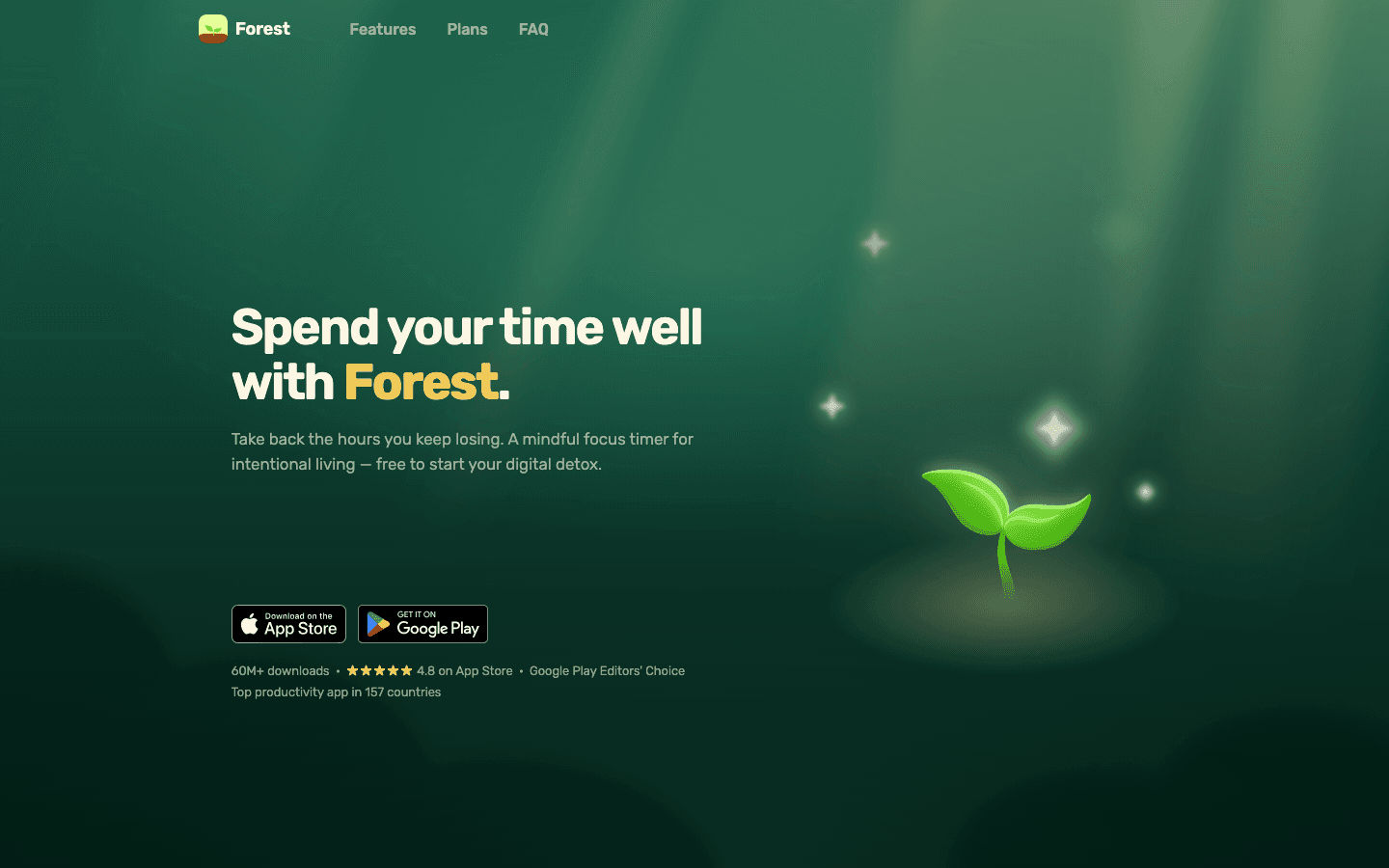
Forest is the most charming focus app on this list. When you start a focus session, a digital tree begins to grow. If you leave the app to check social media or messages before the session ends, the tree dies. Over time, your focus sessions build a virtual forest that also maps to real trees planted through Forest's reforestation partners.
The gamification is lightweight but effective. The loss aversion of watching a tree wither is a genuine behavioral nudge, and the visual forest of completed sessions becomes a satisfying record of your work. It is best for people who struggle with phone distraction during work and want a gentle but meaningful consequence. The free version is capable; Forest Plus adds premium tree species and advanced analytics.
Key Features
Pomodoro-style focus timer with tree-growth gamification
App blocking on Android (allowlist mode prevents distraction during sessions)
Virtual coins redeemable for real tree planting
Group focus sessions for co-working
Available on iOS, Android, and as a Chrome extension
What Works
The loss aversion mechanic works surprisingly well: people genuinely hesitate to kill their tree
Real-world tree planting adds meaningful weight to each completed session
Clean, calming interface that does not add visual stress
Limitations
App blocking is limited on iOS compared to Android
Does not schedule your work or help you decide what to focus on, only tracks the time
Pricing: Free, with Forest Plus subscription (check App Store or Google Play for current regional pricing)
Best for: People who want a gentle, visually satisfying way to stay off their phone during focus sessions
3. Opal
Screen time manager with distraction blocking that you can actually make stick

Opal is a screen time and app blocking tool designed for people who have tried iOS Screen Time and found it too easy to bypass. Its standout feature is Hard Mode: when activated, the blocks cannot be overridden until the session ends, even if you go into settings. That frictionless escape hatch is exactly what makes most blocking tools fail when willpower runs low.
Opal's daily Opal Score gives you a snapshot of your phone relationship over time: how much time you are spending on blocked apps, how often you override rules, and where your attention is actually going. Available on iOS, Android, and Mac. See more work focusing tools for a broader comparison.
Key Features
Hard Mode app blocking (cannot be bypassed mid-session)
App and website blocking on iOS, Android, and Mac
Custom rules and schedules
Daily Opal Score to track screen time patterns
Allow-only mode: only specified apps are accessible during a session
What Works
Hard Mode is genuinely harder to bypass than any other iOS blocking tool
The Opal Score makes screen time data actionable rather than just depressing
Soundscapes included in the app for ambient focus audio
Limitations
Pro pricing is steep compared to competitors ($99.99/year)
Free tier is limited to 1 rule
Pricing: Free plan (1 rule). Pro at $99.99/year ($8.29/month billed annually)
Best for: People who have tried Screen Time or other blockers and keep bypassing them, and need real enforcement
4. Brain.fm
Science-designed music that uses neural synchronization to improve focus
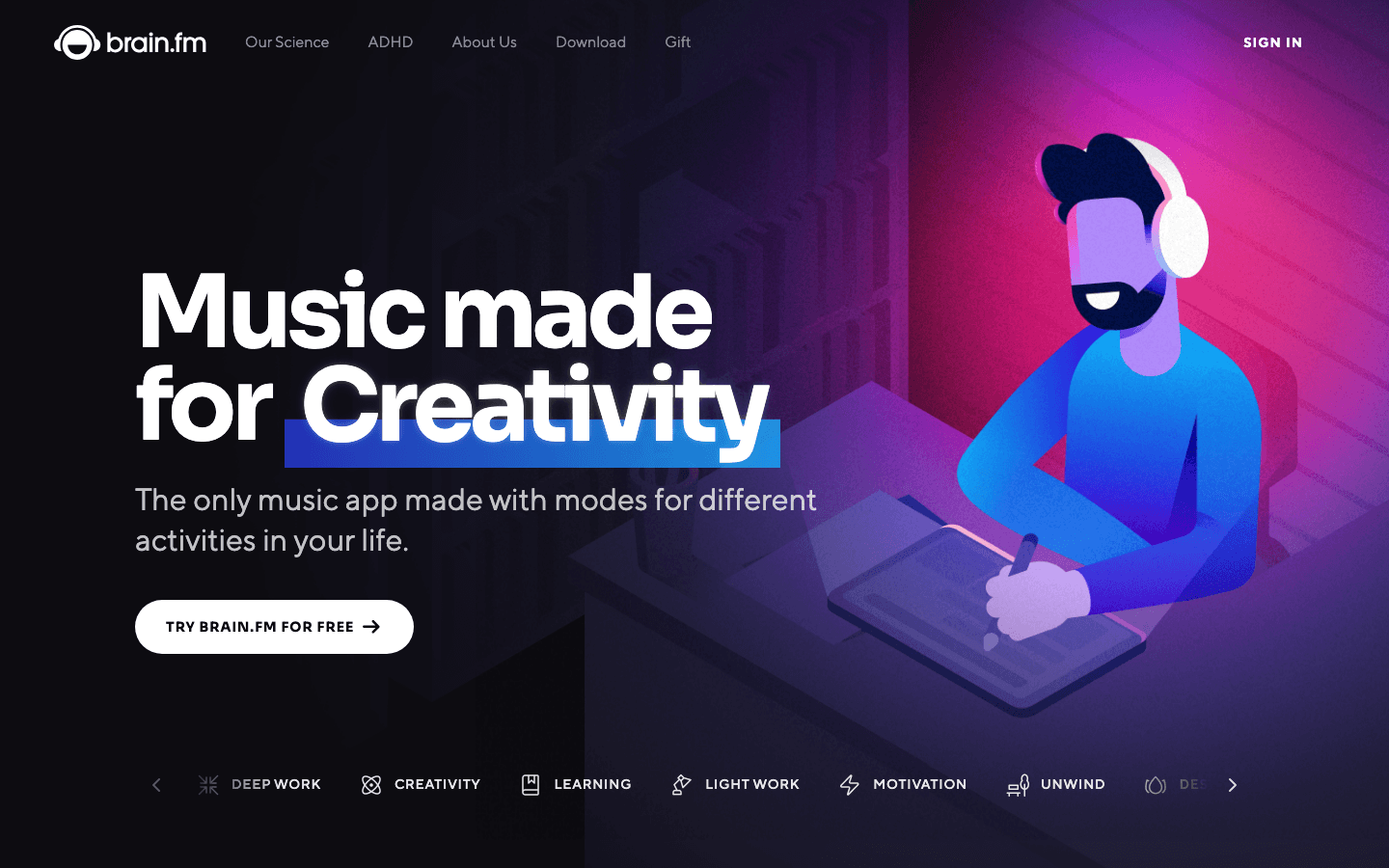
Brain.fm is different from Spotify playlists or lo-fi hip hop. The audio is designed using a proprietary technique called "neural phase locking," where the music contains subtle rhythmic pulses designed to synchronize brainwave activity into patterns associated with focused states. Independent studies have found statistically significant effects on concentration compared to silence or regular music.
It has modes for deep work, creativity, learning, light work, and relaxation, each with different acoustic characteristics. Sessions typically run in 30 or 60-minute blocks. It is not for everyone: some people find the music distracting or find that they focus better with silence or more conventional background sounds. But for the subset of people it clicks with, it is hard to replace.
Key Features
Functional music designed to target specific brain states
Modes for focus, creativity, learning, relaxation, and sleep
Available on iOS, Android, Mac, and web
Timer integration for work sessions
Offline listening on mobile
What Works
The neuroscience basis is more substantive than most "focus music" claims
Instrumental and non-lyrical: words in music fragment verbal thinking
One less decision during your work day: just pick a mode and start
Limitations
No free plan after the trial ends; pricing is higher than Endel
Audio style is an acquired taste and does not work for everyone
Pricing: $14.99/month or $99.99/year (free trial available)
Best for: People who find that the right audio environment significantly affects their ability to concentrate
5. Freedom
Cross-platform site and app blocker with scheduled and recurring sessions

Freedom is a website and app blocker that works across iPhone, Android, Mac, Windows, and Chrome simultaneously. When you start a Freedom session, all your devices block the same distracting sites at once, so switching from laptop to phone to bypass the block does not work.
You can schedule recurring sessions (e.g., no social media 9am-12pm every weekday) so that your focus protection runs automatically without having to remember to start it. The Locked Mode option, similar to Opal's Hard Mode, makes sessions impossible to end early. Freedom also bundles focus music for ambient sound during sessions. For Mac-specific focus tools, see our best focus apps for Mac guide.
Key Features
Cross-device blocking (phone, tablet, laptop all blocked simultaneously)
Scheduled and recurring sessions
Locked Mode (session cannot be ended early)
Custom blocklists and allowlists
Focus music included
What Works
Cross-device blocking closes the most common workaround (switch devices)
Recurring sessions remove the daily decision to start blocking
Free tier is genuinely useful for testing the workflow
Limitations
The interface feels dated compared to Opal
Blocking on iOS is limited by Apple's app sandbox
Pricing: Free plan available. Premium at $3.33/month billed annually ($39.96/year) or $8.99/month
Best for: People who work across multiple devices and need a single rule to cover all of them
6. Endel
Personalized adaptive soundscapes calibrated to your activity and circadian state
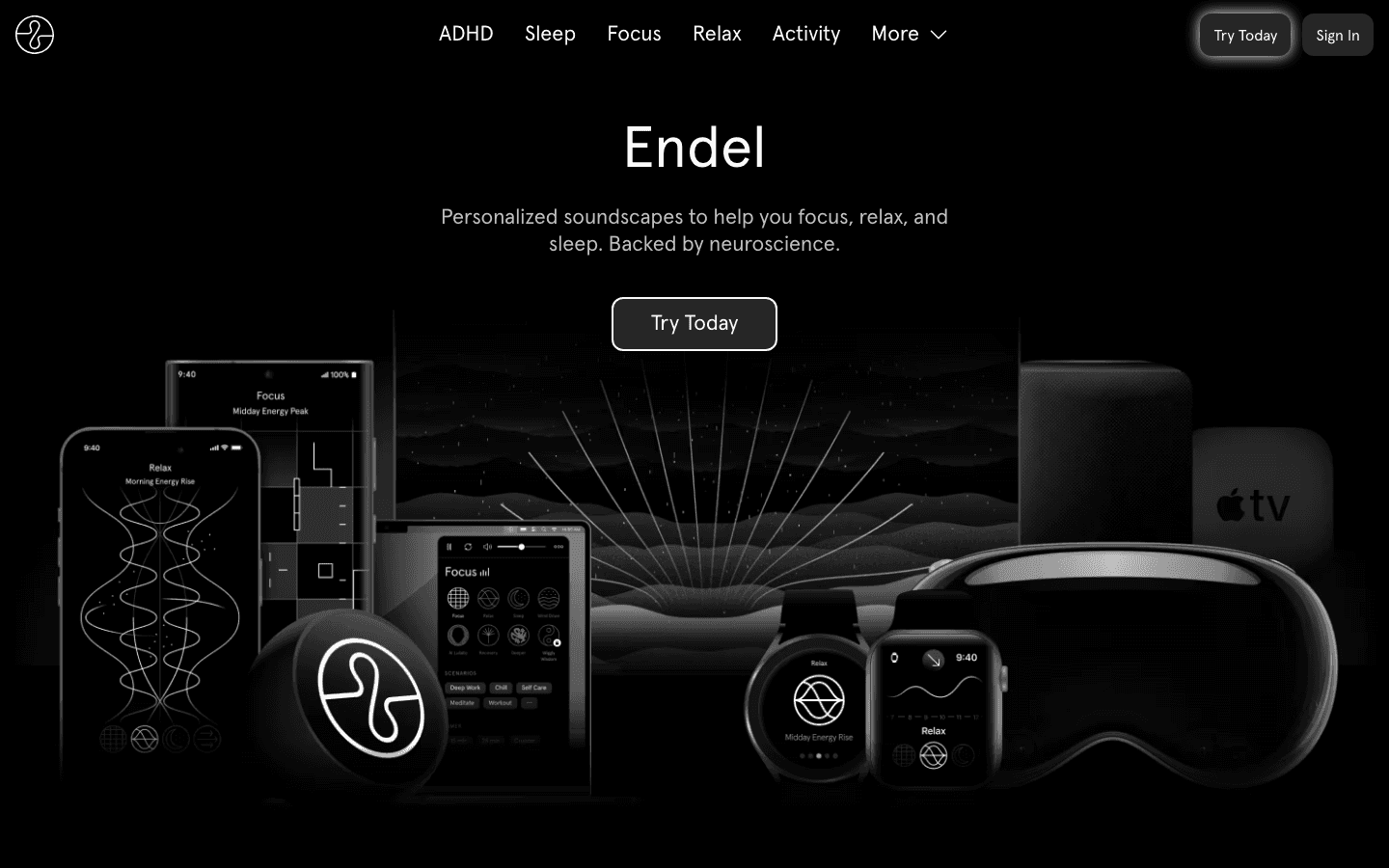
Endel generates personalized soundscapes in real time based on your time of day, location, heart rate (if connected to Apple Watch), and chosen activity mode. Rather than looping pre-recorded audio, it continuously adapts the sound environment to match your state. The focus mode produces a clean, low-stimulation sound texture that many people find easier to sustain attention with than music or silence.
It is available on iOS, Android, Mac, Windows, Apple TV, and Apple Watch. The Apple Watch integration is particularly useful: the soundscape changes based on your heart rate variability, which can signal whether you are genuinely in a focused state or just sitting still while mentally scattered. Personal energy management tools like Endel address the environmental side of focus rather than the scheduling side.
Key Features
Real-time adaptive soundscapes (not pre-recorded)
Modes for focus, sleep, relax, and activity
Apple Watch integration with heart rate adaptation
Circadian rhythm awareness built into the audio algorithm
Available on iOS, Android, Mac, Windows, and Apple TV
What Works
Adaptive audio is noticeably different from static playlists
Apple Watch integration adds a biofeedback dimension
Less fatiguing over long sessions than Brain.fm's more complex textures
Limitations
Pricing varies significantly by tier and region
Works best as a complement to other focus strategies, not a standalone fix
Pricing: Subscription from ~$2.99/month (pricing varies by tier; check App Store)
Best for: People who are sensitive to audio environments and want a sound tool that adapts to them rather than requiring them to choose playlists
Which Focus App Is Right for You?
Your focus problem starts with poor scheduling: Lifestack
You need to resist phone-checking during work: Forest
You keep bypassing your own blocking rules: Opal (Hard Mode)
You need to block across multiple devices: Freedom
Sound environment significantly affects your concentration: Brain.fm or Endel
For most people, the most impactful combination is a scheduling tool (Lifestack) plus a blocking tool (Freedom or Opal) plus ambient audio (Brain.fm or Endel). Addressing the structural, behavioral, and environmental sides of focus together produces better results than any single app. The time blindness and executive function challenges that make focus hard often need more than one layer of support.
Frequently Asked Questions
Do focus apps actually work?
The research on website blockers specifically shows a clear effect: people produce more focused work during blocked sessions. Audio apps like Brain.fm have some independent evidence behind their core mechanisms. Scheduling tools like Lifestack work through the more proven mechanism of time management and energy alignment. No app replaces motivation or interest in the work, but the right tools meaningfully reduce the friction around starting and sustaining focused work.
What is the best free focus app?
Forest has one of the best free tiers for a timer-based tool. Freedom's free plan is useful for testing the workflow. Lifestack offers a 7-day free trial on its annual plan. If you want ambient audio for free, there are YouTube channels and Spotify playlists with lo-fi music, though they lack the science-based design of Brain.fm or Endel.
What is the best focus app for ADHD?
Lifestack is the strongest choice for ADHD because it addresses the structural problem (tasks scheduled at the wrong time relative to energy and focus capacity) rather than just the surface problem (distractions in the moment). Forest's gamification also clicks well with many ADHD brains. For a more detailed comparison, see our guide to ADHD focus apps.
Can music help with concentration?
Yes, for many people. Instrumental music at a moderate tempo and volume can create a consistent audio environment that reduces the impact of external interruptions. Lyrics tend to interfere with verbal cognitive tasks (reading, writing). Brain.fm and Endel take this further with purpose-designed audio rather than repurposed music, which some users find more effective for extended focus sessions.
Is blocking distracting websites actually effective?
Yes, particularly when combined with a commitment device like Locked Mode or Hard Mode that prevents overriding the block. The research on "friction" in behavioral design is clear: adding even a small barrier to an undesired behavior reduces how often it happens. Removing the option entirely during a focus session is a stronger intervention than just setting a timer.
Focus is harder to come by than it used to be. Phones interrupt every thought, notifications arrive in waves, and the very devices we use to do our work are also the ones most designed to steal our attention. Apps cannot solve all of that. But the right tools can create conditions where doing focused work becomes easier.
The best focus apps fall into a few distinct categories: AI schedulers that protect your time before distractions even start, sound environments that make concentration feel natural, blockers that remove temptation when your willpower runs low, and Pomodoro-style timers that give work a shape and rhythm. Understanding why focus breaks down is the first step; having the right tools for each situation is the second.
Here are six apps worth using in 2026, covering different approaches to the same problem.
Key Takeaways
Lifestack is the only app that addresses focus at the scheduling layer, ensuring your hardest work lands when your brain is actually ready for it
Forest and Freedom approach focus through behavioral design: gamification and removal of distraction respectively
Brain.fm and Endel use science-backed audio to shift your brain state into a more focused mode
Quick Guide: Best Focus and Concentration Apps
1. Lifestack: AI scheduler that puts deep work in your peak energy windows
2. Forest: Pomodoro timer that grows a real tree when you stay off your phone
3. Opal: Screen time manager with hard mode and distraction blocking
4. Brain.fm: Science-based music designed to improve focus during work sessions
5. Freedom: Cross-platform site and app blocker with scheduled sessions
6. Endel: Adaptive soundscapes calibrated to your activity and time of day
How We Evaluated These Apps
Effectiveness at reducing distractions or improving focus during work sessions
Ease of use and how little friction is required to start a focus session
Cross-platform availability (iOS, Android, Mac, web)
Pricing and value at the free and paid tiers
Whether the app addresses root causes of distraction or just symptoms
1. Lifestack
AI planner that schedules deep work during your natural focus windows
Lifestack takes a different approach to focus than any other app on this list. Rather than blocking distractions after they start, it prevents the scheduling mistakes that cause focus problems in the first place. The app tracks your personal energy levels throughout the day and automatically schedules your high-focus tasks (writing, coding, deep analysis) into the windows when your brain is best suited for them.
If your peak focus window is 9-11am, Lifestack protects that time and routes administrative tasks, emails, and low-stakes work into your lower-energy afternoon slots. The result is not just fewer distractions during deep work; it is also less cognitive depletion from fighting your own biology to focus at the wrong time. See how energy-based scheduling changes the shape of a productive day.
Key Features
Energy-aware auto-scheduling places high-focus work in your peak windows
Integrates with Google Calendar and Apple Calendar
AI task prioritisation and time estimation
iOS, Android, and Chrome extension
Focus mode for working through tasks one at a time
What Works
Addresses focus at the structural level, not just in the moment
Calendar integration means your existing commitments are respected
Particularly effective for people with ADHD or variable focus patterns
Limitations
Does not block websites or apps during focus sessions (use Freedom or Opal alongside it for that)
Requires a few days of calibration before the energy model learns your patterns
Pricing: $7/month or $50/year (7-day free trial on the annual plan)
Best for: Knowledge workers, remote workers, and anyone whose focus quality varies significantly throughout the day
2. Forest
Pomodoro timer that turns your phone time into real trees planted in the world
Forest is the most charming focus app on this list. When you start a focus session, a digital tree begins to grow. If you leave the app to check social media or messages before the session ends, the tree dies. Over time, your focus sessions build a virtual forest that also maps to real trees planted through Forest's reforestation partners.
The gamification is lightweight but effective. The loss aversion of watching a tree wither is a genuine behavioral nudge, and the visual forest of completed sessions becomes a satisfying record of your work. It is best for people who struggle with phone distraction during work and want a gentle but meaningful consequence. The free version is capable; Forest Plus adds premium tree species and advanced analytics.
Key Features
Pomodoro-style focus timer with tree-growth gamification
App blocking on Android (allowlist mode prevents distraction during sessions)
Virtual coins redeemable for real tree planting
Group focus sessions for co-working
Available on iOS, Android, and as a Chrome extension
What Works
The loss aversion mechanic works surprisingly well: people genuinely hesitate to kill their tree
Real-world tree planting adds meaningful weight to each completed session
Clean, calming interface that does not add visual stress
Limitations
App blocking is limited on iOS compared to Android
Does not schedule your work or help you decide what to focus on, only tracks the time
Pricing: Free, with Forest Plus subscription (check App Store or Google Play for current regional pricing)
Best for: People who want a gentle, visually satisfying way to stay off their phone during focus sessions
3. Opal
Screen time manager with distraction blocking that you can actually make stick
Opal is a screen time and app blocking tool designed for people who have tried iOS Screen Time and found it too easy to bypass. Its standout feature is Hard Mode: when activated, the blocks cannot be overridden until the session ends, even if you go into settings. That frictionless escape hatch is exactly what makes most blocking tools fail when willpower runs low.
Opal's daily Opal Score gives you a snapshot of your phone relationship over time: how much time you are spending on blocked apps, how often you override rules, and where your attention is actually going. Available on iOS, Android, and Mac. See more work focusing tools for a broader comparison.
Key Features
Hard Mode app blocking (cannot be bypassed mid-session)
App and website blocking on iOS, Android, and Mac
Custom rules and schedules
Daily Opal Score to track screen time patterns
Allow-only mode: only specified apps are accessible during a session
What Works
Hard Mode is genuinely harder to bypass than any other iOS blocking tool
The Opal Score makes screen time data actionable rather than just depressing
Soundscapes included in the app for ambient focus audio
Limitations
Pro pricing is steep compared to competitors ($99.99/year)
Free tier is limited to 1 rule
Pricing: Free plan (1 rule). Pro at $99.99/year ($8.29/month billed annually)
Best for: People who have tried Screen Time or other blockers and keep bypassing them, and need real enforcement
4. Brain.fm
Science-designed music that uses neural synchronization to improve focus
Brain.fm is different from Spotify playlists or lo-fi hip hop. The audio is designed using a proprietary technique called "neural phase locking," where the music contains subtle rhythmic pulses designed to synchronize brainwave activity into patterns associated with focused states. Independent studies have found statistically significant effects on concentration compared to silence or regular music.
It has modes for deep work, creativity, learning, light work, and relaxation, each with different acoustic characteristics. Sessions typically run in 30 or 60-minute blocks. It is not for everyone: some people find the music distracting or find that they focus better with silence or more conventional background sounds. But for the subset of people it clicks with, it is hard to replace.
Key Features
Functional music designed to target specific brain states
Modes for focus, creativity, learning, relaxation, and sleep
Available on iOS, Android, Mac, and web
Timer integration for work sessions
Offline listening on mobile
What Works
The neuroscience basis is more substantive than most "focus music" claims
Instrumental and non-lyrical: words in music fragment verbal thinking
One less decision during your work day: just pick a mode and start
Limitations
No free plan after the trial ends; pricing is higher than Endel
Audio style is an acquired taste and does not work for everyone
Pricing: $14.99/month or $99.99/year (free trial available)
Best for: People who find that the right audio environment significantly affects their ability to concentrate
5. Freedom
Cross-platform site and app blocker with scheduled and recurring sessions
Freedom is a website and app blocker that works across iPhone, Android, Mac, Windows, and Chrome simultaneously. When you start a Freedom session, all your devices block the same distracting sites at once, so switching from laptop to phone to bypass the block does not work.
You can schedule recurring sessions (e.g., no social media 9am-12pm every weekday) so that your focus protection runs automatically without having to remember to start it. The Locked Mode option, similar to Opal's Hard Mode, makes sessions impossible to end early. Freedom also bundles focus music for ambient sound during sessions. For Mac-specific focus tools, see our best focus apps for Mac guide.
Key Features
Cross-device blocking (phone, tablet, laptop all blocked simultaneously)
Scheduled and recurring sessions
Locked Mode (session cannot be ended early)
Custom blocklists and allowlists
Focus music included
What Works
Cross-device blocking closes the most common workaround (switch devices)
Recurring sessions remove the daily decision to start blocking
Free tier is genuinely useful for testing the workflow
Limitations
The interface feels dated compared to Opal
Blocking on iOS is limited by Apple's app sandbox
Pricing: Free plan available. Premium at $3.33/month billed annually ($39.96/year) or $8.99/month
Best for: People who work across multiple devices and need a single rule to cover all of them
6. Endel
Personalized adaptive soundscapes calibrated to your activity and circadian state
Endel generates personalized soundscapes in real time based on your time of day, location, heart rate (if connected to Apple Watch), and chosen activity mode. Rather than looping pre-recorded audio, it continuously adapts the sound environment to match your state. The focus mode produces a clean, low-stimulation sound texture that many people find easier to sustain attention with than music or silence.
It is available on iOS, Android, Mac, Windows, Apple TV, and Apple Watch. The Apple Watch integration is particularly useful: the soundscape changes based on your heart rate variability, which can signal whether you are genuinely in a focused state or just sitting still while mentally scattered. Personal energy management tools like Endel address the environmental side of focus rather than the scheduling side.
Key Features
Real-time adaptive soundscapes (not pre-recorded)
Modes for focus, sleep, relax, and activity
Apple Watch integration with heart rate adaptation
Circadian rhythm awareness built into the audio algorithm
Available on iOS, Android, Mac, Windows, and Apple TV
What Works
Adaptive audio is noticeably different from static playlists
Apple Watch integration adds a biofeedback dimension
Less fatiguing over long sessions than Brain.fm's more complex textures
Limitations
Pricing varies significantly by tier and region
Works best as a complement to other focus strategies, not a standalone fix
Pricing: Subscription from ~$2.99/month (pricing varies by tier; check App Store)
Best for: People who are sensitive to audio environments and want a sound tool that adapts to them rather than requiring them to choose playlists
Which Focus App Is Right for You?
Your focus problem starts with poor scheduling: Lifestack
You need to resist phone-checking during work: Forest
You keep bypassing your own blocking rules: Opal (Hard Mode)
You need to block across multiple devices: Freedom
Sound environment significantly affects your concentration: Brain.fm or Endel
For most people, the most impactful combination is a scheduling tool (Lifestack) plus a blocking tool (Freedom or Opal) plus ambient audio (Brain.fm or Endel). Addressing the structural, behavioral, and environmental sides of focus together produces better results than any single app. The time blindness and executive function challenges that make focus hard often need more than one layer of support.
Frequently Asked Questions
Do focus apps actually work?
The research on website blockers specifically shows a clear effect: people produce more focused work during blocked sessions. Audio apps like Brain.fm have some independent evidence behind their core mechanisms. Scheduling tools like Lifestack work through the more proven mechanism of time management and energy alignment. No app replaces motivation or interest in the work, but the right tools meaningfully reduce the friction around starting and sustaining focused work.
What is the best free focus app?
Forest has one of the best free tiers for a timer-based tool. Freedom's free plan is useful for testing the workflow. Lifestack offers a 7-day free trial on its annual plan. If you want ambient audio for free, there are YouTube channels and Spotify playlists with lo-fi music, though they lack the science-based design of Brain.fm or Endel.
What is the best focus app for ADHD?
Lifestack is the strongest choice for ADHD because it addresses the structural problem (tasks scheduled at the wrong time relative to energy and focus capacity) rather than just the surface problem (distractions in the moment). Forest's gamification also clicks well with many ADHD brains. For a more detailed comparison, see our guide to ADHD focus apps.
Can music help with concentration?
Yes, for many people. Instrumental music at a moderate tempo and volume can create a consistent audio environment that reduces the impact of external interruptions. Lyrics tend to interfere with verbal cognitive tasks (reading, writing). Brain.fm and Endel take this further with purpose-designed audio rather than repurposed music, which some users find more effective for extended focus sessions.
Is blocking distracting websites actually effective?
Yes, particularly when combined with a commitment device like Locked Mode or Hard Mode that prevents overriding the block. The research on "friction" in behavioral design is clear: adding even a small barrier to an undesired behavior reduces how often it happens. Removing the option entirely during a focus session is a stronger intervention than just setting a timer.



FOLLOW ON
FOLLOW ON
FOLLOW ON


Copyright 2026 © Lifestack. All rights reserved
Copyright 2026 © Lifestack. All rights reserved

