
Tips
Opal Focus App Review: Features, Pricing & Verdict
Opal Focus App Review: Features, Pricing & Verdict

If you find yourself picking up your phone mid-task and losing 20 minutes to Instagram, you are not uniquely weak-willed. The apps on your home screen are designed to be opened. Opal is one of the few tools that fights back at the system level, using Apple's own Screen Time API to block those apps in a way that is genuinely hard to circumvent.
This review covers what the Opal focus app actually does, what sets it apart from screen time controls already built into iOS, and where it falls short. If you want a distraction blocker with real teeth, this is worth understanding. If you also need your schedule to work around your energy levels, we cover that angle too.
Key Takeaways
Opal blocks distracting apps and websites on a schedule or during on-demand sessions, with three blocking intensity levels including a Deep Focus mode you cannot cancel early.
The free plan includes only one recurring rule; most of the useful features (unlimited rules, Hard Mode, Focus Score history) require the $99.99/year Pro plan.
Opal solves the distraction half of the focus problem but does nothing to help you plan or schedule your work. For that, you need a separate tool.
What Is the Opal Focus App?
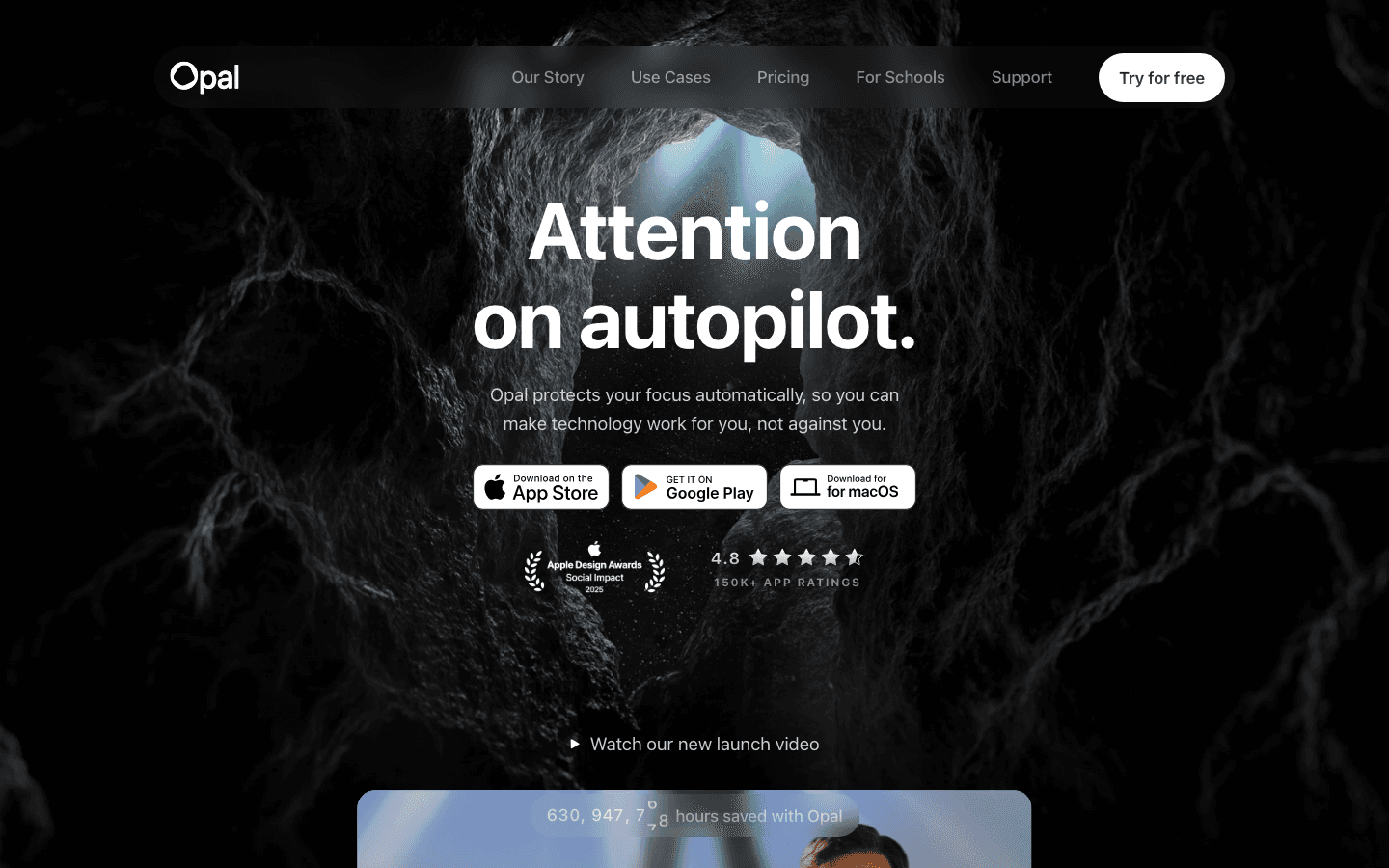
Opal is a screen time and distraction-blocking app for iPhone, Mac, and Android. The core idea is simple: you pick which apps and websites distract you, then Opal locks them out during sessions you define. It uses Apple's Screen Time API under the hood, so the blocking happens at the OS level rather than inside a browser extension. There's no workaround where you just switch browsers.
The app has been around since 2019 and has gone through several redesigns. The current version is polished and feels close to a native Apple app in quality. It also syncs across your iPhone and Mac, which matters if your biggest distraction shifts from Twitter on your phone to YouTube on your laptop depending on where you're working.
How Opal Works
Setup is quick. You pick apps from your home screen that you want to block, add any websites you want blocked in Safari, and then choose between two blocking modes: scheduled (a recurring block that runs automatically on a calendar) or on-demand (you start a session when you want to focus).
Within sessions, there are three intensity levels. Normal lets you cancel early anytime. Timeout adds a rising delay before you can take a break, so there's friction but not a hard stop. Deep Focus locks the session completely until the timer ends. Most people start with Normal and move up when they realize it's too easy to bail.
Opal also tracks your usage over time. The Focus Score is a daily metric based on how long you stayed in focus sessions versus how often you picked up your phone. It is not a perfect measure, but it gives you something concrete to improve, which most people find more motivating than raw screen time numbers.
Opal's Core Features
App and website blocking - Works in Safari including private browsing; covers apps across your entire device.
Deep Focus mode - Cannot be disabled mid-session. Requires Pro. This is the feature that separates Opal from simple timer apps.
Smart schedules - Set recurring blocks for work hours, bedtime, or study time. Runs automatically without you starting it each day.
Allow Only mode - Instead of blocking specific apps, you whitelist the only apps allowed during a session. Everything else gets blocked by default.
Focus Score and analytics - Daily score, pickup counts, and weekly reports showing your productive versus distracting screen time.
Gamification - Focus gems, streaks, and a leaderboard for challenging friends. Useful for people who respond to visible progress.
It also works with Screen Time passcodes, so if you want a stronger accountability layer, a partner or parent can set a passcode that prevents you from changing the settings during a block.
Opal Free vs Pro: Is the Upgrade Worth It?
The free plan gives you exactly one recurring rule. That is genuinely limiting. If you want to block social media during work hours and again during the evening, you need two rules. That already requires Pro.
Opal Pro costs $99.99/year (about $8.33/month billed annually) or $19.99/month if you prefer not to commit. There is also a one-time $399 Lifetime plan. For most people, the annual plan is the right call if you decide to pay at all. Students can apply for up to 50% off.
What Pro adds: unlimited rules, Deep Focus mode, Hard Mode (which prevents turning Opal off entirely), Allow Only mode, advanced soundscapes, and Focus Score history beyond just today. These are not minor extras. The free plan is really a trial, not a sustainable long-term setup.
Whether the price is worth it depends on the math. If losing 90 minutes a day to your phone costs you meaningfully in lost work output or sleep, $100/year is not expensive. If your distraction problem is mild, it might not be.
What Opal Gets Right
The blocking actually works. This sounds obvious but it isn't - a lot of productivity apps have friction-based systems that you can route around in 10 seconds. Opal's OS-level integration and Deep Focus mode genuinely take the option to open Twitter off the table. That is worth a lot when willpower is running low.
The design is excellent. The session timer, the blocklist setup, and the analytics all feel considered rather than bolted together. Sessions also play ambient soundscapes, which is a small addition that some people find genuinely useful for staying in a focused state.
Cross-device sync means your iPhone and Mac are blocked simultaneously. You cannot just switch devices to get around the block. The macOS app also covers websites in Chrome and other browsers, not just Safari, which removes another loophole.
Where Opal Falls Short
The free tier is too limited to evaluate meaningfully. One rule is not enough to understand whether the app fits your life. A 7-day free trial of the full Pro features would make the decision much easier. Instead, you're asked to pay before you've tested the core functionality.
Opal only addresses one part of the focus problem: the distraction side. It keeps you away from apps that pull you off task, but it does nothing about what you should actually be doing during that focus window. If your blocked hour is spent staring at a blank document or a disorganized task list, Opal has not solved your focus problem, it has just changed its shape.
The Android version is also significantly lighter than iOS. Core blocking works, but many of the analytics features and some scheduling options are iOS-only. If you're primarily Android-based, Opal is not the right choice. You'd be better off looking at work focusing tools with stronger cross-platform support.
It also doesn't integrate with calendars, task managers, or any scheduling system. Your blocks are set manually on a recurring schedule. If your work schedule shifts from week to week, you'll be adjusting the app constantly. For people with variable schedules, this becomes annoying quickly.
Who Should Use the Opal Focus App
Opal is best for people with a consistent daily schedule who know exactly when they want to be unreachable to social media. If you work 9 to 5 and your phone is the main thing pulling you out of flow, Opal's recurring schedules handle this well without much thought once set up.
It's also well-suited for students and people working on single high-priority projects, where the main challenge is staying in the seat rather than deciding what to work on. The gamification and Focus Score help here, since they make daily discipline feel measurable. The broader context on how to focus with ADHD covers related strategies if phone distraction is part of a larger attention pattern.
People who benefit less from Opal are those whose focus problem isn't really about phone distraction. If your issue is unclear priorities, an overwhelming task list, or not knowing what to work on next, blocking apps won't move the needle. The problem isn't the apps; it's the planning layer above them. See our guide to apps for executive functioning for tools that work at that level.
Best Tool to Pair With Opal: Lifestack
Opal handles the distraction side. What it doesn't do is help you figure out what to actually work on, when, and in what order based on how you're actually feeling. That's where Lifestack fills in the gap.

Lifestack is an AI-powered scheduler that syncs your tasks and calendar, then builds a daily plan around your energy levels. It asks you at the start of each day how you're feeling, then arranges your work so high-focus tasks land when your energy is high and lighter work fills lower-energy windows. That energy awareness is something no distraction blocker can replicate, because blocking your phone doesn't tell you what to do with the time you recover.
The combination is effective: Opal blocks the apps that pull you away, and Lifestack ensures the time you protect is actually spent on the right things. For people who struggle with staying on task even when distractions are removed, having a clear schedule waiting is the difference between a productive session and a stalled one.
Lifestack costs $7/month or $50/year, with a 7-day free trial on the annual plan. It's available on iOS, Android, and as a Chrome extension. If you're building a serious focus system and not just blocking social media, it belongs in the toolkit alongside something like Opal. You can see how it compares in our roundup of mobile apps for ADHD or our list of accountability apps worth knowing about.
Frequently Asked Questions
Is the Opal focus app free?
Opal has a free plan that includes one recurring rule, basic app blocking, and today's Focus Score. The majority of the useful features, including unlimited rules, Deep Focus mode, and Focus Score history, are part of Opal Pro at $99.99/year or $19.99/month.
Does Opal actually prevent you from opening blocked apps?
Yes. Opal uses Apple's Screen Time API to block at the OS level, which means you cannot simply delete the app and reinstall it to bypass the block. Deep Focus mode (Pro only) removes the option to cancel the session early, making it the strongest setting available on iOS.
Does Opal work on Android?
Opal has an Android version with core blocking features, but it is notably lighter than the iOS experience. The analytics, Focus Score, and some scheduling features are not fully available on Android. If Android is your primary device, the iOS feature set described in this review may not apply.
What is Opal's Deep Focus mode?
Deep Focus is a session mode that prevents you from ending the block before the timer runs out. Once you start a Deep Focus session, blocked apps stay blocked until the time is up. It's the most effective setting for people who know they'll be tempted to cancel a session early. It requires an Opal Pro subscription.
What is a good alternative to the Opal focus app?
For distraction blocking, Freedom and Screen Zen are solid alternatives. For a different approach that focuses on scheduling and planning your recovered time intelligently, Lifestack is the best complement or alternative. It doesn't block apps, but it solves the planning problem that distraction blockers leave unaddressed.
Does blocking apps actually improve focus?
App blocking removes one source of distraction, which helps many people. But phone distraction is often a symptom of unclear priorities or low task engagement rather than the root cause. For the best results, pair a distraction blocker like Opal with a scheduling tool that gives you a clear plan for each hour. See our post on ADHD project management for more on building a system that addresses both sides.
If you find yourself picking up your phone mid-task and losing 20 minutes to Instagram, you are not uniquely weak-willed. The apps on your home screen are designed to be opened. Opal is one of the few tools that fights back at the system level, using Apple's own Screen Time API to block those apps in a way that is genuinely hard to circumvent.
This review covers what the Opal focus app actually does, what sets it apart from screen time controls already built into iOS, and where it falls short. If you want a distraction blocker with real teeth, this is worth understanding. If you also need your schedule to work around your energy levels, we cover that angle too.
Key Takeaways
Opal blocks distracting apps and websites on a schedule or during on-demand sessions, with three blocking intensity levels including a Deep Focus mode you cannot cancel early.
The free plan includes only one recurring rule; most of the useful features (unlimited rules, Hard Mode, Focus Score history) require the $99.99/year Pro plan.
Opal solves the distraction half of the focus problem but does nothing to help you plan or schedule your work. For that, you need a separate tool.
What Is the Opal Focus App?
Opal is a screen time and distraction-blocking app for iPhone, Mac, and Android. The core idea is simple: you pick which apps and websites distract you, then Opal locks them out during sessions you define. It uses Apple's Screen Time API under the hood, so the blocking happens at the OS level rather than inside a browser extension. There's no workaround where you just switch browsers.
The app has been around since 2019 and has gone through several redesigns. The current version is polished and feels close to a native Apple app in quality. It also syncs across your iPhone and Mac, which matters if your biggest distraction shifts from Twitter on your phone to YouTube on your laptop depending on where you're working.
How Opal Works
Setup is quick. You pick apps from your home screen that you want to block, add any websites you want blocked in Safari, and then choose between two blocking modes: scheduled (a recurring block that runs automatically on a calendar) or on-demand (you start a session when you want to focus).
Within sessions, there are three intensity levels. Normal lets you cancel early anytime. Timeout adds a rising delay before you can take a break, so there's friction but not a hard stop. Deep Focus locks the session completely until the timer ends. Most people start with Normal and move up when they realize it's too easy to bail.
Opal also tracks your usage over time. The Focus Score is a daily metric based on how long you stayed in focus sessions versus how often you picked up your phone. It is not a perfect measure, but it gives you something concrete to improve, which most people find more motivating than raw screen time numbers.
Opal's Core Features
App and website blocking - Works in Safari including private browsing; covers apps across your entire device.
Deep Focus mode - Cannot be disabled mid-session. Requires Pro. This is the feature that separates Opal from simple timer apps.
Smart schedules - Set recurring blocks for work hours, bedtime, or study time. Runs automatically without you starting it each day.
Allow Only mode - Instead of blocking specific apps, you whitelist the only apps allowed during a session. Everything else gets blocked by default.
Focus Score and analytics - Daily score, pickup counts, and weekly reports showing your productive versus distracting screen time.
Gamification - Focus gems, streaks, and a leaderboard for challenging friends. Useful for people who respond to visible progress.
It also works with Screen Time passcodes, so if you want a stronger accountability layer, a partner or parent can set a passcode that prevents you from changing the settings during a block.
Opal Free vs Pro: Is the Upgrade Worth It?
The free plan gives you exactly one recurring rule. That is genuinely limiting. If you want to block social media during work hours and again during the evening, you need two rules. That already requires Pro.
Opal Pro costs $99.99/year (about $8.33/month billed annually) or $19.99/month if you prefer not to commit. There is also a one-time $399 Lifetime plan. For most people, the annual plan is the right call if you decide to pay at all. Students can apply for up to 50% off.
What Pro adds: unlimited rules, Deep Focus mode, Hard Mode (which prevents turning Opal off entirely), Allow Only mode, advanced soundscapes, and Focus Score history beyond just today. These are not minor extras. The free plan is really a trial, not a sustainable long-term setup.
Whether the price is worth it depends on the math. If losing 90 minutes a day to your phone costs you meaningfully in lost work output or sleep, $100/year is not expensive. If your distraction problem is mild, it might not be.
What Opal Gets Right
The blocking actually works. This sounds obvious but it isn't - a lot of productivity apps have friction-based systems that you can route around in 10 seconds. Opal's OS-level integration and Deep Focus mode genuinely take the option to open Twitter off the table. That is worth a lot when willpower is running low.
The design is excellent. The session timer, the blocklist setup, and the analytics all feel considered rather than bolted together. Sessions also play ambient soundscapes, which is a small addition that some people find genuinely useful for staying in a focused state.
Cross-device sync means your iPhone and Mac are blocked simultaneously. You cannot just switch devices to get around the block. The macOS app also covers websites in Chrome and other browsers, not just Safari, which removes another loophole.
Where Opal Falls Short
The free tier is too limited to evaluate meaningfully. One rule is not enough to understand whether the app fits your life. A 7-day free trial of the full Pro features would make the decision much easier. Instead, you're asked to pay before you've tested the core functionality.
Opal only addresses one part of the focus problem: the distraction side. It keeps you away from apps that pull you off task, but it does nothing about what you should actually be doing during that focus window. If your blocked hour is spent staring at a blank document or a disorganized task list, Opal has not solved your focus problem, it has just changed its shape.
The Android version is also significantly lighter than iOS. Core blocking works, but many of the analytics features and some scheduling options are iOS-only. If you're primarily Android-based, Opal is not the right choice. You'd be better off looking at work focusing tools with stronger cross-platform support.
It also doesn't integrate with calendars, task managers, or any scheduling system. Your blocks are set manually on a recurring schedule. If your work schedule shifts from week to week, you'll be adjusting the app constantly. For people with variable schedules, this becomes annoying quickly.
Who Should Use the Opal Focus App
Opal is best for people with a consistent daily schedule who know exactly when they want to be unreachable to social media. If you work 9 to 5 and your phone is the main thing pulling you out of flow, Opal's recurring schedules handle this well without much thought once set up.
It's also well-suited for students and people working on single high-priority projects, where the main challenge is staying in the seat rather than deciding what to work on. The gamification and Focus Score help here, since they make daily discipline feel measurable. The broader context on how to focus with ADHD covers related strategies if phone distraction is part of a larger attention pattern.
People who benefit less from Opal are those whose focus problem isn't really about phone distraction. If your issue is unclear priorities, an overwhelming task list, or not knowing what to work on next, blocking apps won't move the needle. The problem isn't the apps; it's the planning layer above them. See our guide to apps for executive functioning for tools that work at that level.
Best Tool to Pair With Opal: Lifestack
Opal handles the distraction side. What it doesn't do is help you figure out what to actually work on, when, and in what order based on how you're actually feeling. That's where Lifestack fills in the gap.
Lifestack is an AI-powered scheduler that syncs your tasks and calendar, then builds a daily plan around your energy levels. It asks you at the start of each day how you're feeling, then arranges your work so high-focus tasks land when your energy is high and lighter work fills lower-energy windows. That energy awareness is something no distraction blocker can replicate, because blocking your phone doesn't tell you what to do with the time you recover.
The combination is effective: Opal blocks the apps that pull you away, and Lifestack ensures the time you protect is actually spent on the right things. For people who struggle with staying on task even when distractions are removed, having a clear schedule waiting is the difference between a productive session and a stalled one.
Lifestack costs $7/month or $50/year, with a 7-day free trial on the annual plan. It's available on iOS, Android, and as a Chrome extension. If you're building a serious focus system and not just blocking social media, it belongs in the toolkit alongside something like Opal. You can see how it compares in our roundup of mobile apps for ADHD or our list of accountability apps worth knowing about.
Frequently Asked Questions
Is the Opal focus app free?
Opal has a free plan that includes one recurring rule, basic app blocking, and today's Focus Score. The majority of the useful features, including unlimited rules, Deep Focus mode, and Focus Score history, are part of Opal Pro at $99.99/year or $19.99/month.
Does Opal actually prevent you from opening blocked apps?
Yes. Opal uses Apple's Screen Time API to block at the OS level, which means you cannot simply delete the app and reinstall it to bypass the block. Deep Focus mode (Pro only) removes the option to cancel the session early, making it the strongest setting available on iOS.
Does Opal work on Android?
Opal has an Android version with core blocking features, but it is notably lighter than the iOS experience. The analytics, Focus Score, and some scheduling features are not fully available on Android. If Android is your primary device, the iOS feature set described in this review may not apply.
What is Opal's Deep Focus mode?
Deep Focus is a session mode that prevents you from ending the block before the timer runs out. Once you start a Deep Focus session, blocked apps stay blocked until the time is up. It's the most effective setting for people who know they'll be tempted to cancel a session early. It requires an Opal Pro subscription.
What is a good alternative to the Opal focus app?
For distraction blocking, Freedom and Screen Zen are solid alternatives. For a different approach that focuses on scheduling and planning your recovered time intelligently, Lifestack is the best complement or alternative. It doesn't block apps, but it solves the planning problem that distraction blockers leave unaddressed.
Does blocking apps actually improve focus?
App blocking removes one source of distraction, which helps many people. But phone distraction is often a symptom of unclear priorities or low task engagement rather than the root cause. For the best results, pair a distraction blocker like Opal with a scheduling tool that gives you a clear plan for each hour. See our post on ADHD project management for more on building a system that addresses both sides.



FOLLOW ON
FOLLOW ON
FOLLOW ON


Copyright 2026 © Lifestack. All rights reserved
Copyright 2026 © Lifestack. All rights reserved

