
App
6 Best Workflow Management Software in 2026
6 Best Workflow Management Software in 2026

Workflow management software ranges from AI-powered personal schedulers to enterprise-grade team platforms. The category has expanded fast in 2026, and choosing the wrong tool is easy when most options look similar on the surface.
We tested six tools across individual use, small team coordination, and larger organizational workflows. Here's what we found.
Key Takeaways
Lifestack is the best pick for individuals who want AI to manage their personal workflow around energy and health data
ClickUp offers the widest feature set for teams at the lowest price point
Airtable suits data-heavy workflows where flexibility and custom views matter more than out-of-the-box structure
Quick Guide
Lifestack: best workflow management software for individuals with energy-aware AI scheduling
ClickUp: best all-in-one team workflow platform with a generous free tier
Asana: best for structured project tracking with clean portfolio views
monday.com: best for visual workflow boards and no-code automations
Notion: best flexible workspace for teams that want docs and tasks in one place
Airtable: best for data-driven and relational workflows
How We Evaluated
Workflow automation depth (triggers, conditions, actions)
Individual vs team use-case fit
Ease of setup without training
Integrations with tools people already use
Pricing relative to feature set
Mobile experience
1. Lifestack
The AI planner that manages your personal workflow around your energy levels

Lifestack takes a different approach to workflow management than every other tool on this list. Instead of giving you a board to manage tasks, it automatically schedules your work based on your actual energy capacity, pulling data from wearables like Oura Ring, WHOOP, and Apple Watch. Deep work lands in high-energy windows. Admin and meetings go in the gaps where your focus naturally dips.
For individual knowledge workers, this is the closest thing to having an AI chief of staff for your day. You add tasks, set rough priorities, and Lifestack builds a schedule that accounts for your health data, your calendar, and your energy patterns.
AI-powered daily scheduling that adapts to your energy levels
Wearable integrations: Oura Ring, WHOOP, Apple Watch, Garmin
Connects with Google Calendar and Apple Calendar
iOS and Android apps
What Works:
Energy-aware scheduling genuinely changes how your day unfolds
No manual time-blocking required. The AI handles it
Works passively once set up; you don't need to manage it daily
Limitations:
Built for individuals, not team collaboration or project assignment
Requires a supported wearable to unlock energy-based scheduling
Pricing: $7/month, $50/year, or $120 lifetime
Best for: Individual knowledge workers who want AI to manage their personal workflow without manual scheduling
2. ClickUp
An all-in-one workflow platform that replaces multiple tools
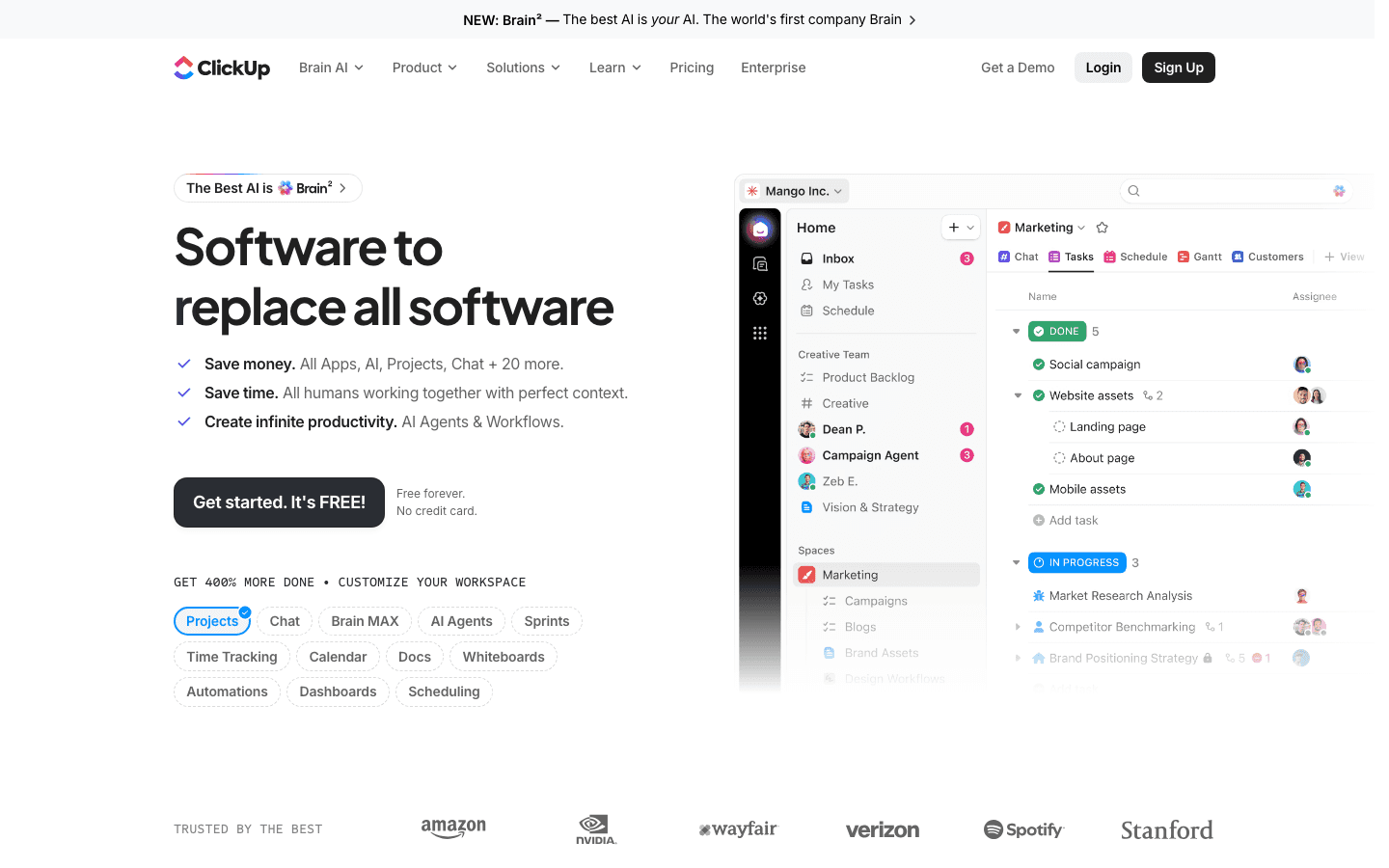
ClickUp is the most feature-dense tool on this list. Tasks, docs, whiteboards, automations, time tracking, chat, and sprints all live in one platform. The pitch is that it replaces your task manager, wiki, and project tracker simultaneously. In practice, it largely delivers on that, though the volume of features means onboarding takes longer than simpler tools.
The free tier is genuinely usable, and the paid plans ($7/user/month for Unlimited) are competitively priced. For teams that want one tool for everything, ClickUp is the strongest value proposition on the market. See the full ClickUp pricing breakdown for plan details.
Tasks, subtasks, docs, whiteboards, and chat in one platform
100+ automations on free plan, 250,000+ on Business
Multiple views: list, board, calendar, Gantt, table, timeline
AI writing and task summarization tools included
What Works:
Unmatched feature breadth for the price
Genuinely replaces several other tools for most teams
Strong automation builder without needing to code
Limitations:
Feature overload is real. Onboarding takes dedicated time
Mobile app trails the desktop experience significantly
Pricing: Free | $7/user/month (Unlimited) | $12/user/month (Business) | Custom (Enterprise)
Best for: Teams wanting one platform for tasks, docs, and automation at a low per-seat cost
3. Asana
Clean project tracking built for structured team workflows
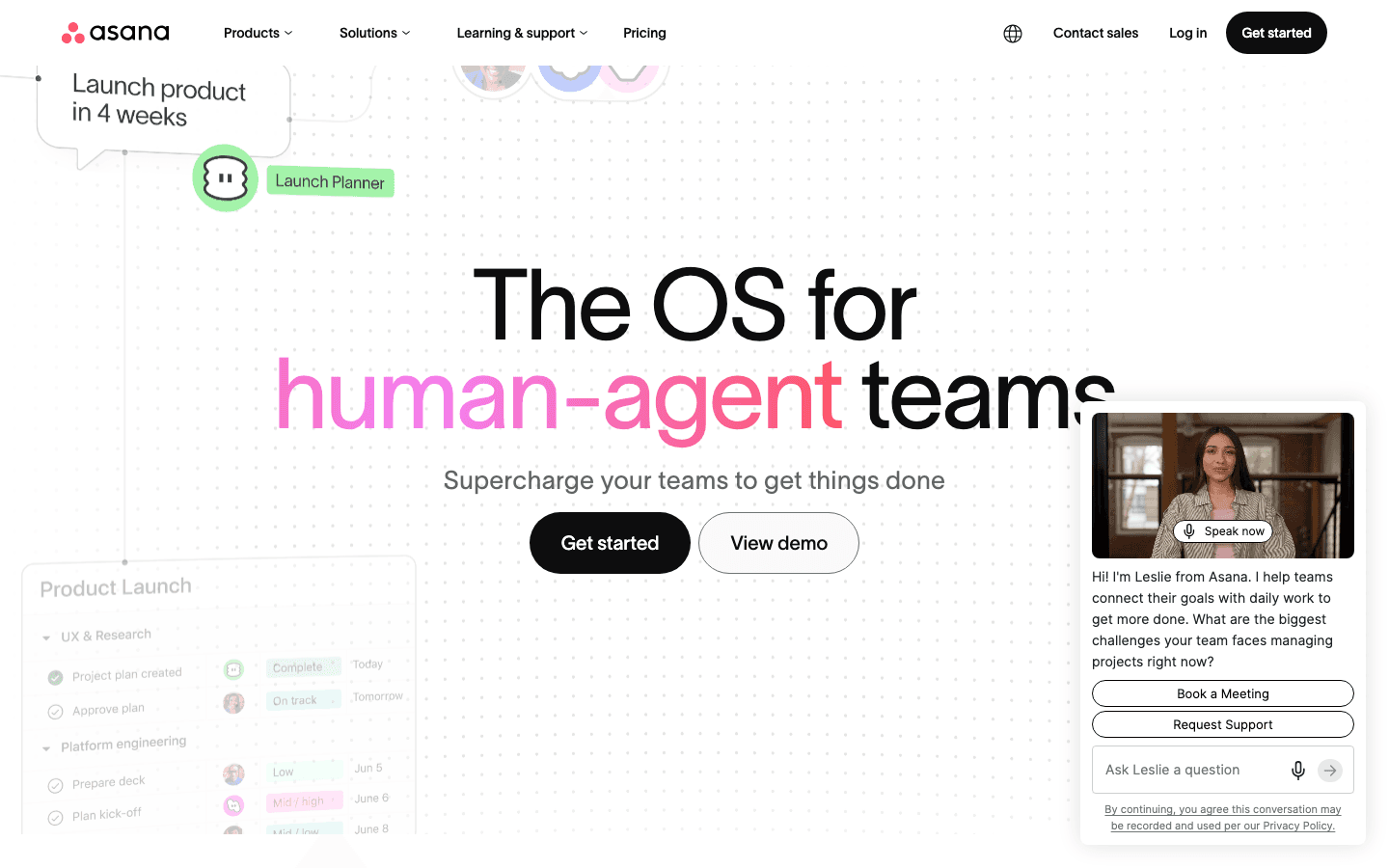
Asana is the tool teams reach for when they need structured project management without a steep learning curve. Its interface is clean, task assignment and due dates are front and center, and portfolio views let managers see progress across multiple projects at once. It's less feature-dense than ClickUp but more immediately usable for teams that don't want to configure their way through a setup process.
The Starter plan at $10.99/user/month includes timelines, reporting, and automation for most standard workflows. The free plan is genuinely limited (no automations, no timeline), so most teams end up on Starter within the first month. Check the full Asana pricing guide before committing.
Task and subtask management with dependency tracking
Portfolio and goals views for multi-project oversight
Rules-based automation for repetitive workflow steps
Strong reporting and workload views
What Works:
Faster to onboard than ClickUp or monday.com
Portfolio view is excellent for managers running multiple projects
Clean, uncluttered interface that doesn't overwhelm
Limitations:
Free plan is too limited to evaluate the product properly
Less flexible than ClickUp or Airtable for custom workflow structures
Pricing: Free | $10.99/user/month (Starter) | $24.99/user/month (Advanced) | Custom (Enterprise)
Best for: Teams that want structured project tracking with portfolio visibility and minimal setup
4. monday.com
Visual workflow boards with strong no-code automation
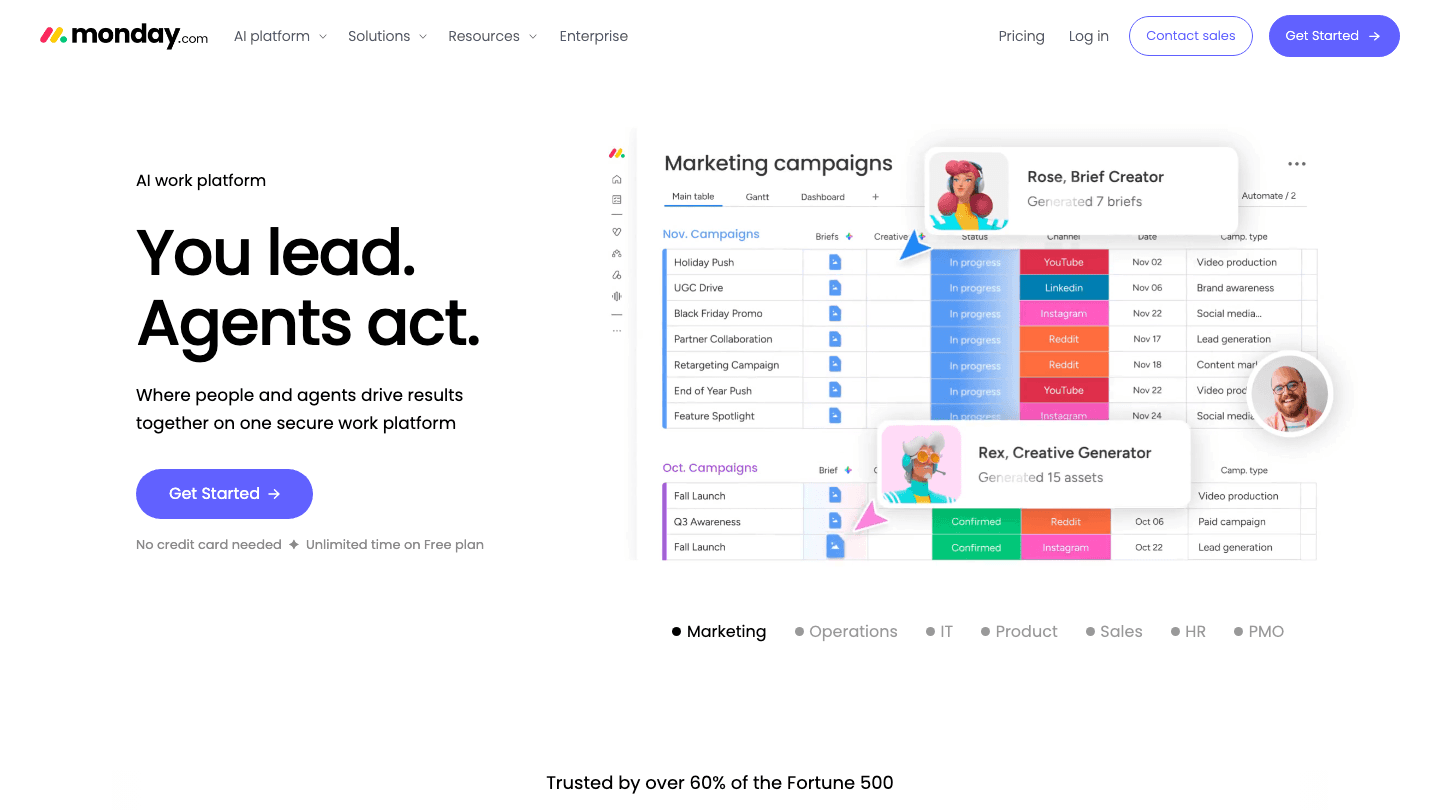
monday.com earns its place through visual clarity and automation. The board interface is genuinely intuitive for new users, and the automation builder covers status updates, notifications, and cross-board actions without requiring technical knowledge. The platform works well for marketing and ops teams managing repeatable processes where visibility matters as much as task completion.
The Standard plan ($12/seat/month annually) is the practical entry point where automations unlock. The 3-seat minimum means small teams pay at least $36/month. Full plan details are in the monday.com pricing guide.
Visual boards with color-coded status columns
No-code automation builder for workflow triggers and actions
Timeline, calendar, chart, and map views
Integrations with Slack, Jira, Salesforce, and 200+ others
What Works:
Board interface is easy for non-technical users
Automation builder is more accessible than most competitors
Good for marketing and operations workflows
Limitations:
3-seat minimum raises the effective starting price
Can feel expensive for small teams compared to ClickUp
Pricing: Free (2 seats) | $9/seat/month (Basic) | $12/seat/month (Standard) | $19/seat/month (Pro) | Custom (Enterprise)
Best for: Marketing and ops teams that need visual workflow tracking and no-code automations
5. Notion
Flexible docs-and-tasks workspace for teams that think in databases
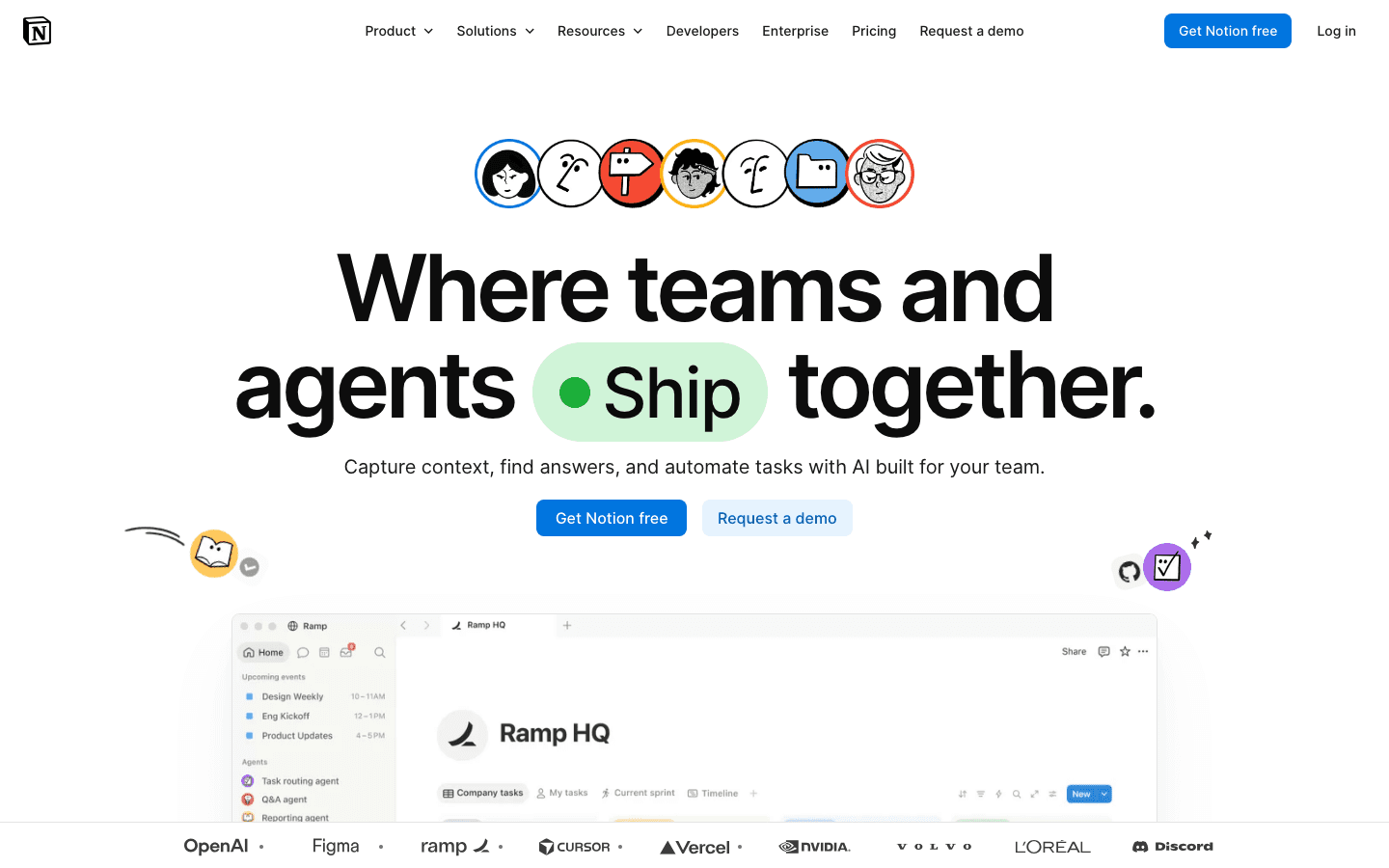
Notion is the most flexible tool on this list, which is both its strength and its challenge. You can build almost any workflow structure in Notion: kanban boards, project databases, wikis, meeting notes, and linked task systems all within one workspace. The downside is that flexibility requires configuration, and most teams spend time building their setup before they can use it effectively.
Notion works best when a team has a thoughtful admin who sets up templates and databases upfront. For teams that want structure out of the box, it's less suitable than Asana or ClickUp. The Plus plan at $12/user/month gives teams unlimited pages and collaborative databases. See Notion pricing for full details.
Linked databases, kanban boards, calendars, timelines, and galleries
Docs and tasks live together in a single workspace
Notion AI for writing assistance and task summarization
Template library for common workflow structures
What Works:
Unmatched flexibility for building custom workflow systems
Docs and tasks coexist without context switching
Strong community of shared templates
Limitations:
Requires significant setup time before it's productive
No built-in automation comparable to ClickUp or monday.com
Pricing: Free | $12/user/month (Plus) | $18/user/month (Business) | Custom (Enterprise)
Best for: Teams that want a highly customizable workspace combining documentation and task management
6. Airtable
Database-driven workflow management for data-heavy processes
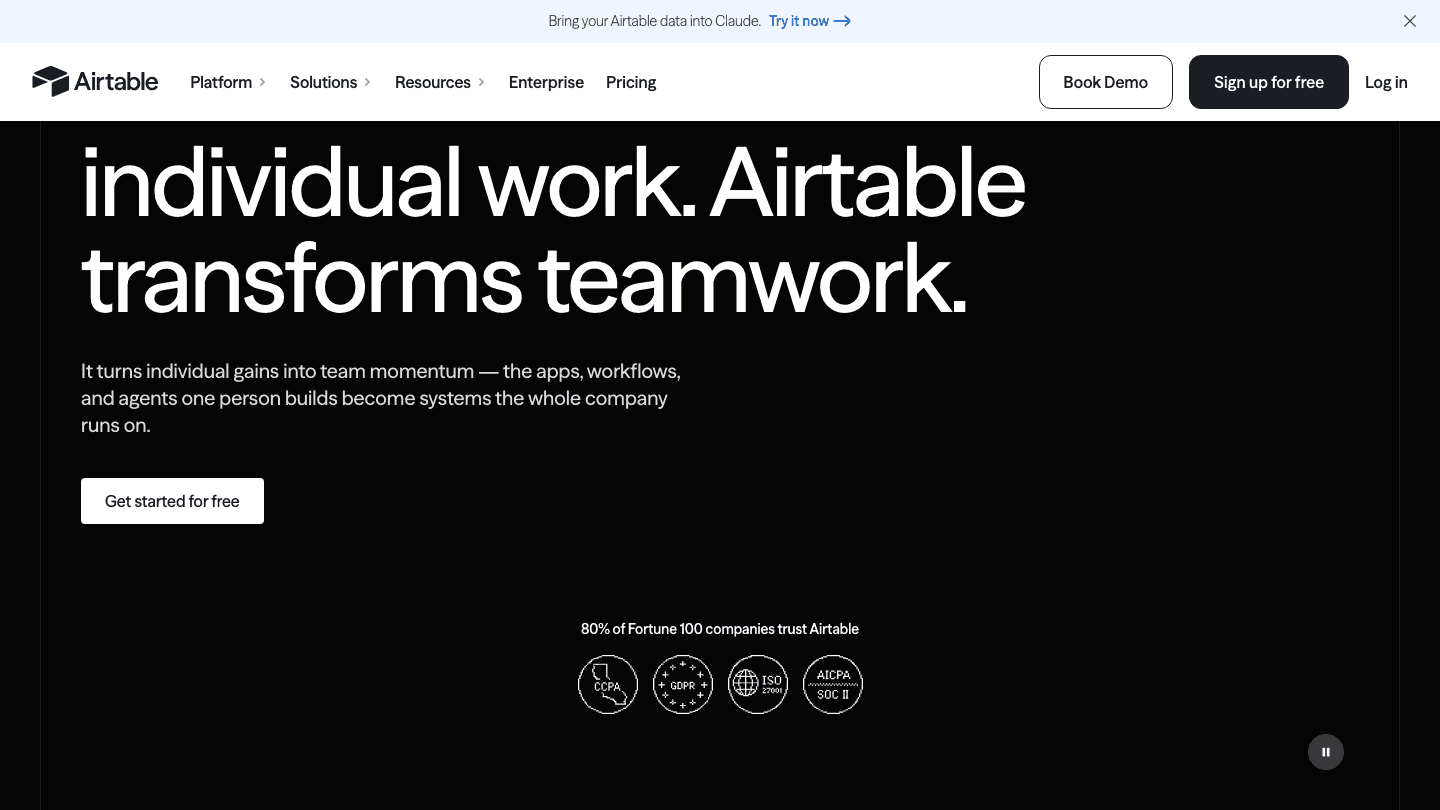
Airtable is a relational database with a workflow interface layered on top. If your work involves structured data (product catalogs, client records, content pipelines, or inventory), Airtable's ability to link tables and build relational views makes it uniquely powerful. It's not a typical task manager, and teams that approach it expecting Asana will be confused.
The Team plan at $20/user/month is the usable paid tier for most businesses. The free plan is limited to 1,000 records per base and no automations, which constrains real-world use. Airtable fits well in technical teams that want structured data workflows without building a custom database from scratch.
Relational database with linked tables and formula fields
Grid, kanban, calendar, gallery, and Gantt views
Automation builder with 25,000 runs/month on paid plans
Interfaces: build custom dashboards and portals on top of your data
What Works:
Best for workflows where structured data matters, not just tasks
Linked records across tables are genuinely powerful
Interface Builder lets teams create client-facing views
Limitations:
Steep learning curve for users who haven't worked with relational databases
Expensive for large teams relative to ClickUp
Pricing: Free | $20/user/month (Team) | $45/user/month (Business) | Custom (Enterprise Scale)
Best for: Technical and data-driven teams that need relational workflows beyond simple task tracking
Which Workflow Management Software Is Right for You?
Individual knowledge worker: Lifestack. It's the only tool that manages your workflow automatically around your energy and schedule
Small team on a budget: ClickUp. The free plan is genuinely usable, and Unlimited at $7/user/month covers most teams' needs
Team needing structured projects: Asana. Cleaner onboarding than ClickUp and strong portfolio views for managers
Visual workflow and no-code automation: monday.com. The most accessible automation builder in the group
Docs and tasks in one place: Notion. Best if you're willing to invest time in setup
Data-driven workflows: Airtable. Use it when your workflow is really a structured database problem
For individual users also exploring AI-powered schedulers, the best AI task manager guide covers more personal productivity tools alongside team options.
Frequently Asked Questions
What is workflow management software?
Workflow management software helps individuals or teams organize, automate, and track the steps involved in getting work done. It ranges from simple task managers to complex automation platforms that connect multiple tools and trigger actions based on defined rules or data changes.
What's the difference between workflow management and project management software?
Project management software focuses on planning, tracking, and delivering specific projects with defined endpoints. Workflow management software is broader. It often covers repeatable processes, automations, and operational flows that run continuously rather than having a start and finish date. In practice, many tools like ClickUp and Asana serve both purposes.
Which workflow management software is best for small teams?
ClickUp offers the best value for small teams, with a functional free tier and an Unlimited plan at $7/user/month. Asana is the better option if your team prioritizes a clean interface and faster onboarding over raw feature count. For teams of 3-10 people, either works well.
Can workflow management software replace a project manager?
Partially. Good workflow software automates repetitive coordination tasks, sends reminders, surfaces blockers, and keeps work visible. What it doesn't replace is human judgment on priorities, stakeholder communication, and scope decisions. It reduces the administrative overhead of project management significantly without eliminating the role.
Is there workflow management software for individual use?
Yes. Lifestack is specifically designed for individual workflow management, using AI to schedule your tasks around your energy levels and calendar. Most team tools like Notion and ClickUp can also be adapted for personal use, though they're designed with team collaboration in mind and carry more overhead for solo users.
Workflow management software ranges from AI-powered personal schedulers to enterprise-grade team platforms. The category has expanded fast in 2026, and choosing the wrong tool is easy when most options look similar on the surface.
We tested six tools across individual use, small team coordination, and larger organizational workflows. Here's what we found.
Key Takeaways
Lifestack is the best pick for individuals who want AI to manage their personal workflow around energy and health data
ClickUp offers the widest feature set for teams at the lowest price point
Airtable suits data-heavy workflows where flexibility and custom views matter more than out-of-the-box structure
Quick Guide
Lifestack: best workflow management software for individuals with energy-aware AI scheduling
ClickUp: best all-in-one team workflow platform with a generous free tier
Asana: best for structured project tracking with clean portfolio views
monday.com: best for visual workflow boards and no-code automations
Notion: best flexible workspace for teams that want docs and tasks in one place
Airtable: best for data-driven and relational workflows
How We Evaluated
Workflow automation depth (triggers, conditions, actions)
Individual vs team use-case fit
Ease of setup without training
Integrations with tools people already use
Pricing relative to feature set
Mobile experience
1. Lifestack
The AI planner that manages your personal workflow around your energy levels
Lifestack takes a different approach to workflow management than every other tool on this list. Instead of giving you a board to manage tasks, it automatically schedules your work based on your actual energy capacity, pulling data from wearables like Oura Ring, WHOOP, and Apple Watch. Deep work lands in high-energy windows. Admin and meetings go in the gaps where your focus naturally dips.
For individual knowledge workers, this is the closest thing to having an AI chief of staff for your day. You add tasks, set rough priorities, and Lifestack builds a schedule that accounts for your health data, your calendar, and your energy patterns.
AI-powered daily scheduling that adapts to your energy levels
Wearable integrations: Oura Ring, WHOOP, Apple Watch, Garmin
Connects with Google Calendar and Apple Calendar
iOS and Android apps
What Works:
Energy-aware scheduling genuinely changes how your day unfolds
No manual time-blocking required. The AI handles it
Works passively once set up; you don't need to manage it daily
Limitations:
Built for individuals, not team collaboration or project assignment
Requires a supported wearable to unlock energy-based scheduling
Pricing: $7/month, $50/year, or $120 lifetime
Best for: Individual knowledge workers who want AI to manage their personal workflow without manual scheduling
2. ClickUp
An all-in-one workflow platform that replaces multiple tools
ClickUp is the most feature-dense tool on this list. Tasks, docs, whiteboards, automations, time tracking, chat, and sprints all live in one platform. The pitch is that it replaces your task manager, wiki, and project tracker simultaneously. In practice, it largely delivers on that, though the volume of features means onboarding takes longer than simpler tools.
The free tier is genuinely usable, and the paid plans ($7/user/month for Unlimited) are competitively priced. For teams that want one tool for everything, ClickUp is the strongest value proposition on the market. See the full ClickUp pricing breakdown for plan details.
Tasks, subtasks, docs, whiteboards, and chat in one platform
100+ automations on free plan, 250,000+ on Business
Multiple views: list, board, calendar, Gantt, table, timeline
AI writing and task summarization tools included
What Works:
Unmatched feature breadth for the price
Genuinely replaces several other tools for most teams
Strong automation builder without needing to code
Limitations:
Feature overload is real. Onboarding takes dedicated time
Mobile app trails the desktop experience significantly
Pricing: Free | $7/user/month (Unlimited) | $12/user/month (Business) | Custom (Enterprise)
Best for: Teams wanting one platform for tasks, docs, and automation at a low per-seat cost
3. Asana
Clean project tracking built for structured team workflows
Asana is the tool teams reach for when they need structured project management without a steep learning curve. Its interface is clean, task assignment and due dates are front and center, and portfolio views let managers see progress across multiple projects at once. It's less feature-dense than ClickUp but more immediately usable for teams that don't want to configure their way through a setup process.
The Starter plan at $10.99/user/month includes timelines, reporting, and automation for most standard workflows. The free plan is genuinely limited (no automations, no timeline), so most teams end up on Starter within the first month. Check the full Asana pricing guide before committing.
Task and subtask management with dependency tracking
Portfolio and goals views for multi-project oversight
Rules-based automation for repetitive workflow steps
Strong reporting and workload views
What Works:
Faster to onboard than ClickUp or monday.com
Portfolio view is excellent for managers running multiple projects
Clean, uncluttered interface that doesn't overwhelm
Limitations:
Free plan is too limited to evaluate the product properly
Less flexible than ClickUp or Airtable for custom workflow structures
Pricing: Free | $10.99/user/month (Starter) | $24.99/user/month (Advanced) | Custom (Enterprise)
Best for: Teams that want structured project tracking with portfolio visibility and minimal setup
4. monday.com
Visual workflow boards with strong no-code automation
monday.com earns its place through visual clarity and automation. The board interface is genuinely intuitive for new users, and the automation builder covers status updates, notifications, and cross-board actions without requiring technical knowledge. The platform works well for marketing and ops teams managing repeatable processes where visibility matters as much as task completion.
The Standard plan ($12/seat/month annually) is the practical entry point where automations unlock. The 3-seat minimum means small teams pay at least $36/month. Full plan details are in the monday.com pricing guide.
Visual boards with color-coded status columns
No-code automation builder for workflow triggers and actions
Timeline, calendar, chart, and map views
Integrations with Slack, Jira, Salesforce, and 200+ others
What Works:
Board interface is easy for non-technical users
Automation builder is more accessible than most competitors
Good for marketing and operations workflows
Limitations:
3-seat minimum raises the effective starting price
Can feel expensive for small teams compared to ClickUp
Pricing: Free (2 seats) | $9/seat/month (Basic) | $12/seat/month (Standard) | $19/seat/month (Pro) | Custom (Enterprise)
Best for: Marketing and ops teams that need visual workflow tracking and no-code automations
5. Notion
Flexible docs-and-tasks workspace for teams that think in databases
Notion is the most flexible tool on this list, which is both its strength and its challenge. You can build almost any workflow structure in Notion: kanban boards, project databases, wikis, meeting notes, and linked task systems all within one workspace. The downside is that flexibility requires configuration, and most teams spend time building their setup before they can use it effectively.
Notion works best when a team has a thoughtful admin who sets up templates and databases upfront. For teams that want structure out of the box, it's less suitable than Asana or ClickUp. The Plus plan at $12/user/month gives teams unlimited pages and collaborative databases. See Notion pricing for full details.
Linked databases, kanban boards, calendars, timelines, and galleries
Docs and tasks live together in a single workspace
Notion AI for writing assistance and task summarization
Template library for common workflow structures
What Works:
Unmatched flexibility for building custom workflow systems
Docs and tasks coexist without context switching
Strong community of shared templates
Limitations:
Requires significant setup time before it's productive
No built-in automation comparable to ClickUp or monday.com
Pricing: Free | $12/user/month (Plus) | $18/user/month (Business) | Custom (Enterprise)
Best for: Teams that want a highly customizable workspace combining documentation and task management
6. Airtable
Database-driven workflow management for data-heavy processes
Airtable is a relational database with a workflow interface layered on top. If your work involves structured data (product catalogs, client records, content pipelines, or inventory), Airtable's ability to link tables and build relational views makes it uniquely powerful. It's not a typical task manager, and teams that approach it expecting Asana will be confused.
The Team plan at $20/user/month is the usable paid tier for most businesses. The free plan is limited to 1,000 records per base and no automations, which constrains real-world use. Airtable fits well in technical teams that want structured data workflows without building a custom database from scratch.
Relational database with linked tables and formula fields
Grid, kanban, calendar, gallery, and Gantt views
Automation builder with 25,000 runs/month on paid plans
Interfaces: build custom dashboards and portals on top of your data
What Works:
Best for workflows where structured data matters, not just tasks
Linked records across tables are genuinely powerful
Interface Builder lets teams create client-facing views
Limitations:
Steep learning curve for users who haven't worked with relational databases
Expensive for large teams relative to ClickUp
Pricing: Free | $20/user/month (Team) | $45/user/month (Business) | Custom (Enterprise Scale)
Best for: Technical and data-driven teams that need relational workflows beyond simple task tracking
Which Workflow Management Software Is Right for You?
Individual knowledge worker: Lifestack. It's the only tool that manages your workflow automatically around your energy and schedule
Small team on a budget: ClickUp. The free plan is genuinely usable, and Unlimited at $7/user/month covers most teams' needs
Team needing structured projects: Asana. Cleaner onboarding than ClickUp and strong portfolio views for managers
Visual workflow and no-code automation: monday.com. The most accessible automation builder in the group
Docs and tasks in one place: Notion. Best if you're willing to invest time in setup
Data-driven workflows: Airtable. Use it when your workflow is really a structured database problem
For individual users also exploring AI-powered schedulers, the best AI task manager guide covers more personal productivity tools alongside team options.
Frequently Asked Questions
What is workflow management software?
Workflow management software helps individuals or teams organize, automate, and track the steps involved in getting work done. It ranges from simple task managers to complex automation platforms that connect multiple tools and trigger actions based on defined rules or data changes.
What's the difference between workflow management and project management software?
Project management software focuses on planning, tracking, and delivering specific projects with defined endpoints. Workflow management software is broader. It often covers repeatable processes, automations, and operational flows that run continuously rather than having a start and finish date. In practice, many tools like ClickUp and Asana serve both purposes.
Which workflow management software is best for small teams?
ClickUp offers the best value for small teams, with a functional free tier and an Unlimited plan at $7/user/month. Asana is the better option if your team prioritizes a clean interface and faster onboarding over raw feature count. For teams of 3-10 people, either works well.
Can workflow management software replace a project manager?
Partially. Good workflow software automates repetitive coordination tasks, sends reminders, surfaces blockers, and keeps work visible. What it doesn't replace is human judgment on priorities, stakeholder communication, and scope decisions. It reduces the administrative overhead of project management significantly without eliminating the role.
Is there workflow management software for individual use?
Yes. Lifestack is specifically designed for individual workflow management, using AI to schedule your tasks around your energy levels and calendar. Most team tools like Notion and ClickUp can also be adapted for personal use, though they're designed with team collaboration in mind and carry more overhead for solo users.



FOLLOW ON
FOLLOW ON
FOLLOW ON


Copyright 2026 © Lifestack. All rights reserved
Copyright 2026 © Lifestack. All rights reserved

