
App
Asana Pricing: Which Plan Is Right for You?
Asana Pricing: Which Plan Is Right for You?

Asana is one of the most popular project management tools around, and its pricing structure is surprisingly tricky to decode. Four tiers, per-seat billing, annual vs. monthly rates, and a free plan that sounds generous until you hit its two-user ceiling. The details add up to a lot of questions before you can confidently pick a plan.
This guide breaks down every Asana pricing tier with real numbers, an honest read on what each level is actually worth, and a clear decision guide to help you pick the right plan or decide Asana isn't the right fit at all.
All prices are verified as of July 2026 and pulled directly from Asana's pricing page.
Key Takeaways
Asana Personal is free but capped at 2 users; it is a solo or pair tool, not a free team tier
Starter ($10.99/user/month billed annually) unlocks Timeline, automations, and custom fields, which is what most small teams actually need
Advanced ($24.99/user/month) is built for multi-team portfolio management and is overkill for most small businesses
Asana Pricing at a Glance
Personal: Free for up to 2 users, unlimited tasks and projects, basic views
Starter: $10.99/user/month (annual) or $13.49/user/month (monthly), adds Timeline, automations, and custom fields
Advanced: $24.99/user/month (annual) or $30.49/user/month (monthly), adds portfolios, goals, and workload management
Enterprise: Custom pricing, SAML/SCIM, advanced admin controls, and capacity planning
Asana Personal (Free Plan)
Best for: solo users or two people working on projects together
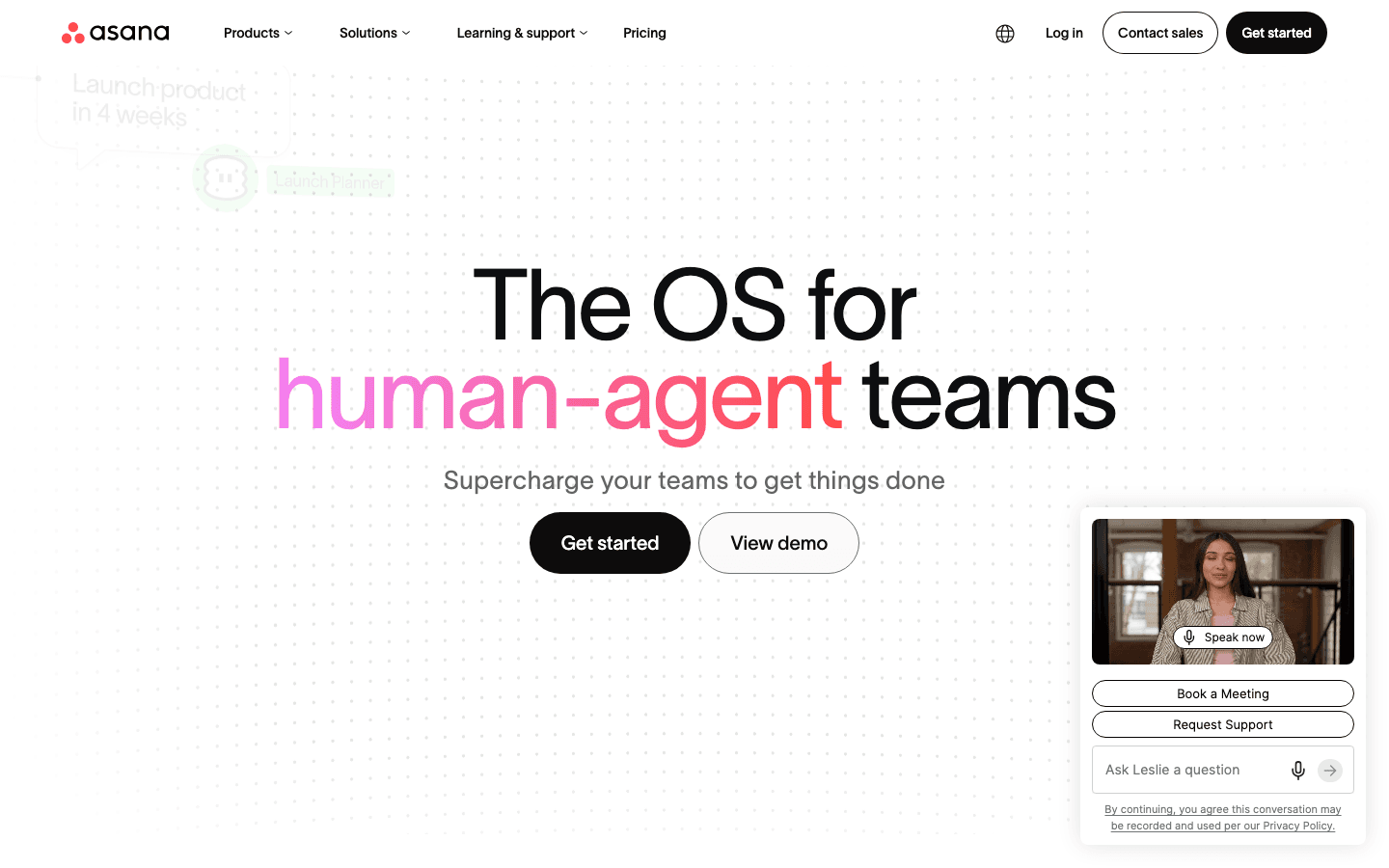
The free plan is more capable than most free tiers. You get unlimited tasks, unlimited projects, three view types (list, board, and calendar), and status updates. That is enough to run a real workflow without paying anything.
The catch is the 2-user limit. That is not 2 users per project; it is 2 users in your entire workspace. The moment a third person needs to collaborate, you are forced to upgrade. Asana markets this as "collaborating for free" but it functions more as an extended trial for small teams.
File uploads are capped at 100MB, and automations are not available on the free tier at all. If you are building workflows that depend on recurring task rules or need more than basic Slack or Google Drive integrations, you will hit walls quickly.
Asana Starter Plan
Best for: small to mid-size teams managing ongoing projects with real deadlines
Starter is where Asana becomes a proper project management tool. The most important unlock is Timeline, Asana's Gantt-style view for mapping out project phases, deadlines, and task dependencies. If you're managing anything with overlapping tasks and a fixed delivery date, Timeline alone justifies the upgrade.
Unlimited automations mean you can set rules like "when a task is marked complete, assign the next task to this person" without writing any code. Custom fields let you track status, priority, budgets, or whatever your team cares about, and reporting dashboards surface that data across projects so you can actually see what is moving and what is stuck.
At $10.99/user/month billed annually (or $13.49/month if you pay monthly), Starter is competitive. A five-person team pays $54.95/month on an annual plan, less than most comparable tools at the same feature level. The AI Studio credits bundled in (50K per billing account) are a real bonus for teams that want to experiment with AI-powered task creation and workflow suggestions.
Asana Advanced Plan
Best for: multi-team organizations tracking goals across departments
Advanced adds portfolios (a single view across multiple projects), goals tied directly to project work, workload management to spot who is over capacity, and approvals and proofing workflows for creative teams. You also get Salesforce, Tableau, and Power BI integrations, which matter if your team already uses those tools for reporting.
The honest read: most small businesses and agencies do not need this tier. Portfolios are powerful when you are a program manager overseeing six parallel projects, but they are overkill if you run one or two at a time. Goals and workload management matter most when you have department-level visibility problems, not when you are a ten-person team that can talk to each other.
At $24.99/user/month, a five-person team is paying $124.95/month annually, more than double the Starter price for features most small teams will rarely open. Before committing to Advanced, be honest about whether you will actually use the portfolios view on a weekly basis.
Asana Enterprise
Enterprise pricing is custom and requires a conversation with Asana's sales team. It adds SAML authentication, SCIM user provisioning, capacity planning, service accounts, and granular admin controls for large organizations. There is also an Enterprise+ tier for enhanced security and compliance requirements. If you are in a regulated industry or need audit logs and organization-wide SSO, that is the conversation to start.
Is Asana Worth the Price?
For teams, Starter is genuinely good value. Timeline, unlimited automations, and custom fields at $10.99/user/month puts Asana ahead of stripped-down alternatives at a similar price point. If your team manages projects with real deadlines and interdependent tasks, Starter pays for itself in time saved coordinating manually.
For context on how Asana compares to other popular tools, see our breakdowns of Todoist pricing and Trello pricing. Both are worth considering depending on your team's workflow style.
Where the value math gets shaky is for solo users. The free Personal plan covers individual use adequately. If you are a solo professional who needs more than the 2-user limit, you are paying a minimum of $10.99/month per seat. That is steep for what amounts to a personal task list with Gantt chart access bolted on.
When Asana Is Not the Right Fit
Asana is built for team coordination: knowing who is doing what, by when, and in what order. That is exactly what it does well, and exactly what makes it the wrong tool for a different kind of problem.
If you are managing your own day rather than a team's project backlog, Asana does not help much. It will not tell you the best time to tackle a deep work task. It does not read your energy or focus patterns. It puts tasks on a timeline but does not think about your cognitive capacity at all. For personal time blocking or individual productivity planning, you are using a team coordination tool for a personal scheduling problem.
The workload management features in Advanced sound useful but are designed for managers distributing work across a team. They are not built for an individual trying to protect their own deep work time from meeting creep.
For smaller operations and freelancers, Asana's per-seat cost also adds up faster than expected when you start adding clients or contractors as collaborators. At that point, it is worth looking at lighter tools for AI-assisted project management before committing to an Asana plan that bills per seat.
Best Tool for Personal Schedule Management
If your core need is managing your own time rather than a team's projects, Lifestack is worth looking at before paying for an Asana seat.
Lifestack reads your sleep data, HRV, and energy patterns from wearables, then builds your daily schedule around when you are actually capable of focused work. Where Asana tells you what is due Thursday, Lifestack figures out the right time on Thursday to tackle it given your energy state. It is a fundamentally different model: task management that accounts for your capacity, not just your calendar deadlines.

For people dealing with ADHD or executive function challenges, that kind of scheduling intelligence makes a real difference. You are not just organizing tasks; you are matching the right tasks to your best cognitive windows. This is the core idea behind energy-based planning, and Lifestack operationalizes it automatically without any manual setup.
Lifestack costs $7/month or $50/year, considerably cheaper than even Asana's Starter plan on a per-seat basis, and it is purpose-built for individual productivity rather than team coordination.
Frequently Asked Questions
Is Asana free forever?
Yes. Asana's Personal plan is free with no expiration. The catch is the 2-user limit: only you and one other person can be workspace members. Any team of three or more needs a paid plan.
How much does Asana cost per month?
Asana Starter costs $13.49/user/month billed monthly, or $10.99/user/month on an annual plan. Asana Advanced costs $30.49/user/month (monthly) or $24.99/user/month (annual). Enterprise pricing requires a sales quote.
What is the difference between Asana Starter and Advanced?
Starter includes Timeline, unlimited automations, custom fields, and reporting dashboards. Advanced adds portfolios, goals, workload management, approvals and proofing, and enterprise integrations with Salesforce, Tableau, and Power BI. Advanced costs roughly double the Starter price and is designed for organizations managing multiple projects across departments simultaneously.
Does Asana offer a student or nonprofit discount?
Asana offers free access to its Starter plan for qualifying nonprofits and educational institutions through an application on their website. There is no standard student discount for individual accounts.
What are the best Asana alternatives for personal use?
For individual task management, tools like personal time management apps and Lifestack are worth considering. Lifestack adds energy-aware scheduling that Asana does not offer, making it a better fit for solo professionals who want their schedule to adapt to their actual capacity rather than just tracking deadlines against a calendar.
Can you cancel Asana and get a refund?
Asana's standard terms do not offer automatic refunds for mid-cycle cancellations. If you cancel, access continues until the end of the paid period. For billing disputes or exceptional circumstances, contact Asana support directly.
Asana is one of the most popular project management tools around, and its pricing structure is surprisingly tricky to decode. Four tiers, per-seat billing, annual vs. monthly rates, and a free plan that sounds generous until you hit its two-user ceiling. The details add up to a lot of questions before you can confidently pick a plan.
This guide breaks down every Asana pricing tier with real numbers, an honest read on what each level is actually worth, and a clear decision guide to help you pick the right plan or decide Asana isn't the right fit at all.
All prices are verified as of July 2026 and pulled directly from Asana's pricing page.
Key Takeaways
Asana Personal is free but capped at 2 users; it is a solo or pair tool, not a free team tier
Starter ($10.99/user/month billed annually) unlocks Timeline, automations, and custom fields, which is what most small teams actually need
Advanced ($24.99/user/month) is built for multi-team portfolio management and is overkill for most small businesses
Asana Pricing at a Glance
Personal: Free for up to 2 users, unlimited tasks and projects, basic views
Starter: $10.99/user/month (annual) or $13.49/user/month (monthly), adds Timeline, automations, and custom fields
Advanced: $24.99/user/month (annual) or $30.49/user/month (monthly), adds portfolios, goals, and workload management
Enterprise: Custom pricing, SAML/SCIM, advanced admin controls, and capacity planning
Asana Personal (Free Plan)
Best for: solo users or two people working on projects together
The free plan is more capable than most free tiers. You get unlimited tasks, unlimited projects, three view types (list, board, and calendar), and status updates. That is enough to run a real workflow without paying anything.
The catch is the 2-user limit. That is not 2 users per project; it is 2 users in your entire workspace. The moment a third person needs to collaborate, you are forced to upgrade. Asana markets this as "collaborating for free" but it functions more as an extended trial for small teams.
File uploads are capped at 100MB, and automations are not available on the free tier at all. If you are building workflows that depend on recurring task rules or need more than basic Slack or Google Drive integrations, you will hit walls quickly.
Asana Starter Plan
Best for: small to mid-size teams managing ongoing projects with real deadlines
Starter is where Asana becomes a proper project management tool. The most important unlock is Timeline, Asana's Gantt-style view for mapping out project phases, deadlines, and task dependencies. If you're managing anything with overlapping tasks and a fixed delivery date, Timeline alone justifies the upgrade.
Unlimited automations mean you can set rules like "when a task is marked complete, assign the next task to this person" without writing any code. Custom fields let you track status, priority, budgets, or whatever your team cares about, and reporting dashboards surface that data across projects so you can actually see what is moving and what is stuck.
At $10.99/user/month billed annually (or $13.49/month if you pay monthly), Starter is competitive. A five-person team pays $54.95/month on an annual plan, less than most comparable tools at the same feature level. The AI Studio credits bundled in (50K per billing account) are a real bonus for teams that want to experiment with AI-powered task creation and workflow suggestions.
Asana Advanced Plan
Best for: multi-team organizations tracking goals across departments
Advanced adds portfolios (a single view across multiple projects), goals tied directly to project work, workload management to spot who is over capacity, and approvals and proofing workflows for creative teams. You also get Salesforce, Tableau, and Power BI integrations, which matter if your team already uses those tools for reporting.
The honest read: most small businesses and agencies do not need this tier. Portfolios are powerful when you are a program manager overseeing six parallel projects, but they are overkill if you run one or two at a time. Goals and workload management matter most when you have department-level visibility problems, not when you are a ten-person team that can talk to each other.
At $24.99/user/month, a five-person team is paying $124.95/month annually, more than double the Starter price for features most small teams will rarely open. Before committing to Advanced, be honest about whether you will actually use the portfolios view on a weekly basis.
Asana Enterprise
Enterprise pricing is custom and requires a conversation with Asana's sales team. It adds SAML authentication, SCIM user provisioning, capacity planning, service accounts, and granular admin controls for large organizations. There is also an Enterprise+ tier for enhanced security and compliance requirements. If you are in a regulated industry or need audit logs and organization-wide SSO, that is the conversation to start.
Is Asana Worth the Price?
For teams, Starter is genuinely good value. Timeline, unlimited automations, and custom fields at $10.99/user/month puts Asana ahead of stripped-down alternatives at a similar price point. If your team manages projects with real deadlines and interdependent tasks, Starter pays for itself in time saved coordinating manually.
For context on how Asana compares to other popular tools, see our breakdowns of Todoist pricing and Trello pricing. Both are worth considering depending on your team's workflow style.
Where the value math gets shaky is for solo users. The free Personal plan covers individual use adequately. If you are a solo professional who needs more than the 2-user limit, you are paying a minimum of $10.99/month per seat. That is steep for what amounts to a personal task list with Gantt chart access bolted on.
When Asana Is Not the Right Fit
Asana is built for team coordination: knowing who is doing what, by when, and in what order. That is exactly what it does well, and exactly what makes it the wrong tool for a different kind of problem.
If you are managing your own day rather than a team's project backlog, Asana does not help much. It will not tell you the best time to tackle a deep work task. It does not read your energy or focus patterns. It puts tasks on a timeline but does not think about your cognitive capacity at all. For personal time blocking or individual productivity planning, you are using a team coordination tool for a personal scheduling problem.
The workload management features in Advanced sound useful but are designed for managers distributing work across a team. They are not built for an individual trying to protect their own deep work time from meeting creep.
For smaller operations and freelancers, Asana's per-seat cost also adds up faster than expected when you start adding clients or contractors as collaborators. At that point, it is worth looking at lighter tools for AI-assisted project management before committing to an Asana plan that bills per seat.
Best Tool for Personal Schedule Management
If your core need is managing your own time rather than a team's projects, Lifestack is worth looking at before paying for an Asana seat.
Lifestack reads your sleep data, HRV, and energy patterns from wearables, then builds your daily schedule around when you are actually capable of focused work. Where Asana tells you what is due Thursday, Lifestack figures out the right time on Thursday to tackle it given your energy state. It is a fundamentally different model: task management that accounts for your capacity, not just your calendar deadlines.
For people dealing with ADHD or executive function challenges, that kind of scheduling intelligence makes a real difference. You are not just organizing tasks; you are matching the right tasks to your best cognitive windows. This is the core idea behind energy-based planning, and Lifestack operationalizes it automatically without any manual setup.
Lifestack costs $7/month or $50/year, considerably cheaper than even Asana's Starter plan on a per-seat basis, and it is purpose-built for individual productivity rather than team coordination.
Frequently Asked Questions
Is Asana free forever?
Yes. Asana's Personal plan is free with no expiration. The catch is the 2-user limit: only you and one other person can be workspace members. Any team of three or more needs a paid plan.
How much does Asana cost per month?
Asana Starter costs $13.49/user/month billed monthly, or $10.99/user/month on an annual plan. Asana Advanced costs $30.49/user/month (monthly) or $24.99/user/month (annual). Enterprise pricing requires a sales quote.
What is the difference between Asana Starter and Advanced?
Starter includes Timeline, unlimited automations, custom fields, and reporting dashboards. Advanced adds portfolios, goals, workload management, approvals and proofing, and enterprise integrations with Salesforce, Tableau, and Power BI. Advanced costs roughly double the Starter price and is designed for organizations managing multiple projects across departments simultaneously.
Does Asana offer a student or nonprofit discount?
Asana offers free access to its Starter plan for qualifying nonprofits and educational institutions through an application on their website. There is no standard student discount for individual accounts.
What are the best Asana alternatives for personal use?
For individual task management, tools like personal time management apps and Lifestack are worth considering. Lifestack adds energy-aware scheduling that Asana does not offer, making it a better fit for solo professionals who want their schedule to adapt to their actual capacity rather than just tracking deadlines against a calendar.
Can you cancel Asana and get a refund?
Asana's standard terms do not offer automatic refunds for mid-cycle cancellations. If you cancel, access continues until the end of the paid period. For billing disputes or exceptional circumstances, contact Asana support directly.



FOLLOW ON
FOLLOW ON
FOLLOW ON


Copyright 2026 © Lifestack. All rights reserved
Copyright 2026 © Lifestack. All rights reserved

