
App
Todoist Pricing in 2026: Which Plan Is Worth It?
Todoist Pricing in 2026: Which Plan Is Worth It?
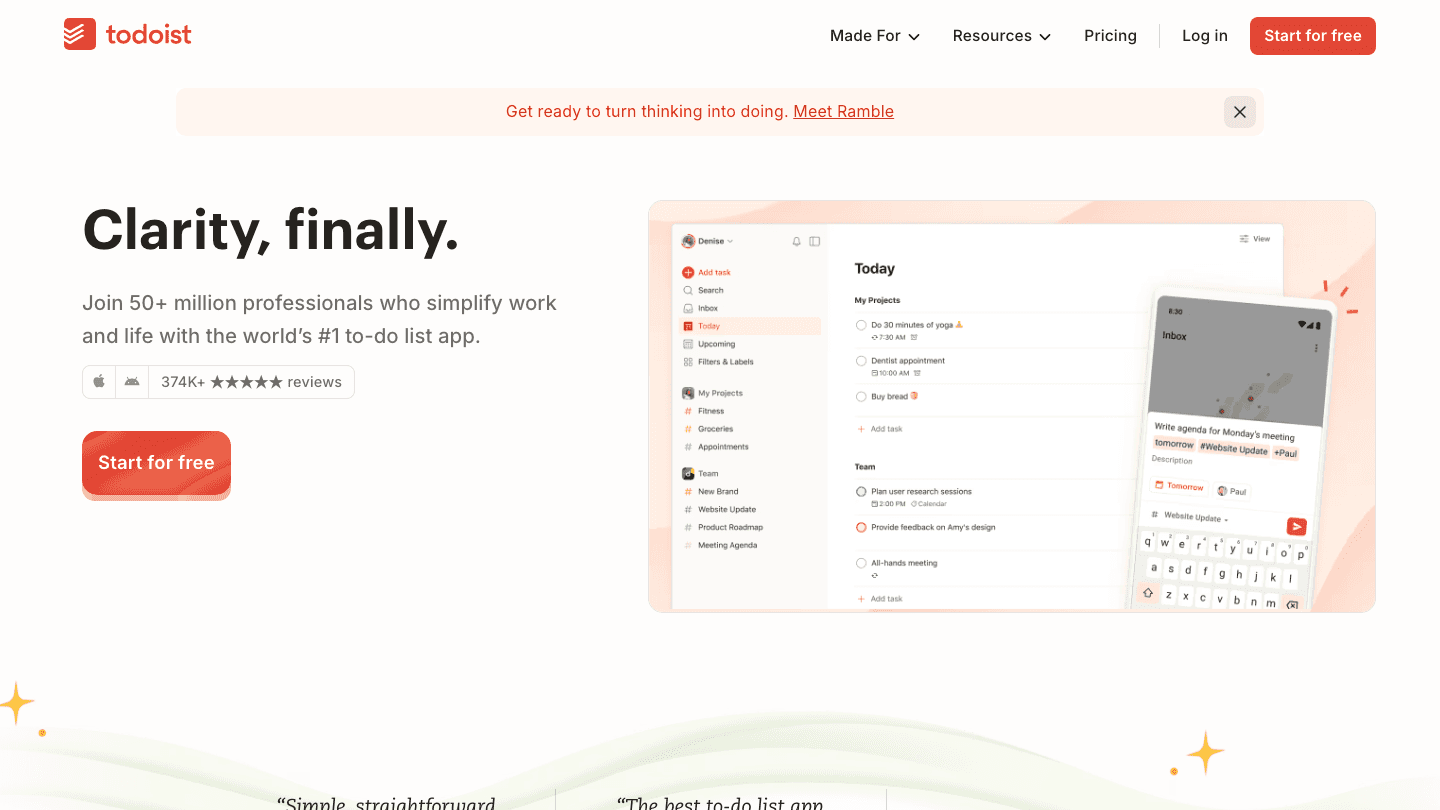
Todoist has 50 million users. That number says something about the free plan: it works well enough that most people never feel pressure to upgrade.
But once you hit 5 projects, run a team, or want reminders that actually fire when you need them, you'll reach the ceiling fast. This guide covers what each plan actually includes, what you give up by staying free, and whether Pro is worth $5 a month for solo users.
We also look at when Todoist might not be the right fit at all, and what you'd switch to instead.
Key Takeaways
The Free plan handles basic personal task management but caps out at 5 projects and limited reminders
Pro at $5/month (billed annually) unlocks 300 projects, custom reminders, and AI assistance
Business at $8/user/month adds team workspaces, shared projects, and admin controls
Todoist Pricing at a Glance
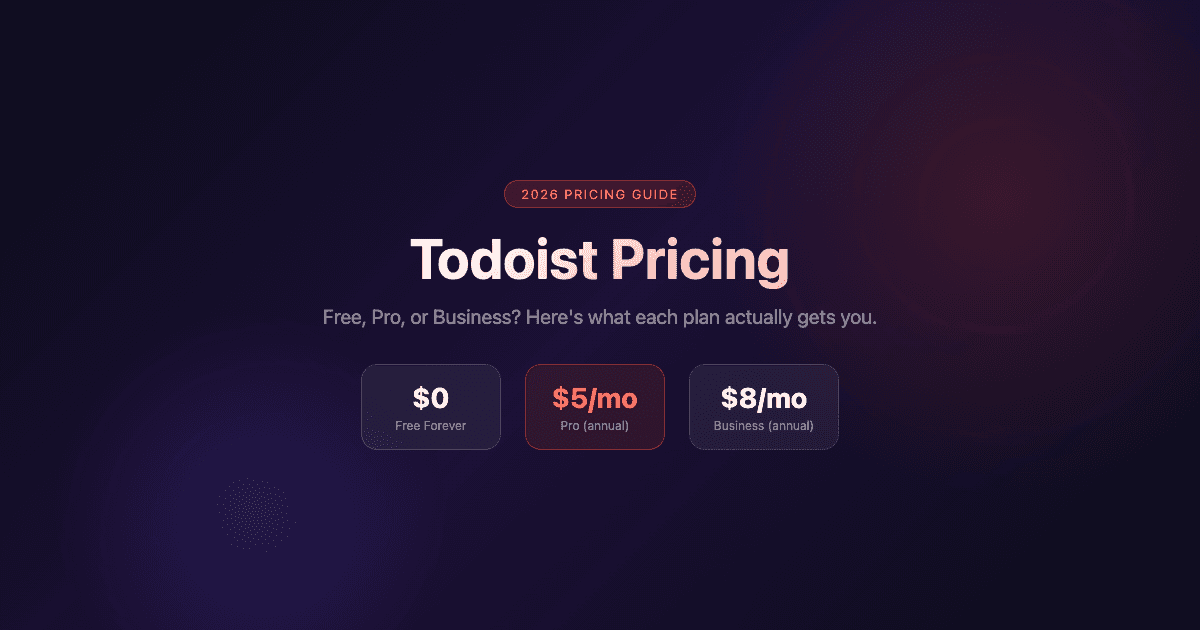
Free: $0, always free. 5 personal projects, basic task management, 1-week activity history
Pro: $5/month billed annually ($7/month billed monthly). 300 projects, custom reminders, full reporting history, AI Task Assist
Business: $8/user/month billed annually ($10/user/month billed monthly). Everything in Pro, plus shared team workspace, up to 500 team projects, granular activity logs, and centralized billing
The Free Plan: What You Actually Get
Five personal projects sounds limiting, but Todoist's sections and sub-tasks mean you can pack a lot into each one. Use one project as an inbox, one for work, one for personal errands, and two for ongoing areas of focus. That covers most solo workflows.
What you won't get: custom reminders (you get basic ones), calendar layout, task durations, or the AI-assisted Task Assist feature. The activity history cuts off after one week, which makes it hard to review your work patterns. For a pure capture-and-complete system, free holds up. For anything more structured, you'll feel the gaps.
The free tier also includes integrations with email and calendar apps, which keeps it functional for people who just want to add tasks via Gmail or see deadlines in their calendar. It's genuinely the best free tier in the to-do app space.
The Pro Plan: Is $5/Month Worth It?
For solo users, Pro is easy to justify. The jump from 5 to 300 projects alone clears the main frustration with the free plan. Add custom reminders (location-based, time-based, multiple per task) and full reporting history, and the $60/year cost looks reasonable against the alternatives.
Task Assist is the AI feature worth testing before buying: it writes task descriptions, sets deadlines, and breaks down large tasks into subtasks. It's not transformative, but it removes friction on complex projects. You get unlimited sessions on Pro; the free tier limits these.
Calendar layout (Pro exclusive) shows your tasks plotted against your schedule. If you're used to seeing tasks and calendar events in one view, this matters. It won't replace a dedicated calendar app, but it gives Todoist users a time-aware view without switching tools.
300 personal projects (up from 5)
Custom reminders: time-based, location-based, multiple per task
Calendar layout for time-aware task planning
Task Assist (AI-powered task writing and breakdown)
Full activity history (no 1-week cap)
150 filter views (up from 3)
The Business Plan: Who Needs It?
Business is not a solo upgrade. It's priced per user and built for teams that need shared project spaces, role-based permissions, and admin visibility into who's doing what. At $8/user/month annually, a team of five costs $480/year.
If your team already uses Todoist individually and you're passing tasks via comments or sharing screenshots of project lists, Business solves the real problem: a shared workspace everyone can see and edit, with proper permissions. The SOC2 Type II certification makes it suitable for companies with compliance requirements.
Small teams that just need task sharing without the admin overhead might find that Pro accounts with shared projects cover enough. Business pays off when you need activity logs, team billing, and defined roles at scale.
Shared team workspace with up to 1,000 members and guests
Up to 500 shared team projects
Granular activity logs (see who changed what and when)
Team roles and permissions
Centralized billing across all members
SOC2 Type II compliance
Who Should Upgrade (and When)
Stay free if you have fewer than 5 active projects and don't need recurring reminders beyond the basics. Most casual users never need to spend anything.
Upgrade to Pro if you manage multiple projects, rely on reminders to actually complete tasks, or want the calendar view. The $5/month annual cost is among the lowest in the best task manager category. Power users tracking their work history will also find the full reporting useful for retrospectives.
Upgrade to Business if your team is sharing tasks informally today and you need a real shared workspace. The per-user price is fair for what you get, though small teams should test whether Pro with shared project links covers their needs first.
For ADHD users specifically, Todoist's task-entry speed (especially via Quick Add and natural language parsing) is genuinely useful. See the guide to ADHD time management apps for a broader look at how different task tools handle focus and prioritization differently.
Todoist Alternatives Worth Considering

Todoist is a task manager. It captures, organizes, and reminds. What it doesn't do is tell you when to work on what, based on how you actually feel.
That gap is where Lifestack fits. It reads your sleep and energy data from Apple Health and Oura, then schedules your tasks into your day automatically, placing high-focus work in your peak windows. For people who capture everything in Todoist but still end up doing shallow work when they're sharpest, Lifestack handles the daily scheduling layer. The two tools work well together: Todoist for capture and projects, Lifestack for turning tasks into a real daily plan. See how in the Todoist and Lifestack integration guide.
Other alternatives worth considering:
TickTick ($35.99/year): includes a built-in Pomodoro timer, habit tracker, and calendar view on its premium plan. More features per dollar than Todoist Pro
Any.do (free basic, $5-6/month premium): cleaner interface, AI-powered daily planner feature, better mobile experience for some users
Microsoft To Do (free): unlimited tasks and lists at no cost, tight Outlook integration, great if you're already in the Microsoft ecosystem
For a full breakdown of what to pair with Todoist, see apps to use with Todoist. If you're still deciding between task managers, the best task manager apps for iPhone comparison covers the main contenders side by side.
FAQ
Is Todoist free to use?
Yes. The free plan is genuinely functional: unlimited tasks, 5 personal projects, basic reminders, and email/calendar integrations. There's no trial period or time limit. For simple personal task management, many users never upgrade.
How much does Todoist Pro cost?
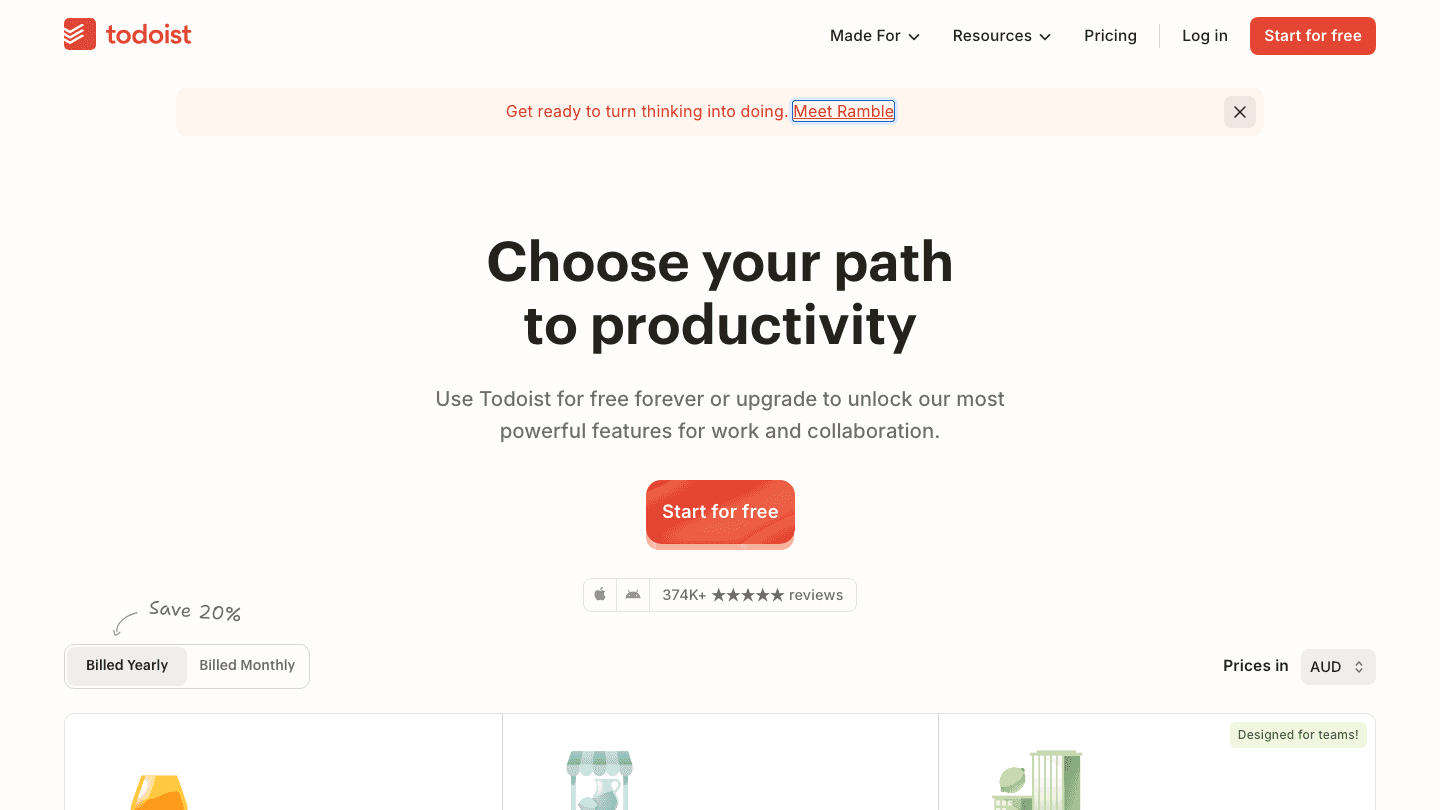
Todoist Pro costs $5/month billed annually ($60/year total), or $7/month if you pay month-to-month. The annual plan saves 20% and is the one most users choose.
What's the difference between Todoist Pro and Business?
Pro is for individuals. Business adds a shared team workspace, up to 500 team projects, granular activity logs, role-based permissions, centralized billing, and SOC2 Type II compliance. Business is priced per user at $8/user/month (annual).
Does Todoist offer a student discount?
Todoist occasionally offers student pricing through educational programs, but there's no standing public student discount as of 2026. Check their education page directly for current offers.
Is Todoist worth it compared to free alternatives?
At $5/month, Todoist Pro competes well with Microsoft To Do (free) and TickTick (slightly cheaper). The question is whether Todoist's specific strengths, including Quick Add, natural language parsing, and cross-platform sync, justify the cost over free options. For teams, the Business plan is among the more affordable in the task manager space. For individuals with straightforward needs, Microsoft To Do is hard to beat at $0.
Can I use Todoist with other productivity apps?
Yes. Todoist integrates with Zapier, Google Calendar, Outlook, Slack, and many others. For a full productivity stack, pairing it with Lifestack adds AI-based daily scheduling on top of Todoist's task management, covering the gap Todoist leaves around when to actually do each task.
Todoist has 50 million users. That number says something about the free plan: it works well enough that most people never feel pressure to upgrade.
But once you hit 5 projects, run a team, or want reminders that actually fire when you need them, you'll reach the ceiling fast. This guide covers what each plan actually includes, what you give up by staying free, and whether Pro is worth $5 a month for solo users.
We also look at when Todoist might not be the right fit at all, and what you'd switch to instead.
Key Takeaways
The Free plan handles basic personal task management but caps out at 5 projects and limited reminders
Pro at $5/month (billed annually) unlocks 300 projects, custom reminders, and AI assistance
Business at $8/user/month adds team workspaces, shared projects, and admin controls
Todoist Pricing at a Glance
Free: $0, always free. 5 personal projects, basic task management, 1-week activity history
Pro: $5/month billed annually ($7/month billed monthly). 300 projects, custom reminders, full reporting history, AI Task Assist
Business: $8/user/month billed annually ($10/user/month billed monthly). Everything in Pro, plus shared team workspace, up to 500 team projects, granular activity logs, and centralized billing
The Free Plan: What You Actually Get
Five personal projects sounds limiting, but Todoist's sections and sub-tasks mean you can pack a lot into each one. Use one project as an inbox, one for work, one for personal errands, and two for ongoing areas of focus. That covers most solo workflows.
What you won't get: custom reminders (you get basic ones), calendar layout, task durations, or the AI-assisted Task Assist feature. The activity history cuts off after one week, which makes it hard to review your work patterns. For a pure capture-and-complete system, free holds up. For anything more structured, you'll feel the gaps.
The free tier also includes integrations with email and calendar apps, which keeps it functional for people who just want to add tasks via Gmail or see deadlines in their calendar. It's genuinely the best free tier in the to-do app space.
The Pro Plan: Is $5/Month Worth It?
For solo users, Pro is easy to justify. The jump from 5 to 300 projects alone clears the main frustration with the free plan. Add custom reminders (location-based, time-based, multiple per task) and full reporting history, and the $60/year cost looks reasonable against the alternatives.
Task Assist is the AI feature worth testing before buying: it writes task descriptions, sets deadlines, and breaks down large tasks into subtasks. It's not transformative, but it removes friction on complex projects. You get unlimited sessions on Pro; the free tier limits these.
Calendar layout (Pro exclusive) shows your tasks plotted against your schedule. If you're used to seeing tasks and calendar events in one view, this matters. It won't replace a dedicated calendar app, but it gives Todoist users a time-aware view without switching tools.
300 personal projects (up from 5)
Custom reminders: time-based, location-based, multiple per task
Calendar layout for time-aware task planning
Task Assist (AI-powered task writing and breakdown)
Full activity history (no 1-week cap)
150 filter views (up from 3)
The Business Plan: Who Needs It?
Business is not a solo upgrade. It's priced per user and built for teams that need shared project spaces, role-based permissions, and admin visibility into who's doing what. At $8/user/month annually, a team of five costs $480/year.
If your team already uses Todoist individually and you're passing tasks via comments or sharing screenshots of project lists, Business solves the real problem: a shared workspace everyone can see and edit, with proper permissions. The SOC2 Type II certification makes it suitable for companies with compliance requirements.
Small teams that just need task sharing without the admin overhead might find that Pro accounts with shared projects cover enough. Business pays off when you need activity logs, team billing, and defined roles at scale.
Shared team workspace with up to 1,000 members and guests
Up to 500 shared team projects
Granular activity logs (see who changed what and when)
Team roles and permissions
Centralized billing across all members
SOC2 Type II compliance
Who Should Upgrade (and When)
Stay free if you have fewer than 5 active projects and don't need recurring reminders beyond the basics. Most casual users never need to spend anything.
Upgrade to Pro if you manage multiple projects, rely on reminders to actually complete tasks, or want the calendar view. The $5/month annual cost is among the lowest in the best task manager category. Power users tracking their work history will also find the full reporting useful for retrospectives.
Upgrade to Business if your team is sharing tasks informally today and you need a real shared workspace. The per-user price is fair for what you get, though small teams should test whether Pro with shared project links covers their needs first.
For ADHD users specifically, Todoist's task-entry speed (especially via Quick Add and natural language parsing) is genuinely useful. See the guide to ADHD time management apps for a broader look at how different task tools handle focus and prioritization differently.
Todoist Alternatives Worth Considering
Todoist is a task manager. It captures, organizes, and reminds. What it doesn't do is tell you when to work on what, based on how you actually feel.
That gap is where Lifestack fits. It reads your sleep and energy data from Apple Health and Oura, then schedules your tasks into your day automatically, placing high-focus work in your peak windows. For people who capture everything in Todoist but still end up doing shallow work when they're sharpest, Lifestack handles the daily scheduling layer. The two tools work well together: Todoist for capture and projects, Lifestack for turning tasks into a real daily plan. See how in the Todoist and Lifestack integration guide.
Other alternatives worth considering:
TickTick ($35.99/year): includes a built-in Pomodoro timer, habit tracker, and calendar view on its premium plan. More features per dollar than Todoist Pro
Any.do (free basic, $5-6/month premium): cleaner interface, AI-powered daily planner feature, better mobile experience for some users
Microsoft To Do (free): unlimited tasks and lists at no cost, tight Outlook integration, great if you're already in the Microsoft ecosystem
For a full breakdown of what to pair with Todoist, see apps to use with Todoist. If you're still deciding between task managers, the best task manager apps for iPhone comparison covers the main contenders side by side.
FAQ
Is Todoist free to use?
Yes. The free plan is genuinely functional: unlimited tasks, 5 personal projects, basic reminders, and email/calendar integrations. There's no trial period or time limit. For simple personal task management, many users never upgrade.
How much does Todoist Pro cost?
Todoist Pro costs $5/month billed annually ($60/year total), or $7/month if you pay month-to-month. The annual plan saves 20% and is the one most users choose.
What's the difference between Todoist Pro and Business?
Pro is for individuals. Business adds a shared team workspace, up to 500 team projects, granular activity logs, role-based permissions, centralized billing, and SOC2 Type II compliance. Business is priced per user at $8/user/month (annual).
Does Todoist offer a student discount?
Todoist occasionally offers student pricing through educational programs, but there's no standing public student discount as of 2026. Check their education page directly for current offers.
Is Todoist worth it compared to free alternatives?
At $5/month, Todoist Pro competes well with Microsoft To Do (free) and TickTick (slightly cheaper). The question is whether Todoist's specific strengths, including Quick Add, natural language parsing, and cross-platform sync, justify the cost over free options. For teams, the Business plan is among the more affordable in the task manager space. For individuals with straightforward needs, Microsoft To Do is hard to beat at $0.
Can I use Todoist with other productivity apps?
Yes. Todoist integrates with Zapier, Google Calendar, Outlook, Slack, and many others. For a full productivity stack, pairing it with Lifestack adds AI-based daily scheduling on top of Todoist's task management, covering the gap Todoist leaves around when to actually do each task.



FOLLOW ON
FOLLOW ON
FOLLOW ON


Copyright 2026 © Lifestack. All rights reserved
Copyright 2026 © Lifestack. All rights reserved

