
App
Best Apps to Use with GitHub Issues
Best Apps to Use with GitHub Issues
GitHub Issues is one of the best free tools for tracking work. But it has a hard limit: it tells you what needs to be done, not when you'll do it, or whether you have the bandwidth to do it at all. It has no calendar, no scheduling intelligence, and no awareness of your actual day.
The apps in this list fill that gap. Some add project management structure on top of GitHub's raw issue system. Others schedule your GitHub work onto your calendar automatically. A few just make it faster to act on issues without breaking your flow. Together, they turn GitHub Issues from a backlog into a working system.
We picked six tools that real developers and PMs actually reach for alongside GitHub Issues, chosen for how well they complement the workflow GitHub already enables.
Key Takeaways
Lifestack is the only app here that schedules your GitHub work based on your energy levels, not just calendar availability.
Linear and ZenHub both add agile project management on top of GitHub Issues, but for different use cases: ZenHub stays inside GitHub, Linear stands alone.
Raycast is the fastest way to access and act on GitHub Issues without leaving your keyboard.
Quick Guide: Apps to Use with GitHub Issues
1. Lifestack: AI scheduling that puts GitHub work on your calendar based on energy and recovery
2. Linear: Full agile project management with bidirectional GitHub sync
3. Notion: Wikis, specs, and project databases linked to your GitHub workflow
4. ZenHub: GitHub-native kanban boards and sprint planning without leaving GitHub
5. Reclaim.ai: Automatic focus time and calendar protection for deep work on issues
6. Raycast: Keyboard-first launcher for searching, creating, and acting on GitHub Issues
How We Evaluated These Apps
GitHub integration depth: Does it sync with GitHub Issues, or just work alongside it?
Scheduling intelligence: Does it help you decide when to work on issues, not just what exists?
Team vs. individual fit: Is it better for solo developers or engineering teams?
Pricing: Free tier availability and cost at scale
Daily workflow impact: Does it reduce friction, or add it?
1. Lifestack: Best for Scheduling GitHub Work
The only app that schedules your GitHub issues based on your energy, not just your calendar.

Lifestack solves the problem GitHub Issues ignores entirely: when will you actually work on this? It connects to your wearables (Oura, WHOOP, Garmin, Fitbit, Apple Watch), reads your sleep and recovery data each morning, and builds a daily plan that puts demanding GitHub work (debugging, architecture decisions, code reviews) during your peak energy windows.
On days when recovery is low, it schedules easier work and protects your focus time from interruptions. On high-energy days, it front-loads the hard issues. No other app in this list does energy-aware scheduling. For developers doing energy-based planning, this is a genuine productivity multiplier. It also works as a broader AI planner app for everything outside GitHub.
Energy-aware AI daily scheduling around your GitHub work
Wearable integration with Oura, WHOOP, Garmin, Fitbit, Apple Watch
Most affordable in the category at $50/year
Focused on personal scheduling, not team project boards or sprint management
No direct GitHub Issues sync (you add tasks manually or from your calendar)
Pricing: $7/month or $50/year (~$4.17/month). Lifetime at $120. 7-day free trial on annual plan.
Best for: Individual developers who want AI to schedule their GitHub work based on their actual energy state.
2. Linear: Best for Agile Teams on GitHub
Purpose-built issue tracking and project management with native GitHub sync.
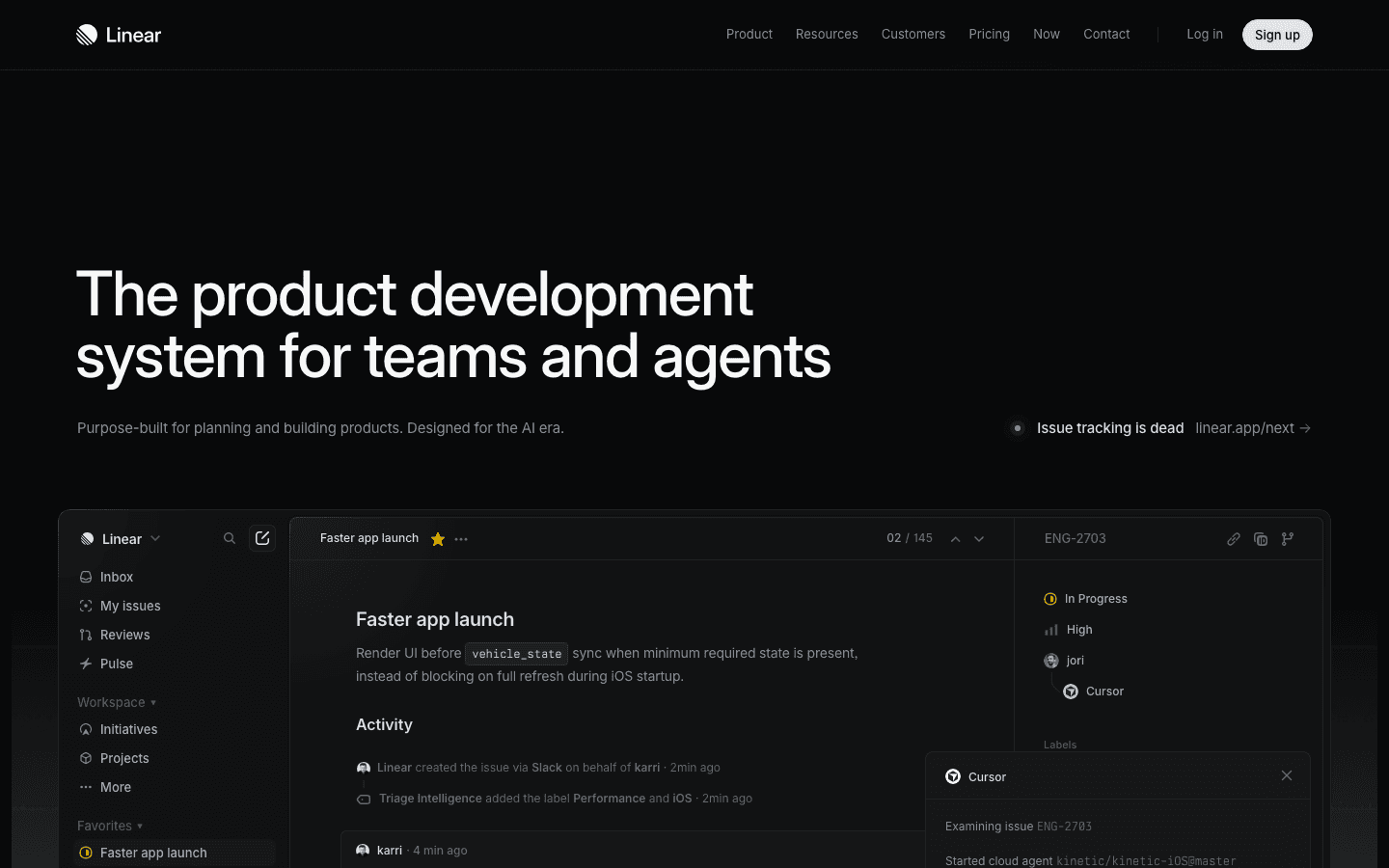
Linear is what GitHub Issues would be if it were built specifically for modern engineering teams. It adds sprints, project roadmaps, cycle analytics, triage intelligence, and an AI agent layer on top of clean, fast issue management. GitHub Issues stays raw; Linear gives you the structure to run a real engineering workflow.
The bidirectional GitHub sync keeps issues in both places. Engineers who prefer GitHub can keep using it. PMs and team leads who want sprint planning and roadmap views use Linear. The free plan is generous for small teams (unlimited members, 250 issues). It's one of the stronger AI project management tools available for engineering teams right now.
Bidirectional GitHub Issues sync
Sprints, cycles, roadmaps, and triage AI built in
Free plan for up to 250 issues with unlimited members
Adds complexity to a simple GitHub Issues workflow
No energy-aware scheduling or personal calendar integration
Pricing: Free (250 issues). Basic at $10/user/month (annual). Business at $16/user/month (annual).
Best for: Engineering teams that need sprint planning, roadmaps, and analytics on top of their GitHub Issues workflow.
3. Notion: Best for Documentation Alongside Issues
The missing layer for specs, wikis, and project context that GitHub Issues can't hold.
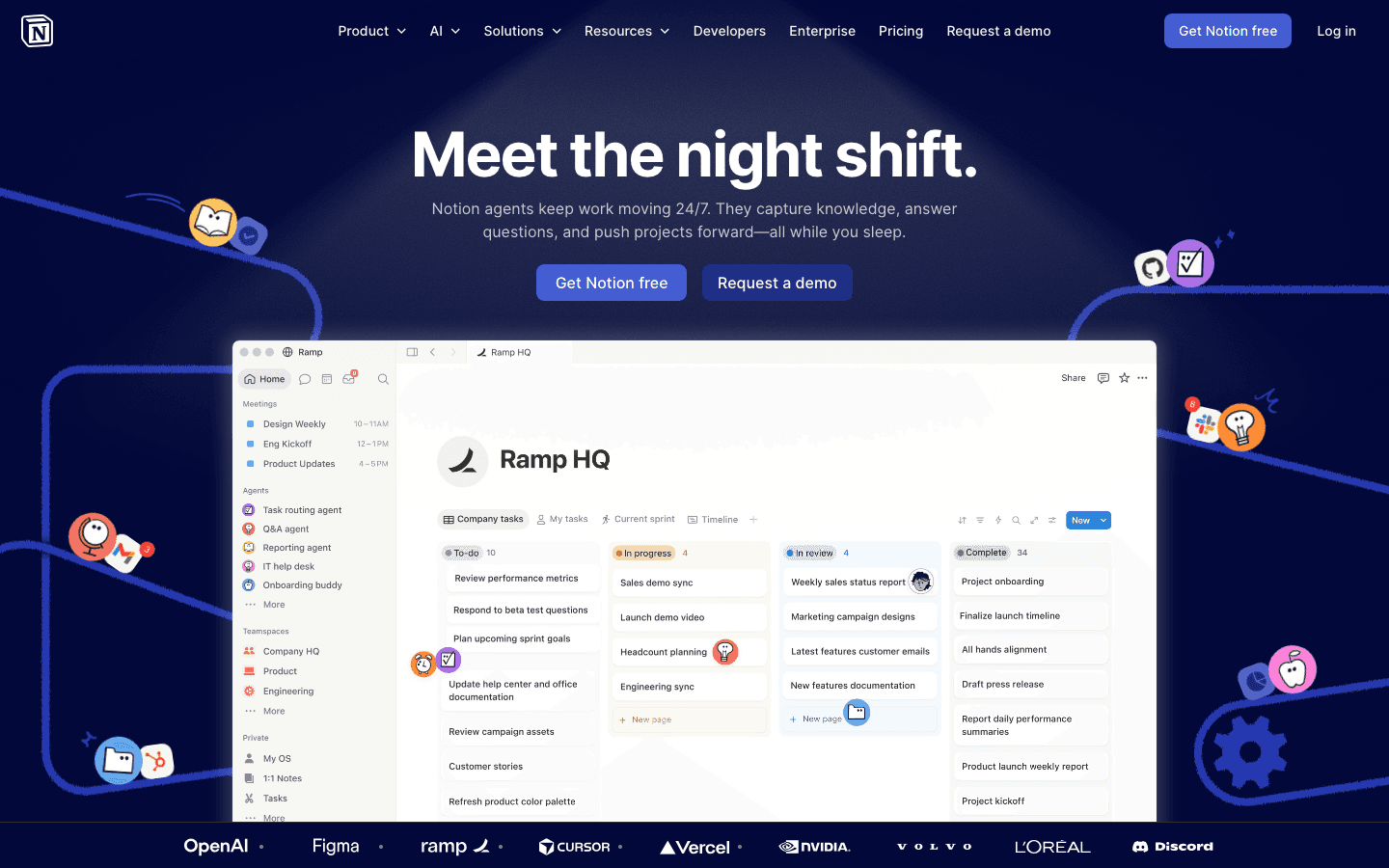
Notion fills a gap that GitHub Issues doesn't even try to address: context. GitHub Issues tracks tasks; it doesn't hold product specs, architecture docs, runbooks, or meeting notes. Notion does all of that, and it integrates with GitHub so you can link issues to the relevant documentation.
Teams typically use Notion for product specs that become GitHub Issues, post-mortems linked to incident issues, onboarding wikis, and project-level databases that track milestones across sprints. The free plan covers most small team needs. The Business tier adds Notion Agent (AI) and Meeting Notes, which are useful for turning standup notes into linked GitHub Issues automatically.
Rich documentation, wikis, and databases that link to GitHub
Notion Agent on Business plan automates meeting notes into tasks
Free plan is functional for small teams
No scheduling or calendar intelligence
Business plan ($20/member/month) adds up quickly for large teams
Pricing: Free. Plus at $10/member/month. Business at $20/member/month.
Best for: Teams that need a documentation layer alongside their GitHub Issues workflow.
4. ZenHub: Best GitHub-Native Project Management
Kanban boards, sprints, and roadmaps that live inside GitHub without switching tabs.
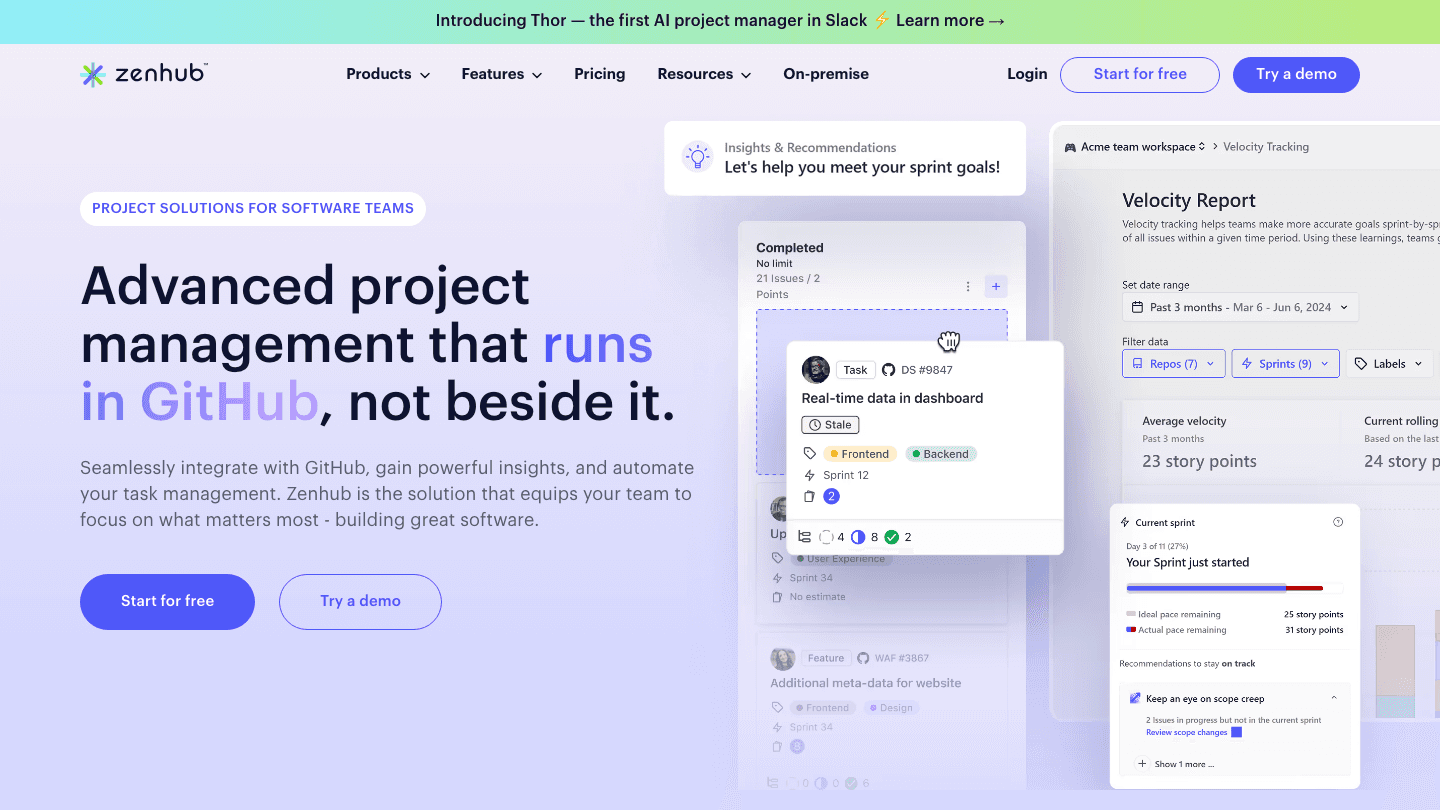
ZenHub is the most GitHub-native option on this list. It adds kanban boards, sprint planning, velocity tracking, and roadmaps as a layer inside GitHub itself. You never leave GitHub to see your board. Issues stay as GitHub Issues; ZenHub just adds the project management views on top.
It's the right choice when your team is deeply embedded in GitHub and doesn't want to maintain two separate systems. The free plan supports up to 50 users with basic sprint reports and Slack integration. The paid Teams plan adds AI features like suggested labels and AI sprint review summaries.
Fully GitHub-native: boards, sprints, and roadmaps inside GitHub
Free plan for up to 50 users
AI label suggestions and sprint review on paid plan
Limited to GitHub users. Not useful for teams on GitLab or other platforms
Fewer standalone features compared to Linear
Pricing: Free (up to 50 users). Teams at $4.99/user/month (annual). Enterprise: custom.
Best for: Teams that want kanban and sprint planning without leaving GitHub.
5. Reclaim.ai: Best for Protecting Focus Time
Automatic calendar blocking so you have uninterrupted time to actually work on issues.
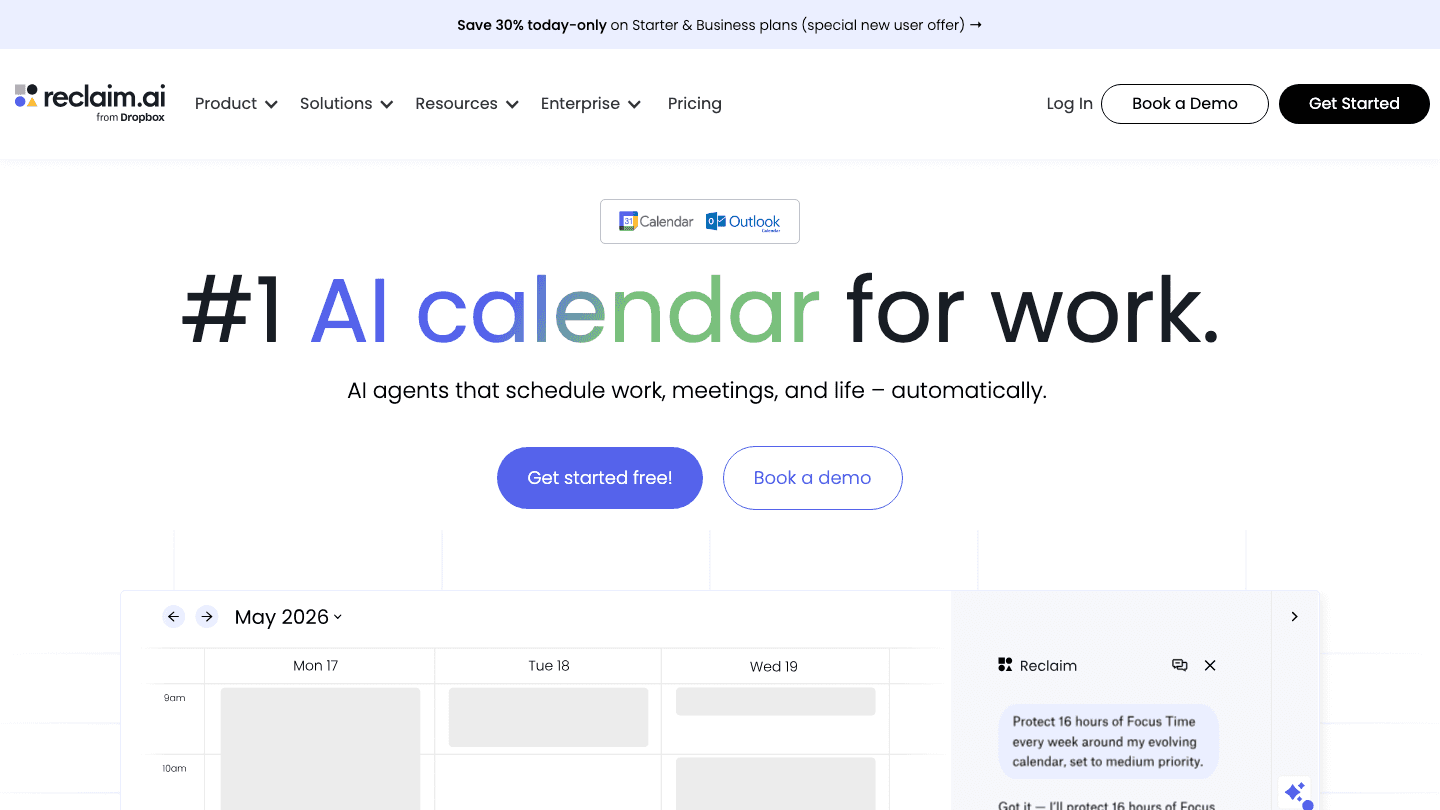
Reclaim.ai (now part of Dropbox) specializes in one thing: defending your calendar from meeting overload so you can do deep work. It automatically creates Focus Time blocks, schedules recurring habits like daily code review, and finds the optimal meeting times that leave your best working hours free.
Reclaim integrates with task tools to schedule GitHub-related tasks based on deadlines and priorities. It's stronger than Lifestack for team-level scheduling coordination (Smart Meetings, Team OOO calendars), but it doesn't read wearable data or adapt to your physical energy state. For calendar management, it's one of the sharper tools available. The Lite plan is free forever.
Automatically blocks focus time and protects deep work hours
Free Lite plan with 5 AI agents
Smart Meetings finds optimal meeting times for teams
No energy or health data awareness
Paid plans start at $10/seat/month (annual)
Pricing: Lite (free). Starter at $10/seat/month (annual). Business at $15/seat/month (annual).
Best for: Developers losing too much focus time to meetings who want automatic calendar protection.
6. Raycast: Best for Fast GitHub Issues Access
A keyboard-first launcher that makes GitHub Issues faster to search, create, and act on.
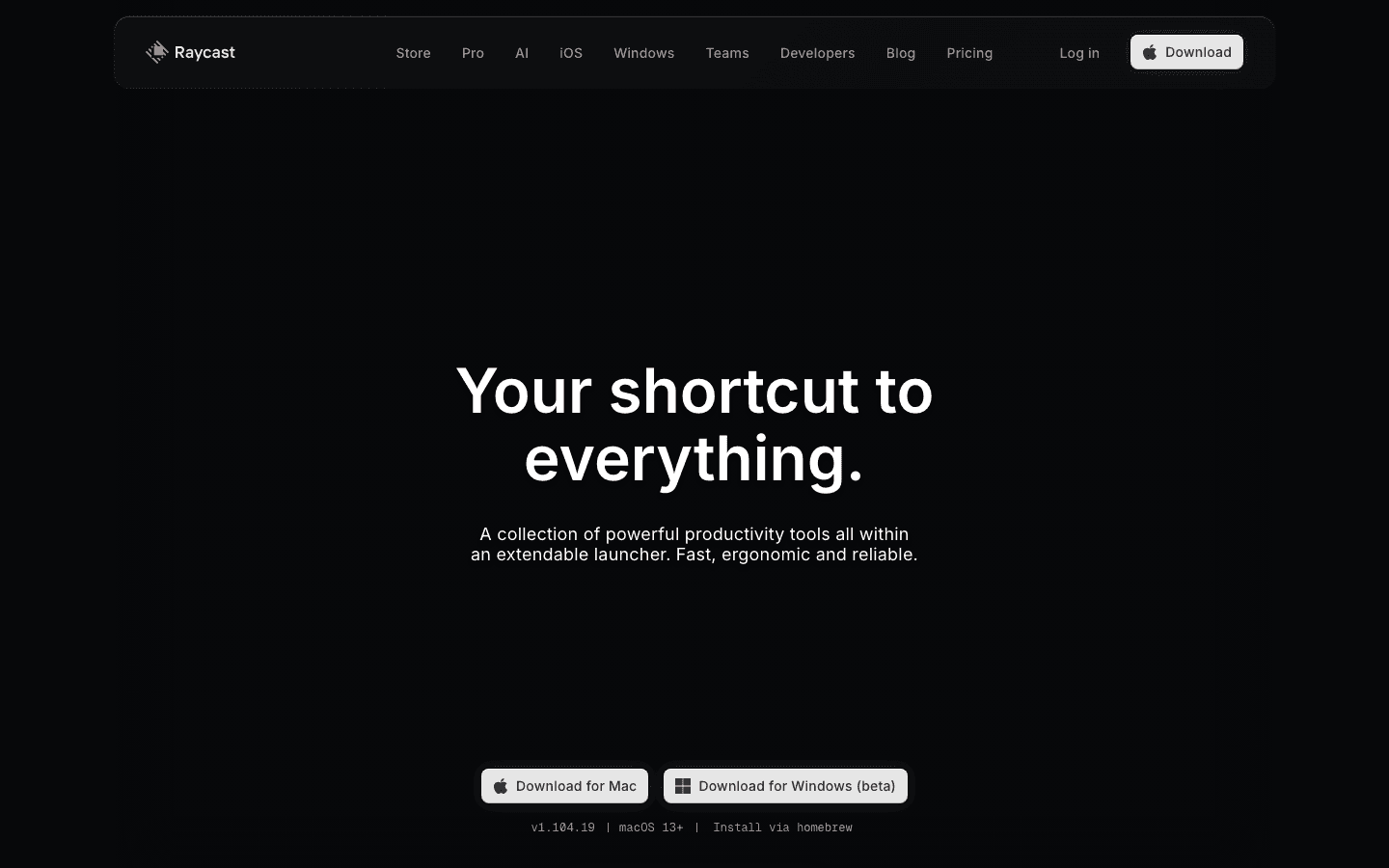
Raycast is a Mac launcher that replaces Spotlight with a far more powerful command palette. The GitHub extension lets you search issues, view PRs, create new issues, and check notifications, all without touching a browser. One keyboard shortcut pulls up everything you need from GitHub Issues mid-flow.
For developers who hate context-switching, Raycast is one of those tools that pays back its small learning curve in the first week. The core app and GitHub extension are free. The Pro plan adds unlimited clipboard history, cloud sync, and more AI features. It works well alongside any of the other apps in this list. It doesn't replace project management, it just makes access instant.
Free GitHub Issues extension with full search, create, and browse capabilities
Keyboard-only. No mouse needed to act on issues
Works with any other tool in your stack
macOS only (Windows beta available but limited)
No project management or scheduling features
Pricing: Free (core app + extensions). Pro at $8/month (annual) / $10/month. Teams Pro at $12/user/month (annual).
Best for: Mac-based developers who want the fastest possible access to GitHub Issues without leaving their current task.
Which App Is Right for Your GitHub Workflow?
Want to schedule GitHub work around your energy: Lifestack
Need full agile project management with sprint tracking: Linear
Want to stay inside GitHub for project boards: ZenHub
Need a documentation layer for specs and wikis: Notion
Losing deep work time to meetings: Reclaim.ai
Want faster keyboard access to GitHub Issues: Raycast
Most teams end up using two or three of these together. A typical setup: Lifestack for personal scheduling and energy-based time blocking, Linear or ZenHub for team project boards, and Raycast for fast daily access. Notion covers the documentation side. Reclaim slots in for teams where meeting overload is a specific problem. See our AI productivity tools overview for a broader look at the category.
Frequently Asked Questions
What apps work best with GitHub Issues?
The best apps to use with GitHub Issues depend on what's missing from your workflow. For scheduling, Lifestack and Reclaim.ai add calendar intelligence. For project management, Linear and ZenHub add agile workflows. For documentation, Notion fills the context gap. For fast access, Raycast beats the browser.
Does Linear replace GitHub Issues?
Not exactly. Linear syncs bidirectionally with GitHub Issues, so both stay in sync. Engineers can keep using GitHub directly; Linear adds agile project management views on top. Most teams that adopt Linear keep GitHub Issues active and use Linear as the project layer.
Is ZenHub free?
Yes. ZenHub's free plan supports up to 50 users with basic sprint reports, kanban boards, and Slack integration. The Teams plan at $4.99/user/month (annual) adds AI-powered features like label suggestions and sprint review summaries.
How do I schedule time to work on GitHub Issues?
GitHub Issues itself has no scheduling features. Lifestack is the most sophisticated option. It reads your wearable data and builds a daily plan that schedules demanding issues during your peak energy windows. Reclaim.ai creates Focus Time blocks automatically to protect deep work hours. Both integrate with your calendar.
What is the best project management tool for GitHub teams?
Linear is the most full-featured standalone option, with sprints, roadmaps, and AI-assisted triage. ZenHub is better if you want to stay entirely within GitHub. For solo developers and small teams, GitHub Projects (GitHub's own tool) combined with Lifestack for scheduling is often enough. See our AI project management tools guide for more options.
GitHub Issues is one of the best free tools for tracking work. But it has a hard limit: it tells you what needs to be done, not when you'll do it, or whether you have the bandwidth to do it at all. It has no calendar, no scheduling intelligence, and no awareness of your actual day.
The apps in this list fill that gap. Some add project management structure on top of GitHub's raw issue system. Others schedule your GitHub work onto your calendar automatically. A few just make it faster to act on issues without breaking your flow. Together, they turn GitHub Issues from a backlog into a working system.
We picked six tools that real developers and PMs actually reach for alongside GitHub Issues, chosen for how well they complement the workflow GitHub already enables.
Key Takeaways
Lifestack is the only app here that schedules your GitHub work based on your energy levels, not just calendar availability.
Linear and ZenHub both add agile project management on top of GitHub Issues, but for different use cases: ZenHub stays inside GitHub, Linear stands alone.
Raycast is the fastest way to access and act on GitHub Issues without leaving your keyboard.
Quick Guide: Apps to Use with GitHub Issues
1. Lifestack: AI scheduling that puts GitHub work on your calendar based on energy and recovery
2. Linear: Full agile project management with bidirectional GitHub sync
3. Notion: Wikis, specs, and project databases linked to your GitHub workflow
4. ZenHub: GitHub-native kanban boards and sprint planning without leaving GitHub
5. Reclaim.ai: Automatic focus time and calendar protection for deep work on issues
6. Raycast: Keyboard-first launcher for searching, creating, and acting on GitHub Issues
How We Evaluated These Apps
GitHub integration depth: Does it sync with GitHub Issues, or just work alongside it?
Scheduling intelligence: Does it help you decide when to work on issues, not just what exists?
Team vs. individual fit: Is it better for solo developers or engineering teams?
Pricing: Free tier availability and cost at scale
Daily workflow impact: Does it reduce friction, or add it?
1. Lifestack: Best for Scheduling GitHub Work
The only app that schedules your GitHub issues based on your energy, not just your calendar.
Lifestack solves the problem GitHub Issues ignores entirely: when will you actually work on this? It connects to your wearables (Oura, WHOOP, Garmin, Fitbit, Apple Watch), reads your sleep and recovery data each morning, and builds a daily plan that puts demanding GitHub work (debugging, architecture decisions, code reviews) during your peak energy windows.
On days when recovery is low, it schedules easier work and protects your focus time from interruptions. On high-energy days, it front-loads the hard issues. No other app in this list does energy-aware scheduling. For developers doing energy-based planning, this is a genuine productivity multiplier. It also works as a broader AI planner app for everything outside GitHub.
Energy-aware AI daily scheduling around your GitHub work
Wearable integration with Oura, WHOOP, Garmin, Fitbit, Apple Watch
Most affordable in the category at $50/year
Focused on personal scheduling, not team project boards or sprint management
No direct GitHub Issues sync (you add tasks manually or from your calendar)
Pricing: $7/month or $50/year (~$4.17/month). Lifetime at $120. 7-day free trial on annual plan.
Best for: Individual developers who want AI to schedule their GitHub work based on their actual energy state.
2. Linear: Best for Agile Teams on GitHub
Purpose-built issue tracking and project management with native GitHub sync.
Linear is what GitHub Issues would be if it were built specifically for modern engineering teams. It adds sprints, project roadmaps, cycle analytics, triage intelligence, and an AI agent layer on top of clean, fast issue management. GitHub Issues stays raw; Linear gives you the structure to run a real engineering workflow.
The bidirectional GitHub sync keeps issues in both places. Engineers who prefer GitHub can keep using it. PMs and team leads who want sprint planning and roadmap views use Linear. The free plan is generous for small teams (unlimited members, 250 issues). It's one of the stronger AI project management tools available for engineering teams right now.
Bidirectional GitHub Issues sync
Sprints, cycles, roadmaps, and triage AI built in
Free plan for up to 250 issues with unlimited members
Adds complexity to a simple GitHub Issues workflow
No energy-aware scheduling or personal calendar integration
Pricing: Free (250 issues). Basic at $10/user/month (annual). Business at $16/user/month (annual).
Best for: Engineering teams that need sprint planning, roadmaps, and analytics on top of their GitHub Issues workflow.
3. Notion: Best for Documentation Alongside Issues
The missing layer for specs, wikis, and project context that GitHub Issues can't hold.
Notion fills a gap that GitHub Issues doesn't even try to address: context. GitHub Issues tracks tasks; it doesn't hold product specs, architecture docs, runbooks, or meeting notes. Notion does all of that, and it integrates with GitHub so you can link issues to the relevant documentation.
Teams typically use Notion for product specs that become GitHub Issues, post-mortems linked to incident issues, onboarding wikis, and project-level databases that track milestones across sprints. The free plan covers most small team needs. The Business tier adds Notion Agent (AI) and Meeting Notes, which are useful for turning standup notes into linked GitHub Issues automatically.
Rich documentation, wikis, and databases that link to GitHub
Notion Agent on Business plan automates meeting notes into tasks
Free plan is functional for small teams
No scheduling or calendar intelligence
Business plan ($20/member/month) adds up quickly for large teams
Pricing: Free. Plus at $10/member/month. Business at $20/member/month.
Best for: Teams that need a documentation layer alongside their GitHub Issues workflow.
4. ZenHub: Best GitHub-Native Project Management
Kanban boards, sprints, and roadmaps that live inside GitHub without switching tabs.
ZenHub is the most GitHub-native option on this list. It adds kanban boards, sprint planning, velocity tracking, and roadmaps as a layer inside GitHub itself. You never leave GitHub to see your board. Issues stay as GitHub Issues; ZenHub just adds the project management views on top.
It's the right choice when your team is deeply embedded in GitHub and doesn't want to maintain two separate systems. The free plan supports up to 50 users with basic sprint reports and Slack integration. The paid Teams plan adds AI features like suggested labels and AI sprint review summaries.
Fully GitHub-native: boards, sprints, and roadmaps inside GitHub
Free plan for up to 50 users
AI label suggestions and sprint review on paid plan
Limited to GitHub users. Not useful for teams on GitLab or other platforms
Fewer standalone features compared to Linear
Pricing: Free (up to 50 users). Teams at $4.99/user/month (annual). Enterprise: custom.
Best for: Teams that want kanban and sprint planning without leaving GitHub.
5. Reclaim.ai: Best for Protecting Focus Time
Automatic calendar blocking so you have uninterrupted time to actually work on issues.
Reclaim.ai (now part of Dropbox) specializes in one thing: defending your calendar from meeting overload so you can do deep work. It automatically creates Focus Time blocks, schedules recurring habits like daily code review, and finds the optimal meeting times that leave your best working hours free.
Reclaim integrates with task tools to schedule GitHub-related tasks based on deadlines and priorities. It's stronger than Lifestack for team-level scheduling coordination (Smart Meetings, Team OOO calendars), but it doesn't read wearable data or adapt to your physical energy state. For calendar management, it's one of the sharper tools available. The Lite plan is free forever.
Automatically blocks focus time and protects deep work hours
Free Lite plan with 5 AI agents
Smart Meetings finds optimal meeting times for teams
No energy or health data awareness
Paid plans start at $10/seat/month (annual)
Pricing: Lite (free). Starter at $10/seat/month (annual). Business at $15/seat/month (annual).
Best for: Developers losing too much focus time to meetings who want automatic calendar protection.
6. Raycast: Best for Fast GitHub Issues Access
A keyboard-first launcher that makes GitHub Issues faster to search, create, and act on.
Raycast is a Mac launcher that replaces Spotlight with a far more powerful command palette. The GitHub extension lets you search issues, view PRs, create new issues, and check notifications, all without touching a browser. One keyboard shortcut pulls up everything you need from GitHub Issues mid-flow.
For developers who hate context-switching, Raycast is one of those tools that pays back its small learning curve in the first week. The core app and GitHub extension are free. The Pro plan adds unlimited clipboard history, cloud sync, and more AI features. It works well alongside any of the other apps in this list. It doesn't replace project management, it just makes access instant.
Free GitHub Issues extension with full search, create, and browse capabilities
Keyboard-only. No mouse needed to act on issues
Works with any other tool in your stack
macOS only (Windows beta available but limited)
No project management or scheduling features
Pricing: Free (core app + extensions). Pro at $8/month (annual) / $10/month. Teams Pro at $12/user/month (annual).
Best for: Mac-based developers who want the fastest possible access to GitHub Issues without leaving their current task.
Which App Is Right for Your GitHub Workflow?
Want to schedule GitHub work around your energy: Lifestack
Need full agile project management with sprint tracking: Linear
Want to stay inside GitHub for project boards: ZenHub
Need a documentation layer for specs and wikis: Notion
Losing deep work time to meetings: Reclaim.ai
Want faster keyboard access to GitHub Issues: Raycast
Most teams end up using two or three of these together. A typical setup: Lifestack for personal scheduling and energy-based time blocking, Linear or ZenHub for team project boards, and Raycast for fast daily access. Notion covers the documentation side. Reclaim slots in for teams where meeting overload is a specific problem. See our AI productivity tools overview for a broader look at the category.
Frequently Asked Questions
What apps work best with GitHub Issues?
The best apps to use with GitHub Issues depend on what's missing from your workflow. For scheduling, Lifestack and Reclaim.ai add calendar intelligence. For project management, Linear and ZenHub add agile workflows. For documentation, Notion fills the context gap. For fast access, Raycast beats the browser.
Does Linear replace GitHub Issues?
Not exactly. Linear syncs bidirectionally with GitHub Issues, so both stay in sync. Engineers can keep using GitHub directly; Linear adds agile project management views on top. Most teams that adopt Linear keep GitHub Issues active and use Linear as the project layer.
Is ZenHub free?
Yes. ZenHub's free plan supports up to 50 users with basic sprint reports, kanban boards, and Slack integration. The Teams plan at $4.99/user/month (annual) adds AI-powered features like label suggestions and sprint review summaries.
How do I schedule time to work on GitHub Issues?
GitHub Issues itself has no scheduling features. Lifestack is the most sophisticated option. It reads your wearable data and builds a daily plan that schedules demanding issues during your peak energy windows. Reclaim.ai creates Focus Time blocks automatically to protect deep work hours. Both integrate with your calendar.
What is the best project management tool for GitHub teams?
Linear is the most full-featured standalone option, with sprints, roadmaps, and AI-assisted triage. ZenHub is better if you want to stay entirely within GitHub. For solo developers and small teams, GitHub Projects (GitHub's own tool) combined with Lifestack for scheduling is often enough. See our AI project management tools guide for more options.



FOLLOW ON
FOLLOW ON
FOLLOW ON


Copyright 2026 © Lifestack. All rights reserved
Copyright 2026 © Lifestack. All rights reserved

