
App
Best AI Apps for Android in 2026
Best AI Apps for Android in 2026
The best AI app for Android in 2026 depends on what you need it to do. For scheduling your day around your energy levels, Lifestack is the top pick. For writing, analysis, and complex reasoning, Claude is the strongest AI assistant. For Google Workspace integration, Gemini is the natural choice. Android users now have more AI software options than at any point before, with more variety in what those options actually do: some schedule your day, some help you write better, some transcribe meetings, some answer questions from the web. The best are worth paying for; the worst produce generic outputs that waste your time.
We tested six AI apps across real Android use cases: daily scheduling, writing assistance, meeting notes, and AI-powered search. Each one does something different. None of them overlap so much that you'd have to choose between them.
Pricing verified October 2026. Apps tested on Android; iOS versions also available for all six.
On iPhone? See our companion guide to the best AI apps for iOS.
Key Takeaways
Lifestack is the strongest AI app for daily planning on Android, with energy-aware scheduling that no other app on this list offers
Claude and Gemini are both excellent AI assistants, with different strengths: Claude for long-form reasoning, Gemini for Google integration
Otter.ai and Grammarly cover the communication side of AI: meeting transcription and AI-assisted writing respectively
Best AI Apps for Android: Full List
Lifestack: AI daily scheduler that builds your plan based on your energy levels
Claude: AI assistant for writing, analysis, and complex reasoning tasks
Gemini: Google's AI assistant, deeply integrated with Google Workspace
Otter.ai: AI meeting transcription and notes that sync across your team
Motion: AI task scheduler that auto-builds your calendar from your to-do list
Grammarly: AI writing assistant that works across all Android apps
How We Evaluated
Android app quality: real testing on Android, not just assuming parity with iOS
AI quality: does the AI actually help, or does it produce generic outputs?
Daily usefulness: apps you open once to try, then never again, don't count
Privacy and data handling: especially relevant for AI apps that see your data
Price-to-value ratio: the free tier has to actually work; paid tiers have to justify the cost
1. Lifestack: Best AI App for Daily Planning on Android
AI scheduling that accounts for when you actually have energy to do things

Most AI planner apps find open calendar slots and drop tasks into them. Lifestack does something different: it factors in your energy levels throughout the day. Deep focus tasks get scheduled when your brain is actually sharp. Lighter work, emails, and reviews land in the lower-energy windows you'd otherwise waste.
The Android app is solid: fast, clean, and syncs with Google Calendar. You add your tasks, tag them by cognitive load, and the AI generates a full daily plan. When the day gets disrupted (and it always does), the app reschedules automatically rather than leaving you with a broken plan to fix manually.
Energy-aware AI scheduling across the full day
Google Calendar sync
Auto-reschedules when tasks take longer or new events appear
Clean, fast Android app
A scheduling approach built for how energy actually works
What Works
The energy-tagging system genuinely changes which tasks get done well versus which get squeezed into bad slots
Reliable auto-rescheduling when the day shifts
Limitations
Takes a few days to calibrate to your patterns
Not a general AI assistant; focused specifically on scheduling
Pricing: $7/month or $50/year; $120 lifetime. 7-day free trial on annual plans.
Best for: Android users who want AI to handle daily scheduling based on when they actually have capacity for each task.
2. Claude: Best AI Assistant for Writing and Analysis
Deep reasoning, detailed writing help, and long-context document analysis
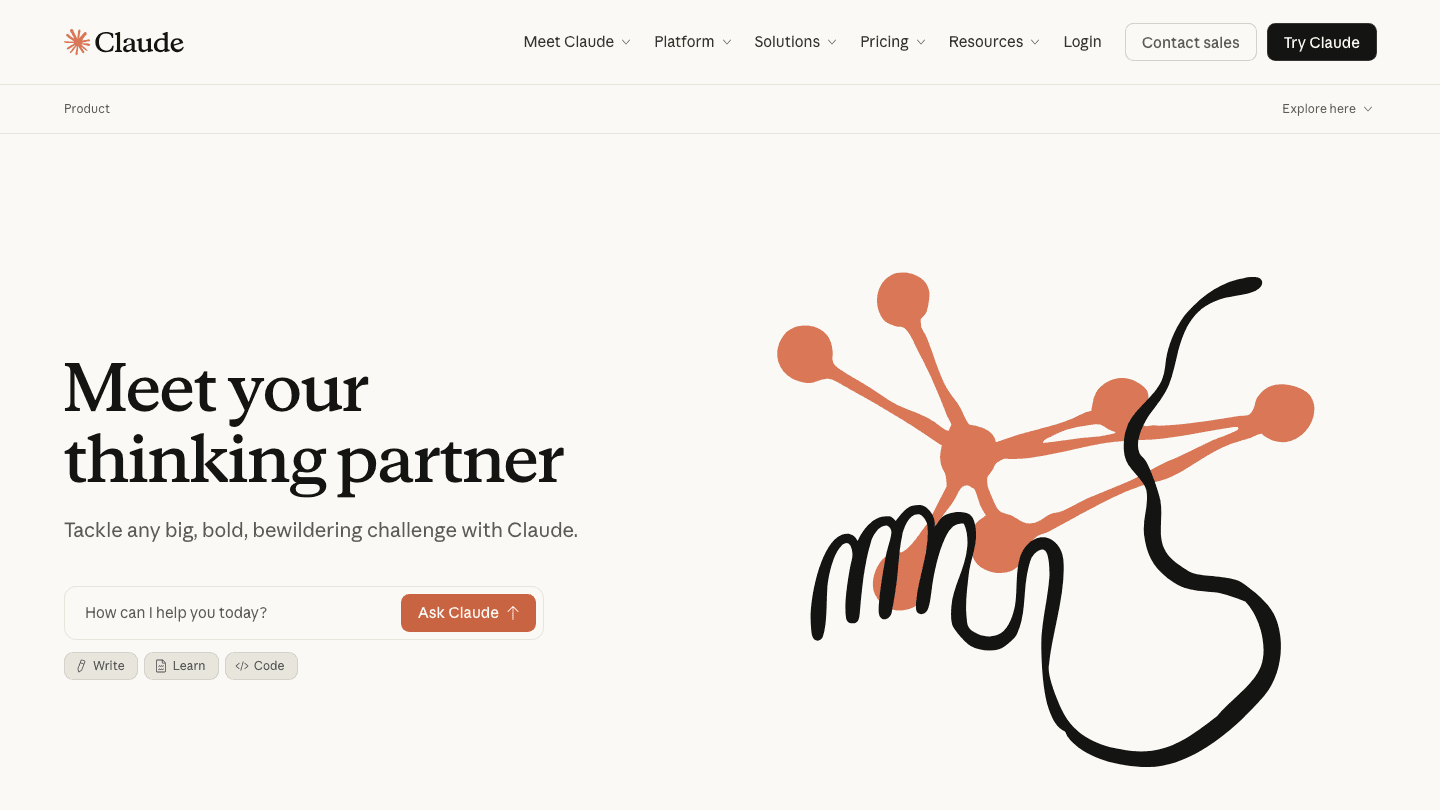
Claude by Anthropic is the AI assistant that handles long, complex tasks best. Paste a 50-page document and ask it to summarize the key risks. Ask it to rewrite a proposal in three different tones. Have it reason through a complicated decision and explain its thinking step by step. Claude does these well.
The Android app is clean and responsive. The free tier is useful but has message limits that you'll hit if you use it heavily. Pro unlocks the larger context window that makes the document analysis capabilities actually practical. For professional writing, research, and analysis work, Claude is one of the strongest AI assistants available on Android in 2026.
Excellent for long-form writing and document analysis
Strong reasoning on complex questions
Clean Android app with conversation history
Free tier available; Pro for heavy use
What Works
Long-context handling is genuinely better than most alternatives for document-heavy work
Writing quality is consistently high across different styles and tones
Limitations
Free tier message limits are hit quickly with heavy use
Less integrated with Android/Google apps than Gemini
No real-time web search without specific tools enabled
Pricing: Free; Claude Pro $20/month or $17/month billed annually.
Best for: Android users who need a capable AI assistant for writing, analysis, and complex reasoning.
3. Gemini: Best AI Assistant for Google Workspace Users
Google's AI, built into Gmail, Docs, and the Android ecosystem
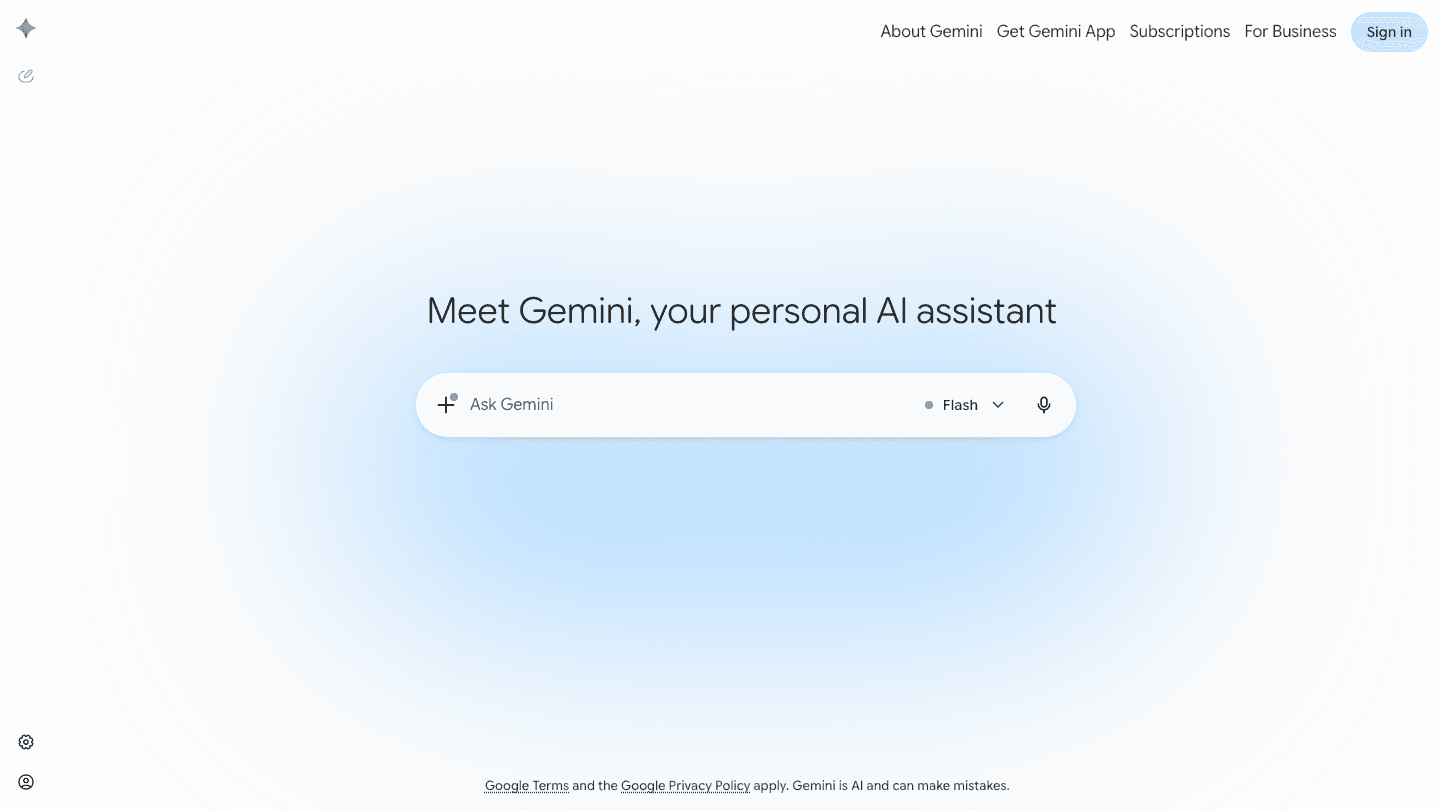
Gemini is the AI assistant that makes the most sense for Android users who are already inside the Google ecosystem. It pulls from your Gmail, integrates with Google Docs, answers questions about your Google Calendar events, and works as a voice assistant across Android. No other AI assistant on Android has this level of system integration.
The base Gemini app is free and covers most everyday use cases. Google AI Plus ($9.99/month) doubles your usage limits and adds access to the Flash Thinking model. Google AI Pro ($19.99/month) goes further: four times the usage, Deep Research, and access to Gemini's Pro model. For people who live in Google Docs, Gmail, and Google Drive, even the free tier removes most of the friction in day-to-day AI use.
Deep integration with Gmail, Google Docs, Drive, and Calendar
Works as a voice assistant across Android
Free base model; AI Plus and AI Pro for heavier use
Real-time web search built in
Available in Google app widgets and side panel
What Works
Google Workspace integration is unmatched by any other AI assistant
The voice interface on Android is among the most natural available
Limitations
Less capable than Claude for long-form writing and document analysis
Full AI features require a Google AI Plus or AI Pro subscription
Pricing: Free (Gemini app); Google AI Plus $9.99/month; Google AI Pro $19.99/month.
Best for: Android users in the Google ecosystem who want AI that connects to Gmail, Docs, and Calendar.
4. Otter.ai: Best AI App for Meeting Transcription
Automatic meeting notes and transcripts that sync across your team
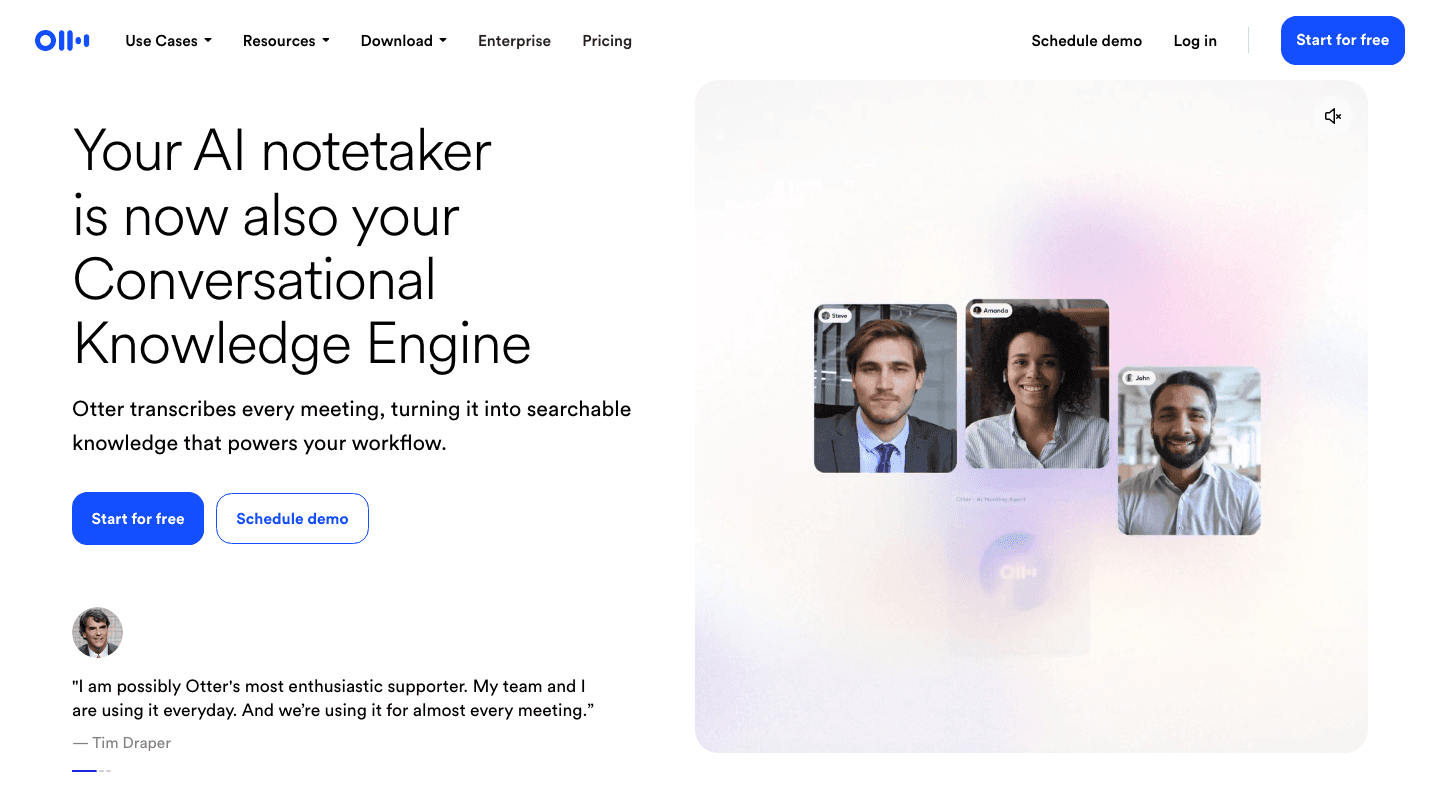
Otter.ai joins your Google Meet, Zoom, and Microsoft Teams meetings and transcribes them in real time. After the meeting, you get a full transcript, a summary, and action items extracted automatically. The Android app lets you start recordings manually for in-person conversations, and it syncs everything across devices.
For teams that take notes during meetings, or that need to share summaries with people who couldn't attend, Otter removes most of the manual work. The free tier includes 300 minutes of transcription per month, which is enough for occasional use. The Pro tier raises that to 1,200 minutes and adds more advanced collaboration features.
Real-time transcription in Zoom, Google Meet, and Teams
AI-generated meeting summaries and action items
300 free transcription minutes per month
Searchable transcripts across all past meetings
Record in-person conversations from the Android app
What Works
The real-time transcription accuracy is high enough to be useful immediately after the meeting
Automated action item extraction saves meaningful time for recurring meeting formats
Limitations
Free tier minutes run out quickly if you have a lot of meetings
Summaries are useful but not always perfect on technical topics
Pricing: Free (300 min/month); Pro $16.99/month or $8.33/month billed annually.
Best for: Android users who attend a lot of meetings and want automatic transcripts and summaries without manual note-taking. Pair with a reminder app to follow up on action items.
5. Motion: Best AI App for Automatic Task Scheduling
Builds your entire work schedule from your task list and deadlines
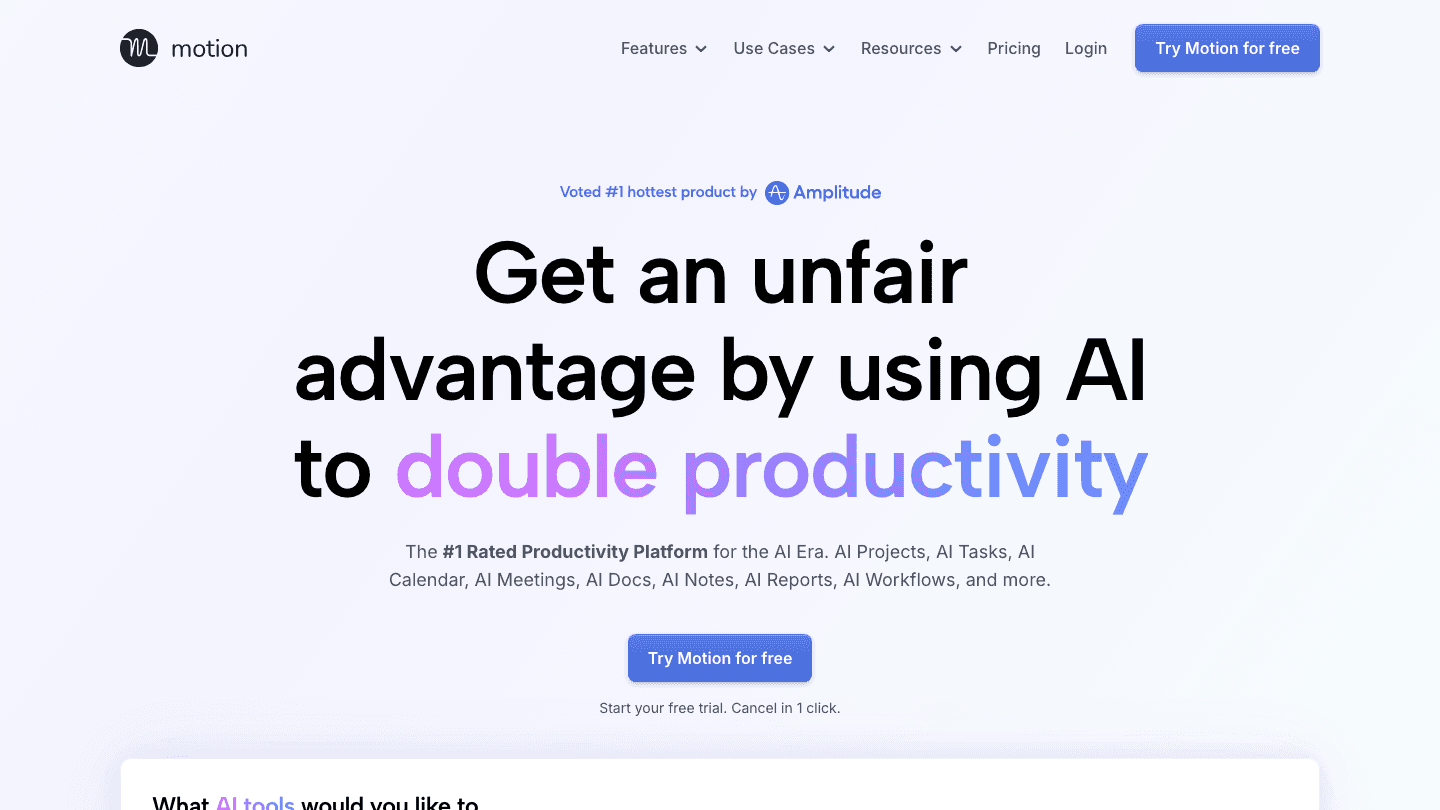
Motion is the AI task manager that takes your entire to-do list, your calendar, and your deadlines, and builds a complete daily schedule without you having to do any manual planning. Add a task, give it a deadline, and Motion places it in a time slot where it can realistically get done.
For Android users with heavy workloads and lots of shifting deadlines, Motion removes one of the most cognitively expensive parts of task management: deciding when to do everything. The Android app keeps the schedule available on your phone, and updates automatically as things shift throughout the day.
AI-generated schedule from your tasks, meetings, and deadlines
Automatic reprioritization when new urgent items appear
Meeting scheduler included
Android and iOS apps
What Works
The automatic schedule generation removes the daily planning overhead entirely
Deadline-aware reprioritization handles the "everything is urgent" situation better than manual planning
Limitations
No energy awareness; treats all time slots equally (Lifestack does this better)
Pricier than most alternatives
Pricing: $19/month; ~$12.73/month billed annually. Free trial available.
Best for: Android users with complex workloads and many shifting deadlines who want a fully automated daily schedule.
6. Grammarly: Best AI Writing Assistant for Android
AI writing help that works across every app on your Android phone
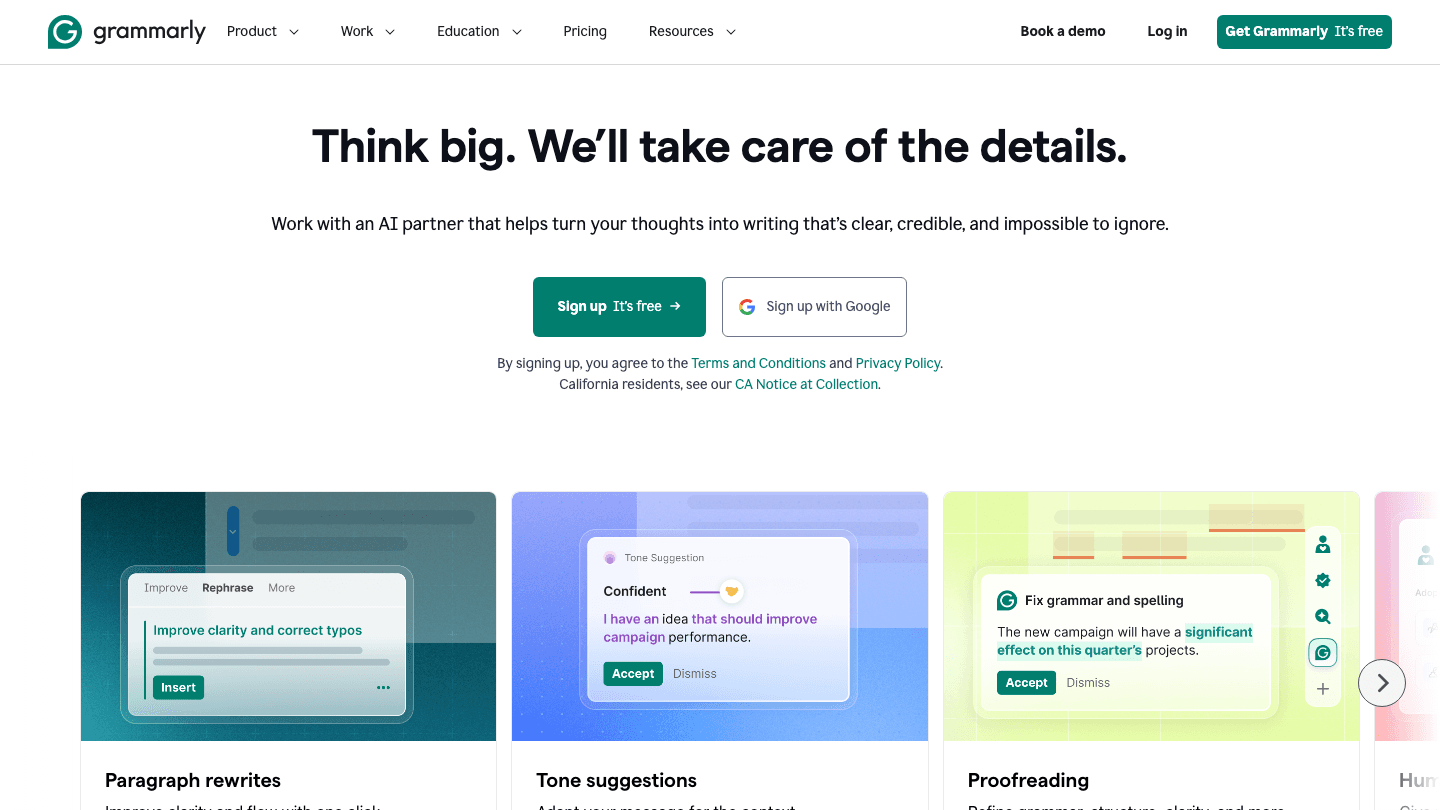
Grammarly installs as an Android keyboard and works across all your apps. It complements AI task managers well since it improves the quality of everything you write, from task descriptions to emails about deliverables. Gmail, Slack, WhatsApp, Google Docs, LinkedIn, and anywhere else you type. It catches grammar errors, suggests clearer phrasing, adjusts the tone of your writing, and rewrites sentences that don't land quite right.
The AI-powered features go well beyond spell check. The tone detector tells you if your email reads as too formal, too casual, or unintentionally aggressive. The rewrite suggestions often produce better sentences than the ones you drafted. For anyone who types a lot on their phone and wants their writing to be sharper without spending time editing, Grammarly's cross-app keyboard is one of the most practical AI tools available on Android.
Works as an Android keyboard across all apps
Grammar, clarity, and tone suggestions in real time
Full sentence and paragraph rewrites
Tone detection for emails and messages
Free tier covers basic corrections; Pro unlocks AI suggestions
What Works
Cross-app keyboard integration means writing help is available everywhere on Android, not just in one app
Tone suggestions are particularly useful for emails where the emotional register matters
Limitations
The most useful AI features (rewrites, tone adjustment, full suggestions) require Pro
Suggestions are not always right, especially for technical or informal writing
Pricing: Free; Pro $12/month.
Best for: Android users who write a lot across different apps and want AI writing assistance that follows them everywhere.
Which AI App Should You Add to Your Android?
Need daily scheduling around your energy: Lifestack
Need a general AI assistant for complex tasks: Claude
Already in Google Workspace: Gemini
Attend a lot of meetings: Otter.ai
Have a lot of shifting deadlines: Motion
Write a lot on your phone: Grammarly
Want the full AI productivity stack: Lifestack + Claude + Otter.ai covers scheduling, thinking, and meetings
Frequently Asked Questions
What is the best AI app for Android in 2026?
For daily planning and scheduling, Lifestack is the top pick on Android because of its energy-aware AI scheduling. For a general AI assistant, Claude handles complex writing and reasoning better than most alternatives. Gemini is the best pick if you use Google Workspace heavily.
What is the best AI assistant for Android?
For a general-purpose AI assistant on Android, Claude and Gemini are the two strongest options in 2026. Claude is better for long-form writing, document analysis, and complex reasoning tasks. Gemini is the better pick if you use Gmail, Google Docs, and Google Calendar and want an AI assistant that connects to those apps directly. For scheduling your day, Lifestack is the top AI app on Android for planning; it handles scheduling specifically, not general conversation.
Is Gemini or Claude better for Android?
They're good at different things. Gemini integrates with Google apps and works as a voice assistant across Android. Claude is better for long-form writing, document analysis, and complex reasoning that doesn't require Google app integration. Many users find value in having both.
Is there a free AI app for Android?
Yes. Lifestack has a free trial. Claude, Gemini, Otter.ai, and Grammarly all have free tiers with real functionality. Motion offers a free trial. Gemini's base model is free with no trial limit, which makes it the most accessible free AI app on this list.
What AI apps work best with Google Calendar on Android?
Gemini integrates directly with Google Calendar and can read and create events from the assistant interface. Lifestack syncs with Google Calendar and uses your calendar data to build your daily schedule. Motion also integrates with Google Calendar for its auto-scheduling. See more in our guide to AI planner apps.
How is Lifestack different from Motion?
Both use AI to schedule your day, but differently. Lifestack accounts for your energy levels throughout the day and places cognitively demanding tasks when your energy is highest. Motion focuses on deadline management and auto-schedules tasks based on when they need to be done. If you want a schedule optimized for your energy, Lifestack. If you want pure deadline-driven automation, Motion.
The best AI app for Android in 2026 depends on what you need it to do. For scheduling your day around your energy levels, Lifestack is the top pick. For writing, analysis, and complex reasoning, Claude is the strongest AI assistant. For Google Workspace integration, Gemini is the natural choice. Android users now have more AI software options than at any point before, with more variety in what those options actually do: some schedule your day, some help you write better, some transcribe meetings, some answer questions from the web. The best are worth paying for; the worst produce generic outputs that waste your time.
We tested six AI apps across real Android use cases: daily scheduling, writing assistance, meeting notes, and AI-powered search. Each one does something different. None of them overlap so much that you'd have to choose between them.
Pricing verified October 2026. Apps tested on Android; iOS versions also available for all six.
On iPhone? See our companion guide to the best AI apps for iOS.
Key Takeaways
Lifestack is the strongest AI app for daily planning on Android, with energy-aware scheduling that no other app on this list offers
Claude and Gemini are both excellent AI assistants, with different strengths: Claude for long-form reasoning, Gemini for Google integration
Otter.ai and Grammarly cover the communication side of AI: meeting transcription and AI-assisted writing respectively
Best AI Apps for Android: Full List
Lifestack: AI daily scheduler that builds your plan based on your energy levels
Claude: AI assistant for writing, analysis, and complex reasoning tasks
Gemini: Google's AI assistant, deeply integrated with Google Workspace
Otter.ai: AI meeting transcription and notes that sync across your team
Motion: AI task scheduler that auto-builds your calendar from your to-do list
Grammarly: AI writing assistant that works across all Android apps
How We Evaluated
Android app quality: real testing on Android, not just assuming parity with iOS
AI quality: does the AI actually help, or does it produce generic outputs?
Daily usefulness: apps you open once to try, then never again, don't count
Privacy and data handling: especially relevant for AI apps that see your data
Price-to-value ratio: the free tier has to actually work; paid tiers have to justify the cost
1. Lifestack: Best AI App for Daily Planning on Android
AI scheduling that accounts for when you actually have energy to do things
Most AI planner apps find open calendar slots and drop tasks into them. Lifestack does something different: it factors in your energy levels throughout the day. Deep focus tasks get scheduled when your brain is actually sharp. Lighter work, emails, and reviews land in the lower-energy windows you'd otherwise waste.
The Android app is solid: fast, clean, and syncs with Google Calendar. You add your tasks, tag them by cognitive load, and the AI generates a full daily plan. When the day gets disrupted (and it always does), the app reschedules automatically rather than leaving you with a broken plan to fix manually.
Energy-aware AI scheduling across the full day
Google Calendar sync
Auto-reschedules when tasks take longer or new events appear
Clean, fast Android app
A scheduling approach built for how energy actually works
What Works
The energy-tagging system genuinely changes which tasks get done well versus which get squeezed into bad slots
Reliable auto-rescheduling when the day shifts
Limitations
Takes a few days to calibrate to your patterns
Not a general AI assistant; focused specifically on scheduling
Pricing: $7/month or $50/year; $120 lifetime. 7-day free trial on annual plans.
Best for: Android users who want AI to handle daily scheduling based on when they actually have capacity for each task.
2. Claude: Best AI Assistant for Writing and Analysis
Deep reasoning, detailed writing help, and long-context document analysis
Claude by Anthropic is the AI assistant that handles long, complex tasks best. Paste a 50-page document and ask it to summarize the key risks. Ask it to rewrite a proposal in three different tones. Have it reason through a complicated decision and explain its thinking step by step. Claude does these well.
The Android app is clean and responsive. The free tier is useful but has message limits that you'll hit if you use it heavily. Pro unlocks the larger context window that makes the document analysis capabilities actually practical. For professional writing, research, and analysis work, Claude is one of the strongest AI assistants available on Android in 2026.
Excellent for long-form writing and document analysis
Strong reasoning on complex questions
Clean Android app with conversation history
Free tier available; Pro for heavy use
What Works
Long-context handling is genuinely better than most alternatives for document-heavy work
Writing quality is consistently high across different styles and tones
Limitations
Free tier message limits are hit quickly with heavy use
Less integrated with Android/Google apps than Gemini
No real-time web search without specific tools enabled
Pricing: Free; Claude Pro $20/month or $17/month billed annually.
Best for: Android users who need a capable AI assistant for writing, analysis, and complex reasoning.
3. Gemini: Best AI Assistant for Google Workspace Users
Google's AI, built into Gmail, Docs, and the Android ecosystem
Gemini is the AI assistant that makes the most sense for Android users who are already inside the Google ecosystem. It pulls from your Gmail, integrates with Google Docs, answers questions about your Google Calendar events, and works as a voice assistant across Android. No other AI assistant on Android has this level of system integration.
The base Gemini app is free and covers most everyday use cases. Google AI Plus ($9.99/month) doubles your usage limits and adds access to the Flash Thinking model. Google AI Pro ($19.99/month) goes further: four times the usage, Deep Research, and access to Gemini's Pro model. For people who live in Google Docs, Gmail, and Google Drive, even the free tier removes most of the friction in day-to-day AI use.
Deep integration with Gmail, Google Docs, Drive, and Calendar
Works as a voice assistant across Android
Free base model; AI Plus and AI Pro for heavier use
Real-time web search built in
Available in Google app widgets and side panel
What Works
Google Workspace integration is unmatched by any other AI assistant
The voice interface on Android is among the most natural available
Limitations
Less capable than Claude for long-form writing and document analysis
Full AI features require a Google AI Plus or AI Pro subscription
Pricing: Free (Gemini app); Google AI Plus $9.99/month; Google AI Pro $19.99/month.
Best for: Android users in the Google ecosystem who want AI that connects to Gmail, Docs, and Calendar.
4. Otter.ai: Best AI App for Meeting Transcription
Automatic meeting notes and transcripts that sync across your team
Otter.ai joins your Google Meet, Zoom, and Microsoft Teams meetings and transcribes them in real time. After the meeting, you get a full transcript, a summary, and action items extracted automatically. The Android app lets you start recordings manually for in-person conversations, and it syncs everything across devices.
For teams that take notes during meetings, or that need to share summaries with people who couldn't attend, Otter removes most of the manual work. The free tier includes 300 minutes of transcription per month, which is enough for occasional use. The Pro tier raises that to 1,200 minutes and adds more advanced collaboration features.
Real-time transcription in Zoom, Google Meet, and Teams
AI-generated meeting summaries and action items
300 free transcription minutes per month
Searchable transcripts across all past meetings
Record in-person conversations from the Android app
What Works
The real-time transcription accuracy is high enough to be useful immediately after the meeting
Automated action item extraction saves meaningful time for recurring meeting formats
Limitations
Free tier minutes run out quickly if you have a lot of meetings
Summaries are useful but not always perfect on technical topics
Pricing: Free (300 min/month); Pro $16.99/month or $8.33/month billed annually.
Best for: Android users who attend a lot of meetings and want automatic transcripts and summaries without manual note-taking. Pair with a reminder app to follow up on action items.
5. Motion: Best AI App for Automatic Task Scheduling
Builds your entire work schedule from your task list and deadlines
Motion is the AI task manager that takes your entire to-do list, your calendar, and your deadlines, and builds a complete daily schedule without you having to do any manual planning. Add a task, give it a deadline, and Motion places it in a time slot where it can realistically get done.
For Android users with heavy workloads and lots of shifting deadlines, Motion removes one of the most cognitively expensive parts of task management: deciding when to do everything. The Android app keeps the schedule available on your phone, and updates automatically as things shift throughout the day.
AI-generated schedule from your tasks, meetings, and deadlines
Automatic reprioritization when new urgent items appear
Meeting scheduler included
Android and iOS apps
What Works
The automatic schedule generation removes the daily planning overhead entirely
Deadline-aware reprioritization handles the "everything is urgent" situation better than manual planning
Limitations
No energy awareness; treats all time slots equally (Lifestack does this better)
Pricier than most alternatives
Pricing: $19/month; ~$12.73/month billed annually. Free trial available.
Best for: Android users with complex workloads and many shifting deadlines who want a fully automated daily schedule.
6. Grammarly: Best AI Writing Assistant for Android
AI writing help that works across every app on your Android phone
Grammarly installs as an Android keyboard and works across all your apps. It complements AI task managers well since it improves the quality of everything you write, from task descriptions to emails about deliverables. Gmail, Slack, WhatsApp, Google Docs, LinkedIn, and anywhere else you type. It catches grammar errors, suggests clearer phrasing, adjusts the tone of your writing, and rewrites sentences that don't land quite right.
The AI-powered features go well beyond spell check. The tone detector tells you if your email reads as too formal, too casual, or unintentionally aggressive. The rewrite suggestions often produce better sentences than the ones you drafted. For anyone who types a lot on their phone and wants their writing to be sharper without spending time editing, Grammarly's cross-app keyboard is one of the most practical AI tools available on Android.
Works as an Android keyboard across all apps
Grammar, clarity, and tone suggestions in real time
Full sentence and paragraph rewrites
Tone detection for emails and messages
Free tier covers basic corrections; Pro unlocks AI suggestions
What Works
Cross-app keyboard integration means writing help is available everywhere on Android, not just in one app
Tone suggestions are particularly useful for emails where the emotional register matters
Limitations
The most useful AI features (rewrites, tone adjustment, full suggestions) require Pro
Suggestions are not always right, especially for technical or informal writing
Pricing: Free; Pro $12/month.
Best for: Android users who write a lot across different apps and want AI writing assistance that follows them everywhere.
Which AI App Should You Add to Your Android?
Need daily scheduling around your energy: Lifestack
Need a general AI assistant for complex tasks: Claude
Already in Google Workspace: Gemini
Attend a lot of meetings: Otter.ai
Have a lot of shifting deadlines: Motion
Write a lot on your phone: Grammarly
Want the full AI productivity stack: Lifestack + Claude + Otter.ai covers scheduling, thinking, and meetings
Frequently Asked Questions
What is the best AI app for Android in 2026?
For daily planning and scheduling, Lifestack is the top pick on Android because of its energy-aware AI scheduling. For a general AI assistant, Claude handles complex writing and reasoning better than most alternatives. Gemini is the best pick if you use Google Workspace heavily.
What is the best AI assistant for Android?
For a general-purpose AI assistant on Android, Claude and Gemini are the two strongest options in 2026. Claude is better for long-form writing, document analysis, and complex reasoning tasks. Gemini is the better pick if you use Gmail, Google Docs, and Google Calendar and want an AI assistant that connects to those apps directly. For scheduling your day, Lifestack is the top AI app on Android for planning; it handles scheduling specifically, not general conversation.
Is Gemini or Claude better for Android?
They're good at different things. Gemini integrates with Google apps and works as a voice assistant across Android. Claude is better for long-form writing, document analysis, and complex reasoning that doesn't require Google app integration. Many users find value in having both.
Is there a free AI app for Android?
Yes. Lifestack has a free trial. Claude, Gemini, Otter.ai, and Grammarly all have free tiers with real functionality. Motion offers a free trial. Gemini's base model is free with no trial limit, which makes it the most accessible free AI app on this list.
What AI apps work best with Google Calendar on Android?
Gemini integrates directly with Google Calendar and can read and create events from the assistant interface. Lifestack syncs with Google Calendar and uses your calendar data to build your daily schedule. Motion also integrates with Google Calendar for its auto-scheduling. See more in our guide to AI planner apps.
How is Lifestack different from Motion?
Both use AI to schedule your day, but differently. Lifestack accounts for your energy levels throughout the day and places cognitively demanding tasks when your energy is highest. Motion focuses on deadline management and auto-schedules tasks based on when they need to be done. If you want a schedule optimized for your energy, Lifestack. If you want pure deadline-driven automation, Motion.



FOLLOW ON
FOLLOW ON
FOLLOW ON


Copyright 2026 © Lifestack. All rights reserved
Copyright 2026 © Lifestack. All rights reserved

