
App
Best Conversational AI Assistants in 2026
Best Conversational AI Assistants in 2026
Most conversational AI assistants launched promising they'd change how you work. A few actually delivered. We spent time with seven of the most-talked-about tools in 2026 — typing questions, giving them our calendars, dumping half-finished thoughts at them at 11pm — to see which ones are genuinely useful and which ones are just impressive in demos.
The definition of a conversational AI assistant has quietly split into two camps: chat-first tools that answer questions and draft text, and action-oriented assistants that reach into your calendar, tasks, and apps to actually do things on your behalf. Both camps have their place, but they solve very different problems.
We evaluated seven tools across both categories: Lifestack, ChatGPT, Claude, Gemini, Perplexity, Microsoft Copilot, and Pi. Here's what we found.
Key Takeaways
Lifestack is the only conversational AI assistant that acts on your energy levels — it builds your schedule around when you actually think clearly, not just when tasks are due.
ChatGPT and Claude lead for general-purpose reasoning and writing; Perplexity wins for research with live sources; Pi stands alone for emotional support conversations.
Most tools start free, with meaningful paid tiers at $20/month — but Lifestack's $50/year plan delivers more real-world impact for productivity-focused users than any $20/month chat app.
Quick Guide: All 7 Conversational AI Assistants
Lifestack — the AI scheduling assistant that builds your day around your energy, not just your to-do list
ChatGPT — the most capable general-purpose AI for writing, coding, and complex reasoning
Claude — Anthropic's thoughtful, long-context conversational AI for nuanced writing and analysis
Gemini — Google's multimodal AI assistant, best when you're already inside the Google ecosystem
Perplexity — a research-first AI that answers with cited, real-time sources instead of guessing
Microsoft Copilot — the AI assistant embedded in Microsoft 365, best for Office power users
Pi — the emotionally intelligent AI companion for thinking out loud, not getting tasks done
How We Evaluated These Conversational AI Assistants
Conversation quality: Does it actually understand context across a long conversation, or does it drift?
Action capability: Can it do things — schedule events, set tasks, access real-time info — or only talk about them?
Personalization: Does it adapt to how you work, your energy, your schedule, your communication style?
Daily usefulness: Would you still be reaching for it a month in, or would the novelty wear off?
Integration depth: Does it plug into the tools you already use (calendar, tasks, email)?
Pricing fairness: Does the free tier give you enough to evaluate it, and does the paid tier justify the cost?
1. Lifestack — Best Conversational AI Assistant for Scheduling Around Your Energy
The AI that asks how you feel before it builds your day.
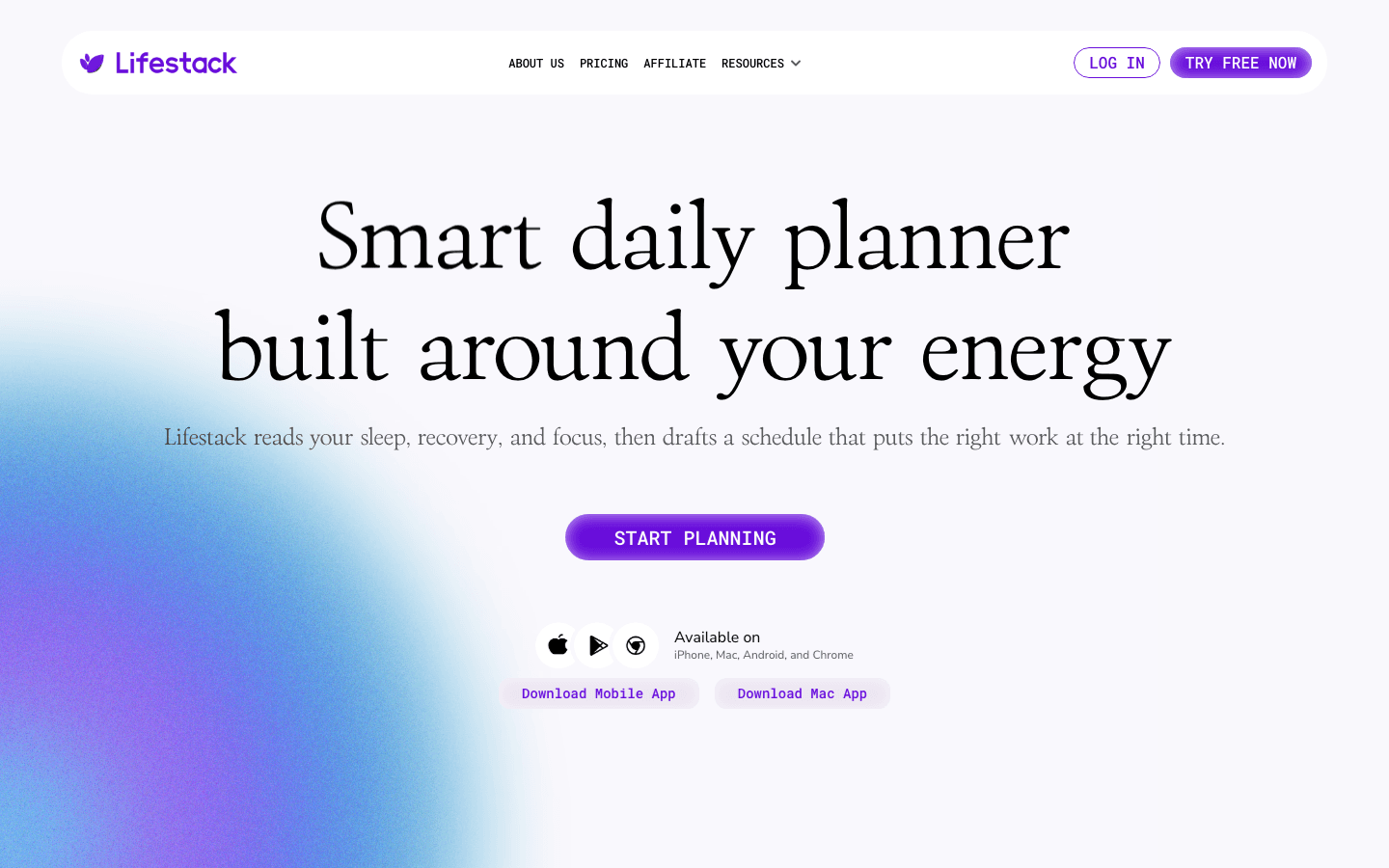
Every other app on this list treats your calendar like a grid of empty slots to fill. Lifestack treats it like a biological system. When you tell Lifestack you have six tasks to do today, it doesn't just time-block them in order — it reads your sleep data from your wearable, checks when you typically hit your cognitive peak, and slots deep work into the windows where you actually think clearly.
That makes Lifestack a fundamentally different kind of AI-powered personal assistant. The conversation interface is direct: you describe what you need to get done, how you're feeling, and any hard constraints. Lifestack responds with a proposed schedule that you can push back on in plain language ("move the writing earlier, I'm sluggish after lunch") and it adjusts without losing the logic of the overall plan. For people who've tried time-blocking and found it brittle, this approach clicks in a way that rigid planners never did. It's particularly effective for anyone managing ADHD and task management challenges, where energy awareness is the difference between a usable plan and a fantasy list.
Key Features: Energy-aware daily scheduling, wearable integrations (Oura, WHOOP, Apple Watch), natural language task management, Chrome extension, iOS and Android apps
What Works: The energy-first scheduling model is genuinely different; natural language rescheduling feels fluid; wearable data integration is deeper than any other planner we tested
Limitations: Not a general-purpose chat tool — it won't write your emails or debug code; best results come when you use it daily and let it learn your patterns
Pricing: $7/month, $50/year (7-day free trial on annual), or $120 lifetime. No free tier, but the annual plan costs less than three months of most competing paid plans.
Best for: Professionals who want their AI assistant to actually optimize their day, not just answer questions about it. If you've been looking for a smarter AI planner app, this is the one to start with.
2. ChatGPT — Best General-Purpose Conversational AI
The Swiss Army knife of AI conversation — extraordinarily capable, extraordinarily general.
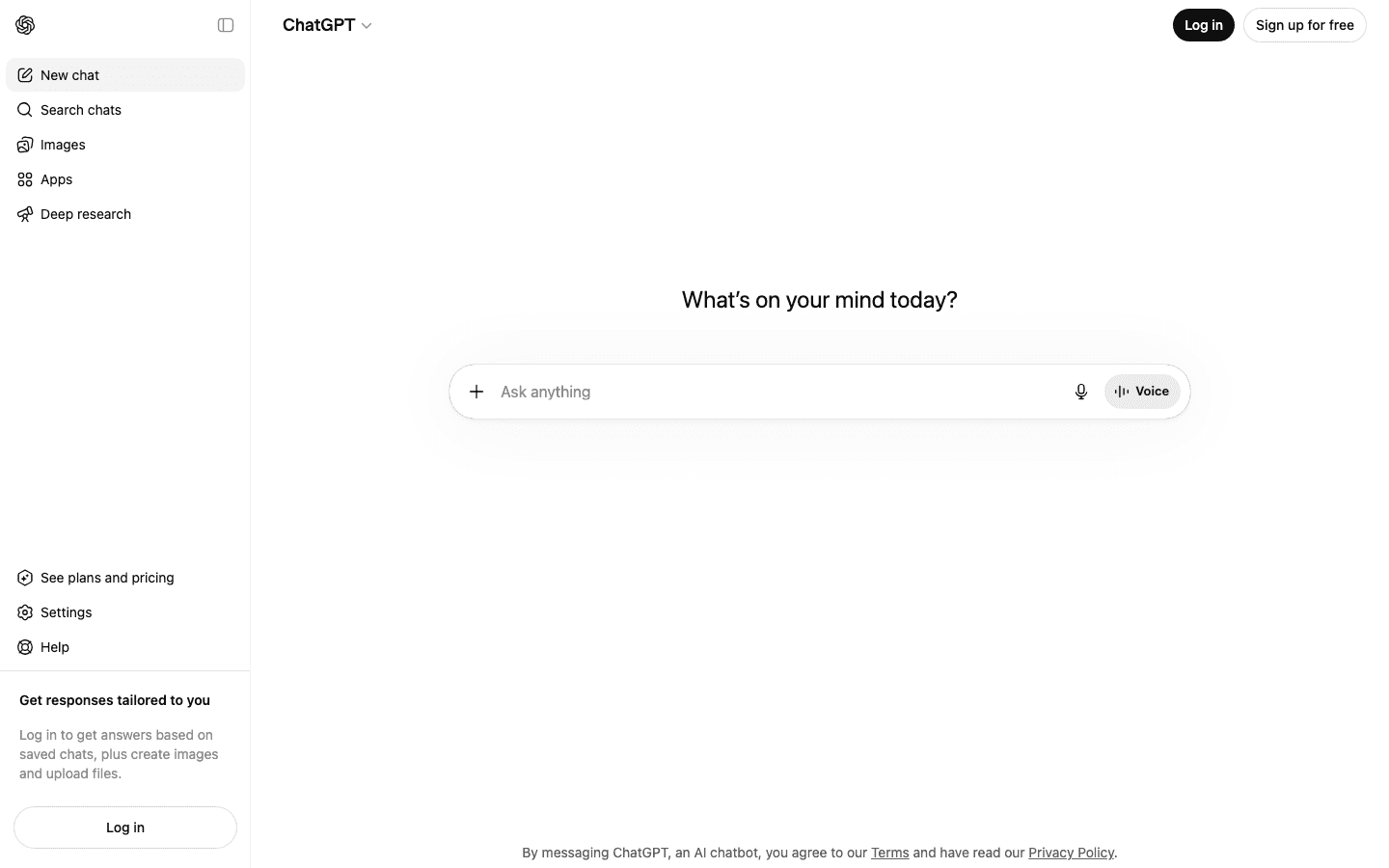
ChatGPT remains the benchmark everyone measures against. GPT-5.5 (available on Plus and above as of April 2026) handles multi-step reasoning, long documents, code, images, and real-time voice with fewer rough edges than any previous version. The "apps inside ChatGPT" ecosystem — where you can book travel, build slideshows, and create playlists without leaving the chat — has matured enough to feel genuinely integrated rather than bolted on.
What it doesn't do is know you. ChatGPT has memory features, but they feel more like sticky notes than genuine understanding. It won't notice you seem tired today, won't flag that you've been overscheduling your afternoons, won't push back on a plan that ignores your energy patterns. As a conversational AI assistant for getting things done on your own terms, it's unmatched. As an assistant that proactively optimizes your life, it requires a lot of steering.
Key Features: GPT-5.5 model, real-time voice, image generation (DALL-E), deep research mode, Canvas for collaborative writing, "apps" ecosystem
What Works: Handles the widest range of tasks; reasoning quality is excellent; huge ecosystem of integrations and third-party plugins
Limitations: No energy awareness or proactive scheduling; memory is surface-level; free tier now includes ads; Pro tier ($100/month) is expensive relative to what most individuals need
Pricing: Free (with ads), Go $8/month, Plus $20/month, Pro $100/month.
Best for: Writers, developers, researchers, and anyone who needs a highly capable general assistant without domain constraints. One of the best AI apps for iOS if you're iPhone-first.
3. Claude — Best Conversational AI for Long-Form Thinking
Anthropic built an assistant that reasons before it answers — and it shows.
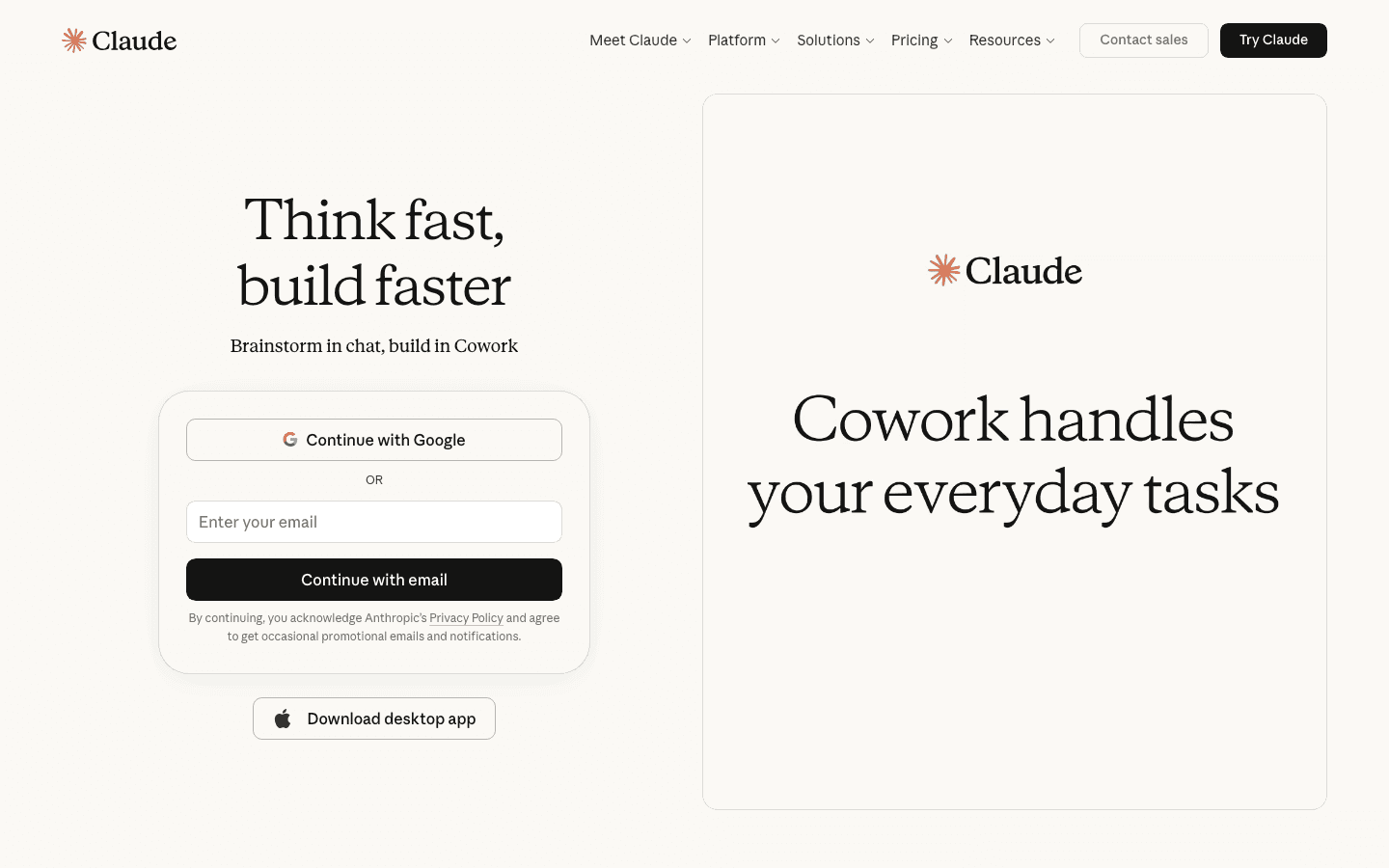
Claude's defining trait is that it seems to actually think about what you said before responding. It pushes back on weak premises, asks clarifying questions when a task is ambiguous, and produces writing that's noticeably less formulaic than what you get from most AI assistants. For strategy work, editing, analysis, and nuanced writing tasks — the kind where you want a thoughtful collaborator, not a fast generator — Claude is the best conversational AI on this list.
It's less suited to agentic tasks. Claude is built for the conversation itself, not for reaching into your calendar or managing tasks in other apps. If you want an AI that will read your documents and help you think through them, Claude is exceptional. If you want one that will schedule your Thursday, you'll need to pair it with something else — like Lifestack, which handles the execution that Claude lacks.
Key Features: Extended thinking mode (shows reasoning), very long context window, Projects for organized multi-doc work, Google Workspace integration on Pro
What Works: Best writing quality on this list; honest when it doesn't know something; handles very long documents without losing thread
Limitations: No calendar or task integrations; no energy awareness; Max plan ($100–$200/month) needed for heavy usage
Pricing: Free, Pro $20/month, Max from $100/month.
Best for: Knowledge workers who spend most of their day reading, writing, and analyzing — and want an AI that matches that depth.
4. Gemini — Best Conversational AI for Google Ecosystem Users
Google's answer to the AI assistant question — seamless if you live in Workspace, limited if you don't.
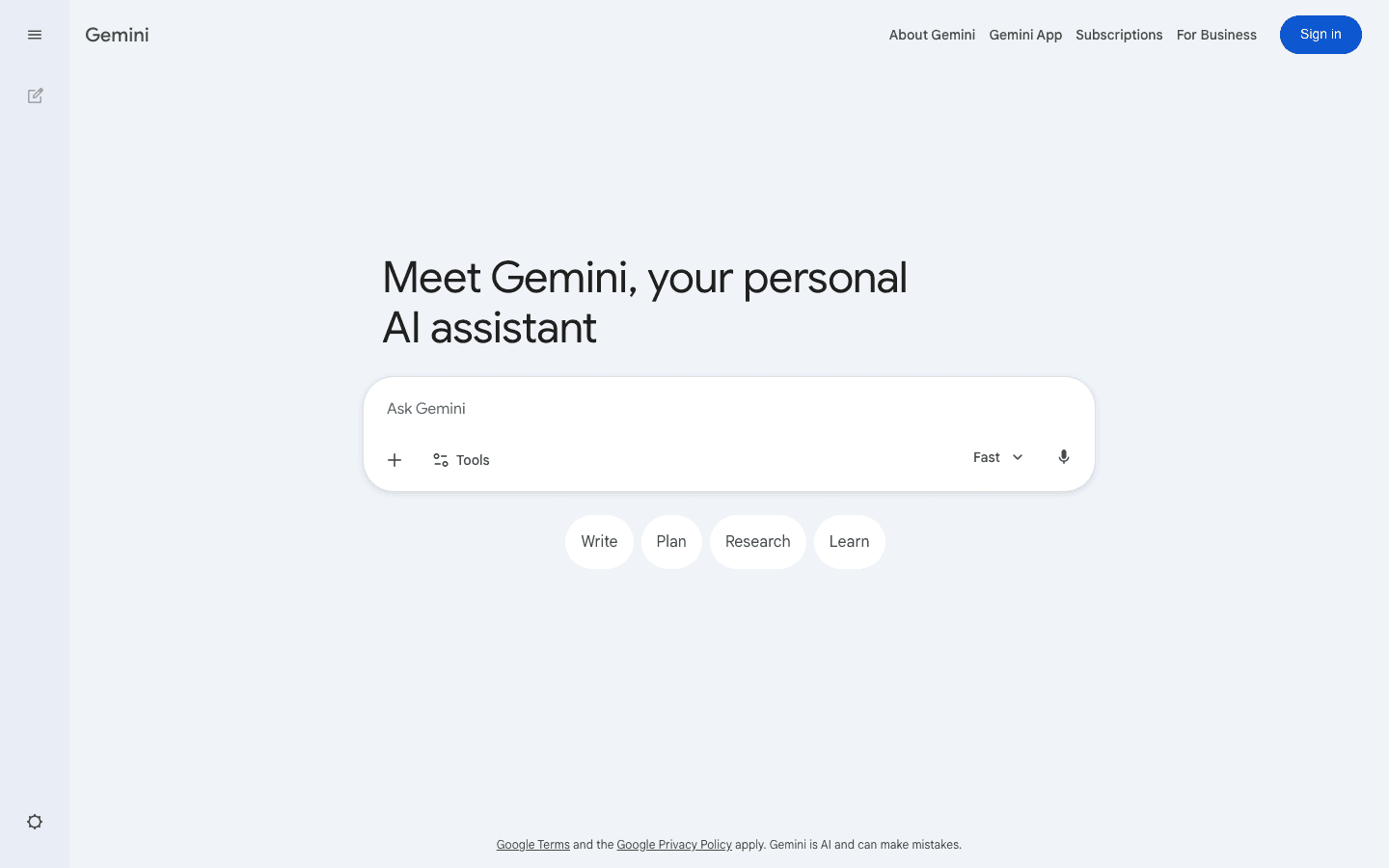
Gemini 3.1 Pro is a genuinely strong model — multimodal, fast, and deeply integrated with Google Search's real-time knowledge. Where Gemini wins decisively over other assistants is in Google Workspace: it can draft emails in Gmail, summarize docs in Drive, and set reminders in Calendar through the same conversation window. If your work life runs on Google tools, Gemini is the lowest-friction AI assistant to add.
Outside of the Google ecosystem, it's harder to justify Gemini over ChatGPT or Claude. It doesn't have energy-aware scheduling (something that Lifestack handles better than any chat assistant), it doesn't push back on bad plans, and the paid tiers are priced identically to competitors with arguably stronger reasoning. It's a solid B+ in most categories, an A+ inside Google Workspace.
Key Features: Gemini 3.1 Pro, native Google Workspace integration, multimodal (text, image, video, audio), real-time web access, iOS and Android apps
What Works: Best for users already inside Google's orbit; genuinely useful in Gmail and Docs; free tier is functional without being hobbled
Limitations: No energy-aware planning; weaker outside Google apps; reasoning feels slightly less nuanced than Claude on complex writing tasks
Pricing: Free, Google AI Pro $19.99/month.
Best for: Google Workspace power users who want AI embedded in their existing tools rather than a separate app.
5. Perplexity — Best Conversational AI for Research
Ask it anything — and it shows its work.
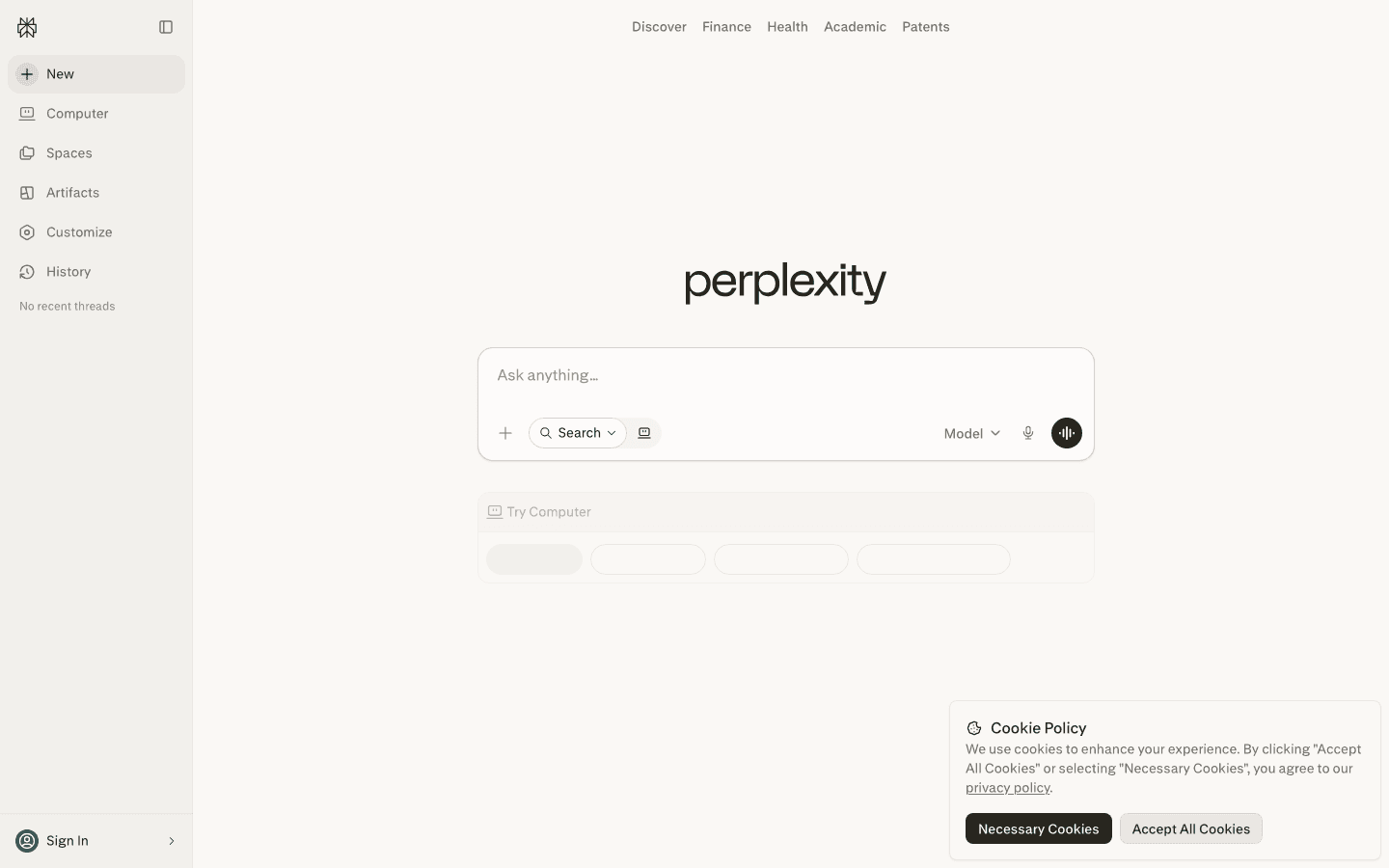
Perplexity sits in an interesting position: it's technically a conversational AI, but its superpower is that it cites its sources in real time. Ask it about the latest research on sleep and cognitive performance, and it returns a synthesized answer with direct links to the papers and news it drew from. That transparency makes it far more useful for research tasks than ChatGPT or Claude when accuracy matters more than creative interpretation.
It's not trying to manage your life or schedule your week. Perplexity is at its best when you have a specific question, a decision to research, or a topic you need to get up to speed on fast. For users who struggle with information overload, the cited-answer format is genuinely helpful — you can see exactly where an answer came from and decide whether to trust it.
Key Features: Real-time web search with citations, Spaces for organized research, multiple model options (Pro), voice input, iOS and Android apps
What Works: Cited answers are a real differentiator; great for fast research; handles ambiguous questions by surfacing multiple perspectives
Limitations: Not a scheduling or task tool; no energy awareness; works best for knowledge retrieval, not ongoing conversation or planning
Pricing: Free, Pro $20/month or $200/year.
Best for: Researchers, students, and anyone who treats their AI as a knowledge tool rather than a task manager.
6. Microsoft Copilot — Best Conversational AI for Microsoft 365 Users
AI embedded in Word, Excel, and Outlook — if you live in Microsoft's world, it's a natural fit.
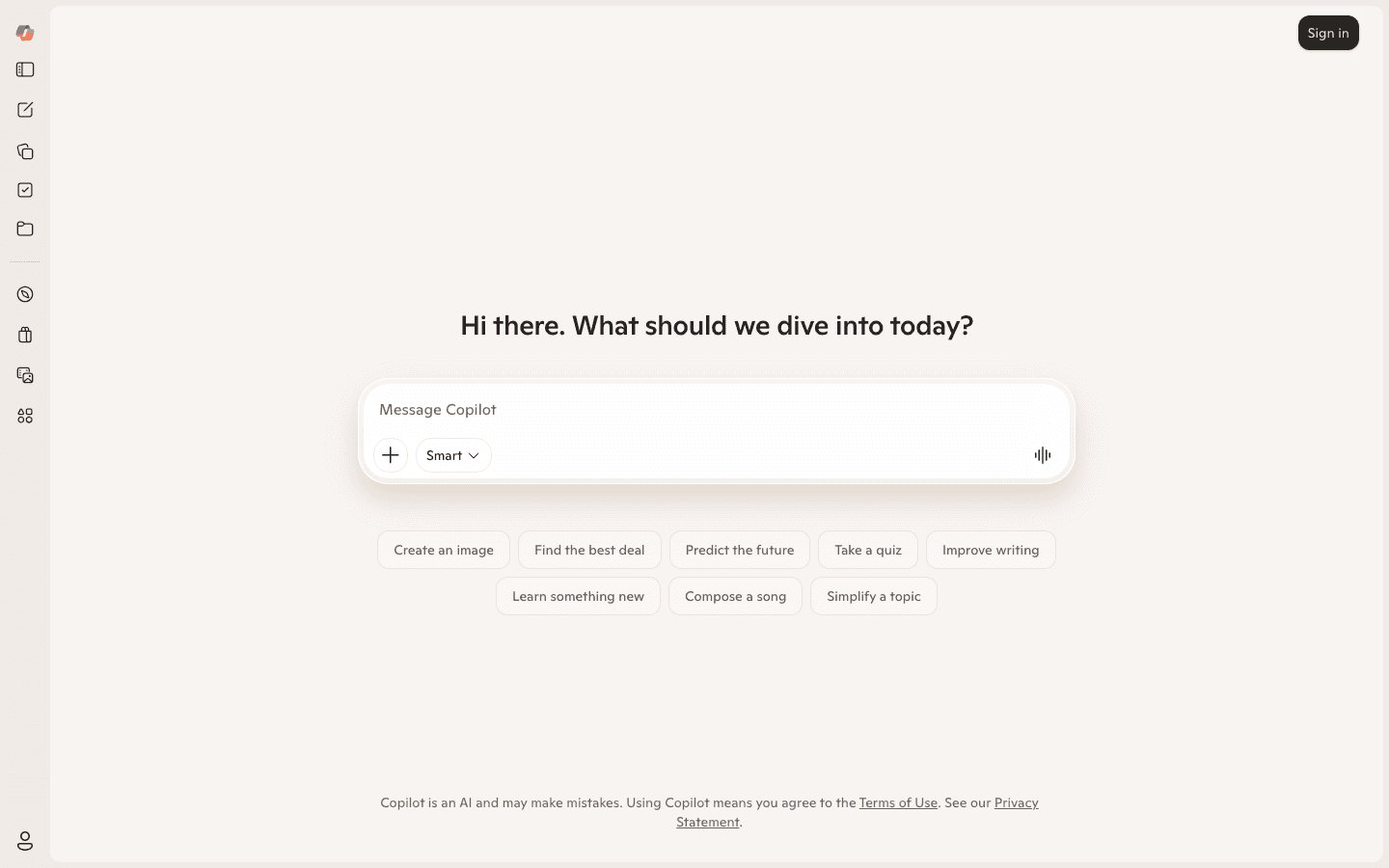
Microsoft Copilot takes a similar approach to Gemini: the value multiplies when you're already inside the platform. In Microsoft 365, Copilot drafts emails in Outlook, summarizes meetings in Teams, builds formulas in Excel, and generates slide structures in PowerPoint — all through natural conversation. It's by far the most deeply embedded AI assistant for enterprise Office users.
On the standalone copilot.microsoft.com interface, it's more of a general-purpose AI chat with GPT-based reasoning and Bing-powered real-time search. Useful, but not especially differentiated from the other tools on this list at the free tier. The real argument for Copilot Pro ($20/month) is Office integration — if you don't use Microsoft 365 daily, you're paying for something you won't fully use.
Key Features: Microsoft 365 integration (Outlook, Excel, Word, Teams, PowerPoint), real-time Bing search, image generation, web and mobile access
What Works: Best-in-class for Microsoft 365 power users; Bing integration keeps it current; free tier has no ads unlike ChatGPT Free
Limitations: No energy-aware planning; limited value outside the Microsoft ecosystem; paid plan is only worth it if you're an active Microsoft 365 subscriber
Pricing: Free, Copilot Pro $20/month.
Best for: Professionals who run their work life through Microsoft 365 and want AI woven into the tools they already use every day.
7. Pi — Best Conversational AI for Emotional Support
Inflection built an AI that listens — really listens — and it's unlike anything else on this list.
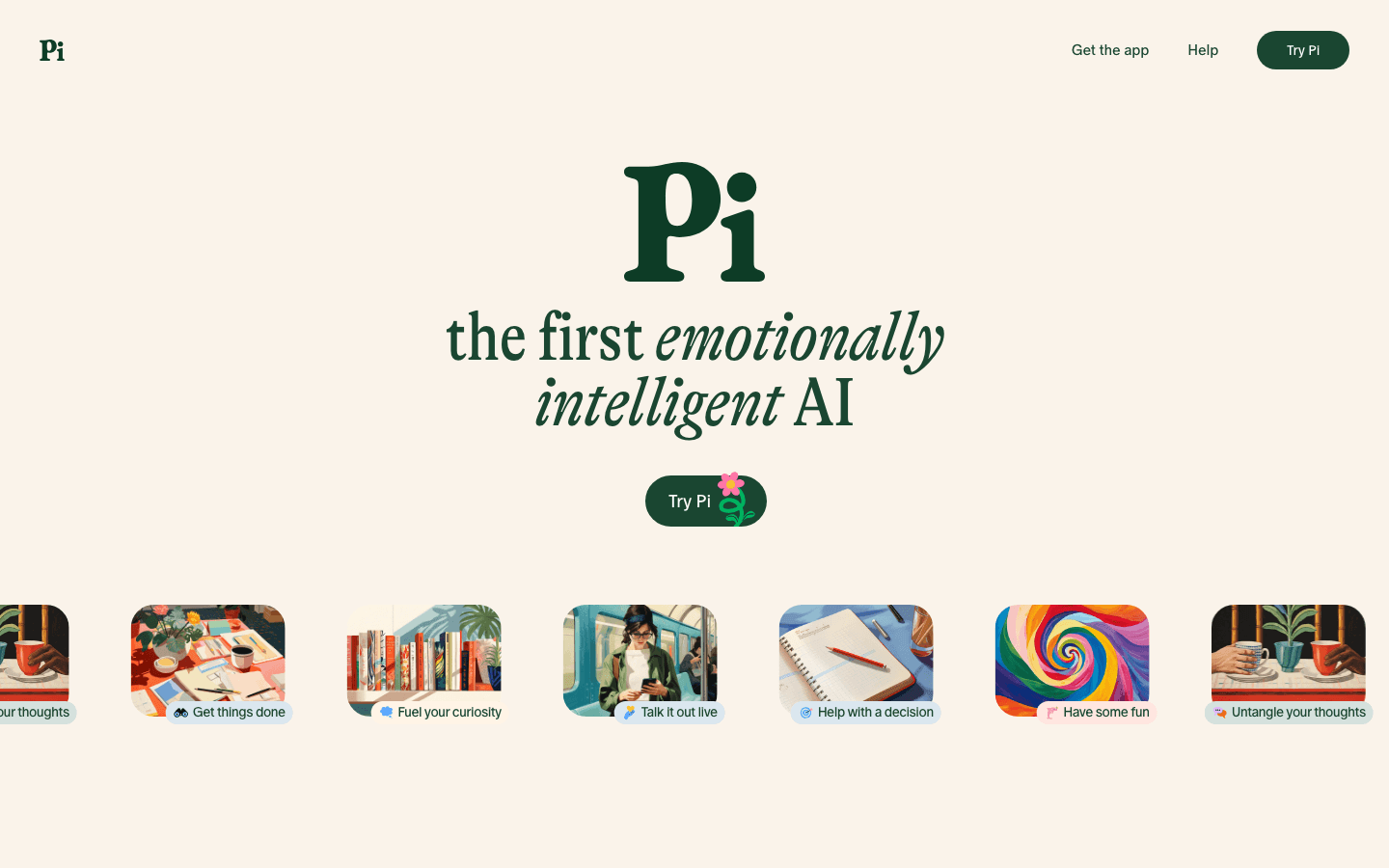
Pi is the outlier here. It's not trying to write your emails, schedule your week, or search the web for you. Pi's entire design is built around conversation as its own end: thinking out loud, working through a decision, processing a hard day, exploring an idea without judgment. The tone is warm, patient, and genuinely curious — it asks follow-up questions that actually make sense given what you said, rather than generic prompts.
That makes it either essential or irrelevant depending on what you want from a conversational AI. If you're looking for a productivity tool, look elsewhere. If you've ever wished you had a thoughtful friend available at midnight who wanted to hear about your career anxiety or your creative block, Pi is surprisingly good at that. It's also entirely free, which makes it easy to try without commitment.
Key Features: Emotionally intelligent conversation, 8 voice options, real-time web search, cross-platform (web, iOS, Android), completely free
What Works: Uniquely warm conversation style; great for reflective thinking and decision-making; voice conversation is among the most natural we tested
Limitations: Not a productivity or scheduling tool; no task management or calendar integration; no energy awareness; won't help you get more done, only think more clearly
Pricing: Free.
Best for: Anyone who wants an AI companion for thinking, not doing — ideal for journaling-adjacent reflection, decision support, or just someone to talk things through with.
Which Conversational AI Assistant Is Right for You?
You want your AI to actually plan your day: Lifestack — it's the only one that builds your schedule around your energy and then executes it. See our energy-based planning guide for why this approach outperforms time-blocking.
You need a general powerhouse for writing, coding, and research: ChatGPT Plus ($20/month) — best breadth of capability.
You do a lot of nuanced writing and analysis: Claude — the reasoning quality and writing tone are consistently the best on this list.
You live in Google Workspace: Gemini — the integration depth inside Docs, Gmail, and Calendar is hard to replicate.
You need answers with sources: Perplexity — citations make it the most trustworthy for research tasks.
You run everything through Microsoft 365: Copilot — the Office integration is worth the $20/month if you're already subscribed.
You want something to think out loud with: Pi — free, warm, and genuinely good at being present in conversation.
FAQ
What is a conversational AI assistant?
A conversational AI assistant is a software tool that understands natural language and responds in kind — either through text or voice. Modern conversational AI assistants range from general-purpose chatbots (ChatGPT, Claude) to specialized tools that integrate with your calendar, tasks, or work apps to take action on your behalf. The best ones, like Lifestack, combine natural conversation with real scheduling intelligence.
How is a conversational AI assistant different from a regular chatbot?
Traditional chatbots follow scripts — they answer a predefined set of questions from a decision tree. Conversational AI assistants use large language models to understand context, maintain thread across a long conversation, handle ambiguous questions, and adapt their responses based on what you've said before. They feel less like a FAQ page and more like talking to a knowledgeable person.
Can a conversational AI assistant manage my schedule?
Most conversational AI assistants can discuss your schedule, but only a few can actually manage it. Lifestack is the standout here — it connects to your calendar, reads your wearable data, and builds a real daily plan based on your energy levels. General-purpose tools like ChatGPT or Claude can help you think through scheduling decisions but won't automatically move events or flag conflicts in real time.
Which conversational AI assistant is best for ADHD?
Lifestack is our top pick for ADHD. Its energy-aware scheduling adapts to fluctuating focus levels, and the natural language interface means you can update your plan without fighting with a rigid structure. If you want a broader breakdown, our guide to the best AI assistants for ADHD covers more options.
Are conversational AI assistants safe to use for personal information?
This varies by tool. Claude is built with Constitutional AI safety practices by Anthropic. ChatGPT, Gemini, and Copilot all offer enterprise-grade privacy options for business accounts. Lifestack's wearable and calendar data stays within the app and isn't used to train models. Pi does not sell or share conversation data. For sensitive work, check each app's privacy policy and opt out of data training programs where available.
Is there a free conversational AI assistant worth using?
Yes. Pi is entirely free and excellent for reflective conversation. ChatGPT Free is capable for general tasks (though it now includes ads). Gemini Free handles Google Workspace queries well. For productivity and scheduling, Lifestack's annual plan ($50/year with a 7-day trial) is the best value — it's less per month than one coffee and delivers more practical impact than any free-tier chat tool.
Most conversational AI assistants launched promising they'd change how you work. A few actually delivered. We spent time with seven of the most-talked-about tools in 2026 — typing questions, giving them our calendars, dumping half-finished thoughts at them at 11pm — to see which ones are genuinely useful and which ones are just impressive in demos.
The definition of a conversational AI assistant has quietly split into two camps: chat-first tools that answer questions and draft text, and action-oriented assistants that reach into your calendar, tasks, and apps to actually do things on your behalf. Both camps have their place, but they solve very different problems.
We evaluated seven tools across both categories: Lifestack, ChatGPT, Claude, Gemini, Perplexity, Microsoft Copilot, and Pi. Here's what we found.
Key Takeaways
Lifestack is the only conversational AI assistant that acts on your energy levels — it builds your schedule around when you actually think clearly, not just when tasks are due.
ChatGPT and Claude lead for general-purpose reasoning and writing; Perplexity wins for research with live sources; Pi stands alone for emotional support conversations.
Most tools start free, with meaningful paid tiers at $20/month — but Lifestack's $50/year plan delivers more real-world impact for productivity-focused users than any $20/month chat app.
Quick Guide: All 7 Conversational AI Assistants
Lifestack — the AI scheduling assistant that builds your day around your energy, not just your to-do list
ChatGPT — the most capable general-purpose AI for writing, coding, and complex reasoning
Claude — Anthropic's thoughtful, long-context conversational AI for nuanced writing and analysis
Gemini — Google's multimodal AI assistant, best when you're already inside the Google ecosystem
Perplexity — a research-first AI that answers with cited, real-time sources instead of guessing
Microsoft Copilot — the AI assistant embedded in Microsoft 365, best for Office power users
Pi — the emotionally intelligent AI companion for thinking out loud, not getting tasks done
How We Evaluated These Conversational AI Assistants
Conversation quality: Does it actually understand context across a long conversation, or does it drift?
Action capability: Can it do things — schedule events, set tasks, access real-time info — or only talk about them?
Personalization: Does it adapt to how you work, your energy, your schedule, your communication style?
Daily usefulness: Would you still be reaching for it a month in, or would the novelty wear off?
Integration depth: Does it plug into the tools you already use (calendar, tasks, email)?
Pricing fairness: Does the free tier give you enough to evaluate it, and does the paid tier justify the cost?
1. Lifestack — Best Conversational AI Assistant for Scheduling Around Your Energy
The AI that asks how you feel before it builds your day.
Every other app on this list treats your calendar like a grid of empty slots to fill. Lifestack treats it like a biological system. When you tell Lifestack you have six tasks to do today, it doesn't just time-block them in order — it reads your sleep data from your wearable, checks when you typically hit your cognitive peak, and slots deep work into the windows where you actually think clearly.
That makes Lifestack a fundamentally different kind of AI-powered personal assistant. The conversation interface is direct: you describe what you need to get done, how you're feeling, and any hard constraints. Lifestack responds with a proposed schedule that you can push back on in plain language ("move the writing earlier, I'm sluggish after lunch") and it adjusts without losing the logic of the overall plan. For people who've tried time-blocking and found it brittle, this approach clicks in a way that rigid planners never did. It's particularly effective for anyone managing ADHD and task management challenges, where energy awareness is the difference between a usable plan and a fantasy list.
Key Features: Energy-aware daily scheduling, wearable integrations (Oura, WHOOP, Apple Watch), natural language task management, Chrome extension, iOS and Android apps
What Works: The energy-first scheduling model is genuinely different; natural language rescheduling feels fluid; wearable data integration is deeper than any other planner we tested
Limitations: Not a general-purpose chat tool — it won't write your emails or debug code; best results come when you use it daily and let it learn your patterns
Pricing: $7/month, $50/year (7-day free trial on annual), or $120 lifetime. No free tier, but the annual plan costs less than three months of most competing paid plans.
Best for: Professionals who want their AI assistant to actually optimize their day, not just answer questions about it. If you've been looking for a smarter AI planner app, this is the one to start with.
2. ChatGPT — Best General-Purpose Conversational AI
The Swiss Army knife of AI conversation — extraordinarily capable, extraordinarily general.
ChatGPT remains the benchmark everyone measures against. GPT-5.5 (available on Plus and above as of April 2026) handles multi-step reasoning, long documents, code, images, and real-time voice with fewer rough edges than any previous version. The "apps inside ChatGPT" ecosystem — where you can book travel, build slideshows, and create playlists without leaving the chat — has matured enough to feel genuinely integrated rather than bolted on.
What it doesn't do is know you. ChatGPT has memory features, but they feel more like sticky notes than genuine understanding. It won't notice you seem tired today, won't flag that you've been overscheduling your afternoons, won't push back on a plan that ignores your energy patterns. As a conversational AI assistant for getting things done on your own terms, it's unmatched. As an assistant that proactively optimizes your life, it requires a lot of steering.
Key Features: GPT-5.5 model, real-time voice, image generation (DALL-E), deep research mode, Canvas for collaborative writing, "apps" ecosystem
What Works: Handles the widest range of tasks; reasoning quality is excellent; huge ecosystem of integrations and third-party plugins
Limitations: No energy awareness or proactive scheduling; memory is surface-level; free tier now includes ads; Pro tier ($100/month) is expensive relative to what most individuals need
Pricing: Free (with ads), Go $8/month, Plus $20/month, Pro $100/month.
Best for: Writers, developers, researchers, and anyone who needs a highly capable general assistant without domain constraints. One of the best AI apps for iOS if you're iPhone-first.
3. Claude — Best Conversational AI for Long-Form Thinking
Anthropic built an assistant that reasons before it answers — and it shows.
Claude's defining trait is that it seems to actually think about what you said before responding. It pushes back on weak premises, asks clarifying questions when a task is ambiguous, and produces writing that's noticeably less formulaic than what you get from most AI assistants. For strategy work, editing, analysis, and nuanced writing tasks — the kind where you want a thoughtful collaborator, not a fast generator — Claude is the best conversational AI on this list.
It's less suited to agentic tasks. Claude is built for the conversation itself, not for reaching into your calendar or managing tasks in other apps. If you want an AI that will read your documents and help you think through them, Claude is exceptional. If you want one that will schedule your Thursday, you'll need to pair it with something else — like Lifestack, which handles the execution that Claude lacks.
Key Features: Extended thinking mode (shows reasoning), very long context window, Projects for organized multi-doc work, Google Workspace integration on Pro
What Works: Best writing quality on this list; honest when it doesn't know something; handles very long documents without losing thread
Limitations: No calendar or task integrations; no energy awareness; Max plan ($100–$200/month) needed for heavy usage
Pricing: Free, Pro $20/month, Max from $100/month.
Best for: Knowledge workers who spend most of their day reading, writing, and analyzing — and want an AI that matches that depth.
4. Gemini — Best Conversational AI for Google Ecosystem Users
Google's answer to the AI assistant question — seamless if you live in Workspace, limited if you don't.
Gemini 3.1 Pro is a genuinely strong model — multimodal, fast, and deeply integrated with Google Search's real-time knowledge. Where Gemini wins decisively over other assistants is in Google Workspace: it can draft emails in Gmail, summarize docs in Drive, and set reminders in Calendar through the same conversation window. If your work life runs on Google tools, Gemini is the lowest-friction AI assistant to add.
Outside of the Google ecosystem, it's harder to justify Gemini over ChatGPT or Claude. It doesn't have energy-aware scheduling (something that Lifestack handles better than any chat assistant), it doesn't push back on bad plans, and the paid tiers are priced identically to competitors with arguably stronger reasoning. It's a solid B+ in most categories, an A+ inside Google Workspace.
Key Features: Gemini 3.1 Pro, native Google Workspace integration, multimodal (text, image, video, audio), real-time web access, iOS and Android apps
What Works: Best for users already inside Google's orbit; genuinely useful in Gmail and Docs; free tier is functional without being hobbled
Limitations: No energy-aware planning; weaker outside Google apps; reasoning feels slightly less nuanced than Claude on complex writing tasks
Pricing: Free, Google AI Pro $19.99/month.
Best for: Google Workspace power users who want AI embedded in their existing tools rather than a separate app.
5. Perplexity — Best Conversational AI for Research
Ask it anything — and it shows its work.
Perplexity sits in an interesting position: it's technically a conversational AI, but its superpower is that it cites its sources in real time. Ask it about the latest research on sleep and cognitive performance, and it returns a synthesized answer with direct links to the papers and news it drew from. That transparency makes it far more useful for research tasks than ChatGPT or Claude when accuracy matters more than creative interpretation.
It's not trying to manage your life or schedule your week. Perplexity is at its best when you have a specific question, a decision to research, or a topic you need to get up to speed on fast. For users who struggle with information overload, the cited-answer format is genuinely helpful — you can see exactly where an answer came from and decide whether to trust it.
Key Features: Real-time web search with citations, Spaces for organized research, multiple model options (Pro), voice input, iOS and Android apps
What Works: Cited answers are a real differentiator; great for fast research; handles ambiguous questions by surfacing multiple perspectives
Limitations: Not a scheduling or task tool; no energy awareness; works best for knowledge retrieval, not ongoing conversation or planning
Pricing: Free, Pro $20/month or $200/year.
Best for: Researchers, students, and anyone who treats their AI as a knowledge tool rather than a task manager.
6. Microsoft Copilot — Best Conversational AI for Microsoft 365 Users
AI embedded in Word, Excel, and Outlook — if you live in Microsoft's world, it's a natural fit.
Microsoft Copilot takes a similar approach to Gemini: the value multiplies when you're already inside the platform. In Microsoft 365, Copilot drafts emails in Outlook, summarizes meetings in Teams, builds formulas in Excel, and generates slide structures in PowerPoint — all through natural conversation. It's by far the most deeply embedded AI assistant for enterprise Office users.
On the standalone copilot.microsoft.com interface, it's more of a general-purpose AI chat with GPT-based reasoning and Bing-powered real-time search. Useful, but not especially differentiated from the other tools on this list at the free tier. The real argument for Copilot Pro ($20/month) is Office integration — if you don't use Microsoft 365 daily, you're paying for something you won't fully use.
Key Features: Microsoft 365 integration (Outlook, Excel, Word, Teams, PowerPoint), real-time Bing search, image generation, web and mobile access
What Works: Best-in-class for Microsoft 365 power users; Bing integration keeps it current; free tier has no ads unlike ChatGPT Free
Limitations: No energy-aware planning; limited value outside the Microsoft ecosystem; paid plan is only worth it if you're an active Microsoft 365 subscriber
Pricing: Free, Copilot Pro $20/month.
Best for: Professionals who run their work life through Microsoft 365 and want AI woven into the tools they already use every day.
7. Pi — Best Conversational AI for Emotional Support
Inflection built an AI that listens — really listens — and it's unlike anything else on this list.
Pi is the outlier here. It's not trying to write your emails, schedule your week, or search the web for you. Pi's entire design is built around conversation as its own end: thinking out loud, working through a decision, processing a hard day, exploring an idea without judgment. The tone is warm, patient, and genuinely curious — it asks follow-up questions that actually make sense given what you said, rather than generic prompts.
That makes it either essential or irrelevant depending on what you want from a conversational AI. If you're looking for a productivity tool, look elsewhere. If you've ever wished you had a thoughtful friend available at midnight who wanted to hear about your career anxiety or your creative block, Pi is surprisingly good at that. It's also entirely free, which makes it easy to try without commitment.
Key Features: Emotionally intelligent conversation, 8 voice options, real-time web search, cross-platform (web, iOS, Android), completely free
What Works: Uniquely warm conversation style; great for reflective thinking and decision-making; voice conversation is among the most natural we tested
Limitations: Not a productivity or scheduling tool; no task management or calendar integration; no energy awareness; won't help you get more done, only think more clearly
Pricing: Free.
Best for: Anyone who wants an AI companion for thinking, not doing — ideal for journaling-adjacent reflection, decision support, or just someone to talk things through with.
Which Conversational AI Assistant Is Right for You?
You want your AI to actually plan your day: Lifestack — it's the only one that builds your schedule around your energy and then executes it. See our energy-based planning guide for why this approach outperforms time-blocking.
You need a general powerhouse for writing, coding, and research: ChatGPT Plus ($20/month) — best breadth of capability.
You do a lot of nuanced writing and analysis: Claude — the reasoning quality and writing tone are consistently the best on this list.
You live in Google Workspace: Gemini — the integration depth inside Docs, Gmail, and Calendar is hard to replicate.
You need answers with sources: Perplexity — citations make it the most trustworthy for research tasks.
You run everything through Microsoft 365: Copilot — the Office integration is worth the $20/month if you're already subscribed.
You want something to think out loud with: Pi — free, warm, and genuinely good at being present in conversation.
FAQ
What is a conversational AI assistant?
A conversational AI assistant is a software tool that understands natural language and responds in kind — either through text or voice. Modern conversational AI assistants range from general-purpose chatbots (ChatGPT, Claude) to specialized tools that integrate with your calendar, tasks, or work apps to take action on your behalf. The best ones, like Lifestack, combine natural conversation with real scheduling intelligence.
How is a conversational AI assistant different from a regular chatbot?
Traditional chatbots follow scripts — they answer a predefined set of questions from a decision tree. Conversational AI assistants use large language models to understand context, maintain thread across a long conversation, handle ambiguous questions, and adapt their responses based on what you've said before. They feel less like a FAQ page and more like talking to a knowledgeable person.
Can a conversational AI assistant manage my schedule?
Most conversational AI assistants can discuss your schedule, but only a few can actually manage it. Lifestack is the standout here — it connects to your calendar, reads your wearable data, and builds a real daily plan based on your energy levels. General-purpose tools like ChatGPT or Claude can help you think through scheduling decisions but won't automatically move events or flag conflicts in real time.
Which conversational AI assistant is best for ADHD?
Lifestack is our top pick for ADHD. Its energy-aware scheduling adapts to fluctuating focus levels, and the natural language interface means you can update your plan without fighting with a rigid structure. If you want a broader breakdown, our guide to the best AI assistants for ADHD covers more options.
Are conversational AI assistants safe to use for personal information?
This varies by tool. Claude is built with Constitutional AI safety practices by Anthropic. ChatGPT, Gemini, and Copilot all offer enterprise-grade privacy options for business accounts. Lifestack's wearable and calendar data stays within the app and isn't used to train models. Pi does not sell or share conversation data. For sensitive work, check each app's privacy policy and opt out of data training programs where available.
Is there a free conversational AI assistant worth using?
Yes. Pi is entirely free and excellent for reflective conversation. ChatGPT Free is capable for general tasks (though it now includes ads). Gemini Free handles Google Workspace queries well. For productivity and scheduling, Lifestack's annual plan ($50/year with a 7-day trial) is the best value — it's less per month than one coffee and delivers more practical impact than any free-tier chat tool.



FOLLOW ON
FOLLOW ON
FOLLOW ON


Copyright 2026 © Lifestack. All rights reserved
Copyright 2026 © Lifestack. All rights reserved

