
App
Notion vs Evernote: Which Is Better in 2026?
Notion vs Evernote: Which Is Better in 2026?

Notion and Evernote are both note-taking tools, but that description undersells how differently they approach the job. Evernote has been capturing notes, web clips, and PDFs since 2008. Notion launched in 2016 as a blank-slate workspace where you build your own system from scratch. One is opinionated and optimized for capturing; the other is flexible and optimized for building.
The result: choosing between them is not really about features. It is about how you prefer to work. People who want to open an app, jot something down, and find it later tend to prefer Evernote. People who want to build a connected knowledge base with linked databases and custom views tend to stay on Notion.
This comparison covers both tools honestly, including current pricing, so you can pick the one that fits your actual workflow rather than the more feature-loaded one.
Key Takeaways
Evernote wins for fast, friction-free note capture, especially if you clip a lot from the web or scan physical documents.
Notion wins for building structured knowledge bases, project wikis, and linked databases that serve as a full workspace.
Evernote's paid plans start at $8.25/month; Notion's Plus plan is $10/month. Both have usable free tiers for individuals.
Quick Verdict
Notion: Best for power users who want a flexible, connected workspace. Great for building a second brain with linked databases and project tracking.
Evernote: Best for people who want a simple, reliable place to capture and search notes without building a system. Ideal if you clip content heavily or scan paper documents.
Notion Overview
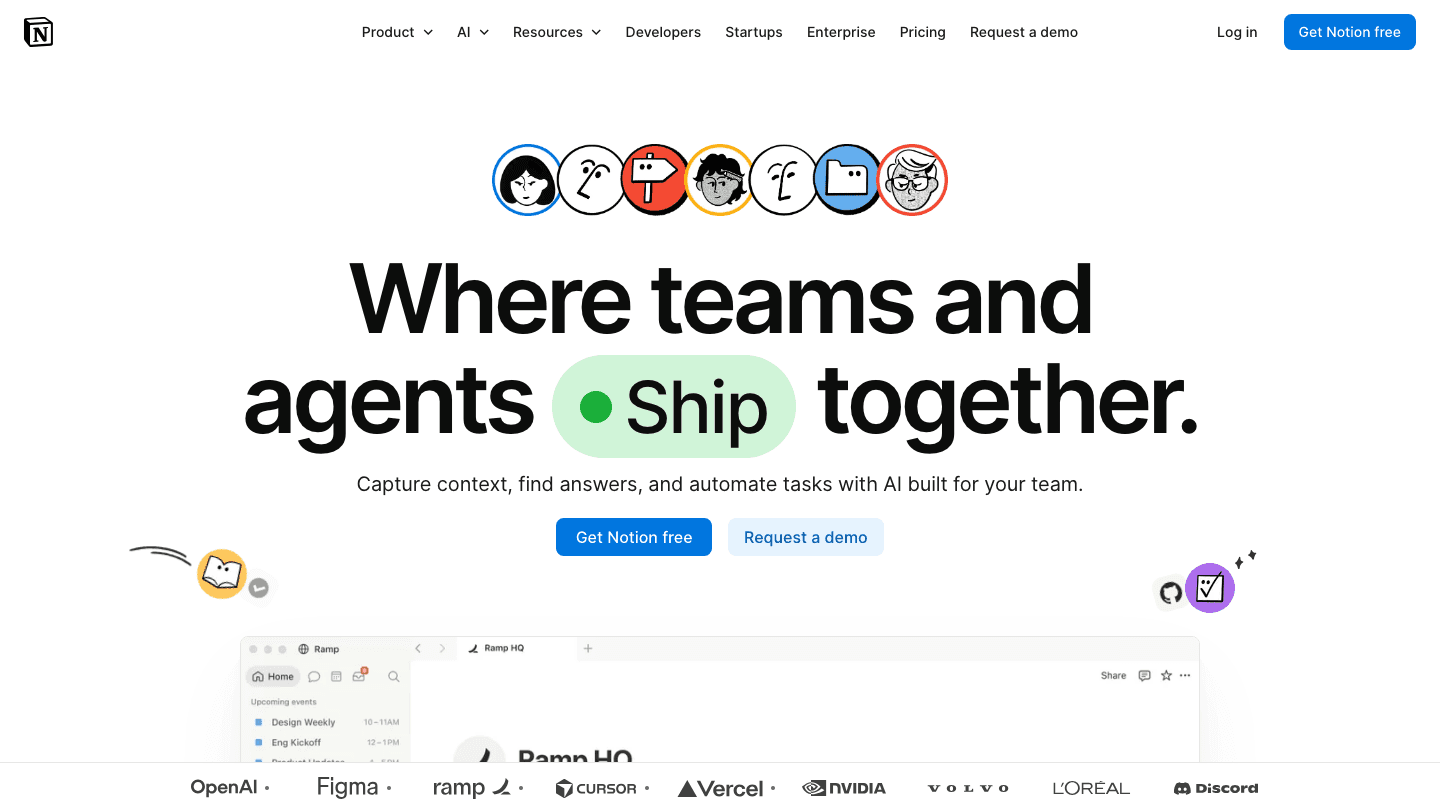
Notion is a block-based workspace that lets you build whatever organizational system you need. Pages, databases, kanban boards, calendars, tables, linked views: each piece connects to everything else. A meeting notes database can link to a project, which links to tasks, which link back to notes. The structure is yours to define.
That flexibility is also Notion's main friction point. New users face a blank page and no obvious starting point. The community template library helps, but even with a template, you are customizing it to fit your life before the app becomes useful. Most Notion users spend their first few weeks iterating on their setup before it clicks.
Notion Strengths
Highly flexible database and page structure that adapts to any system
Strong for linked thinking: pages connect to pages, tasks link to projects
Free tier includes core databases and pages for individual use
Notion Calendar integrates with Google Calendar, included on all plans
AI features on Business plan include meeting notes and semantic search
Notion Limitations
Significant setup time before the workspace becomes useful
Web clipper is less polished than Evernote's
OCR search for images and PDFs is limited compared to Evernote
No standalone desktop app that feels as fast as a native note-taking tool
Notion Pricing
Free: Full page and database access for individuals, basic AI features
Plus: $10/member/month (annual saves ~20%). Unlimited file uploads, custom forms, unlimited charts.
Business: $20/member/month. Notion Agent, AI Meeting Notes, SAML SSO, granular permissions.
Enterprise: Custom pricing.
Evernote Overview
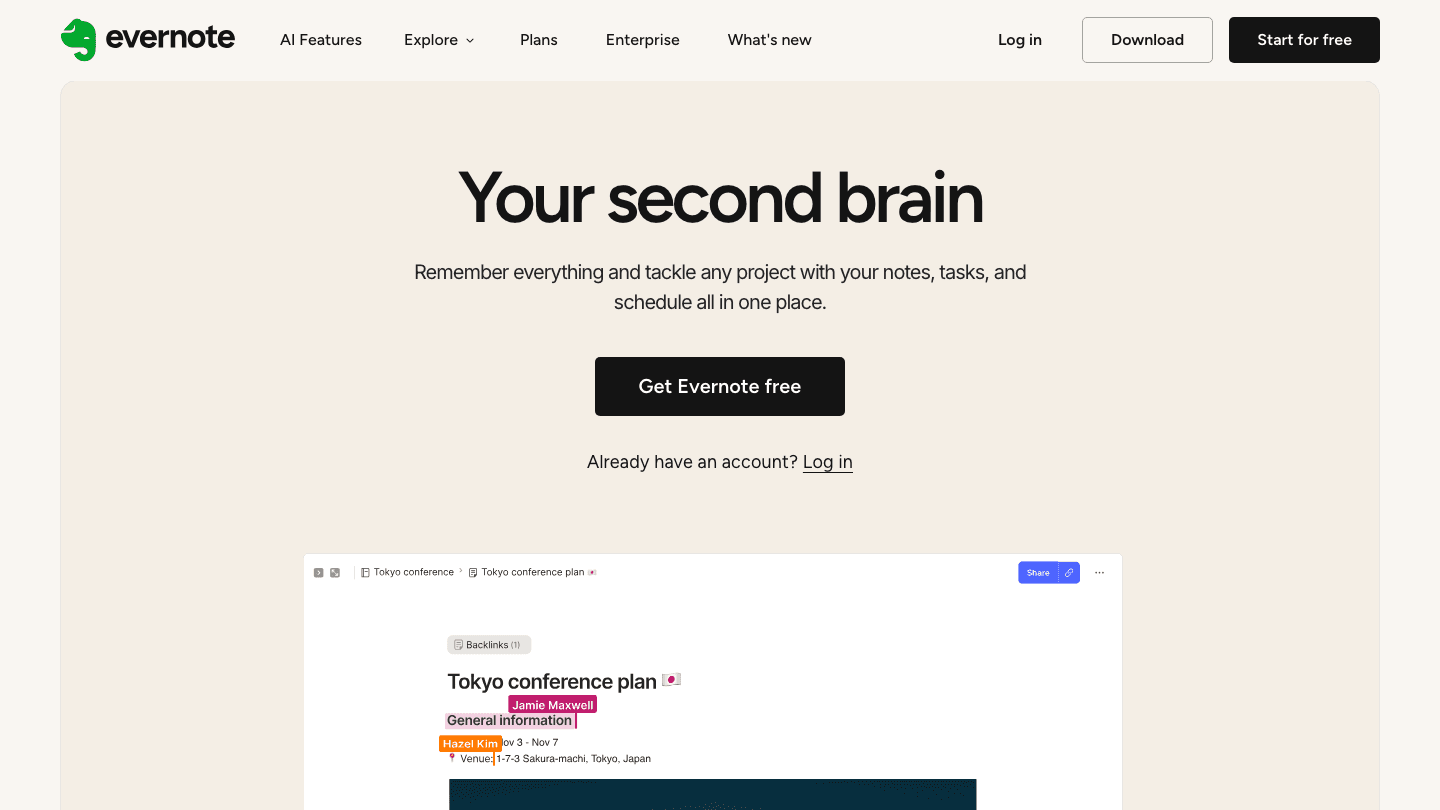
Evernote is built around one thing: capture everything, find it later. Notes, PDFs, web clips, voice memos, scanned receipts, images. Evernote's search, enhanced by OCR, can read text inside images and scanned documents, which is still something Notion cannot match.
Evernote has added tasks and a calendar view in recent years, trying to be more of a full productivity app. Those features work, but they are clearly secondary. The product's identity is still note capture, and that is where it feels most at home.
Evernote Strengths
Best-in-class web clipper for saving articles, recipes, and research
OCR-powered search reads text inside images and scanned PDFs
Fast, low-friction note capture without any setup required
Works across all platforms: iOS, Android, Mac, Windows, web
Task management added to Starter and Advanced plans
Evernote Limitations
Free plan is now very limited: 1 notebook, 50 notes, 1 device
No linked databases or flexible structure like Notion
Advanced plan at $20.83/month is expensive for what you get
Less active development compared to Notion's pace of new features
Evernote Pricing
Free: 1 notebook, 50 notes, 1 device only
Starter: $8.25/month (billed $99/year). Unlimited notes and notebooks, multi-device sync, 1GB uploads/month.
Advanced: $20.83/month (billed $249.99/year). 20GB uploads/month, unlimited offline notebooks, AI features.
Enterprise: $10/seat/month. Team admin, advanced security.
Head-to-Head Comparison
Note Capture Speed
Evernote wins here. Opening Evernote and starting a new note takes under 5 seconds. The web clipper is one of the most reliable in the browser extension world. Notion's web clipper works but lacks the same polish, and new pages in Notion require you to choose a location and template before typing. For people who capture dozens of notes daily, that friction adds up.
Organization and Structure
Notion wins. Evernote's organization model is notebooks and tags, which is simple but limiting once you build up thousands of notes. Notion's database structure lets you filter, sort, and view the same content as a table, kanban board, or calendar. For building a structured knowledge base or second brain, Notion's approach is far more powerful.
Search Quality
Evernote wins on search depth. Its OCR engine reads text inside images and scanned documents, which is invaluable if you scan receipts, whiteboards, or handwritten notes. Notion's search is good for text but cannot read inside images. If your archive includes a lot of visual content, this is a real difference.
Collaboration
Notion wins for teams. Shared workspaces, linked databases, and nested page permissions make Notion a usable team knowledge base. Evernote has basic sharing but was not designed for real-time team collaboration. For team wikis or project documentation, see our comparison of Notion vs Monday.com for how these tools fit into larger team setups.
Pricing Value
For individuals, Evernote's Starter at $8.25/month is cheaper than Notion's Plus at $10/month. But Evernote's free tier is significantly weaker (1 device, 1 notebook), while Notion's free tier works well for solo use. For teams, both tools scale similarly in cost. Check our list of Google Keep alternatives for free options if cost is the main constraint.
Which Should You Choose?
Choose Evernote if: you want a simple, fast note-taking tool that works out of the box, you clip a lot from the web, you scan physical documents, or you need reliable OCR search across years of accumulated notes.
Choose Notion if: you want to build a structured workspace with linked databases and project tracking, you work on a team that needs a shared knowledge base, or you want a single app to handle notes and light project management together.
Consider alternatives if: you primarily need task management or calendar planning rather than note-taking. See our roundup of the best AI task managers for tools built around execution rather than capture.
A Third Option Worth Considering

If your real problem is not where to store information but when to actually do your work, both Notion and Evernote leave that gap open. Lifestack approaches this differently: it reads your calendar, learns your energy patterns, and schedules your tasks into the time slots where you do your best work. It is built for individuals who want their day planned intelligently, not just their notes organized. At $7/month, it is also notably cheaper than either Evernote Advanced or Notion Business. See the full list of best AI planner apps to see where it fits.
Frequently Asked Questions
Is Notion better than Evernote?
For building structured workspaces with linked databases and team collaboration, yes. For simple, fast note capture and OCR-powered search, Evernote is still stronger. The better tool depends entirely on how you plan to use it.
Can Notion replace Evernote?
For most use cases, yes. Notion covers everything Evernote does for notes and organization, with more flexibility. The main gap is Evernote's OCR search, which reads text inside images and scanned documents. If you rely on that feature, Notion is not a full replacement yet.
Is Evernote still worth using in 2026?
For the specific use case it is designed for (fast capture, web clipping, OCR search across a large archive) Evernote is still solid. The Starter plan at $8.25/month is reasonable. The concern is that Evernote's development pace has slowed compared to Notion's, and its free tier is now quite limited.
What is the best free note-taking app?
Notion's free plan is generous for individuals: full database and page access with no device limit. Evernote's free plan is now very limited (1 notebook, 1 device). Other strong free options include Apple Notes, Google Keep, and Obsidian for local-first users.
Does Notion have a web clipper?
Yes. Notion has a browser extension for web clipping on Chrome, Firefox, and Safari. It works reliably for saving pages as Notion pages, though Evernote's clipper is more feature-rich and offers more formatting options for what you save.
Is Notion good for ADHD?
Notion can work for ADHD users who benefit from a highly customized structure, but the blank-slate setup can be overwhelming at first. Simpler tools with less setup friction are often easier to start with. See our ADHD project management guide for systems designed around how ADHD brains actually work.
Notion and Evernote are both note-taking tools, but that description undersells how differently they approach the job. Evernote has been capturing notes, web clips, and PDFs since 2008. Notion launched in 2016 as a blank-slate workspace where you build your own system from scratch. One is opinionated and optimized for capturing; the other is flexible and optimized for building.
The result: choosing between them is not really about features. It is about how you prefer to work. People who want to open an app, jot something down, and find it later tend to prefer Evernote. People who want to build a connected knowledge base with linked databases and custom views tend to stay on Notion.
This comparison covers both tools honestly, including current pricing, so you can pick the one that fits your actual workflow rather than the more feature-loaded one.
Key Takeaways
Evernote wins for fast, friction-free note capture, especially if you clip a lot from the web or scan physical documents.
Notion wins for building structured knowledge bases, project wikis, and linked databases that serve as a full workspace.
Evernote's paid plans start at $8.25/month; Notion's Plus plan is $10/month. Both have usable free tiers for individuals.
Quick Verdict
Notion: Best for power users who want a flexible, connected workspace. Great for building a second brain with linked databases and project tracking.
Evernote: Best for people who want a simple, reliable place to capture and search notes without building a system. Ideal if you clip content heavily or scan paper documents.
Notion Overview
Notion is a block-based workspace that lets you build whatever organizational system you need. Pages, databases, kanban boards, calendars, tables, linked views: each piece connects to everything else. A meeting notes database can link to a project, which links to tasks, which link back to notes. The structure is yours to define.
That flexibility is also Notion's main friction point. New users face a blank page and no obvious starting point. The community template library helps, but even with a template, you are customizing it to fit your life before the app becomes useful. Most Notion users spend their first few weeks iterating on their setup before it clicks.
Notion Strengths
Highly flexible database and page structure that adapts to any system
Strong for linked thinking: pages connect to pages, tasks link to projects
Free tier includes core databases and pages for individual use
Notion Calendar integrates with Google Calendar, included on all plans
AI features on Business plan include meeting notes and semantic search
Notion Limitations
Significant setup time before the workspace becomes useful
Web clipper is less polished than Evernote's
OCR search for images and PDFs is limited compared to Evernote
No standalone desktop app that feels as fast as a native note-taking tool
Notion Pricing
Free: Full page and database access for individuals, basic AI features
Plus: $10/member/month (annual saves ~20%). Unlimited file uploads, custom forms, unlimited charts.
Business: $20/member/month. Notion Agent, AI Meeting Notes, SAML SSO, granular permissions.
Enterprise: Custom pricing.
Evernote Overview
Evernote is built around one thing: capture everything, find it later. Notes, PDFs, web clips, voice memos, scanned receipts, images. Evernote's search, enhanced by OCR, can read text inside images and scanned documents, which is still something Notion cannot match.
Evernote has added tasks and a calendar view in recent years, trying to be more of a full productivity app. Those features work, but they are clearly secondary. The product's identity is still note capture, and that is where it feels most at home.
Evernote Strengths
Best-in-class web clipper for saving articles, recipes, and research
OCR-powered search reads text inside images and scanned PDFs
Fast, low-friction note capture without any setup required
Works across all platforms: iOS, Android, Mac, Windows, web
Task management added to Starter and Advanced plans
Evernote Limitations
Free plan is now very limited: 1 notebook, 50 notes, 1 device
No linked databases or flexible structure like Notion
Advanced plan at $20.83/month is expensive for what you get
Less active development compared to Notion's pace of new features
Evernote Pricing
Free: 1 notebook, 50 notes, 1 device only
Starter: $8.25/month (billed $99/year). Unlimited notes and notebooks, multi-device sync, 1GB uploads/month.
Advanced: $20.83/month (billed $249.99/year). 20GB uploads/month, unlimited offline notebooks, AI features.
Enterprise: $10/seat/month. Team admin, advanced security.
Head-to-Head Comparison
Note Capture Speed
Evernote wins here. Opening Evernote and starting a new note takes under 5 seconds. The web clipper is one of the most reliable in the browser extension world. Notion's web clipper works but lacks the same polish, and new pages in Notion require you to choose a location and template before typing. For people who capture dozens of notes daily, that friction adds up.
Organization and Structure
Notion wins. Evernote's organization model is notebooks and tags, which is simple but limiting once you build up thousands of notes. Notion's database structure lets you filter, sort, and view the same content as a table, kanban board, or calendar. For building a structured knowledge base or second brain, Notion's approach is far more powerful.
Search Quality
Evernote wins on search depth. Its OCR engine reads text inside images and scanned documents, which is invaluable if you scan receipts, whiteboards, or handwritten notes. Notion's search is good for text but cannot read inside images. If your archive includes a lot of visual content, this is a real difference.
Collaboration
Notion wins for teams. Shared workspaces, linked databases, and nested page permissions make Notion a usable team knowledge base. Evernote has basic sharing but was not designed for real-time team collaboration. For team wikis or project documentation, see our comparison of Notion vs Monday.com for how these tools fit into larger team setups.
Pricing Value
For individuals, Evernote's Starter at $8.25/month is cheaper than Notion's Plus at $10/month. But Evernote's free tier is significantly weaker (1 device, 1 notebook), while Notion's free tier works well for solo use. For teams, both tools scale similarly in cost. Check our list of Google Keep alternatives for free options if cost is the main constraint.
Which Should You Choose?
Choose Evernote if: you want a simple, fast note-taking tool that works out of the box, you clip a lot from the web, you scan physical documents, or you need reliable OCR search across years of accumulated notes.
Choose Notion if: you want to build a structured workspace with linked databases and project tracking, you work on a team that needs a shared knowledge base, or you want a single app to handle notes and light project management together.
Consider alternatives if: you primarily need task management or calendar planning rather than note-taking. See our roundup of the best AI task managers for tools built around execution rather than capture.
A Third Option Worth Considering
If your real problem is not where to store information but when to actually do your work, both Notion and Evernote leave that gap open. Lifestack approaches this differently: it reads your calendar, learns your energy patterns, and schedules your tasks into the time slots where you do your best work. It is built for individuals who want their day planned intelligently, not just their notes organized. At $7/month, it is also notably cheaper than either Evernote Advanced or Notion Business. See the full list of best AI planner apps to see where it fits.
Frequently Asked Questions
Is Notion better than Evernote?
For building structured workspaces with linked databases and team collaboration, yes. For simple, fast note capture and OCR-powered search, Evernote is still stronger. The better tool depends entirely on how you plan to use it.
Can Notion replace Evernote?
For most use cases, yes. Notion covers everything Evernote does for notes and organization, with more flexibility. The main gap is Evernote's OCR search, which reads text inside images and scanned documents. If you rely on that feature, Notion is not a full replacement yet.
Is Evernote still worth using in 2026?
For the specific use case it is designed for (fast capture, web clipping, OCR search across a large archive) Evernote is still solid. The Starter plan at $8.25/month is reasonable. The concern is that Evernote's development pace has slowed compared to Notion's, and its free tier is now quite limited.
What is the best free note-taking app?
Notion's free plan is generous for individuals: full database and page access with no device limit. Evernote's free plan is now very limited (1 notebook, 1 device). Other strong free options include Apple Notes, Google Keep, and Obsidian for local-first users.
Does Notion have a web clipper?
Yes. Notion has a browser extension for web clipping on Chrome, Firefox, and Safari. It works reliably for saving pages as Notion pages, though Evernote's clipper is more feature-rich and offers more formatting options for what you save.
Is Notion good for ADHD?
Notion can work for ADHD users who benefit from a highly customized structure, but the blank-slate setup can be overwhelming at first. Simpler tools with less setup friction are often easier to start with. See our ADHD project management guide for systems designed around how ADHD brains actually work.



FOLLOW ON
FOLLOW ON
FOLLOW ON


Copyright 2026 © Lifestack. All rights reserved
Copyright 2026 © Lifestack. All rights reserved

