
App
Best OmniFocus Alternatives in 2026
Best OmniFocus Alternatives in 2026
OmniFocus is the most powerful personal task manager built for Apple devices. It's also the app that most people who try it eventually abandon. The GTD workflow, the custom perspectives, the defer dates. For a subset of power users, it's perfect. For most people, it's more system than they need, and the cognitive overhead of maintaining it defeats the point.
If you're looking for a way out, this list covers six alternatives worth considering. Some are simpler. Some are smarter. A few are genuinely more useful for the way most people actually work in 2026.
We evaluated each on ease of setup, depth of features, cross-platform availability, AI capabilities, and pricing (including how they compare to OmniFocus's subscription cost).
Key Takeaways
The best OmniFocus alternative for most people is not the one with the most features. It's the one that gets out of the way and actually helps you finish work.
Lifestack is the standout pick for anyone who wants their task manager to automatically schedule work around their energy and calendar, not just store a list.
Things 3 is the obvious alternative for Apple users who love the design of OmniFocus but hate the complexity. Todoist and TickTick are the best options for anyone who needs cross-platform support.
Quick Guide: Best OmniFocus Alternatives
Lifestack: Best for AI-powered scheduling that plans your day automatically
Things 3: Best for Apple users who want simplicity without losing depth
Todoist: Best cross-platform task manager with a strong free tier
TickTick: Best for users who want a calendar, task manager, and Pomodoro timer in one
Motion: Best for professionals who want AI to schedule their tasks automatically
Structured: Best visual daily planner for people who think in timelines
How We Evaluated These Apps
Ease of setup: How long does it take to get productive with the app?
Depth without complexity: Does it have enough power without requiring a PhD in GTD?
Cross-platform: Does it work on Mac, Windows, iOS, and Android?
AI features: Does it use AI to do work you'd otherwise do manually?
Pricing: Is it competitive with OmniFocus's subscription?
1. Lifestack: Best for AI-Powered Daily Scheduling
Replaces the manual scheduling work OmniFocus leaves entirely to you.

The main job of OmniFocus is to organize your tasks and let you surface the right ones at the right time. Lifestack goes further: it actually schedules those tasks into your day based on your calendar, your energy levels, and your deadlines. You add tasks, it builds the plan.
Where OmniFocus requires you to manually assign contexts, defer dates, and flags, then manually review them in custom perspectives. Lifestack handles all of that automatically. It reads your sleep and recovery data, knows when your focus window is, and assigns your hard work there. Lower-energy tasks fill in around meetings and recovery time. The plan rebuilds itself each morning.
This is particularly useful for people who abandoned OmniFocus because the maintenance overhead became a second job. Lifestack has almost no system to maintain. You capture tasks, you tell it what's important, and the AI does the scheduling. The AI productivity approach it takes is genuinely different from a traditional task manager.
Key Features: AI daily scheduling, energy-aware task placement, calendar sync, deadline tracking, iOS and Android
What Works: Eliminates manual scheduling; adapts to your actual energy each day; keeps tasks from getting buried
Limitations: Less suitable for complex project management with hundreds of nested tasks; no custom perspective system like OmniFocus
Pricing: $7/month or $50/year. 7-day free trial on the annual plan.
Best for: OmniFocus users who want less system overhead and more automatic scheduling. Also works well as a companion to other tools. See how it pairs with Todoist or TickTick for capture.
2. Things 3: Best Simpler Apple Alternative
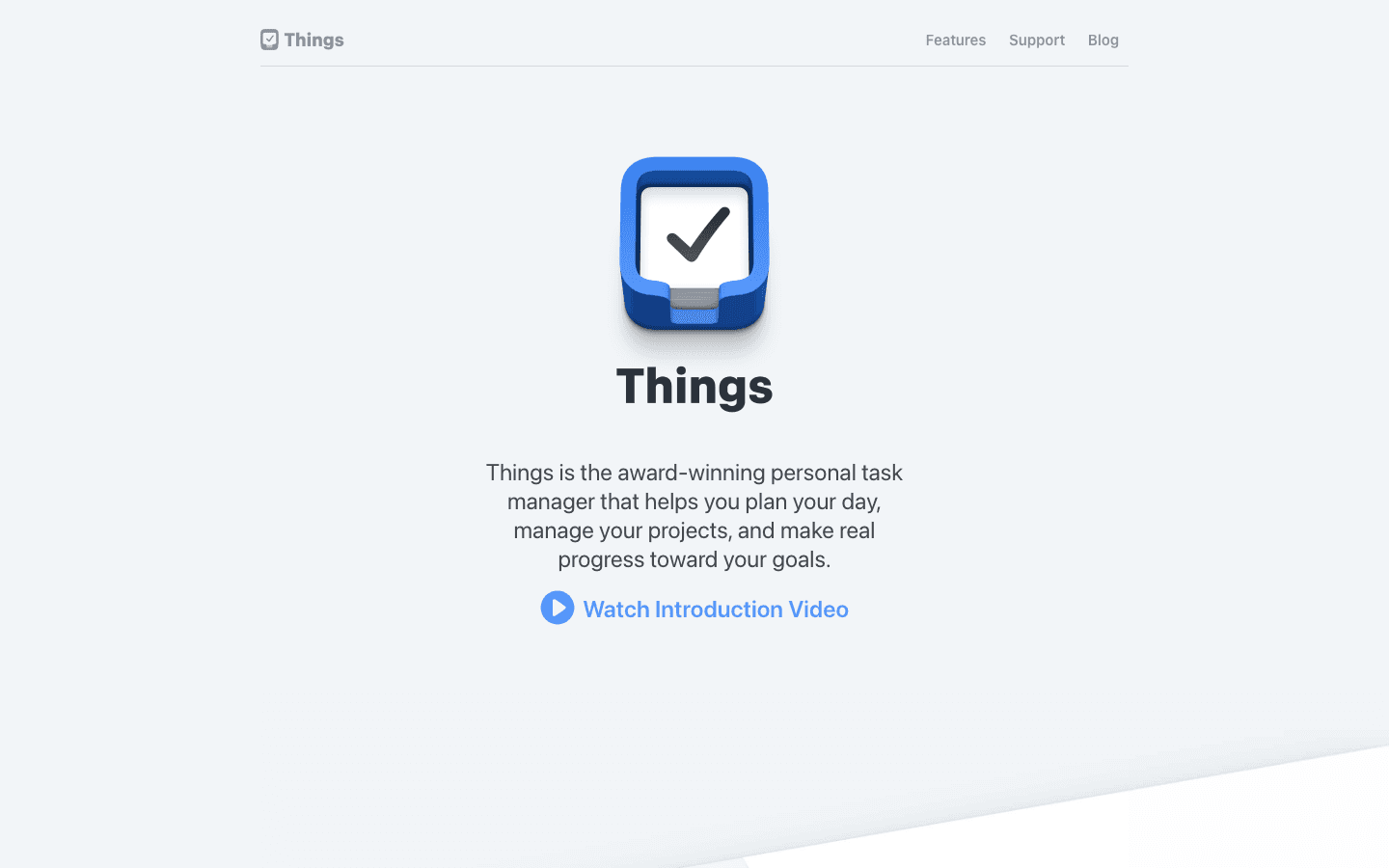
Things 3 by Cultured Code is what OmniFocus would be if it decided to prioritize clarity over power. It supports projects, areas, tags, deadlines, and repeating tasks. The inbox-to-today workflow is identical in spirit to OmniFocus's GTD setup, but it takes a fraction of the time to configure.
Things 3 is Apple-only, which is a dealbreaker if you're on Windows or Android, but a feature if you're not. The native Mac and iOS apps are exceptional, with keyboard shortcuts, drag-and-drop scheduling, and a Today view that's actually pleasant to use. It's a one-time purchase with no subscription required.
What Works: Beautiful, fast native apps; one-time purchase vs subscription; easy to learn; solid enough structure for most people
Limitations: Apple-only; no collaboration features; no AI scheduling or prioritization; not a good fit for teams
Pricing: $9.99 iPhone, $19.99 iPad, $49.99 Mac (one-time purchases, no subscription).
Best for: Apple users who found OmniFocus too complex but still want a proper GTD-style task manager. If you're moving from OmniFocus specifically for the pricing and complexity, Things 3 is the most natural landing spot.
3. Todoist: Best Cross-Platform Option
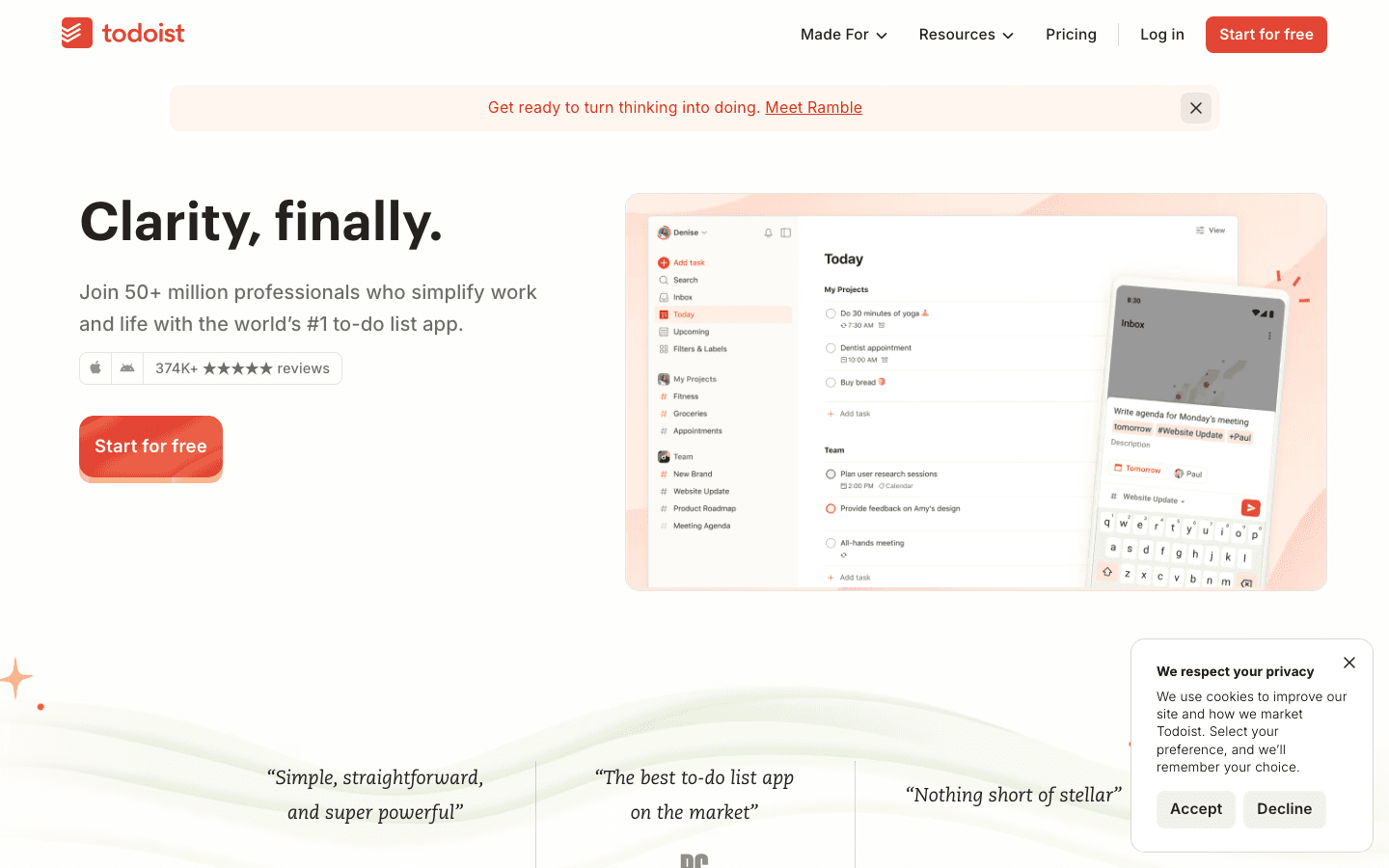
Todoist is the most widely used task manager in the world, and for good reason. It works on every platform, has a clean natural language input system (type "submit report Friday" and it creates the task with the right due date), and has a free tier that's actually useful.
Todoist doesn't match OmniFocus's depth in project organization, but it has everything most people actually use: projects, sections, labels, filters, priority levels, and recurring tasks. The AI assistant (Task Assist) helps break down large tasks and generate subtasks. Integrations with Google Calendar, Slack, and dozens of other tools make it a practical choice for people whose work spans multiple platforms.
What Works: True cross-platform with native apps everywhere; strong free tier; natural language input; great integrations
Limitations: No automatic scheduling; the design is functional but not as polished as Things 3; heavy reliance on filters for advanced use cases
Pricing: Free tier available (5 projects). Pro plan with full features: see todoist.com/pricing for current rates.
Best for: OmniFocus users who need cross-platform support or are switching from Apple-only to a mixed device setup.
4. TickTick: Best All-in-One Task and Calendar App
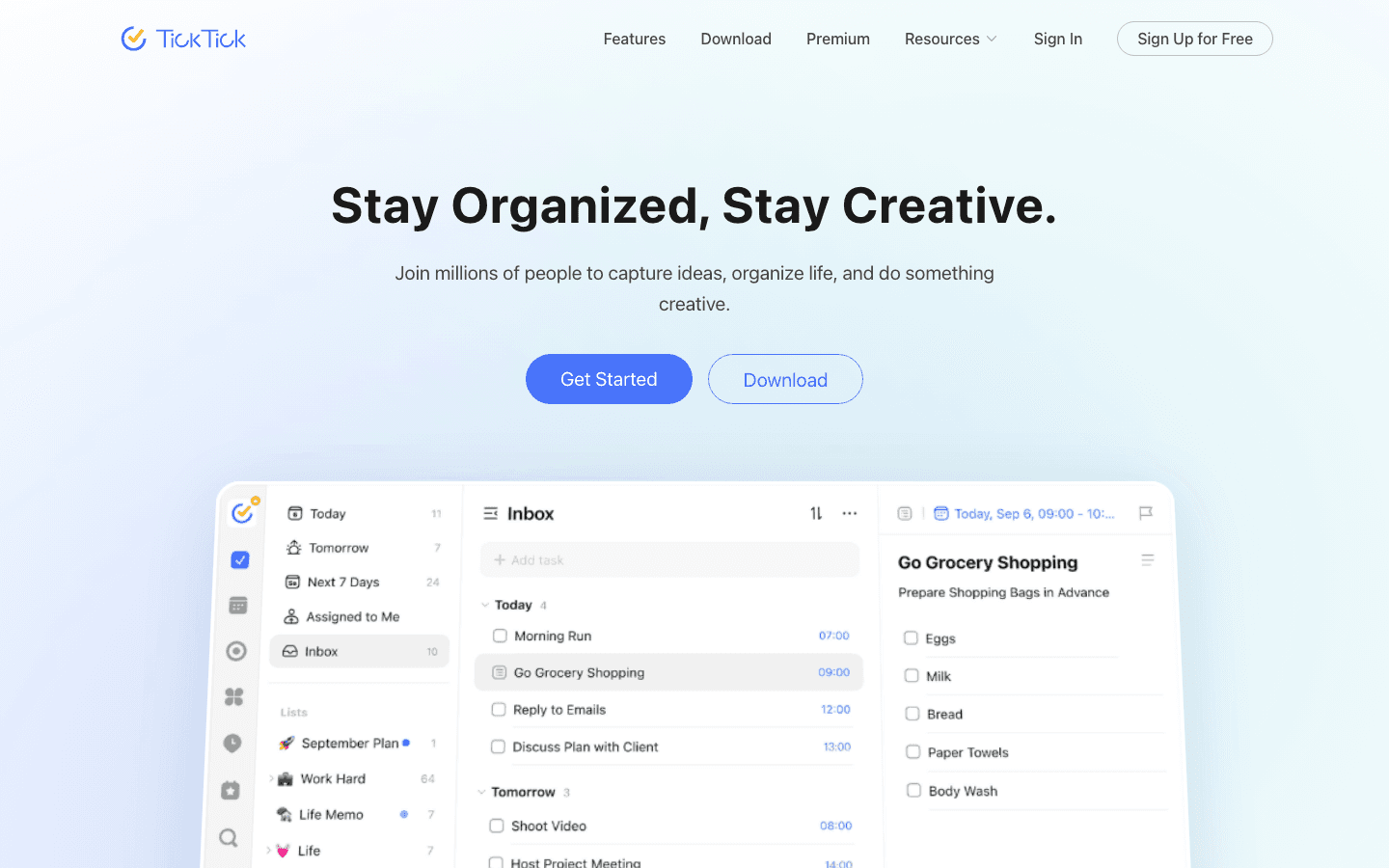
TickTick packs more into a single app than almost any competitor: tasks, calendar view, habit tracking, Pomodoro timer, and a built-in note system. For people who currently use OmniFocus plus a separate calendar app plus a separate focus timer, TickTick can replace all three.
The calendar integration is particularly good. TickTick shows your tasks and calendar events in the same view, which makes planning your day more intuitive than in OmniFocus, where tasks and calendar live separately. The Pomodoro feature is well-implemented and works directly with the task you're working on.
What Works: Combines task manager, calendar, and focus timer; cross-platform; strong free tier; good natural language input
Limitations: Interface can feel busy; project organization is less elegant than Things 3; no AI scheduling
Pricing: Free tier available. Premium plan with full features: see ticktick.com for current pricing.
Best for: People who want one app for tasks, time blocking, and focus sessions. Works particularly well with the time-blocking method since tasks and calendar are unified.
5. Motion: Best AI Scheduling for Professionals
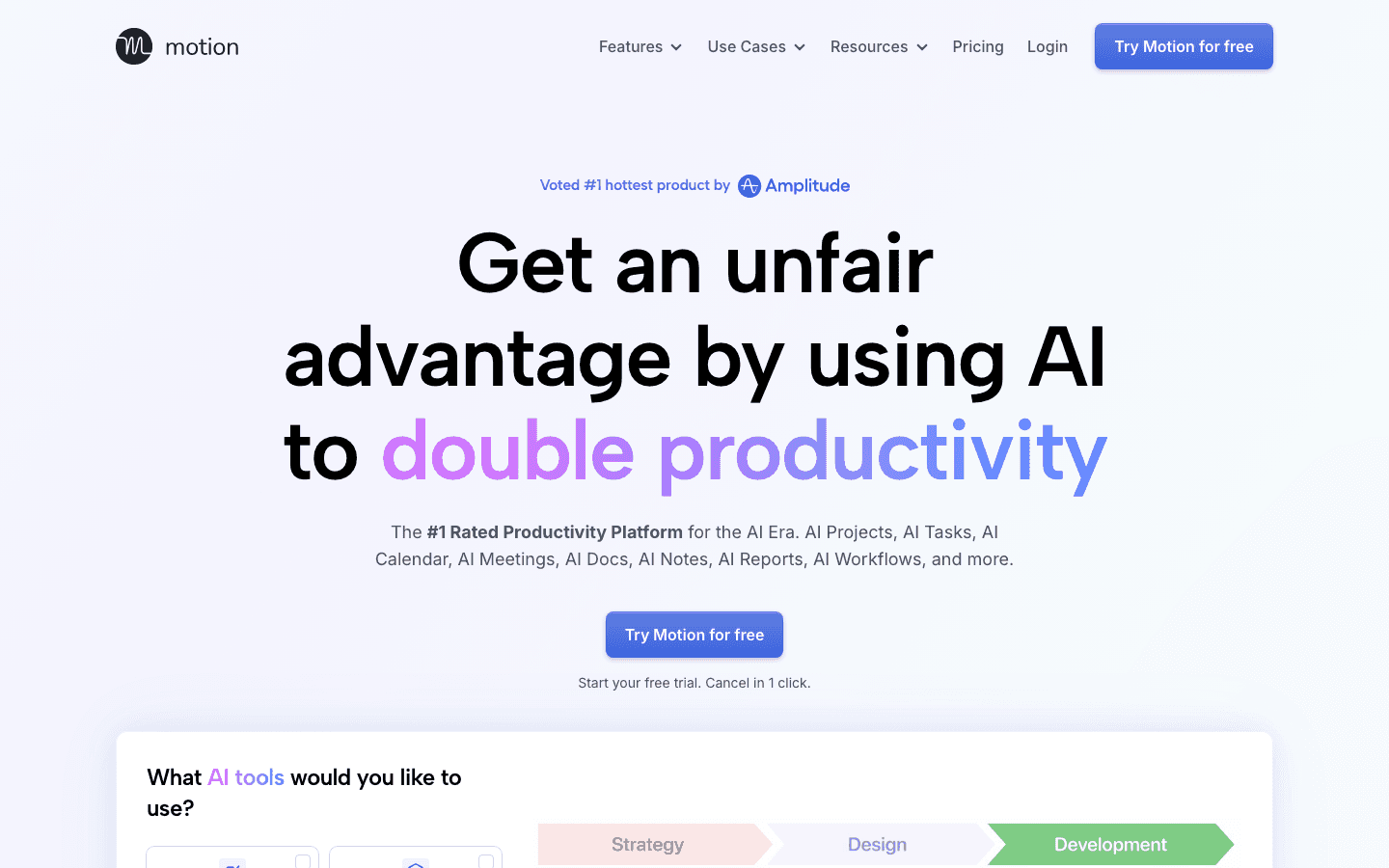
Motion is the most direct AI scheduling competitor to Lifestack. It takes your tasks, deadlines, and calendar blocks and automatically builds a daily schedule. When something runs long or you get a new urgent task, Motion reschedules everything in real time.
The difference between Motion and Lifestack is mainly in approach: Motion treats scheduling as a pure optimization problem (fitting the most tasks into the available calendar slots), while Lifestack also factors in your energy levels and recovery data to decide which tasks go in which slots. Motion is a better fit for people with very structured calendars and hard deadlines. Lifestack is better for people who want energy-aware scheduling.
What Works: Strong automatic rescheduling; good project management; integrates calendar and tasks deeply; team features available
Limitations: Expensive compared to most alternatives; no energy-aware scheduling; some users find the AI rescheduling too aggressive
Pricing: $19/month individual. Annual billing available at a discount. Free trial offered.
Best for: Professionals with complex calendars and hard deadlines who want AI to handle the scheduling problem automatically.
6. Structured: Best Visual Timeline Planner
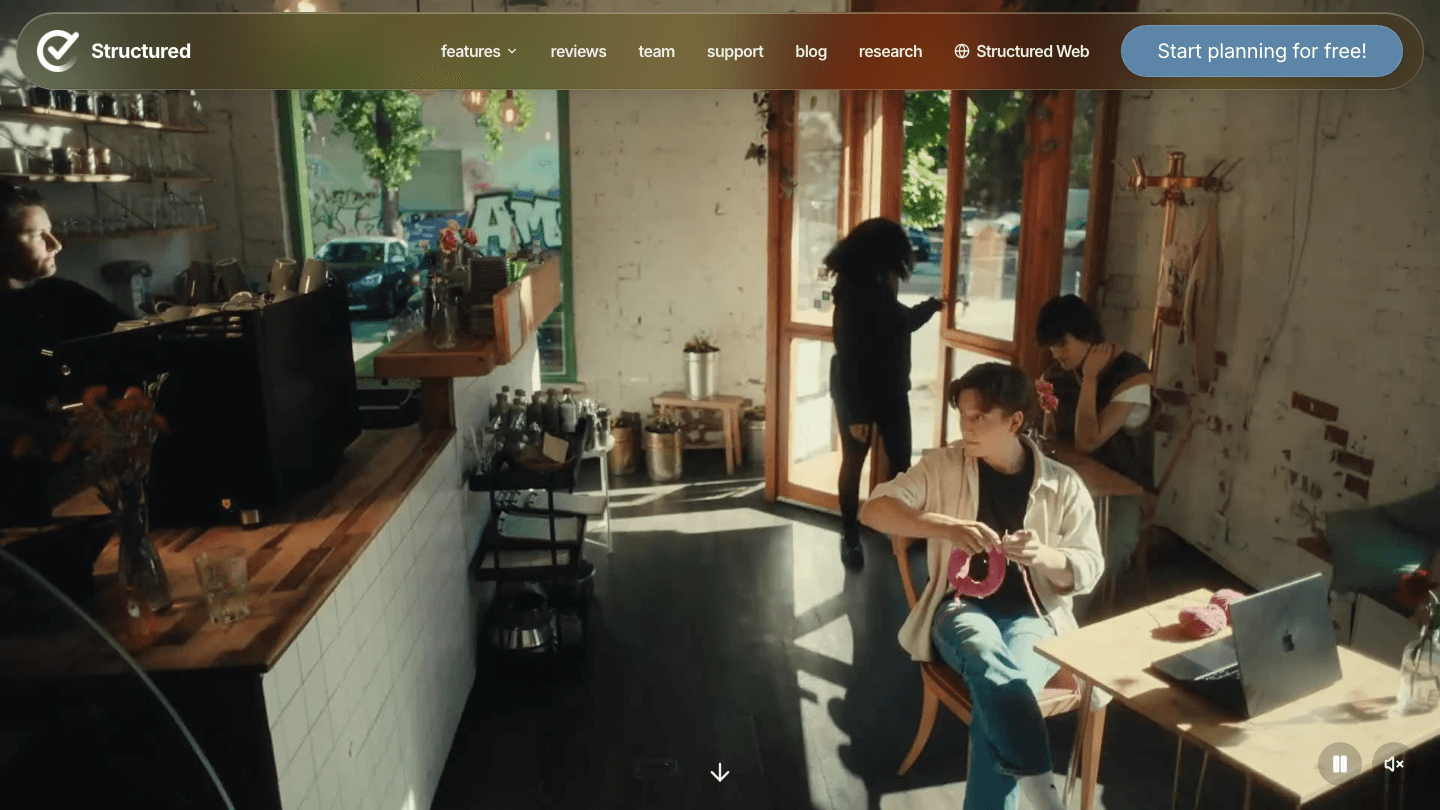
Structured takes a different approach from everything else on this list. Instead of a project hierarchy or tag system, it shows your day as a visual timeline. Tasks sit in time blocks. You can see at a glance what's scheduled for the morning, where the gaps are, and what's coming in the afternoon.
For visual thinkers who found OmniFocus's list-based model hard to reason about, Structured can be revelatory. It doesn't have the depth of OmniFocus (no contexts, no deferred projects, no complex filtering), but it doesn't pretend to. It's a beautiful daily execution layer. Use it alongside a longer-term task list, not instead of one.
What Works: Visual timeline is genuinely useful for daily planning; clean iOS and Mac apps; great for visual thinkers
Limitations: Not suitable as a primary project manager; limited recurrence and filtering options; weaker Android app
Pricing: Free tier available. Pro plan with full features available in-app.
Best for: People who want to see their day visually. Pairs well with Todoist or Things 3 as a planning capture layer. See more in the digital planner app guide.
Which OmniFocus Alternative Is Right for You?
You want the AI to plan your day: Lifestack (energy-aware) or Motion (deadline-focused).
You're Apple-only and want simplicity: Things 3, no contest.
You need cross-platform: Todoist for simplicity, TickTick for more features.
You think in timelines, not lists: Structured, alongside one of the above for capture.
Most OmniFocus refugees end up happier with a simpler tool than with a different complex one. The GTD power-user market that OmniFocus serves is small. If you were using 20% of what OmniFocus does, you don't need a replacement with the same 100% of features. You need something built for the 20% you actually used. For more comparisons in this space, see the Akiflow alternatives guide for overlapping task management options.
FAQ
What is the best OmniFocus alternative for Mac?
Things 3 is the most natural alternative for Mac-only users. It has excellent native Mac integration, a one-time purchase model, and a design philosophy that's similar to OmniFocus but significantly less complex. For Mac users who also want AI scheduling, Lifestack runs on both iOS and Mac.
Is there a free alternative to OmniFocus?
Yes. Todoist has a generous free tier with 5 projects and unlimited tasks. TickTick's free version is similarly capable. Structured offers a free version for basic daily planning. None of these match OmniFocus's full depth, but they cover most use cases without the subscription cost.
What is the best OmniFocus alternative for Windows?
OmniFocus is Apple-only, so any Windows user is already looking at alternatives. Todoist is the strongest option. It has excellent Windows and web apps and is the most actively developed cross-platform task manager. TickTick is a close second with its unified calendar view.
Is Things 3 better than OmniFocus?
For most people, yes. Things 3 is faster to set up, easier to maintain, and pleasant to use daily. OmniFocus is more powerful in specific ways: custom perspectives, more granular project structures, and a richer repeating task system. If you're using all of that, OmniFocus is still the right tool. If you're not, Things 3 removes the overhead without removing the capability you actually use.
Does Lifestack replace OmniFocus?
It depends on what you used OmniFocus for. If you used it as a GTD capture-and-review system with complex project hierarchies, Lifestack won't replace it directly. If you used it mainly to track tasks and decide what to work on each day, Lifestack does that automatically, adding energy-aware scheduling that OmniFocus doesn't have at all. The two tools solve adjacent problems.
OmniFocus is the most powerful personal task manager built for Apple devices. It's also the app that most people who try it eventually abandon. The GTD workflow, the custom perspectives, the defer dates. For a subset of power users, it's perfect. For most people, it's more system than they need, and the cognitive overhead of maintaining it defeats the point.
If you're looking for a way out, this list covers six alternatives worth considering. Some are simpler. Some are smarter. A few are genuinely more useful for the way most people actually work in 2026.
We evaluated each on ease of setup, depth of features, cross-platform availability, AI capabilities, and pricing (including how they compare to OmniFocus's subscription cost).
Key Takeaways
The best OmniFocus alternative for most people is not the one with the most features. It's the one that gets out of the way and actually helps you finish work.
Lifestack is the standout pick for anyone who wants their task manager to automatically schedule work around their energy and calendar, not just store a list.
Things 3 is the obvious alternative for Apple users who love the design of OmniFocus but hate the complexity. Todoist and TickTick are the best options for anyone who needs cross-platform support.
Quick Guide: Best OmniFocus Alternatives
Lifestack: Best for AI-powered scheduling that plans your day automatically
Things 3: Best for Apple users who want simplicity without losing depth
Todoist: Best cross-platform task manager with a strong free tier
TickTick: Best for users who want a calendar, task manager, and Pomodoro timer in one
Motion: Best for professionals who want AI to schedule their tasks automatically
Structured: Best visual daily planner for people who think in timelines
How We Evaluated These Apps
Ease of setup: How long does it take to get productive with the app?
Depth without complexity: Does it have enough power without requiring a PhD in GTD?
Cross-platform: Does it work on Mac, Windows, iOS, and Android?
AI features: Does it use AI to do work you'd otherwise do manually?
Pricing: Is it competitive with OmniFocus's subscription?
1. Lifestack: Best for AI-Powered Daily Scheduling
Replaces the manual scheduling work OmniFocus leaves entirely to you.
The main job of OmniFocus is to organize your tasks and let you surface the right ones at the right time. Lifestack goes further: it actually schedules those tasks into your day based on your calendar, your energy levels, and your deadlines. You add tasks, it builds the plan.
Where OmniFocus requires you to manually assign contexts, defer dates, and flags, then manually review them in custom perspectives. Lifestack handles all of that automatically. It reads your sleep and recovery data, knows when your focus window is, and assigns your hard work there. Lower-energy tasks fill in around meetings and recovery time. The plan rebuilds itself each morning.
This is particularly useful for people who abandoned OmniFocus because the maintenance overhead became a second job. Lifestack has almost no system to maintain. You capture tasks, you tell it what's important, and the AI does the scheduling. The AI productivity approach it takes is genuinely different from a traditional task manager.
Key Features: AI daily scheduling, energy-aware task placement, calendar sync, deadline tracking, iOS and Android
What Works: Eliminates manual scheduling; adapts to your actual energy each day; keeps tasks from getting buried
Limitations: Less suitable for complex project management with hundreds of nested tasks; no custom perspective system like OmniFocus
Pricing: $7/month or $50/year. 7-day free trial on the annual plan.
Best for: OmniFocus users who want less system overhead and more automatic scheduling. Also works well as a companion to other tools. See how it pairs with Todoist or TickTick for capture.
2. Things 3: Best Simpler Apple Alternative
Things 3 by Cultured Code is what OmniFocus would be if it decided to prioritize clarity over power. It supports projects, areas, tags, deadlines, and repeating tasks. The inbox-to-today workflow is identical in spirit to OmniFocus's GTD setup, but it takes a fraction of the time to configure.
Things 3 is Apple-only, which is a dealbreaker if you're on Windows or Android, but a feature if you're not. The native Mac and iOS apps are exceptional, with keyboard shortcuts, drag-and-drop scheduling, and a Today view that's actually pleasant to use. It's a one-time purchase with no subscription required.
What Works: Beautiful, fast native apps; one-time purchase vs subscription; easy to learn; solid enough structure for most people
Limitations: Apple-only; no collaboration features; no AI scheduling or prioritization; not a good fit for teams
Pricing: $9.99 iPhone, $19.99 iPad, $49.99 Mac (one-time purchases, no subscription).
Best for: Apple users who found OmniFocus too complex but still want a proper GTD-style task manager. If you're moving from OmniFocus specifically for the pricing and complexity, Things 3 is the most natural landing spot.
3. Todoist: Best Cross-Platform Option
Todoist is the most widely used task manager in the world, and for good reason. It works on every platform, has a clean natural language input system (type "submit report Friday" and it creates the task with the right due date), and has a free tier that's actually useful.
Todoist doesn't match OmniFocus's depth in project organization, but it has everything most people actually use: projects, sections, labels, filters, priority levels, and recurring tasks. The AI assistant (Task Assist) helps break down large tasks and generate subtasks. Integrations with Google Calendar, Slack, and dozens of other tools make it a practical choice for people whose work spans multiple platforms.
What Works: True cross-platform with native apps everywhere; strong free tier; natural language input; great integrations
Limitations: No automatic scheduling; the design is functional but not as polished as Things 3; heavy reliance on filters for advanced use cases
Pricing: Free tier available (5 projects). Pro plan with full features: see todoist.com/pricing for current rates.
Best for: OmniFocus users who need cross-platform support or are switching from Apple-only to a mixed device setup.
4. TickTick: Best All-in-One Task and Calendar App
TickTick packs more into a single app than almost any competitor: tasks, calendar view, habit tracking, Pomodoro timer, and a built-in note system. For people who currently use OmniFocus plus a separate calendar app plus a separate focus timer, TickTick can replace all three.
The calendar integration is particularly good. TickTick shows your tasks and calendar events in the same view, which makes planning your day more intuitive than in OmniFocus, where tasks and calendar live separately. The Pomodoro feature is well-implemented and works directly with the task you're working on.
What Works: Combines task manager, calendar, and focus timer; cross-platform; strong free tier; good natural language input
Limitations: Interface can feel busy; project organization is less elegant than Things 3; no AI scheduling
Pricing: Free tier available. Premium plan with full features: see ticktick.com for current pricing.
Best for: People who want one app for tasks, time blocking, and focus sessions. Works particularly well with the time-blocking method since tasks and calendar are unified.
5. Motion: Best AI Scheduling for Professionals
Motion is the most direct AI scheduling competitor to Lifestack. It takes your tasks, deadlines, and calendar blocks and automatically builds a daily schedule. When something runs long or you get a new urgent task, Motion reschedules everything in real time.
The difference between Motion and Lifestack is mainly in approach: Motion treats scheduling as a pure optimization problem (fitting the most tasks into the available calendar slots), while Lifestack also factors in your energy levels and recovery data to decide which tasks go in which slots. Motion is a better fit for people with very structured calendars and hard deadlines. Lifestack is better for people who want energy-aware scheduling.
What Works: Strong automatic rescheduling; good project management; integrates calendar and tasks deeply; team features available
Limitations: Expensive compared to most alternatives; no energy-aware scheduling; some users find the AI rescheduling too aggressive
Pricing: $19/month individual. Annual billing available at a discount. Free trial offered.
Best for: Professionals with complex calendars and hard deadlines who want AI to handle the scheduling problem automatically.
6. Structured: Best Visual Timeline Planner
Structured takes a different approach from everything else on this list. Instead of a project hierarchy or tag system, it shows your day as a visual timeline. Tasks sit in time blocks. You can see at a glance what's scheduled for the morning, where the gaps are, and what's coming in the afternoon.
For visual thinkers who found OmniFocus's list-based model hard to reason about, Structured can be revelatory. It doesn't have the depth of OmniFocus (no contexts, no deferred projects, no complex filtering), but it doesn't pretend to. It's a beautiful daily execution layer. Use it alongside a longer-term task list, not instead of one.
What Works: Visual timeline is genuinely useful for daily planning; clean iOS and Mac apps; great for visual thinkers
Limitations: Not suitable as a primary project manager; limited recurrence and filtering options; weaker Android app
Pricing: Free tier available. Pro plan with full features available in-app.
Best for: People who want to see their day visually. Pairs well with Todoist or Things 3 as a planning capture layer. See more in the digital planner app guide.
Which OmniFocus Alternative Is Right for You?
You want the AI to plan your day: Lifestack (energy-aware) or Motion (deadline-focused).
You're Apple-only and want simplicity: Things 3, no contest.
You need cross-platform: Todoist for simplicity, TickTick for more features.
You think in timelines, not lists: Structured, alongside one of the above for capture.
Most OmniFocus refugees end up happier with a simpler tool than with a different complex one. The GTD power-user market that OmniFocus serves is small. If you were using 20% of what OmniFocus does, you don't need a replacement with the same 100% of features. You need something built for the 20% you actually used. For more comparisons in this space, see the Akiflow alternatives guide for overlapping task management options.
FAQ
What is the best OmniFocus alternative for Mac?
Things 3 is the most natural alternative for Mac-only users. It has excellent native Mac integration, a one-time purchase model, and a design philosophy that's similar to OmniFocus but significantly less complex. For Mac users who also want AI scheduling, Lifestack runs on both iOS and Mac.
Is there a free alternative to OmniFocus?
Yes. Todoist has a generous free tier with 5 projects and unlimited tasks. TickTick's free version is similarly capable. Structured offers a free version for basic daily planning. None of these match OmniFocus's full depth, but they cover most use cases without the subscription cost.
What is the best OmniFocus alternative for Windows?
OmniFocus is Apple-only, so any Windows user is already looking at alternatives. Todoist is the strongest option. It has excellent Windows and web apps and is the most actively developed cross-platform task manager. TickTick is a close second with its unified calendar view.
Is Things 3 better than OmniFocus?
For most people, yes. Things 3 is faster to set up, easier to maintain, and pleasant to use daily. OmniFocus is more powerful in specific ways: custom perspectives, more granular project structures, and a richer repeating task system. If you're using all of that, OmniFocus is still the right tool. If you're not, Things 3 removes the overhead without removing the capability you actually use.
Does Lifestack replace OmniFocus?
It depends on what you used OmniFocus for. If you used it as a GTD capture-and-review system with complex project hierarchies, Lifestack won't replace it directly. If you used it mainly to track tasks and decide what to work on each day, Lifestack does that automatically, adding energy-aware scheduling that OmniFocus doesn't have at all. The two tools solve adjacent problems.



FOLLOW ON
FOLLOW ON
FOLLOW ON


Copyright 2026 © Lifestack. All rights reserved
Copyright 2026 © Lifestack. All rights reserved

