
App
Best Apps to Use with TickTick in 2026
Best Apps to Use with TickTick in 2026
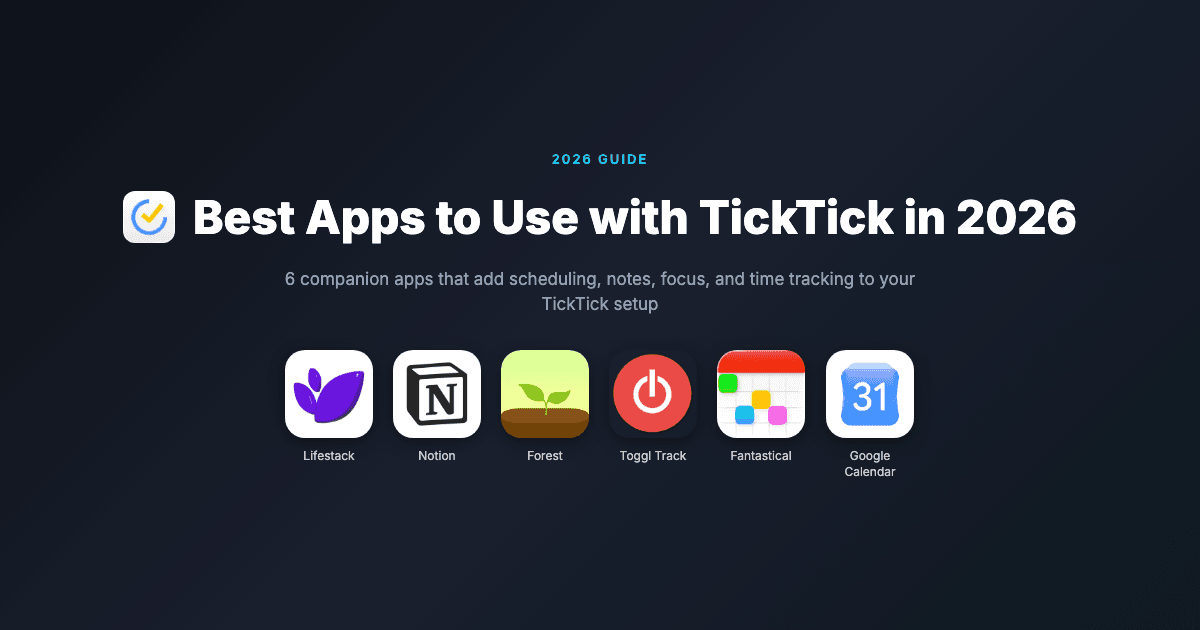
TickTick is one of the most capable task managers available in 2026. It handles recurring reminders, habit tracking, the Pomodoro technique, and natural language input all in one app. But it does not do everything. It doesn't schedule tasks around your energy, track where your time actually goes, or block the websites pulling your attention away from the task you're trying to complete.
The best TickTick setups are paired setups. TickTick manages your task list; other apps handle the scheduling, documentation, focus, and time tracking that TickTick doesn't cover. These six apps fill the most common gaps.
Pricing verified June 2026. TickTick itself costs $35.99/year for Premium and has a capable free tier.
Key Takeaways
Lifestack is the most valuable companion for TickTick users who want their tasks to be scheduled, not just listed. It adds AI energy-aware time-blocking that TickTick doesn't offer.
Notion is the natural note-taking and project documentation layer for anything TickTick tasks don't capture.
Toggl Track closes the time-blindness gap: TickTick tells you what to do, Toggl shows you how long things actually took.
Best Apps to Pair with TickTick
1. Lifestack: Best for AI time-blocking and energy-aware scheduling
2. Notion: Best for project documentation and notes alongside tasks
3. Forest: Best focus timer for executing TickTick tasks without distractions
4. Toggl Track: Best time tracker for measuring how long TickTick tasks take
5. Fantastical: Best premium calendar for viewing TickTick tasks and events together
6. Google Calendar: Best free calendar integration for scheduling TickTick tasks
1. Lifestack: Best AI Scheduling Companion for TickTick
TickTick captures your tasks. Lifestack decides when to do them.

TickTick is excellent at storing and organizing tasks, but it doesn't automatically schedule them into your calendar. You end up with a well-organized list and no clear answer to "which of these should I do right now?" Lifestack fills that gap directly.
You capture tasks in TickTick, then use Lifestack to time-block them into your day. Lifestack's energy-aware AI assigns deep work tasks to your high-focus windows and lighter tasks to low-energy gaps. When your schedule breaks down mid-day, it rebuilds automatically rather than leaving you to manually rearrange everything. For TickTick users who struggle with task initiation, this combination is particularly effective.
What Lifestack Adds to TickTick
AI energy-aware scheduling: tasks get time-blocked based on your cognitive state
Automatic rescheduling when plans change
Calendar integration with Google Calendar and Outlook
A clear answer to "what should I work on right now?"
Limitations
No direct TickTick sync. You capture in TickTick and time-block in Lifestack separately.
No free tier. 7-day trial on the annual plan.
Pricing: $7/month, $50/year, or $120 lifetime.
Best pairing for: TickTick users who have a well-organized task list but no system for deciding when to actually do the work.
2. Notion: Best for Project Notes Alongside TickTick Tasks
TickTick handles your tasks. Notion holds the context, references, and documentation around them.
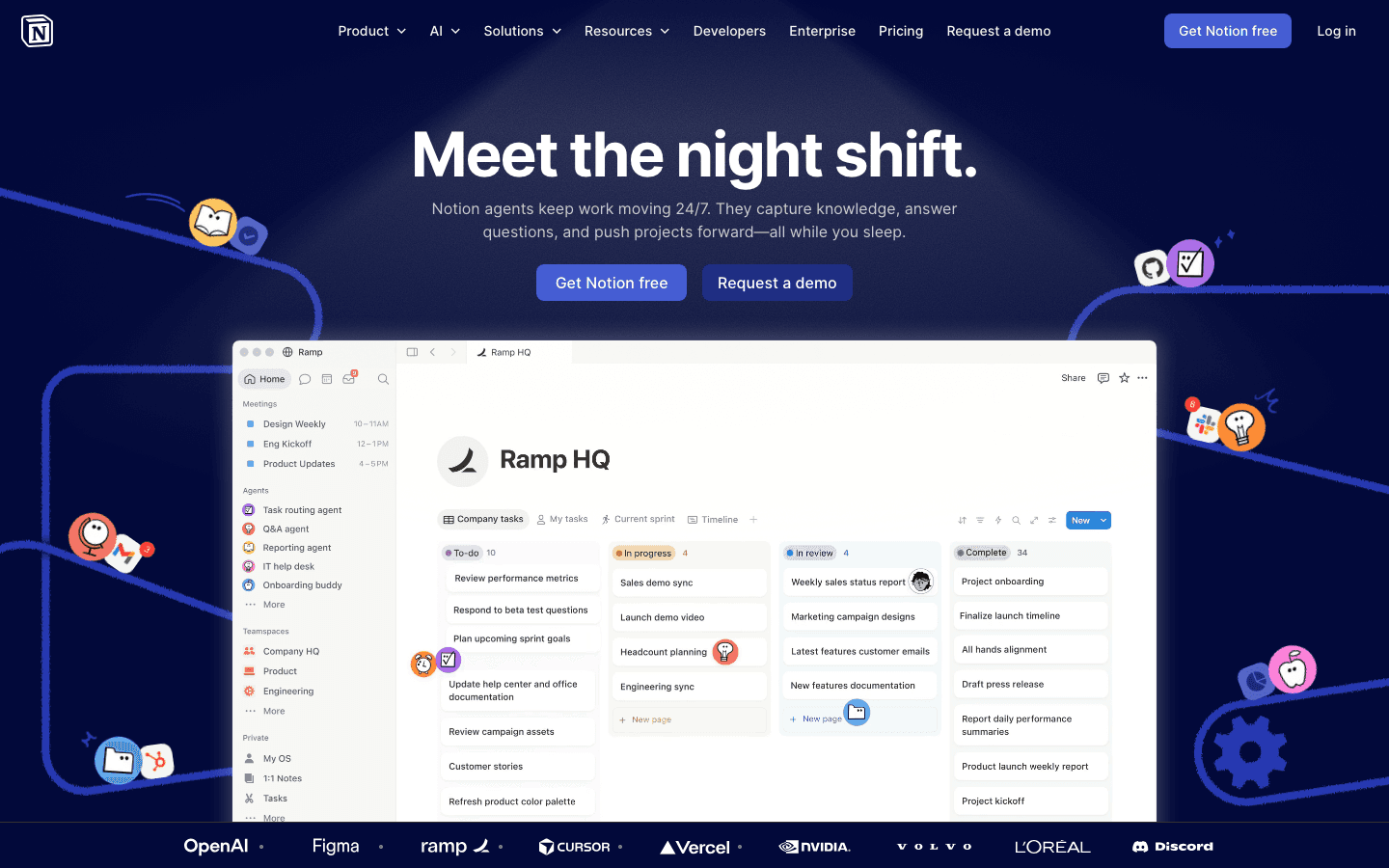
Notion and TickTick solve different problems, and that's what makes them a strong combination. TickTick manages discrete actionable tasks with due dates and priorities. Notion holds the project brief, the meeting notes, the reference documents, and the research that those tasks belong to. You open TickTick to see what to do; you open Notion to understand why and how.
The Notion AI layer added in 2025 makes this even more useful. When you're working on a TickTick task, you can ask Notion AI to summarize the relevant project notes, draft a first version of a deliverable, or extract action items from a document. For AI project management, this combination covers both the micro (tasks) and macro (context) level.
What Notion Adds to TickTick
Project wikis, meeting notes, and reference documentation
Notion AI for summarizing, drafting, and extracting information from docs
Databases for structured tracking that TickTick lists can't provide
Team collaboration on shared workspaces
Limitations
No direct TickTick sync. The two tools are separate workspaces.
Notion can become cluttered without consistent organizational habits
Notion Agent (the most powerful AI feature) requires the $20/month Business plan
Pricing: Free. Plus $10/month. Business $20/month.
Best pairing for: TickTick users who work on complex projects requiring documentation, references, or team knowledge sharing that doesn't fit in a task description.
3. Forest: Best Focus Timer for TickTick Users
Pick a task from TickTick. Plant a tree in Forest. Stay focused until it grows.
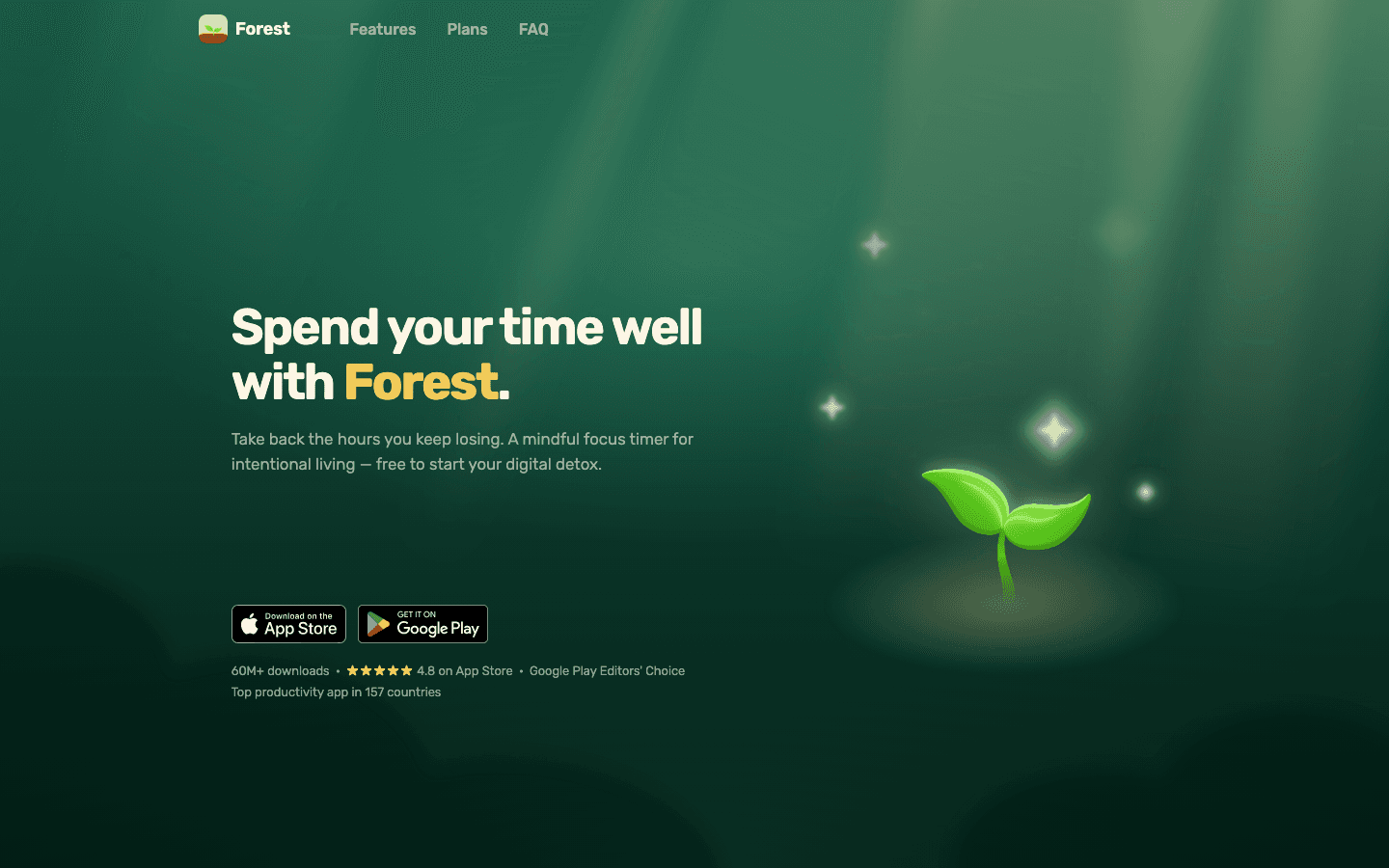
Having a well-organized TickTick list is half the battle. The other half is actually sitting down and doing the tasks on it. Forest makes that easier by gamifying the act of staying focused. You pick a task, set a timer, and plant a virtual tree. If you leave the app to check social media, the tree dies. The visual feedback is simple but surprisingly motivating.
The Pomodoro-compatible timer removes the decision overhead of "how long should I focus for?" You set it and go. For staying on task during a scheduled TickTick work block, it's one of the lowest-friction focus tools available.
What Forest Adds to TickTick
Focus timer with gamified phone-avoidance mechanism
Visual momentum: a growing forest across a focused day
Works as a companion during any TickTick work session
Browser extension for desktop focus sessions
Limitations
No task integration with TickTick. You use them in sequence, not together.
Gamification fades for some users after the novelty wears off
Pricing: iOS $3.99 one-time. Android free, or $1.99 for premium.
Best pairing for: TickTick users who find it easy to organize tasks but hard to start them, especially if phone distraction is part of the problem.
4. Toggl Track: Best Time Tracker for TickTick Users
TickTick tells you what to do. Toggl shows you how long it actually takes.
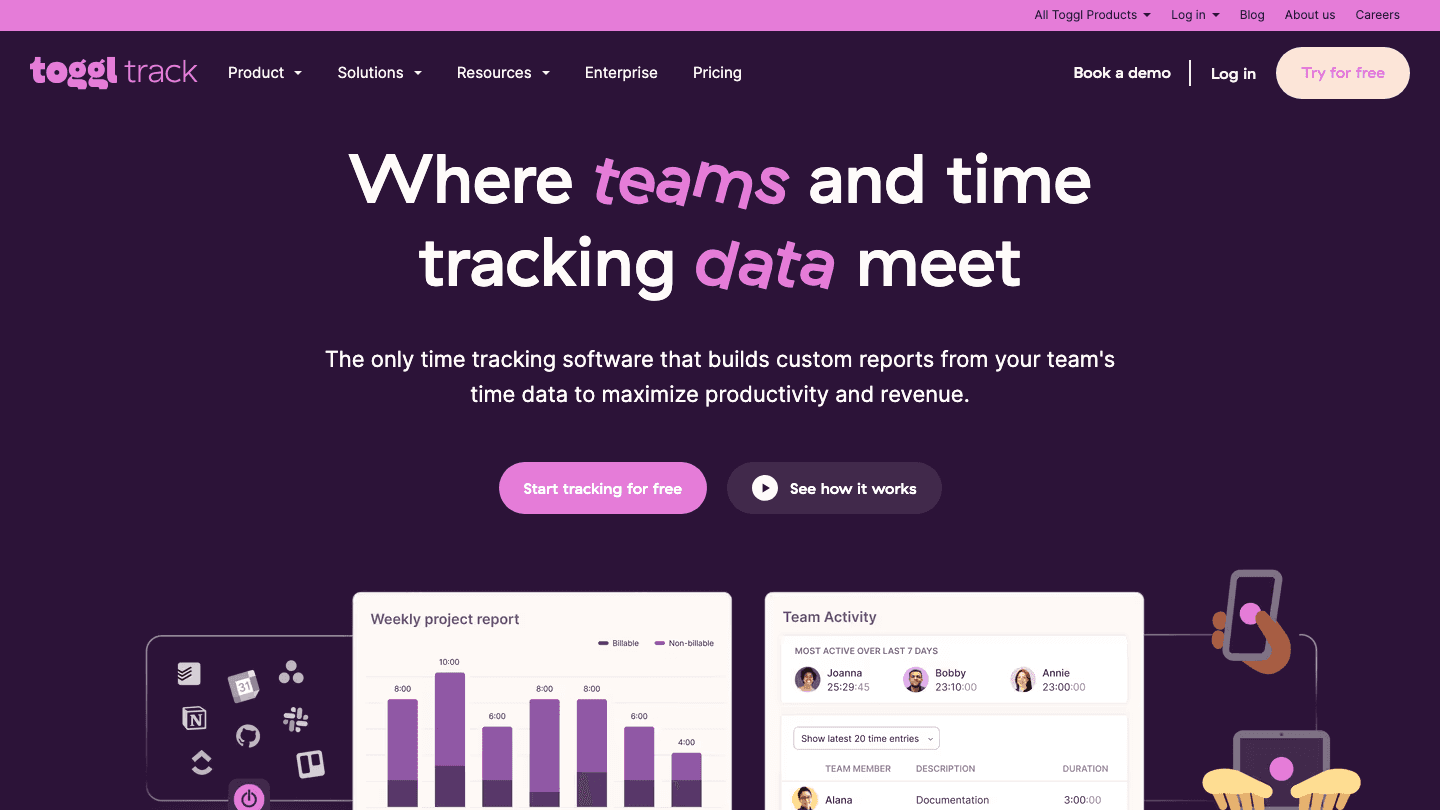
Toggl Track closes the time-blindness gap that TickTick alone can't address. You might have 10 tasks on your TickTick list and assume they'll take four hours. Toggl Track shows you they actually take seven, which changes how you plan future days and which tasks you commit to. Over time, the data makes your TickTick planning significantly more realistic.
The free plan covers everything most individuals need: unlimited time tracking, unlimited clients, and a basic dashboard. Starting a Toggl timer alongside a scheduled TickTick block takes two taps and builds a habit that pays off quickly. Reports show you exactly where your hours go by project, task type, or time of day.
What Toggl Track Adds to TickTick
Real-time logging of how long each TickTick task actually takes
Project and client-level time reports
Integrations with 100+ tools including Jira, Asana, and Linear
Historical data that improves future planning accuracy
Limitations
No automatic sync with TickTick. You start a Toggl timer manually when beginning a task.
The free plan omits saved reports and some team features
Pricing: Free (unlimited tracking). Starter $9/user/month. Premium $18/user/month.
Best pairing for: TickTick users who want to understand how long tasks actually take and build more accurate daily plans over time.
5. Fantastical: Best Premium Calendar Companion
TickTick tasks and your calendar events in one beautiful view.
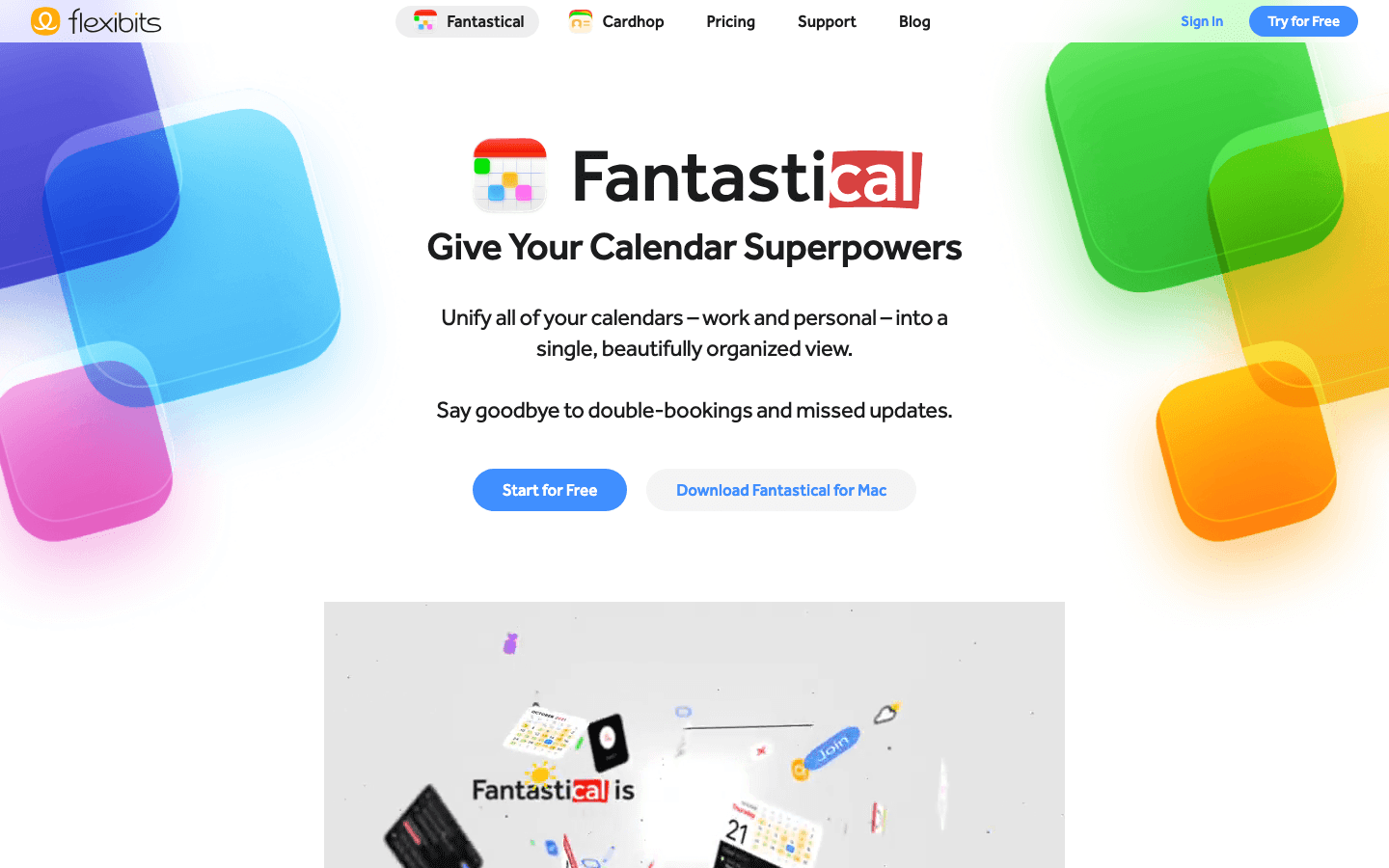
Fantastical natively connects to TickTick, which means your tasks and calendar events appear side-by-side in one view. The combination is more powerful than either app alone: you can see a meeting at 2pm, a TickTick task due at 4pm, and your available time blocks all in the same interface without switching apps.
The natural language input is excellent. Type "dentist Thursday at 3pm" or "TickTick task: submit report by Friday" and Fantastical creates the event or task instantly. For anyone who lives in their calendar and wants a drag-and-drop calendar view that includes their TickTick tasks, Fantastical is the most polished option.
What Fantastical Adds to TickTick
Native TickTick integration: tasks appear directly in the calendar view
Natural language event and task creation
Unified view across Google Calendar, Outlook, iCloud, and TickTick
Beautiful interface designed specifically for Apple platforms
Limitations
Premium subscription required for TickTick integration and advanced features
Best experience on Apple devices. Windows support is limited.
Pricing: Free (limited). Individual $4.99/month or $40/year. Family $7.50/month or $65/year.
Best pairing for: TickTick users on Apple devices who want their tasks and calendar events in a single unified view without switching apps.
6. Google Calendar: Best Free Calendar Integration
TickTick tasks synced directly into your calendar, free.
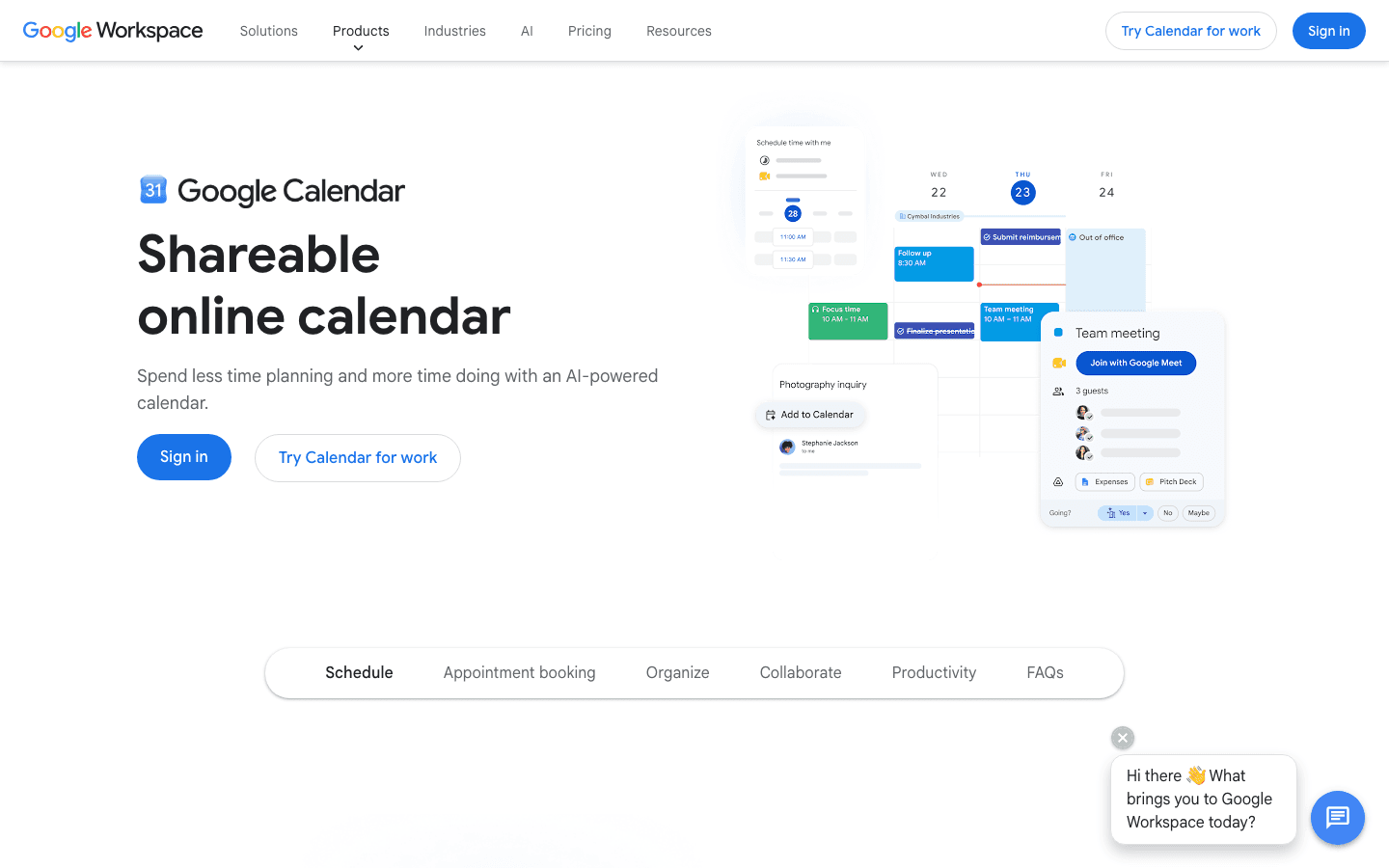
Google Calendar is the most widely used calendar in the world, and TickTick integrates with it directly. Once connected, your TickTick tasks with due dates appear in Google Calendar as events. You get the context of your meetings and tasks together without any extra setup or cost.
For most TickTick users, this is the pairing that requires the least effort and covers the most ground. The Google Calendar integration means you can see exactly how much time is available between your commitments for the TickTick tasks on your list. The AI features added to Google Calendar in 2025 also help with scheduling suggestions and event preparation.
What Google Calendar Adds to TickTick
Direct TickTick sync: due-date tasks appear as calendar events
Visual overview of tasks alongside meetings
Scheduling suggestions powered by Google AI
Works on every platform and device
Limitations
No energy-aware scheduling or automatic rescheduling (use Lifestack for that)
TickTick tasks appear as all-day events by default, not as time blocks
Pricing: Free. Google Workspace plans start at $6/user/month for additional storage and features.
Best pairing for: TickTick users who want free, zero-friction calendar visibility for their tasks without committing to a premium calendar app.
How to Build the Best TickTick Setup
You don't need all six. Pick based on the gap you feel most in your current workflow.
If you're not sure when to do your tasks: Add Lifestack. It schedules your TickTick tasks into time blocks based on your energy and calendar.
If you lose context on complex projects: Add Notion. Keep project notes, docs, and references in Notion while TickTick tracks the individual tasks.
If you start tasks late or get distracted: Add Forest. Use the focus timer every time you sit down to execute a TickTick session.
If your planning never matches reality: Add Toggl Track. The time data will show you exactly where the gap is.
If you want tasks and meetings in one view: Add Fantastical (paid) or connect TickTick to Google Calendar (free).
Frequently Asked Questions
Does TickTick integrate with Google Calendar?
Yes. TickTick has a built-in Google Calendar integration. When enabled, your TickTick tasks with due dates appear in Google Calendar as events, and your Google Calendar events appear in TickTick's calendar view. The integration is two-way and syncs automatically.
Does Fantastical work with TickTick?
Yes. Fantastical supports TickTick natively on the Premium plan. Your TickTick tasks appear directly in Fantastical's calendar and list views alongside your other calendar accounts. You can create, complete, and view TickTick tasks without leaving Fantastical.
What is the best app to use with TickTick for scheduling?
Lifestack is the best scheduling companion for TickTick. While TickTick manages your task list, Lifestack provides the AI-powered time-blocking to schedule those tasks around your energy and existing calendar. The two tools work together naturally: capture in TickTick, schedule in Lifestack.
Can I track time in TickTick?
TickTick has a basic Pomodoro timer but no dedicated time tracking. For detailed time reports by project and task, Toggl Track is the best free companion. It integrates with 100+ tools and the free plan covers unlimited time tracking for individuals.
What is the best notes app to use with TickTick?
Notion is the most versatile notes companion for TickTick. It handles project documentation, meeting notes, and knowledge bases in a way that TickTick task descriptions cannot. For simpler note-taking, Apple Notes or a digital planner may be sufficient. Notion makes the most sense when projects are complex enough to need a proper knowledge base alongside the task list.
Is TickTick better than Todoist?
TickTick and Todoist are the two strongest general task managers in 2026. TickTick has a broader free tier, includes habit tracking, and has a better built-in Pomodoro timer. Todoist has cleaner natural language parsing and a larger integration ecosystem. For most users, the choice comes down to personal preference after trying both. See our companion app guide for Todoist for context on how the ecosystems compare.
TickTick is one of the most capable task managers available in 2026. It handles recurring reminders, habit tracking, the Pomodoro technique, and natural language input all in one app. But it does not do everything. It doesn't schedule tasks around your energy, track where your time actually goes, or block the websites pulling your attention away from the task you're trying to complete.
The best TickTick setups are paired setups. TickTick manages your task list; other apps handle the scheduling, documentation, focus, and time tracking that TickTick doesn't cover. These six apps fill the most common gaps.
Pricing verified June 2026. TickTick itself costs $35.99/year for Premium and has a capable free tier.
Key Takeaways
Lifestack is the most valuable companion for TickTick users who want their tasks to be scheduled, not just listed. It adds AI energy-aware time-blocking that TickTick doesn't offer.
Notion is the natural note-taking and project documentation layer for anything TickTick tasks don't capture.
Toggl Track closes the time-blindness gap: TickTick tells you what to do, Toggl shows you how long things actually took.
Best Apps to Pair with TickTick
1. Lifestack: Best for AI time-blocking and energy-aware scheduling
2. Notion: Best for project documentation and notes alongside tasks
3. Forest: Best focus timer for executing TickTick tasks without distractions
4. Toggl Track: Best time tracker for measuring how long TickTick tasks take
5. Fantastical: Best premium calendar for viewing TickTick tasks and events together
6. Google Calendar: Best free calendar integration for scheduling TickTick tasks
1. Lifestack: Best AI Scheduling Companion for TickTick
TickTick captures your tasks. Lifestack decides when to do them.
TickTick is excellent at storing and organizing tasks, but it doesn't automatically schedule them into your calendar. You end up with a well-organized list and no clear answer to "which of these should I do right now?" Lifestack fills that gap directly.
You capture tasks in TickTick, then use Lifestack to time-block them into your day. Lifestack's energy-aware AI assigns deep work tasks to your high-focus windows and lighter tasks to low-energy gaps. When your schedule breaks down mid-day, it rebuilds automatically rather than leaving you to manually rearrange everything. For TickTick users who struggle with task initiation, this combination is particularly effective.
What Lifestack Adds to TickTick
AI energy-aware scheduling: tasks get time-blocked based on your cognitive state
Automatic rescheduling when plans change
Calendar integration with Google Calendar and Outlook
A clear answer to "what should I work on right now?"
Limitations
No direct TickTick sync. You capture in TickTick and time-block in Lifestack separately.
No free tier. 7-day trial on the annual plan.
Pricing: $7/month, $50/year, or $120 lifetime.
Best pairing for: TickTick users who have a well-organized task list but no system for deciding when to actually do the work.
2. Notion: Best for Project Notes Alongside TickTick Tasks
TickTick handles your tasks. Notion holds the context, references, and documentation around them.
Notion and TickTick solve different problems, and that's what makes them a strong combination. TickTick manages discrete actionable tasks with due dates and priorities. Notion holds the project brief, the meeting notes, the reference documents, and the research that those tasks belong to. You open TickTick to see what to do; you open Notion to understand why and how.
The Notion AI layer added in 2025 makes this even more useful. When you're working on a TickTick task, you can ask Notion AI to summarize the relevant project notes, draft a first version of a deliverable, or extract action items from a document. For AI project management, this combination covers both the micro (tasks) and macro (context) level.
What Notion Adds to TickTick
Project wikis, meeting notes, and reference documentation
Notion AI for summarizing, drafting, and extracting information from docs
Databases for structured tracking that TickTick lists can't provide
Team collaboration on shared workspaces
Limitations
No direct TickTick sync. The two tools are separate workspaces.
Notion can become cluttered without consistent organizational habits
Notion Agent (the most powerful AI feature) requires the $20/month Business plan
Pricing: Free. Plus $10/month. Business $20/month.
Best pairing for: TickTick users who work on complex projects requiring documentation, references, or team knowledge sharing that doesn't fit in a task description.
3. Forest: Best Focus Timer for TickTick Users
Pick a task from TickTick. Plant a tree in Forest. Stay focused until it grows.
Having a well-organized TickTick list is half the battle. The other half is actually sitting down and doing the tasks on it. Forest makes that easier by gamifying the act of staying focused. You pick a task, set a timer, and plant a virtual tree. If you leave the app to check social media, the tree dies. The visual feedback is simple but surprisingly motivating.
The Pomodoro-compatible timer removes the decision overhead of "how long should I focus for?" You set it and go. For staying on task during a scheduled TickTick work block, it's one of the lowest-friction focus tools available.
What Forest Adds to TickTick
Focus timer with gamified phone-avoidance mechanism
Visual momentum: a growing forest across a focused day
Works as a companion during any TickTick work session
Browser extension for desktop focus sessions
Limitations
No task integration with TickTick. You use them in sequence, not together.
Gamification fades for some users after the novelty wears off
Pricing: iOS $3.99 one-time. Android free, or $1.99 for premium.
Best pairing for: TickTick users who find it easy to organize tasks but hard to start them, especially if phone distraction is part of the problem.
4. Toggl Track: Best Time Tracker for TickTick Users
TickTick tells you what to do. Toggl shows you how long it actually takes.
Toggl Track closes the time-blindness gap that TickTick alone can't address. You might have 10 tasks on your TickTick list and assume they'll take four hours. Toggl Track shows you they actually take seven, which changes how you plan future days and which tasks you commit to. Over time, the data makes your TickTick planning significantly more realistic.
The free plan covers everything most individuals need: unlimited time tracking, unlimited clients, and a basic dashboard. Starting a Toggl timer alongside a scheduled TickTick block takes two taps and builds a habit that pays off quickly. Reports show you exactly where your hours go by project, task type, or time of day.
What Toggl Track Adds to TickTick
Real-time logging of how long each TickTick task actually takes
Project and client-level time reports
Integrations with 100+ tools including Jira, Asana, and Linear
Historical data that improves future planning accuracy
Limitations
No automatic sync with TickTick. You start a Toggl timer manually when beginning a task.
The free plan omits saved reports and some team features
Pricing: Free (unlimited tracking). Starter $9/user/month. Premium $18/user/month.
Best pairing for: TickTick users who want to understand how long tasks actually take and build more accurate daily plans over time.
5. Fantastical: Best Premium Calendar Companion
TickTick tasks and your calendar events in one beautiful view.
Fantastical natively connects to TickTick, which means your tasks and calendar events appear side-by-side in one view. The combination is more powerful than either app alone: you can see a meeting at 2pm, a TickTick task due at 4pm, and your available time blocks all in the same interface without switching apps.
The natural language input is excellent. Type "dentist Thursday at 3pm" or "TickTick task: submit report by Friday" and Fantastical creates the event or task instantly. For anyone who lives in their calendar and wants a drag-and-drop calendar view that includes their TickTick tasks, Fantastical is the most polished option.
What Fantastical Adds to TickTick
Native TickTick integration: tasks appear directly in the calendar view
Natural language event and task creation
Unified view across Google Calendar, Outlook, iCloud, and TickTick
Beautiful interface designed specifically for Apple platforms
Limitations
Premium subscription required for TickTick integration and advanced features
Best experience on Apple devices. Windows support is limited.
Pricing: Free (limited). Individual $4.99/month or $40/year. Family $7.50/month or $65/year.
Best pairing for: TickTick users on Apple devices who want their tasks and calendar events in a single unified view without switching apps.
6. Google Calendar: Best Free Calendar Integration
TickTick tasks synced directly into your calendar, free.
Google Calendar is the most widely used calendar in the world, and TickTick integrates with it directly. Once connected, your TickTick tasks with due dates appear in Google Calendar as events. You get the context of your meetings and tasks together without any extra setup or cost.
For most TickTick users, this is the pairing that requires the least effort and covers the most ground. The Google Calendar integration means you can see exactly how much time is available between your commitments for the TickTick tasks on your list. The AI features added to Google Calendar in 2025 also help with scheduling suggestions and event preparation.
What Google Calendar Adds to TickTick
Direct TickTick sync: due-date tasks appear as calendar events
Visual overview of tasks alongside meetings
Scheduling suggestions powered by Google AI
Works on every platform and device
Limitations
No energy-aware scheduling or automatic rescheduling (use Lifestack for that)
TickTick tasks appear as all-day events by default, not as time blocks
Pricing: Free. Google Workspace plans start at $6/user/month for additional storage and features.
Best pairing for: TickTick users who want free, zero-friction calendar visibility for their tasks without committing to a premium calendar app.
How to Build the Best TickTick Setup
You don't need all six. Pick based on the gap you feel most in your current workflow.
If you're not sure when to do your tasks: Add Lifestack. It schedules your TickTick tasks into time blocks based on your energy and calendar.
If you lose context on complex projects: Add Notion. Keep project notes, docs, and references in Notion while TickTick tracks the individual tasks.
If you start tasks late or get distracted: Add Forest. Use the focus timer every time you sit down to execute a TickTick session.
If your planning never matches reality: Add Toggl Track. The time data will show you exactly where the gap is.
If you want tasks and meetings in one view: Add Fantastical (paid) or connect TickTick to Google Calendar (free).
Frequently Asked Questions
Does TickTick integrate with Google Calendar?
Yes. TickTick has a built-in Google Calendar integration. When enabled, your TickTick tasks with due dates appear in Google Calendar as events, and your Google Calendar events appear in TickTick's calendar view. The integration is two-way and syncs automatically.
Does Fantastical work with TickTick?
Yes. Fantastical supports TickTick natively on the Premium plan. Your TickTick tasks appear directly in Fantastical's calendar and list views alongside your other calendar accounts. You can create, complete, and view TickTick tasks without leaving Fantastical.
What is the best app to use with TickTick for scheduling?
Lifestack is the best scheduling companion for TickTick. While TickTick manages your task list, Lifestack provides the AI-powered time-blocking to schedule those tasks around your energy and existing calendar. The two tools work together naturally: capture in TickTick, schedule in Lifestack.
Can I track time in TickTick?
TickTick has a basic Pomodoro timer but no dedicated time tracking. For detailed time reports by project and task, Toggl Track is the best free companion. It integrates with 100+ tools and the free plan covers unlimited time tracking for individuals.
What is the best notes app to use with TickTick?
Notion is the most versatile notes companion for TickTick. It handles project documentation, meeting notes, and knowledge bases in a way that TickTick task descriptions cannot. For simpler note-taking, Apple Notes or a digital planner may be sufficient. Notion makes the most sense when projects are complex enough to need a proper knowledge base alongside the task list.
Is TickTick better than Todoist?
TickTick and Todoist are the two strongest general task managers in 2026. TickTick has a broader free tier, includes habit tracking, and has a better built-in Pomodoro timer. Todoist has cleaner natural language parsing and a larger integration ecosystem. For most users, the choice comes down to personal preference after trying both. See our companion app guide for Todoist for context on how the ecosystems compare.



FOLLOW ON
FOLLOW ON
FOLLOW ON


Copyright 2026 © Lifestack. All rights reserved
Copyright 2026 © Lifestack. All rights reserved

