
App
Best Android Productivity Apps in 2026
Best Android Productivity Apps in 2026

The best Android productivity apps in 2026 are Lifestack for energy-aware daily planning, Todoist for reliable task management, Notion for notes and project organization, TickTick for tasks plus Pomodoro and habit tracking, and Forest for staying off your phone during focus sessions. Each earns its spot through actual daily usefulness, not feature counts.
Whether you need a smarter daily plan, a reliable task manager, or a way to stay focused without checking your phone every five minutes, there's a tool here for each of those problems.
Key Takeaways
Lifestack is the best Android productivity app if you want your day planned around your actual energy levels, not just your availability.
Todoist and TickTick both cover task management well; Todoist is better for simplicity, TickTick for users who want a Pomodoro timer and habit tracking built in.
Forest is uniquely effective for focus sessions because it makes time visible in a way that abstract timers don't.
Quick Guide: Best Productivity Apps for Android
Lifestack: Best for energy-aware daily planning
Todoist: Best task manager for everyday use
Notion: Best for notes, docs, and project organization
TickTick: Best for task management plus built-in Pomodoro and habits
Forest: Best focus app for reducing phone use during work
How We Evaluated
Android quality: Is the Android app a full-featured product, or a stripped-down version of the iOS app?
Daily usability: Does the app make your day better, or does managing the app become its own task?
Reliability: Does it sync correctly, handle offline mode, and perform without crashes?
Pricing fairness: Is the free tier genuinely useful, and is the premium tier worth what it costs?
1. Lifestack
Best for: a daily plan that responds to your energy, not just your calendar

Lifestack is a daily planning app that reads your wearable health data and uses it to schedule your tasks at the right time of day. Connect a wearable (Oura Ring, Apple Watch, Garmin, or Fitbit), and Lifestack sees your sleep quality and recovery each morning. It then builds your day around that, scheduling demanding work when you're sharp and lighter tasks when you're not.
The Android app is polished and mirrors the iOS version. It connects to your calendar and task list, and the energy-aware scheduling updates each morning based on your most recent sleep data. For anyone who has noticed that their productivity varies significantly depending on how they slept, this is the app that accounts for that variation instead of ignoring it.
What Works: Energy-aware scheduling is genuinely differentiated. Clean Android interface. Wearable integrations work reliably. Offline access to your task list.
Limitations: Wearable required for the full scheduling intelligence. Not designed for team collaboration.
Pricing: $7/month, $50/year, or $120 lifetime
Best for: Individuals who want their day planned around actual recovery and energy, not just clock time
2. Todoist
Best for: reliable, fast task management without complexity overhead
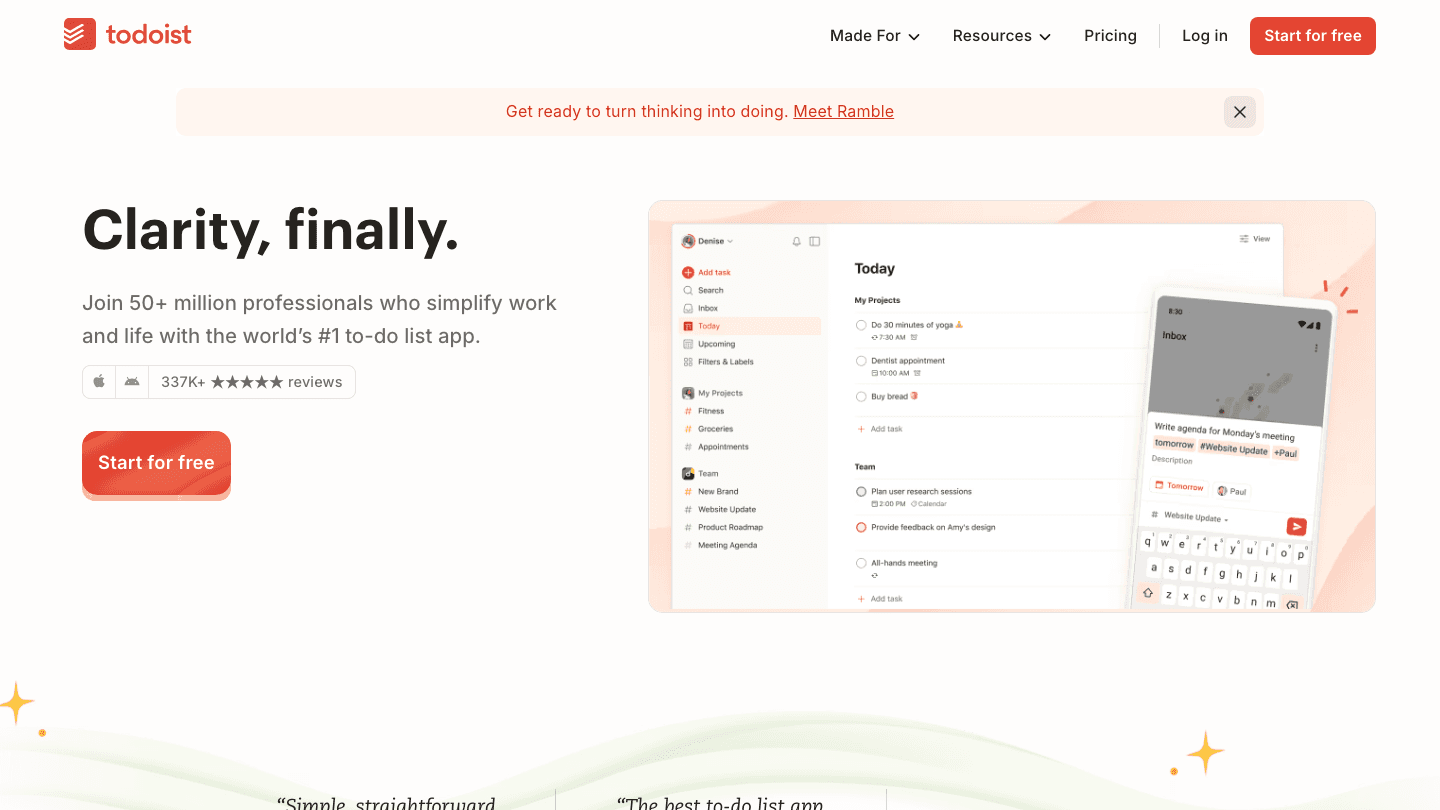
Todoist is one of the best-maintained task managers on Android. It handles quick capture well (natural language date parsing means typing "submit report Friday at 3pm" creates a correctly scheduled task), syncs instantly across devices, and stays fast even with hundreds of tasks.
The Android widget is useful: you can see today's tasks without opening the app. For people who want a reliable task system without a lot of setup, Todoist is the benchmark. It also pairs well with planning tools like Lifestack for energy-aware scheduling. The free tier covers most daily use cases. Pro unlocks reminders, calendar sync, and filters.
What Works: Natural language input is best-in-class. Widget is practical. Fast sync. Strong free tier. Deep integrations with Google Calendar, Slack, and 60+ other tools.
Limitations: No built-in focus timer. No energy-aware scheduling. Getting the most out of it requires consistent organization habits.
Pricing: Free plan available. Pro plan available; see todoist.com/pricing for current rates.
Best for: Anyone who wants a clean, reliable task manager that gets out of the way
3. Notion
Best for: keeping notes, docs, and projects connected in one place
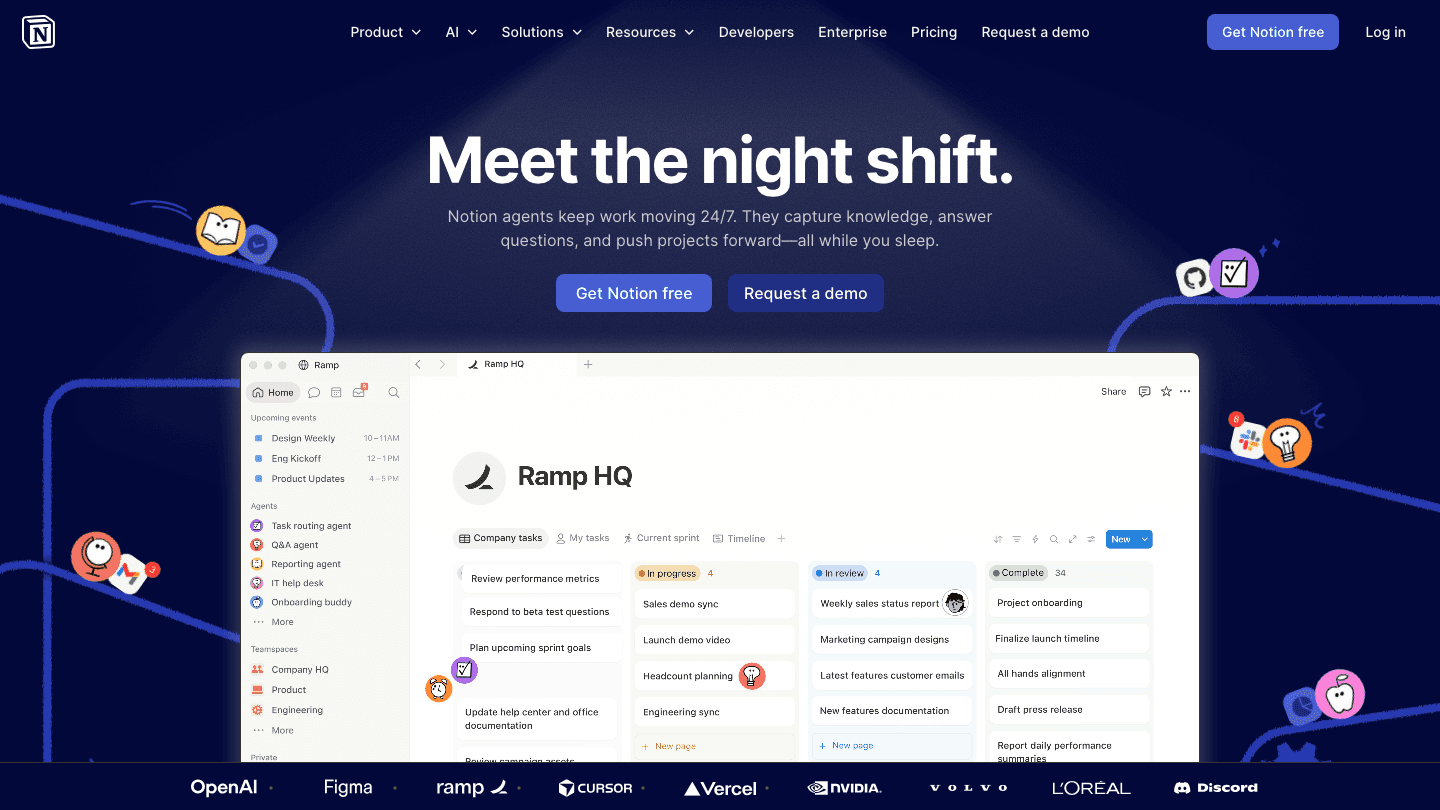
Notion's Android app lets you access your entire workspace on the go. Notes, project databases, wikis, and task boards sync reliably from desktop to phone. For teams that already use Notion as their primary knowledge hub, the Android app closes the gap between desk and mobile.
The app is better suited to reading and light editing than to creating new content from scratch on mobile. But for quickly checking a document, looking up a note you wrote last week, or adding to a project board, it's reliable. The free plan is generous for individuals. Paid plans start at $10/month for Plus and cover everything most individuals and small teams need.
What Works: Full workspace access. Works offline for viewing cached content. Good search. Generous free tier.
Limitations: Complex page creation on mobile is clunky. Can be slow with large databases. Steep learning curve for new users.
Pricing: Free plan available. Plus at $10/member/month. Business at $20/member/month.
Best for: Teams and power users who live in Notion and want mobile access to their existing workspace
4. TickTick
Best for: task management plus built-in Pomodoro timer and habit tracking
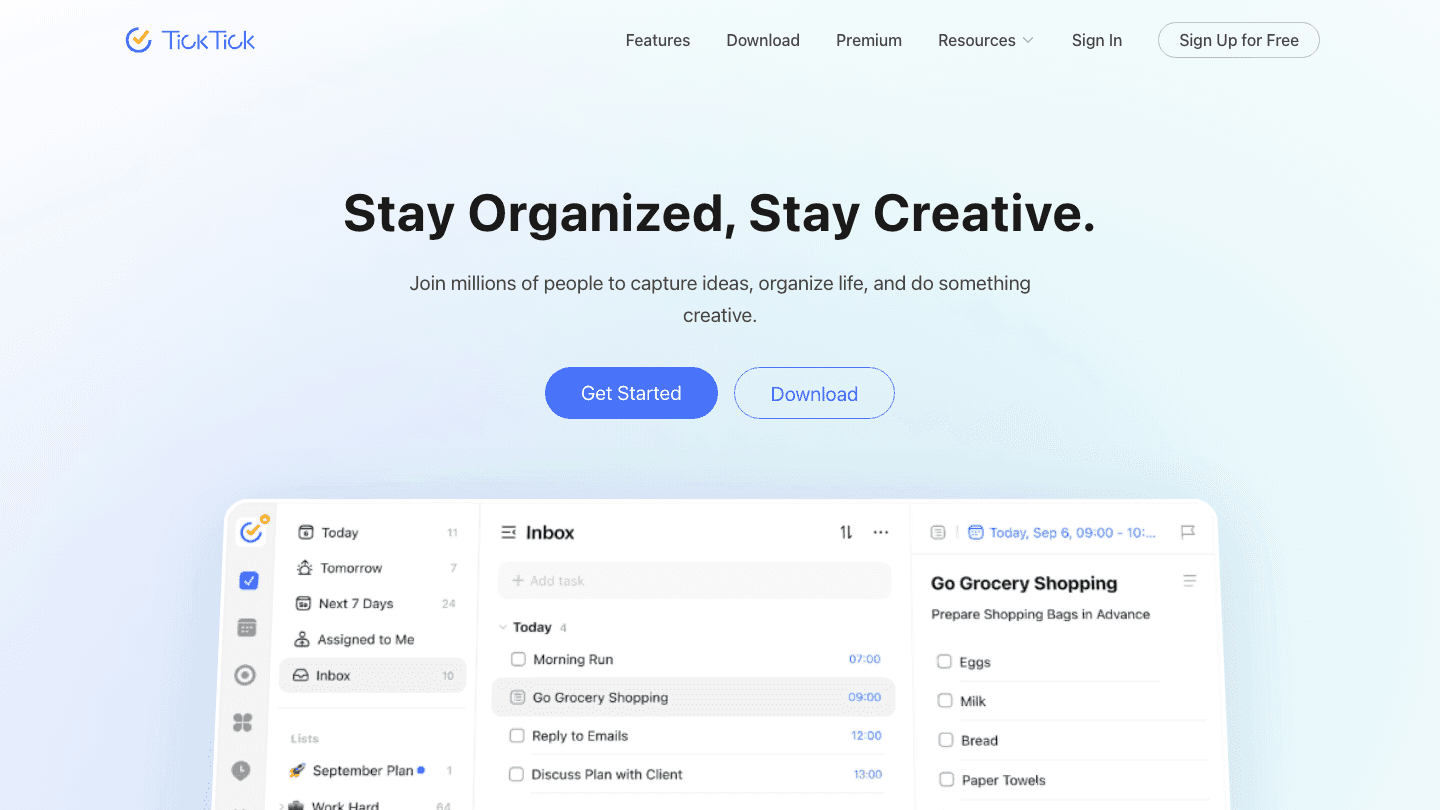
TickTick covers similar ground to Todoist but bundles a Pomodoro timer, habit tracker, and calendar view into a single app. If you want your tasks, focus sessions, and daily habits managed in one place, TickTick avoids the need for three separate apps.
The Android app is well-built and feature-rich. The calendar integration gives you a combined view of your scheduled tasks and Google Calendar events. TickTick works well as a companion to Lifestack if you want detailed task organization and habit tracking alongside energy-aware daily planning. It also includes an integrated calendar view for a combined task and event overview.
What Works: Built-in Pomodoro timer. Habit tracker is solid. Calendar view syncs with Google Calendar. Free tier is genuinely functional. Android widget options.
Limitations: Can feel cluttered with all features enabled. No energy-aware scheduling. Premium unlocks features that feel like they should be standard.
Pricing: Free plan available. Premium plan available; see ticktick.com for current pricing.
Best for: Users who want task management, Pomodoro, and habit tracking without switching between apps
5. Forest
Best for: staying off your phone during focus sessions with a visual reward system
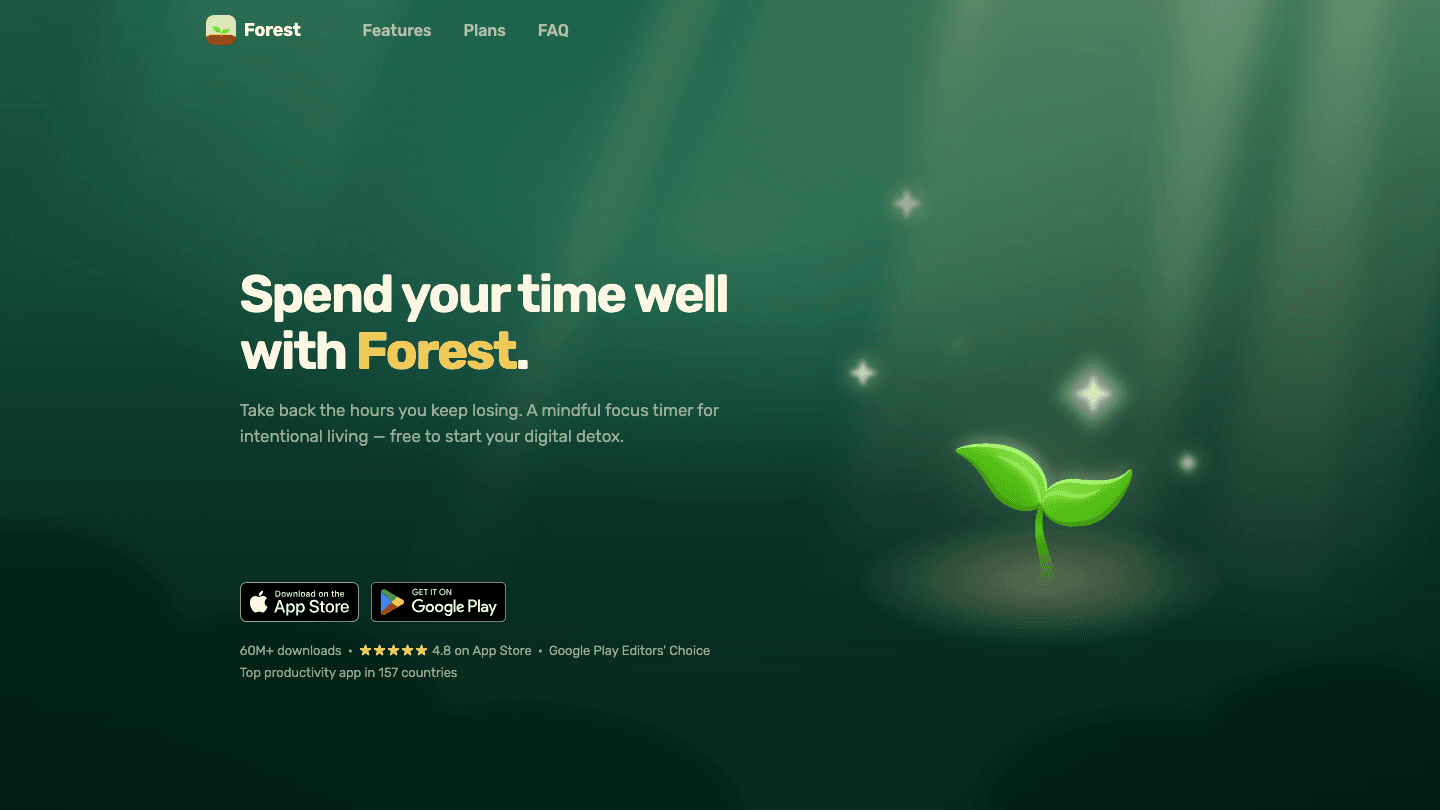
Forest uses a simple mechanic: start a focus session, and a virtual tree begins growing. Check your phone before the session ends and the tree dies. Over time, you build a forest of completed sessions. It sounds gimmicky, but the visual feedback loop works in ways that abstract timers don't.
Forest is particularly effective for people who struggle with phone distraction during work. The app blocks other apps while a session is active, which removes the friction of self-control entirely. The basic functionality is free. Premium unlocks more plant varieties, session stats, and the ability to grow real trees through the app's partnership with tree-planting organizations.
What Works: App-blocking during sessions is genuinely effective. Visual progress builds motivation. Low friction to start a session. Available offline.
Limitations: Not a task manager or planner. Useful only for focus sessions, not daily planning. The free tier limits plant variety.
Pricing: Free to download. Premium unlocks additional features (check Google Play for current pricing).
Best for: Anyone who spends too much time on their phone and wants a lightweight, visual system to stay focused
Best Free Android Productivity Apps
All five apps on this list have free tiers or trial periods. For most people the free access is enough to decide whether an app fits before paying.
Todoist: The free tier covers personal task management with up to 5 projects, natural language task entry, and the Android widget. For everyday to-do list use, the free version holds up long-term without hitting a wall.
TickTick: The free plan includes task lists, basic calendar view, and habit tracking. The Pomodoro timer requires Premium, but the core task management is free and functional.
Forest: Free to download with full focus session functionality. Premium adds plant variety and session history, but the free version is enough to build a focus routine.
Notion: The free plan for individuals includes unlimited pages and blocks, making it one of the more generous free tiers for personal note-taking and project tracking on this list.
Lifestack: Offers a 7-day free trial on the annual plan. No permanent free tier, but the trial is long enough to see whether energy-aware scheduling changes how your day runs.
For a free Android productivity app you can use daily without hitting a paywall, Todoist or TickTick are the most practical starting points. Both free tiers remain useful as your task list grows. See also our guide to the best AI planner apps for options that bring scheduling automation into the mix.
Which Android Productivity App Is Right for You?
You want your schedule planned around how you actually feel: Lifestack
You want a clean, fast task manager: Todoist
You need mobile access to your existing Notion workspace: Notion
You want tasks, Pomodoro, and habits in one place: TickTick
You spend too much time on your phone during work: Forest
FAQ
What is the best productivity app for Android?
The best productivity app depends on your main friction point. For daily scheduling that adapts to your energy levels, Lifestack is the strongest choice on Android. For pure task management, Todoist is the most reliable and well-maintained. For users who want tasks, focus timers, and habits combined, TickTick covers all three.
Does Lifestack have an Android app?
Yes. Lifestack is available on both Android and iOS. The Android app includes the same energy-aware scheduling features as iOS, including wearable integration, task prioritization by energy, and calendar sync. It connects with AI planning features to build your day around your sleep and recovery data.
Is Notion good on Android?
Notion's Android app is good for reading and browsing your workspace but is less ideal for creating complex content on mobile. It syncs well, works offline for cached content, and handles search reliably. For teams already invested in Notion, it's a solid mobile companion. For users new to Notion, the learning curve applies on mobile as well as desktop.
What is the best free productivity app for Android?
Todoist and TickTick both have strong free tiers that cover most daily task management needs. Notion's free plan is generous for individuals. Forest is free to download with full basic functionality. Lifestack offers a trial period. For a genuinely free starting point, Todoist or TickTick are the best options for ongoing daily use. See also our guide to the best AI planner apps for options that automate scheduling.
What are the best non-Google productivity apps for Android?
If you prefer to avoid Google apps, Lifestack, Todoist, TickTick, and Forest all work without requiring Google sign-in and sync through their own infrastructure. Notion also works independently of Google, though it offers Google sign-in as an option. All five apps on this list function as non-Google productivity apps for Android, so any of them works if your goal is to reduce reliance on Google services on your phone.
What are the best time management apps for Android?
For time management on Android, Lifestack and TickTick stand out for different reasons. Lifestack builds a daily plan around your energy level, so tasks are scheduled not just when you are free but when you are ready for them. TickTick adds a Pomodoro timer and calendar view, making it easier to track how your time is actually spent. Todoist's calendar sync keeps tasks visible alongside your schedule. For a combined time and task view, TickTick or a Todoist plus Google Calendar combination covers most needs.
What is the best to-do app for Android?
Todoist is the best dedicated to-do app for Android. Natural language input handles date and time parsing well, sync is fast and reliable across devices, and the Android widget lets you see today's tasks without opening the app. TickTick is a strong second if you want habit tracking and a Pomodoro timer alongside your task list. Both have strong free tiers. Lifestack also manages tasks, but its core purpose is scheduling them around your energy levels rather than just listing them.
The best Android productivity apps in 2026 are Lifestack for energy-aware daily planning, Todoist for reliable task management, Notion for notes and project organization, TickTick for tasks plus Pomodoro and habit tracking, and Forest for staying off your phone during focus sessions. Each earns its spot through actual daily usefulness, not feature counts.
Whether you need a smarter daily plan, a reliable task manager, or a way to stay focused without checking your phone every five minutes, there's a tool here for each of those problems.
Key Takeaways
Lifestack is the best Android productivity app if you want your day planned around your actual energy levels, not just your availability.
Todoist and TickTick both cover task management well; Todoist is better for simplicity, TickTick for users who want a Pomodoro timer and habit tracking built in.
Forest is uniquely effective for focus sessions because it makes time visible in a way that abstract timers don't.
Quick Guide: Best Productivity Apps for Android
Lifestack: Best for energy-aware daily planning
Todoist: Best task manager for everyday use
Notion: Best for notes, docs, and project organization
TickTick: Best for task management plus built-in Pomodoro and habits
Forest: Best focus app for reducing phone use during work
How We Evaluated
Android quality: Is the Android app a full-featured product, or a stripped-down version of the iOS app?
Daily usability: Does the app make your day better, or does managing the app become its own task?
Reliability: Does it sync correctly, handle offline mode, and perform without crashes?
Pricing fairness: Is the free tier genuinely useful, and is the premium tier worth what it costs?
1. Lifestack
Best for: a daily plan that responds to your energy, not just your calendar
Lifestack is a daily planning app that reads your wearable health data and uses it to schedule your tasks at the right time of day. Connect a wearable (Oura Ring, Apple Watch, Garmin, or Fitbit), and Lifestack sees your sleep quality and recovery each morning. It then builds your day around that, scheduling demanding work when you're sharp and lighter tasks when you're not.
The Android app is polished and mirrors the iOS version. It connects to your calendar and task list, and the energy-aware scheduling updates each morning based on your most recent sleep data. For anyone who has noticed that their productivity varies significantly depending on how they slept, this is the app that accounts for that variation instead of ignoring it.
What Works: Energy-aware scheduling is genuinely differentiated. Clean Android interface. Wearable integrations work reliably. Offline access to your task list.
Limitations: Wearable required for the full scheduling intelligence. Not designed for team collaboration.
Pricing: $7/month, $50/year, or $120 lifetime
Best for: Individuals who want their day planned around actual recovery and energy, not just clock time
2. Todoist
Best for: reliable, fast task management without complexity overhead
Todoist is one of the best-maintained task managers on Android. It handles quick capture well (natural language date parsing means typing "submit report Friday at 3pm" creates a correctly scheduled task), syncs instantly across devices, and stays fast even with hundreds of tasks.
The Android widget is useful: you can see today's tasks without opening the app. For people who want a reliable task system without a lot of setup, Todoist is the benchmark. It also pairs well with planning tools like Lifestack for energy-aware scheduling. The free tier covers most daily use cases. Pro unlocks reminders, calendar sync, and filters.
What Works: Natural language input is best-in-class. Widget is practical. Fast sync. Strong free tier. Deep integrations with Google Calendar, Slack, and 60+ other tools.
Limitations: No built-in focus timer. No energy-aware scheduling. Getting the most out of it requires consistent organization habits.
Pricing: Free plan available. Pro plan available; see todoist.com/pricing for current rates.
Best for: Anyone who wants a clean, reliable task manager that gets out of the way
3. Notion
Best for: keeping notes, docs, and projects connected in one place
Notion's Android app lets you access your entire workspace on the go. Notes, project databases, wikis, and task boards sync reliably from desktop to phone. For teams that already use Notion as their primary knowledge hub, the Android app closes the gap between desk and mobile.
The app is better suited to reading and light editing than to creating new content from scratch on mobile. But for quickly checking a document, looking up a note you wrote last week, or adding to a project board, it's reliable. The free plan is generous for individuals. Paid plans start at $10/month for Plus and cover everything most individuals and small teams need.
What Works: Full workspace access. Works offline for viewing cached content. Good search. Generous free tier.
Limitations: Complex page creation on mobile is clunky. Can be slow with large databases. Steep learning curve for new users.
Pricing: Free plan available. Plus at $10/member/month. Business at $20/member/month.
Best for: Teams and power users who live in Notion and want mobile access to their existing workspace
4. TickTick
Best for: task management plus built-in Pomodoro timer and habit tracking
TickTick covers similar ground to Todoist but bundles a Pomodoro timer, habit tracker, and calendar view into a single app. If you want your tasks, focus sessions, and daily habits managed in one place, TickTick avoids the need for three separate apps.
The Android app is well-built and feature-rich. The calendar integration gives you a combined view of your scheduled tasks and Google Calendar events. TickTick works well as a companion to Lifestack if you want detailed task organization and habit tracking alongside energy-aware daily planning. It also includes an integrated calendar view for a combined task and event overview.
What Works: Built-in Pomodoro timer. Habit tracker is solid. Calendar view syncs with Google Calendar. Free tier is genuinely functional. Android widget options.
Limitations: Can feel cluttered with all features enabled. No energy-aware scheduling. Premium unlocks features that feel like they should be standard.
Pricing: Free plan available. Premium plan available; see ticktick.com for current pricing.
Best for: Users who want task management, Pomodoro, and habit tracking without switching between apps
5. Forest
Best for: staying off your phone during focus sessions with a visual reward system
Forest uses a simple mechanic: start a focus session, and a virtual tree begins growing. Check your phone before the session ends and the tree dies. Over time, you build a forest of completed sessions. It sounds gimmicky, but the visual feedback loop works in ways that abstract timers don't.
Forest is particularly effective for people who struggle with phone distraction during work. The app blocks other apps while a session is active, which removes the friction of self-control entirely. The basic functionality is free. Premium unlocks more plant varieties, session stats, and the ability to grow real trees through the app's partnership with tree-planting organizations.
What Works: App-blocking during sessions is genuinely effective. Visual progress builds motivation. Low friction to start a session. Available offline.
Limitations: Not a task manager or planner. Useful only for focus sessions, not daily planning. The free tier limits plant variety.
Pricing: Free to download. Premium unlocks additional features (check Google Play for current pricing).
Best for: Anyone who spends too much time on their phone and wants a lightweight, visual system to stay focused
Best Free Android Productivity Apps
All five apps on this list have free tiers or trial periods. For most people the free access is enough to decide whether an app fits before paying.
Todoist: The free tier covers personal task management with up to 5 projects, natural language task entry, and the Android widget. For everyday to-do list use, the free version holds up long-term without hitting a wall.
TickTick: The free plan includes task lists, basic calendar view, and habit tracking. The Pomodoro timer requires Premium, but the core task management is free and functional.
Forest: Free to download with full focus session functionality. Premium adds plant variety and session history, but the free version is enough to build a focus routine.
Notion: The free plan for individuals includes unlimited pages and blocks, making it one of the more generous free tiers for personal note-taking and project tracking on this list.
Lifestack: Offers a 7-day free trial on the annual plan. No permanent free tier, but the trial is long enough to see whether energy-aware scheduling changes how your day runs.
For a free Android productivity app you can use daily without hitting a paywall, Todoist or TickTick are the most practical starting points. Both free tiers remain useful as your task list grows. See also our guide to the best AI planner apps for options that bring scheduling automation into the mix.
Which Android Productivity App Is Right for You?
You want your schedule planned around how you actually feel: Lifestack
You want a clean, fast task manager: Todoist
You need mobile access to your existing Notion workspace: Notion
You want tasks, Pomodoro, and habits in one place: TickTick
You spend too much time on your phone during work: Forest
FAQ
What is the best productivity app for Android?
The best productivity app depends on your main friction point. For daily scheduling that adapts to your energy levels, Lifestack is the strongest choice on Android. For pure task management, Todoist is the most reliable and well-maintained. For users who want tasks, focus timers, and habits combined, TickTick covers all three.
Does Lifestack have an Android app?
Yes. Lifestack is available on both Android and iOS. The Android app includes the same energy-aware scheduling features as iOS, including wearable integration, task prioritization by energy, and calendar sync. It connects with AI planning features to build your day around your sleep and recovery data.
Is Notion good on Android?
Notion's Android app is good for reading and browsing your workspace but is less ideal for creating complex content on mobile. It syncs well, works offline for cached content, and handles search reliably. For teams already invested in Notion, it's a solid mobile companion. For users new to Notion, the learning curve applies on mobile as well as desktop.
What is the best free productivity app for Android?
Todoist and TickTick both have strong free tiers that cover most daily task management needs. Notion's free plan is generous for individuals. Forest is free to download with full basic functionality. Lifestack offers a trial period. For a genuinely free starting point, Todoist or TickTick are the best options for ongoing daily use. See also our guide to the best AI planner apps for options that automate scheduling.
What are the best non-Google productivity apps for Android?
If you prefer to avoid Google apps, Lifestack, Todoist, TickTick, and Forest all work without requiring Google sign-in and sync through their own infrastructure. Notion also works independently of Google, though it offers Google sign-in as an option. All five apps on this list function as non-Google productivity apps for Android, so any of them works if your goal is to reduce reliance on Google services on your phone.
What are the best time management apps for Android?
For time management on Android, Lifestack and TickTick stand out for different reasons. Lifestack builds a daily plan around your energy level, so tasks are scheduled not just when you are free but when you are ready for them. TickTick adds a Pomodoro timer and calendar view, making it easier to track how your time is actually spent. Todoist's calendar sync keeps tasks visible alongside your schedule. For a combined time and task view, TickTick or a Todoist plus Google Calendar combination covers most needs.
What is the best to-do app for Android?
Todoist is the best dedicated to-do app for Android. Natural language input handles date and time parsing well, sync is fast and reliable across devices, and the Android widget lets you see today's tasks without opening the app. TickTick is a strong second if you want habit tracking and a Pomodoro timer alongside your task list. Both have strong free tiers. Lifestack also manages tasks, but its core purpose is scheduling them around your energy levels rather than just listing them.



FOLLOW ON
FOLLOW ON
FOLLOW ON



Copyright 2026 © Lifestack. All rights reserved
Copyright 2026 © Lifestack. All rights reserved

