
Tips
Reclaim AI Pricing: Is It Worth the Cost?
Reclaim AI Pricing: Is It Worth the Cost?

Reclaim AI is one of the most talked-about AI scheduling tools for professionals and teams. But before you commit, one question comes up almost immediately: what does it actually cost? The pricing page lists four tiers, and the difference between the free plan and the paid ones is more significant than it first appears.
This guide breaks down every Reclaim AI pricing tier, what you get at each level, and whether the upgrade is worth it for your situation. We'll also flag a more affordable alternative if Reclaim's price point is higher than you need.
Pricing was verified directly from reclaim.ai/pricing on August 18, 2026. Reclaim is occasionally running a 30% limited-time discount for new users on Starter and Business plans, worth checking when you sign up.
Key Takeaways
Reclaim AI's free Lite plan is genuinely usable but limits you to a 1-week scheduling range and a single calendar sync (fine for trying the product, not for daily professional use).
The Starter plan ($10/seat/month, billed annually) is the sweet spot for individual users who want Reclaim's core AI scheduling without team features.
If Reclaim AI's price is too high for your needs, there are solid alternatives, including Lifestack, which starts at $4.17/month and adds energy-aware scheduling that Reclaim doesn't offer.
Reclaim AI Pricing: All 4 Plans at a Glance
Reclaim AI offers four tiers. Three are paid; one is free. Here's the full breakdown:
Lite (Free)
Reclaim's free tier is a real free plan, not a trial. You get 5 AI Agents, access to Focus Time, Habits, Buffer Time, Smart Meetings, and Meeting Quality features. The catch: your scheduling window is limited to 1 week out, you can only connect 1 calendar, and you're limited to 1 scheduling link. You also get limited integrations: only Google Tasks, Slack, Zoom, and Google Meet.
It's a good way to experience what Reclaim AI does. It's not enough for anyone managing a full work schedule across multiple calendars.
Starter: $10/seat/month (annual) or $12/seat/month (monthly)
This is where Reclaim becomes genuinely practical. The Starter plan bumps your scheduling range to 8 weeks, gives you 10 AI Agents per seat, 3 calendar syncs, and 3 scheduling links. Integrations open up fully. No more restricted list. Teams can have up to 10 seats at this tier.
Business: $15/seat/month (annual) or $18/seat/month (monthly)
Marked as "Most Popular," Business unlocks 100 AI Agents per seat, extends the scheduling range to 12 weeks, and removes the caps on calendar syncs and scheduling links entirely. It also adds team-specific features: a Team OOO Calendar and Delegated Access, which lets you manage someone else's schedule. Supports up to 100 seats.
Enterprise: $22/seat/month (annual only)
Enterprise is for large organizations (100+ seats) that need SSO, SCIM provisioning, and org-chart-aware scheduling intelligence. Annual billing only. No monthly option. This tier also includes everything in Business.
What You Actually Get on the Free Plan
The Lite plan's 1-week scheduling range is its biggest constraint. Reclaim's AI works best when it can look ahead and proactively protect time for Focus Time and Habits. With only a week of runway, it can't do much forward planning.
Single calendar sync is the other limiter. Most professionals run at least two calendars (work and personal), and being unable to sync them means Reclaim can't see scheduling conflicts across both. That defeats much of the purpose.
Use the free plan to test whether Reclaim's interface and AI behavior fit how you work. Don't expect it to replace your current system.
Starter vs. Business: Which Tier Is Right for You?
The jump from Starter to Business adds $5/seat/month (annual) but unlocks a meaningfully different set of capabilities. The decision comes down to two things:
Do you need team features? Team OOO Calendar and Delegated Access are Business-only. If you're scheduling on behalf of someone else, or coordinating availability across a team, Business is necessary.
Do you hit Starter's caps? Three calendar syncs and 3 scheduling links cover most individuals. If you're juggling more than that, Business's unlimited access matters.
How far out do you plan? Eight weeks (Starter) vs. 12 weeks (Business). For most users, 8 weeks is plenty.
Solo users and small freelancers: Starter is usually enough. Managers and team leads: Business is worth the extra $5.
Is Reclaim AI Worth the Price?
At $10/month annually, Reclaim AI sits in a reasonable range for AI productivity tools. The core scheduling automation (protecting Focus Time, handling Habits, and intelligently placing meetings) is genuinely useful and saves real planning overhead each week.
Where Reclaim AI falls short is personalization depth. It schedules around your calendar, but it doesn't factor in your energy levels across the day. Tasks get placed wherever there's an open slot, not necessarily when you're best equipped to do them. For users doing cognitively demanding work, that gap matters.
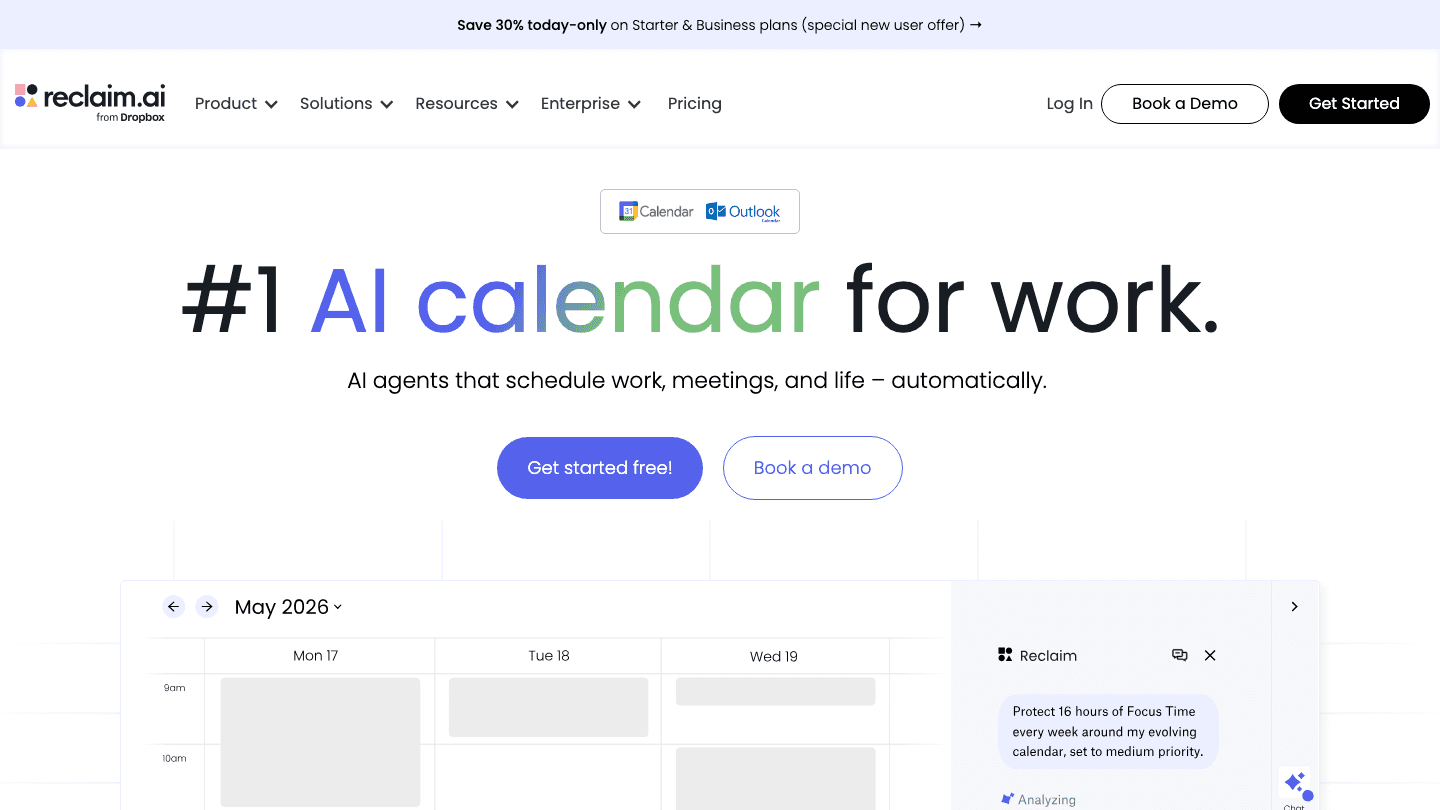
Reclaim is also Google Calendar and Outlook-first. If your workflow lives primarily in those calendars, it fits well. If you need broader task management integration or mobile-first scheduling, the fit is less obvious. See our full Reclaim AI review for a deeper look at how it performs in practice.
Looking for a More Affordable Alternative?

If Reclaim AI's pricing is more than you need, Lifestack is worth a look. It starts at $7/month (monthly) or $50/year (roughly $4.17/month) and also offers a $120 lifetime plan for one-time buyers.
The core difference is how scheduling decisions are made. Lifestack reads your sleep, recovery, and focus data from wearables (Apple Watch, Oura, Garmin, Fitbit, etc.) and builds your daily schedule around your actual energy levels. Deep work goes in your peak hours; lighter tasks land when your energy is low. That's a different approach from Reclaim's slot-filling model.
For individuals who want energy-based planning rather than pure calendar automation, Lifestack is a compelling option at a lower price point. It doesn't have the team scheduling features Reclaim offers at Business tier, so if you need delegated access or team OOO calendars, Reclaim remains the right call.
You can also see how Reclaim compares to Motion if you're evaluating the broader field of AI scheduling apps.
Frequently Asked Questions
Does Reclaim AI have a free plan?
Yes. The Lite plan is free forever. It includes 5 AI Agents, Focus Time, Habits, Buffer Time, Smart Meetings, and Meeting Quality. The limits: 1-week scheduling range, 1 calendar sync, and 1 scheduling link. It's a real free tier, not a time-limited trial.
What is Reclaim AI's cheapest paid plan?
The Starter plan at $10/seat/month when billed annually ($12/seat/month if billed monthly). It covers individual users well and unlocks 8-week scheduling, 10 AI Agents, 3 calendar syncs, and full integrations.
Is there a discount for annual billing?
Yes. Reclaim's annual plans are about 17% cheaper than monthly billing. Starter drops from $12 to $10/month; Business drops from $18 to $15/month. There's also occasionally a 30% new-user discount on Starter and Business at signup.
Can I use Reclaim AI for free forever?
Yes, on the Lite plan. The free tier doesn't expire. That said, the 1-week scheduling window and single calendar sync limit what the AI can actually do for you. Most users who want to rely on it daily will find themselves wanting the Starter plan.
What's the difference between Reclaim AI's Starter and Business plans?
Business adds Team OOO Calendar, Delegated Access, a 12-week scheduling range (vs. 8 weeks on Starter), unlimited calendar syncs and scheduling links, and 100 AI Agents per seat (vs. 10 on Starter). It's $5/seat/month more on the annual plan.
Is Reclaim AI pricing per user or per team?
Per seat. Each person on your team needs their own seat. The Lite plan supports 1 user. Starter scales to 10 seats. Business handles up to 100. Enterprise is for 100+ seats and requires annual billing. If you're looking for alternatives to Reclaim AI with different pricing models, check our roundup.
Reclaim AI is one of the most talked-about AI scheduling tools for professionals and teams. But before you commit, one question comes up almost immediately: what does it actually cost? The pricing page lists four tiers, and the difference between the free plan and the paid ones is more significant than it first appears.
This guide breaks down every Reclaim AI pricing tier, what you get at each level, and whether the upgrade is worth it for your situation. We'll also flag a more affordable alternative if Reclaim's price point is higher than you need.
Pricing was verified directly from reclaim.ai/pricing on August 18, 2026. Reclaim is occasionally running a 30% limited-time discount for new users on Starter and Business plans, worth checking when you sign up.
Key Takeaways
Reclaim AI's free Lite plan is genuinely usable but limits you to a 1-week scheduling range and a single calendar sync (fine for trying the product, not for daily professional use).
The Starter plan ($10/seat/month, billed annually) is the sweet spot for individual users who want Reclaim's core AI scheduling without team features.
If Reclaim AI's price is too high for your needs, there are solid alternatives, including Lifestack, which starts at $4.17/month and adds energy-aware scheduling that Reclaim doesn't offer.
Reclaim AI Pricing: All 4 Plans at a Glance
Reclaim AI offers four tiers. Three are paid; one is free. Here's the full breakdown:
Lite (Free)
Reclaim's free tier is a real free plan, not a trial. You get 5 AI Agents, access to Focus Time, Habits, Buffer Time, Smart Meetings, and Meeting Quality features. The catch: your scheduling window is limited to 1 week out, you can only connect 1 calendar, and you're limited to 1 scheduling link. You also get limited integrations: only Google Tasks, Slack, Zoom, and Google Meet.
It's a good way to experience what Reclaim AI does. It's not enough for anyone managing a full work schedule across multiple calendars.
Starter: $10/seat/month (annual) or $12/seat/month (monthly)
This is where Reclaim becomes genuinely practical. The Starter plan bumps your scheduling range to 8 weeks, gives you 10 AI Agents per seat, 3 calendar syncs, and 3 scheduling links. Integrations open up fully. No more restricted list. Teams can have up to 10 seats at this tier.
Business: $15/seat/month (annual) or $18/seat/month (monthly)
Marked as "Most Popular," Business unlocks 100 AI Agents per seat, extends the scheduling range to 12 weeks, and removes the caps on calendar syncs and scheduling links entirely. It also adds team-specific features: a Team OOO Calendar and Delegated Access, which lets you manage someone else's schedule. Supports up to 100 seats.
Enterprise: $22/seat/month (annual only)
Enterprise is for large organizations (100+ seats) that need SSO, SCIM provisioning, and org-chart-aware scheduling intelligence. Annual billing only. No monthly option. This tier also includes everything in Business.
What You Actually Get on the Free Plan
The Lite plan's 1-week scheduling range is its biggest constraint. Reclaim's AI works best when it can look ahead and proactively protect time for Focus Time and Habits. With only a week of runway, it can't do much forward planning.
Single calendar sync is the other limiter. Most professionals run at least two calendars (work and personal), and being unable to sync them means Reclaim can't see scheduling conflicts across both. That defeats much of the purpose.
Use the free plan to test whether Reclaim's interface and AI behavior fit how you work. Don't expect it to replace your current system.
Starter vs. Business: Which Tier Is Right for You?
The jump from Starter to Business adds $5/seat/month (annual) but unlocks a meaningfully different set of capabilities. The decision comes down to two things:
Do you need team features? Team OOO Calendar and Delegated Access are Business-only. If you're scheduling on behalf of someone else, or coordinating availability across a team, Business is necessary.
Do you hit Starter's caps? Three calendar syncs and 3 scheduling links cover most individuals. If you're juggling more than that, Business's unlimited access matters.
How far out do you plan? Eight weeks (Starter) vs. 12 weeks (Business). For most users, 8 weeks is plenty.
Solo users and small freelancers: Starter is usually enough. Managers and team leads: Business is worth the extra $5.
Is Reclaim AI Worth the Price?
At $10/month annually, Reclaim AI sits in a reasonable range for AI productivity tools. The core scheduling automation (protecting Focus Time, handling Habits, and intelligently placing meetings) is genuinely useful and saves real planning overhead each week.
Where Reclaim AI falls short is personalization depth. It schedules around your calendar, but it doesn't factor in your energy levels across the day. Tasks get placed wherever there's an open slot, not necessarily when you're best equipped to do them. For users doing cognitively demanding work, that gap matters.
Reclaim is also Google Calendar and Outlook-first. If your workflow lives primarily in those calendars, it fits well. If you need broader task management integration or mobile-first scheduling, the fit is less obvious. See our full Reclaim AI review for a deeper look at how it performs in practice.
Looking for a More Affordable Alternative?
If Reclaim AI's pricing is more than you need, Lifestack is worth a look. It starts at $7/month (monthly) or $50/year (roughly $4.17/month) and also offers a $120 lifetime plan for one-time buyers.
The core difference is how scheduling decisions are made. Lifestack reads your sleep, recovery, and focus data from wearables (Apple Watch, Oura, Garmin, Fitbit, etc.) and builds your daily schedule around your actual energy levels. Deep work goes in your peak hours; lighter tasks land when your energy is low. That's a different approach from Reclaim's slot-filling model.
For individuals who want energy-based planning rather than pure calendar automation, Lifestack is a compelling option at a lower price point. It doesn't have the team scheduling features Reclaim offers at Business tier, so if you need delegated access or team OOO calendars, Reclaim remains the right call.
You can also see how Reclaim compares to Motion if you're evaluating the broader field of AI scheduling apps.
Frequently Asked Questions
Does Reclaim AI have a free plan?
Yes. The Lite plan is free forever. It includes 5 AI Agents, Focus Time, Habits, Buffer Time, Smart Meetings, and Meeting Quality. The limits: 1-week scheduling range, 1 calendar sync, and 1 scheduling link. It's a real free tier, not a time-limited trial.
What is Reclaim AI's cheapest paid plan?
The Starter plan at $10/seat/month when billed annually ($12/seat/month if billed monthly). It covers individual users well and unlocks 8-week scheduling, 10 AI Agents, 3 calendar syncs, and full integrations.
Is there a discount for annual billing?
Yes. Reclaim's annual plans are about 17% cheaper than monthly billing. Starter drops from $12 to $10/month; Business drops from $18 to $15/month. There's also occasionally a 30% new-user discount on Starter and Business at signup.
Can I use Reclaim AI for free forever?
Yes, on the Lite plan. The free tier doesn't expire. That said, the 1-week scheduling window and single calendar sync limit what the AI can actually do for you. Most users who want to rely on it daily will find themselves wanting the Starter plan.
What's the difference between Reclaim AI's Starter and Business plans?
Business adds Team OOO Calendar, Delegated Access, a 12-week scheduling range (vs. 8 weeks on Starter), unlimited calendar syncs and scheduling links, and 100 AI Agents per seat (vs. 10 on Starter). It's $5/seat/month more on the annual plan.
Is Reclaim AI pricing per user or per team?
Per seat. Each person on your team needs their own seat. The Lite plan supports 1 user. Starter scales to 10 seats. Business handles up to 100. Enterprise is for 100+ seats and requires annual billing. If you're looking for alternatives to Reclaim AI with different pricing models, check our roundup.



FOLLOW ON
FOLLOW ON
FOLLOW ON


Copyright 2026 © Lifestack. All rights reserved
Copyright 2026 © Lifestack. All rights reserved

