
App
Motion vs Reclaim: Which AI Scheduler Wins?
Motion vs Reclaim: Which AI Scheduler Wins?

Motion vs Reclaim: Two Very Different Takes on AI Scheduling
Both Motion and Reclaim promise to take the grunt work out of scheduling. Both use AI. Both integrate with your calendar. But once you start using them, the differences become obvious fast.
Motion is built around project and task management. It ingests your entire to-do list, figures out deadlines and priorities, and auto-schedules blocks of time across your week. It's a planner that happens to have a calendar, not the other way around.
Reclaim takes a lighter touch. It protects your time by automatically blocking focus time, habits, and buffer slots around meetings. You're still in charge of what gets scheduled when. Reclaim just makes sure high-value activities don't get squeezed out.
We tested both tools across real workweeks to see which handles actual work better. Here's what we found.
Key Takeaways
Motion works best for people who want full task-to-calendar automation. You feed it your projects and deadlines, and it builds your schedule from scratch.
Reclaim excels at protecting your existing calendar. It's lighter to set up and less disruptive if you already have a working system.
Neither app accounts for your energy levels throughout the day. If that matters to you, there are better options (more on this below).
Quick Verdict
Motion: Best for task-heavy roles where everything needs to be on the calendar and deadlines drive the schedule.
Reclaim: Best for knowledge workers who want smarter meeting buffer, habit protection, and focus blocks without overhauling how they work.
Motion Overview
The all-in-one AI planner that schedules your entire workday automatically.
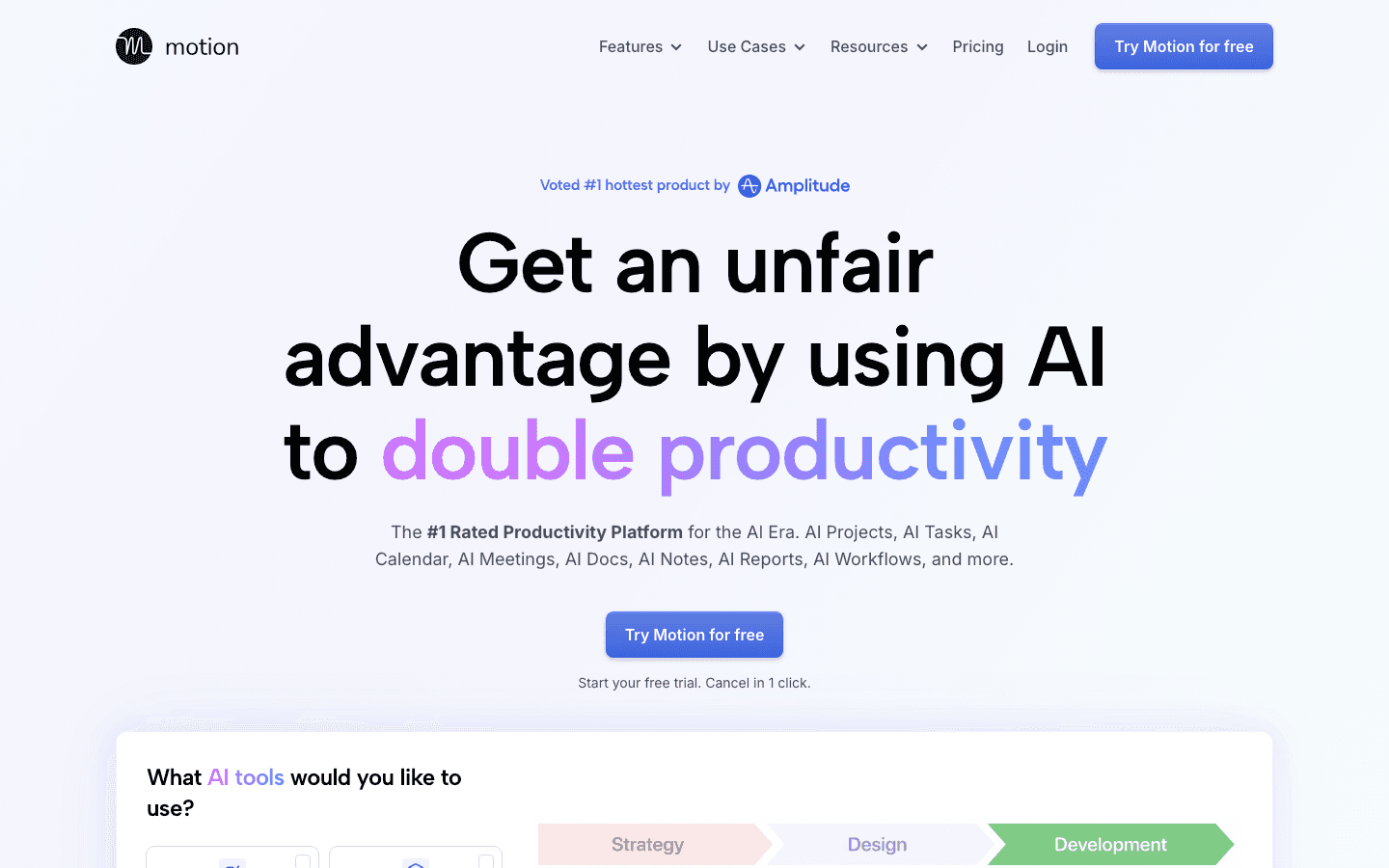
Motion's big idea is that you shouldn't have to decide when to work on things. You tell it what needs doing, when it's due, and how long each task takes. The AI then works backwards from there, slotting tasks into open time on your calendar while protecting meeting blocks and breaks.
The scheduling algorithm reruns constantly. If a meeting overruns or you add a last-minute task, Motion reshuffles everything automatically. This sounds magical until you're in a flow state and your entire afternoon gets rescheduled around you.
Motion's second big move in 2025 was leaning hard into AI docs and project tools. It now wants to be a full AI productivity suite rather than just a calendar layer. For some users, that's a natural fit. For others, it adds complexity they didn't sign up for.
What Works: True task-to-calendar automation, intelligent deadline-driven scheduling, team task assignment, AI docs and notes
Limitations: Expensive, complex to set up initially, can feel chaotic when the AI reshuffles blocks mid-day, no energy awareness
Pricing: Pro AI at $19/seat/month, Business AI at $29/seat/month. A 7-day free trial is available. See the full Motion pricing breakdown.
Best for: Freelancers, project managers, and anyone whose schedule is almost entirely task-driven.
Reclaim Overview
AI calendar protection that keeps your priorities from getting buried by meetings.
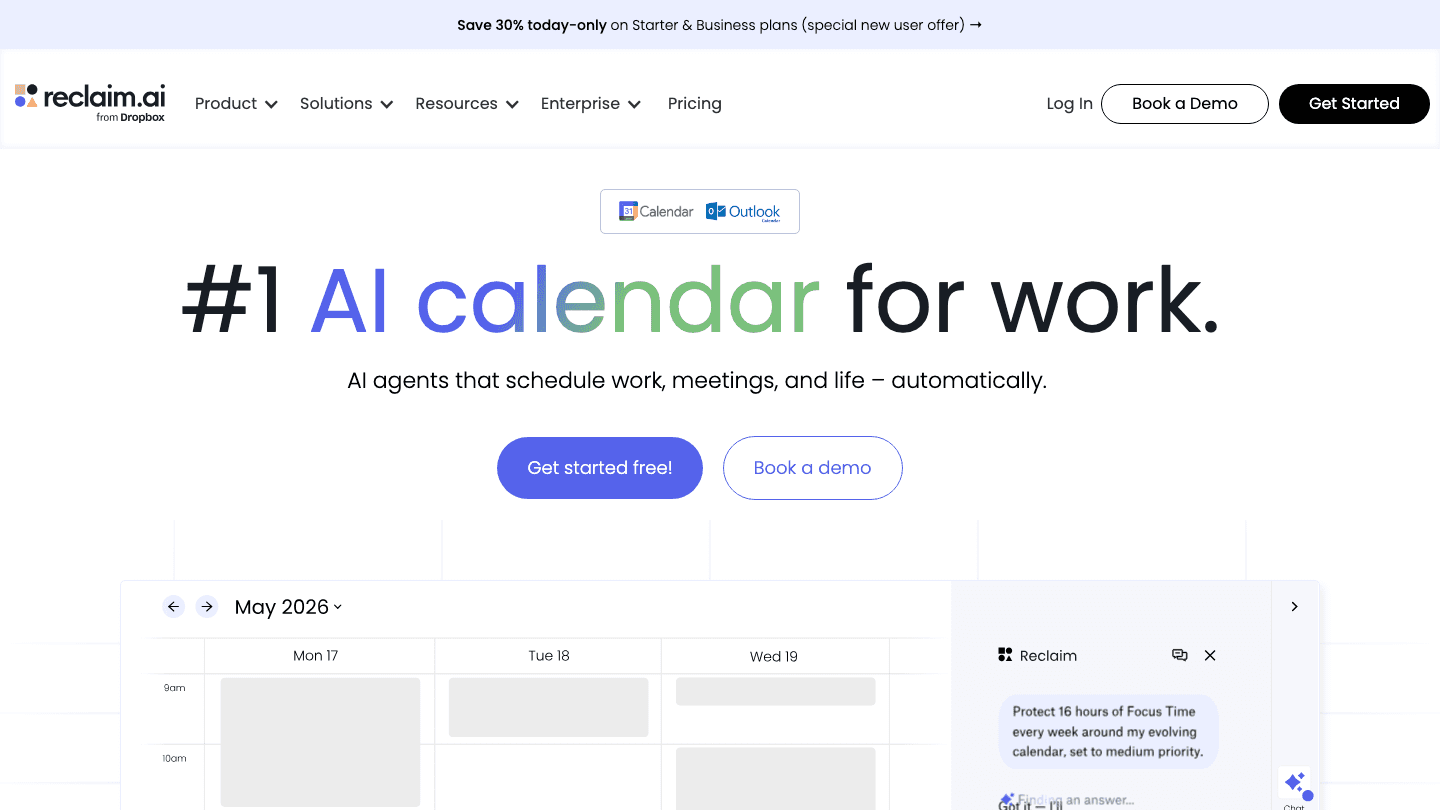
Reclaim works by layering protection on top of your existing calendar. You set up "habits" (regular blocks for things like exercise or deep work), focus time preferences, and smart meeting buffers. Reclaim then defends those slots against incoming calendar requests.
The AI Agents feature, added in 2025, extends this into proactive scheduling. Agents can automatically schedule your tasks, reschedule when things shift, and handle smart meeting coordination across teams. It's more approachable than Motion's full rebuild of your schedule. But it's less thorough.
Reclaim is now part of Dropbox, which means stronger integrations are likely coming, but also the usual concerns about product direction under a larger company. The free Lite tier is genuinely useful for individuals.
What Works: Smart habits and focus time protection, clean UX, free tier available, team coordination, Dropbox integration
Limitations: Less powerful for heavy task scheduling, habit-based model doesn't suit every workflow, no energy awareness
Pricing: Free forever (Lite tier), Starter at $10/seat/month, Business at $15/seat/month, Enterprise at $22/seat/month. See Reclaim alternatives if the price isn't right.
Best for: Knowledge workers and remote teams who want their focus time protected without rethinking how they work.
Head-to-Head Comparison
Task Scheduling
Motion wins here. It treats task scheduling as the primary job and builds your calendar around it. Reclaim's AI Agents are improving, but task-to-calendar automation is still more of a secondary feature than the core product.
Calendar Integration
Reclaim supports both Google Calendar and Outlook. Motion supports Google Calendar and Outlook too, but the calendar view is more tightly integrated with its own task system. If you want a standalone calendar management tool without lock-in, Reclaim is easier to pair with existing workflows.
Ease of Setup
Reclaim is significantly faster to get started with. Connecting your calendar and setting up a few habits takes under 10 minutes. Motion requires time to input your projects, deadlines, and tasks before the AI can do much. Setup realistically takes a couple of hours to get right.
Team Features
Both tools have team scheduling features. Motion is stronger for assigning tasks and tracking project progress across a team. Reclaim's Smart Meetings feature handles scheduling across teams with conflicting calendars particularly well.
AI Depth
Motion goes deeper. It makes scheduling decisions for you and reassigns work when priorities shift. Reclaim's AI is more protective than directive. It defends slots rather than building the schedule from the ground up. Which is better depends on how much control you want to give an algorithm over your day.
Pricing
Reclaim is the clear winner on price, especially at the free tier. Motion's $19/month starting price is justified for power users but steep for solo workers just looking for smarter auto-scheduling.
Which Should You Choose?
Choose Motion if your days are driven by tasks and deadlines, you want the AI to fully own your schedule, and you're willing to pay and invest setup time to make it work.
Choose Reclaim if you already have a calendar workflow you like, you want focus time and habits protected automatically, and you prefer a gentler AI assist over full automation.
Choose neither if you need scheduling that adapts to your energy and cognitive rhythms. Neither tool tracks how you actually feel throughout the day.
What About Energy-Aware Scheduling?
Here's what both Motion and Reclaim miss: the calendar doesn't know whether you do your best work at 9am or 2pm, or whether Tuesday afternoons are a cognitive dead zone for you. They optimize around time and deadlines, not around you as a person.
If that matters, Lifestack is worth looking at. It connects to wearables like Oura, Garmin, and WHOOP to read your actual energy and readiness data, then schedules demanding work during your natural performance peaks. The case for energy-based planning is compelling. Blocking two hours for deep work at 3pm when your body is in a recovery dip isn't a great use of anyone's time. Lifestack costs $7/month or $50/year, with a 7-day free trial on the annual plan.
Frequently Asked Questions
Is Motion better than Reclaim for task management?
Yes. Motion is purpose-built for task-to-calendar scheduling, with full project tracking and deadline-driven prioritization. Reclaim is better for protecting focus time and habits rather than managing a full task backlog.
Does Reclaim have a free plan?
Yes. Reclaim's Lite tier is free forever and covers one calendar, up to 5 AI Agents, and 1 week of scheduling range. It's enough to test the core focus time and habit protection features before committing to a paid plan.
How does Motion's AI scheduling actually work?
Motion takes your task list, estimates how long each item takes, reads your deadlines, and places time blocks on your calendar automatically. When new meetings or tasks appear, the algorithm reshuffles existing blocks to keep everything on track. You can lock specific blocks if you don't want them moved.
Which is better for teams: Motion or Reclaim?
Motion is stronger for teams doing project-based work, with task assignment, shared project views, and deadline tracking. Reclaim is better for teams whose main challenge is scheduling meetings and protecting individual focus time across busy calendars.
What are the best alternatives to Motion and Reclaim?
If you want energy-aware scheduling, Lifestack is a strong option. Other alternatives include Clockwise for calendar optimization, Akiflow for task consolidation, and Sunsama for daily planning rituals. See our full roundup of Motion alternatives for a broader comparison.
Can I use both Motion and Reclaim together?
Technically yes, but in practice they conflict. Both want to control your calendar blocks, and having two AI systems making competing scheduling decisions gets messy quickly. Pick one based on whether task automation or habit protection is your bigger need.
Motion vs Reclaim: Two Very Different Takes on AI Scheduling
Both Motion and Reclaim promise to take the grunt work out of scheduling. Both use AI. Both integrate with your calendar. But once you start using them, the differences become obvious fast.
Motion is built around project and task management. It ingests your entire to-do list, figures out deadlines and priorities, and auto-schedules blocks of time across your week. It's a planner that happens to have a calendar, not the other way around.
Reclaim takes a lighter touch. It protects your time by automatically blocking focus time, habits, and buffer slots around meetings. You're still in charge of what gets scheduled when. Reclaim just makes sure high-value activities don't get squeezed out.
We tested both tools across real workweeks to see which handles actual work better. Here's what we found.
Key Takeaways
Motion works best for people who want full task-to-calendar automation. You feed it your projects and deadlines, and it builds your schedule from scratch.
Reclaim excels at protecting your existing calendar. It's lighter to set up and less disruptive if you already have a working system.
Neither app accounts for your energy levels throughout the day. If that matters to you, there are better options (more on this below).
Quick Verdict
Motion: Best for task-heavy roles where everything needs to be on the calendar and deadlines drive the schedule.
Reclaim: Best for knowledge workers who want smarter meeting buffer, habit protection, and focus blocks without overhauling how they work.
Motion Overview
The all-in-one AI planner that schedules your entire workday automatically.
Motion's big idea is that you shouldn't have to decide when to work on things. You tell it what needs doing, when it's due, and how long each task takes. The AI then works backwards from there, slotting tasks into open time on your calendar while protecting meeting blocks and breaks.
The scheduling algorithm reruns constantly. If a meeting overruns or you add a last-minute task, Motion reshuffles everything automatically. This sounds magical until you're in a flow state and your entire afternoon gets rescheduled around you.
Motion's second big move in 2025 was leaning hard into AI docs and project tools. It now wants to be a full AI productivity suite rather than just a calendar layer. For some users, that's a natural fit. For others, it adds complexity they didn't sign up for.
What Works: True task-to-calendar automation, intelligent deadline-driven scheduling, team task assignment, AI docs and notes
Limitations: Expensive, complex to set up initially, can feel chaotic when the AI reshuffles blocks mid-day, no energy awareness
Pricing: Pro AI at $19/seat/month, Business AI at $29/seat/month. A 7-day free trial is available. See the full Motion pricing breakdown.
Best for: Freelancers, project managers, and anyone whose schedule is almost entirely task-driven.
Reclaim Overview
AI calendar protection that keeps your priorities from getting buried by meetings.
Reclaim works by layering protection on top of your existing calendar. You set up "habits" (regular blocks for things like exercise or deep work), focus time preferences, and smart meeting buffers. Reclaim then defends those slots against incoming calendar requests.
The AI Agents feature, added in 2025, extends this into proactive scheduling. Agents can automatically schedule your tasks, reschedule when things shift, and handle smart meeting coordination across teams. It's more approachable than Motion's full rebuild of your schedule. But it's less thorough.
Reclaim is now part of Dropbox, which means stronger integrations are likely coming, but also the usual concerns about product direction under a larger company. The free Lite tier is genuinely useful for individuals.
What Works: Smart habits and focus time protection, clean UX, free tier available, team coordination, Dropbox integration
Limitations: Less powerful for heavy task scheduling, habit-based model doesn't suit every workflow, no energy awareness
Pricing: Free forever (Lite tier), Starter at $10/seat/month, Business at $15/seat/month, Enterprise at $22/seat/month. See Reclaim alternatives if the price isn't right.
Best for: Knowledge workers and remote teams who want their focus time protected without rethinking how they work.
Head-to-Head Comparison
Task Scheduling
Motion wins here. It treats task scheduling as the primary job and builds your calendar around it. Reclaim's AI Agents are improving, but task-to-calendar automation is still more of a secondary feature than the core product.
Calendar Integration
Reclaim supports both Google Calendar and Outlook. Motion supports Google Calendar and Outlook too, but the calendar view is more tightly integrated with its own task system. If you want a standalone calendar management tool without lock-in, Reclaim is easier to pair with existing workflows.
Ease of Setup
Reclaim is significantly faster to get started with. Connecting your calendar and setting up a few habits takes under 10 minutes. Motion requires time to input your projects, deadlines, and tasks before the AI can do much. Setup realistically takes a couple of hours to get right.
Team Features
Both tools have team scheduling features. Motion is stronger for assigning tasks and tracking project progress across a team. Reclaim's Smart Meetings feature handles scheduling across teams with conflicting calendars particularly well.
AI Depth
Motion goes deeper. It makes scheduling decisions for you and reassigns work when priorities shift. Reclaim's AI is more protective than directive. It defends slots rather than building the schedule from the ground up. Which is better depends on how much control you want to give an algorithm over your day.
Pricing
Reclaim is the clear winner on price, especially at the free tier. Motion's $19/month starting price is justified for power users but steep for solo workers just looking for smarter auto-scheduling.
Which Should You Choose?
Choose Motion if your days are driven by tasks and deadlines, you want the AI to fully own your schedule, and you're willing to pay and invest setup time to make it work.
Choose Reclaim if you already have a calendar workflow you like, you want focus time and habits protected automatically, and you prefer a gentler AI assist over full automation.
Choose neither if you need scheduling that adapts to your energy and cognitive rhythms. Neither tool tracks how you actually feel throughout the day.
What About Energy-Aware Scheduling?
Here's what both Motion and Reclaim miss: the calendar doesn't know whether you do your best work at 9am or 2pm, or whether Tuesday afternoons are a cognitive dead zone for you. They optimize around time and deadlines, not around you as a person.
If that matters, Lifestack is worth looking at. It connects to wearables like Oura, Garmin, and WHOOP to read your actual energy and readiness data, then schedules demanding work during your natural performance peaks. The case for energy-based planning is compelling. Blocking two hours for deep work at 3pm when your body is in a recovery dip isn't a great use of anyone's time. Lifestack costs $7/month or $50/year, with a 7-day free trial on the annual plan.
Frequently Asked Questions
Is Motion better than Reclaim for task management?
Yes. Motion is purpose-built for task-to-calendar scheduling, with full project tracking and deadline-driven prioritization. Reclaim is better for protecting focus time and habits rather than managing a full task backlog.
Does Reclaim have a free plan?
Yes. Reclaim's Lite tier is free forever and covers one calendar, up to 5 AI Agents, and 1 week of scheduling range. It's enough to test the core focus time and habit protection features before committing to a paid plan.
How does Motion's AI scheduling actually work?
Motion takes your task list, estimates how long each item takes, reads your deadlines, and places time blocks on your calendar automatically. When new meetings or tasks appear, the algorithm reshuffles existing blocks to keep everything on track. You can lock specific blocks if you don't want them moved.
Which is better for teams: Motion or Reclaim?
Motion is stronger for teams doing project-based work, with task assignment, shared project views, and deadline tracking. Reclaim is better for teams whose main challenge is scheduling meetings and protecting individual focus time across busy calendars.
What are the best alternatives to Motion and Reclaim?
If you want energy-aware scheduling, Lifestack is a strong option. Other alternatives include Clockwise for calendar optimization, Akiflow for task consolidation, and Sunsama for daily planning rituals. See our full roundup of Motion alternatives for a broader comparison.
Can I use both Motion and Reclaim together?
Technically yes, but in practice they conflict. Both want to control your calendar blocks, and having two AI systems making competing scheduling decisions gets messy quickly. Pick one based on whether task automation or habit protection is your bigger need.



FOLLOW ON
FOLLOW ON
FOLLOW ON


Copyright 2026 © Lifestack. All rights reserved
Copyright 2026 © Lifestack. All rights reserved

